Is Boombox Rap AI Free? Pricing, Credits & How It Works
Learn how much Boombox Rap AI costs, how many credits you need, and how to turn two photos into a 15-second street rap video with a friend.
Make a street rap video with a friend
You take the lead. Your friend brings the boombox. Turn two person photos into a playful 15-second street performance.
- 15 s
- 720p · 100 credits
- No subscription
The short answer: Boombox Rap AI uses credits. A 15-second, 720p generation costs 100 credits. Starting with no balance, the smallest one-time pack is US$9.90 for 100 credits. No monthly subscription is required. Watching the sample and choosing photos do not start a paid generation.
Want one clip for the group chat? Start with the photos and resolution you actually want. Compare larger packs only if you expect to use the remaining credits.
Prices checked October 20, 2026, in USD. View current pricing.
What is Boombox Rap AI?
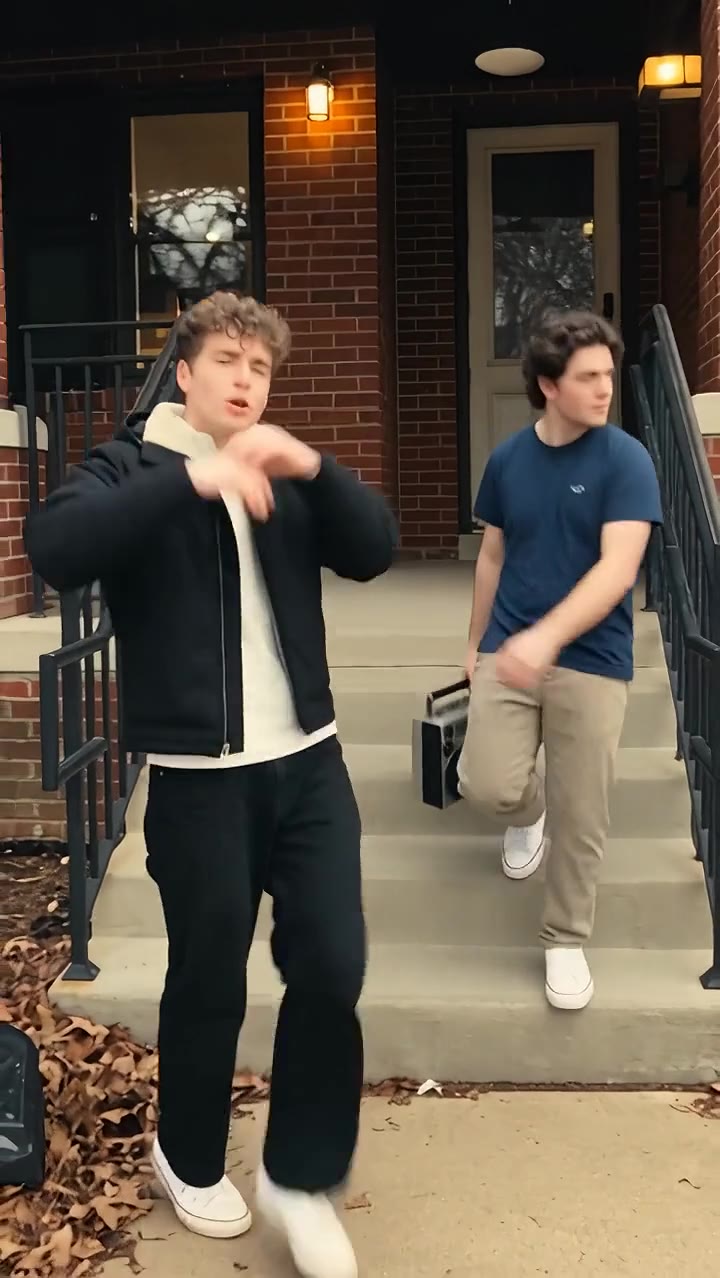
Two partners leave a red-brick porch and walk into a residential street. One raps toward the camera; the other brings a silver boombox and responds to the beat. This site's version uses two separate person photos for a roughly 15-second, 9:16 vertical video.
The fun is casting someone you know: your quiet roommate becomes the lead, while the friend who normally runs the group chat is on boombox duty. If you want a hanging-microphone performance in an orange studio instead, choose Hotel Lobby AI.
Can I make Boombox Rap AI for free?
If your account already has enough available credits, you can use that balance. Otherwise, buy credits before generating. Creating an account does not itself include a free completed video.
When comparing another tool's free offer, check three things before uploading: whether its credits cover a two-person video, whether you can download the complete result, and whether any export conditions or recurring charges apply. Free browsing alone does not answer those questions.
How much does one video cost?
- 480p
- 50 credits
- 720pDefault
- 100 credits
- 1080p
- 250 credits
Smallest one-time pack: US$9.90 / 100 credits · No subscription
View current pricingFor the current 15-second template, these are the resolution options:
| Resolution | Credits per generation | When to choose it |
|---|---|---|
| 480p | 50 | A lower-cost first attempt |
| 720p | 100 | The default balance of resolution and credits |
| 1080p | 250 | When higher output resolution matters to you |
Higher resolution means more pixels. It does not guarantee better likeness or more natural hands. Check the photo guidance before paying for the highest setting.
Here is the upfront spend when you start from zero and use the entire pack on 720p generations:
| Upfront payment | Credits | 720p generations | Average cost each |
|---|---|---|---|
| US$9.90 | 100 | 1 | US$9.90 |
| US$24.90 | 300 | 3 | US$8.30 |
| US$49.90 | 800 | 8 | About US$6.24 |
US$6.24 is the rounded average after buying the US$49.90 pack and using all eight 720p generations. It is not a US$6.24 single-video purchase. The counts describe generation attempts, not a guarantee of results you will love.
Purchased credits do not expire and work across other effects. One 1080p generation needs 250 credits: the US$24.90 pack covers it and leaves 50. Check the current packs and checkout total before buying.
How to turn two photos into a Boombox Rap video
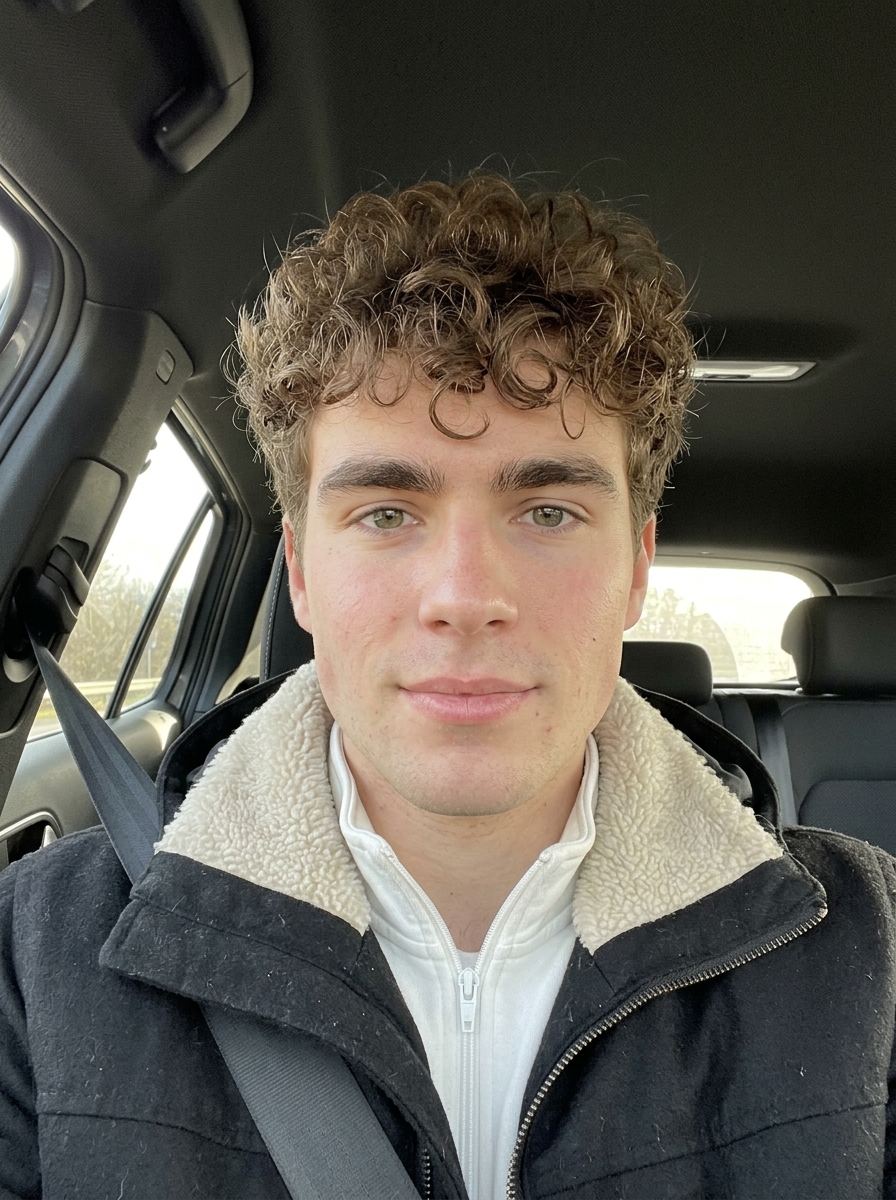
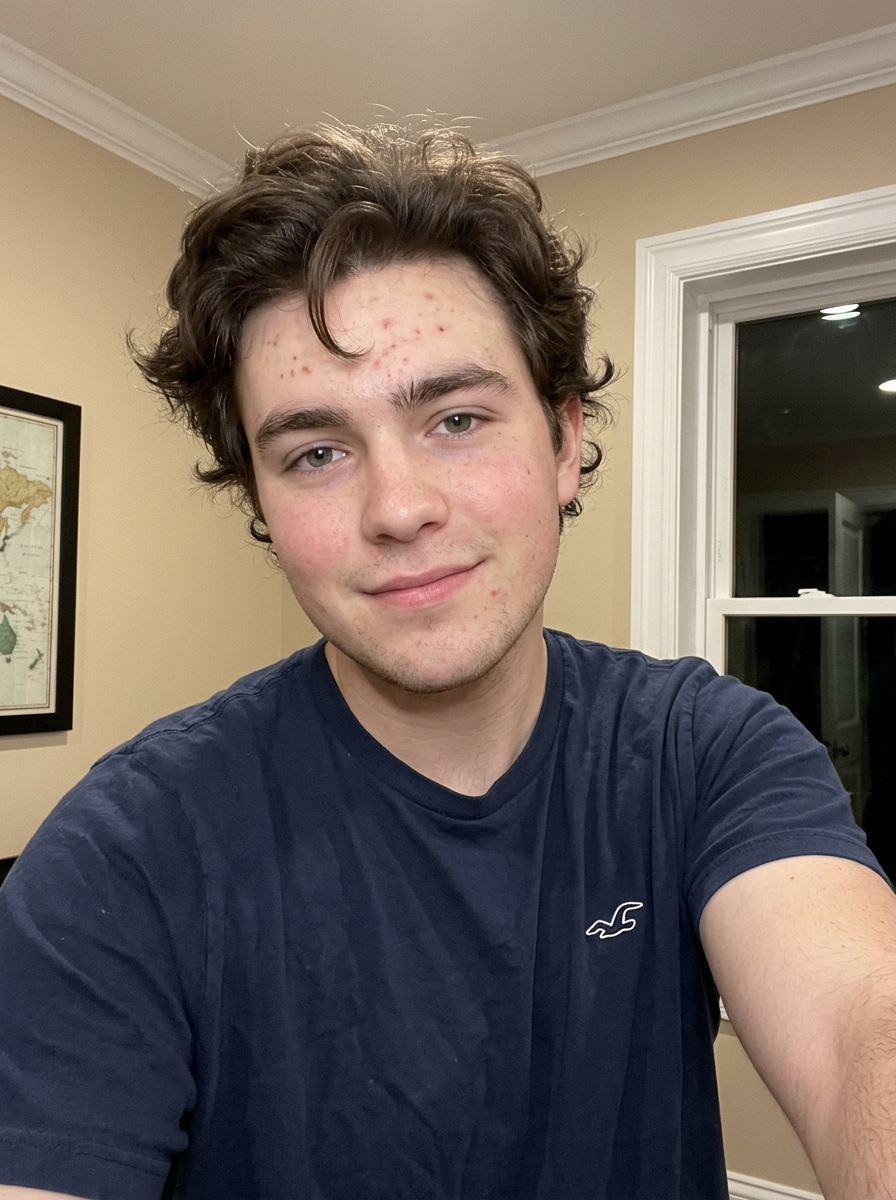
Real generation case: these two original photos and the video result are from the same generation. Compare each person’s role and appearance.
 See the full video
Current template defaults: 720p · 100 credits · 15 s
1. Decide who takes the lead
Photo 1 guides the rapper, who starts on the left. Photo 2 guides the boombox partner, who starts on the right. Their positions change during the routine; the opening positions identify the upload slots.
2. Upload one separate photo of each person
Open Boombox Rap AI and put each photo in its matching slot. You do not need a real boombox, a filmed performance or a prompt. This template requires two person photos; it has no solo mode that invents a partner.
3. Confirm the resolution and credit quote
Check the order once more, select the output resolution and read the displayed cost before generating. My Videos shows your task's progress and result.
4. Review before sharing
Watch both faces, the boombox, movement and audio timing. Download the completed clip when it is ready. The template provides rap vocals and accompaniment; a photo does not supply your real voice.
Choose photos that reduce avoidable reruns
Choose photos like these
- One person per photo, with a clear face
- Good lighting, front or slight three-quarter view
- Half-body or full-body, with arms visible
Avoid these inputs
- Group shots or a tiny face in the distance
- Sunglasses, covered eyes or heavy filters
- Blurry thumbnails or a mostly hidden body
Choose two photos of similar clarity. If a face is hard to recognize, improve its source photo first; if the roles are wrong, check the upload order. Running the same unclear inputs again may not fix the issue.
A 480p attempt costs 50 credits. Making another at 720p costs another 100, for 150 total. A rerun is a new generation, not a free resolution upgrade. If you already know your preferred photos and setting, going straight to that setting may use fewer credits overall.
Boombox Rap AI FAQ
What kind of photos work best?
Use two separate, well-lit photos with one person per image, a visible face and useful upper-body detail. The photo checklist above covers what to choose and avoid.
How long does generation take?
Timing varies with the queue and service conditions; a fixed completion time is not guaranteed. Follow the task in My Videos rather than starting another generation because it is still processing.
Can I change the rap lyrics or voice?
The current template does not offer custom lyrics or voice selection. It generates vocals under the template's audio setup and does not clone your voice from a still photo. Switching the interface language does not change the rap into Mandarin.
Can I post it on TikTok or Instagram?
The vertical format is suited to short-video posts. Use photos and audio you have permission to use, and follow the platform's AI-labeling and publishing requirements. Generating a clip does not by itself grant music rights.
What if my generated video looks wrong?
Check photo clarity and role order first. AI can vary faces, gestures and lip sync; the preview is not a frame-by-frame guarantee. A completed video you choose to rerun uses credits again.
What happens if the task fails?
When the system marks a task as failed, its deducted credits are returned. A task still processing has not necessarily failed. Credit returns and cash refunds are different; see the refund policy for payment terms.
Do I need a subscription?
No. Buy a one-time credit pack if your balance is insufficient. The cost breakdown separates upfront payment from the average cost per generation.
Ready to cast your duo?
Pick one photo for the rapper and one for the friend on boombox duty. For the caption, try “We left for snacks and came back with a mixtape” or “One has bars. The other has batteries.” These are ideas for your post, not lyrics inserted into the video.
Try Boombox Rap AI with your photos →More effects to try with a friend
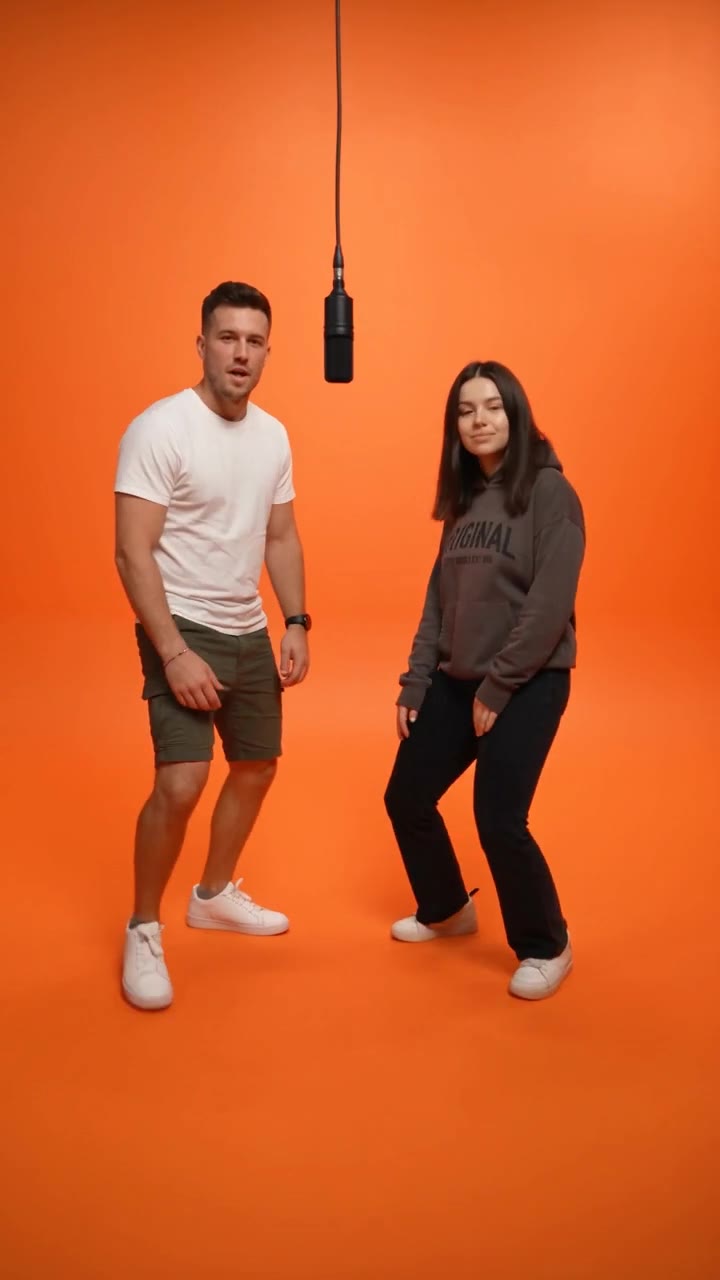 Hotel Lobby AIA hanging-mic duo in an orange studio
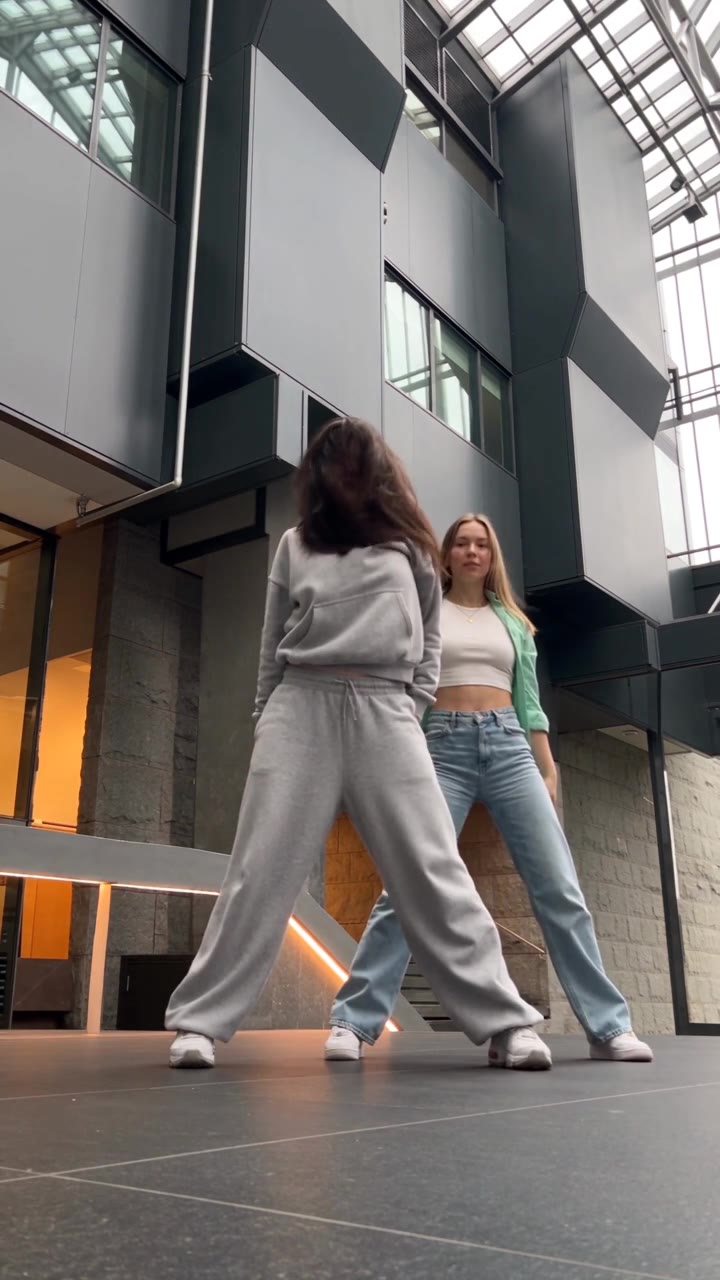 A2O LITE NEON DanceA NEON dance duo in a modern atrium
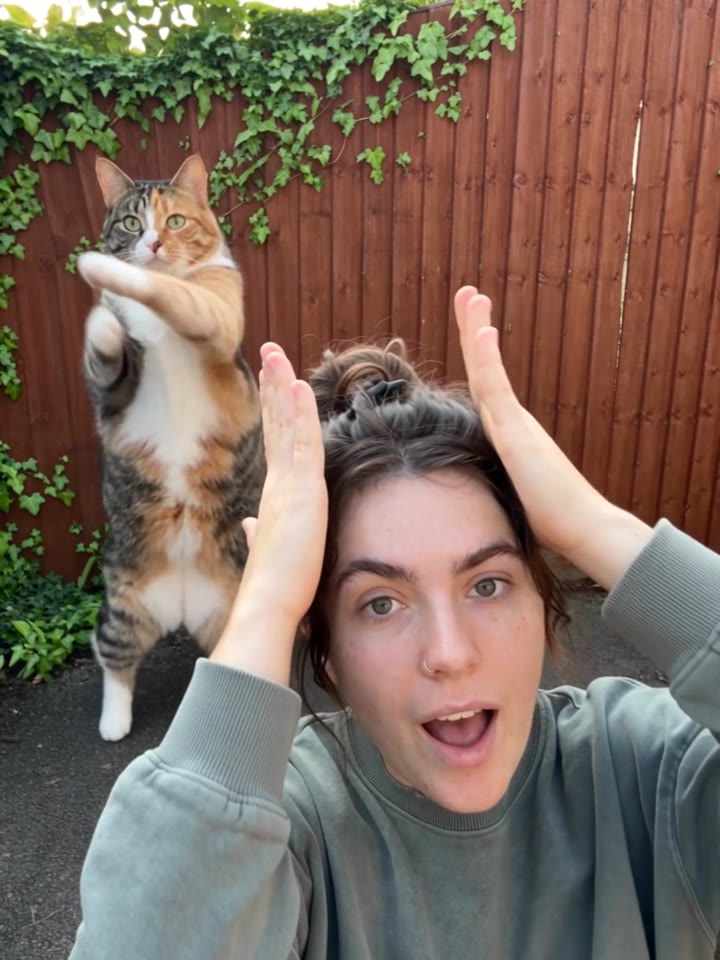 Smalltown Boy AI danceTake turns in the foreground of a dance
Pricing basis: this site's generation quote and credit-pack prices, checked October 20, 2026.