Toc Toc Dance AI Video
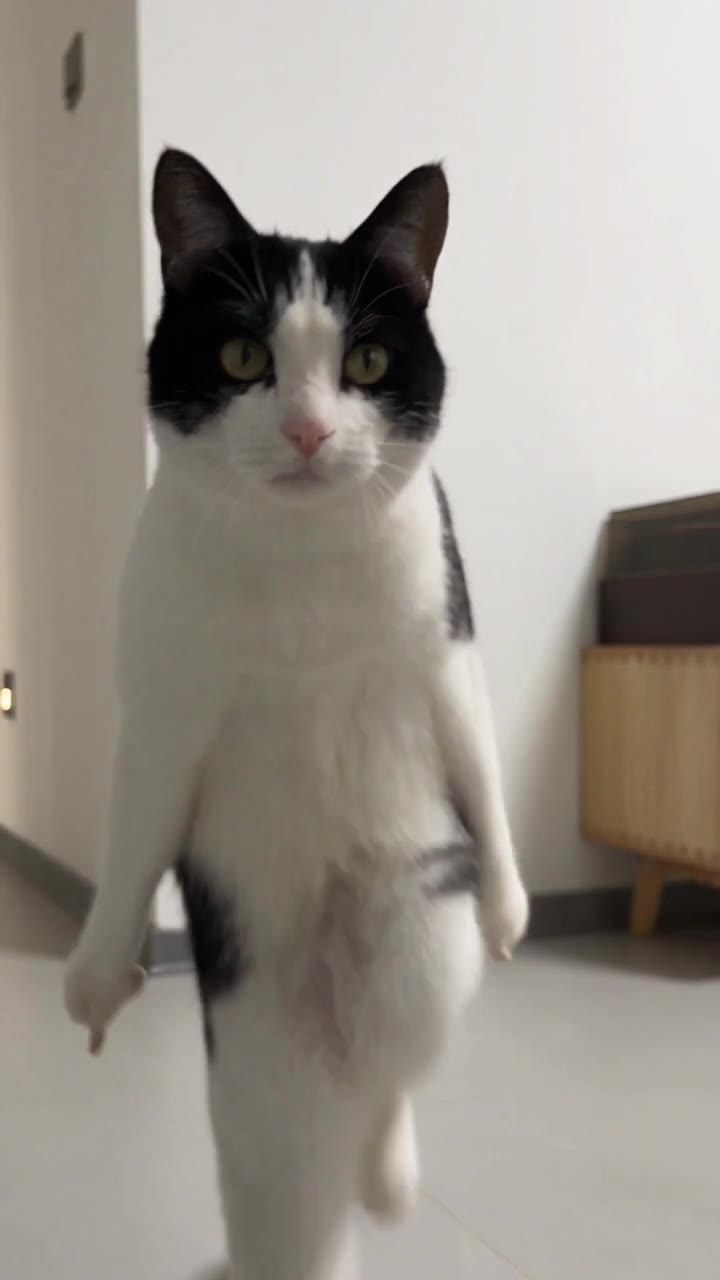
Bring a person or pet into a playful Toc Toc dance. Upload one photo and watch the indoor dance come to life.
People and animals are welcome. Use a clear, well-lit photo of one subject, showing the head and body where possible.
AI video model: Seedance 2.5Video generation is powered by Seedance through BeatAPI. This model is used when you submit a generation.
Credits are automatically returned if generation fails due to a technical problem.
Loading…
Use photos and likenesses you have permission to use.
Video Preview
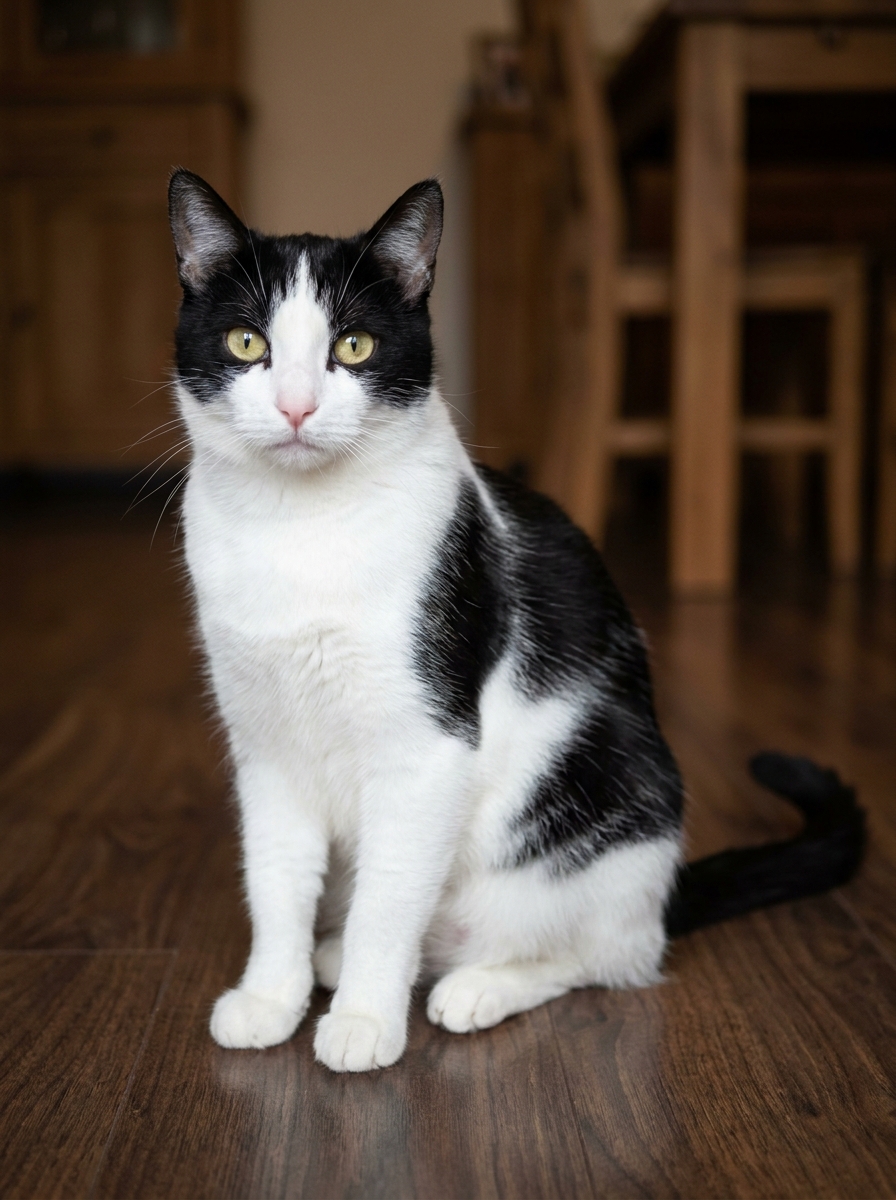
Your photo is where the story starts
Effect preview. Your generated video will appear here when it is ready.
Try More Viral Videos
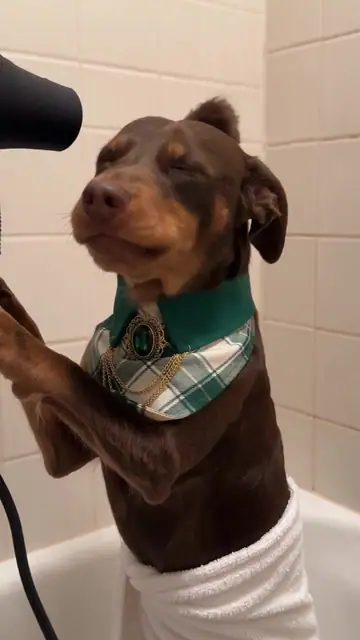
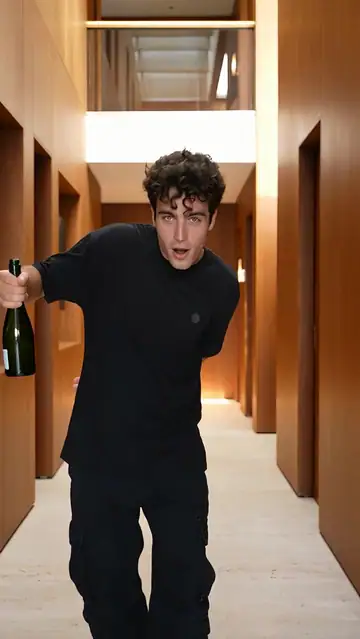
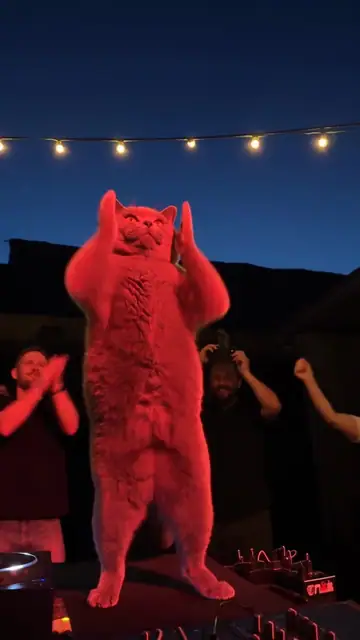
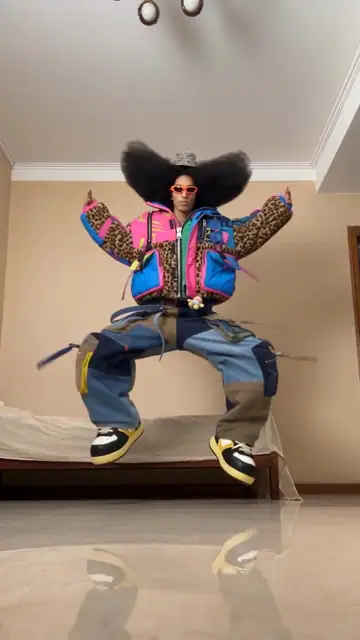
What is Toc Toc Dance AI?
In a bright room, the lead alternates raised knees and crossing steps before turning and raising its arms. Put yourself or a pet into the playful routine without recording a dance first.
- What your photos control
- One person or animal photo guides the only dancer. The room and routine are generated from the template rather than copied from your photo background.
- Movement and background
- AI generates a new clip from the example’s routine and setting. Backgrounds, camera movement, expressions and occlusion may vary; frame-for-frame matching is not guaranteed.
Photo to video: a paired example
Compare the input photos with their corresponding video to assess the subject’s appearance and movement.
What happens in this video?
Three frames from this template’s showcase explain the scene and performance.
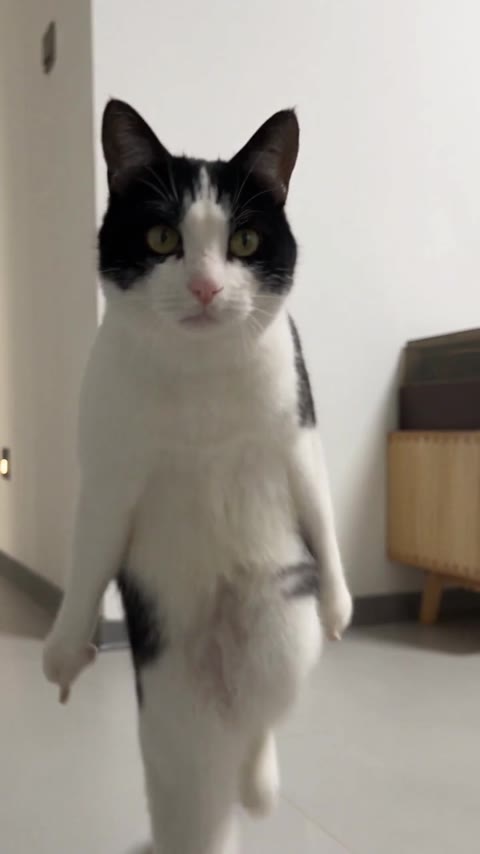
01 · Opening Step back into the rhythm
The lead faces the camera and steps back into a pose with arms or front limbs bent.
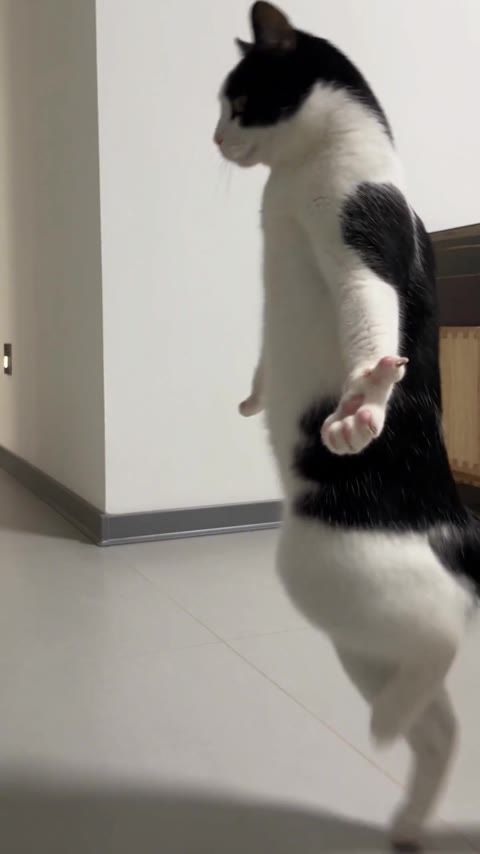
02 · Middle Turn sideways and cross-step
Side turns and crossing steps shift the weight as the arms open and close.
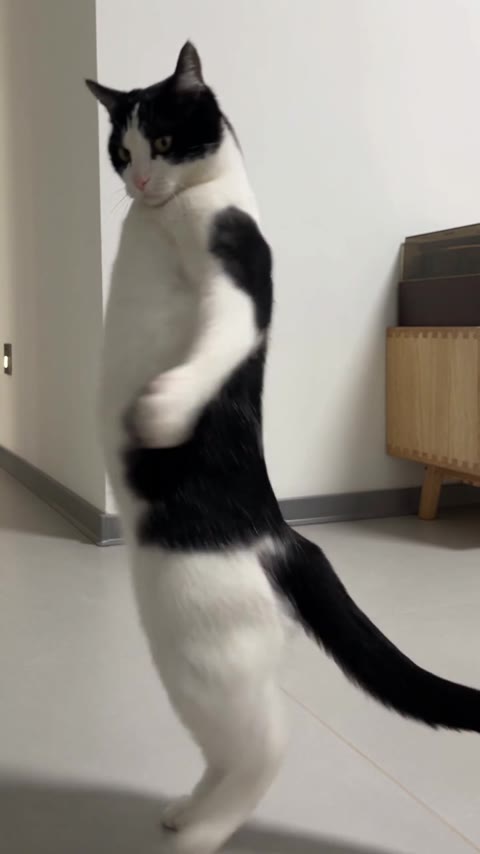
03 · Later Raise the arms and lean
The lead continues stepping and leaning with raised or extended arms.
How to get a better result
Recommended photos
- One subject facing the camera
- Head-to-toe framing where possible
- Even lighting and clear detail
- A subject outline distinct from the background
Try to avoid
- Collages, chat interfaces or watermarked screenshots
- Feet, paws or the top of the head cut off
- Arms blending into a cluttered background
- Blur, darkness or heavy filters
If the result needs improvement
- The appearance looks different
- Compare the face, hair or fur across shots. Higher resolution does not lock identity. Use the photo guidance above to choose a different input; each new generation still uses credits.
- Limbs or props connect awkwardly
- Pause to check where hands, paws and props meet. Occlusion and fast movement can cause structural errors. There is no local repair editor, and higher resolution does not guarantee correct anatomy.
- Roles or positions get mixed up
- Only one lead is assigned your photo. Companions, ghosts and background animals need no additional input. A transferred identity appearing on a companion is a generation error.
- The movement or performance differs
- Crossing steps, leans, and weight shifts may be imperfect. Clearly visible limbs help but cannot guarantee an exact reproduction of the dance.
- The task reports a generation failure
- Check the task status in My Videos first. Technical failures return deducted credits automatically; a successful video that does not meet personal expectations is a different situation. Each new generation costs credits, so review the refund policy before retrying.
How to Make a Toc Toc Dance AI Video
- Step 01
Upload your photos
Choose a clear photo of one person or pet.
- Step 02
Generate your video
Choose 480p / 720p / 1080p, confirm the credits, and submit. The current output is 11 seconds in 9:16. You can leave the page while it processes, then check My Videos when ready.
- Step 03
Download and share
When ready, play and download the MP4 from My Videos and save a copy to your device.
My Videos
FAQ
Can a selfie produce a full-body Toc Toc dance?
You can try, but AI must invent unseen body areas, making clothing and proportions less predictable. A full-body photo better supports the raised-knee and crossing steps.
Do I need a dance video or a prompt for Toc Toc?
No. The page provides the routine and setting. Add a suitable photo, select quality and check the credit quote.
What kind of photo works best?
One photo with one person or animalSee photo guidance for this effect ↓
Can Toc Toc become a duet or keep my room?
This is a single-lead version without duet or custom-background controls. The room and camera follow this site’s example, with generated variations.
Will the result keep the appearance in my photos?
The photo guides the subject’s identity and appearance rather than copying the original footage’s pixels. Faces, hair, fur and clothing can change with movement; special styling such as armor follows this page’s description.
What duration and aspect ratio will I get?
The current template outputs a 11-second MP4 in 9:16, with 480p / 720p / 1080p quality options. Confirm the current credit quote on the generation button before submitting.
Does this video include music or sound?
Yes. The finished video uses this template’s original soundtrack, including any music, vocals or scene sounds present in that track. The new subject does not record a separate singing voice.
What if the result looks wrong or generation fails?
Check the status in My Videos first. A technical failure returns deducted credits automatically; a completed result you dislike is a different case.See troubleshooting ↓View refund policy ↗