Loading…
What is TrendClipGen AI Rap?
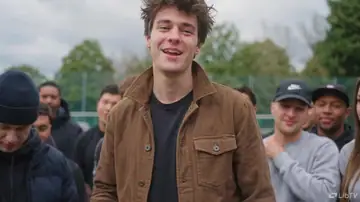
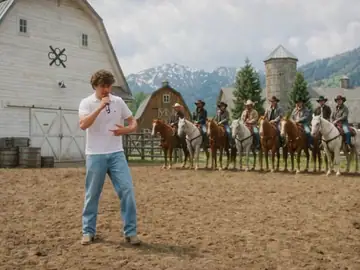
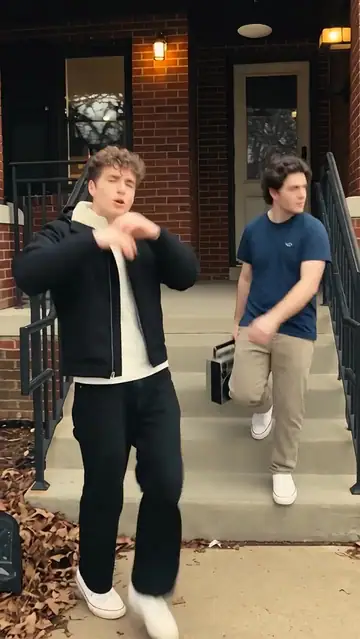
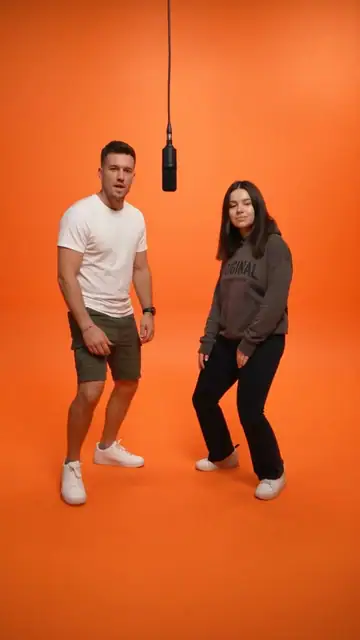
TrendClipGen AI Rap is an online AI rap video generator that turns two portrait photos, or one photo of two people, into a short rap duo performance. Choose from four stages, including Hotel Lobby, Luxury Lobby, Studio Booth, and Street Cypher. Use the preset sound mode or enter your own topic or lyrics. You can create a personalized rap video in your browser without filming or video editing.
Why Choose Us
Two Photos or One Together
Four Rap Stages
Preset or Custom Lyrics
Create in Your Browser
Your rap, in three steps
Upload photos of both performers, choose a stage and lyrics, then generate your rap video and find it in My Videos.
- STEP 1
Choose your performers
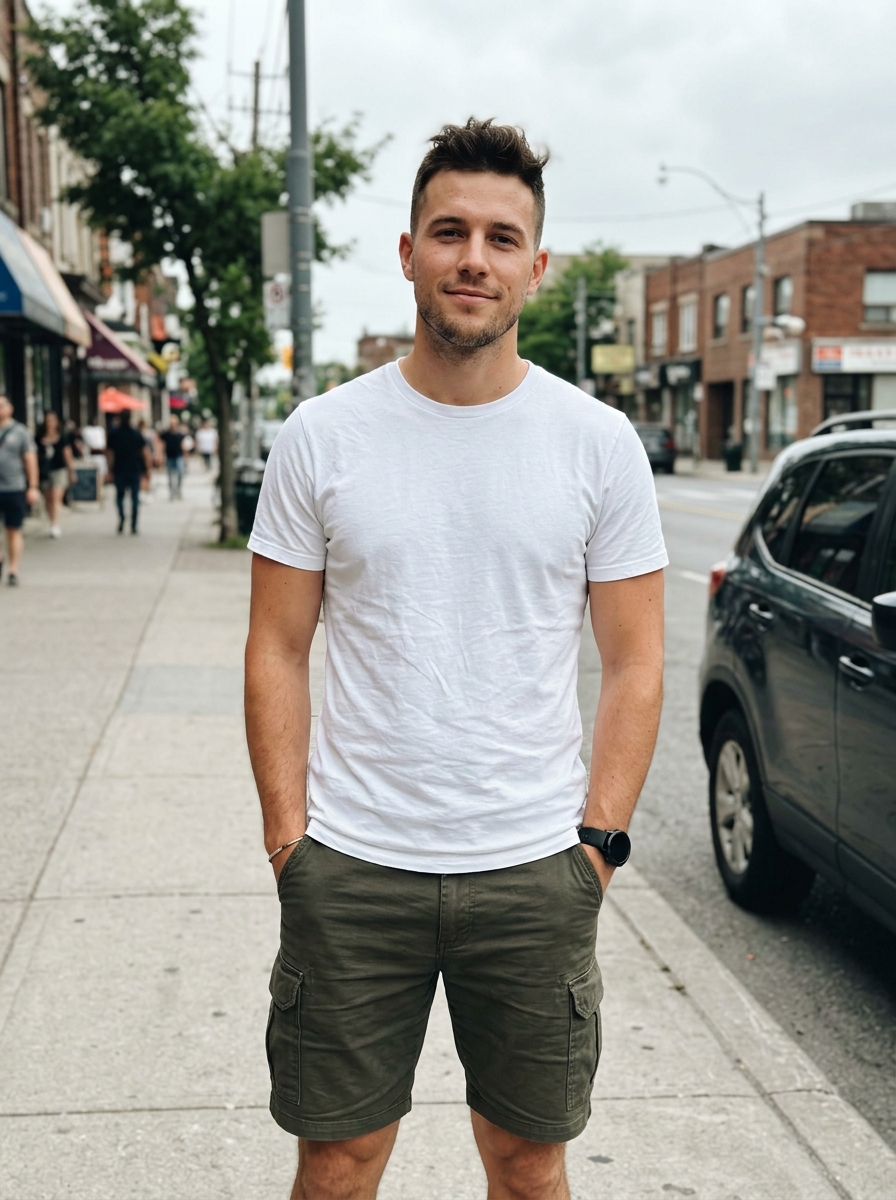
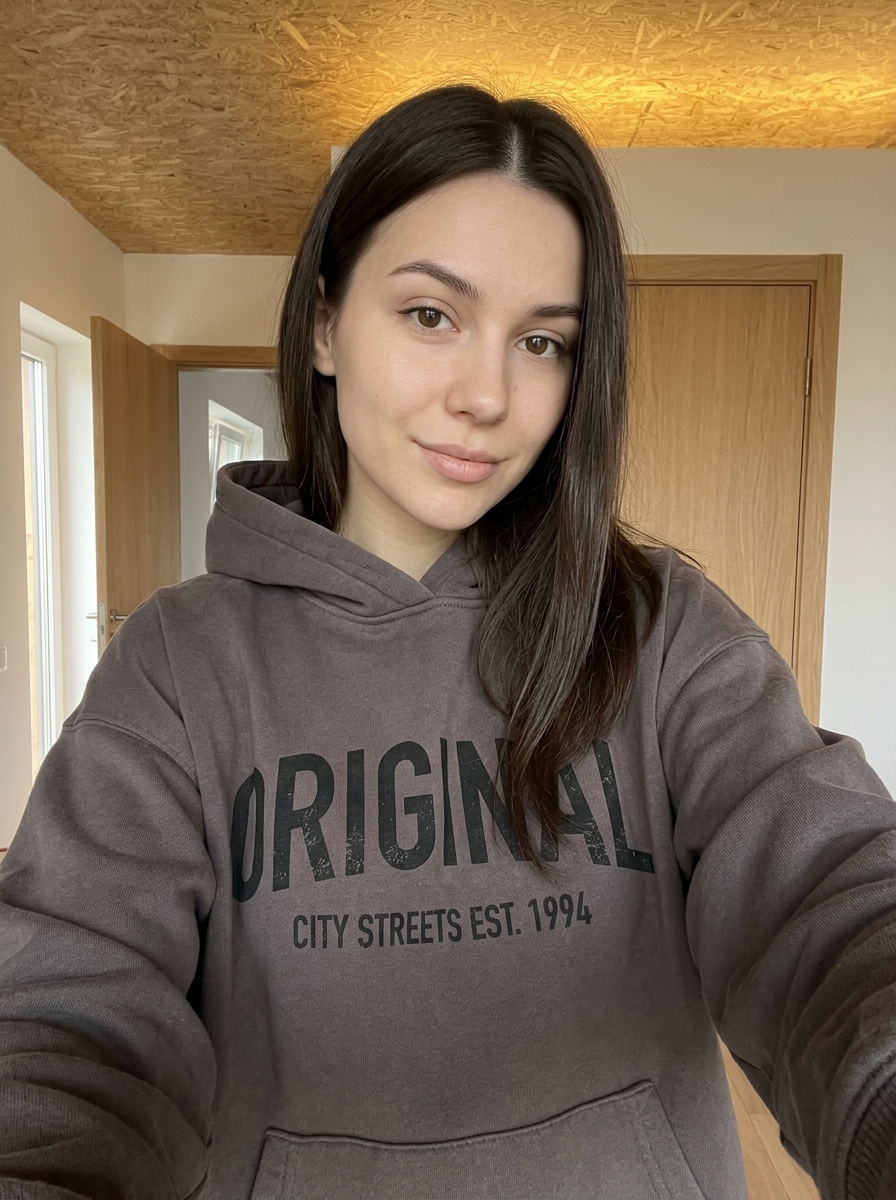
Upload two separate portraits or one photo of both of you. Keep both faces unobstructed and outfits visible.
- STEP 2
Set the scene and words
Pick a stage, then use the template verse or write your own topic or short lyrics.
- STEP 3
Create and share
Check the credits and quality, generate your video, and find the result in My Videos.
AI Rap FAQs
What photos should I upload?
Upload one portrait of each performer, or choose one photo with both people side by side. Use sharp, evenly lit photos with both faces facing the camera and hair and outfits visible. Avoid sunglasses, hands over mouths, heavy filters, and overlapping faces. JPG, PNG, and WebP are supported, up to 10 MB per photo. Use photos and likenesses you have permission to use.
Can I write my own lyrics or choose the rap language?
Yes. Keep the preset English verse, or select Your words and enter a topic or your own lyrics. Topic mode supports English and Chinese. Custom lyrics are performed in the language you write. The input limit is 320 characters; use a few short lines that fit a 12-second performance.
Will it sound like me and match my lyrics exactly?
The voices are AI-generated; photos do not clone your voice. This workspace accepts photos and text, with no personal voice or song upload. Facial likeness, pronunciation, exact words, and lip-sync can vary. Start with clear photos and short lyrics, then review the finished performance before sharing.
How long is the video, and which sizes can I choose?
Each video is a 12-second rap duo. Choose vertical 9:16, landscape 16:9, or square 1:1, at 480p, 720p, or 1080p. Pick the ratio for where you plan to post and check the output settings before generating.
How many credits does it cost? Do I need a subscription?
Each generation costs 40 credits at 480p, 80 at 720p, or 200 at 1080p. AI Rap requires purchased credits; a one-time credit pack works without a subscription. Each new generation uses credits, so check the quote before submitting. View credit packs.
For a lower-cost start, generate at 480p, then use Smart Upscale in My Videos after it finishes: 50 credits in total (40 to generate + 10 to upscale to 1080p). Upscaling enhances the finished clip; it does not rewrite lyrics or repair lip-sync.
How long does generation take? Can I leave the page?
The estimate is 5–15 minutes; queues and processing can take longer. Once your task appears in My Videos, it can continue after you leave or close the page. Return with the same account to check progress. If submission is still being confirmed, wait for its status rather than submitting it again.
What happens to my credits if generation fails?
Deducted generation credits return automatically when a technical failure is confirmed. A queued or processing task is still pending. If credits have not returned, or a completed result has a problem, contact support with the task ID. Credit returns and payment refunds are handled separately. Read the Refund Policy.
Where can I watch and download my rap video?
Open My Videos with the account you used to generate it. When the task finishes, preview the result and use the video player’s download option to save the MP4 to your device. Download a local copy you want to keep; closing the workbench does not delete the task. Open My Videos.