
Your photo is where the story starts
This is an effect preview. You can check progress and watch your finished video in My Videos.
Use this templateLoading…
Stormzy Shut Up AI Video
Restoring draft…
- Estimated time
- 5–15 minutes
- Credit cost
- Loading…
Credits are automatically returned if generation fails due to a technical problem.
Your finished MP4 will be saved in My Videos, where you can play and download it.
Loading…
Use photos and likenesses you have permission to use.
Try More Viral Videos
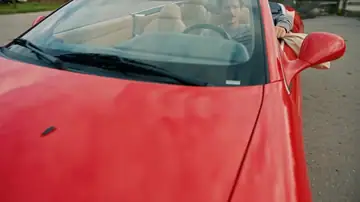
What is Stormzy Shut Up AI?
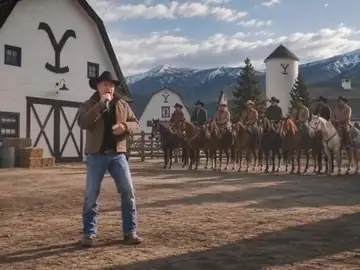
A central rapper performs to a handheld camera while friends gather closely behind. Pointing hands, chest-level gestures, a hand across the torso and a brief forward lean follow the supplied outdoor clip.
- What your photos control
- Your one photo controls the central lead rapper throughout. The long-haired spectator on the right, the hat-wearing spectator on the left and the background crowd keep separate identities.
- Movement and background
- AI generates a new clip from the example’s routine and setting. Backgrounds, camera movement, expressions and occlusion may vary; frame-for-frame matching is not guaranteed.
Meet the roles in the reference clip
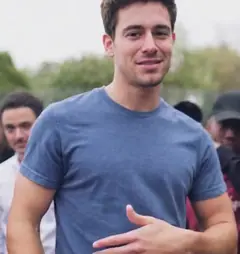
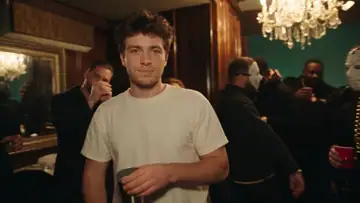
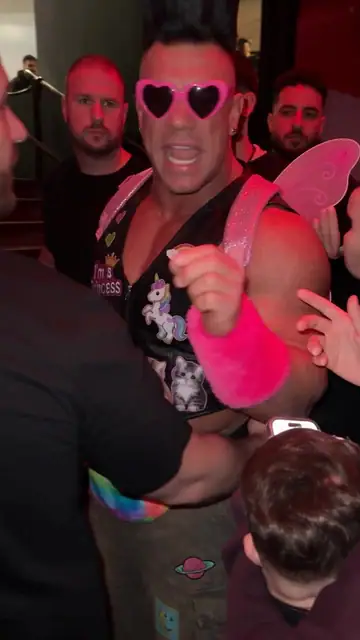
These portrait crops come from the supplied original video and show the role order. They are reference material, rather than a newly generated result.
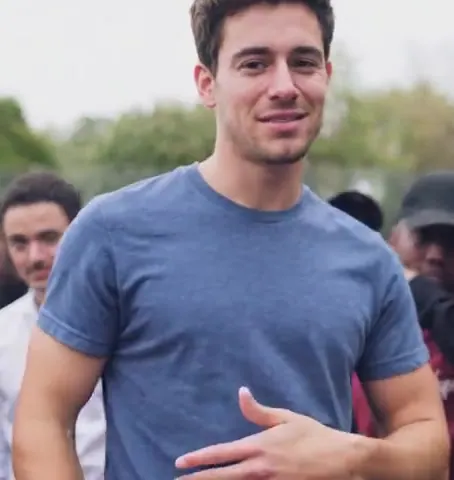
What happens in this video?
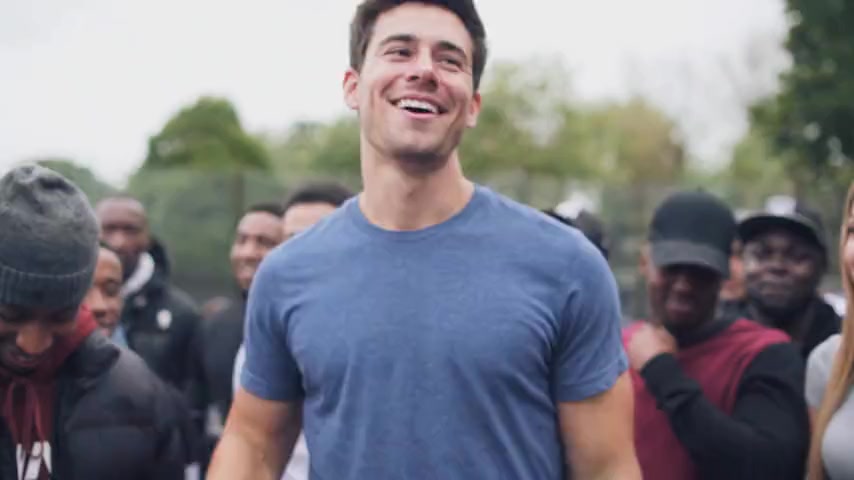
Three frames from this template’s showcase explain the scene and performance.
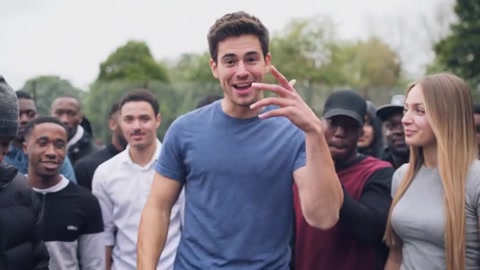
01 · Opening Open with free-hand gestures
The central lead faces the camera and moves an empty hand forward as friends react behind.
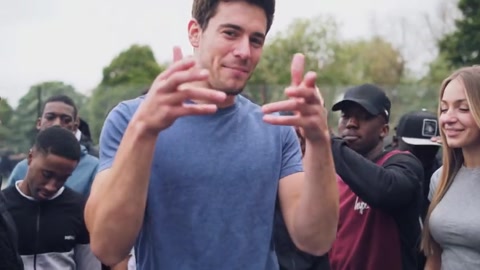
02 · Middle Emphasize the words
Both hands rise in front of the chest, then one rests across the torso while the other marks the rhythm.
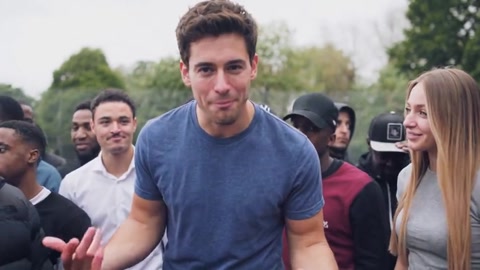
03 · Later Lean in and finish
The same lead briefly leans toward the camera, raises a hand and turns slightly to complete the phrase.
How to get a better result
Recommended photos
- One sharp individual portrait
- Visible face, complete hair, shoulders and upper-body outfit
- Even lighting and clear detail
- A subject outline distinct from the background
Try to avoid
- Collages, chat interfaces or watermarked screenshots
- Group shots or a second face beside the lead
- A phone or hand covering the mouth and cropped-off hair
- Blur, darkness or heavy filters
If the result needs improvement
- The appearance looks different
- If the lead’s face, hair or clothing drifts, try a sharper individual photo that shows the full hairstyle and upper-body outfit. Avoid dark faces, heavy filters and another person’s face beside the subject.
- Limbs or props connect awkwardly
- For unusual hands or shoulders, use a photo with a clear upper body and no hand covering the mouth. The routine uses empty hands, so a phone held against the face makes a poor reference.
- Roles or positions get mixed up
- Upload only the intended central rapper. This is a one-photo template: the long-haired spectator, the hat-wearing spectator and the reacting crowd cannot be separately cast.
- The movement or performance differs
- Fast words, fingers near the camera and the forward lean can affect mouth detail and likeness. The generated clip may vary in gesture timing, crowd reactions and lip sync.
- The task reports a generation failure
- Check the task status in My Videos first. Technical failures return deducted credits automatically; a successful video that does not meet personal expectations is a different situation. Each new generation costs credits, so review the refund policy before retrying.
How to Make a Stormzy Shut Up AI Video
- Step 01
Upload your photos
Choose a clear photo of one person.
- Step 02
Generate your video
Choose 480p / 768p / 1080p, confirm the credits, and submit. The current output is 10 seconds in 16:9. You can leave the page while it processes, then check My Videos when ready.
- Step 03
Download and share
When ready, play and download the MP4 from My Videos and save a copy to your device.
My Videos
FAQ
Which person does my photo control?
Only the central foreground rapper uses your photo. The spectators stay separate; the right-side long-haired person and left-side hat-wearing person do not become the lead.
Is this preview a result made from an uploaded portrait?
The preview, portrait crop and three illustrated moments come from the supplied outdoor reference video. They show the scene and intended role, rather than a new customer-generated result.
What kind of photo works best?
Choose a clear photo of one person, with the face, complete hairstyle, neckline, shoulders and upper torso visible. Keep hands and phones away from the mouth so the rap expressions and forward lean have a clear reference.See photo guidance for this effect ↓
Does this copy Stormzy’s voice or my own voice?
No. The model generates a character voice with the performance, then the final clip keeps those generated vocals and adds this clip’s separated accompaniment. No voice sample is requested; the lyrics are preset.
Will the result keep the appearance in my photos?
The central lead follows your photo’s face, hair and visible outfit across the continuous take. The original blue T-shirt is not required. Fast hand gestures and the forward lean can still affect detail.
What duration and aspect ratio will I get?
The current output is an MP4 lasting 10 seconds in 16:9, with 480p / 768p / 1080p quality options. Check the current credit quote before generating.
Does this video include music or sound?
Yes. The model generates the main character’s voice, and we add the original accompaniment afterwards. Generated vocals can differ in timing and delivery from the preview.
What if the result looks wrong or generation fails?
Check the status in My Videos first. A technical failure returns deducted credits automatically; a completed result you dislike is a different case.See troubleshooting ↓View refund policy ↗