
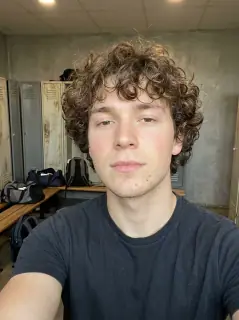
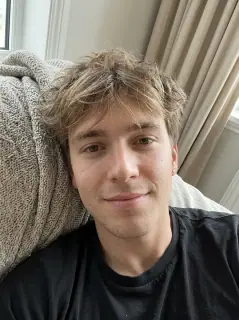
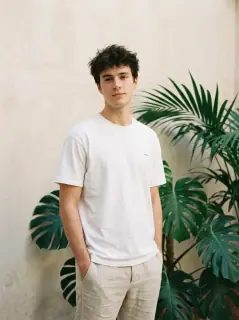
Your photo is where the story starts
This is an effect preview. You can check progress and watch your finished video in My Videos.
Use this templateLoading…
ATEEZ BAD AI Dance Video
Restoring draft…
- Estimated time
- 5–15 minutes
- Credit cost
- Loading…
Credits are automatically returned if generation fails due to a technical problem.
Your finished MP4 will be saved in My Videos, where you can play and download it.
Loading…
Use photos and likenesses you have permission to use.
Try More Viral Videos
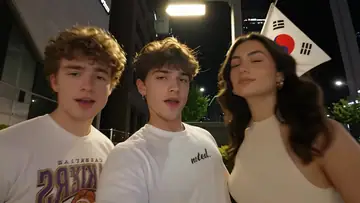
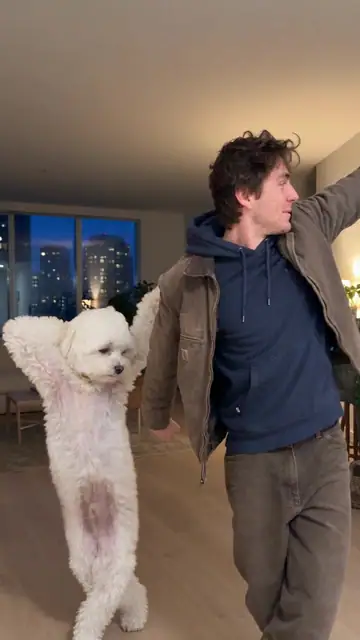
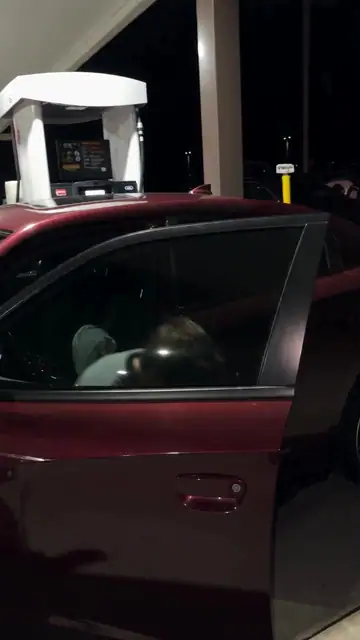
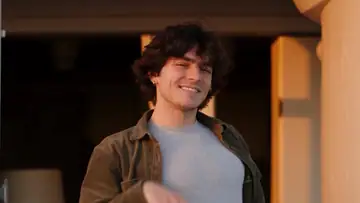
What is ATEEZ BAD AI Dance?
ATEEZ BAD AI Dance uses three separate photos to place three people in a 15-second stage routine. They take turns leading the choreography as the camera cuts between the front row and the full ensemble.
- What your photos control
- The first photo is the opening lead, the second takes center in the wide shot, and the third leads the final section. The effect supplies the stage, choreography and backing dancers.
- Movement and background
- AI generates a new clip from the example’s routine and setting. Backgrounds, camera movement, expressions and occlusion may vary; frame-for-frame matching is not guaranteed.
Photo to video: a paired example
Compare the input photos with their corresponding video to assess the subject’s appearance and movement.
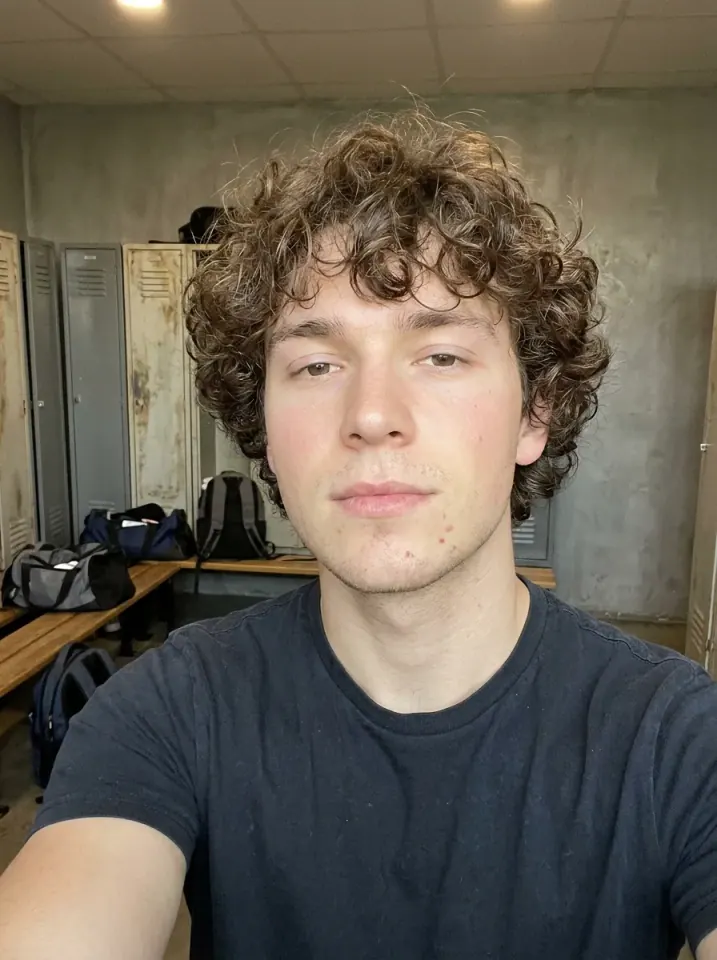
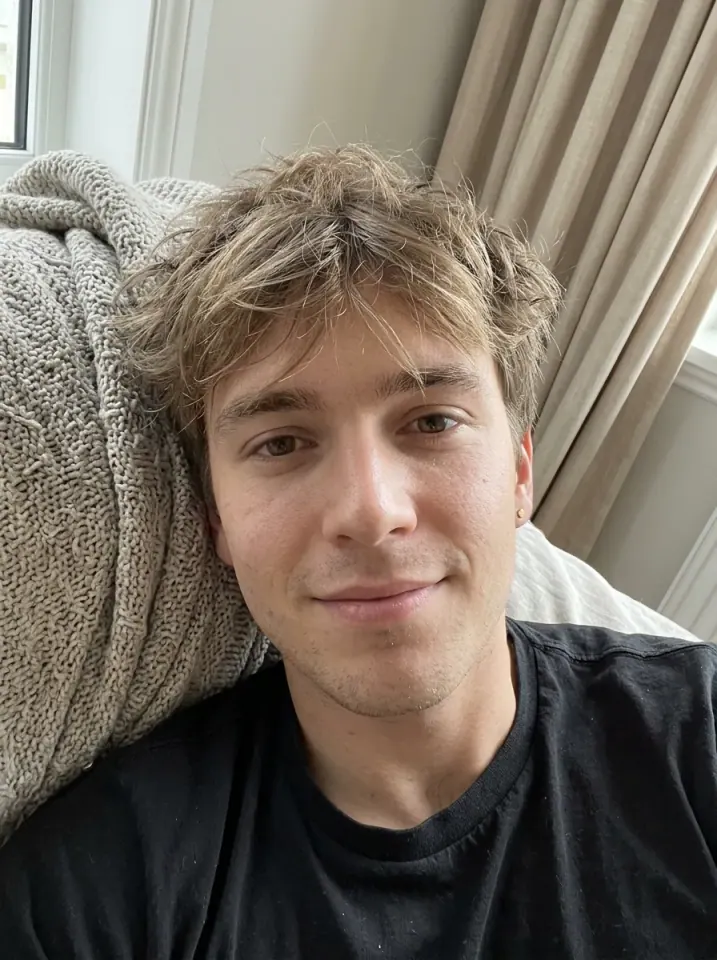
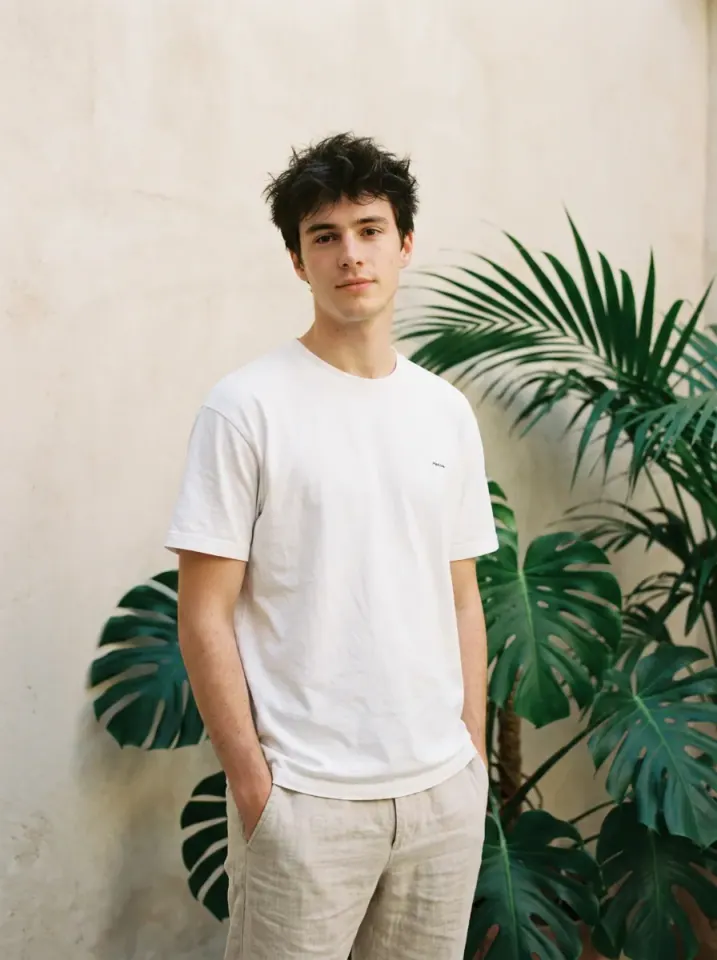
What happens in this video?
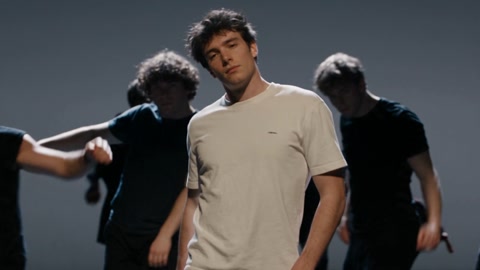
Three frames from this template’s showcase explain the scene and performance.
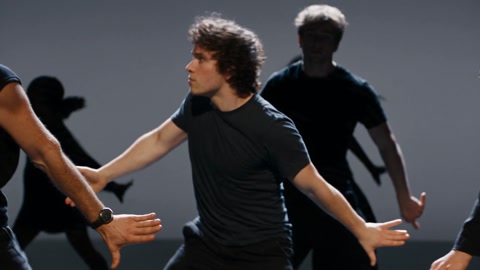
01 · Opening Open from the front row
The first lead takes a low stance and swings his arms as the dancers behind him follow the beat.
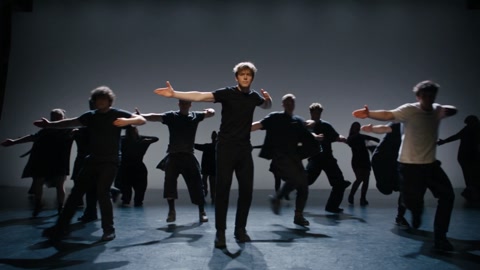
02 · Middle Pass the lead at center stage
The second lead steps to center for synchronized arm extensions before the third moves up.
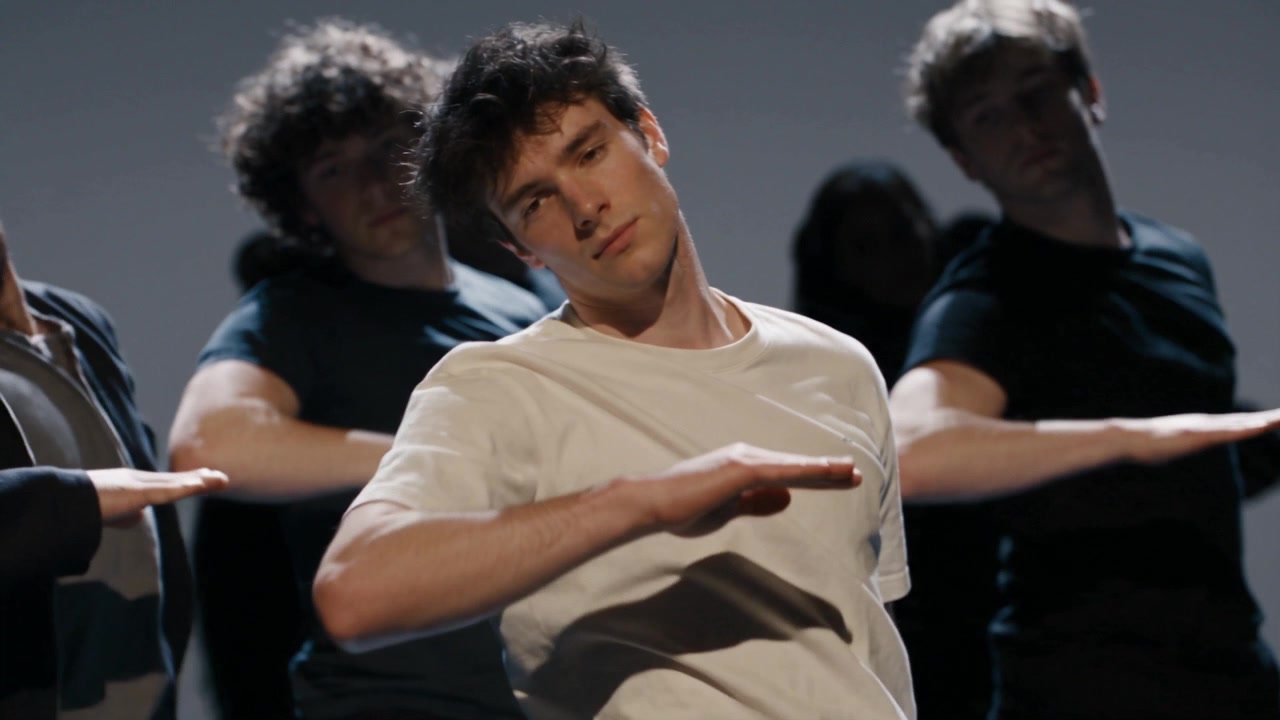
03 · Later Finish in front of the ensemble
The third lead sweeps his arms with the group, stays forward through a high-angle wide shot and closes in a front-facing shot.
How to get a better result
Recommended photos
- Upload three separate, evenly lit photos with one person in each.
- Choose full-body photos with faces, clothes, hands and shoes visible for the wide shots.
- Even lighting and clear detail
- A subject outline distinct from the background
Try to avoid
- Collages, chat interfaces or watermarked screenshots
- Group photos or portraits with the face hidden by hair, a phone or sunglasses.
- Dark or blurry photos that make the three dancers and their outfits hard to tell apart.
- Blur, darkness or heavy filters
If the result needs improvement
- The appearance looks different
- Use three separate photos with unobstructed faces and clearly visible clothing, so the dancers remain easier to distinguish as they trade places.
- Limbs or props connect awkwardly
- Use full-body photos with hands and shoes in frame to give the model more detail for the wide shots, low steps and crossing arms.
- Roles or positions get mixed up
- Check the upload order. Photo 1 leads the opening, photo 2 takes center in the wide shot, and photo 3 leads the closing section.
- The movement or performance differs
- Fast cuts and overlapping dancers can affect faces, hands and small clothing details. Clear, distinct photos give the model a better reference through the formation changes.
- The task reports a generation failure
- Check the task status in My Videos first. Technical failures return deducted credits automatically; a successful video that does not meet personal expectations is a different situation. Each new generation costs credits, so review the refund policy before retrying.
How to Make a ATEEZ BAD AI Dance Video
- Step 01
Upload your photos
Upload three separate person photos in opening left, center and right order.
- Step 02
Generate your video
Choose 480p / 720p / 1080p, confirm the credits, and submit. The current output is 15 seconds in 16:9. You can leave the page while it processes, then check My Videos when ready.
- Step 03
Download and share
When ready, play and download the MP4 from My Videos and save a copy to your device.
My Videos
FAQ
How many photos do I need?
Upload three photos with one person in each. The upload order sets the opening, wide-shot and closing leads.
Will the dancers keep their own outfits?
Each photo guides one dancer’s face, hair and visible clothing. Small garment details may vary when dancers cross in front of each other.
What kind of photo works best?
Use one clearly lit person per photo. Include the face, outfit, hands and feet, and place the three photos in lead order.See photo guidance for this effect ↓
What am I seeing in the preview?
The preview shows a dance made with the three example photos. Your generated dance appears in My Videos.
Will the result keep the appearance in my photos?
Each upload stays tied to its dancer when the formation changes. Clear front or three-quarter portraits help keep faces, hair and outfits recognizable.
What duration and aspect ratio will I get?
The current output is an MP4 lasting 15 seconds in 16:9, with 480p / 720p / 1080p quality options. Check the current credit quote before generating.
Does this video include music or sound?
Yes. The finished video uses this template’s original soundtrack, including any music, vocals or scene sounds present in that track. The new subject does not record a separate singing voice.
What if the result looks wrong or generation fails?
Check the status in My Videos first. A technical failure returns deducted credits automatically; a completed result you dislike is a different case.See troubleshooting ↓View refund policy ↗