
AI Portrait Transformation
1 photo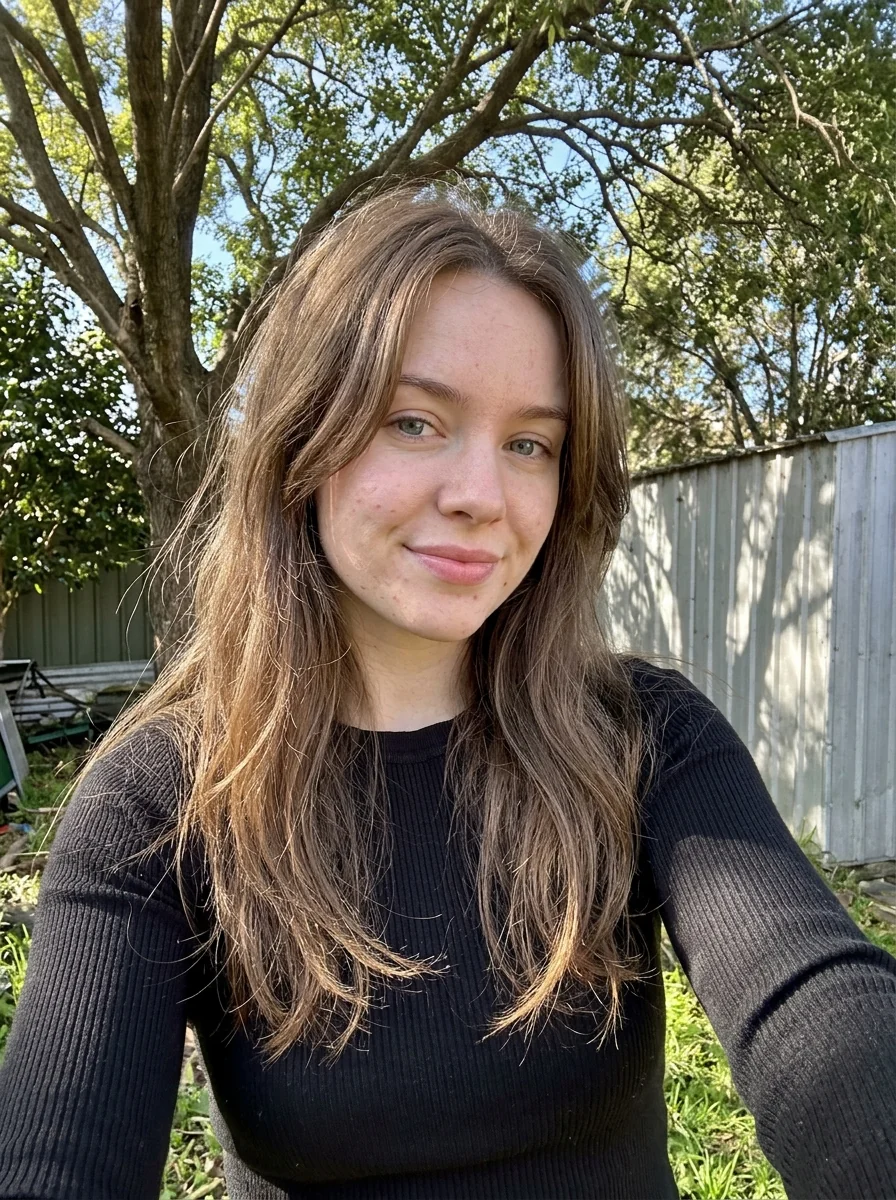
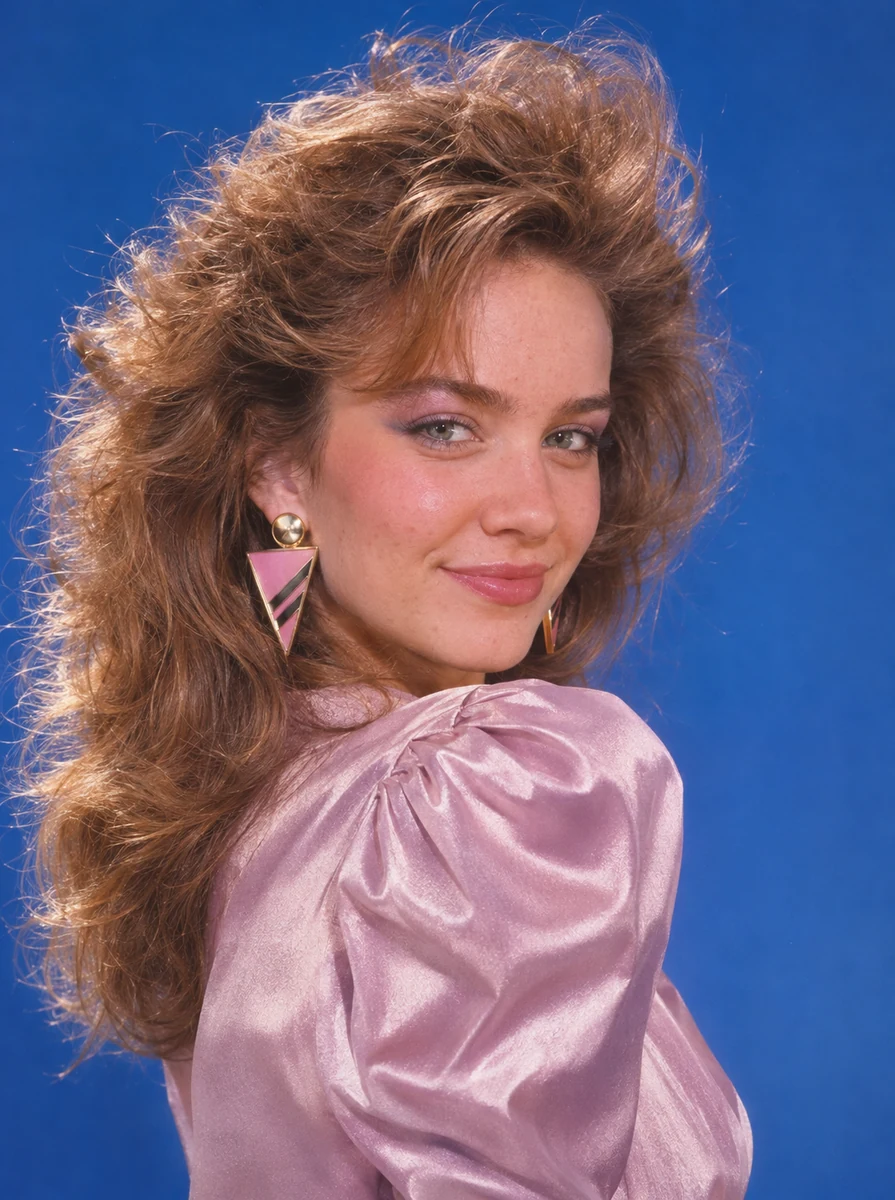
An outdoor selfie becomes an ’80s studio portrait with a blue backdrop and retro styling.
Try This EffectCredits are returned if generation fails.
From portraits to creative transformations, see how a single photo can become something new.
An outdoor selfie becomes an ’80s studio portrait with a blue backdrop and retro styling.
Try This Effect
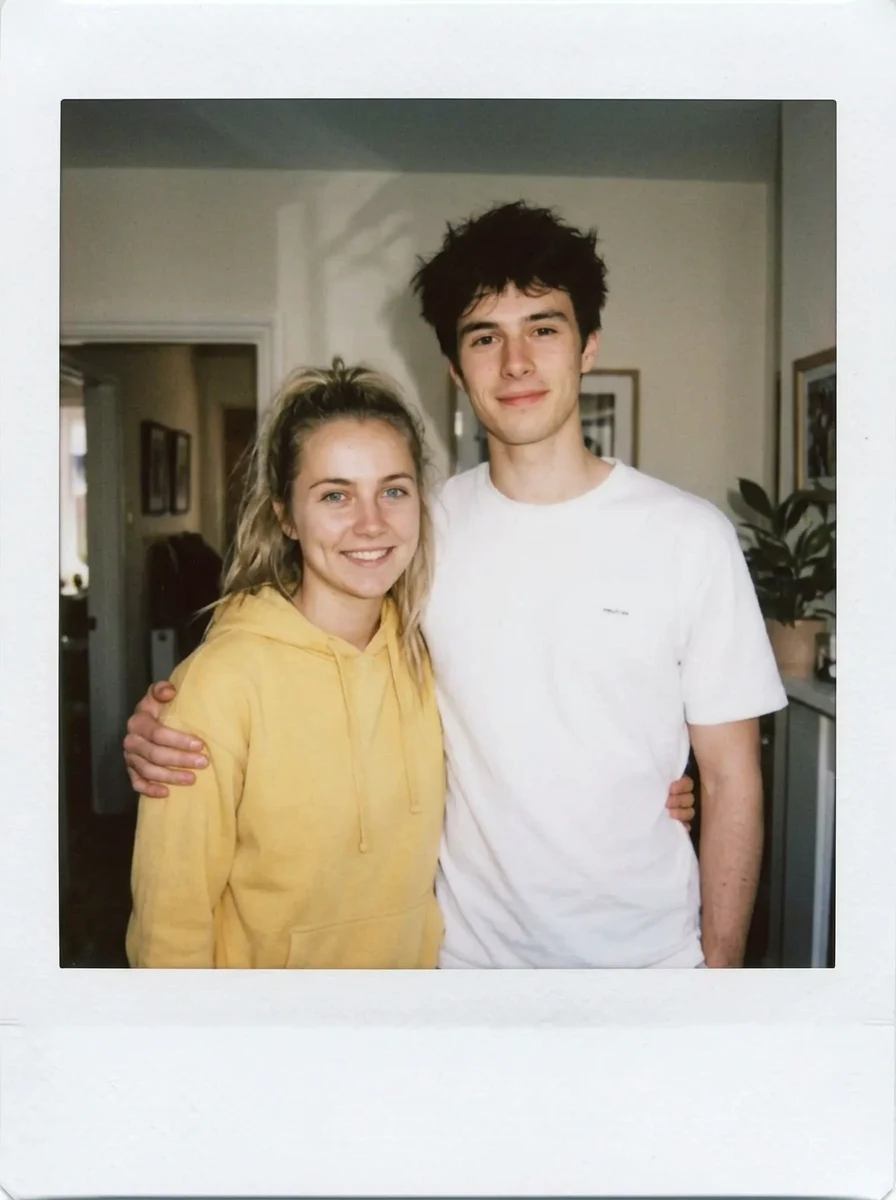
Two individual portraits become one instant-film photo with a white border and soft indoor flash.
Try This Effect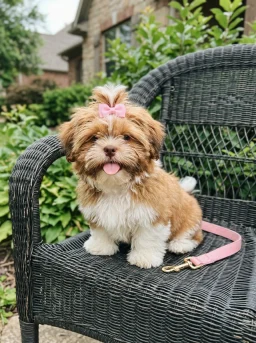
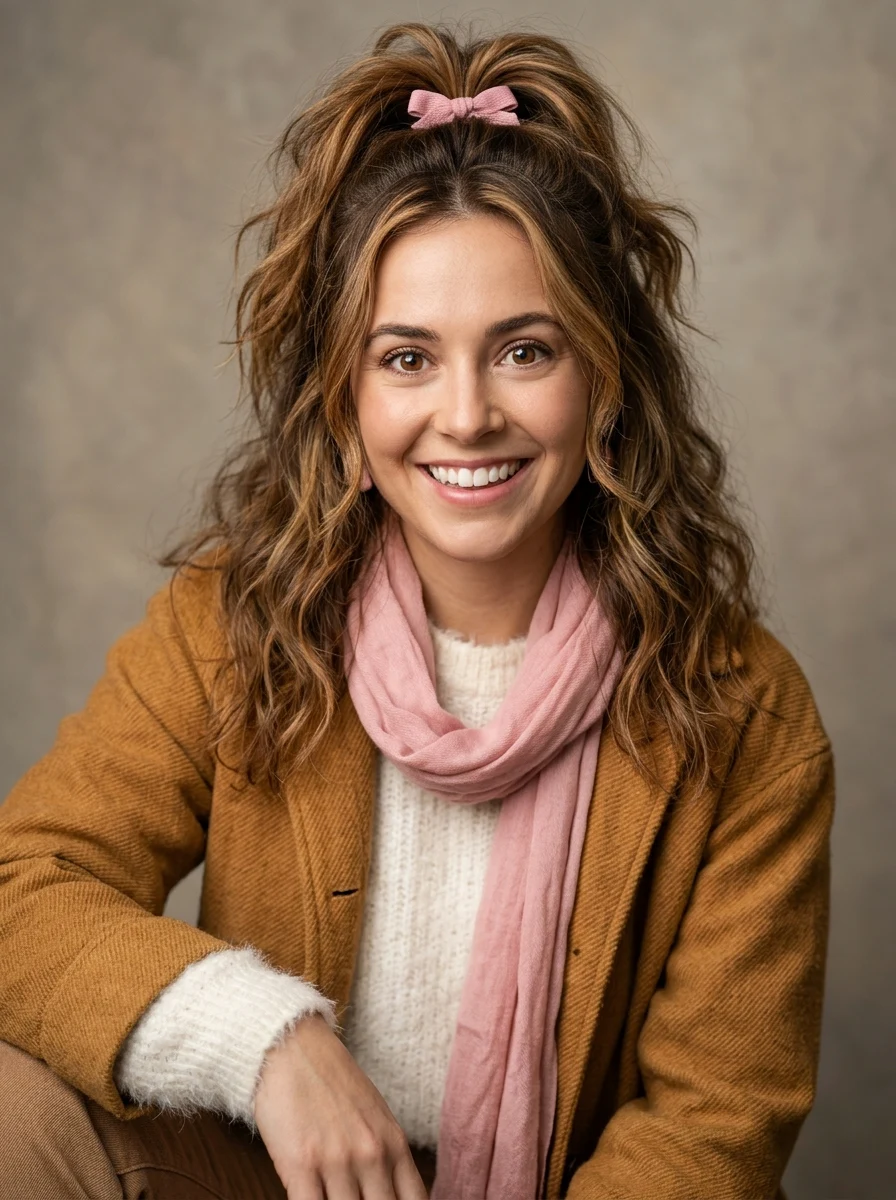
A dog’s pink bow and warm fur colors inspire the styling of a human portrait.
Try This Effect
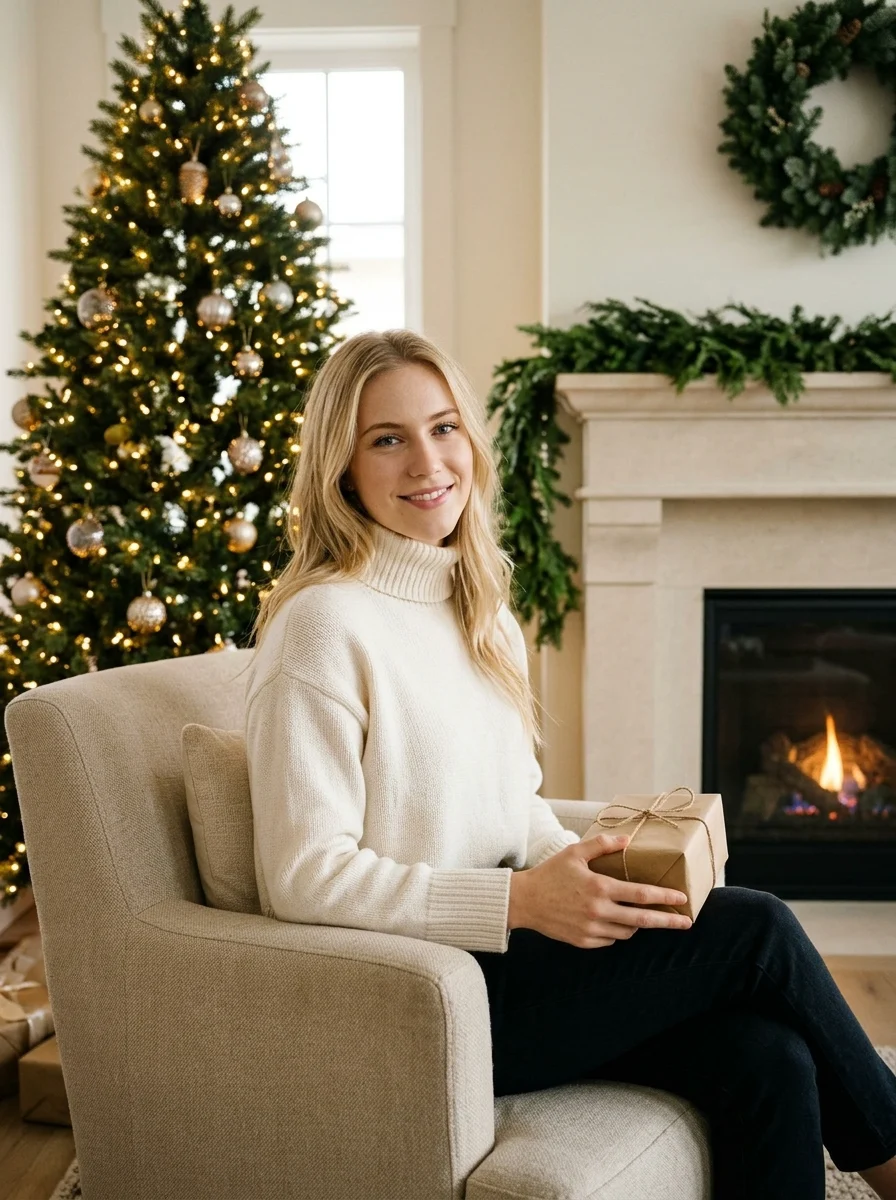
An everyday portrait becomes a holiday photo by a lit Christmas tree and fireplace.
Try This EffectTurn an everyday selfie into a studio portrait or try a different era and style.
Use your own photo to recreate a trending look, from collectible figures to photo collages.
Turn a pet photo into a human-inspired portrait or a playful illustration.
Use separate portraits to make a shared photo with a partner, friend, or family member.
Choose an in-focus photo with even lighting and an unobstructed subject. Leave enough room around the face, hair, or body for the effect you want.
For a custom edit, specify details such as “Keep the same facial features and outfit.” Results can still vary with the photo, effect, and model.
Check the photo count, subject, and framing before uploading. For effects with several inputs, put each person or subject in the labeled slot.
Browse selected photo effects and see how many references each one needs.
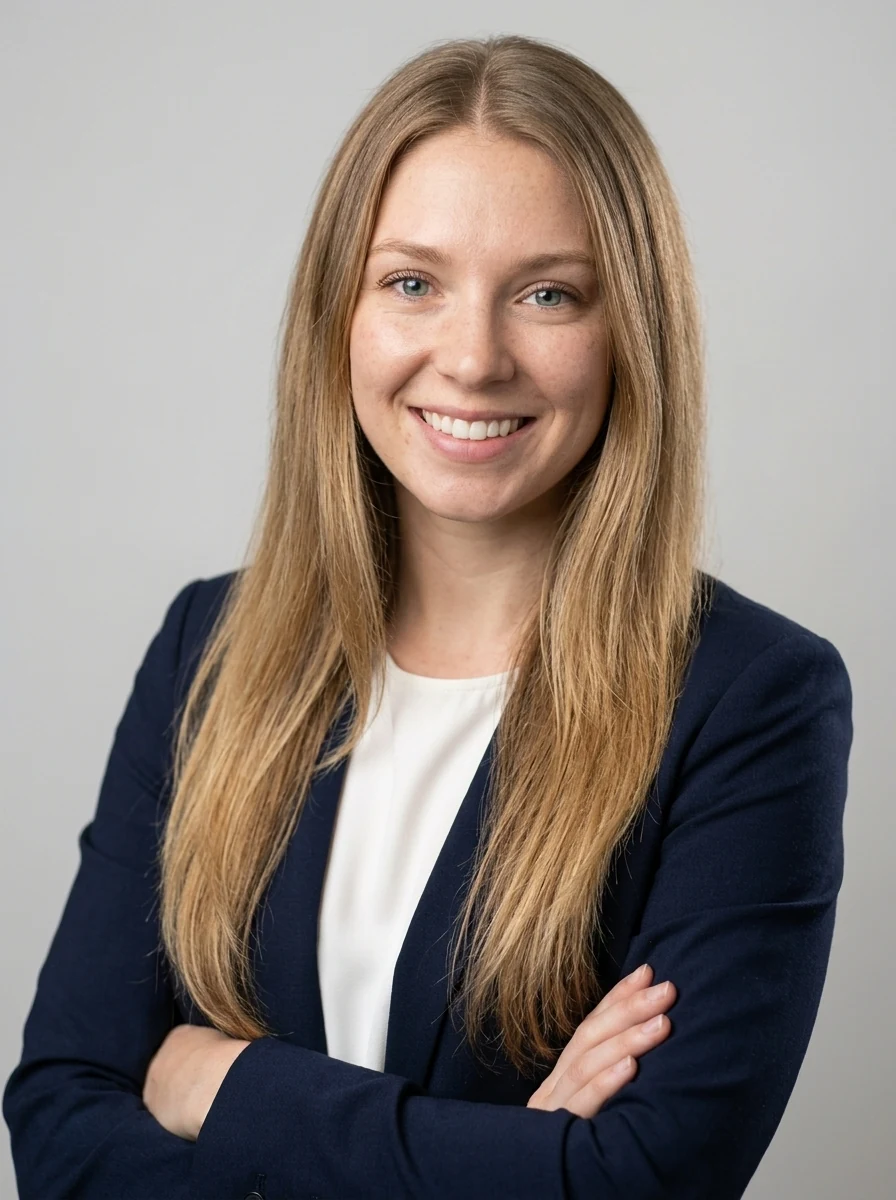
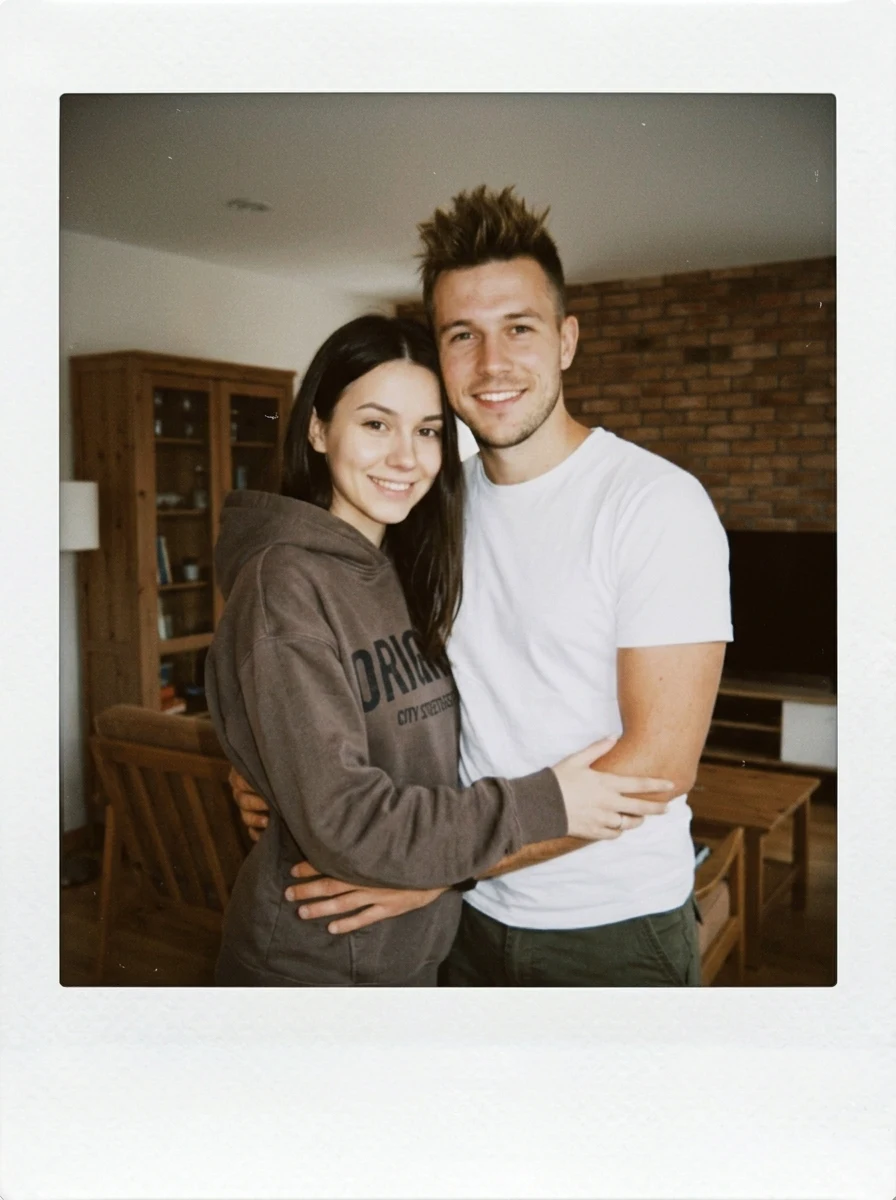
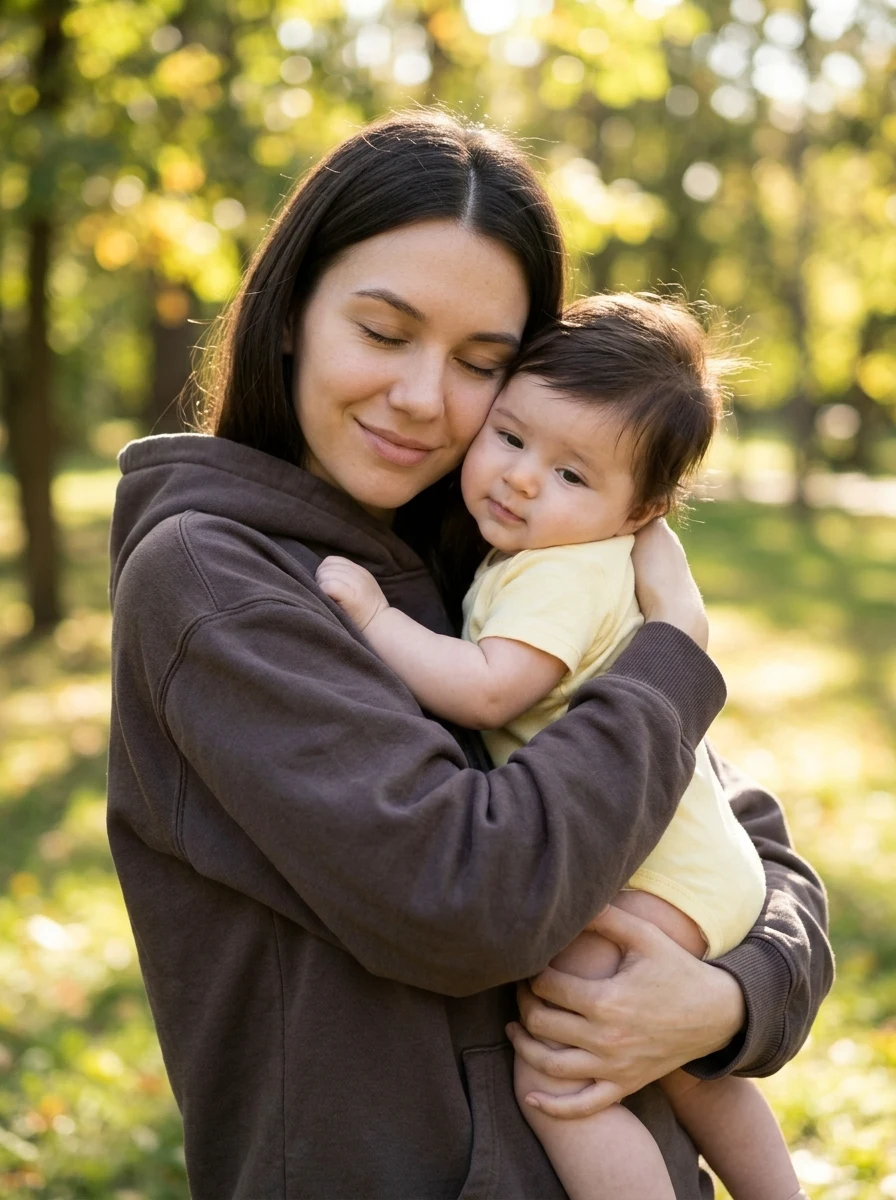
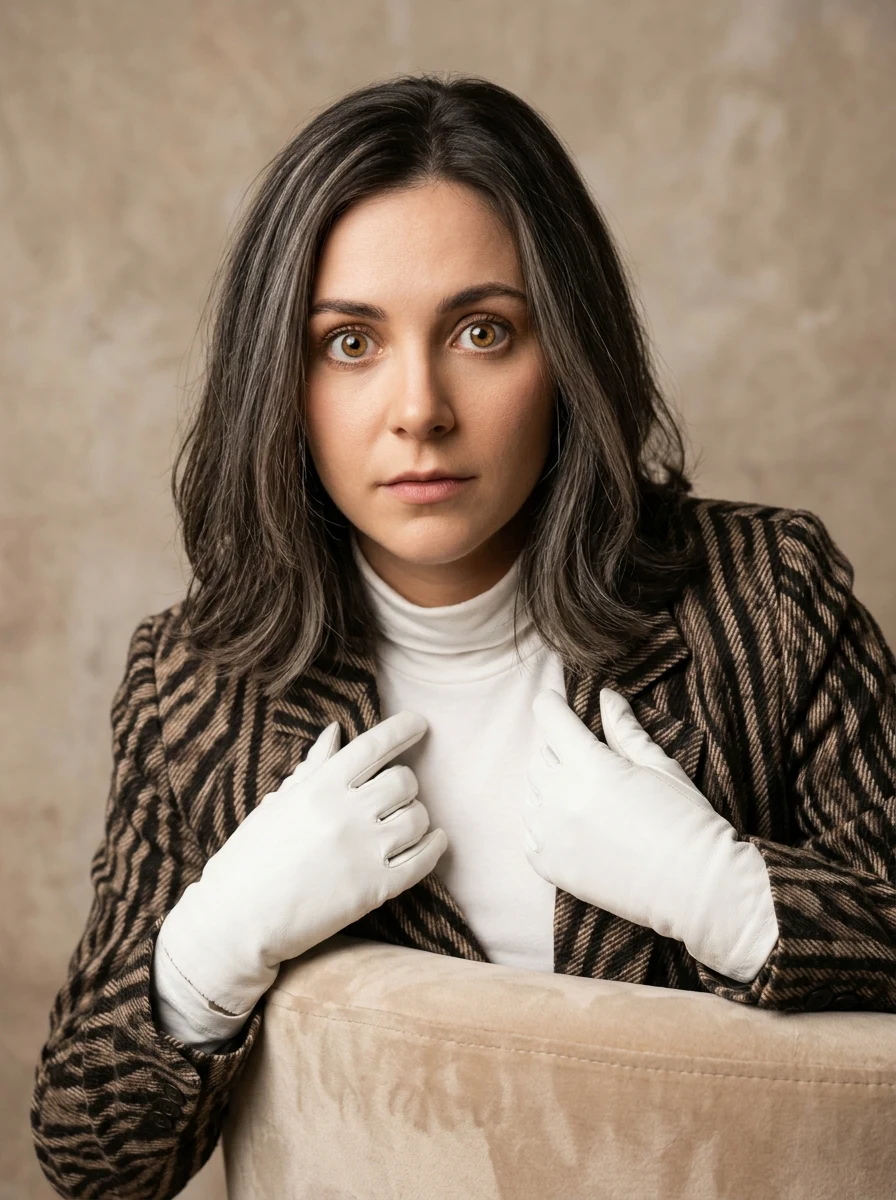
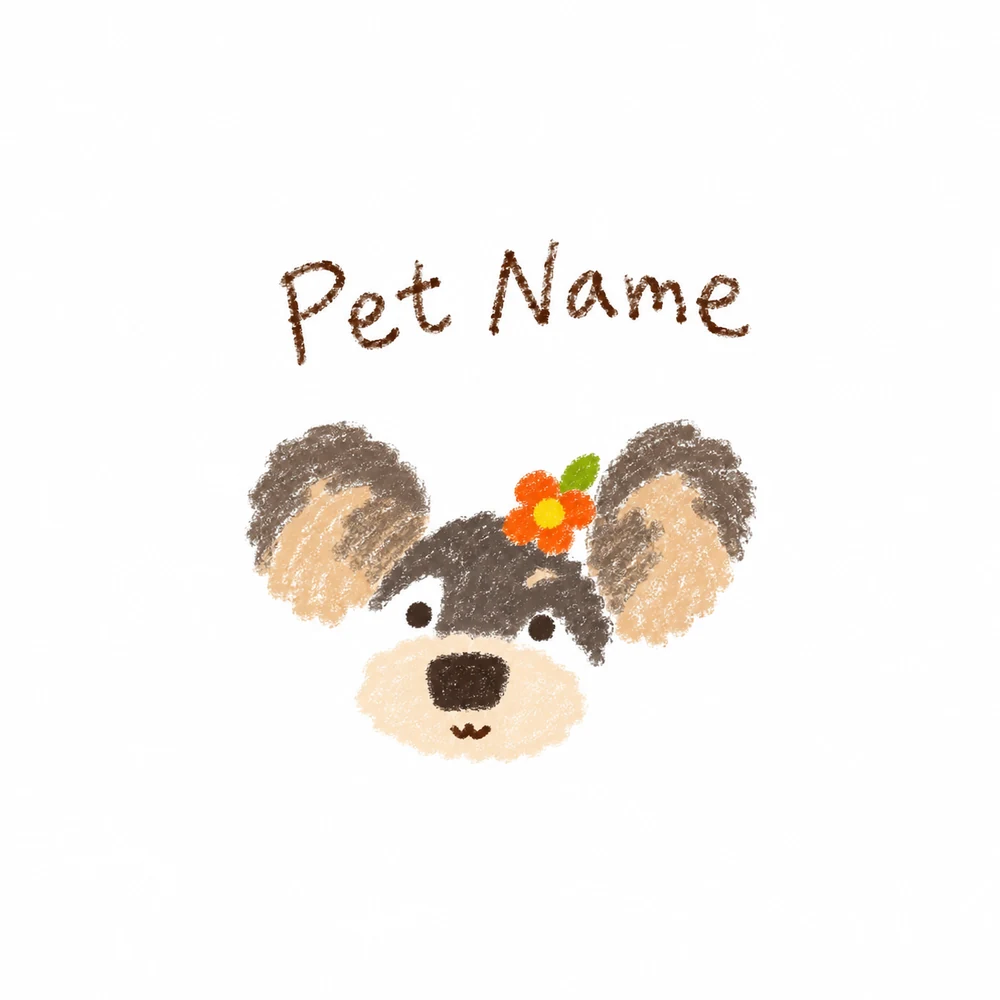
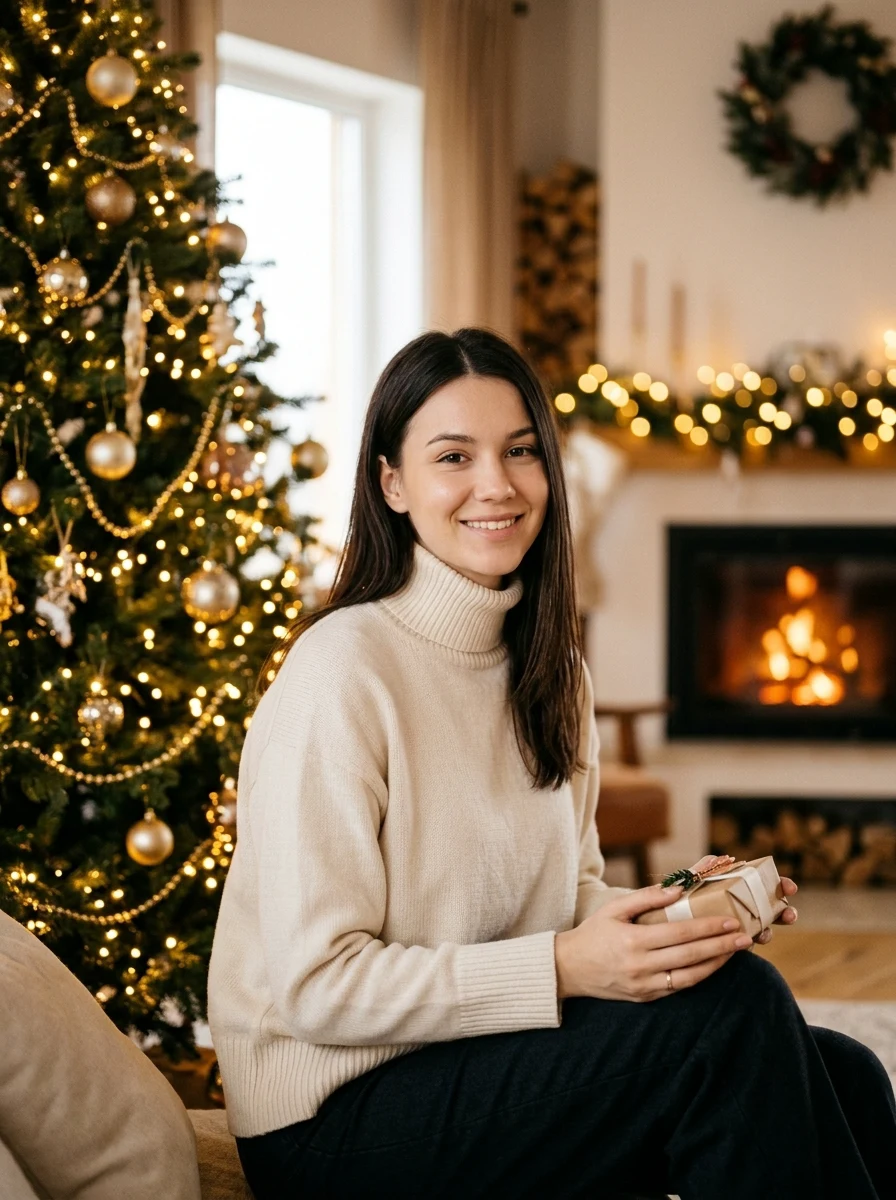
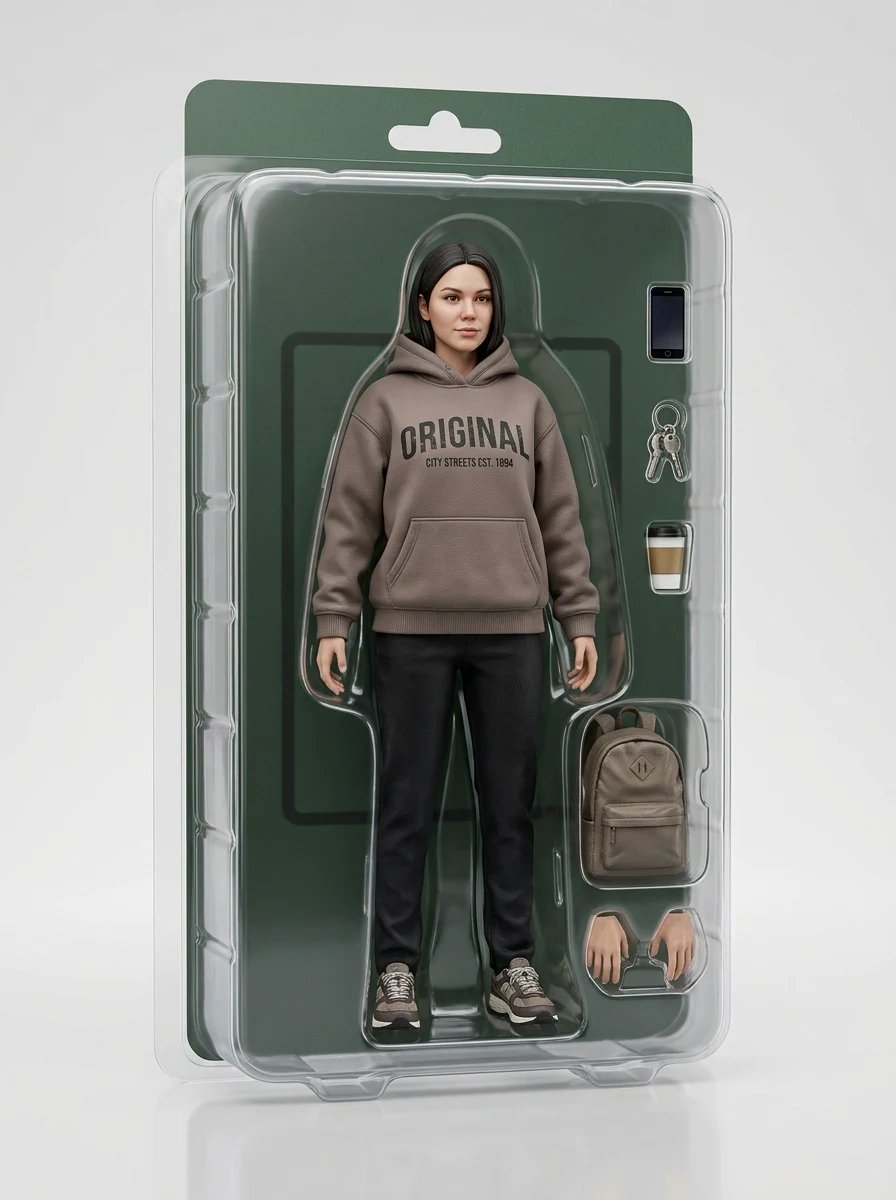
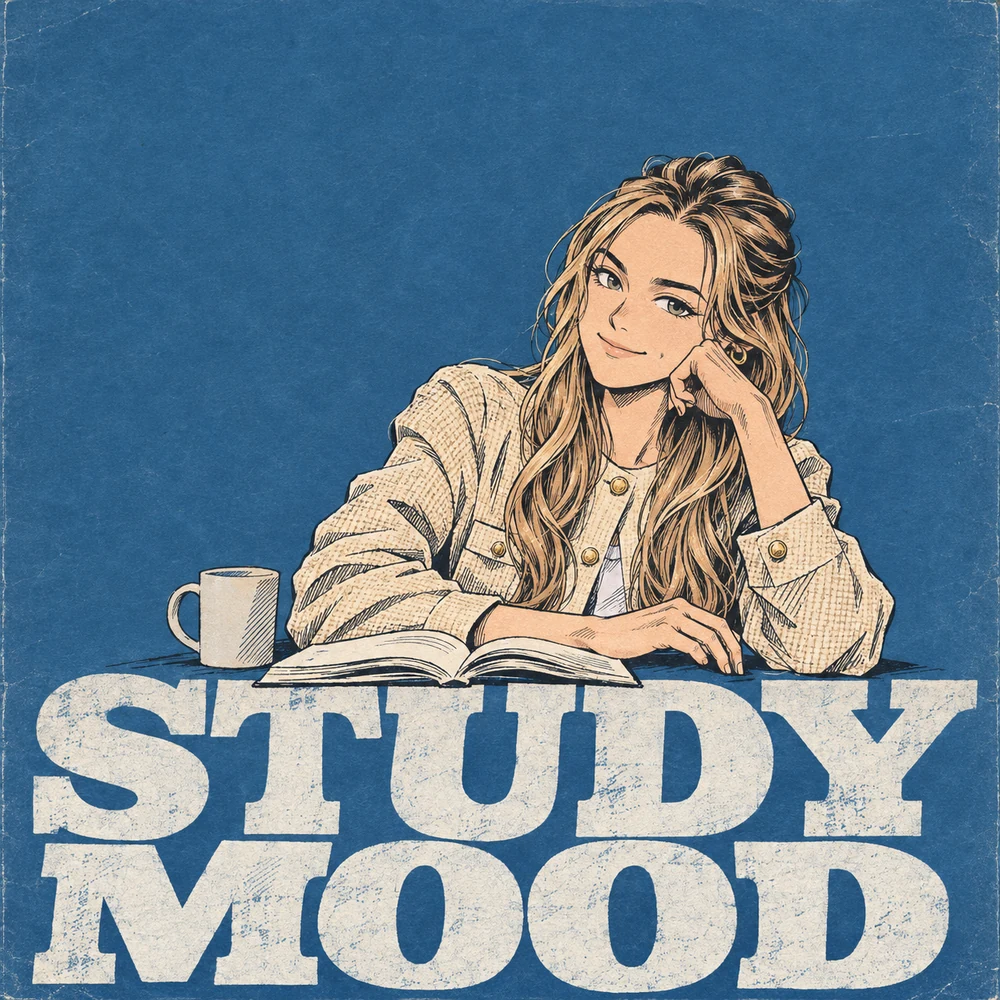
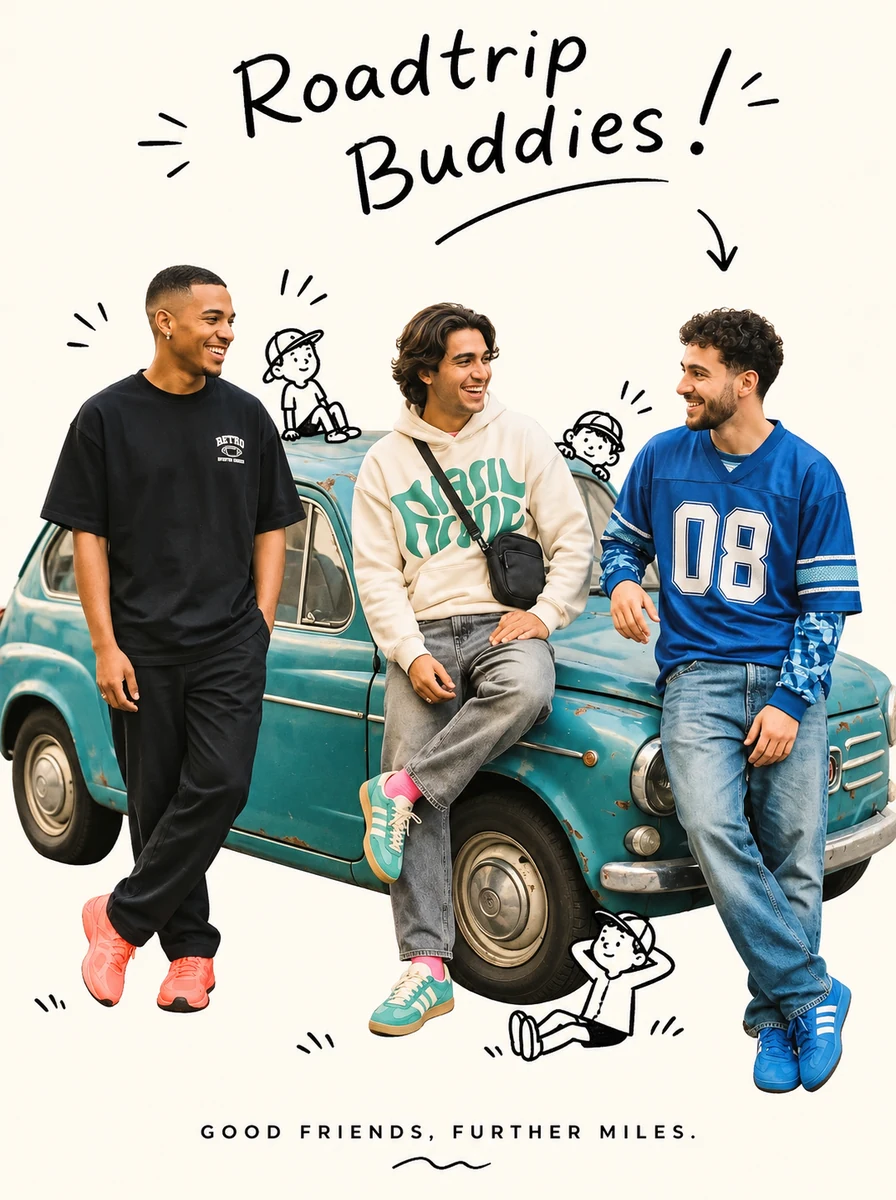
An image-to-image AI generator uses an existing image as a reference and creates a new version based on your instructions or a preset effect.
Upload your photo and describe what to change, or choose a preset and fill its photo slots. Review the settings and credit cost, then select Generate.
A clear reference helps the model preserve facial features. You can ask it to keep the same face, but likeness can vary with the reference angle, effect, and model.
Pick a photo effect, open its workspace, and upload the required photos in the indicated order. The preset applies its own transformation when you generate.
Polaroid Together accepts two separate portraits, one per person, and generates a shared photo. Other effects and models have their own input limits, and composition and likeness can vary.
Your uploaded photo stays intact. The generated result is saved separately in My Images and can be downloaded there.
Use a sharp, well-lit photo with a simple background and a clear view of the subject. For portraits, a front or slight side angle with the whole face visible is a good starting point.
If a task fails, the credits charged for it are returned automatically. Check the error in My Images, then review the input requirements and submit again when ready.