
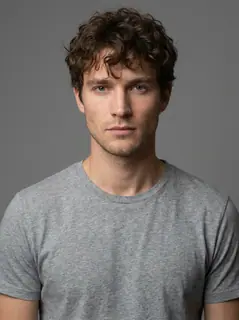
Your photo is where the story starts
This is an effect preview. You can check progress and watch your finished video in My Videos.
Use this templateLoading…
Give It All to Me AI Video
Restoring draft…
- Estimated time
- 5–15 minutes
- Credit cost
- Loading…
Credits are automatically returned if generation fails due to a technical problem.
Your finished MP4 will be saved in My Videos, where you can play and download it.
Loading…
Use photos and likenesses you have permission to use.
Try More Viral Videos
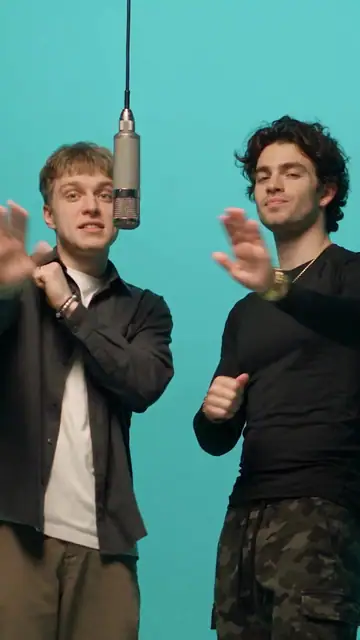
What is Give It All to Me AI?
Give It All to Me AI turns one person photo into a twelve-second solo rap performance at a hanging silver microphone. The scene follows the supplied reference: a crowded cinema lobby at night, warm orange lights, rhythmic arm movements and close side angles. Your photo supplies the foreground performer’s appearance; the crowd remains separate.
- What your photos control
- Your one photo controls only the foreground performer at the hanging mic, including their face, hair, build, outfit and accessories. It does not cast the spectators.
- Movement and background
- AI generates a new clip from the example’s routine and setting. Backgrounds, camera movement, expressions and occlusion may vary; frame-for-frame matching is not guaranteed.
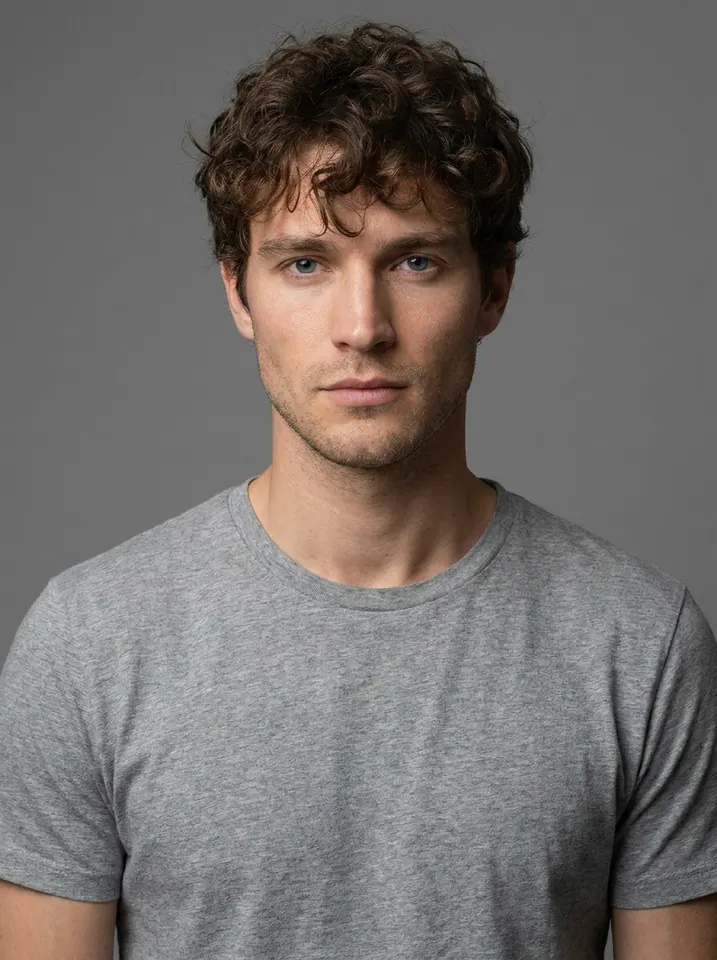
Photo to video: a paired example
Compare the input photos with their corresponding video to assess the subject’s appearance and movement.
What happens in this video?
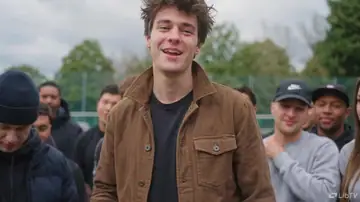
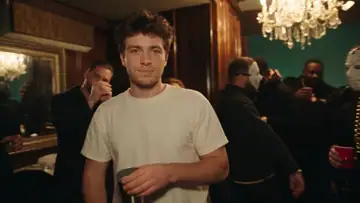
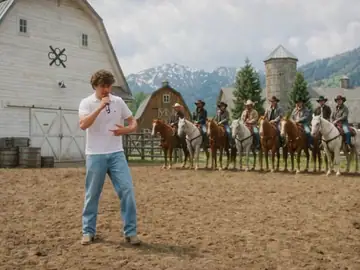
Three frames from this template’s showcase explain the scene and performance.
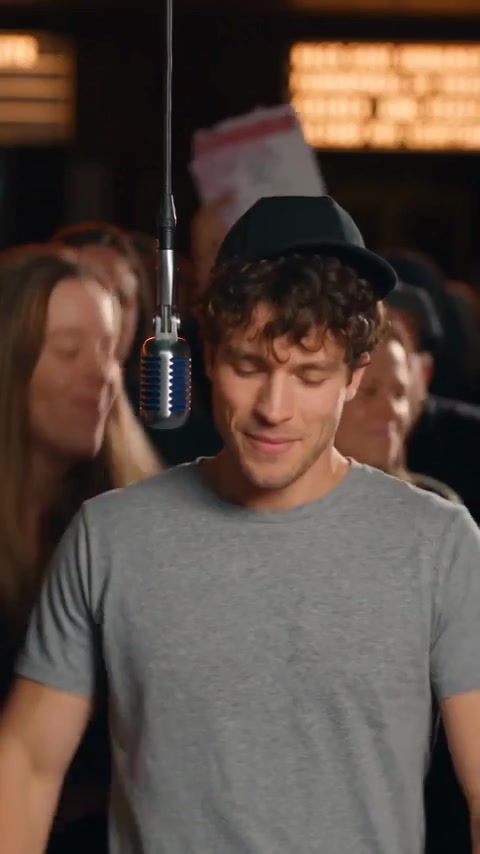
01 · Opening Find the rhythm at the mic
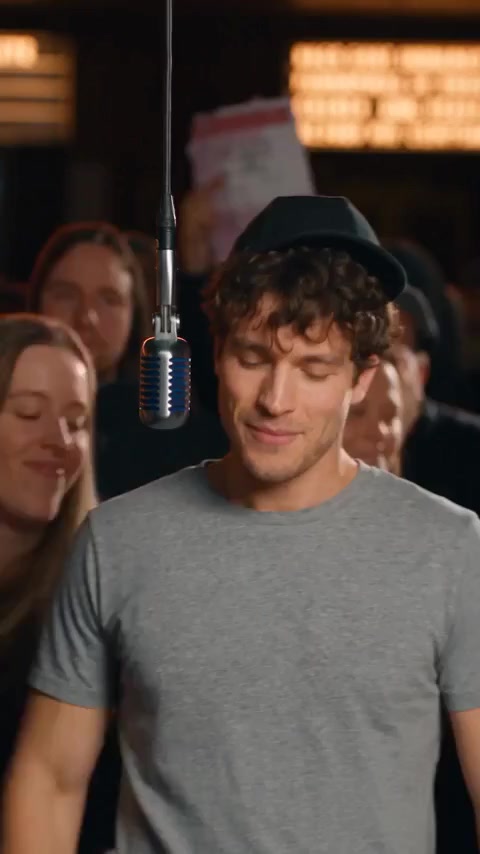
The foreground performer looks down with a smile, rocks to the beat and alternates forearm movements in front of the torso, then looks toward the camera.
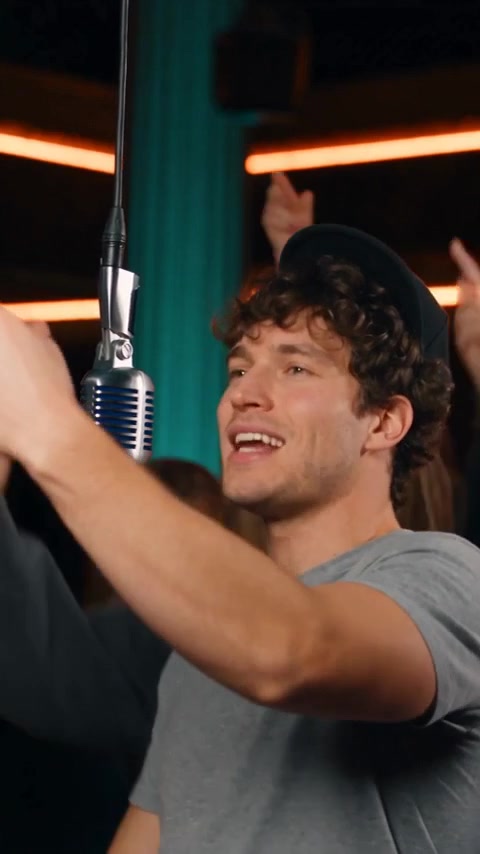
02 · Middle Turn and extend the hands
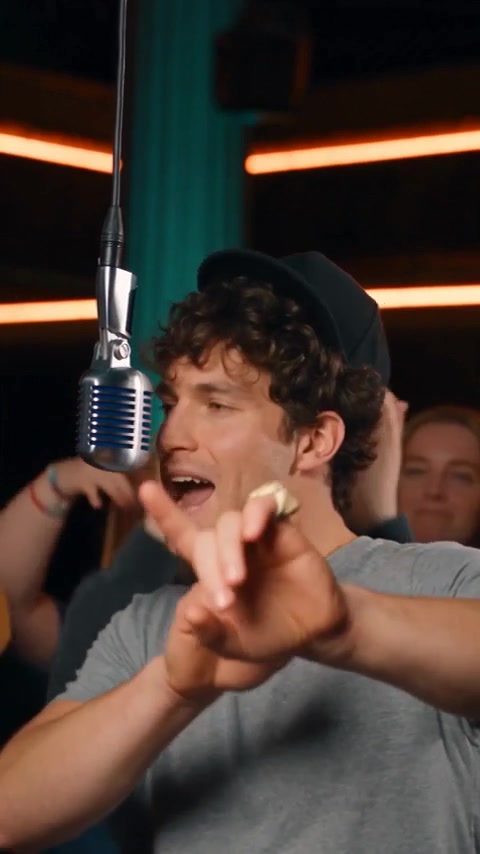
The generated example switches to a side-front view. The same performer turns and extends the hands near the suspended microphone while the crowd reacts behind.
03 · Later Point toward the camera
The performer turns back toward the lens, raises the hands and marks the final words with close hand gestures before the last brief side-angle cut.
How to get a better result
Recommended photos
- One sharp, well-lit individual portrait
- Full hairstyle, visible face, shoulders and upper-body clothing
- Even lighting and clear detail
- A subject outline distinct from the background
Try to avoid
- Collages, chat interfaces or watermarked screenshots
- Group shots, dark faces, heavy filters and sunglasses
- Hands or phones over the mouth, cropped hair and a second face beside the subject
- Blur, darkness or heavy filters
If the result needs improvement
- The appearance looks different
- If the face, hairstyle or clothing drifts, choose a sharper and more evenly lit individual photo showing the full head and outfit. Avoid strong filters, darkness and other visible faces near the subject.
- Limbs or props connect awkwardly
- The routine moves hands across the torso and toward the lens beside a hanging microphone. Show the shoulders and upper body clearly, keep hands away from the face in the input, and avoid photos where clothing or limbs are heavily cropped.
- Roles or positions get mixed up
- The one upload belongs to the foreground lead only. Use an individual portrait; background spectators are not separately cast and should never inherit the uploaded face.
- The movement or performance differs
- Fast words, hands near the lens, the hanging microphone and side angles can affect facial detail and lip-sync. The direction follows the reference timeline, but AI generation can vary in motion, identity and crowd detail.
- The task reports a generation failure
- Check the task status in My Videos first. Technical failures return deducted credits automatically; a successful video that does not meet personal expectations is a different situation. Each new generation costs credits, so review the refund policy before retrying.
How to Make a Give It All to Me AI Video
- Step 01
Upload your photos
Choose a clear photo of one person.
- Step 02
Generate your video
Choose 480p / 720p / 1080p, confirm the credits, and submit. The current output is 12 seconds in 9:16. You can leave the page while it processes, then check My Videos when ready.
- Step 03
Download and share
When ready, play and download the MP4 from My Videos and save a copy to your device.
My Videos
FAQ
Which person does my photo replace?
Only the foreground performer at the hanging silver microphone uses your photo. The spectators keep separate identities; they do not receive your face, hairstyle or outfit.
Is the preview a generated result from the example portrait?
The preview is the supplied generated example, paired with the original gray-T-shirt portrait shown above. The three motion stills come from that same result. It illustrates this particular generation; identity, clothing and performance details may vary with another photo or attempt.
Does it use the original rapper’s voice or clone mine?
The opening 3.5 seconds keep the reference music, including its sung hook. At the rap entrance, the model supplies a new lead voice and the site mixes it with this clip’s accompaniment. This is not a clone of your real voice, and no recording is required.
Can I enter different lyrics or upload crowd photos?
This version uses preset words and a fixed twelve-second reference routine. It accepts one person photo for the foreground lead, with no custom-lyrics or crowd-casting controls.
How much does it cost to generate?
The quote depends on the selected quality. Check the credit amount beside the generate button before submitting; a new generation uses credits. One-time credit packs are available without a subscription.Pricing ↗
What duration, ratio and quality can I choose?
The current output is an MP4 lasting 12 seconds in 9:16, with 480p / 720p / 1080p quality options. Check the current credit quote before generating.
What happens if generation fails?
Credits return automatically when a technical generation failure is confirmed. A queued or processing task is still pending. If a task stalls or credits have not returned, contact support with the task ID; payment refunds are reviewed separately.View refund policy ↗
What photo works best, and where is the finished video?
Use one sharp, evenly lit portrait with the complete hairstyle, face, shoulders and visible outfit. Keep hands and objects away from the mouth. After submission, check My Videos for progress, then preview and download the finished MP4.View refund policy ↗