
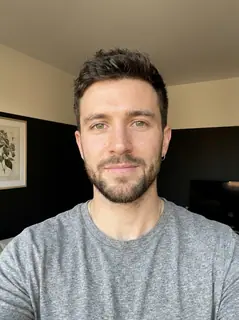
Your photo is where the story starts
This is an effect preview. You can check progress and watch your finished video in My Videos.
Use this templateLoading…
Bécane Yamê AI Trend Video
Restoring draft…
- Estimated time
- 5–15 minutes
- Credit cost
- Loading…
Credits are automatically returned if generation fails due to a technical problem.
Your finished MP4 will be saved in My Videos, where you can play and download it.
Loading…
Use photos and likenesses you have permission to use.
Try More Viral Videos
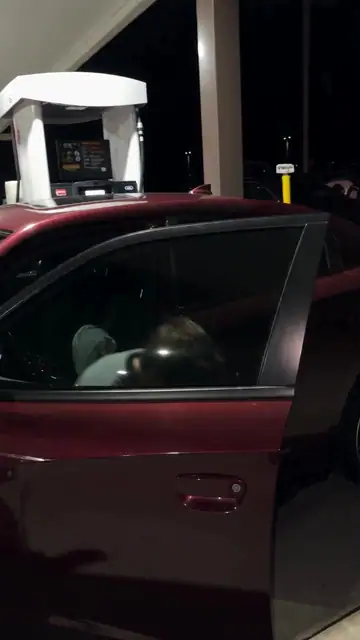
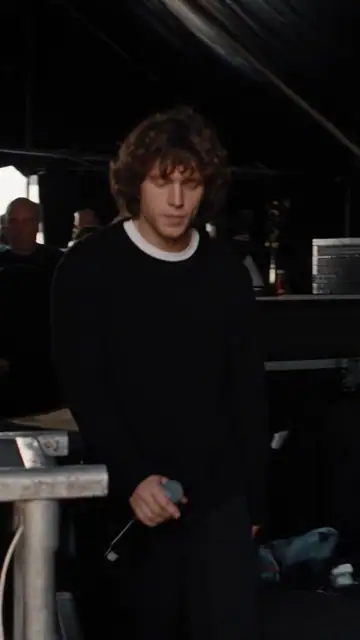
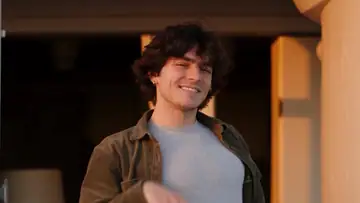
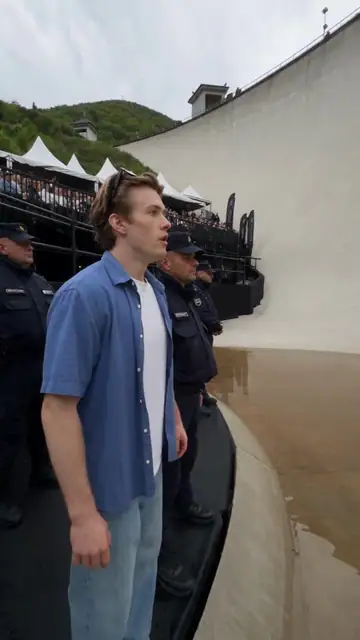
What is Bécane Yamê AI Trend?
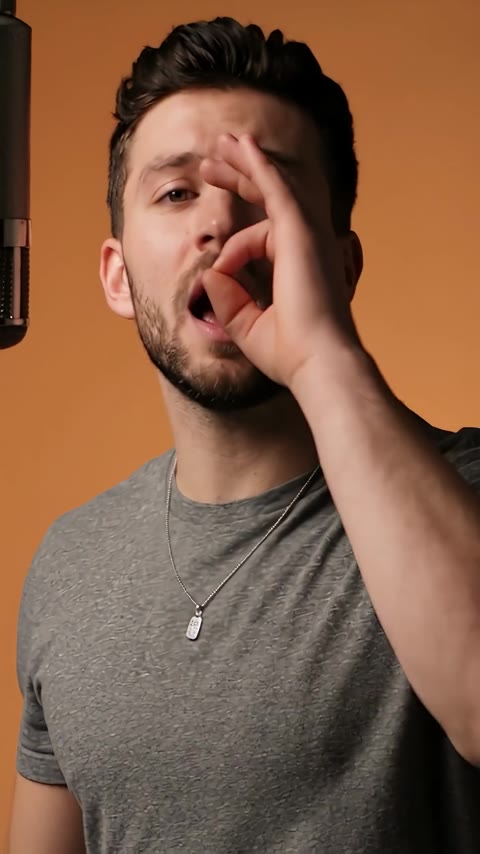
Put yourself into a short studio-style singing performance: a warm orange backdrop, a hanging microphone, a hand gesture near the mouth and relaxed head-and-shoulder movement. One portrait guides the performer’s appearance; the clip uses the reference audio.
- What your photos control
- Your photo sets the face, age, hair and outfit. The microphone and warm studio scene come from the template. The preview costume is not required, and your photo does not supply or clone your voice.
- Movement and background
- AI generates a new clip from the example’s routine and setting. Backgrounds, camera movement, expressions and occlusion may vary; frame-for-frame matching is not guaranteed.
Photo to video: a paired example
Compare the input photos with their corresponding video to assess the subject’s appearance and movement.
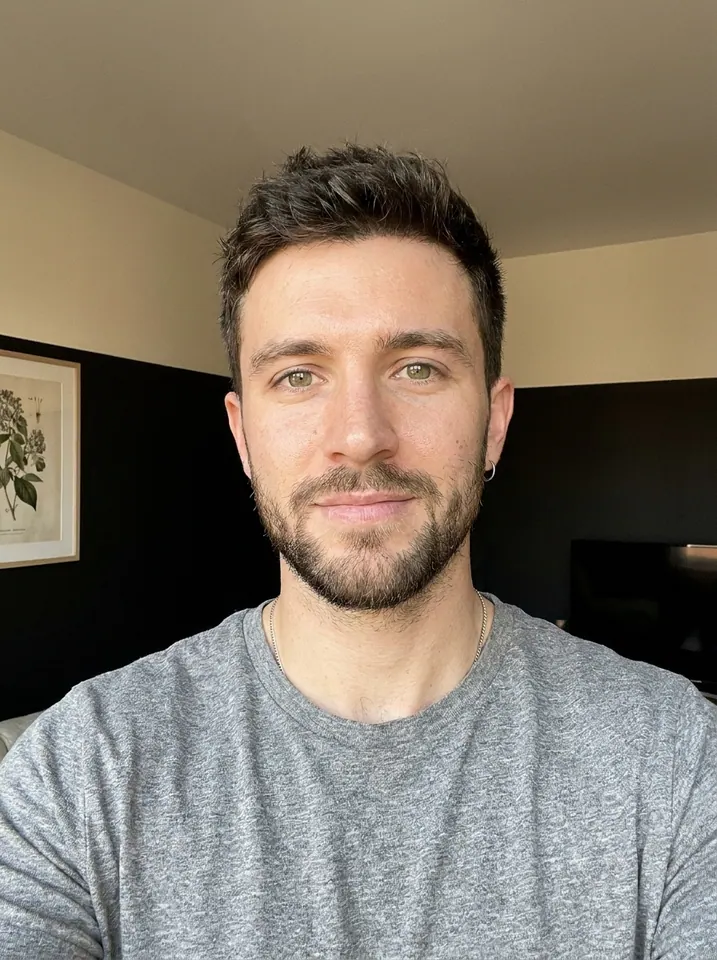
What happens in this video?
Three frames from this template’s showcase explain the scene and performance.
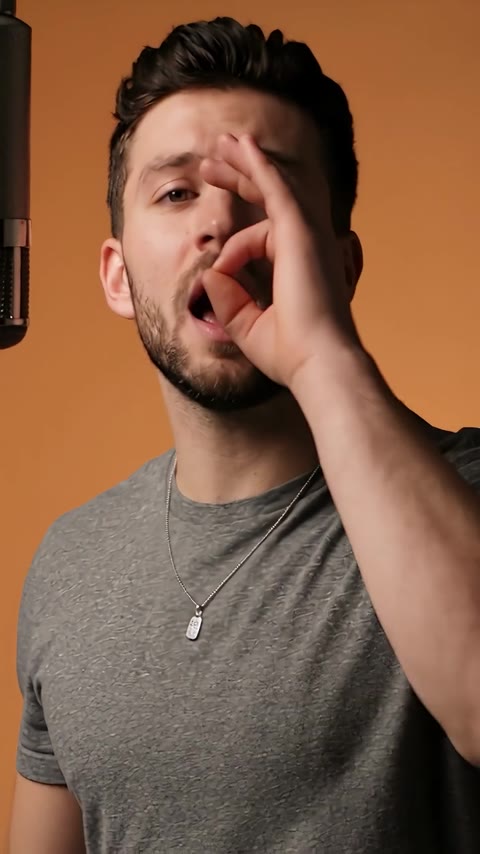
01 · Opening Gesture near the mouth
The performer starts close to the camera and briefly brings a hand near the lips.
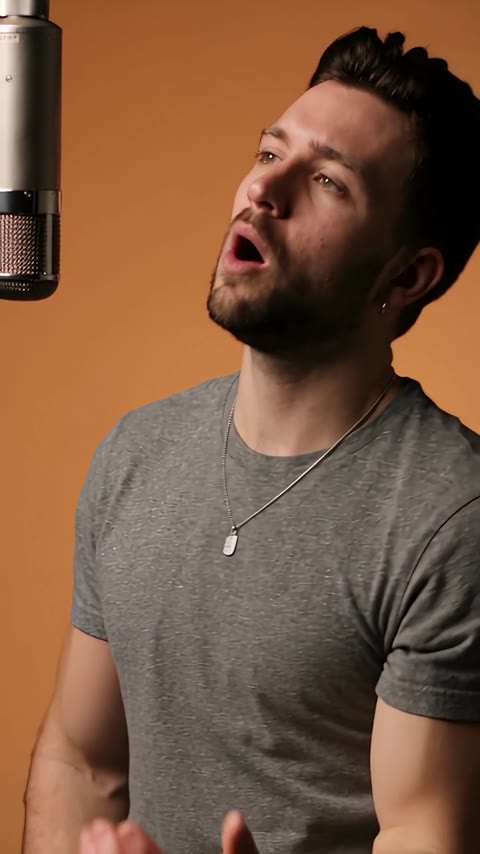
02 · Middle Turn toward the microphone
A small head turn and shoulder movement carry the singing performance beside the hanging microphone.
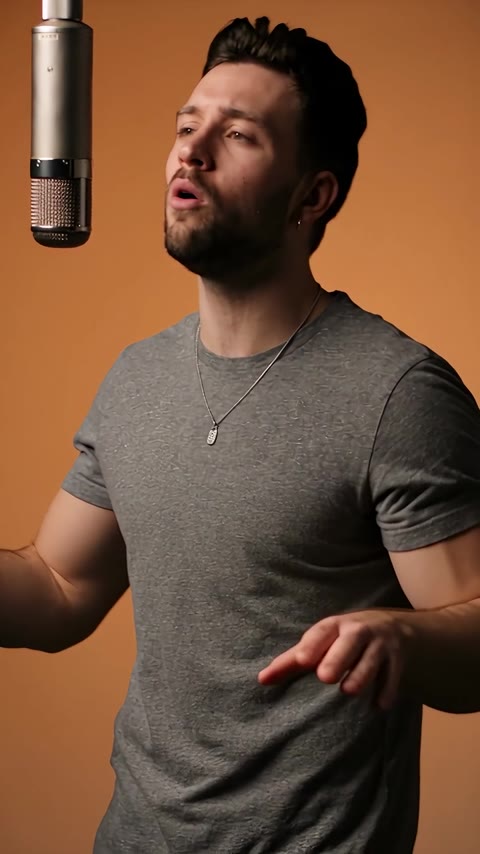
03 · Later Open the hands and finish
The framing reveals more of the upper body as the hands open and settle with the final beat.
How to get a better result
Recommended photos
- Use a clear face with the eyes and mouth unobstructed
- Show the upper body and the clothes you want the character to wear
- Even lighting and clear detail
- A subject outline distinct from the background
Try to avoid
- Collages, chat interfaces or watermarked screenshots
- Microphones, hands or masks already covering the mouth
- Extreme side profiles, closed-mouth filters or heavy retouching
- Blur, darkness or heavy filters
If the result needs improvement
- The appearance looks different
- Compare the face, hair or fur across shots. Higher resolution does not lock identity. Use the photo guidance above to choose a different input; each new generation still uses credits.
- Limbs or props connect awkwardly
- Pause to check where hands, paws and props meet. Occlusion and fast movement can cause structural errors. There is no local repair editor, and higher resolution does not guarantee correct anatomy.
- Roles or positions get mixed up
- Your photo is assigned to one lead, as described on this page. Check that this subject matches the photo. If another figure or scene element inherits the lead's identity, that is a generation error.
- The movement or performance differs
- The mouth follows the reference performance, but exact syllable-level lip sync is not guaranteed. Fingers near the mouth, teeth and facial likeness can vary.
- The task reports a generation failure
- Check the task status in My Videos first. Technical failures return deducted credits automatically; a successful video that does not meet personal expectations is a different situation. Each new generation costs credits, so review the refund policy before retrying.
How to Make a Bécane Yamê AI Trend Video
- Step 01
Upload your photos
Choose a clear photo of one person.
- Step 02
Generate your video
Choose 480p / 720p / 1080p, confirm the credits, and submit. The current output is 10 seconds in 9:16. You can leave the page while it processes, then check My Videos when ready.
- Step 03
Download and share
When ready, play and download the MP4 from My Videos and save a copy to your device.
My Videos
FAQ
Will the video sing in my own voice?
No. Your photo controls the performer’s appearance. The finished video uses the reference clip’s audio; it does not clone your voice or record you singing.
Do I need a microphone or the outfit shown in the preview?
Neither. Use a clear portrait showing your face and upper body. The template adds the hanging microphone and studio scene, while aiming to keep your photo’s hair and clothing.
Will every word match the mouth movements?
Exact lip sync is not guaranteed. The reference guides singing gestures and mouth movement, and the original audio is added to the video. Preview the result before sharing.
Can I choose a different song or change the lyrics?
This effect uses a fixed performance and reference audio. There is no song-upload or lyric-editing control on this page. You can edit a downloaded video separately if you want another soundtrack.
Is it free, and how many credits will I need?
Generation uses credits. Choose a resolution above to see the current cost before you start; visit Pricing & credits for available packs. Watching the reference preview does not generate a personal video.Pricing ↗
How long is the video, and can I post it vertically?
The current output is an MP4 lasting 10 seconds in 9:16, with 480p / 720p / 1080p quality options. Check the current credit quote before generating.
How long does it take, and what happens if I retry?
Allow approximately 5–15 minutes. Credits deducted for a technical generation failure are returned automatically. Starting another generation after a completed result uses credits again; a result you dislike is not the same as a technical failure.View refund policy ↗
Can I download and share it?
Download the MP4 from My videos. The site adds no extra watermark. A generation purchase does not grant music rights; check the sharing platform’s audio rules if you plan to publish it.View refund policy ↗