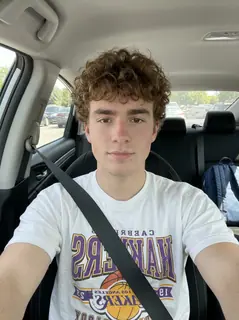
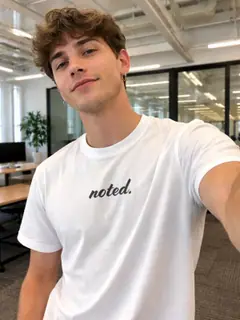
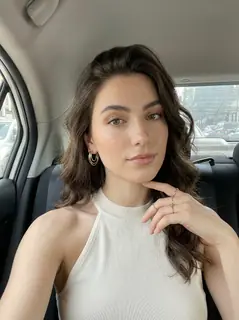
Your photo is where the story starts
This is an effect preview. You can check progress and watch your finished video in My Videos.
Use this templateLoading…
Gangnam Style AI Video
Restoring draft…
- Estimated time
- 5–15 minutes
- Credit cost
- Loading…
Credits are automatically returned if generation fails due to a technical problem.
Your finished MP4 will be saved in My Videos, where you can play and download it.
Loading…
Use photos and likenesses you have permission to use.
What is Gangnam Style AI?
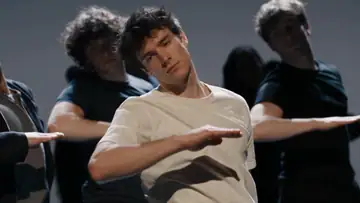
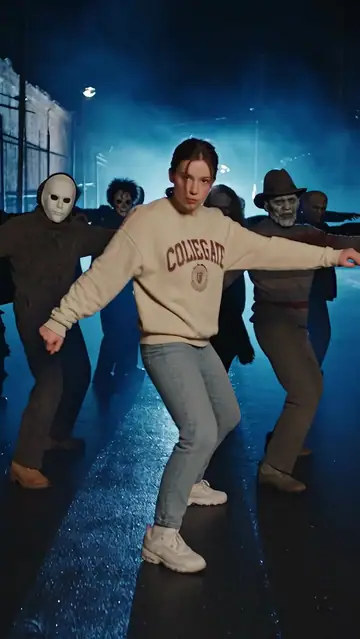
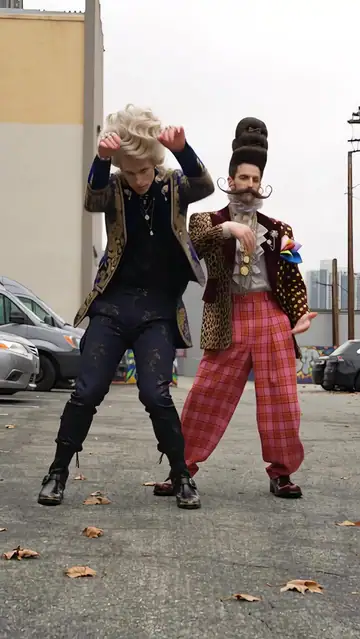
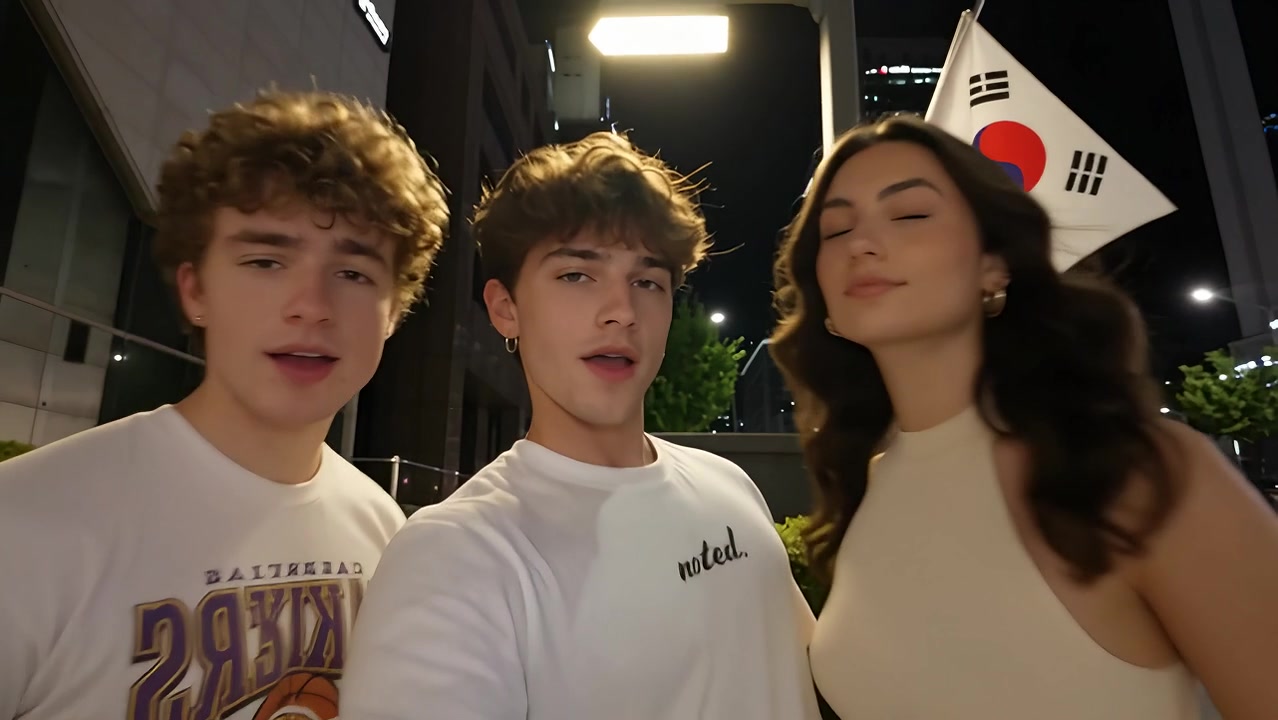
Gangnam Style AI follows the supplied nighttime street clip: three friends start together, then the camera moves between solo close-ups with playful lip-syncing, shoulder movement, hair turns and hand gestures. The opening center person appears first and returns for the ending.
- What your photos control
- Photo 1 is the opening-left person, photo 2 the opening-center person, and photo 3 the opening-right person. The solo order is photo 2, photo 3, photo 1, then photo 2 again. Each photo guides its person’s face, hairstyle and existing clothes; moving to the middle of the frame does not change the role.
- Movement and background
- AI generates a new clip from the example’s routine and setting. Backgrounds, camera movement, expressions and occlusion may vary; frame-for-frame matching is not guaranteed.
Photo to video: a paired example
Compare the input photos with their corresponding video to assess the subject’s appearance and movement.
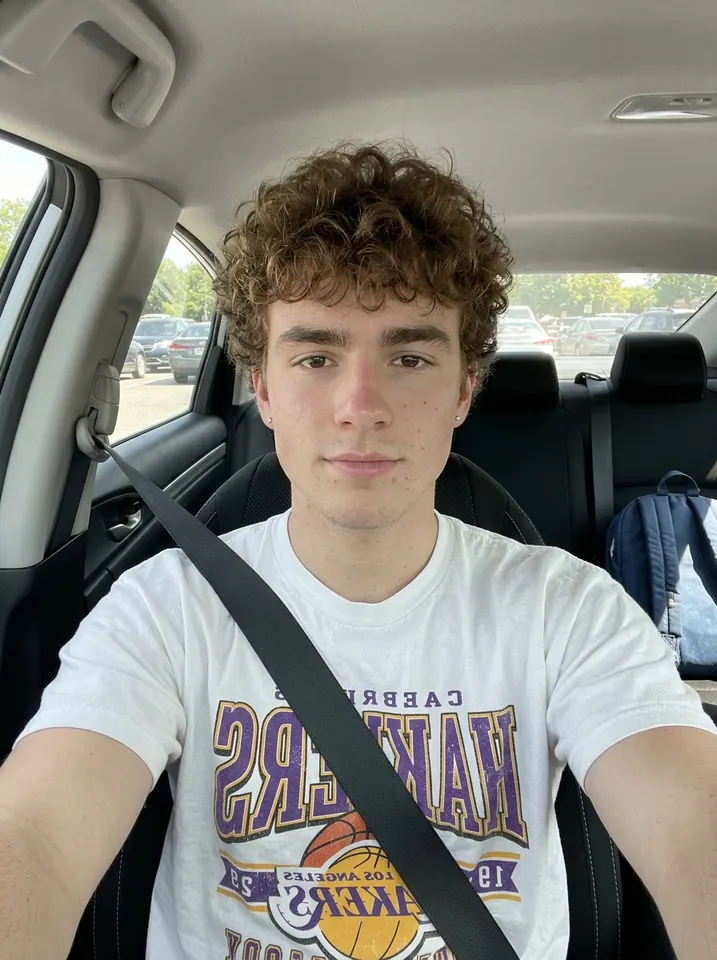
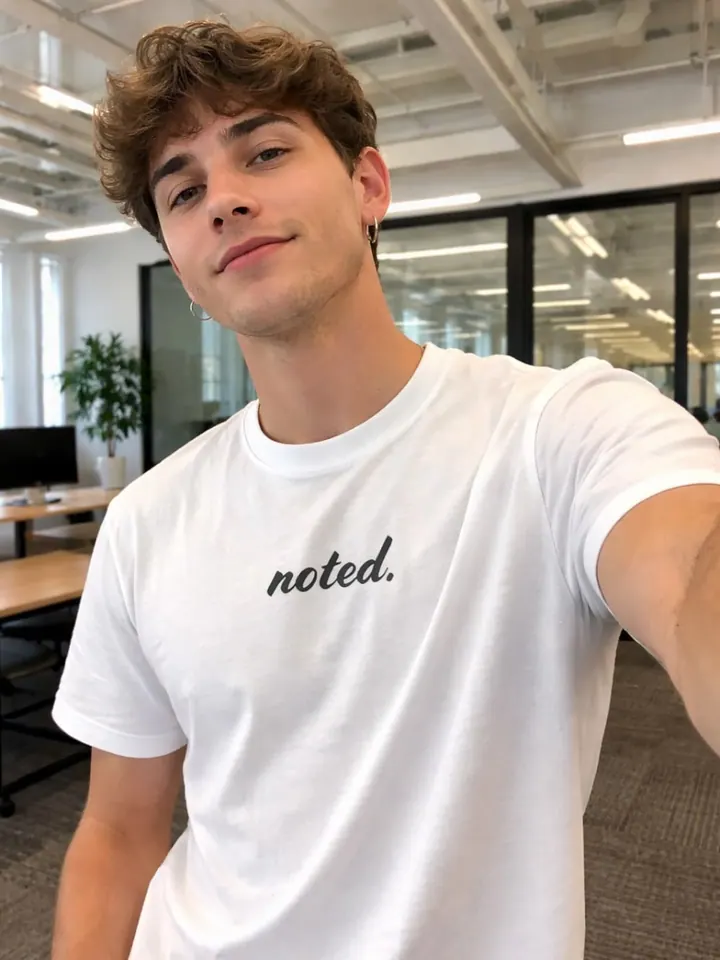
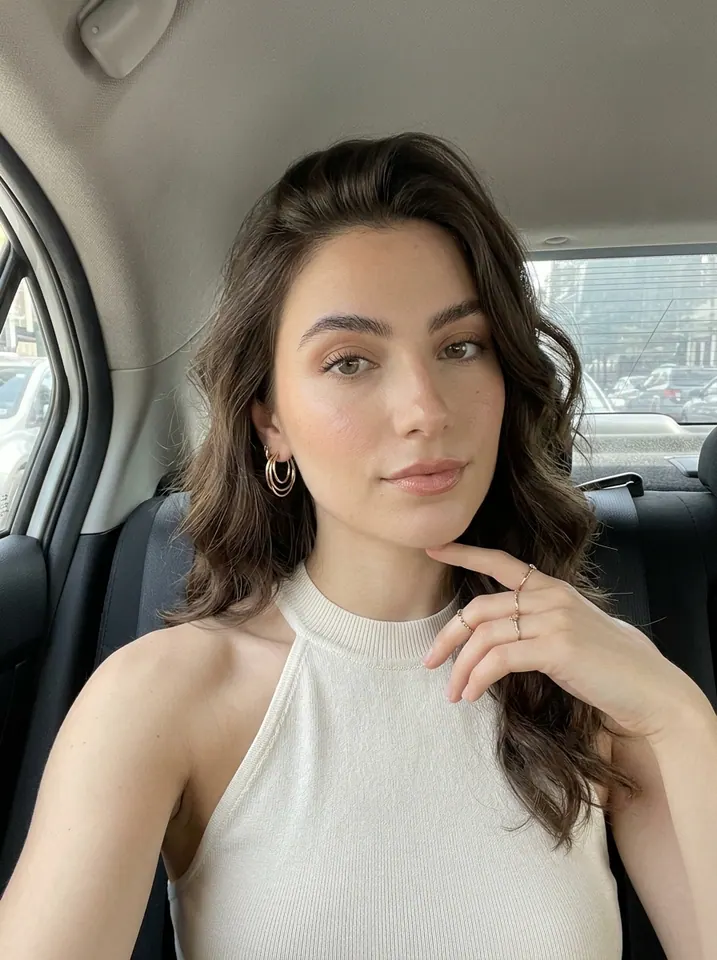
What happens in this video?
Three frames from this template’s showcase explain the scene and performance.
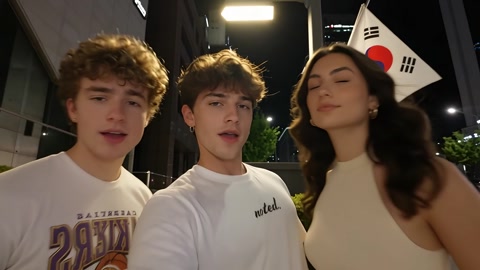
01 · Opening Start with all three friends
The three people appear together, ordered left, center and right, before the camera follows the center person.
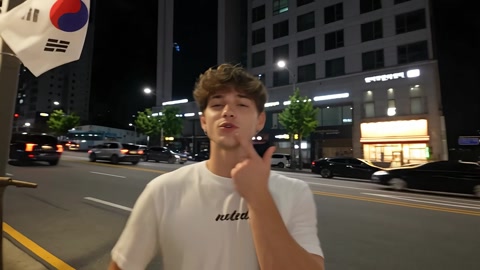
02 · Middle Pass the close-up between friends
The opening center person leads, followed by the right person and then the left person, with head turns and small hand gestures.
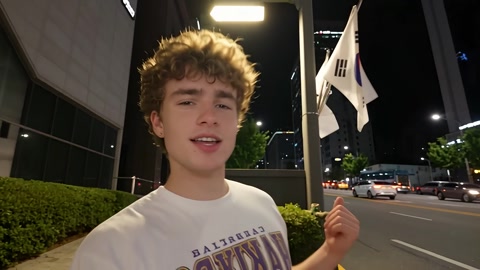
03 · Later Return to the center person
A quick camera move brings back the same opening-center person for a close-up finish against the night-street backdrop.
How to get a better result
Recommended photos
- Three clear individual portraits, one person per photo
- Even lighting and visible faces, hair and upper-body clothing
- Even lighting and clear detail
- A subject outline distinct from the background
Try to avoid
- Collages, chat interfaces or watermarked screenshots
- Group photos, hidden faces or heavy motion blur
- Swapping the opening left, center and right order
- Blur, darkness or heavy filters
If the result needs improvement
- The appearance looks different
- Compare the face, hair or fur across shots. Higher resolution does not lock identity. Use the photo guidance above to choose a different input; each new generation still uses credits.
- Limbs or props connect awkwardly
- Pause to check where hands, paws and props meet. Occlusion and fast movement can cause structural errors. There is no local repair editor, and higher resolution does not guarantee correct anatomy.
- Roles or positions get mixed up
- Match each photo to the numbered role shown in the upload box and example captions. Those roles stay fixed when characters move around. Use clear individual photos; crossings and occlusion can still mix identities.
- The movement or performance differs
- Fast camera moves, moving hair and nearby faces can cause identity or hand-detail drift. The prompt fixes each person’s role and clothing throughout, but generated results may vary in expression, timing and street details.
- The task reports a generation failure
- Check the task status in My Videos first. Technical failures return deducted credits automatically; a successful video that does not meet personal expectations is a different situation. Each new generation costs credits, so review the refund policy before retrying.
How to Make a Gangnam Style AI Video
- Step 01
Upload your photos
Upload three separate person photos in opening left, center and right order.
- Step 02
Generate your video
Choose 480p / 720p / 1080p, confirm the credits, and submit. The current output is 15 seconds in 16:9. You can leave the page while it processes, then check My Videos when ready.
- Step 03
Download and share
When ready, play and download the MP4 from My Videos and save a copy to your device.
My Videos
FAQ
Is this a three-person street relay or the classic Gangnam Style dance?
This template makes the night-street selfie relay shown in the example: three people start in one frame, then take turns in close-up with lip-syncing, head and shoulder moves, and hand gestures. It does not include the classic full-body horse-riding choreography.
Do I need photos of three different people? Can I use one selfie or a group photo?
You need three separate uploads, with one person in each photo. Three different people are recommended; using the same person more than once can make the roles harder to keep distinct. One selfie or one group photo cannot replace all three upload slots. Choose clear, front-facing photos with even lighting, visible hair and upper-body clothing. Only use photos you have permission to use.See photo guidance for this effect ↓
Who do photos 1, 2 and 3 control, and when do they appear?
Photo 1 is the opening-left person, photo 2 is the opening-center person, and photo 3 is the opening-right person. The template is directed to start with all three, then show solo close-ups in the order 2 → 3 → 1 → 2. Keep this upload order even when the camera moves someone into the center. Generated timing and identity details can vary.
How much does one video cost? Is there a free trial or preview?
You can watch the example for free. Making your own video uses 50 credits at 480p, 100 at 720p or 250 at 1080p. Credit packs start at $9.90 USD for 100 credits: enough for one 720p video or two 480p videos, each 15 seconds long. Packs are one-time purchases, with no subscription. Any promotional credits must already be available in your account; previewing an example does not include a free personal generation. Check the displayed cost before submitting.See credit packs ↗
Is it only 16:9? Do I need to crop it for TikTok or Reels?
This template produces a 15-second landscape video in 16:9. It currently has no built-in 9:16 output or vertical-crop option. To make a vertical post, download the MP4 and crop it in a video editor, or place the full landscape clip on a 9:16 background. A tight crop can cut off people at the edges during the three-person shots.
What sound is included, and will the download have a watermark?
The finished MP4 uses this effect’s original reference soundtrack at its original speed, including the music and vocals already in that track. It does not create a new song, custom lyrics or a voice clone from your photos. We add no extra watermark to the download. AI-generated lip movements may not match the sound exactly.
What if faces get mixed up or do not look like the photos? Does a retry cost credits?
Check the photo-to-role order first, then use clear individual portraits with unobstructed faces, visible hair and upper-body clothing. Faster camera moves can still cause identity drift; a higher resolution does not guarantee a closer likeness. Each new generation uses credits again. Confirmed technical failures automatically return the deducted credits; a completed result you dislike is a separate case. Check My videos and contact support with the task ID before submitting duplicates if a task appears stuck.View refund policy ↗
How long are my photos and videos kept, and how can I delete them?
There is no single promised automatic-deletion period for this template. Inputs, outputs and task records are kept as needed for delivery, history access, troubleshooting and security; third-party providers may have their own retention rules. Download videos you want to keep. To request deletion, email support@trendclipgen.com from your registered address and identify the relevant task or files. We verify requests and delete or anonymize eligible data; required transaction records and backup copies may remain as described in the Privacy Policy.Read the Privacy Policy ↗