
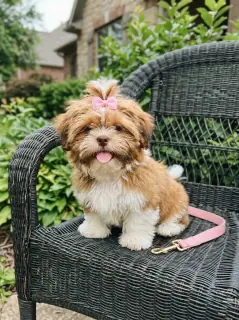
Your photo is where the story starts
This is an effect preview. You can check progress and watch your finished video in My Videos.
Use this templateLoading…
Nicole Kidman Dance Video
Restoring draft…
- Estimated time
- 5–15 minutes
- Credit cost
- Loading…
Credits are automatically returned if generation fails due to a technical problem.
Your finished MP4 will be saved in My Videos, where you can play and download it.
Loading…
Use photos and likenesses you have permission to use.
Try More Viral Videos
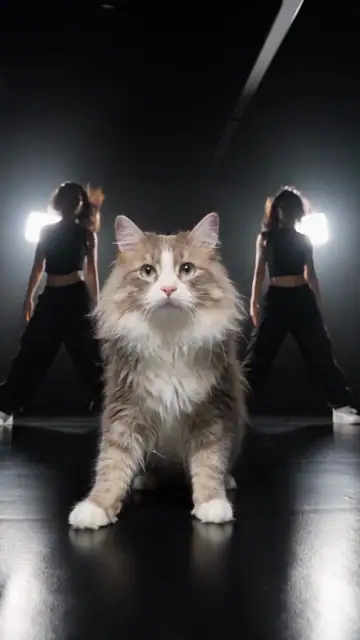
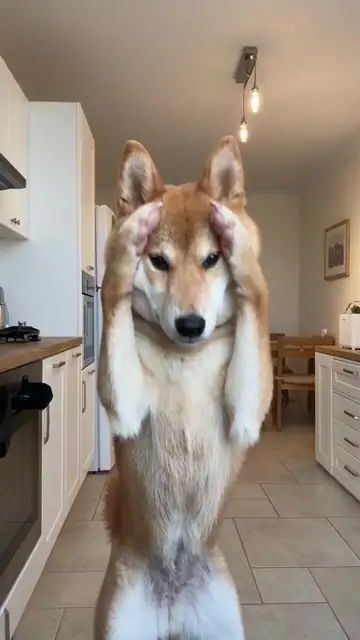
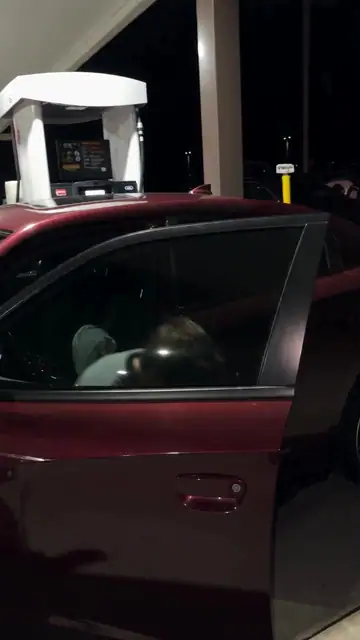
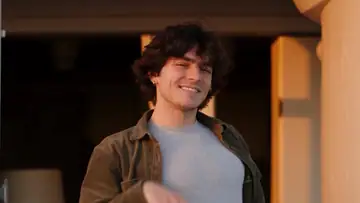
What is Nicole Kidman Dance?
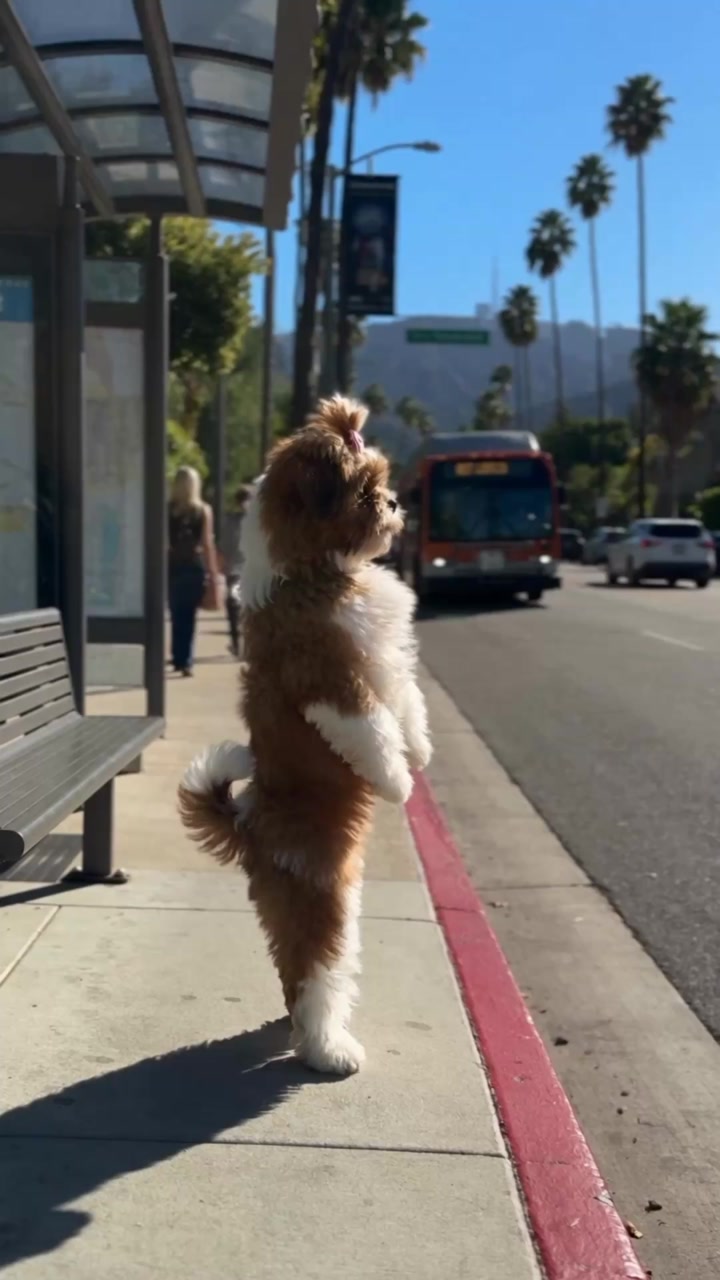
Nicole Kidman Dance turns one animal photo into a 14-second solo at a sunny bus stop. As the bus goes by, the animal turns toward the camera, dips, swings its paws and hops before turning back toward the road.
- What your photos control
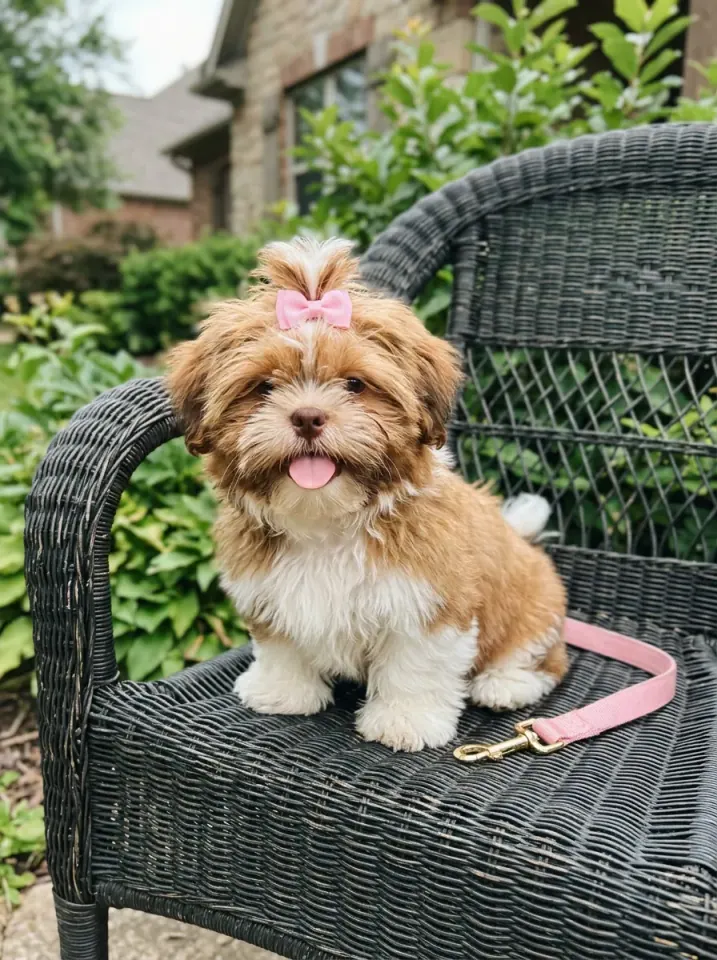
- The photo guides the solo dancer’s species, face, markings and visible accessories. The effect supplies the bus, sidewalk and dance moves.
- Movement and background
- AI generates a new clip from the example’s routine and setting. Backgrounds, camera movement, expressions and occlusion may vary; frame-for-frame matching is not guaranteed.
Photo to video: a paired example
Compare the input photos with their corresponding video to assess the subject’s appearance and movement.
What happens in this video?
Three frames from this template’s showcase explain the scene and performance.
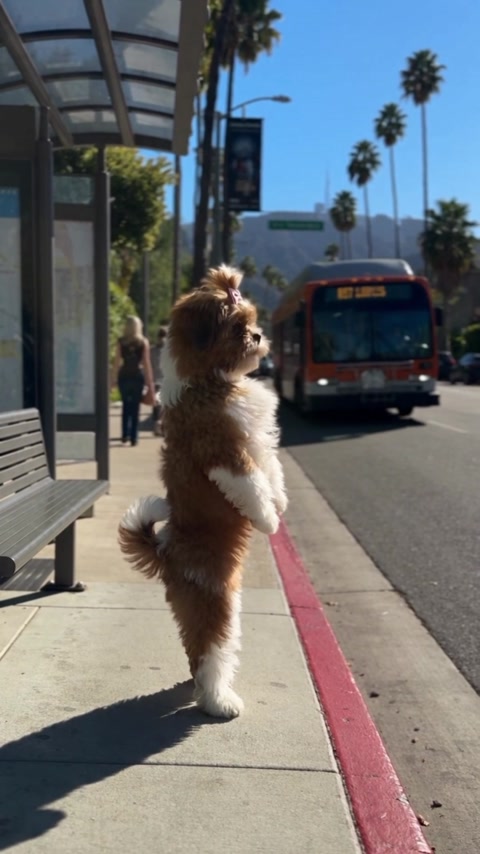
01 · Opening Wait by the shelter
The animal stands upright and looks toward the road as the bus approaches and passes.
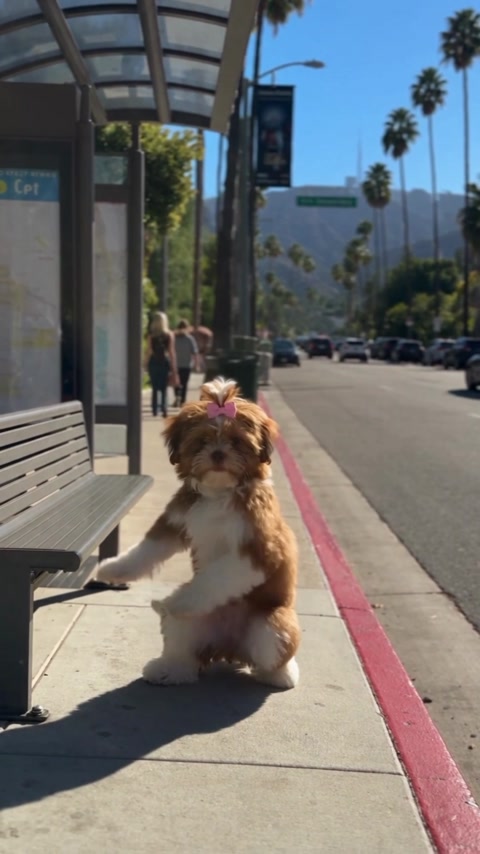
02 · Middle Turn, swing and dip
The animal faces the camera, swings a forepaw and dips low before springing back up.
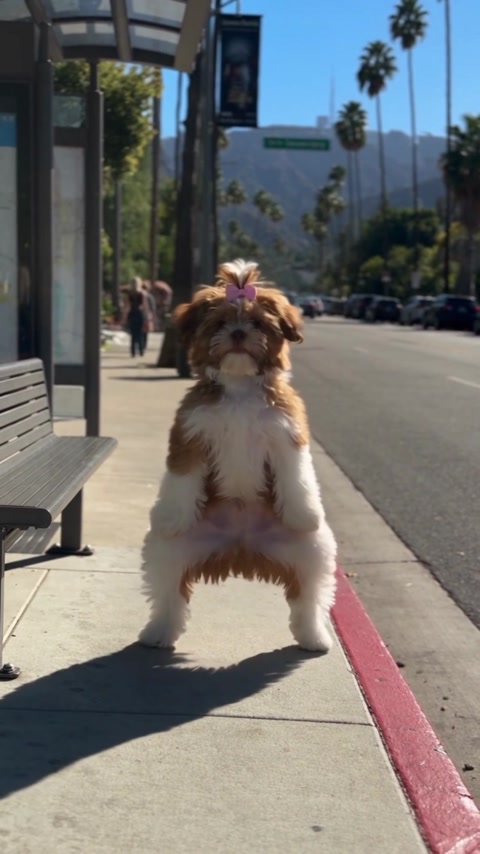
03 · Later Raise both paws and hop
Quick steps and a small hop lead into a turn back toward the road.
How to get a better result
Recommended photos
- Use a sharp, evenly lit photo that clearly shows the animal’s eyes, ears, muzzle and markings.
- Include the body and paws if possible so the standing pose, dips and landings have a clear reference.
- Even lighting and clear detail
- A subject outline distinct from the background
Try to avoid
- Collages, chat interfaces or watermarked screenshots
- Photos with several animals, heavy blur or a hand covering the face.
- Dark or tight crops that cut off both ears, the paws or the tail you want to keep visible.
- Blur, darkness or heavy filters
If the result needs improvement
- The appearance looks different
- Try a brighter photo of one animal with both eyes, ears and muzzle in focus. Include a clear view of any distinct coat markings.
- Limbs or props connect awkwardly
- Use a full-body photo with the paws visible and space around the animal. That gives the model a better reference for the dips, jumps and landings.
- Roles or positions get mixed up
- Use a photo with one clearly visible animal. It plays the solo dancer, while pedestrians and traffic stay in the background.
- The movement or performance differs
- The raised paws, coat markings and foot placement can vary during turns and hops. A bright full-body photo helps the model follow the same animal through those moves.
- The task reports a generation failure
- Check the task status in My Videos first. Technical failures return deducted credits automatically; a successful video that does not meet personal expectations is a different situation. Each new generation costs credits, so review the refund policy before retrying.
How to Make a Nicole Kidman Dance Video
- Step 01
Upload your photos
Choose a clear photo of one pet, with its face and body visible.
- Step 02
Generate your video
Choose 480p / 720p / 1080p, confirm the credits, and submit. The current output is 14 seconds in 9:16. You can leave the page while it processes, then check My Videos when ready.
- Step 03
Download and share
When ready, play and download the MP4 from My Videos and save a copy to your device.
My Videos
FAQ
How many photos do I need?
Upload one clear photo of a single animal. A full-body photo of a dog or cat gives the paws and coat more detail to work with.
Will the effect keep my pet’s markings or collar?
The photo guides the species, face, coat and any visible accessories. Fur markings and small accessories may vary during the faster moves.
What kind of photo works best?
Choose one sharp, evenly lit animal photo with the eyes, muzzle and ears visible. Include the paws and body so the model has a clear reference for the upright stance and hops.See photo guidance for this effect ↓
What am I seeing in the preview?
The preview shows an example of the pet dance. Your generated dance appears in My Videos.
Will the result keep the appearance in my photos?
Your photo guides the animal’s species, face, ears and coat pattern through the turns. A clearer view of the markings can help them stay recognizable.
What duration and aspect ratio will I get?
The current output is an MP4 lasting 14 seconds in 9:16, with 480p / 720p / 1080p quality options. Check the current credit quote before generating.
Does this video include music or sound?
No. This template produces a video without audio; it does not automatically add music.
What if the result looks wrong or generation fails?
Check the status in My Videos first. A technical failure returns deducted credits automatically; a completed result you dislike is a different case.See troubleshooting ↓View refund policy ↗