
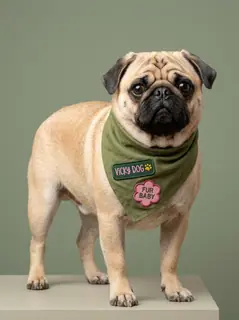
Your photo is where the story starts
This is an effect preview. You can check progress and watch your finished video in My Videos.
Use this templateLoading…
Closed on Sunday Video
Restoring draft…
- Estimated time
- 5–15 minutes
- Credit cost
- Loading…
Credits are automatically returned if generation fails due to a technical problem.
Your finished MP4 will be saved in My Videos, where you can play and download it.
Loading…
Use photos and likenesses you have permission to use.
Try More Viral Videos
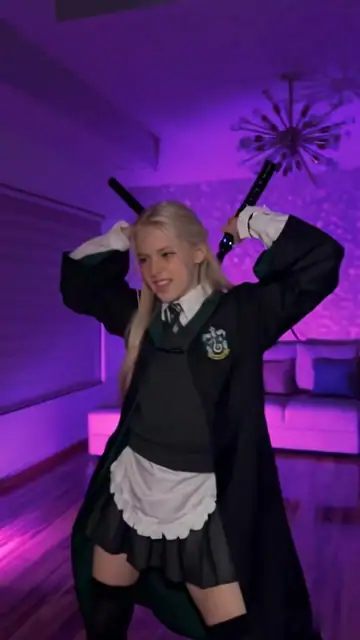
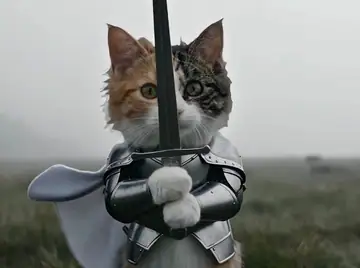
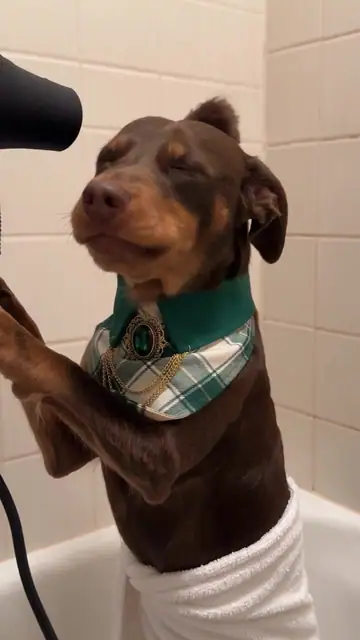
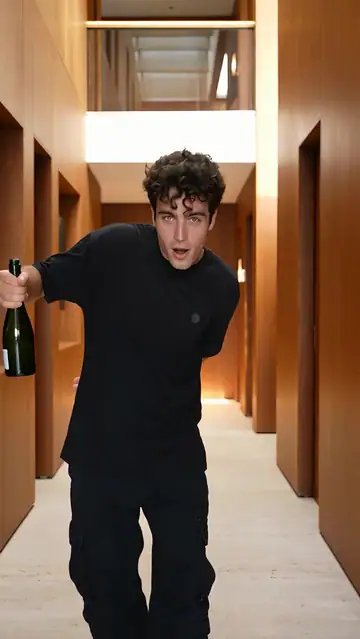
What is Closed on Sunday?
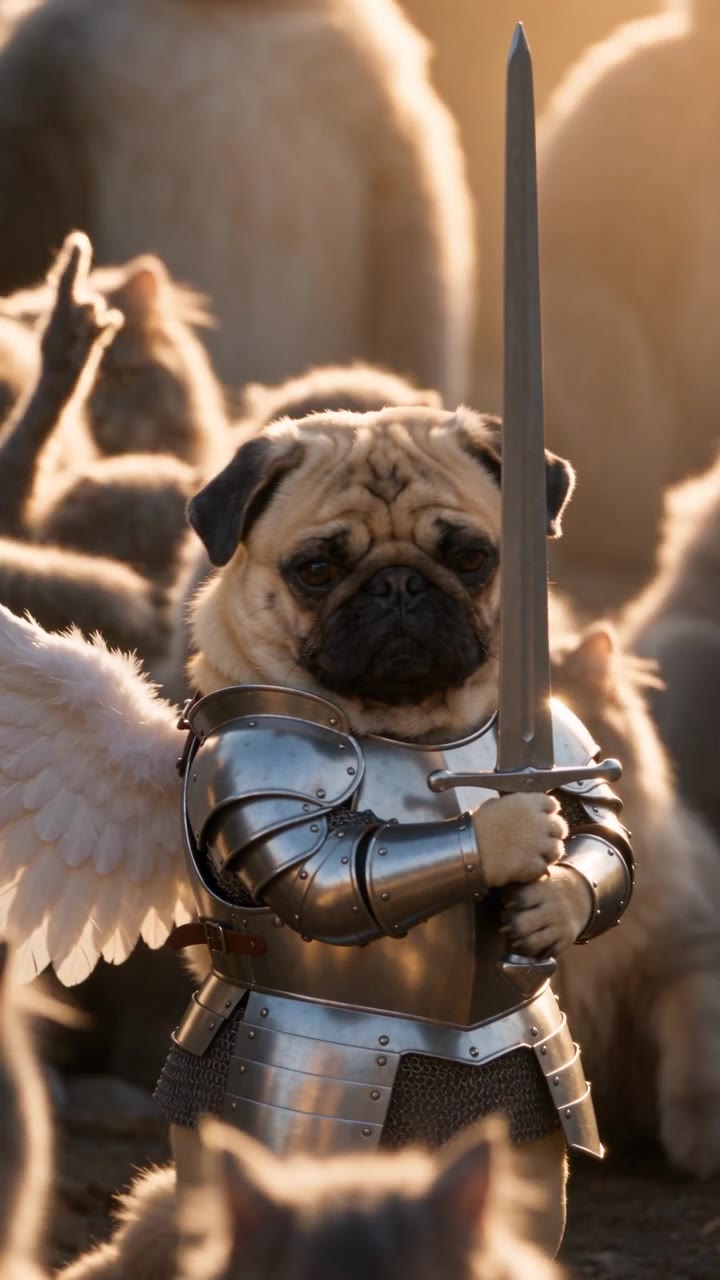
A central knight wears silver armor and white wings, holding a sword as cats raise their paws around it in warm light. The pullback reveals the group in a fantasy scene built on gentle movement and contrast.
- What your photos control
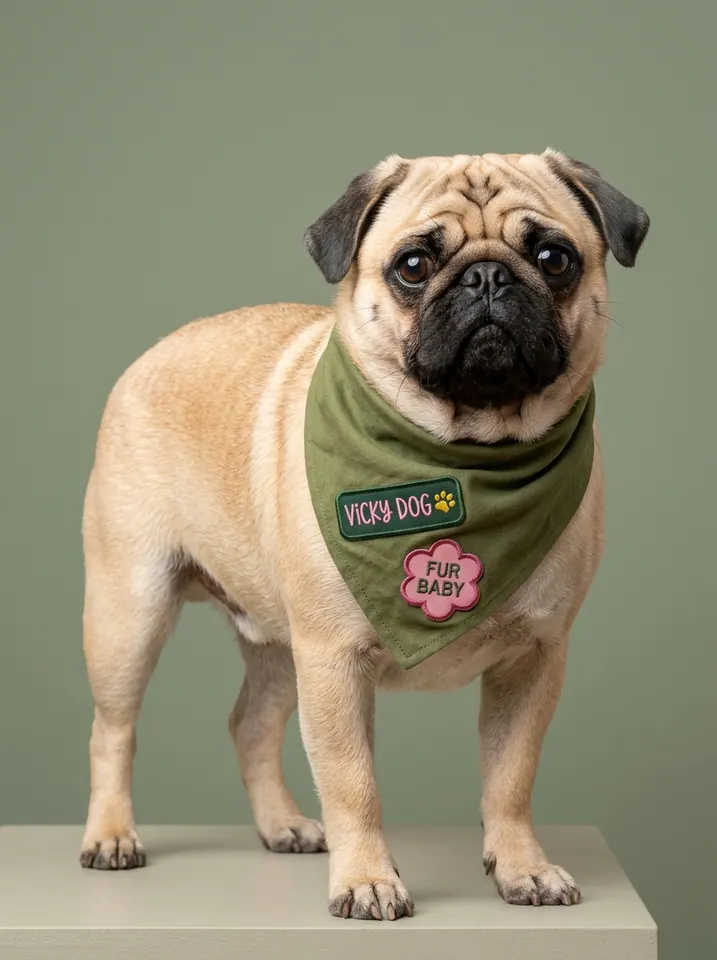
- One person or animal photo guides the central knight. Armor, wings, sword and cats belong to the scene, so fantasy styling may replace the original outfit.
- Movement and background
- AI generates a new clip from the example’s routine and setting. Backgrounds, camera movement, expressions and occlusion may vary; frame-for-frame matching is not guaranteed.
Photo to video: a paired example
Compare the input photos with their corresponding video to assess the subject’s appearance and movement.
What happens in this video?
Three frames from this template’s showcase explain the scene and performance.
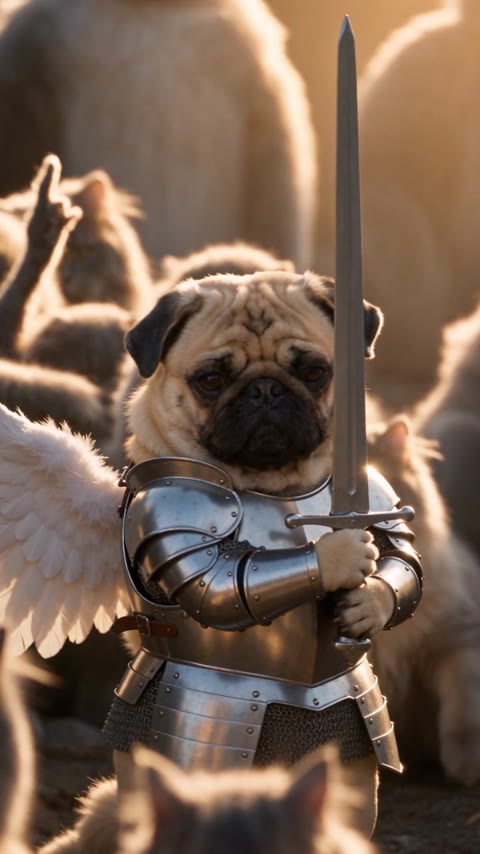
01 · Opening Reveal the winged knight
The central knight holds an upright sword as silver armor and white wings catch the warm light.
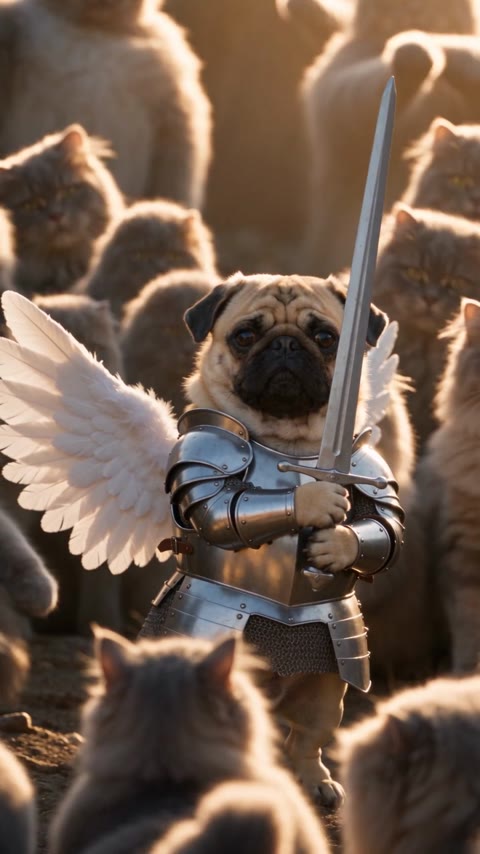
02 · Middle Sway as the cats respond
The lead makes small sways or head turns while the cats raise their paws and move.
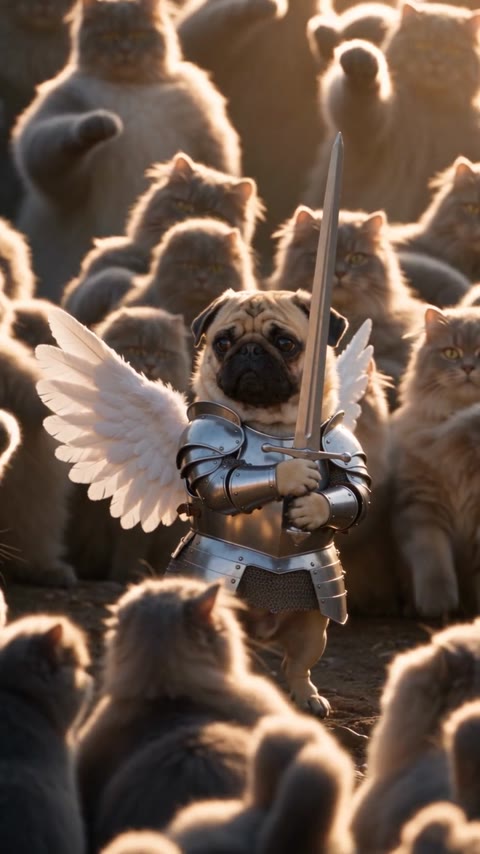
03 · Later Pull back to the wider scene
More cats, wings, and body details enter the frame as the sword pose continues.
How to get a better result
Recommended photos
- One subject with a clear face or muzzle
- Visible head and body outline
- Even lighting and clear detail
- A subject outline distinct from the background
Try to avoid
- Collages, chat interfaces or watermarked screenshots
- Group photos or several pets
- Blankets or furniture hiding the subject
- Blur, darkness or heavy filters
If the result needs improvement
- The appearance looks different
- Compare the face, hair or fur across shots. Higher resolution does not lock identity. Use the photo guidance above to choose a different input; each new generation still uses credits.
- Limbs or props connect awkwardly
- Pause to check where hands, paws and props meet. Occlusion and fast movement can cause structural errors. There is no local repair editor, and higher resolution does not guarantee correct anatomy.
- Roles or positions get mixed up
- Your photo is assigned to one lead, as described on this page. Check that this subject matches the photo. If another figure or scene element inherits the lead's identity, that is a generation error.
- The movement or performance differs
- Armor and wings are added template styling while the photo supplies the face and species. Sword grips, wing edges, and crowd occlusion can introduce detail errors.
- The task reports a generation failure
- Check the task status in My Videos first. Technical failures return deducted credits automatically; a successful video that does not meet personal expectations is a different situation. Each new generation costs credits, so review the refund policy before retrying.
How to Make a Closed on Sunday Video
- Step 01
Upload your photos
Choose a clear photo of one person or pet.
- Step 02
Generate your video
Choose 480p / 720p / 1080p, confirm the credits, and submit. The current output is 14 seconds in 9:16. You can leave the page while it processes, then check My Videos when ready.
- Step 03
Download and share
When ready, play and download the MP4 from My Videos and save a copy to your device.
My Videos
FAQ
Is Closed on Sunday the hillside choir or the winged knight?
This site uses the winged-knight-and-cats version, not the hillside human choir. Use the example on this page rather than assuming the scene from the trend name.
Can I keep my outfit and remove the armor and wings?
Armor and wings define this version, and there is no outfit toggle. The photo guides the central subject’s identity and shape rather than guaranteeing unchanged clothing.
What kind of photo works best?
Choose one clearly visible person or animal. Show the face and body outline in good light; avoid occlusion, group photos and heavy filters.See photo guidance for this effect ↓
Will the background cats all become my uploaded pet?
The photo is assigned only to the central knight. Background cats are generated scene characters, and their number, appearance and timing may vary.
Will the result keep the appearance in my photos?
The photo guides the subject’s identity and appearance rather than copying the original footage’s pixels. Faces, hair, fur and clothing can change with movement. The scene and props follow the effect described on this page.
What duration and aspect ratio will I get?
The current output is an MP4 lasting 14 seconds in 9:16, with 480p / 720p / 1080p quality options. Check the current credit quote before generating.
Does this video include music or sound?
Yes. The finished video uses this template’s original soundtrack, including any music, vocals or scene sounds present in that track. The new subject does not record a separate singing voice.
What if the result looks wrong or generation fails?
Check the status in My Videos first. A technical failure returns deducted credits automatically; a completed result you dislike is a different case.See troubleshooting ↓View refund policy ↗