
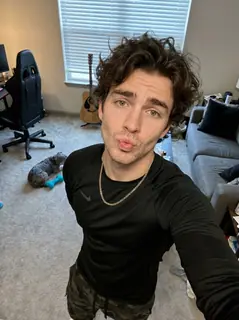
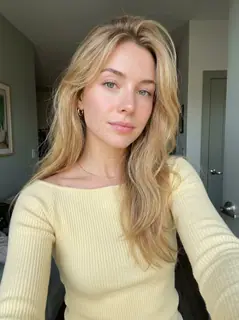
Your photo is where the story starts
This is an effect preview. You can check progress and watch your finished video in My Videos.
Use this templateLoading…
La Tormenta de Arena AI Video
Restoring draft…
- Estimated time
- 5–15 minutes
- Credit cost
- Loading…
Credits are automatically returned if generation fails due to a technical problem.
Your finished MP4 will be saved in My Videos, where you can play and download it.
Loading…
Use photos and likenesses you have permission to use.
Try More Viral Videos
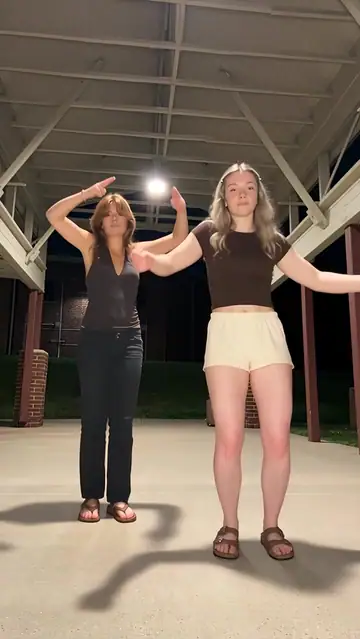
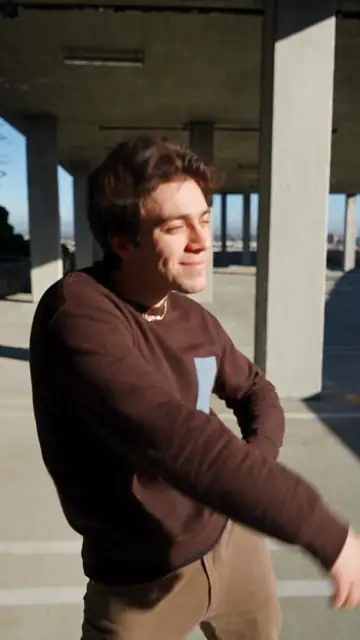
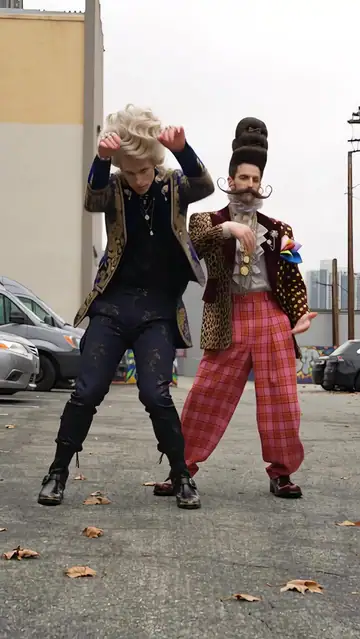
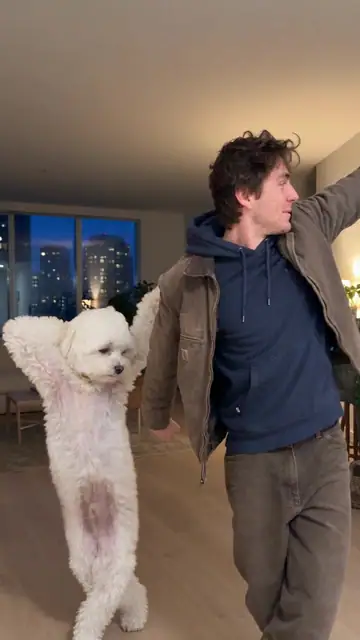
What is La Tormenta de Arena AI?
Put two people into a blue-lit club scene: one leans on an upstairs railing, then the view shifts over their shoulder to a second person on the dance floor before cutting to a close-up. The supplied generated example runs for 10 seconds. This template creates a 10-second vertical video using its original reference soundtrack.
- What your photos control
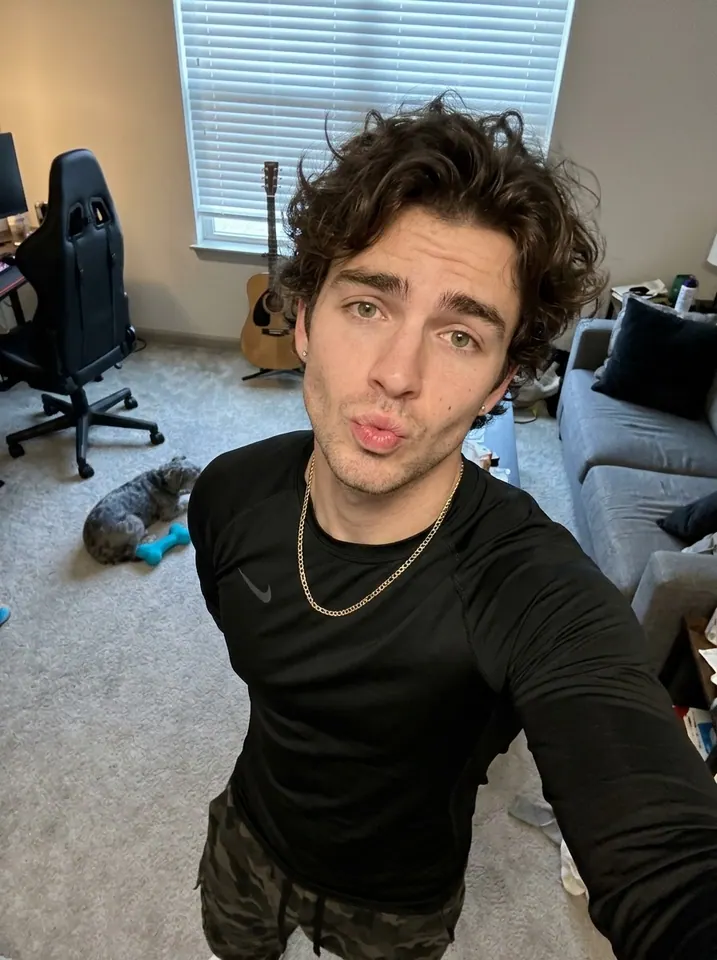
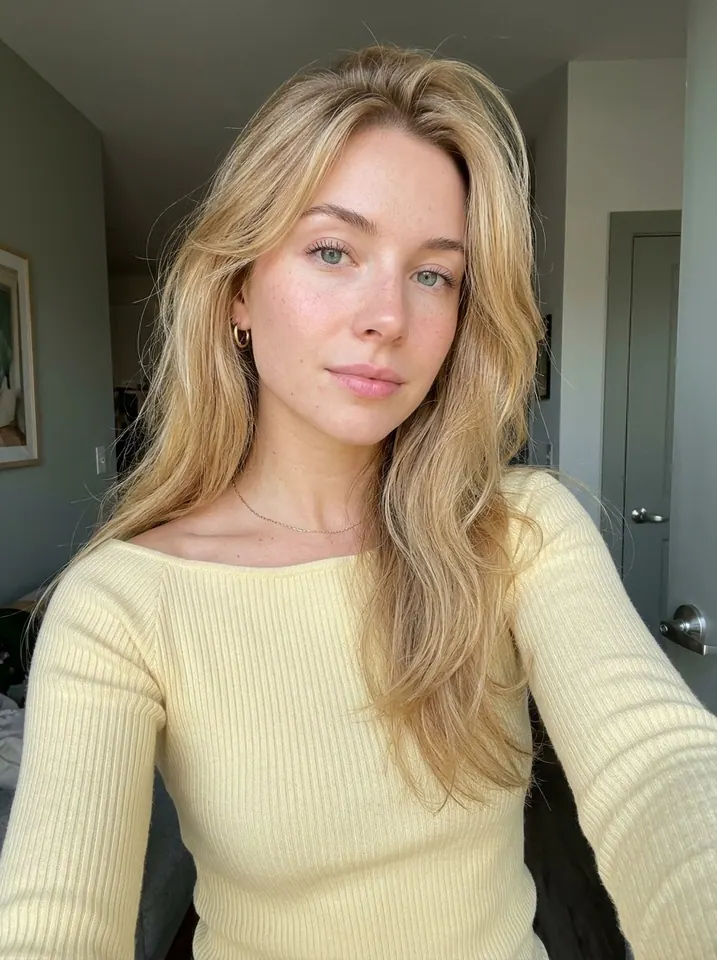
- Photo 1 controls the upstairs character, both in the opening front view and the later back-of-head and shoulder view. Photo 2 controls the person in the dance-floor spotlight and the final close-up. The roles are tied to these scenes, not to fixed left and right positions. The current preview is the supplied generated example. The man’s photo controls the upstairs character; the woman’s photo controls the dance-floor character.
- Movement and background
- AI generates a new clip from the example’s routine and setting. Backgrounds, camera movement, expressions and occlusion may vary; frame-for-frame matching is not guaranteed.
Photo to video: a paired example
Compare the input photos with their corresponding video to assess the subject’s appearance and movement.
What happens in this video?
Three frames from this template’s showcase explain the scene and performance.
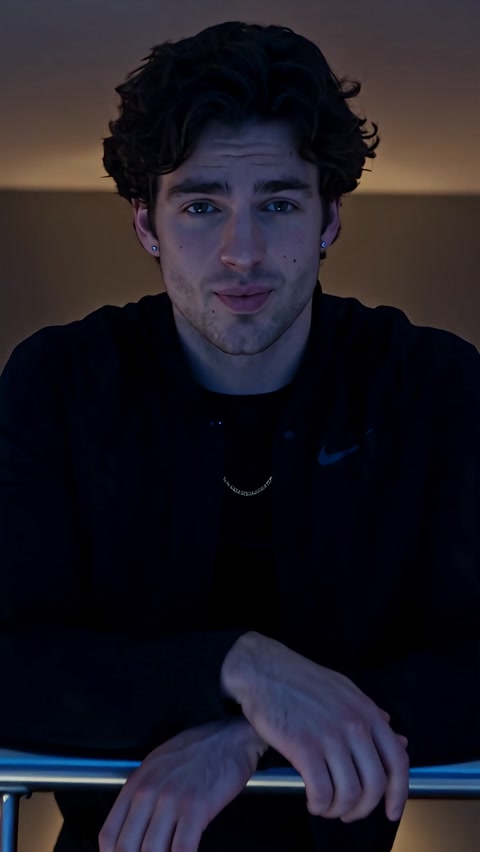
01 · Opening An understated look at the railing
The upstairs character rests their arms on the railing, looks to the side and turns a slight smile toward the camera.
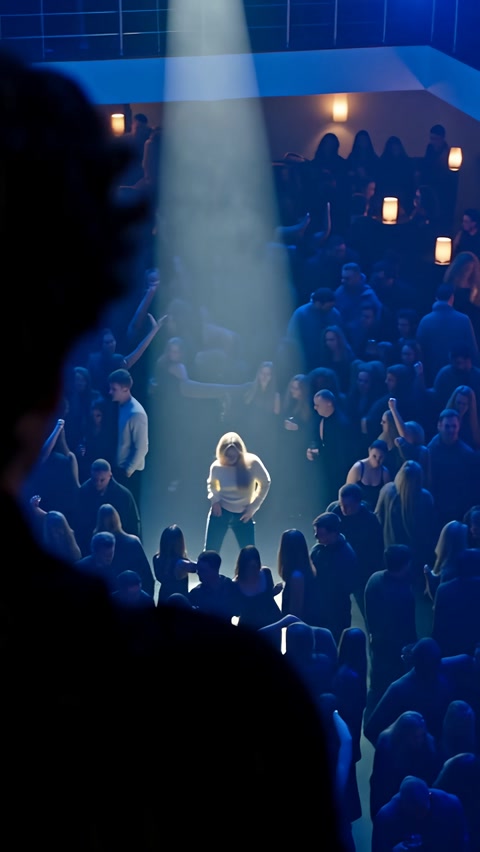
02 · Middle Look down onto the dance floor
An over-the-shoulder view reveals the second character below, framed by a blue-lit crowd and a white spotlight.
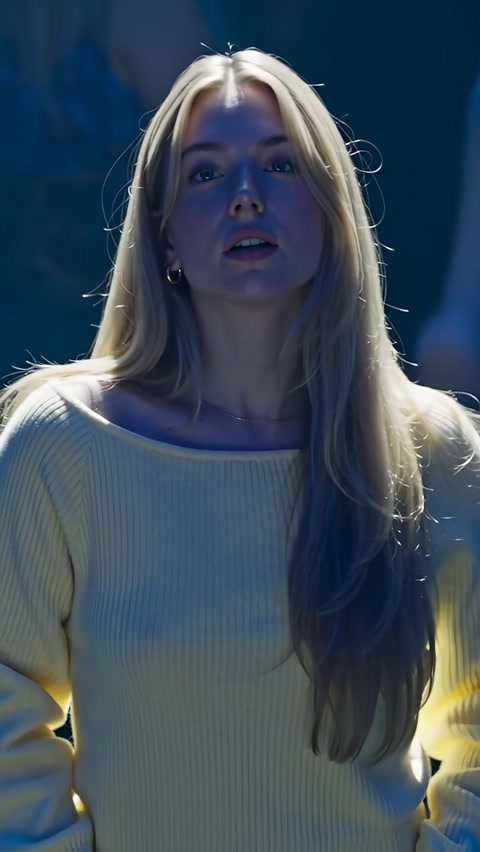
03 · Later Finish on the second character
The final waist-up shot follows a lowered gaze into eye contact, with small head and shoulder movements.
How to get a better result
Recommended photos
- Use two separate, sharp photos, with one clearly visible face in each
- Include the hairstyle and outfit you want to keep; a waist-up view is useful for the railing pose and final close-up
- Even lighting and clear detail
- A subject outline distinct from the background
Try to avoid
- Collages, chat interfaces or watermarked screenshots
- Group shots, covered faces, dark silhouettes and heavily filtered portraits
- Tiny faces, cropped-off heads or photos that hide the clothes you want to use
- Blur, darkness or heavy filters
If the result needs improvement
- The appearance looks different
- Use a clear front-facing photo for the affected role. Photo 1’s hair and shoulders should be visible so the back view can follow the same person. Photo 2 needs a sharp face for the final close-up. There is no manual face-repair control.
- Limbs or props connect awkwardly
- Show the arms and upper body in Photo 1 when possible. Fingers, wrists and the metal railing need a natural contact point, and this contact can distort. Photo 2’s hands stay near the waist; hidden body or clothing details have to be inferred.
- Roles or positions get mixed up
- Check scene order rather than left or right: Photo 1 belongs upstairs at the railing, then in the foreground back view. Photo 2 belongs below in the spotlight and in the last close-up. A different character appearing after the cut is expected; mixing their faces or outfits is not.
- The movement or performance differs
- The AI recreates the full scene, including the crowd, blue lighting, railing contact and shot changes. Faces, hands, the railing and camera timing may vary. The two photos guide the main characters; there are no controls for replacing individual people in the crowd.
- The task reports a generation failure
- Check the task status in My Videos first. Technical failures return deducted credits automatically; a successful video that does not meet personal expectations is a different situation. Each new generation costs credits, so review the refund policy before retrying.
How to Make a La Tormenta de Arena AI Video
- Step 01
Upload your photos
Upload two separate person photos, following the role order.
- Step 02
Generate your video
Choose 480p / 720p / 1080p, confirm the credits, and submit. The current output is 10 seconds in 9:16. You can leave the page while it processes, then check My Videos when ready.
- Step 03
Download and share
When ready, play and download the MP4 from My Videos and save a copy to your device.
My Videos
FAQ
Which person does each photo control?
Photo 1 is the upstairs character leaning on the railing, including their later back view. Photo 2 is the person on the dance floor and in the final close-up. Upload two separate single-person photos. A group photo is not automatically split into two roles.
What happens in the video? Is it a sandstorm effect?
It follows the supplied club sequence: an upstairs portrait, an over-the-shoulder view down to the dance floor, then a close-up of the second person. The name does not add a desert or sandstorm. The source runs about 9.7 seconds; the 10-second output asks for a brief natural continuation of the final shot.
What photos work best, and can we keep our own clothes?
Choose clear, evenly lit photos with one visible face in each. Show the hair, shoulders, arms and outfit when possible. The template asks to use each photo’s appearance and visible clothes, rather than forcing the original reference characters’ outfits. Unseen details must be inferred, and motion or blue lighting can still change the result.
Will it use the original music or make us sing?
The picture is generated silently, then the supplied clip’s original audio is added at its original speed. It does not clone either person’s voice or ask them to sing. The source audio is about 9.73 seconds, so the short remaining tail of the 10-second output may be silent. This preset has no custom-song control.
How many credits does La Tormenta de Arena AI cost?
The preview is free to watch. A 10-second generation currently costs 40 credits at 480p, 70 at 720p or 170 at 1080p. Check the live quote before submitting; another successful generation is a separate paid task.Pricing ↗
How long is the video, and what format do I get?
The current output is an MP4 lasting 10 seconds in 9:16, with 480p / 720p / 1080p quality options. Check the current credit quote before generating.
How long does generation take, and what happens if it fails?
Estimated processing time is 5–15 minutes. You can check progress and download the finished MP4 in My videos. A technical failure automatically returns deducted credits. A completed video with different faces, clothing or camera timing is not a technical failure; generating another version uses credits again.View refund policy ↗
Do I need photos for the crowd? Will both people appear in the same shot?
Only the two main characters need photos. The AI recreates the background crowd. The middle shot can show Photo 1’s back and Photo 2 below at the same time, while the opening and ending focus on different characters. The template does not place both people together for a synchronized dance.View refund policy ↗