
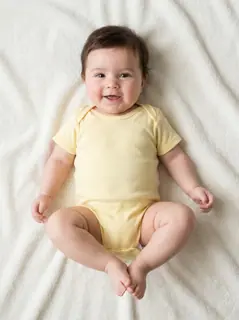
Your photo is where the story starts
This is an effect preview. You can check progress and watch your finished video in My Videos.
Use this templateLoading…
Bonito Bonito AI Baby Dance Video
Restoring draft…
- Estimated time
- 5–15 minutes
- Credit cost
- Loading…
Credits are automatically returned if generation fails due to a technical problem.
Your finished MP4 will be saved in My Videos, where you can play and download it.
Loading…
Use photos and likenesses you have permission to use.
Try More Viral Videos
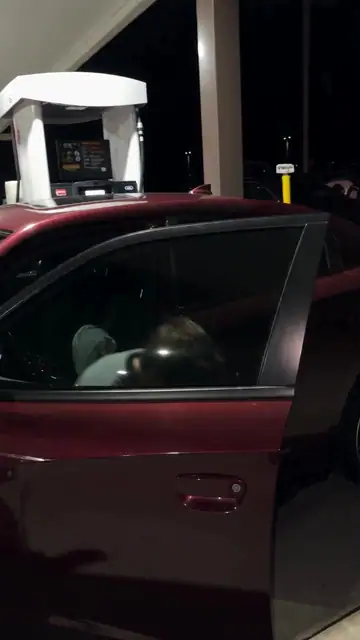
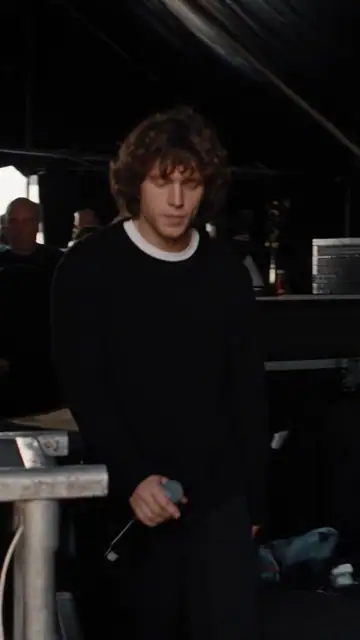
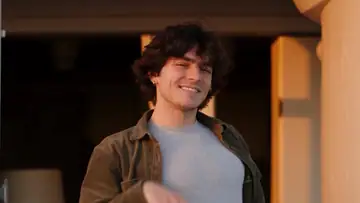
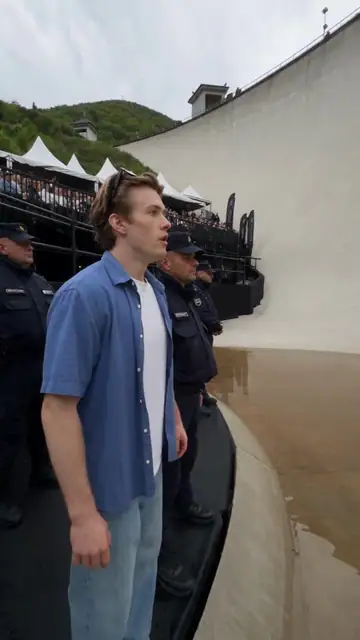
What is Bonito Bonito AI Baby Dance?
Turn one person photo into a baby character doing the Bonito Bonito routine: small bounces, hands raised beside the head, then a self-hug and gentle sway. This is an age-changing effect, not a recording of the person actually dancing.
- What your photos control
- Your photo guides the facial features, skin tone and clothing colors. The result uses baby proportions and an age-appropriate onesie inspired by the main and accent colors of your outfit, rather than copying adult clothing styles.
- Movement and background
- AI generates a new clip from the example’s routine and setting. Backgrounds, camera movement, expressions and occlusion may vary; frame-for-frame matching is not guaranteed.
Photo to video: a paired example
Compare the input photos with their corresponding video to assess the subject’s appearance and movement.
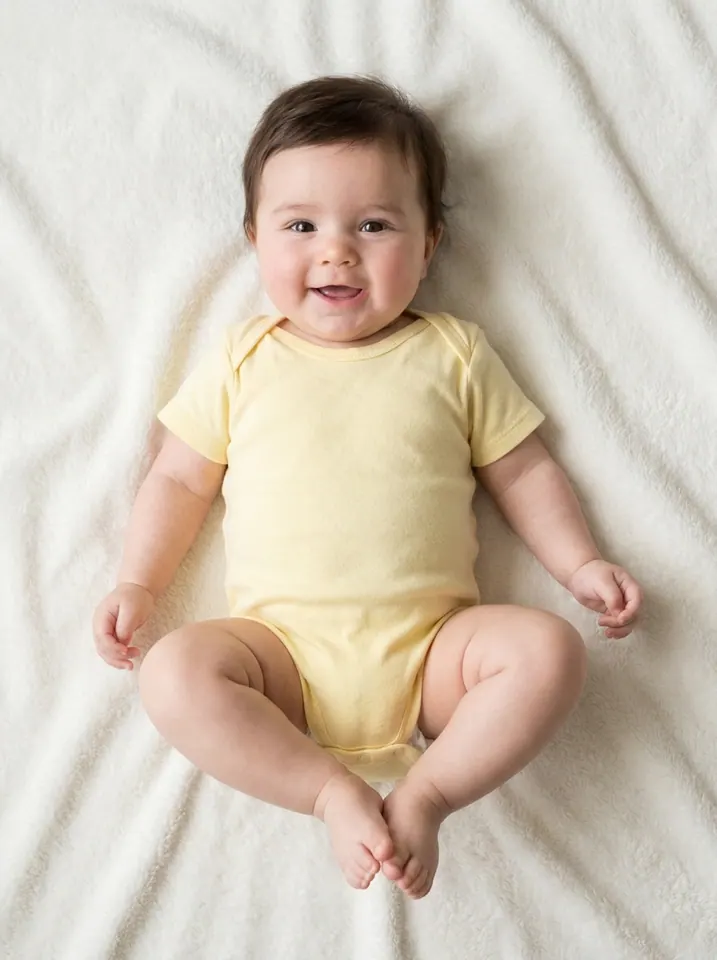
What happens in this video?
Three frames from this template’s showcase explain the scene and performance.
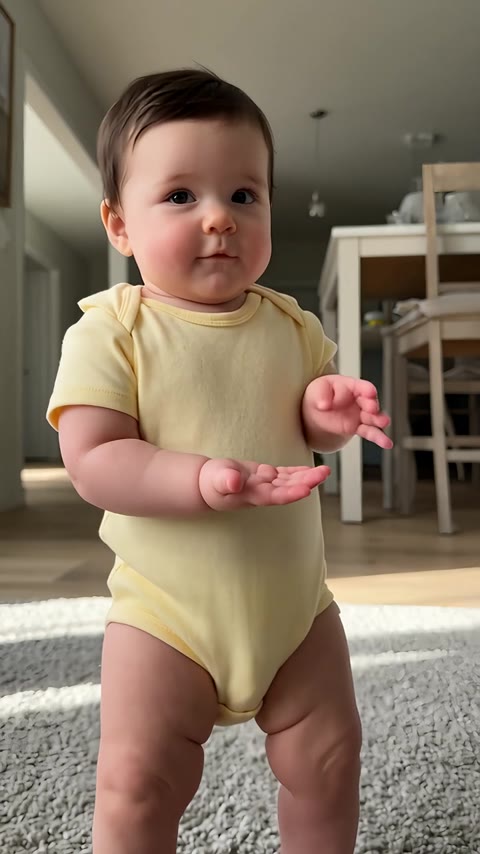
01 · Opening Bounce to the beat
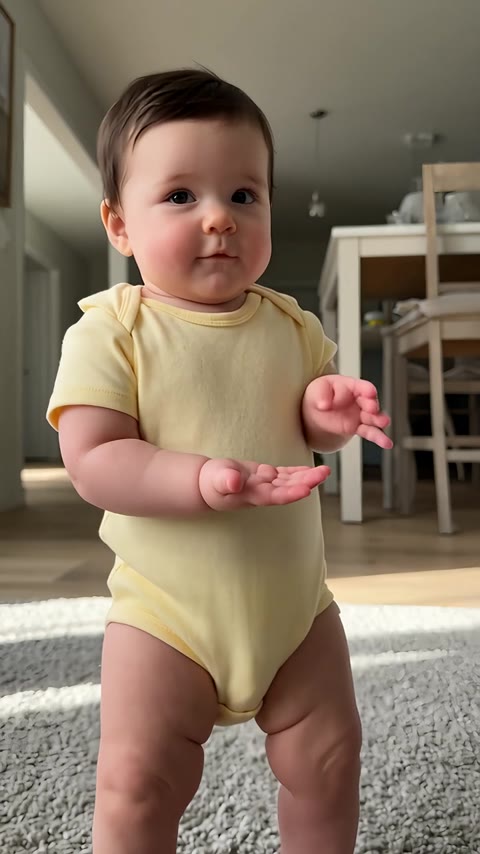
The baby character faces the camera and moves its hands in front of the body with small bounces.
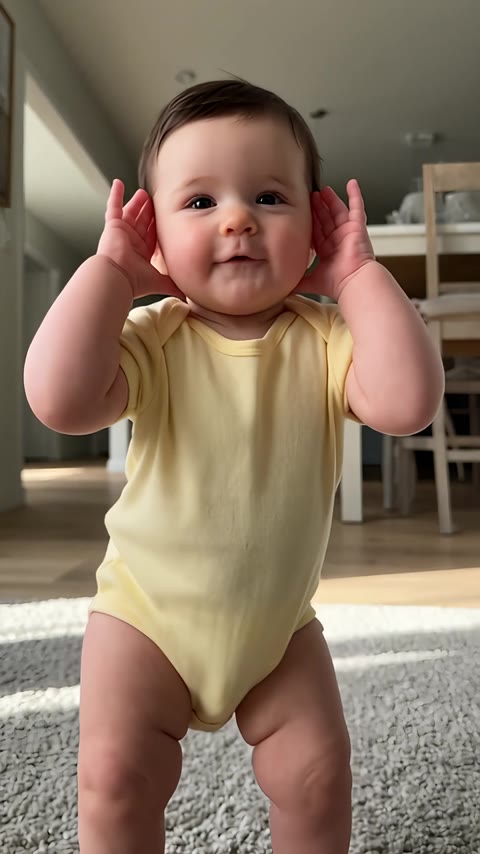
02 · Middle Hands beside the head
Both hands rise toward the ears as the character smiles and stays in place.
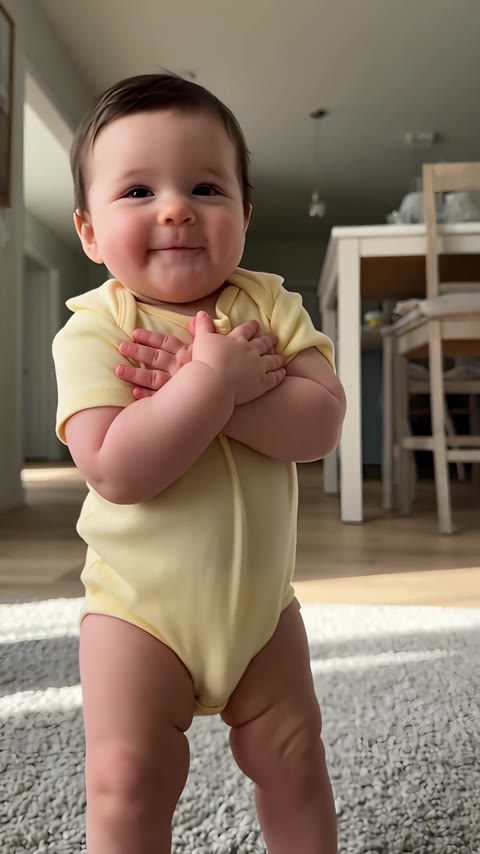
03 · Later Hug and sway
The arms cross over the chest for a self-hug, followed by a gentle sway and relaxed finish.
How to get a better result
Recommended photos
- Use one clear face, looking toward the camera
- Show the head and upper body with clothing colors clearly visible and arms away from the face
- Even lighting and clear detail
- A subject outline distinct from the background
Try to avoid
- Collages, chat interfaces or watermarked screenshots
- Photos of someone lying down or being held, with overlapping faces and arms
- Heavy beauty filters or hats hiding the facial outline
- Blur, darkness or heavy filters
If the result needs improvement
- The appearance looks different
- Changing age and proportions can change facial details. A sharp, front-facing photo without filters gives clearer identity cues, but the result is an AI interpretation, not an exact childhood likeness.
- Limbs or props connect awkwardly
- Pause to check where hands, paws and props meet. Occlusion and fast movement can cause structural errors. There is no local repair editor, and higher resolution does not guarantee correct anatomy.
- Roles or positions get mixed up
- Your photo is assigned to one lead, as described on this page. Check that this subject matches the photo. If another figure or scene element inherits the lead's identity, that is a generation error.
- The movement or performance differs
- Baby proportions and the self-hug may change how recognizable the face looks. Hands near the head or crossing the chest can distort; this is not an exact prediction of anyone’s childhood appearance.
- The task reports a generation failure
- Check the task status in My Videos first. Technical failures return deducted credits automatically; a successful video that does not meet personal expectations is a different situation. Each new generation costs credits, so review the refund policy before retrying.
How to Make a Bonito Bonito AI Baby Dance Video
- Step 01
Upload your photos
Choose a clear photo of one person.
- Step 02
Generate your video
Choose 480p / 720p / 1080p, confirm the credits, and submit. The current output is 15 seconds in 9:16. You can leave the page while it processes, then check My Videos when ready.
- Step 03
Download and share
When ready, play and download the MP4 from My Videos and save a copy to your device.
My Videos
FAQ
Do I need a baby photo, or can I use my own portrait?
This preset accepts one person photo and turns the subject into a baby character. An adult portrait can provide the facial cues; the result changes age and body proportions rather than keeping the adult unchanged.
Will it keep the clothes and room from my photo?
The baby onesie takes its main and accent colors from the outfit in your photo, with the style adapted for a baby. Use a photo where the clothes are clearly visible; if no clothing is visible, the template uses neutral colors. The room stays the template’s bright indoor setting. Exact colors can vary in the generated result.
Why might the baby face look different from my photo?
Changing age and proportions can change facial details. A sharp, front-facing photo without filters gives clearer identity cues, but the result is an AI interpretation, not an exact childhood likeness.
Is the Bonito Bonito music included? Do I need a CapCut template?
This template includes its original audio clip. Upload the photo and generate here; no CapCut template, dance recording or written prompt is needed.
Is it free, and how many credits will I need?
Generation uses credits. Choose a resolution above to see the current cost before you start; visit Pricing & credits for available packs. Watching the reference preview does not generate a personal video.Pricing ↗
How long is the video, and can I post it vertically?
The current output is an MP4 lasting 15 seconds in 9:16, with 480p / 720p / 1080p quality options. Check the current credit quote before generating.
How long does it take, and what happens if I retry?
Allow approximately 5–15 minutes. Credits deducted for a technical generation failure are returned automatically. Starting another generation after a completed result uses credits again; a result you dislike is not the same as a technical failure.View refund policy ↗
Can I download and share it?
Download the MP4 from My videos. The site adds no extra watermark. A generation purchase does not grant music rights; check the sharing platform’s audio rules if you plan to publish it.View refund policy ↗