

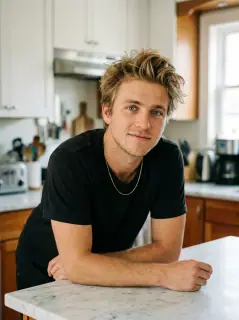
Your photo is where the story starts
This is an effect preview. You can check progress and watch your finished video in My Videos.
Use this templateLoading…
When Two Legends Try to Make Coffee Video
Restoring draft…
- Estimated time
- 5–15 minutes
- Credit cost
- Loading…
Credits are automatically returned if generation fails due to a technical problem.
Your finished MP4 will be saved in My Videos, where you can play and download it.
Loading…
Use photos and likenesses you have permission to use.
Try More Viral Videos
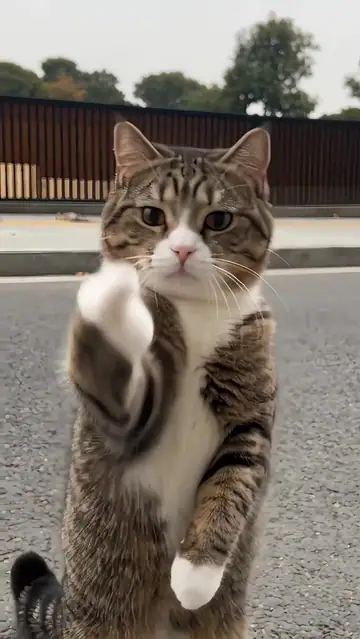
What is When Two Legends Try to Make Coffee?
Upload two person photos and cast both sides of a kitchen disaster. Photo 1 becomes the foreground coffee maker who spills grounds and milk; Photo 2 becomes the helper behind and to the left who pours water and reacts. The template guides a 14-second vertical comedy.
- What your photos control
- Photo 1 controls the foreground person on the right, holding the spoon and coffee jar and pouring milk at the end. Photo 2 controls the helper behind and to the left, holding the kettle. Each photo guides its own character’s appearance and outfit. The preview is a generated example using the two portraits shown here.
- Movement and background
- AI generates a new clip from the example’s routine and setting. Backgrounds, camera movement, expressions and occlusion may vary; frame-for-frame matching is not guaranteed.
Photo to video: a paired example
Compare the input photos with their corresponding video to assess the subject’s appearance and movement.
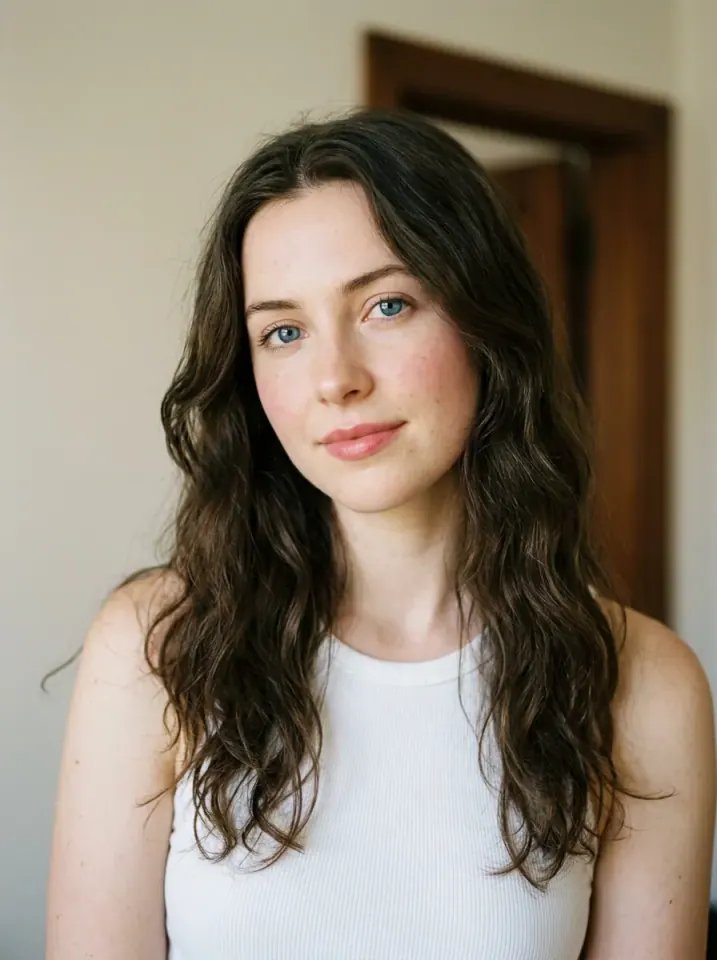
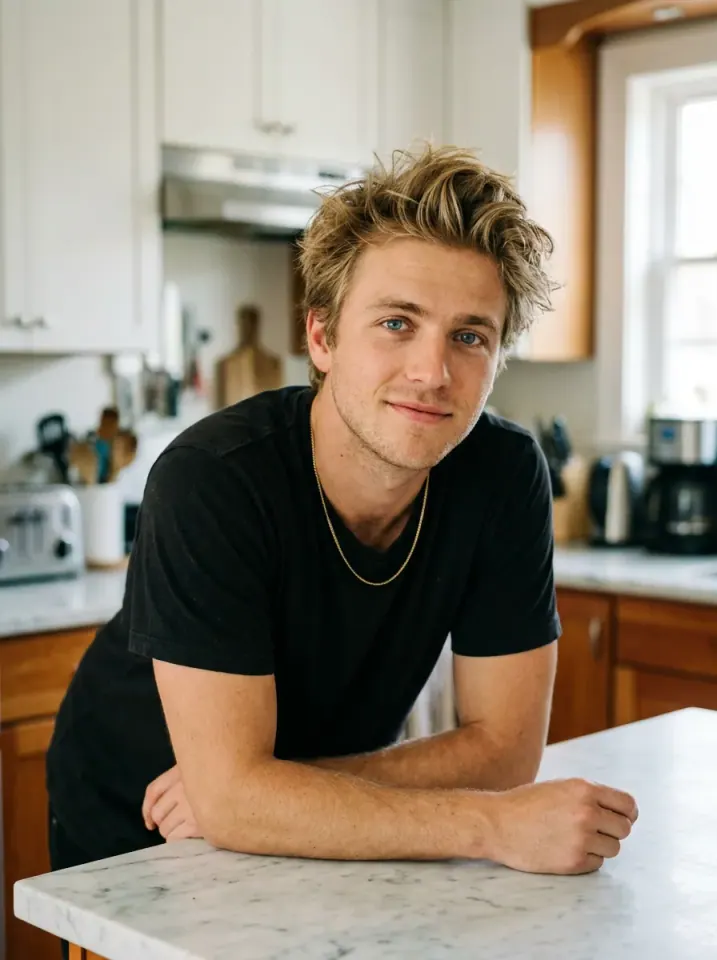
What happens in this video?
Three frames from this template’s showcase explain the scene and performance.
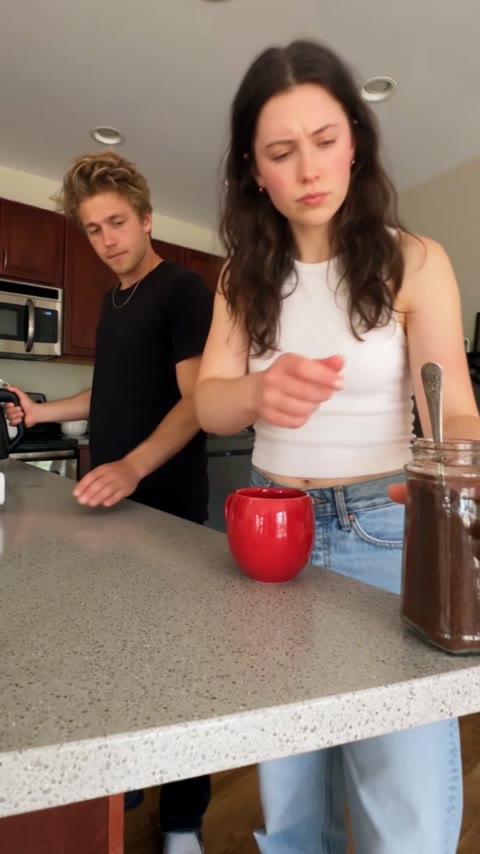
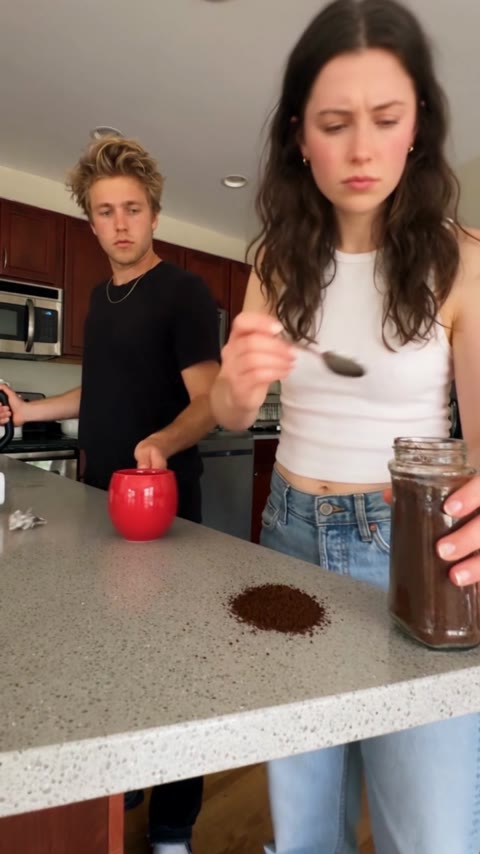
01 · Opening The coffee misses the mug
The foreground character carefully scoops coffee grounds onto the counter while the partner brings over the kettle.
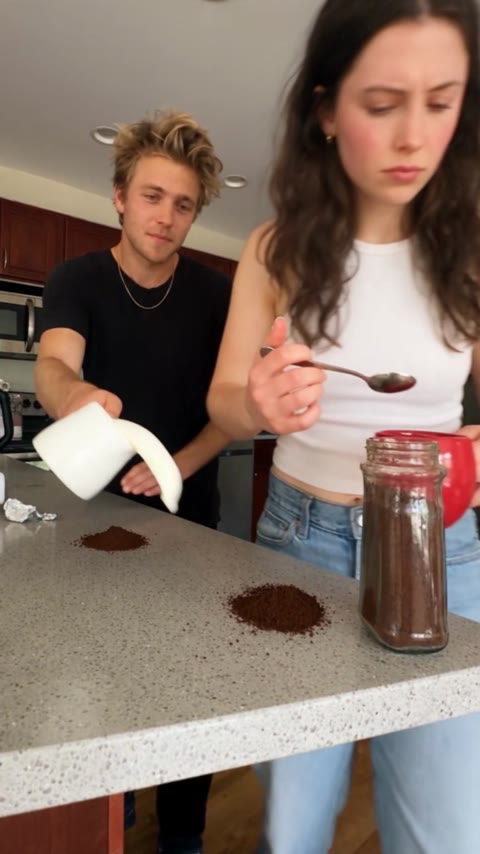
02 · Middle A second try, the same mistake
The partner pours water into the red mug. Another spoonful lands on the counter, followed by a confused exchange of looks.
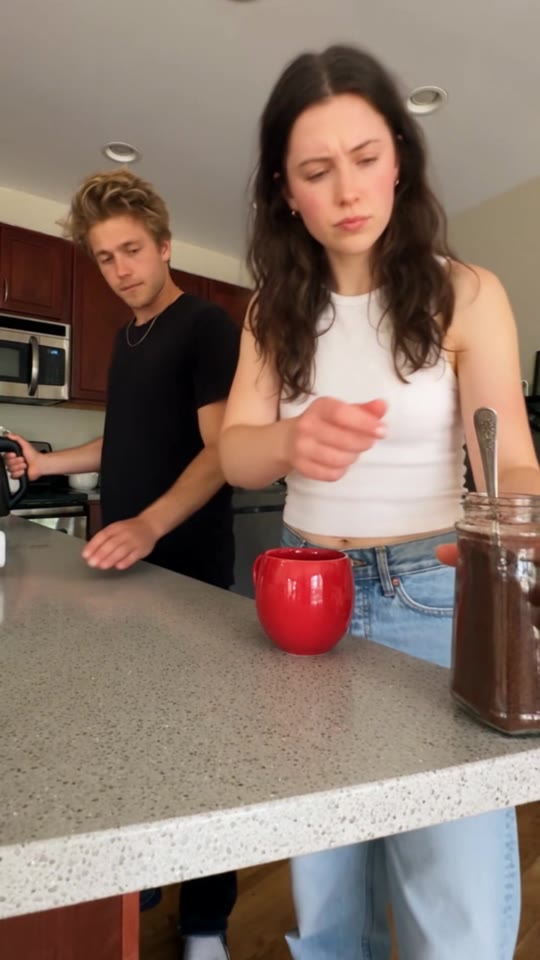
03 · Later Milk makes the mess bigger
The foreground character pours milk across the counter, then checks the spoon and mug as the partner reacts.
How to get a better result
Recommended photos
- Use two sharp, well-lit portraits, with one person in each photo and both faces clearly visible.
- Keep each person’s shoulders, arms and desired outfit visible. Distinct hairstyles and clothing can help keep the two roles apart.
- Even lighting and clear detail
- A subject outline distinct from the background
Try to avoid
- Collages, chat interfaces or watermarked screenshots
- Avoid group photos, covered faces, strong filters and photos with a phone blocking the torso.
- Avoid tight face-only crops and large objects covering the arms. The kitchen props come from the template, not from your photo.
- Blur, darkness or heavy filters
If the result needs improvement
- The appearance looks different
- Use sharp single-person portraits with unobstructed faces and visible outfits. If one character changes while turning, replace the photo in that character’s slot. The prompt keeps the two identities separate, but exact likeness is not guaranteed.
- Limbs or props connect awkwardly
- Keep both people’s shoulders and arms visible in their respective photos. The spoon, jar, kettle and milk jug are template props; AI may still distort grips or splashes when the hands overlap.
- Roles or positions get mixed up
- Check the upload order: Photo 1 is the foreground spoon-and-jar character; Photo 2 is the helper with the kettle behind and to the left. Use one person per photo, not a group shot or collage. Select each portrait in its intended slot before generating.
- The movement or performance differs
- The AI generates a new scene rather than editing the original frames. Faces, hands, liquid splashes and the timing of small props can vary, so an exact match to the reference is not guaranteed.
- The task reports a generation failure
- Check the task status in My Videos first. Technical failures return deducted credits automatically; a successful video that does not meet personal expectations is a different situation. Each new generation costs credits, so review the refund policy before retrying.
How to Make a When Two Legends Try to Make Coffee Video
- Step 01
Upload your photos
Upload two separate person photos, following the role order.
- Step 02
Generate your video
Choose 480p / 720p / 1080p, confirm the credits, and submit. The current output is 14 seconds in 9:16. You can leave the page while it processes, then check My Videos when ready.
- Step 03
Download and share
When ready, play and download the MP4 from My Videos and save a copy to your device.
My Videos
FAQ
How many photos do I need, and what kind works best?
Upload two separate single-person photos, one for each role. Use clear faces in even light, with the upper body and outfit visible. Avoid group photos, strong filters and objects covering the arms.
How are the two photos assigned to the characters?
Photo 1 is the foreground person on the right who holds the spoon and coffee jar and pours milk at the end. Photo 2 is the helper behind and to the left who uses the kettle. Choose the person for each slot before generating.
Will both people keep the clothes from their photos?
The prompt asks each character to keep the hairstyle, body shape, visible outfit and accessories from their own photo throughout the scene. It does not force the original white printed shirt or gray tank top. AI-generated details can still vary.
Does the video include the original sound?
Yes. The platform combines the generated picture with this template’s original audio at its original speed. It does not clone your voice, add new lines or offer a different song in this effect.
Is it free, and how many credits does it cost?
Watching the reference is free. A 14-second generation costs 50 credits at 480p, 100 at 720p, or 240 at 1080p. The selected quality and credit cost are shown before submission.Pricing ↗
How long is the clip, and when can I download it?
The current output is an MP4 lasting 14 seconds in 9:16, with 480p / 720p / 1080p quality options. Check the current credit quote before generating.
What if the hands, spoon or milk look wrong?
Try clearer portraits with each person’s shoulders and arms visible and no large objects blocking the body. Small utensils and liquid motion can be imperfect. Generating another version is a new paid task; technical failures automatically return the deducted credits.View refund policy ↗
Can I download and share the finished coffee video?
The completed MP4 appears in My Videos for preview and download. The site adds no extra watermark. Before sharing, make sure you have permission to use the uploaded likeness and the included audio.View refund policy ↗