
Realistic AI Photography
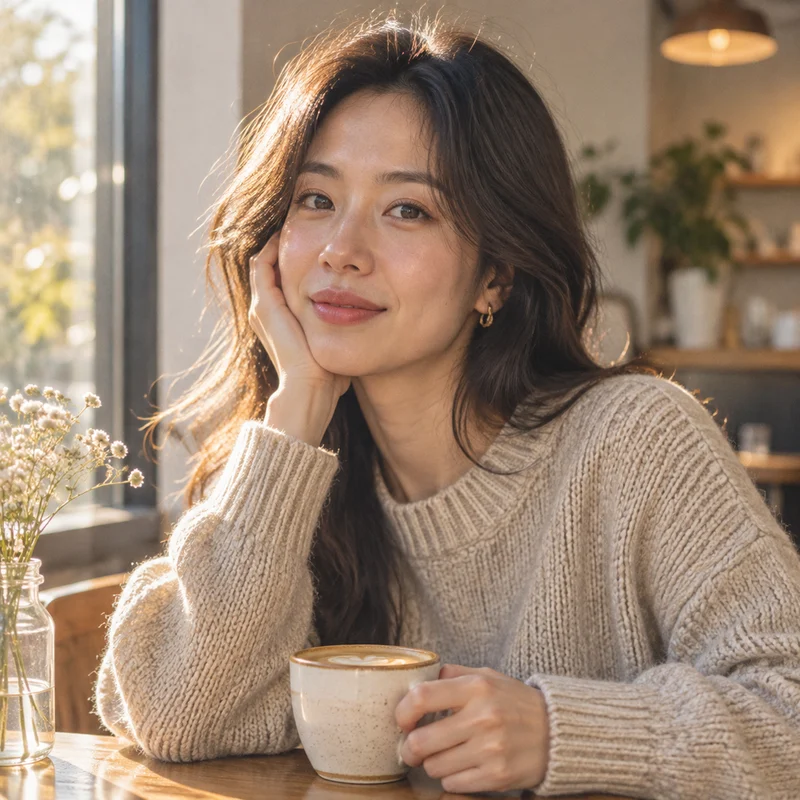
Create lifelike portraits, lifestyle scenes, and cinematic images from written descriptions.
Credits are returned if generation fails.
Create lifelike portraits, lifestyle scenes, and cinematic images from written descriptions.
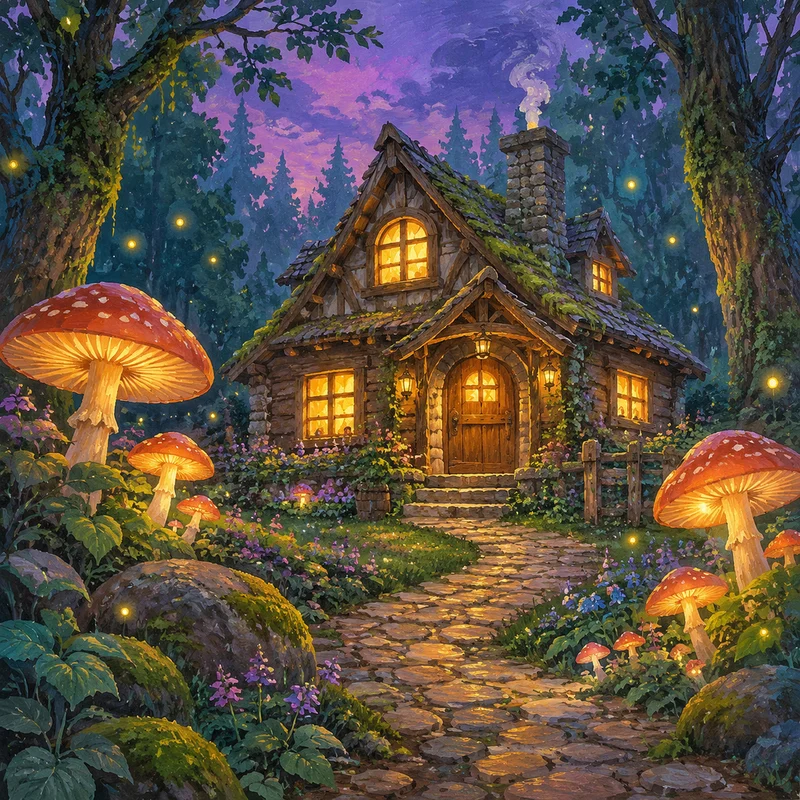
Bring fantasy worlds, magical landscapes, and illustrated stories to life.
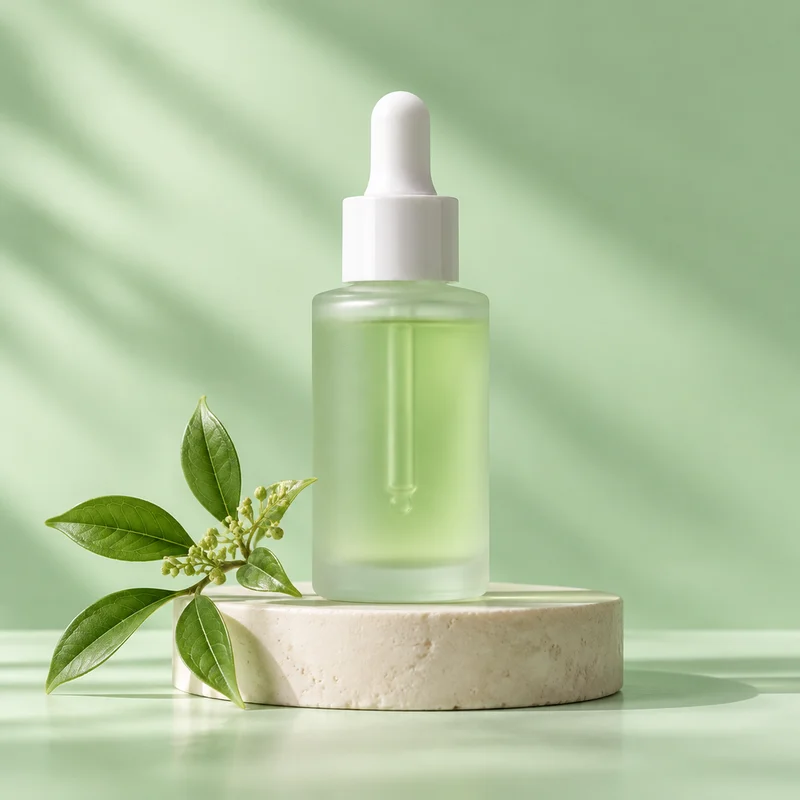
Explore product ideas, studio setups, and creative campaign imagery.
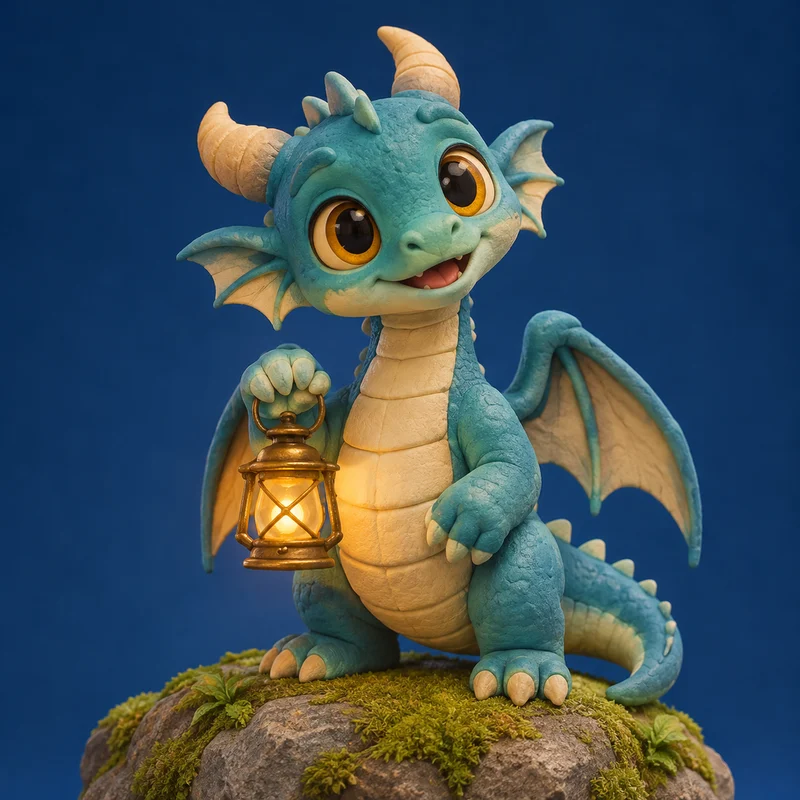
Design original characters and avatars with their own shapes, expressions, and personalities.
See the images generated from these prompts. Open any example to read the full prompt, or send it to the generator and make it your own.
GPT Image 2.5 · 1K · 1:1
Square editorial photograph of an adult East Asian woman in an oatmeal knit sweater seated at a small café table beside a sunlit window. She looks toward the camera with a relaxed expression, one hand around a ceramic coffee cup. Warm late-afternoon window light, natural skin texture, soft background blur, subtle 35mm film grain, balanced head-and-shoulders framing, no lettering.
GPT Image 2.5 · 1K · 1:1
Square hand-painted storybook illustration of a small wooden cottage with amber-lit windows at the end of a winding cobblestone path in an enchanted forest. Oversized glowing mushrooms and tiny fireflies frame the cottage, with deep teal trees and moss under a violet dusk sky. Layered gouache textures, rich color, soft light, no text or border.
GPT Image 2.5 · 1K · 1:1
Square premium skincare product photograph of a frosted pale-green glass serum bottle with a white dropper, standing on a low ivory stone pedestal. A single botanical sprig rests beside the pedestal. Soft morning sunlight casts delicate shadows across a seamless mint-green studio background. Clean composition, subtle reflections on the glass, no logo or lettering.
GPT Image 2.5 · 1K · 1:1
Square 3D character portrait of an original little teal dragon holding a tiny glowing brass lantern. The dragon has large amber eyes, rounded horns, a cream belly, folded wings and a curious smile. Place it on a mossy rock with soft studio lighting and a clean deep-blue backdrop. Handcrafted clay texture, full character visible, no text.
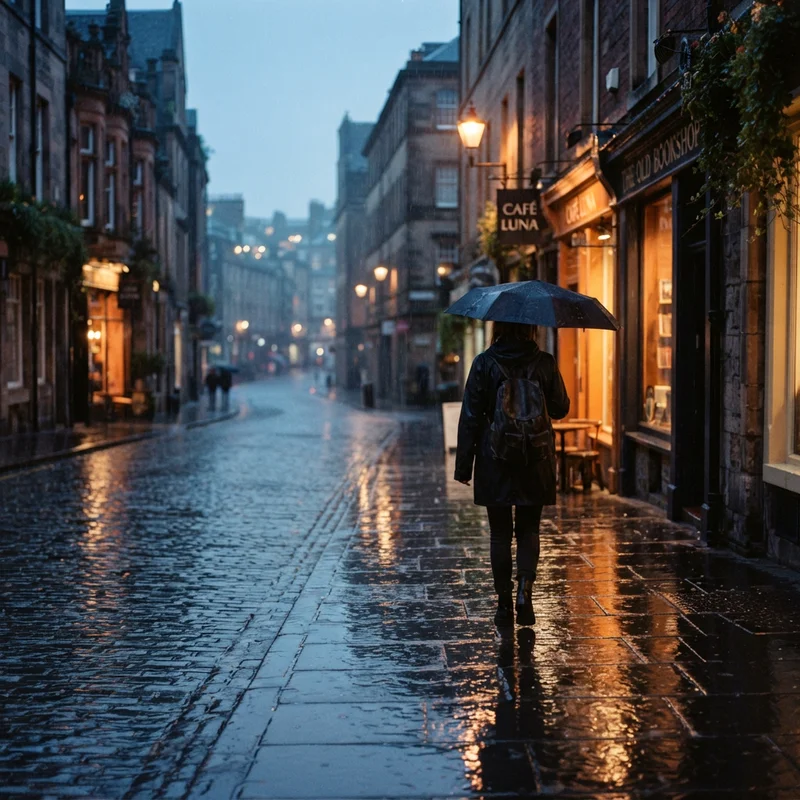
Nano Banana Lite · 1K · 1:1
A lone traveler on a quiet rainy city street at dusk, reflections on wet pavement, soft amber shop lights, atmospheric cinematic composition, realistic photography, no text.
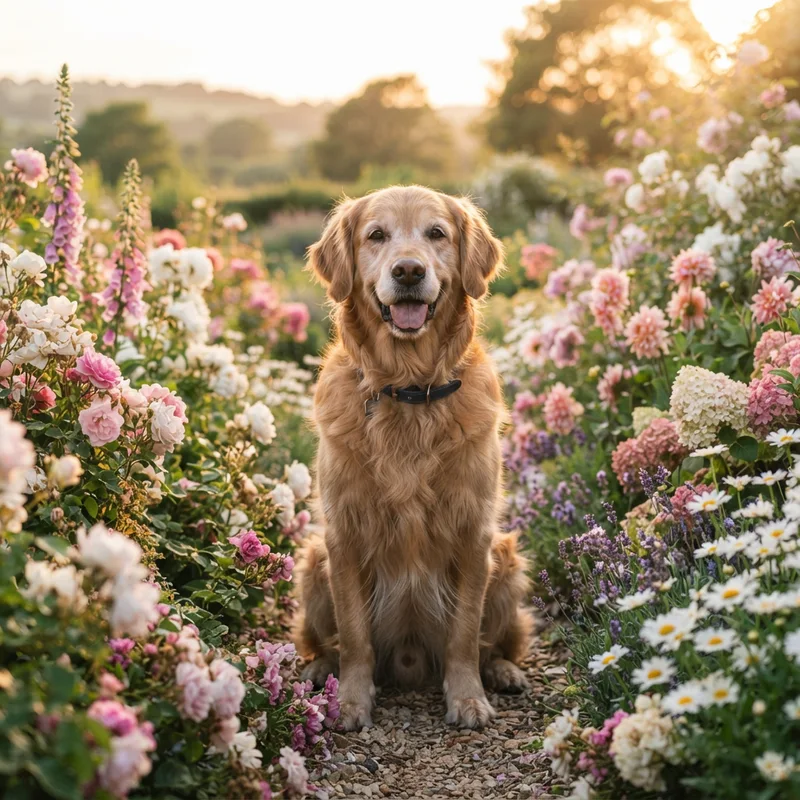
Nano Banana Lite · 1K · 1:1
A golden retriever sitting in a flower garden, surrounded by pink and white blossoms, with warm sunset light. Realistic photography with natural fur detail, soft shadows and a gently blurred background.
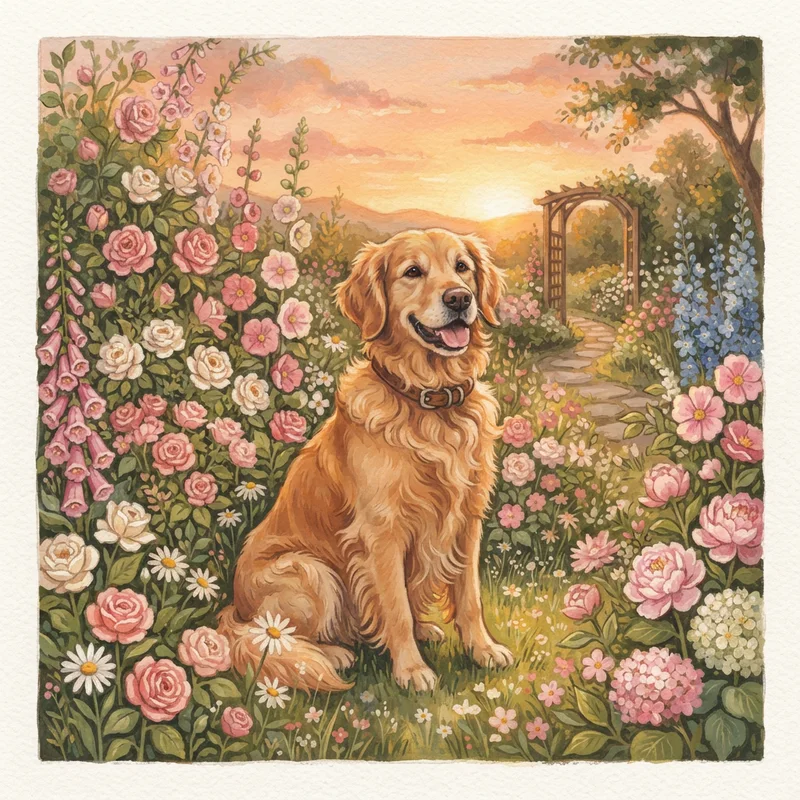
Nano Banana Lite · 1K · 1:1
A golden retriever sitting in a flower garden, surrounded by pink and white blossoms, with warm sunset light. Hand-painted storybook illustration with layered gouache textures, soft edges and warm colors.
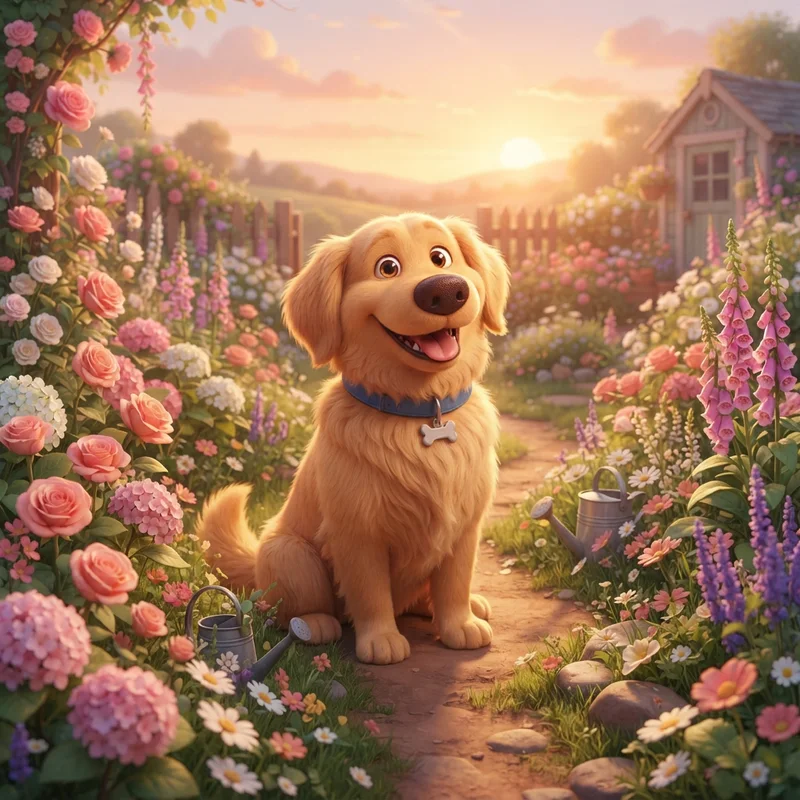
Nano Banana Lite · 1K · 1:1
A golden retriever sitting in a flower garden, surrounded by pink and white blossoms, with warm sunset light. A stylized 3D cartoon with rounded shapes, expressive eyes and soft shadows.
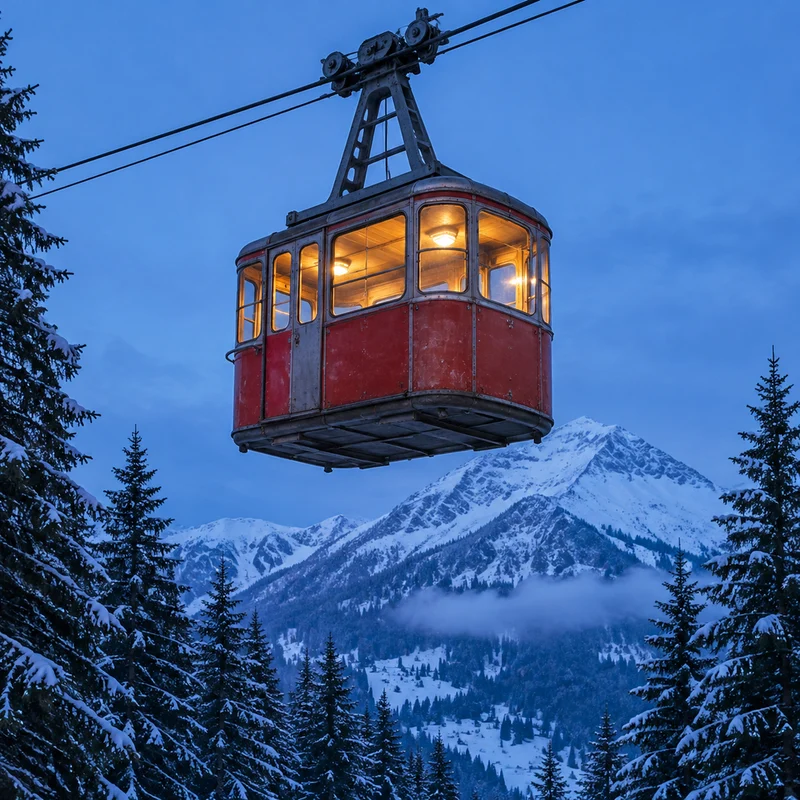
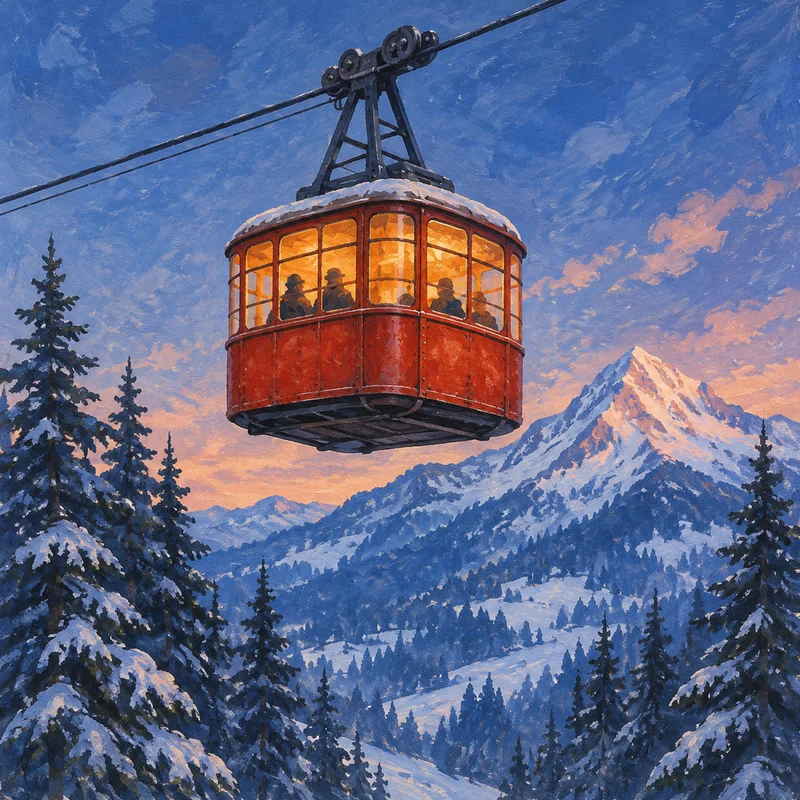
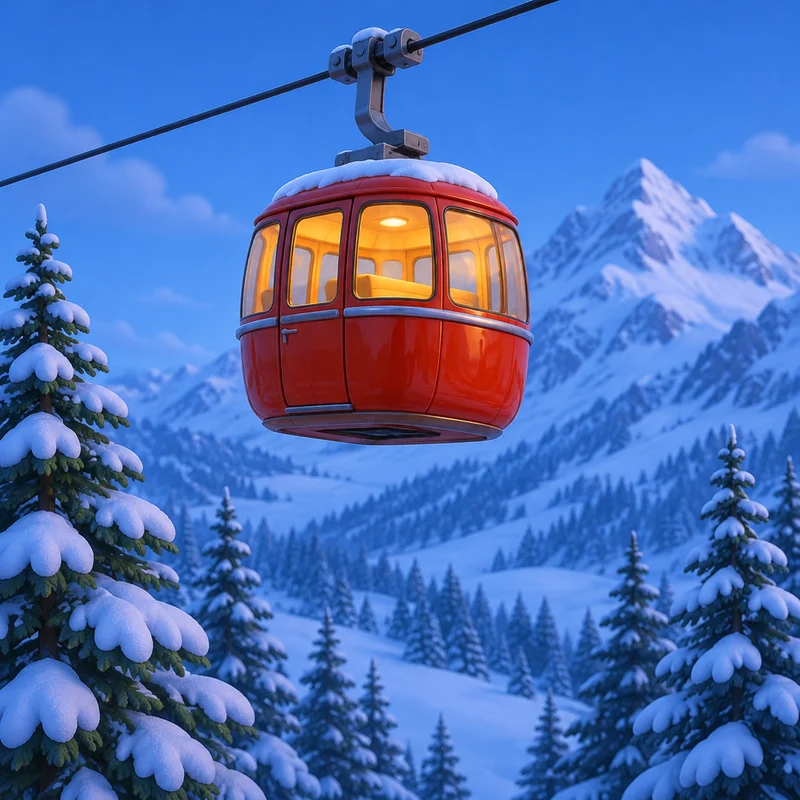
Name the subject first, then describe the setting, style, and lighting. In these GPT Image 2.5 examples, the cable car, snowy valley, and blue-hour light stay the same while the style changes.
A red cable car + suspended over a snowy valley + realistic photography + blue-hour light
Enter a description, choose a model, aspect ratio and resolution, and select Generate. Open My Images to preview and download the result.
A text prompt is all you need to start from scratch. If you want to edit an existing photo, use Image to Image instead.
Describe the main subject, where it is, the visual style you want, and how it is lit. Add a specific detail such as the camera angle or color palette if it matters to the result.
Yes. You can describe a realistic photo, a painted illustration, or a 3D character. The details and overall look depend on your prompt and the model you select.
The same prompt can produce different results. Models may miss small details or interpret ambiguous instructions differently. State the most important details first, revise one instruction at a time, and generate again.
The total depends on the selected model, resolution, and number of images. Check the quote beside the Generate button before submitting.