
Credits are returned if generation fails.
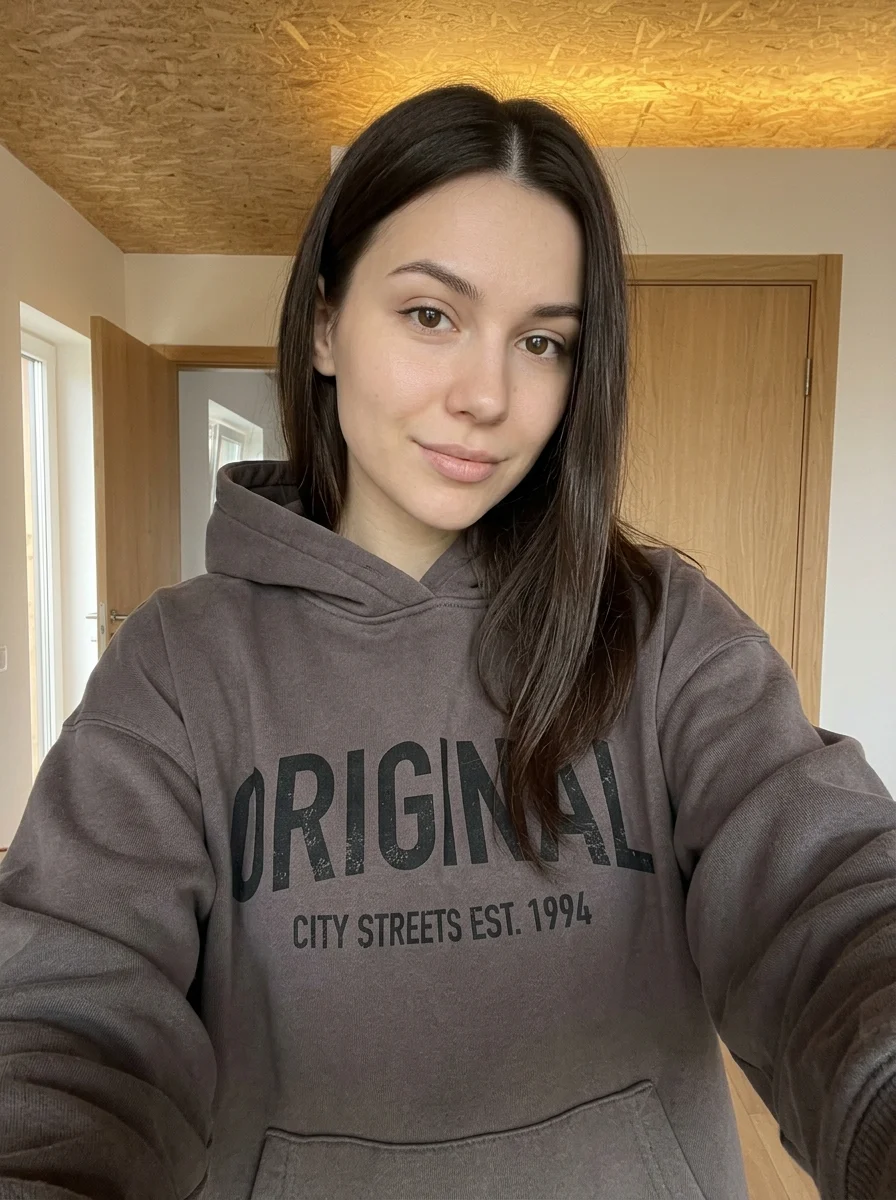
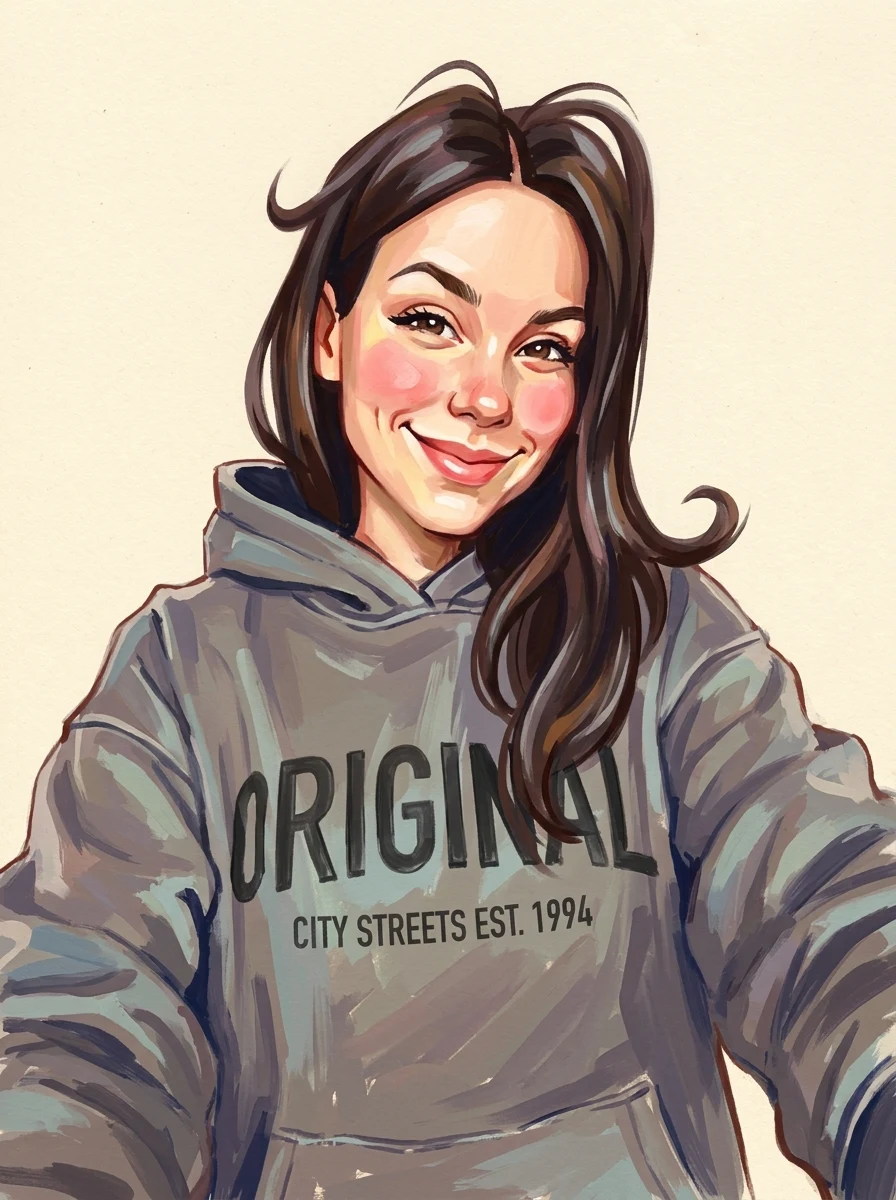
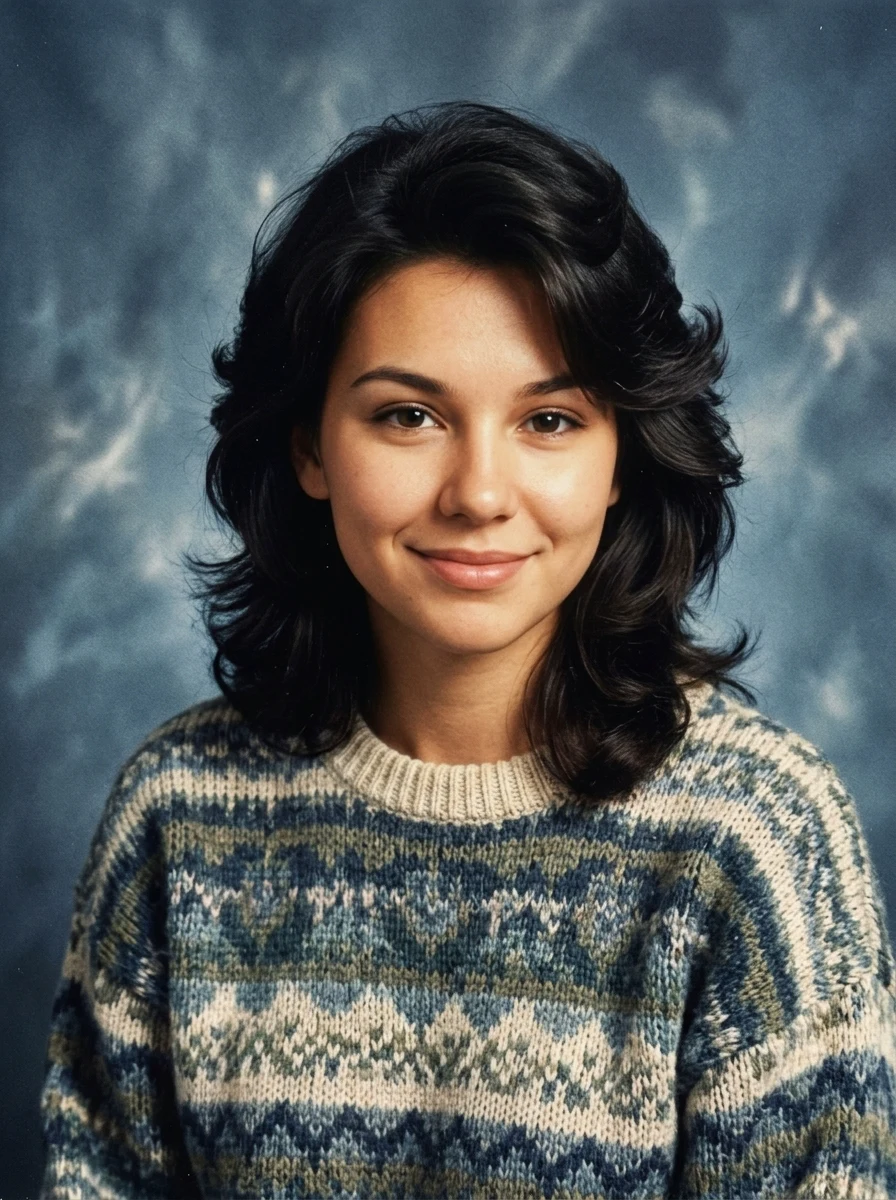
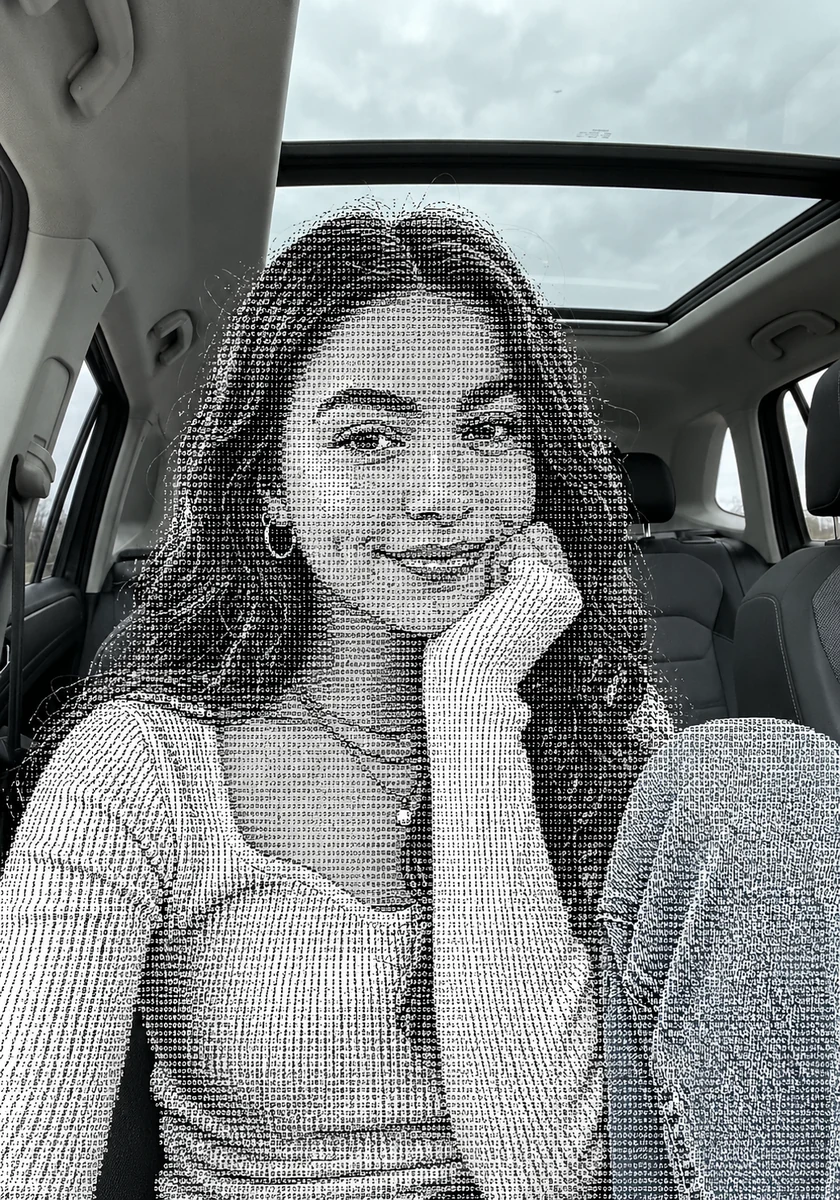
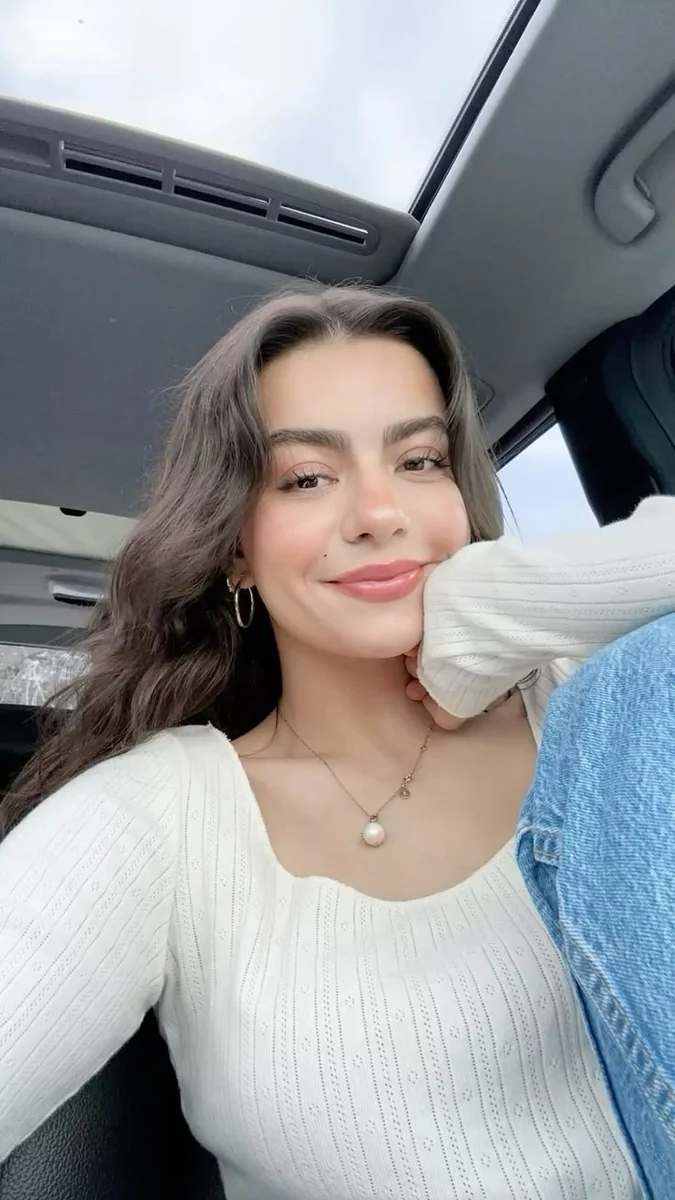
This example shows what the effect can do. Your uploaded photo is used when you generate, and results may vary.
Sign in to see your private images.
What is Caricature Portrait?
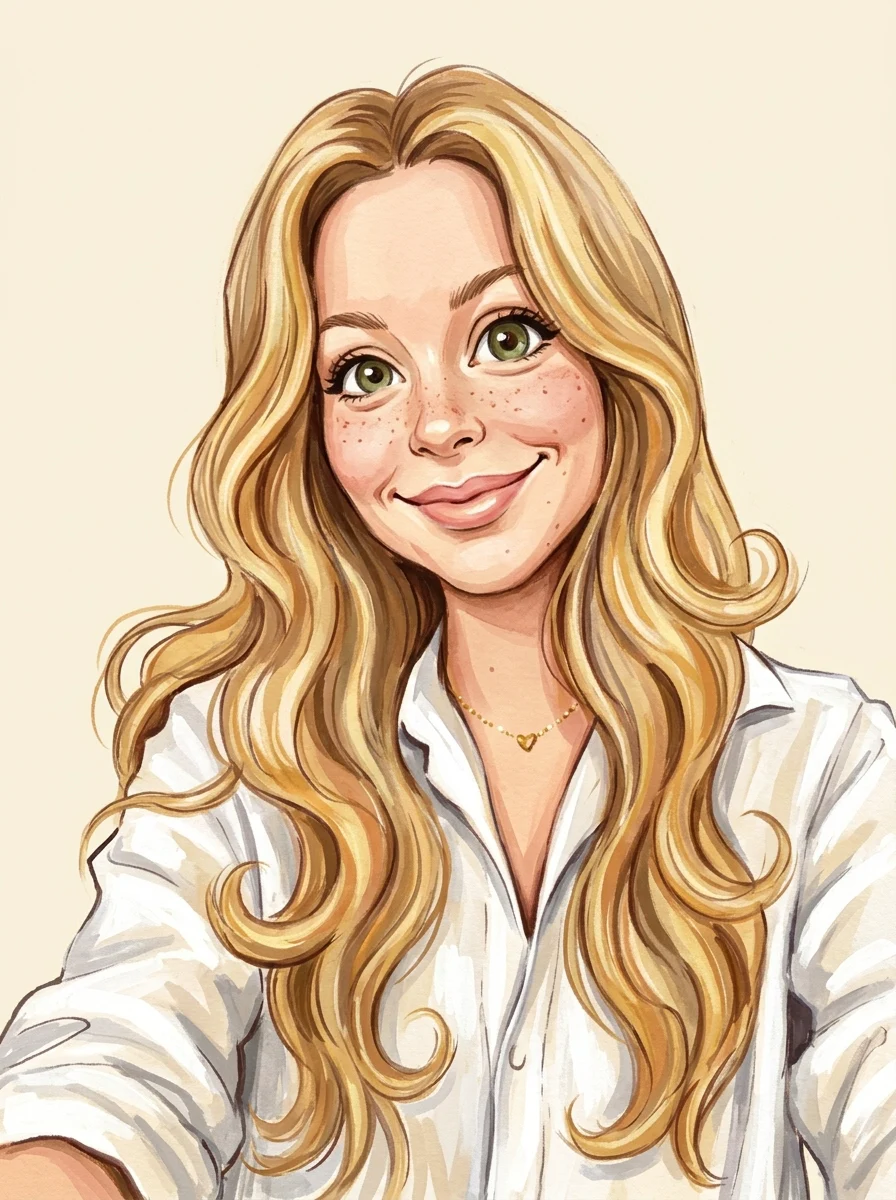
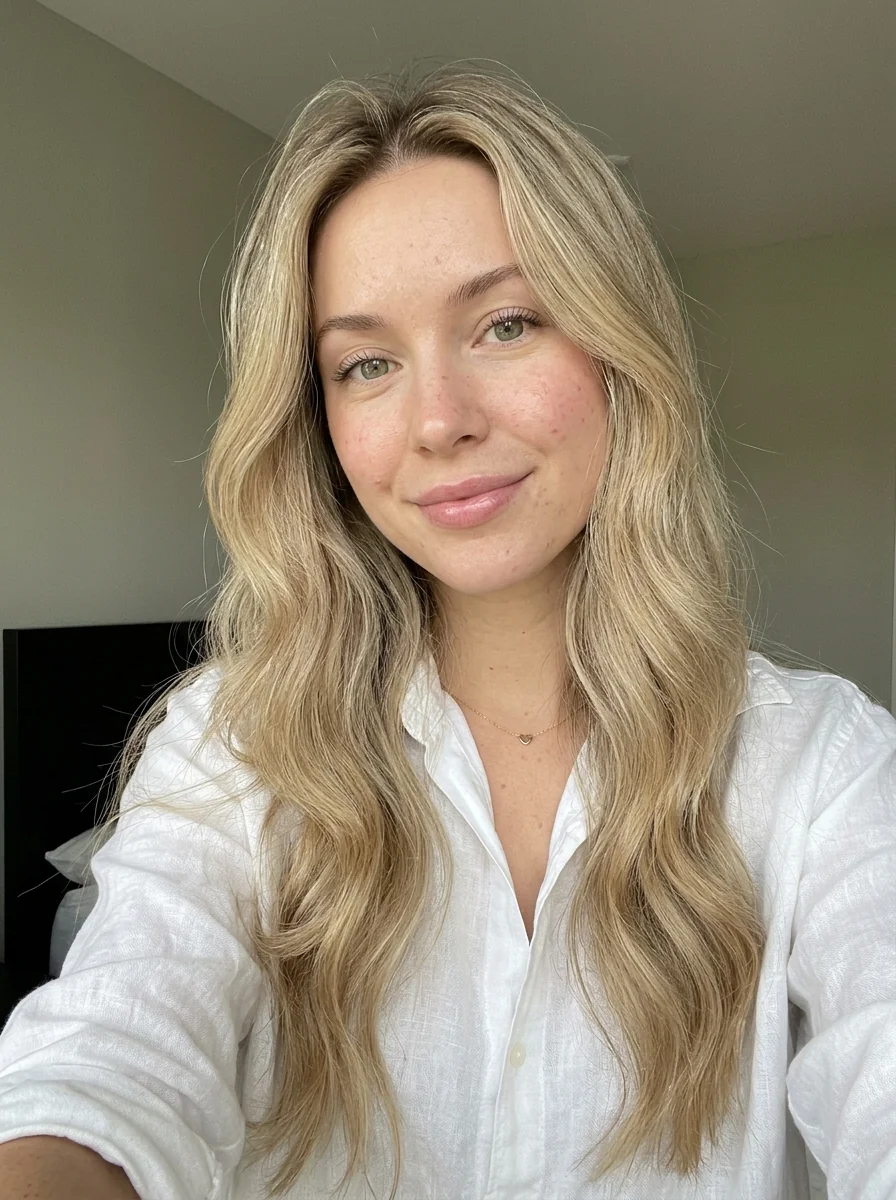
Give a portrait expressive, hand-painted features with bold brushwork and a clean cream backdrop.
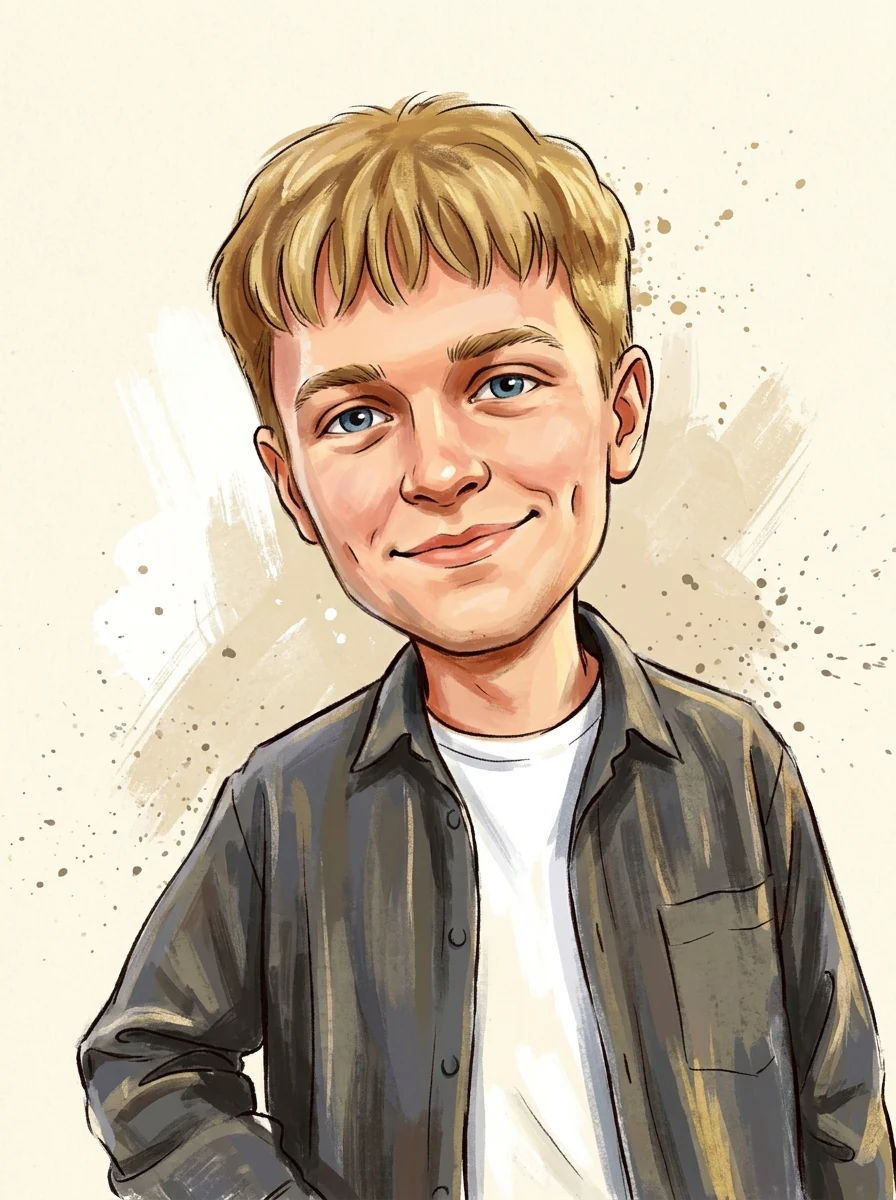
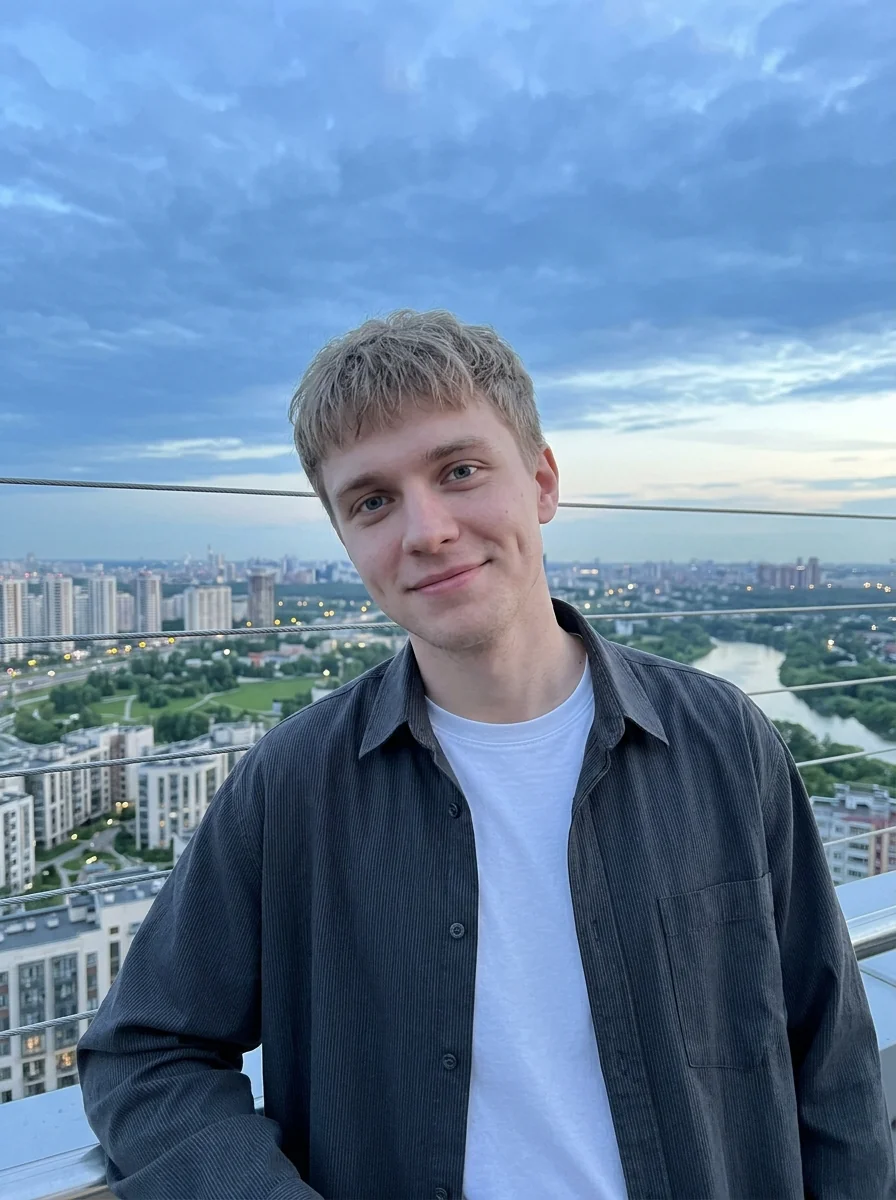
How to Make Your Own Caricature Portrait
- 01
Add your photos
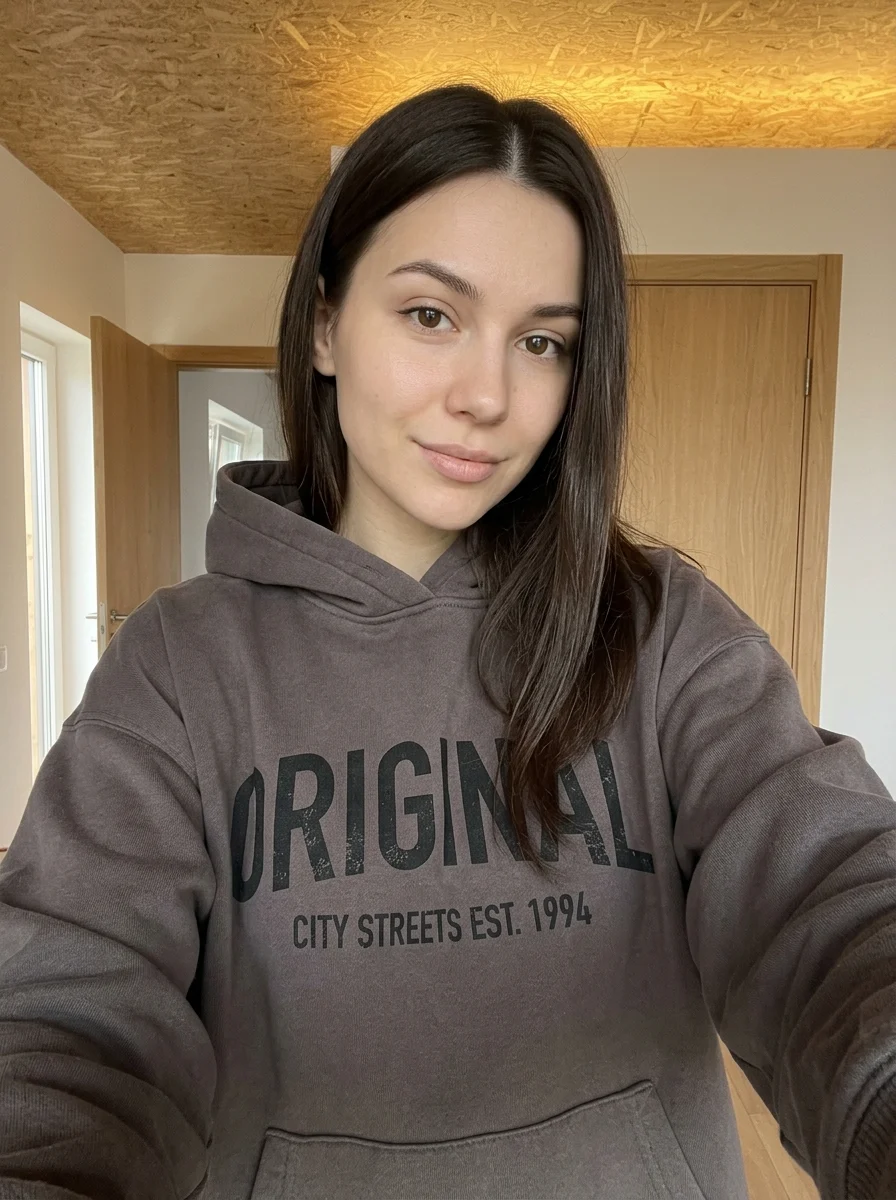
Upload 1 photo or try the example in the upload area.
- 02
Set your output
Choose the resolution, aspect ratio and number of images. The effect applies its preset style.
- 03
Generate, preview & download
Check the credit cost, generate your image and save it from My Images.
Frequently Asked Questions
How exaggerated will my face look in the caricature?
The preset amplifies visible features for a playful drawing. Starting with an unfiltered portrait gives it clearer features to work from.
Does a big smile work for a caricature?
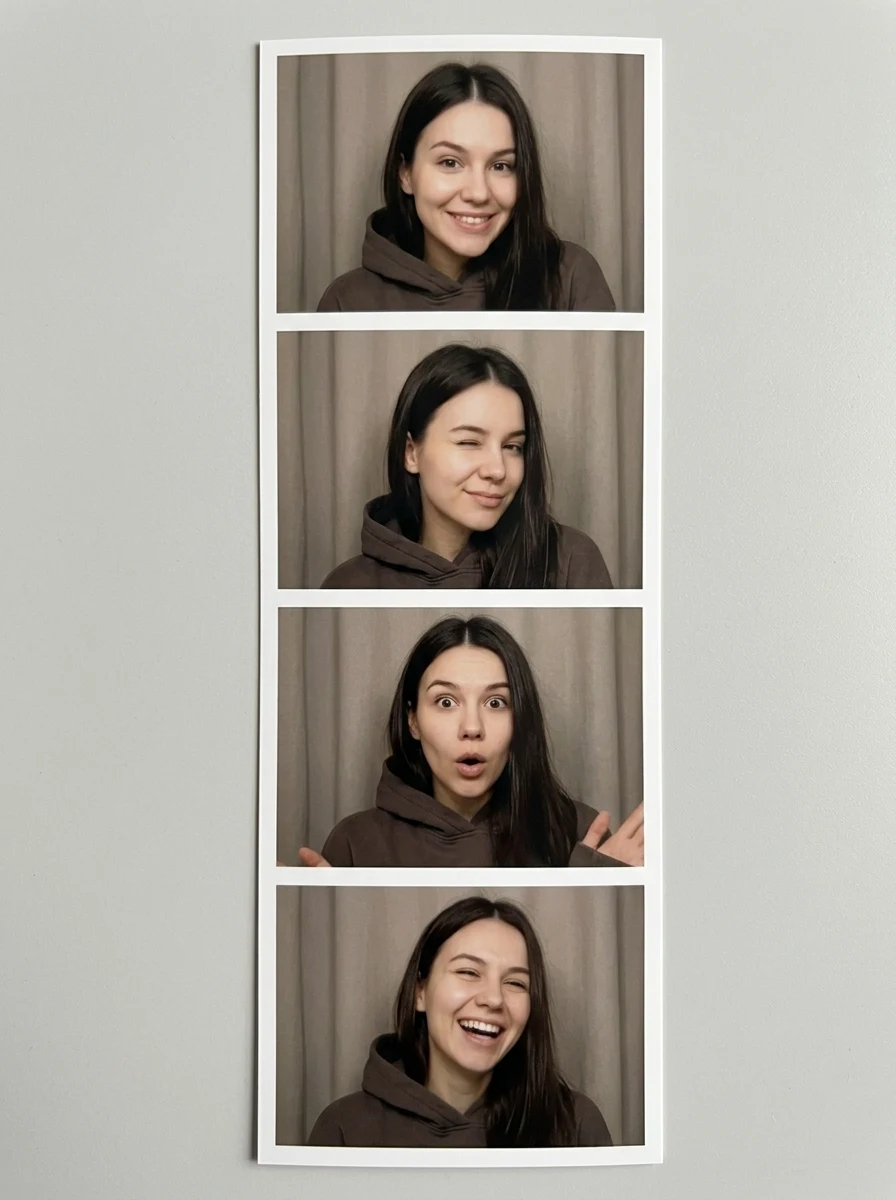
A clearly visible smile can give the drawing more character. Avoid shots where motion blur obscures the eyes or mouth.
Will glasses or a beard still read in the drawing?
Distinct frames and facial hair give the caricature recognizable shapes. Keep them in focus and expect the fine lines to be simplified.
Explore More AI Photo Effects
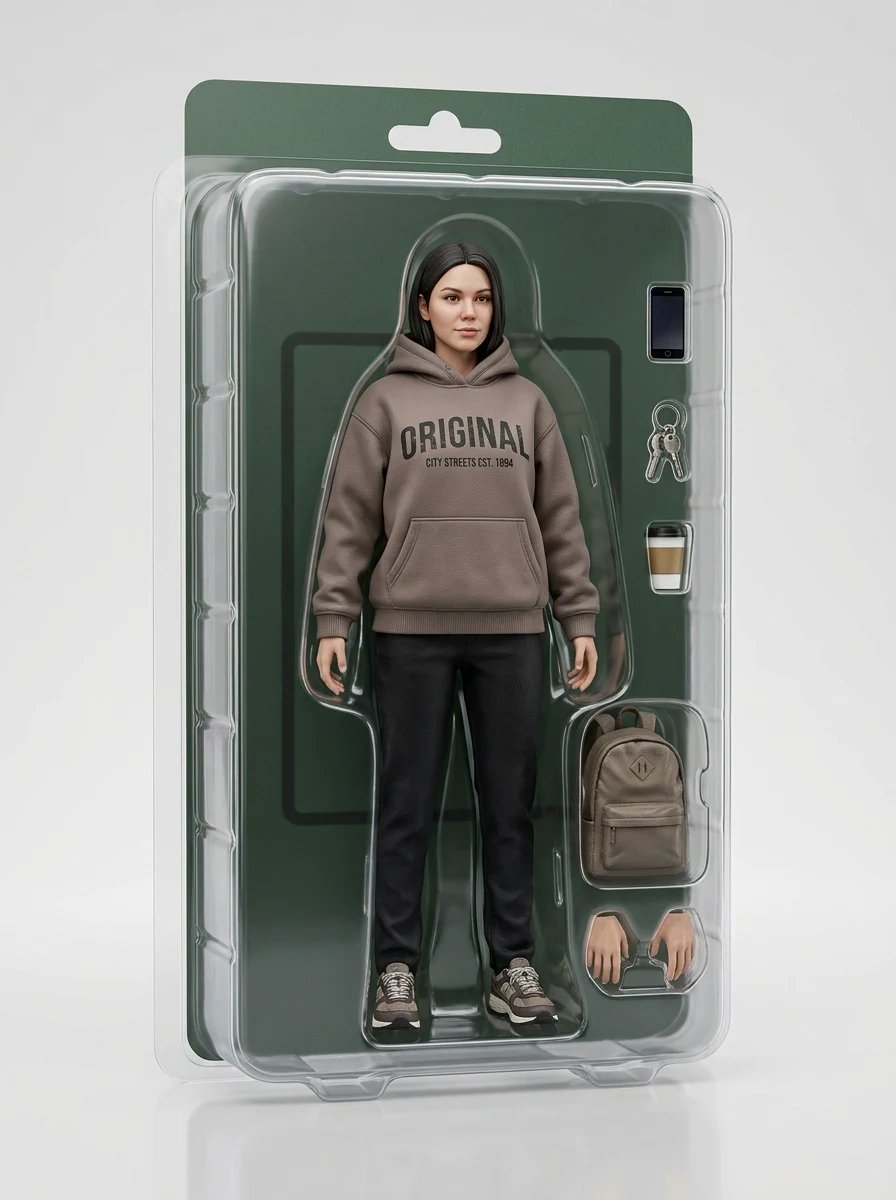
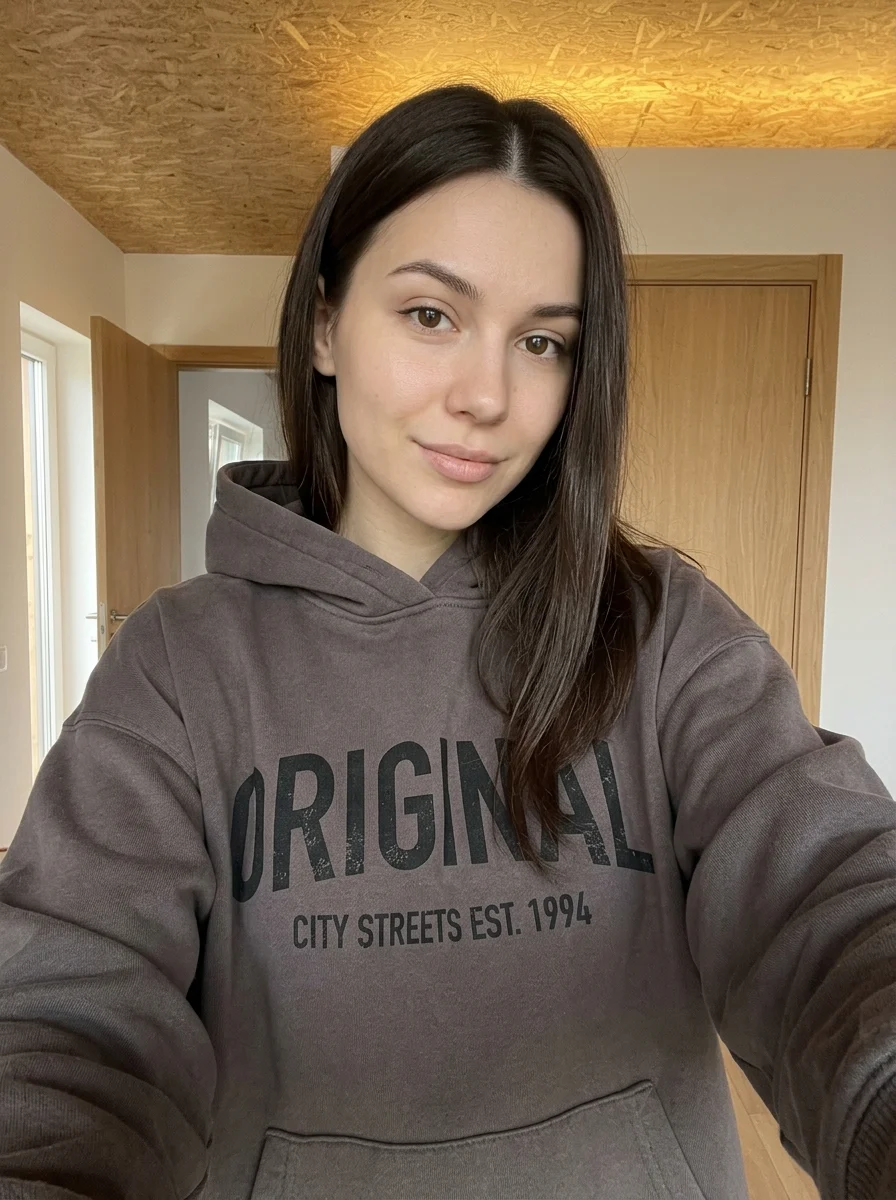
Make your own Caricature Portrait
Add your photos to try this effect with your own images.
1 photo · 3 credits
Back to upload