
Credits are returned if generation fails.
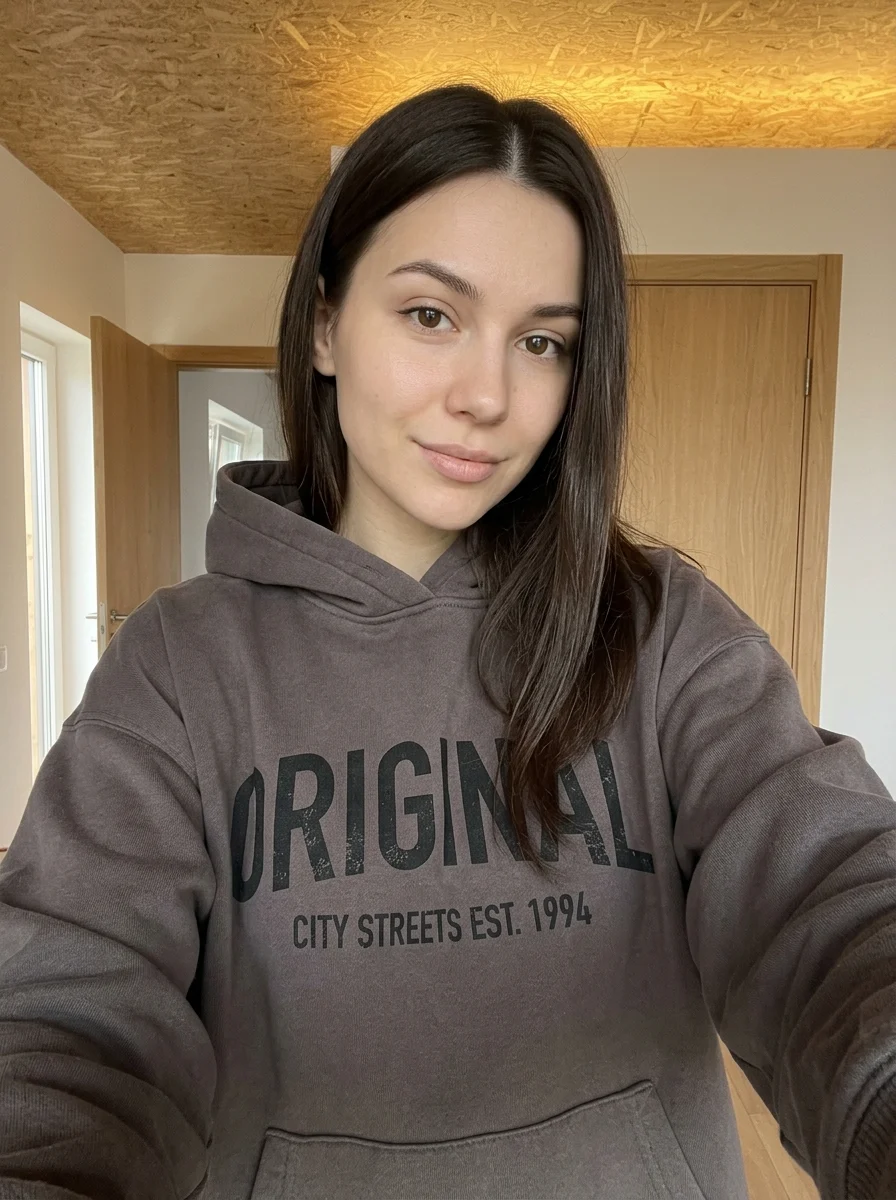
This example shows what the effect can do. Your uploaded photo is used when you generate, and results may vary.
Sign in to see your private images.
What is 80s Yearbook?
Turn a portrait into an ’80s school yearbook photo with a retro sweater, a mottled blue-gray studio backdrop and soft film grain.
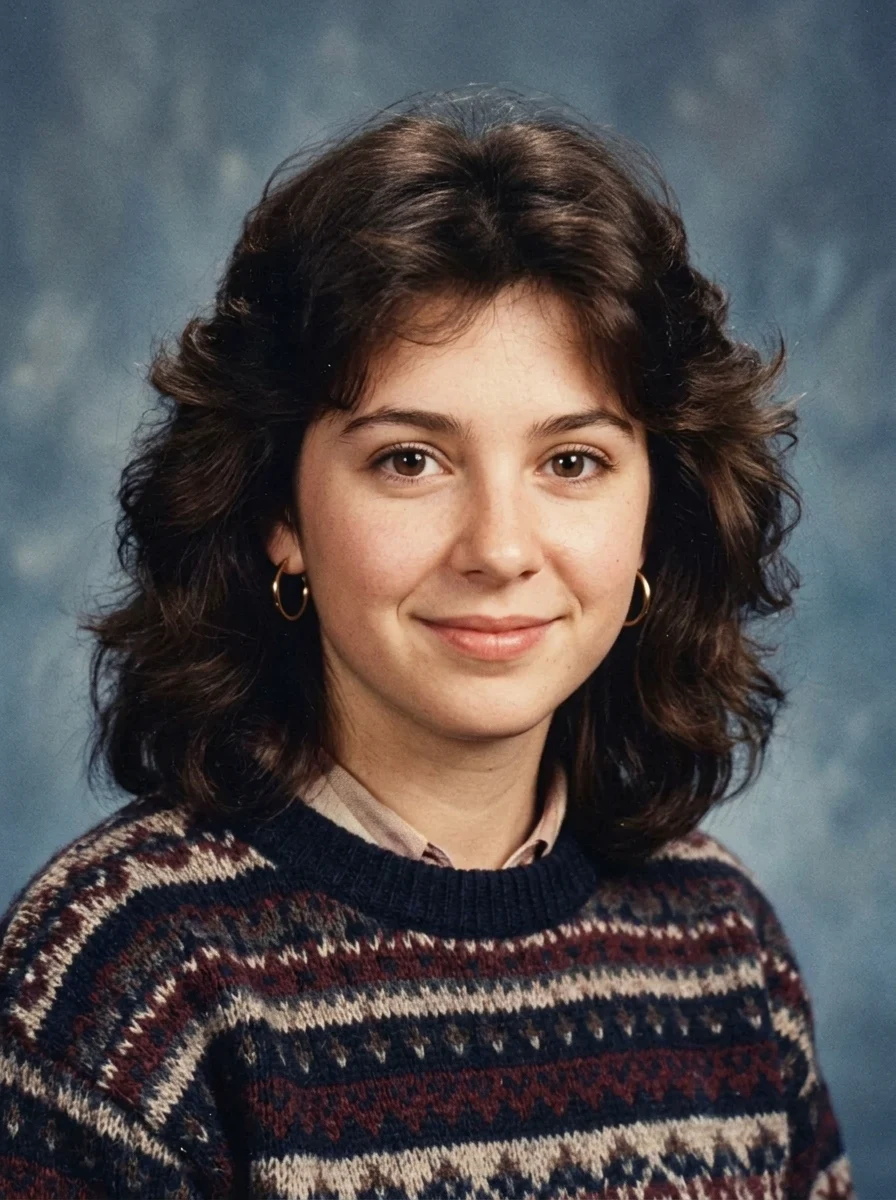

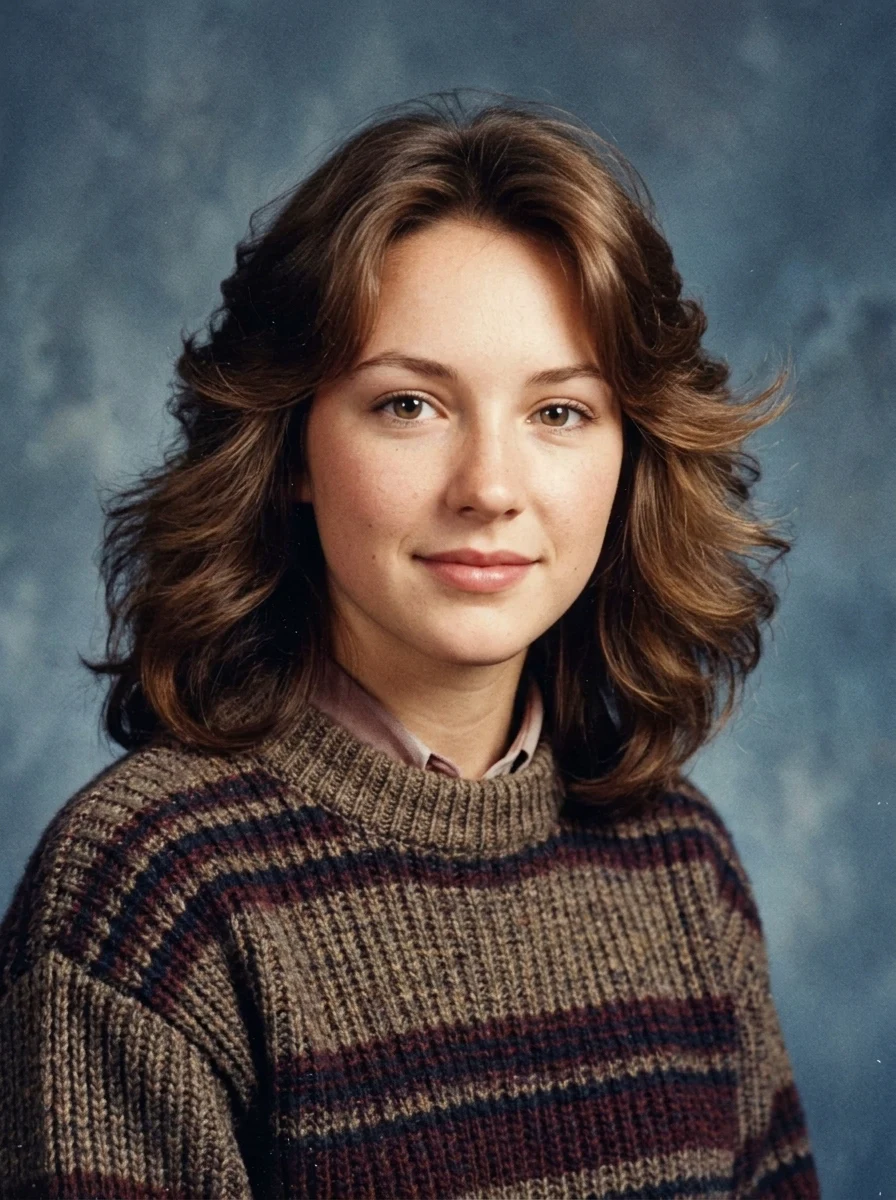

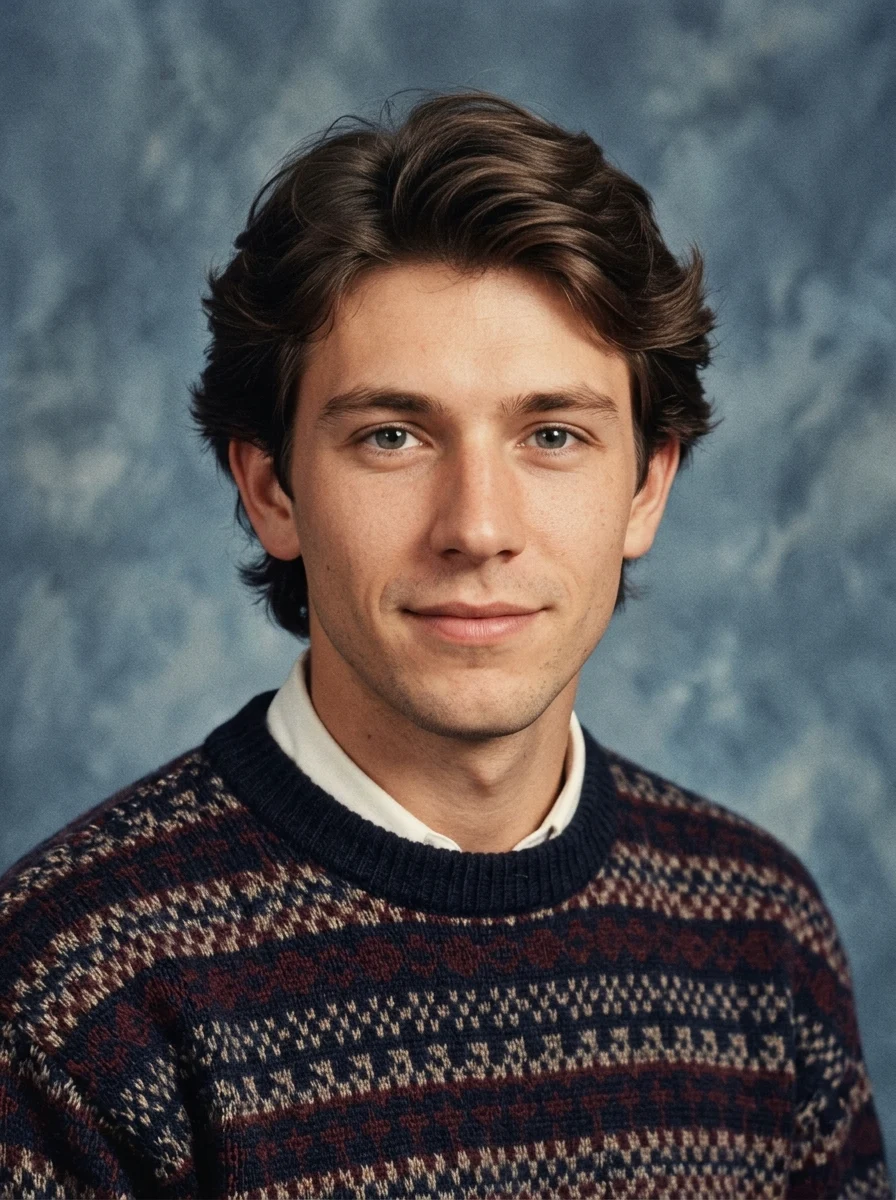

How to Make Your Own 80s Yearbook
- 01
Add your photos
Upload 1 photo or try the example in the upload area.
- 02
Set your output
Choose the resolution, aspect ratio and number of images. The effect applies its preset style.
- 03
Generate, preview & download
Check the credit cost, generate your image and save it from My Images.
Frequently Asked Questions
Do I need to dress like it is the 1980s for the yearbook effect?
A modern selfie works. The preset supplies the retro school portrait styling, including era-inspired hair and wardrobe.
How much of my face should be visible in the yearbook source photo?
Use a straight-on or slightly angled head-and-shoulders photo. Keep the whole face and hairline in frame so they can guide the studio portrait.
Will it look like a yearbook page with a name and graduation year?
The effect recreates the portrait look of a school yearbook. Add a name or year after downloading if you want the finished image to read like a page from an album.
Explore More AI Photo Effects
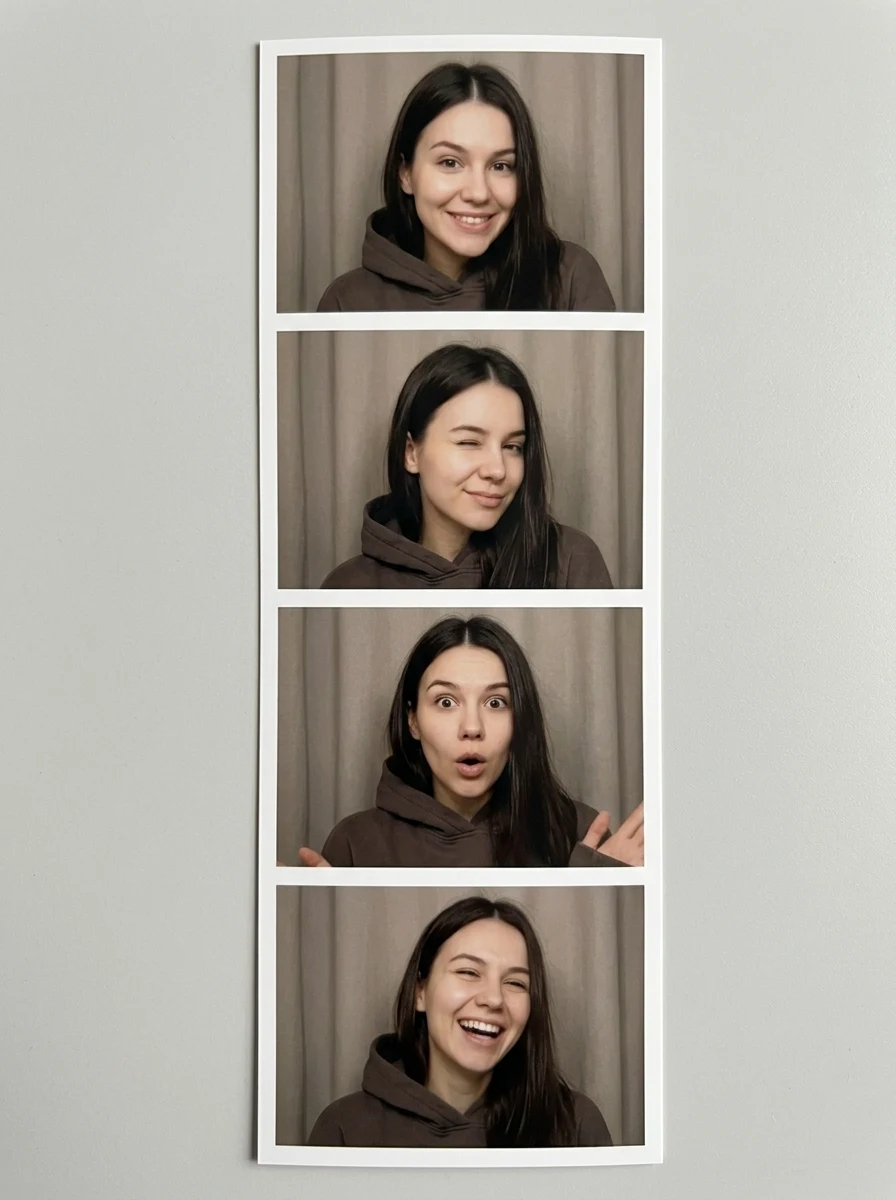
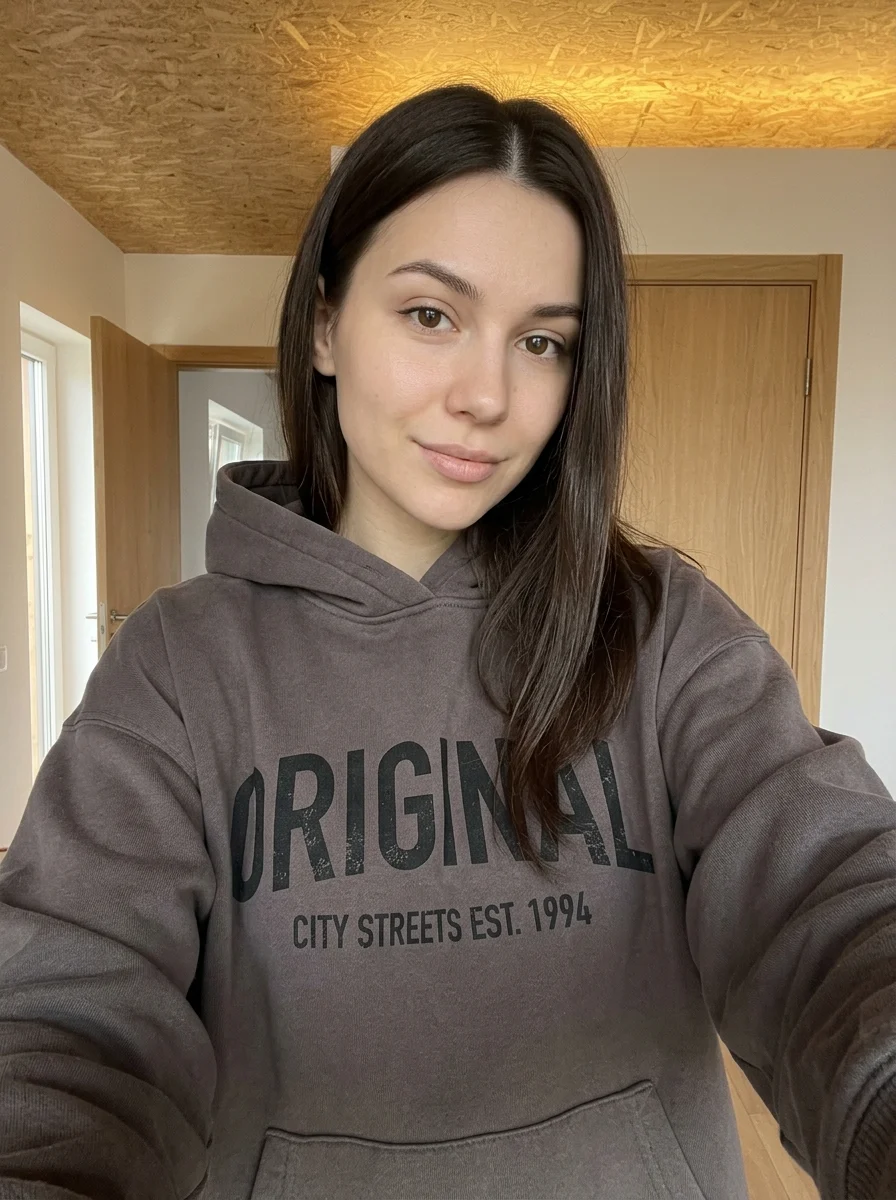
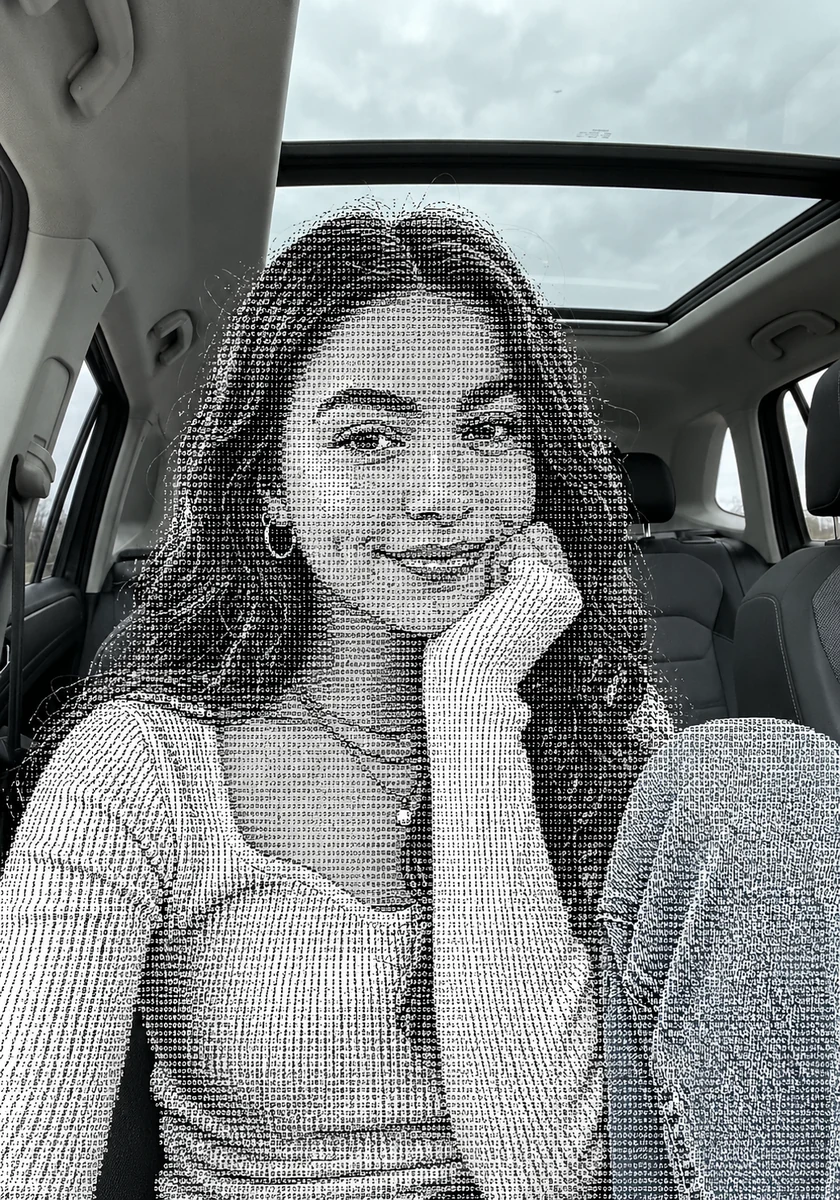

Make your own 80s Yearbook
Add your photos to try this effect with your own images.
1 photo · 3 credits
Back to upload