
Credits are returned if generation fails.
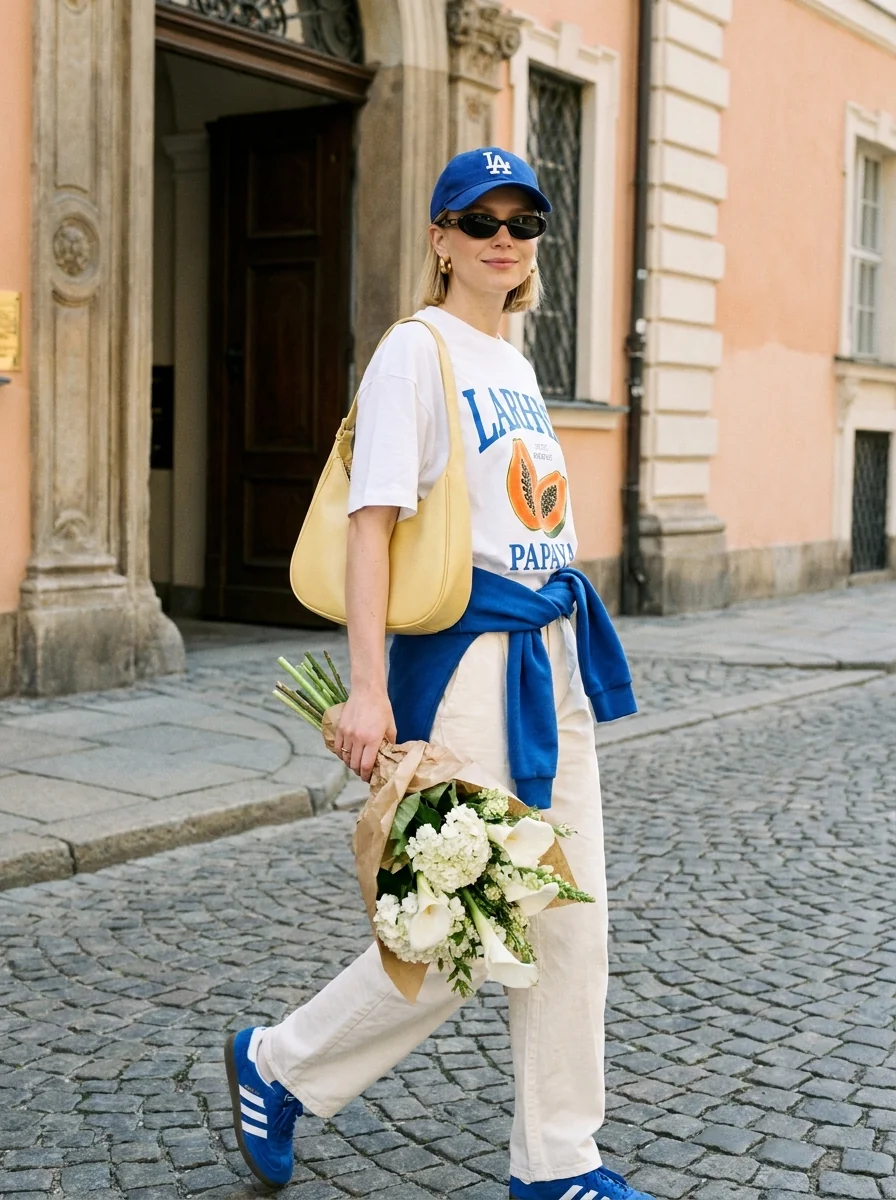
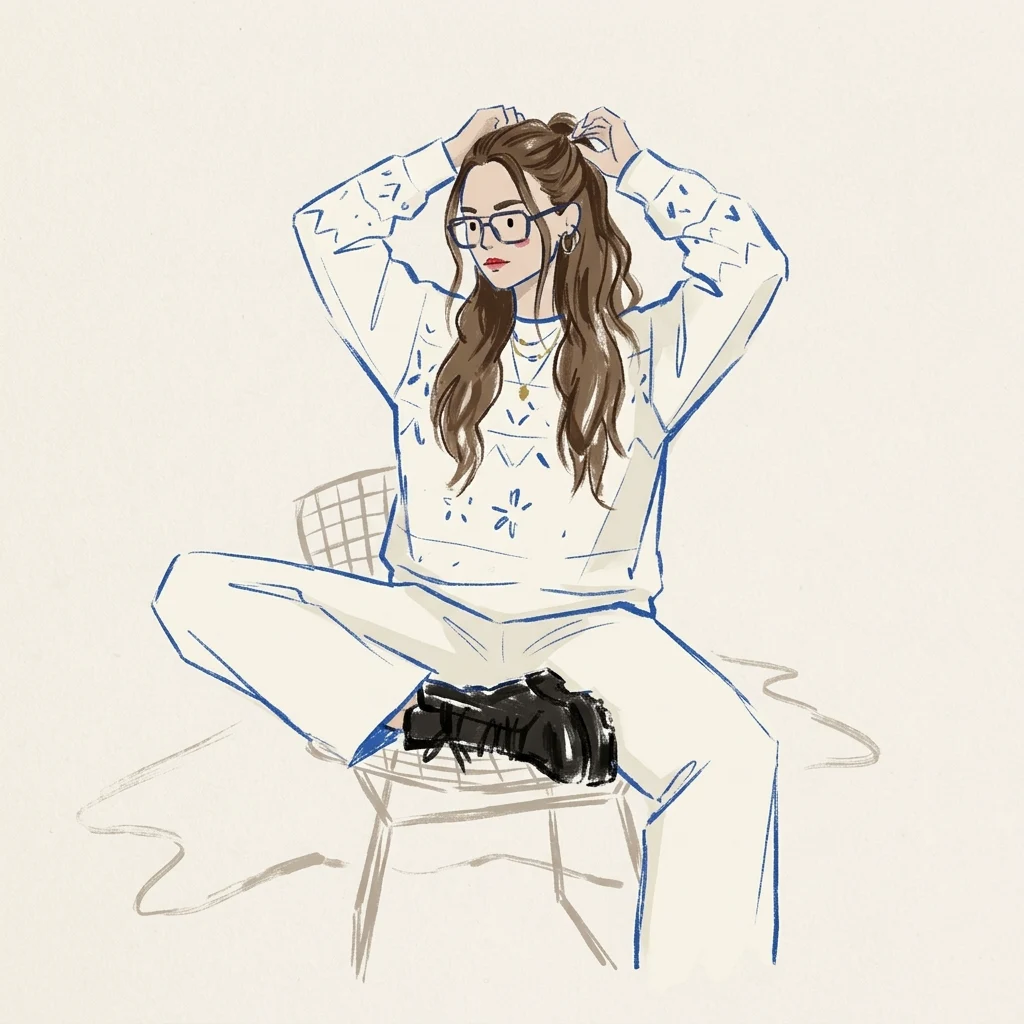
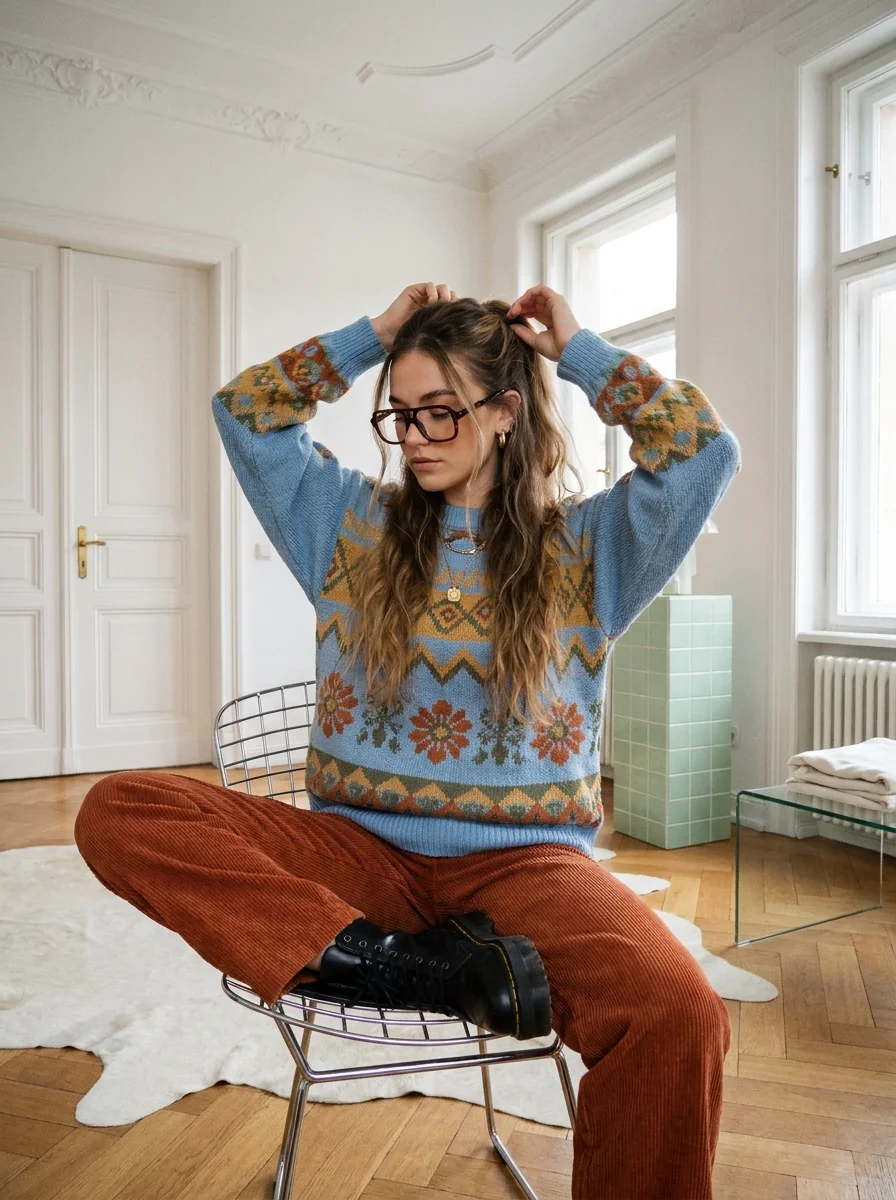
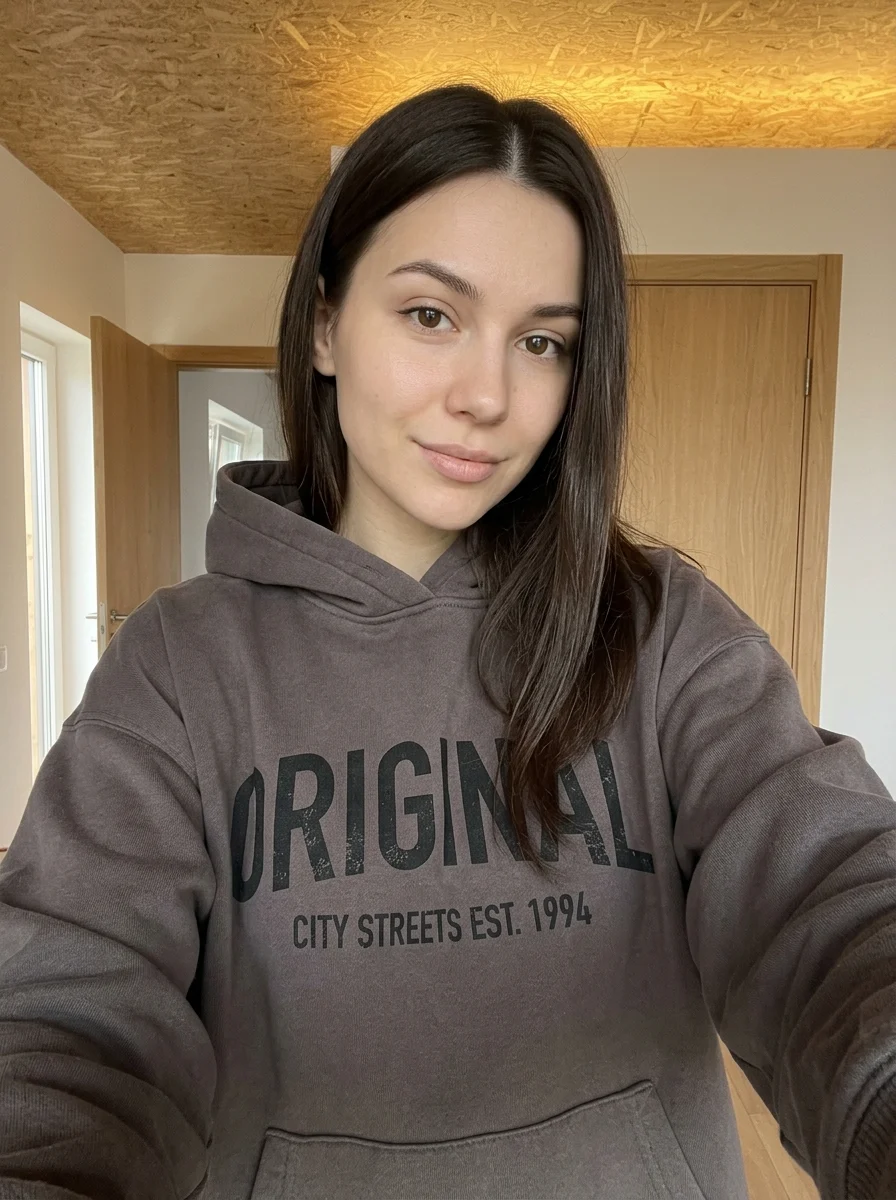
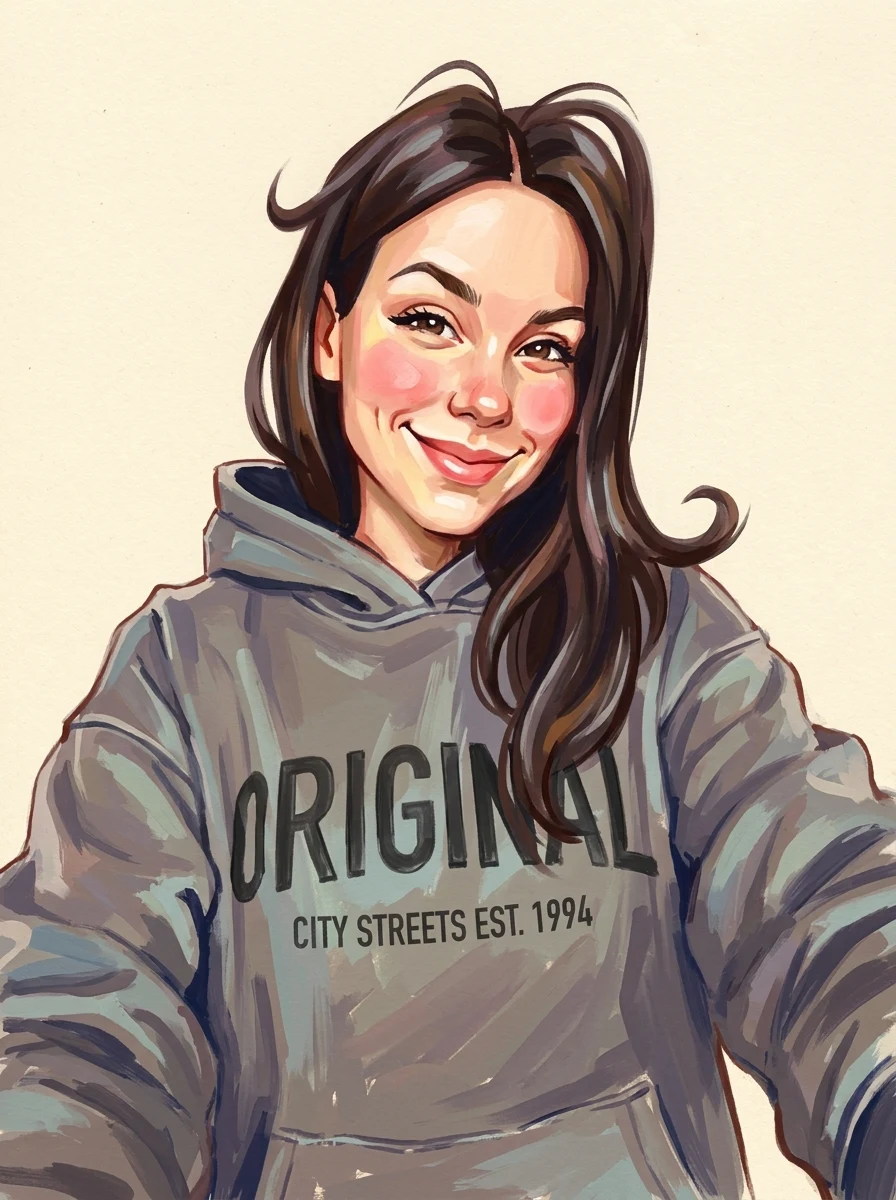
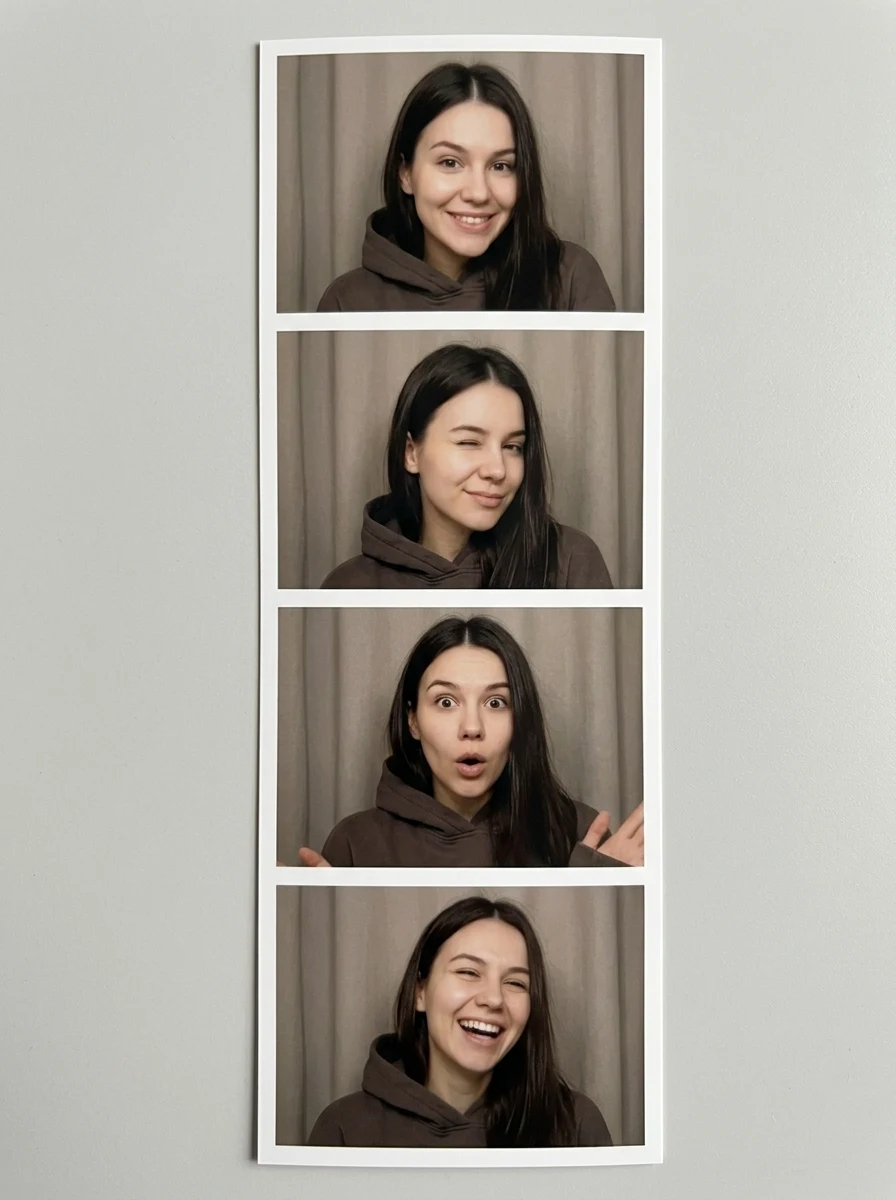
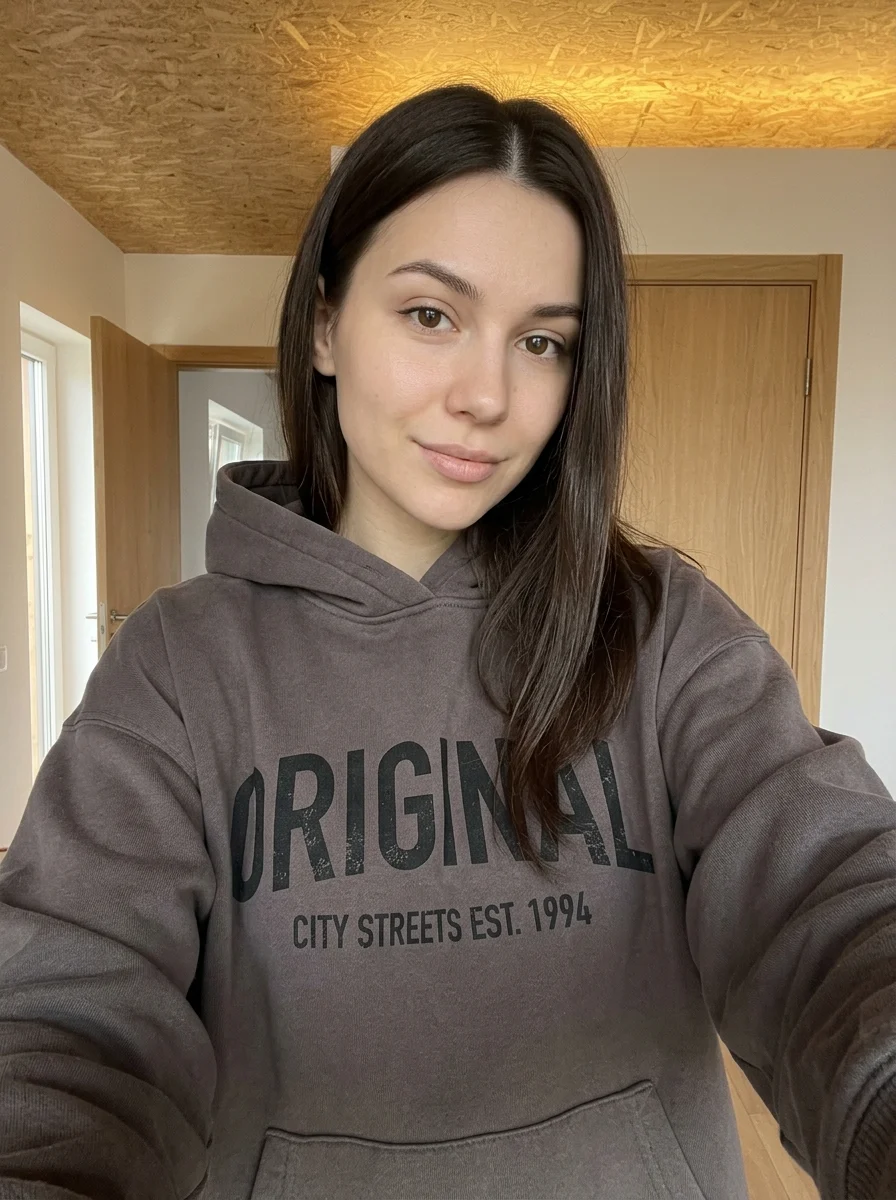
This example shows what the effect can do. Your uploaded photo is used when you generate, and results may vary.
Sign in to see your private images.
What is Blue Ink Fashion Croquis?
Turn an outfit photo into a loose fashion sketch in cobalt-blue ink.
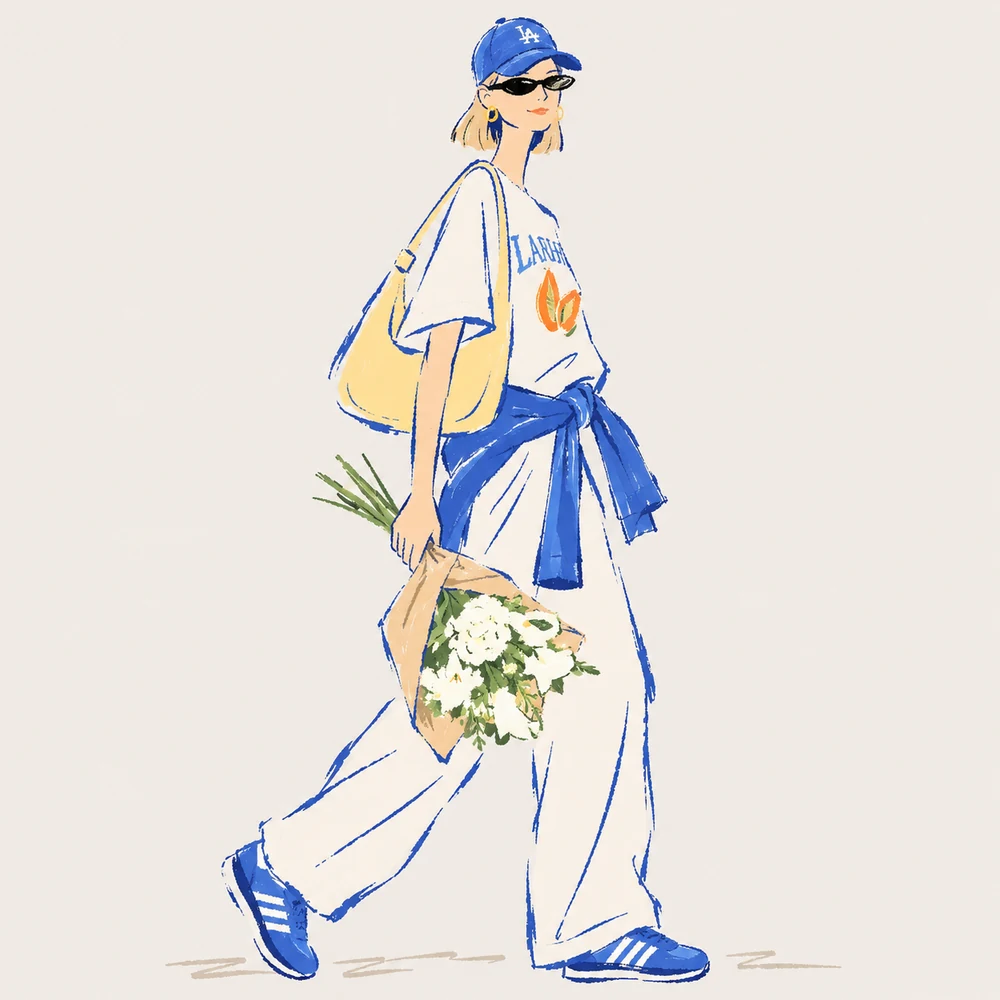
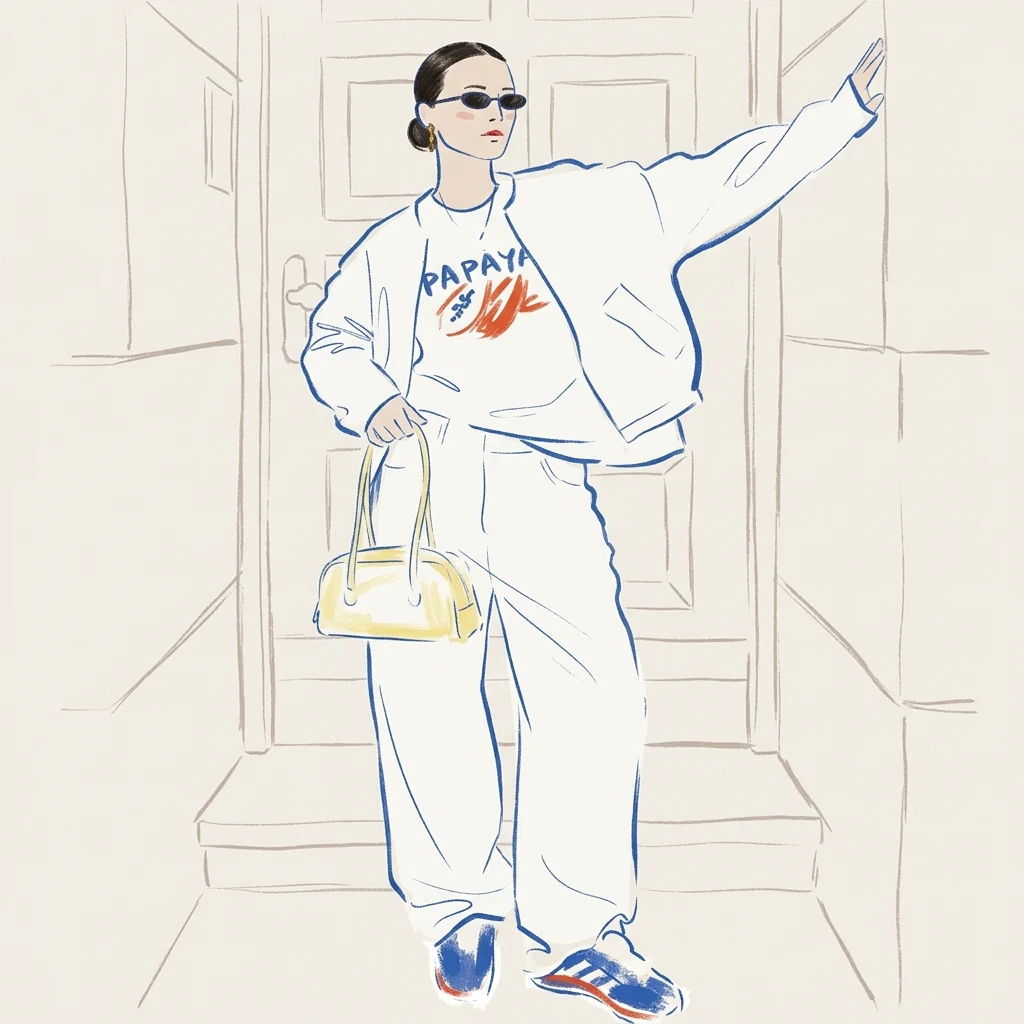
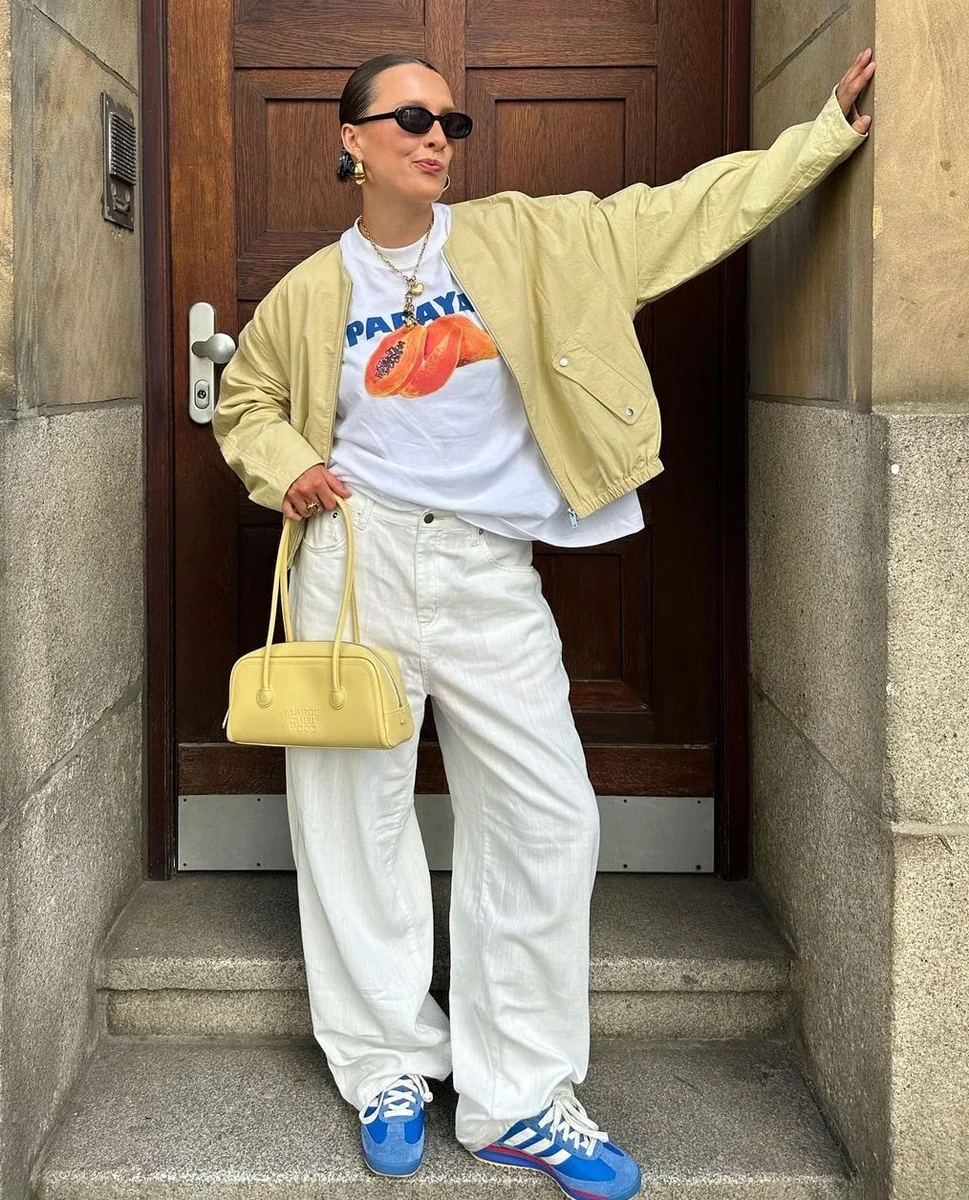
How to Make Your Own Blue Ink Fashion Croquis
- 01
Add your photos
Upload 1 photo or try the example in the upload area.
- 02
Set your output
Choose the resolution, aspect ratio and number of images. The effect applies its preset style.
- 03
Generate, preview & download
Check the credit cost, generate your image and save it from My Images.
Frequently Asked Questions
Should I show my shoes in a fashion croquis reference?
Yes, if you want a head-to-toe sketch. Leave space above the head and below the shoes so the model has the complete outfit to reference.
Will the cobalt sketch use the real colors of my outfit?
The preset uses cobalt-blue ink. It represents fabric and layers with outlines and shading, so a clear silhouette matters more than the original colors.
Is a simple pose better for the blue-ink sketch?
A relaxed standing pose makes seams and drape easier to see. Avoid angles that hide one side of the outfit if you want both sides represented.
Explore More AI Photo Effects
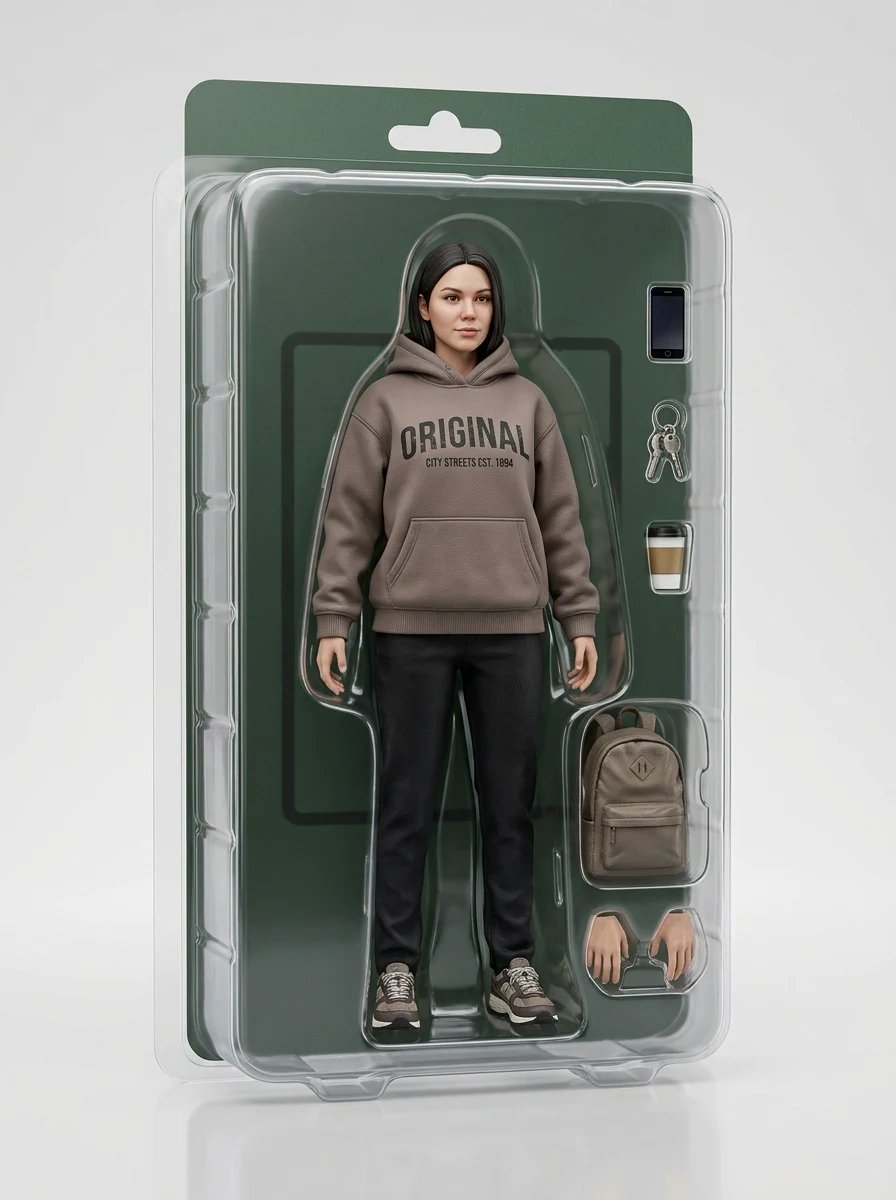
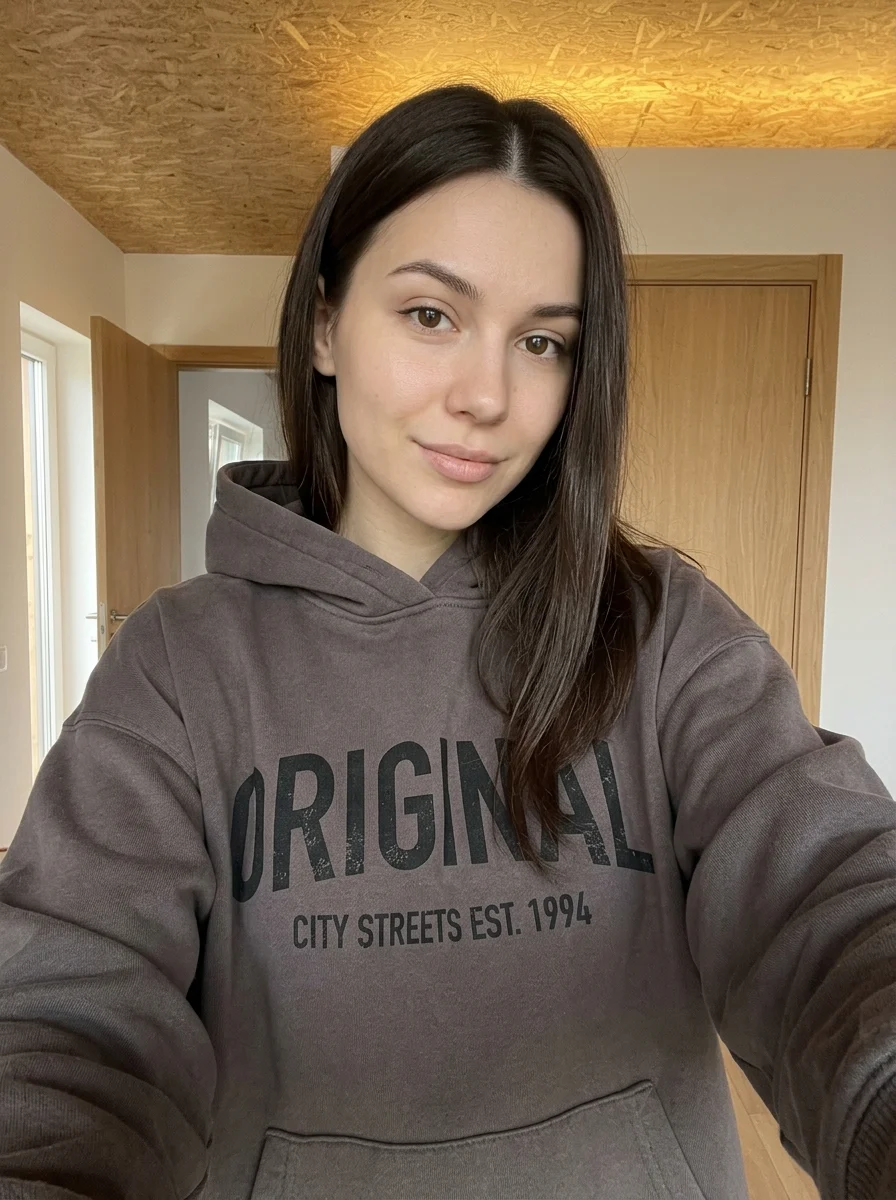
Make your own Blue Ink Fashion Croquis
Add your photos to try this effect with your own images.
1 photo · 3 credits
Back to upload