
Credits are returned if generation fails.
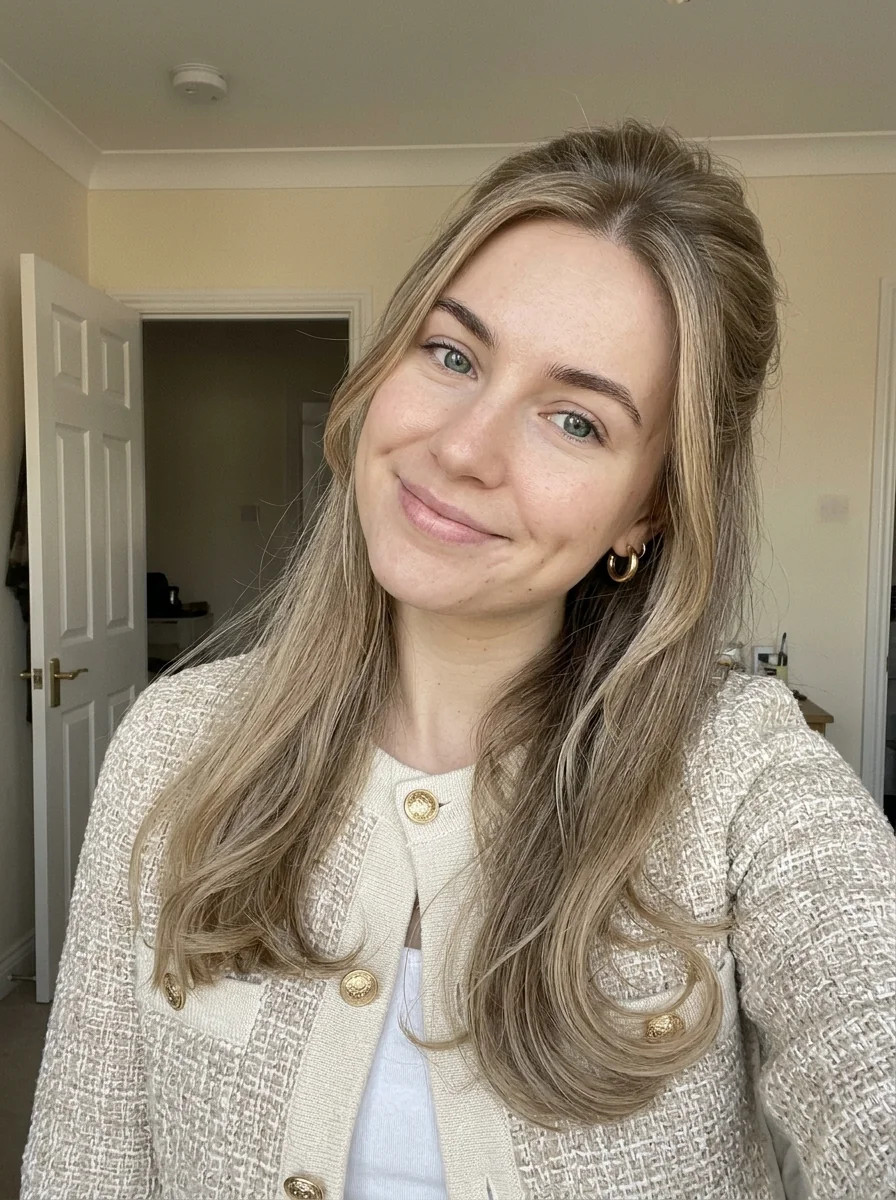
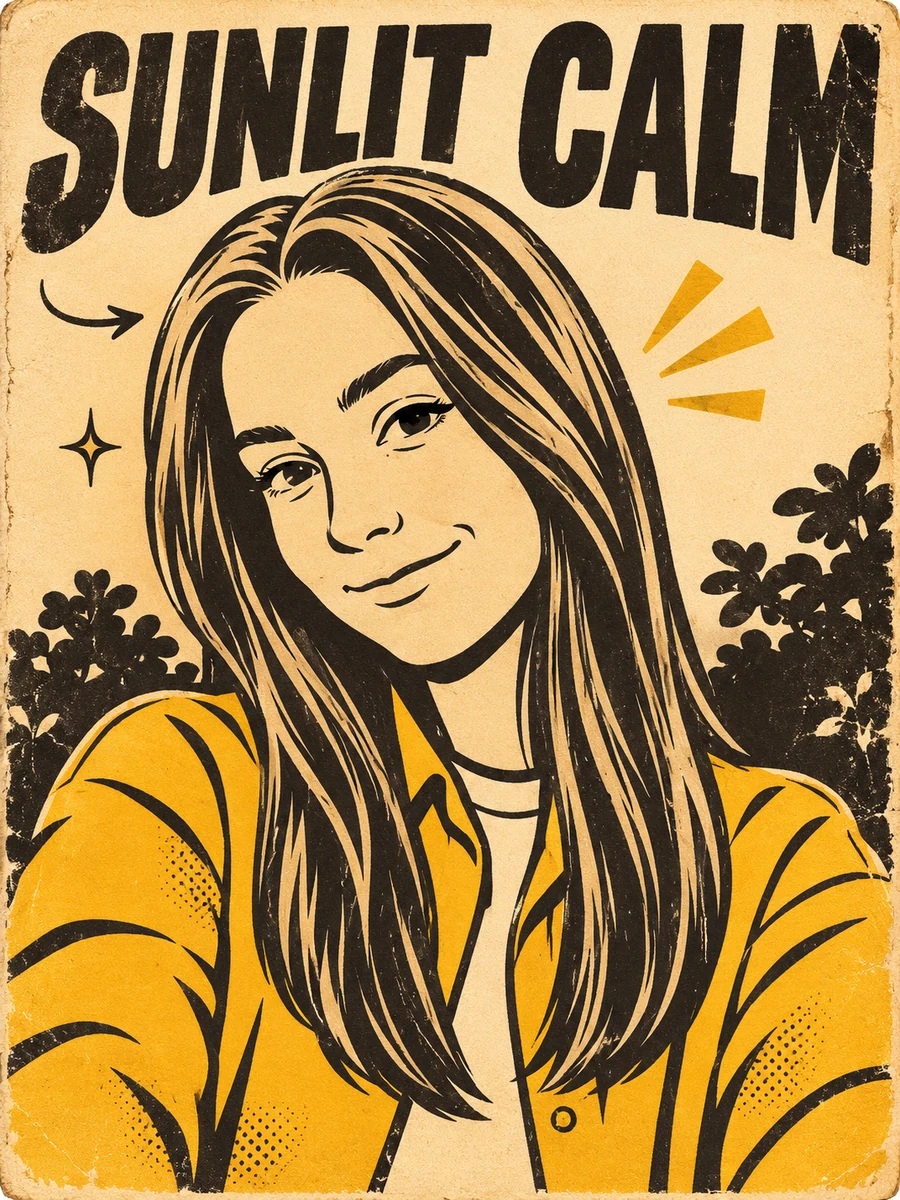
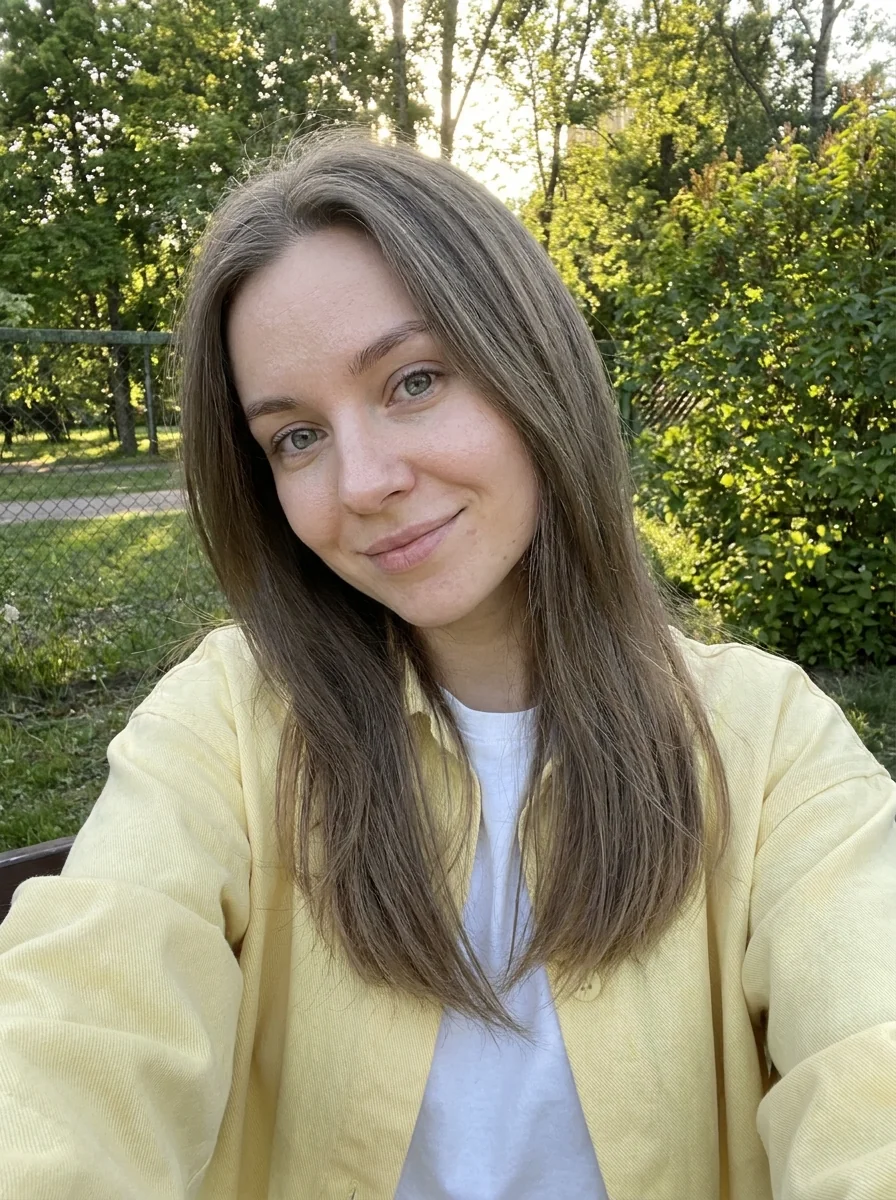
This example shows what the effect can do. Your uploaded photo is used when you generate, and results may vary.
Sign in to see your private images.
What Is the Blue Paper Manga AI Effect?
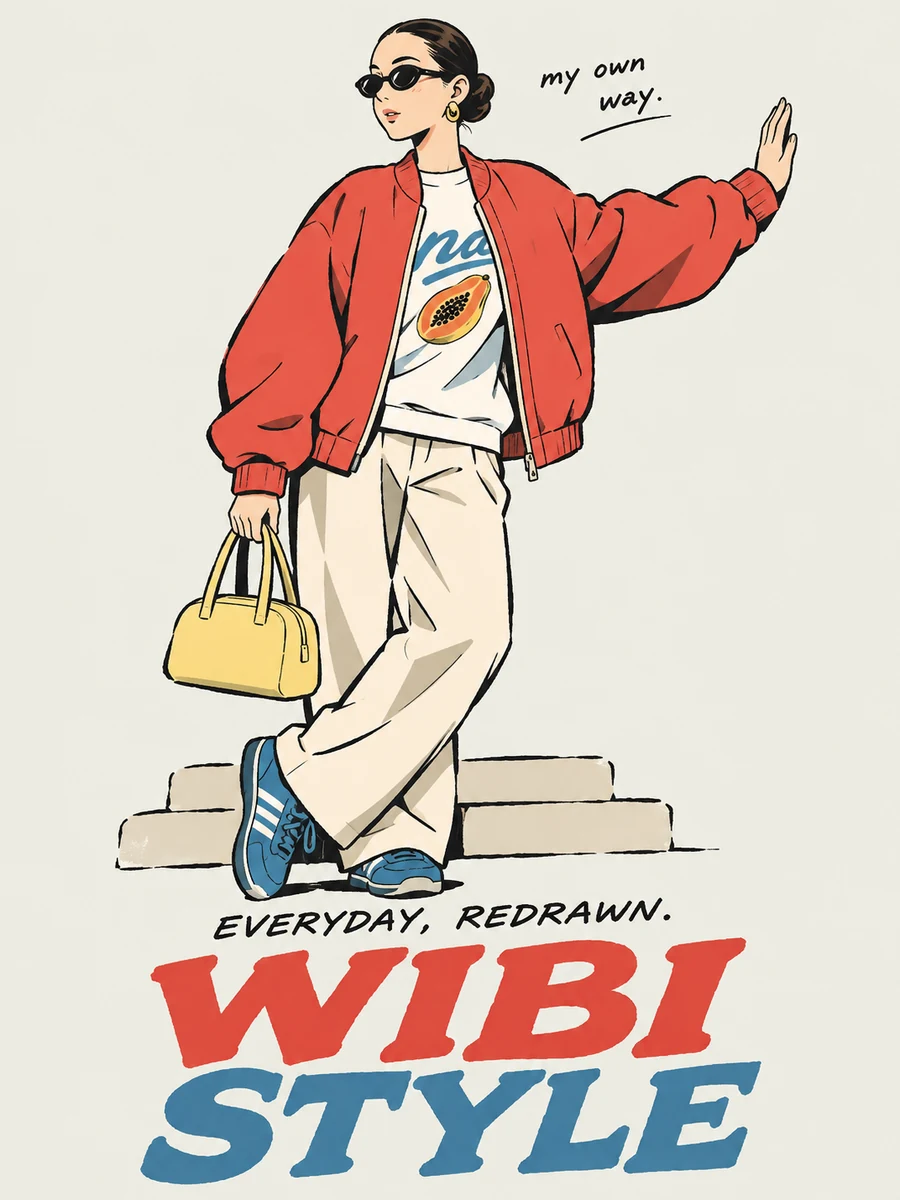
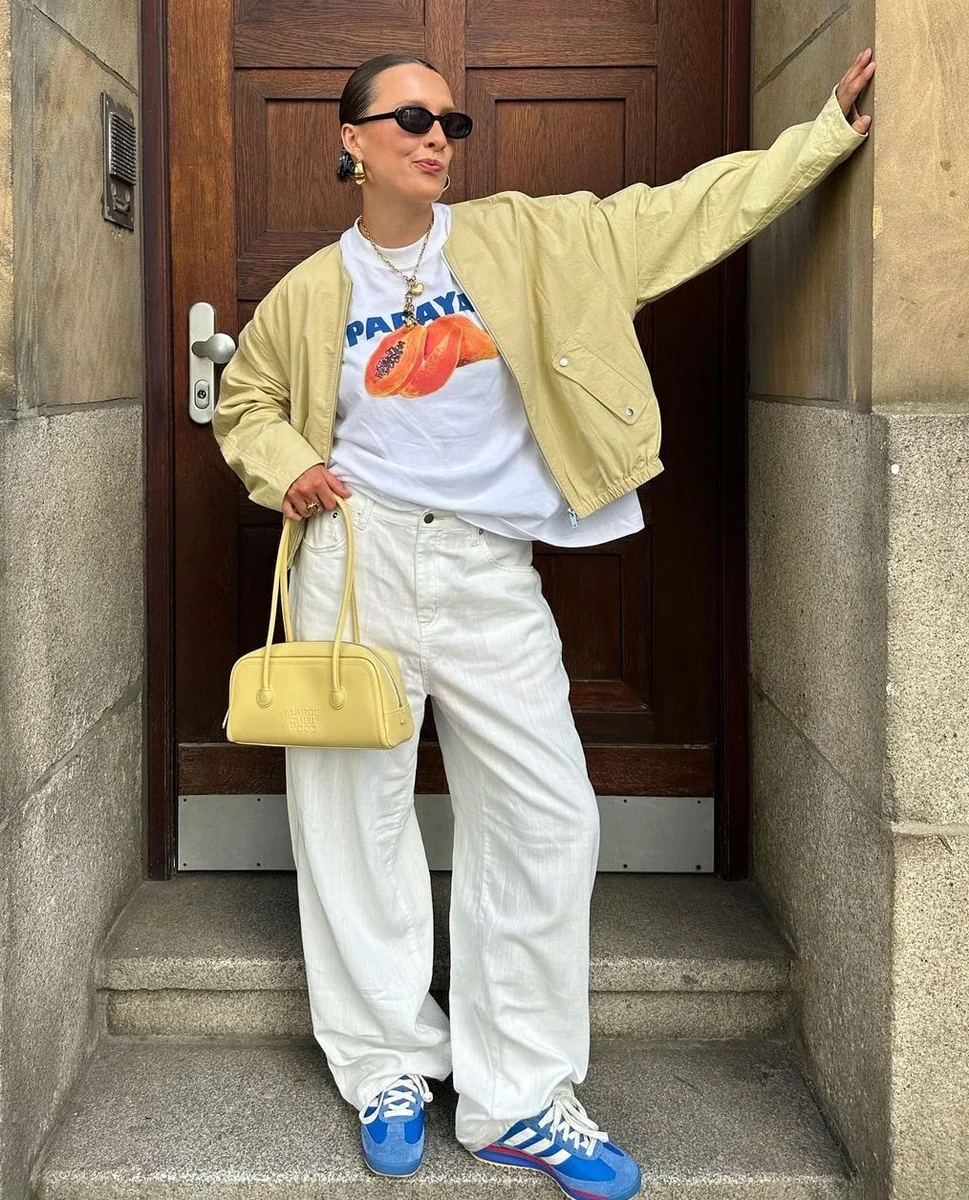
This preset redraws a portrait as a manga-style illustration and places it on textured blue paper with bold vintage typography. The sample above shows how a real input photo was transformed.
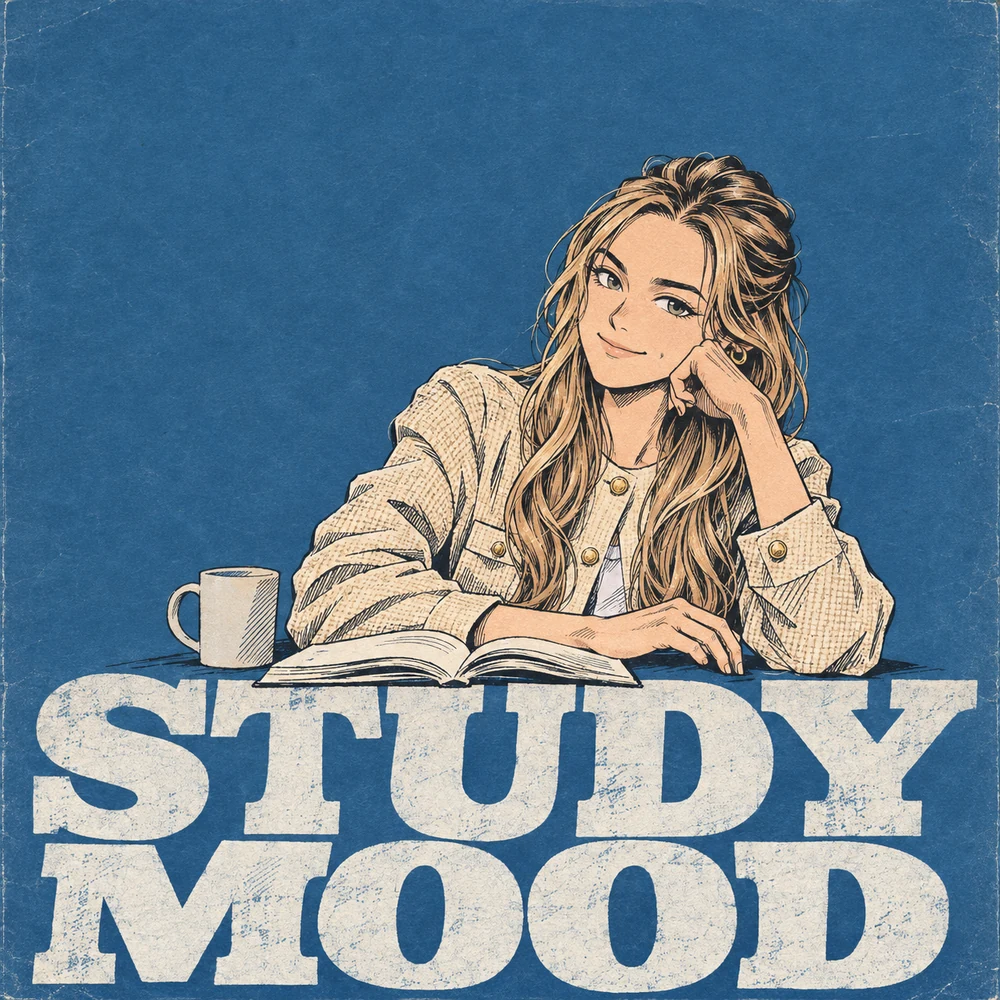
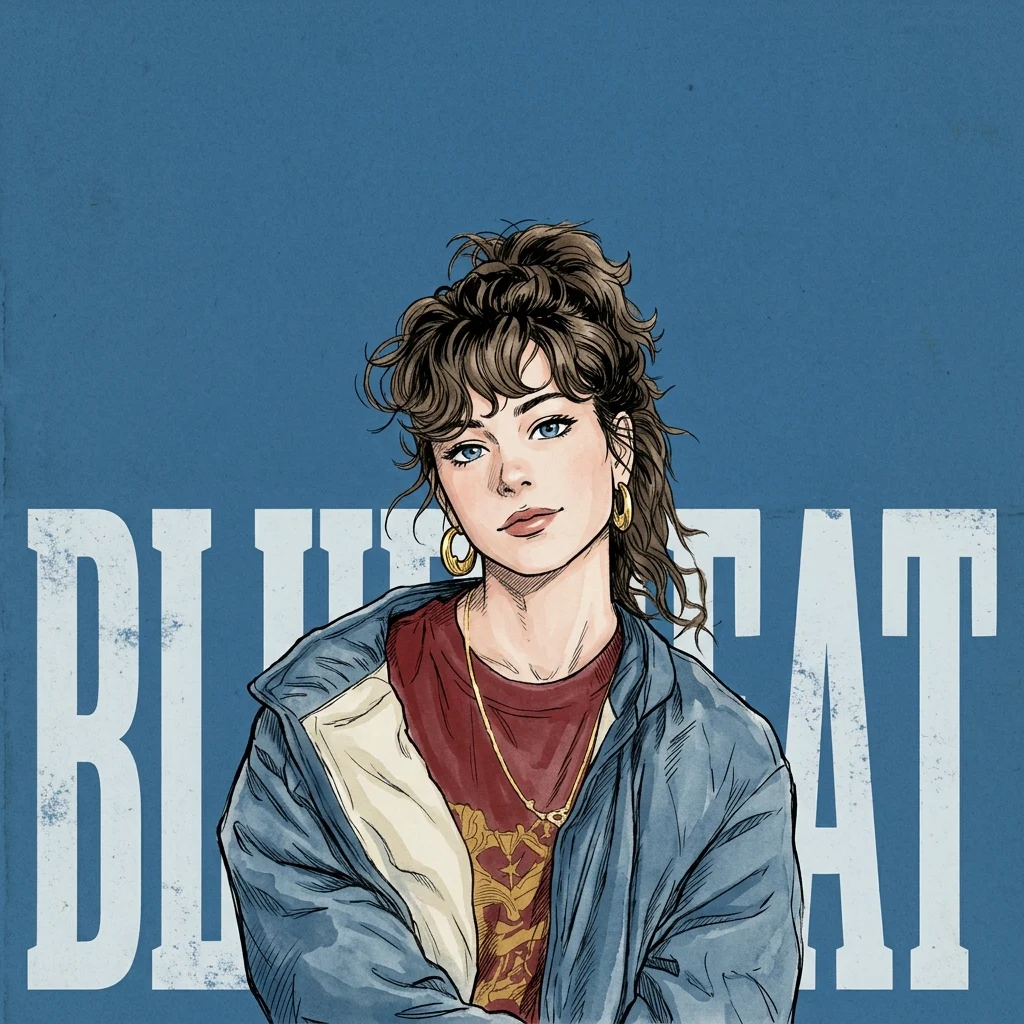
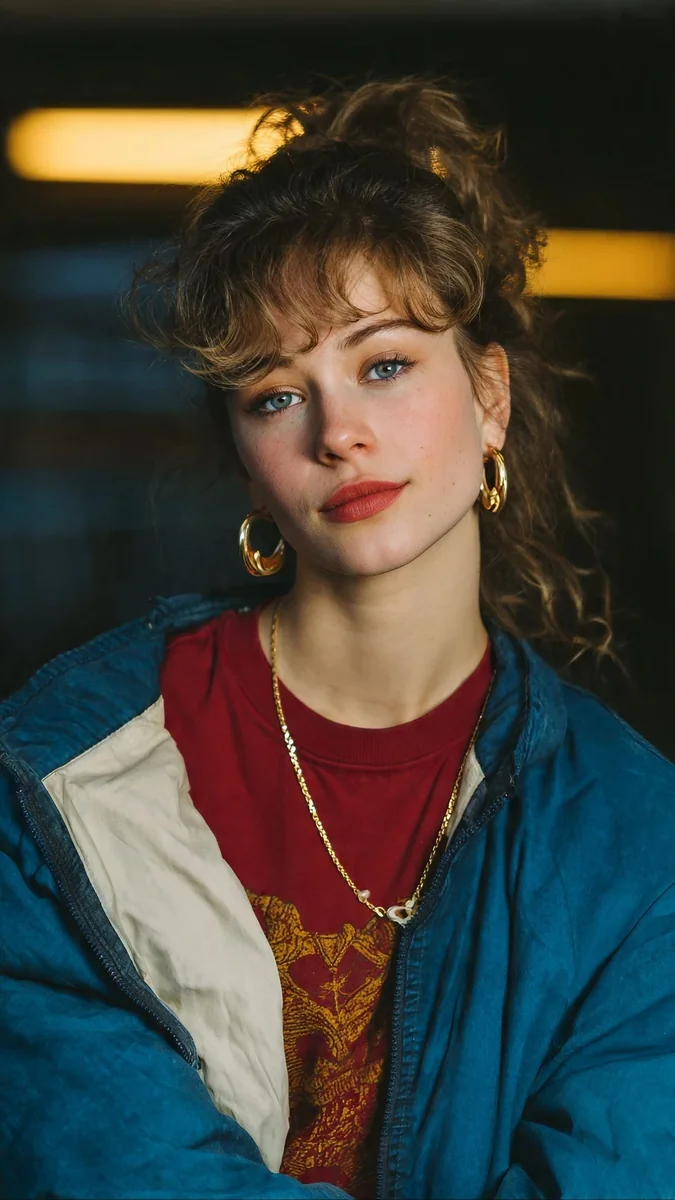
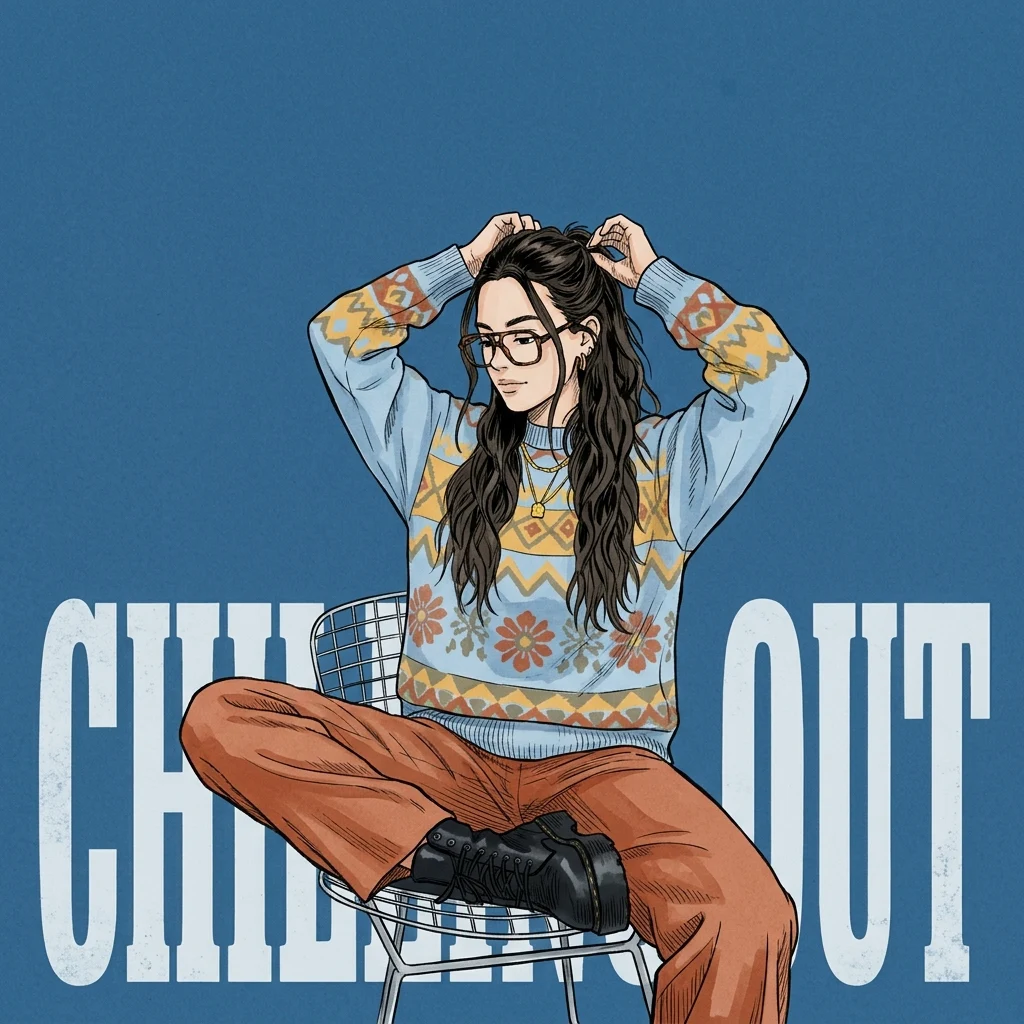
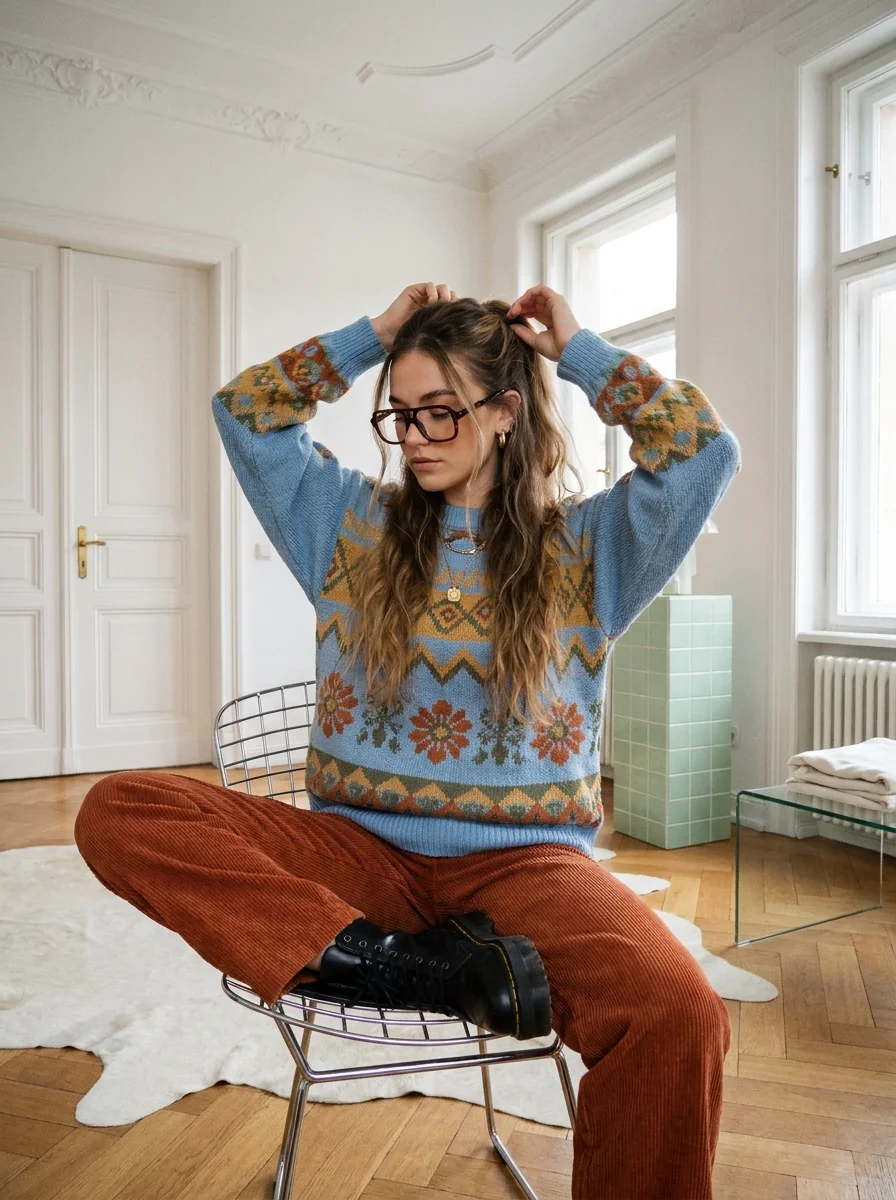
How to Make a Blue Manga Portrait
- 01
Upload a portrait
Choose one well-lit photo with your face and upper body visible.
- 02
Customize the output
Choose your resolution, aspect ratio and number of images. The preset sets the poster style for you.
- 03
Generate and download
Check the credit cost, generate your image and download it from My Images.
Tips for Better Results
Use an in-focus portrait with even lighting and an unobstructed face. Leave some space around your hair and shoulders so the illustrated outline has room. A simple background helps the subject stand out. Lettering is generated as part of the poster and may vary.
Frequently Asked Questions
Can I choose exactly what the blue manga poster says?
The preset generates the lettering as part of the artwork. Add or replace the title after download if you need exact wording.
How much room should I leave around my face for the blue manga layout?
Leave space around the hair and shoulders. A tight face crop can leave little room for both the illustrated outline and the bold type.
Which settings can I change on the blue paper poster?
You can choose the available resolution, aspect ratio and image count. The blue paper, comic linework and typography are built into the preset.
Explore More AI Photo Effects
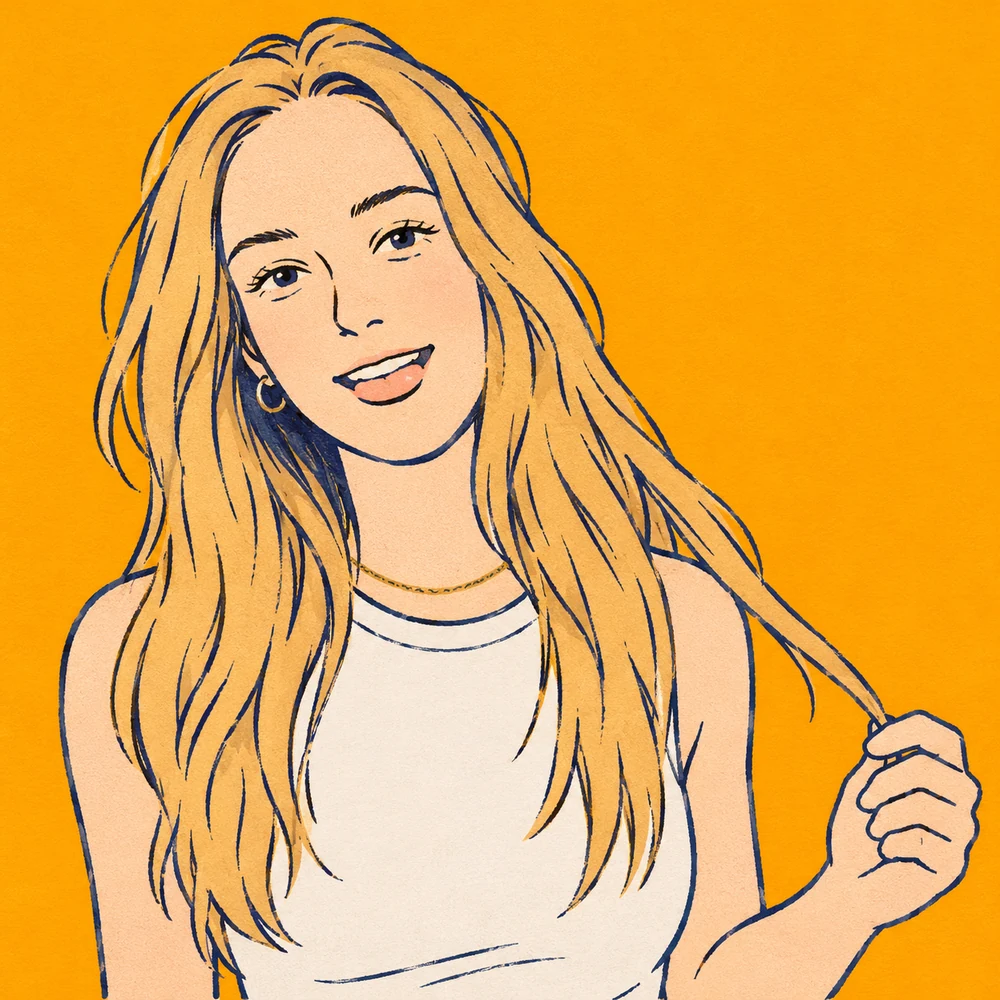
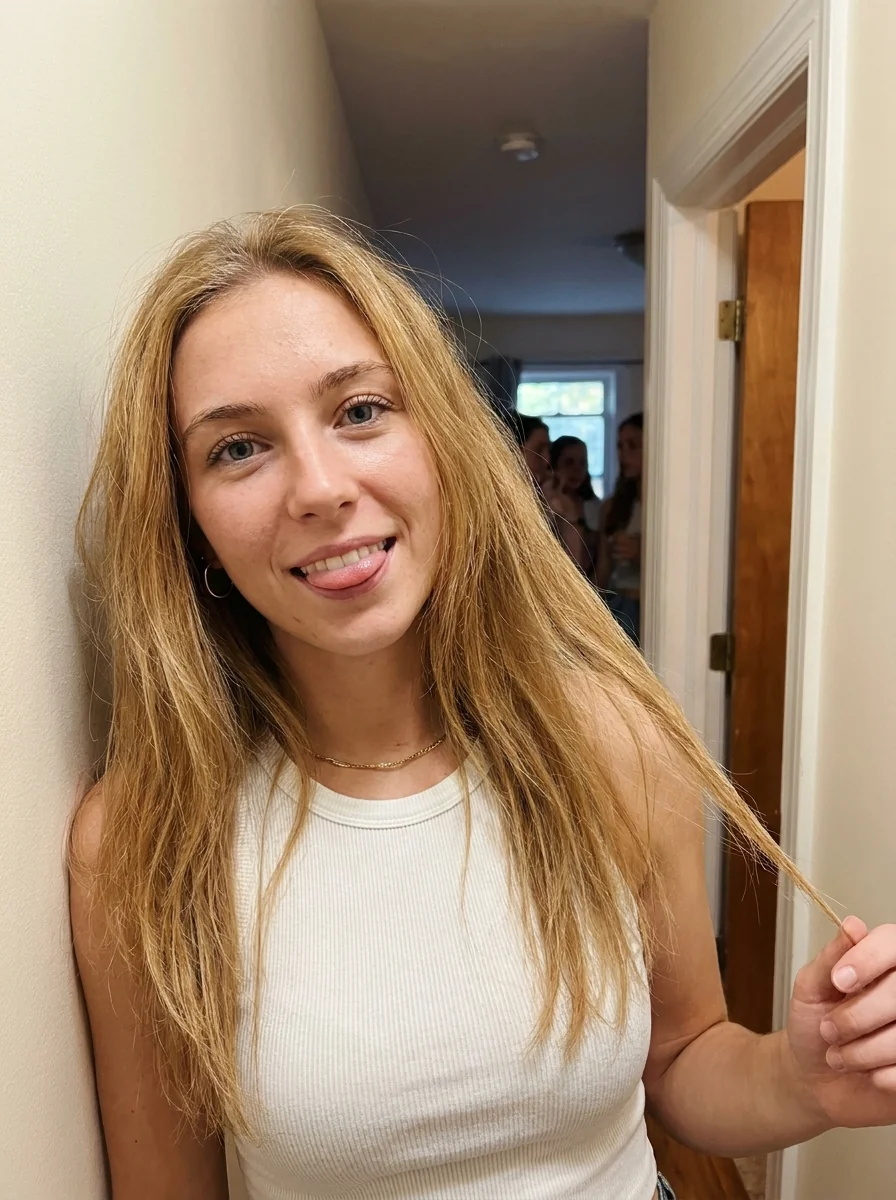
Make your own Blue Paper Manga Portrait
Add your photos to try this effect with your own images.
1 photo · 3 credits
Back to upload