
Credits are returned if generation fails.

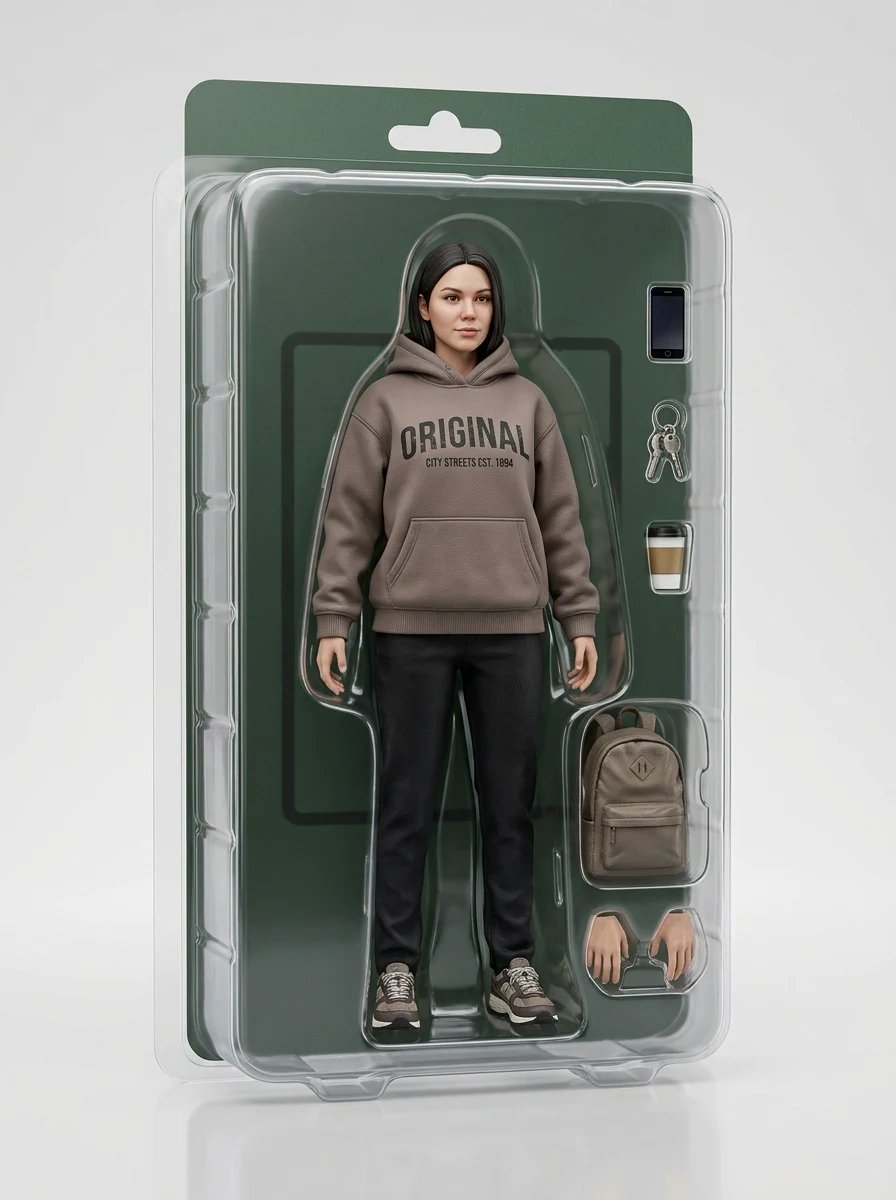
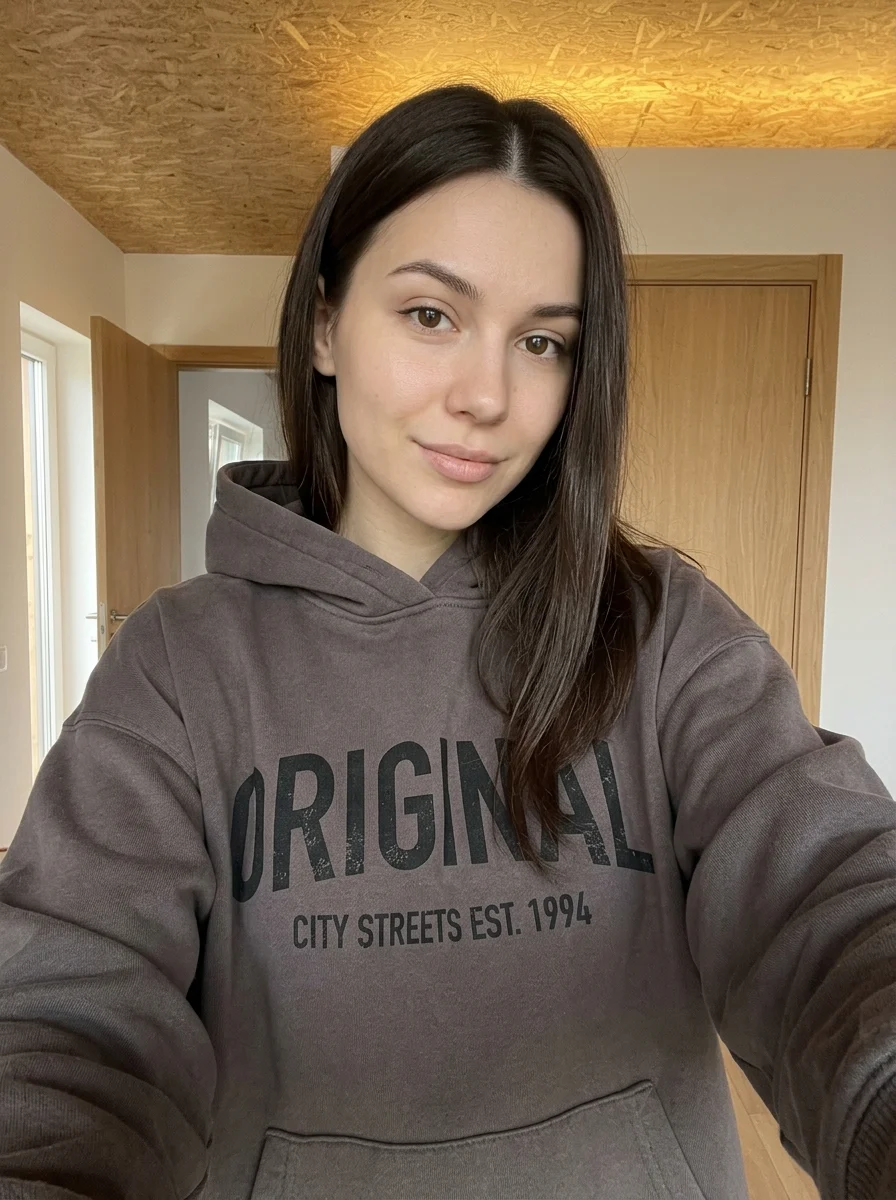
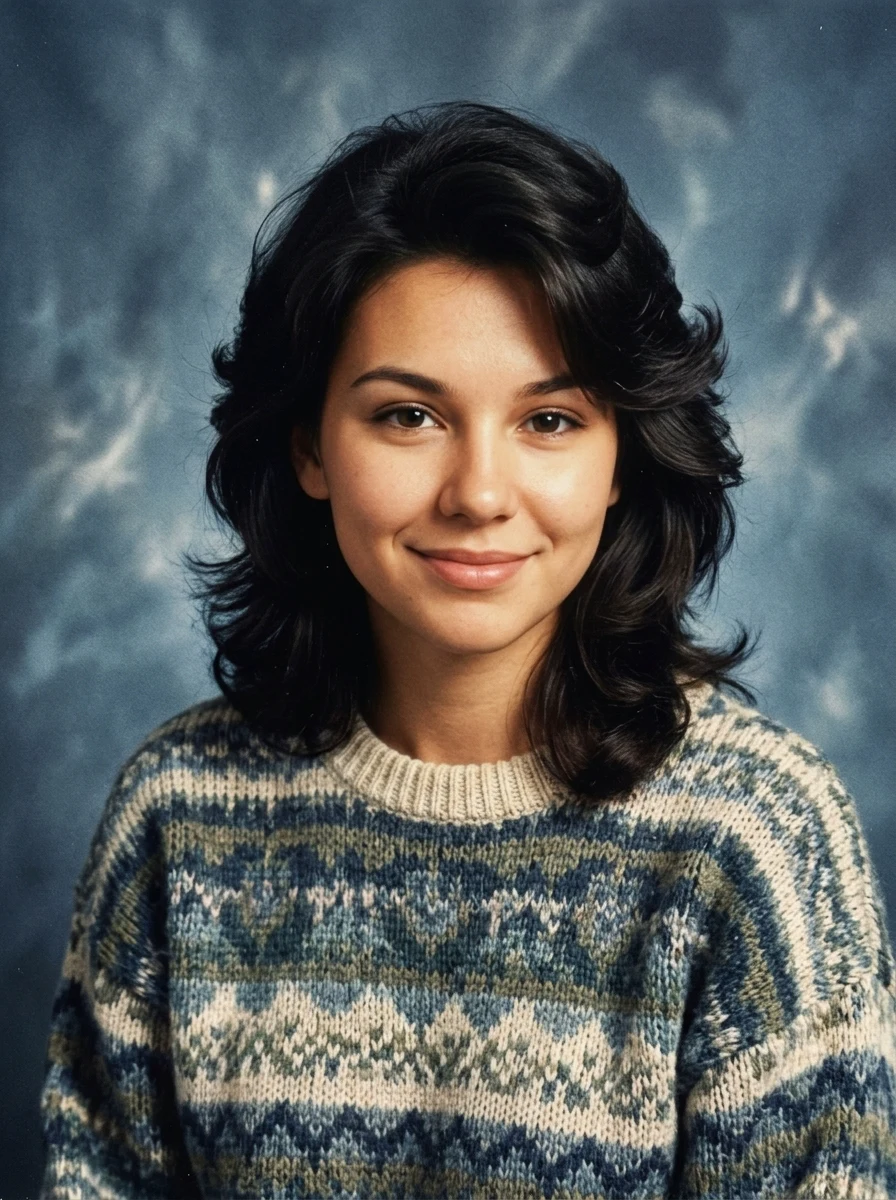
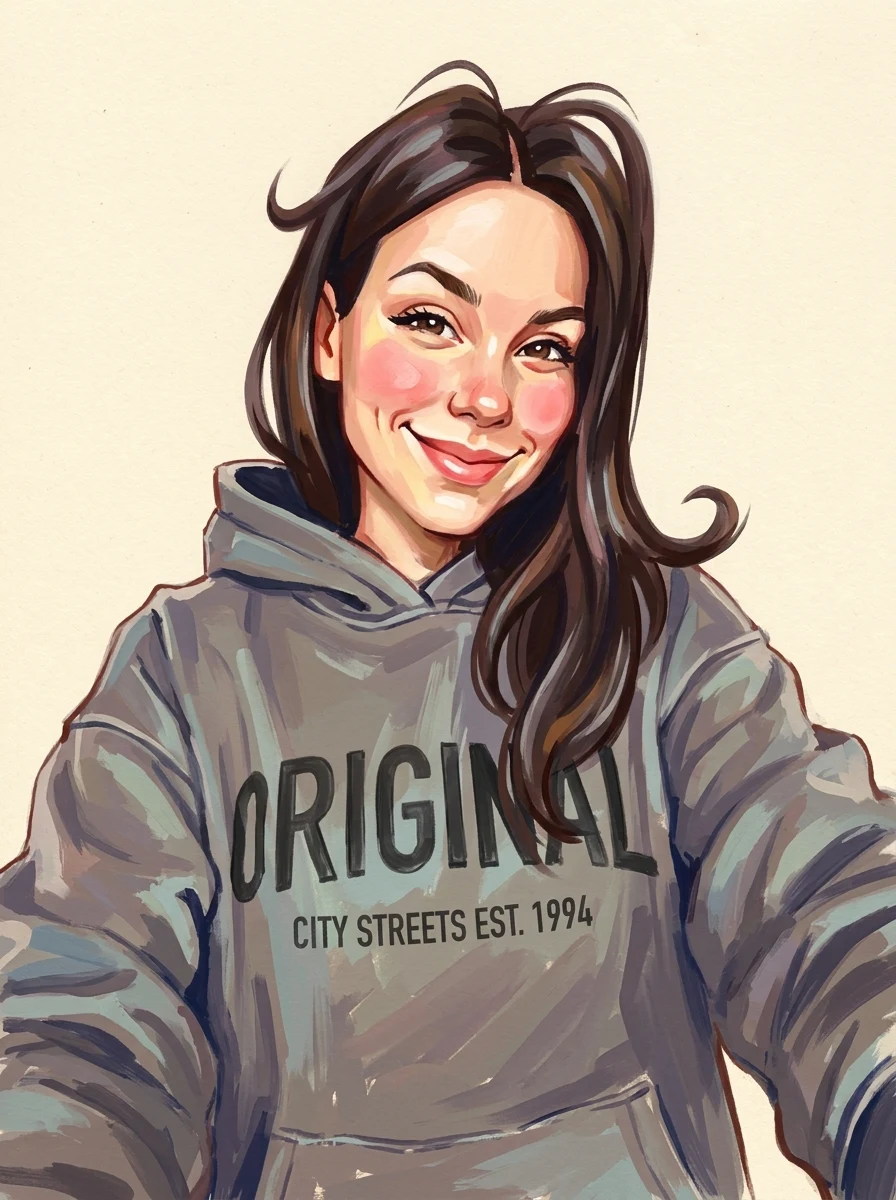
This example shows what the effect can do. Your uploaded photo is used when you generate, and results may vary.
Sign in to see your private images.
What is Mid-Century Screen Print Poster?
Turn a photo into a retro poster in mustard, black, and aged cream.
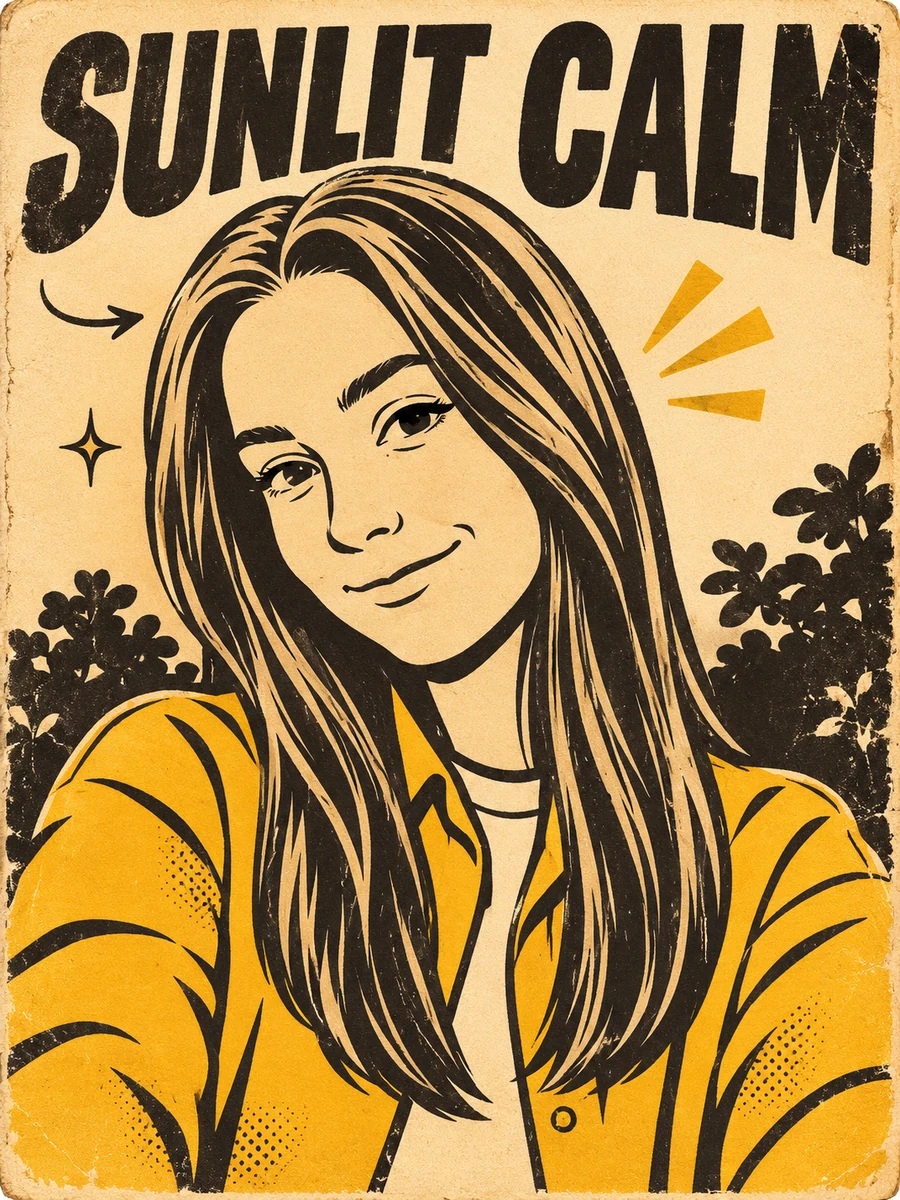
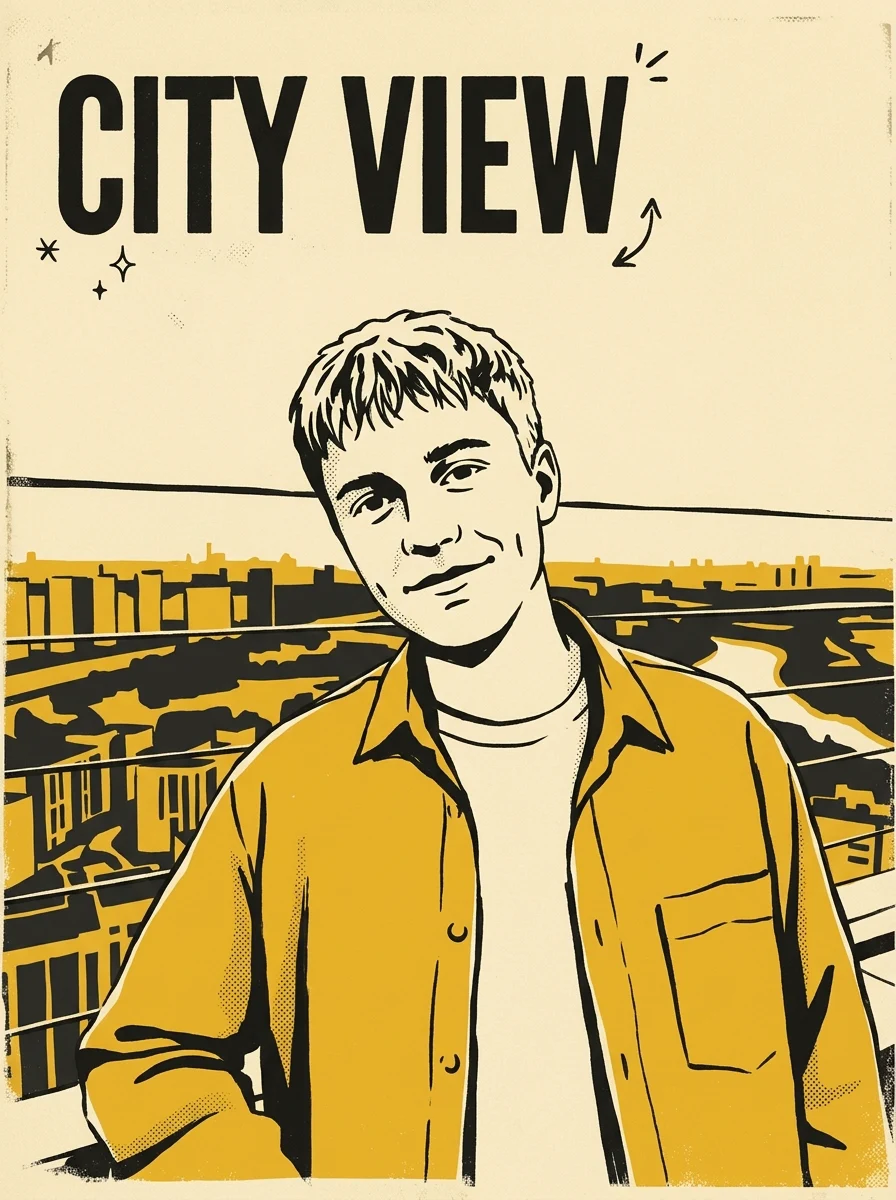

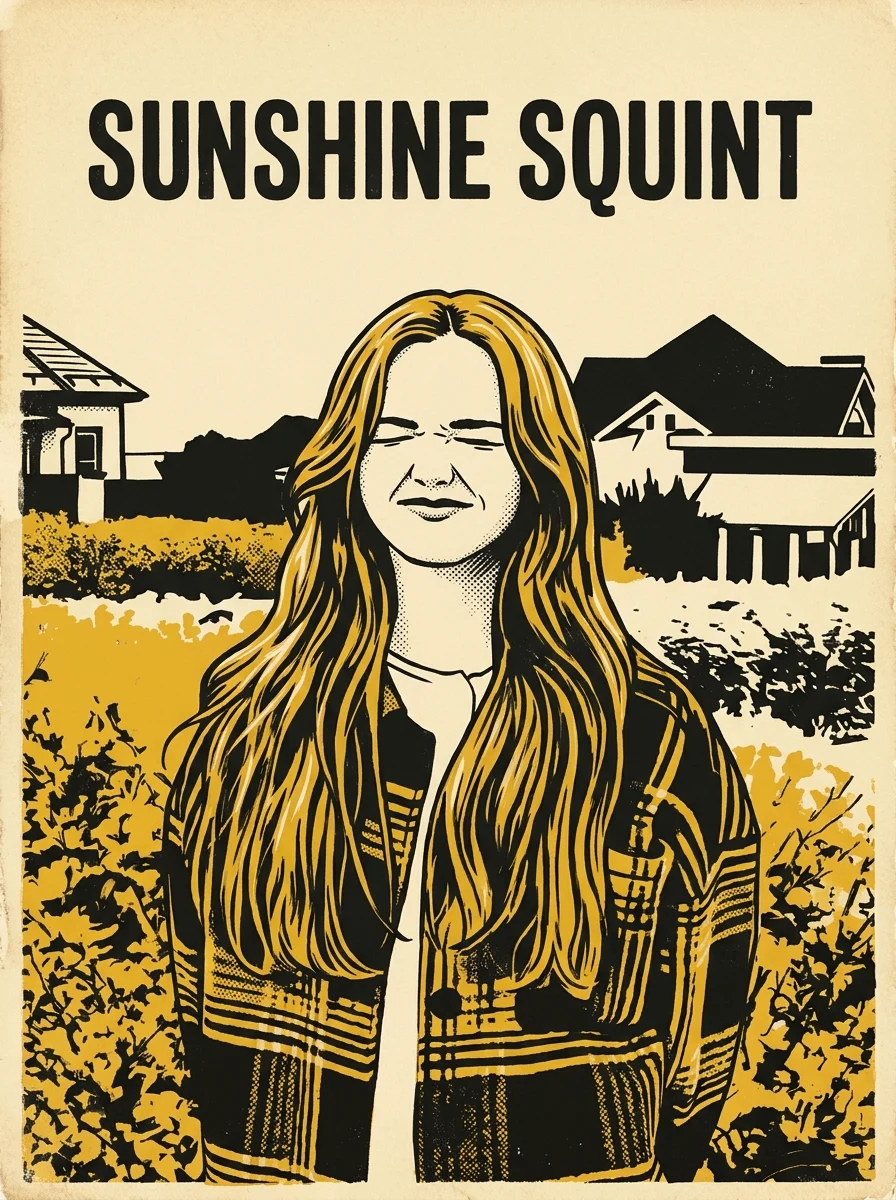
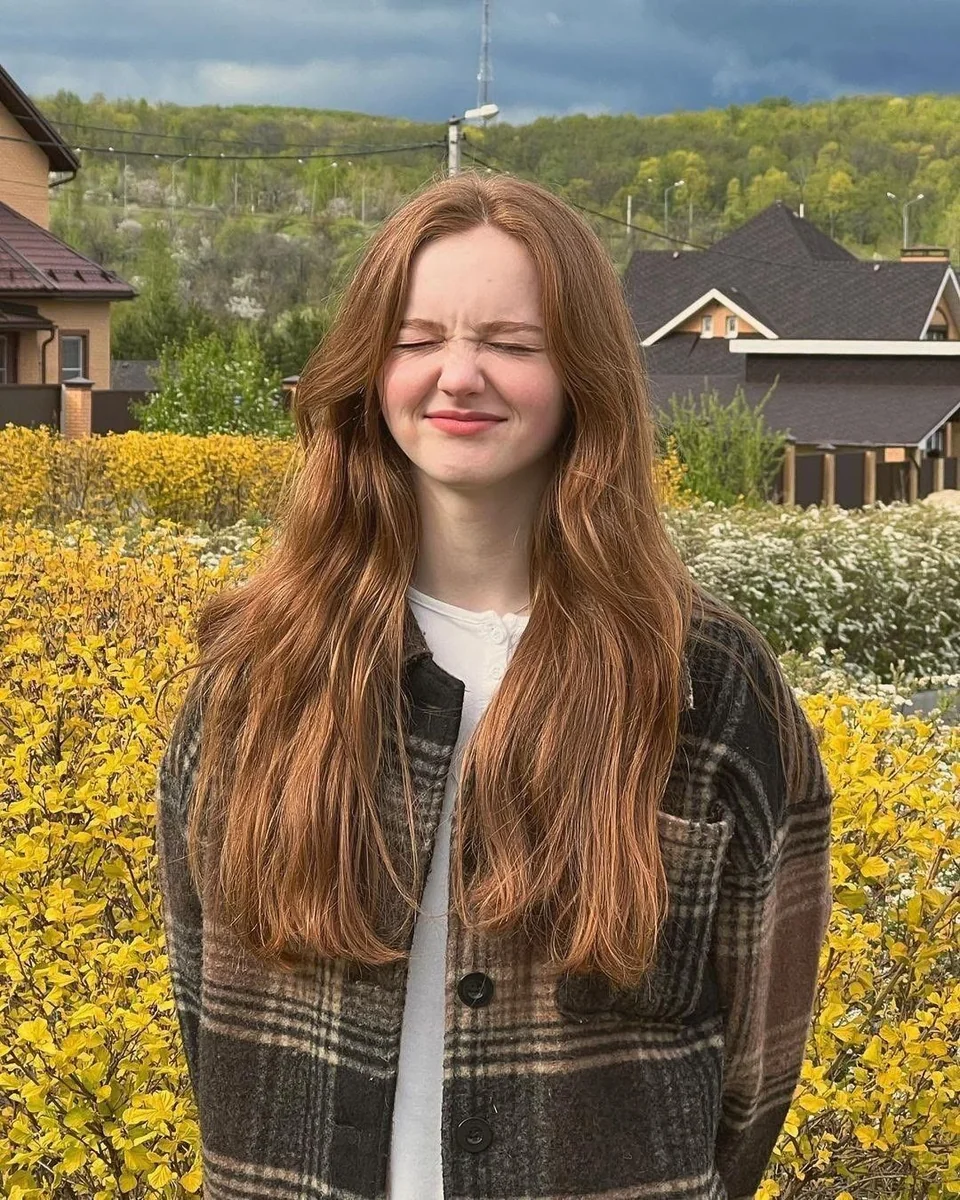
How to Make Your Own Mid-Century Screen Print Poster
- 01
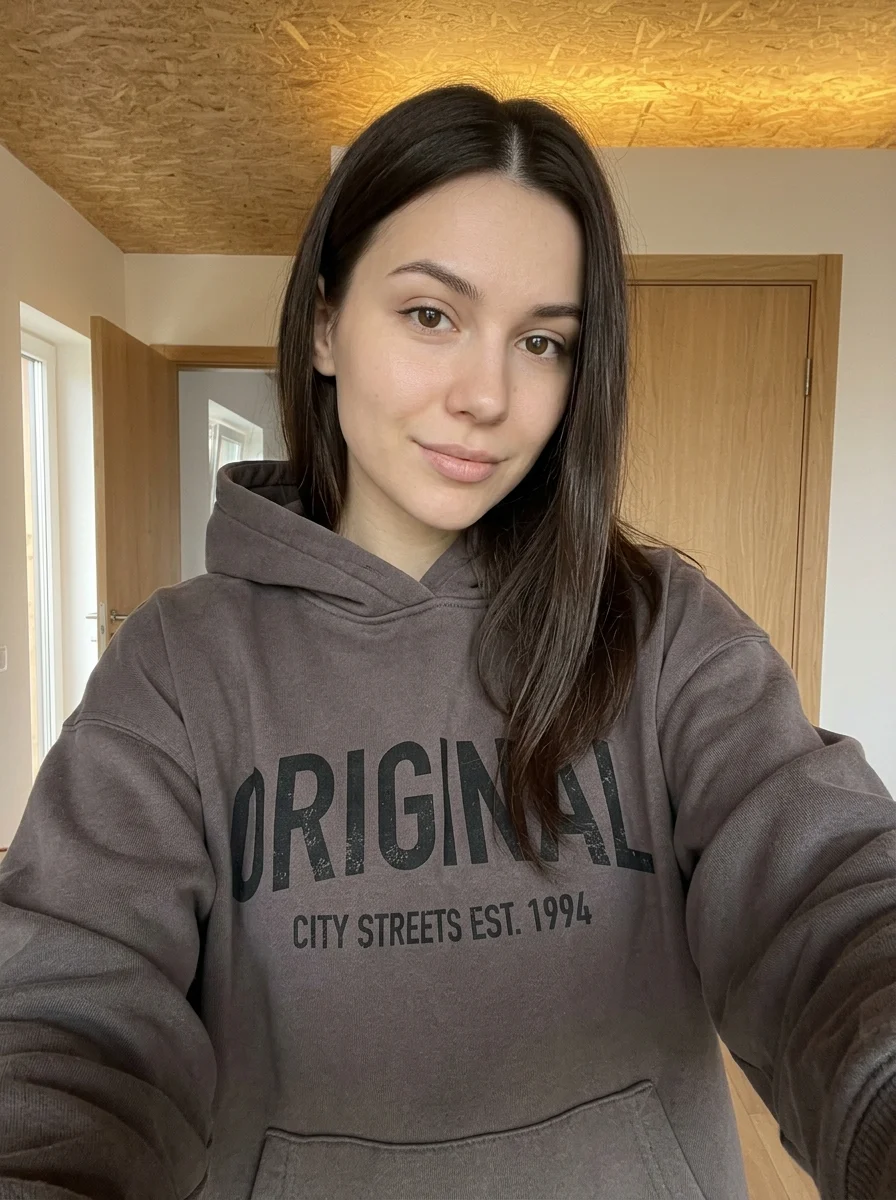
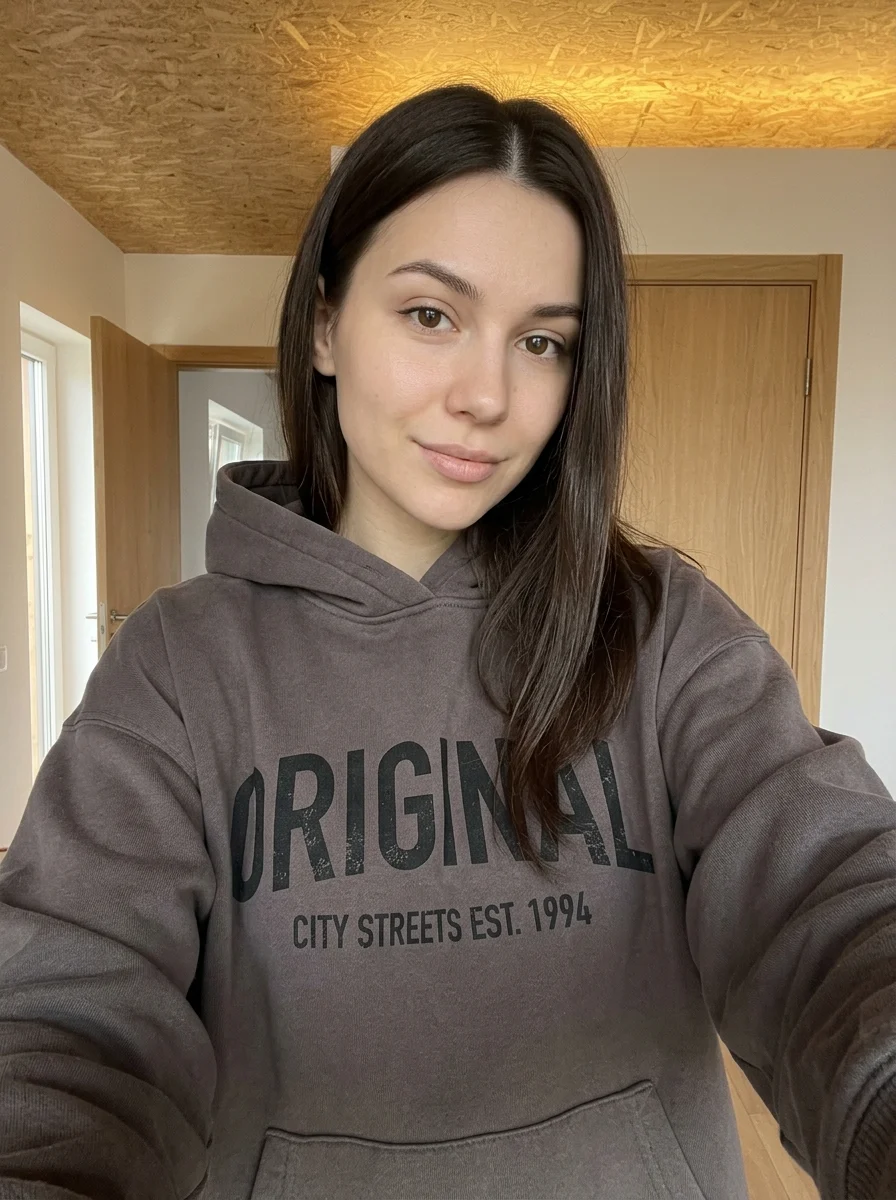
Add your photos
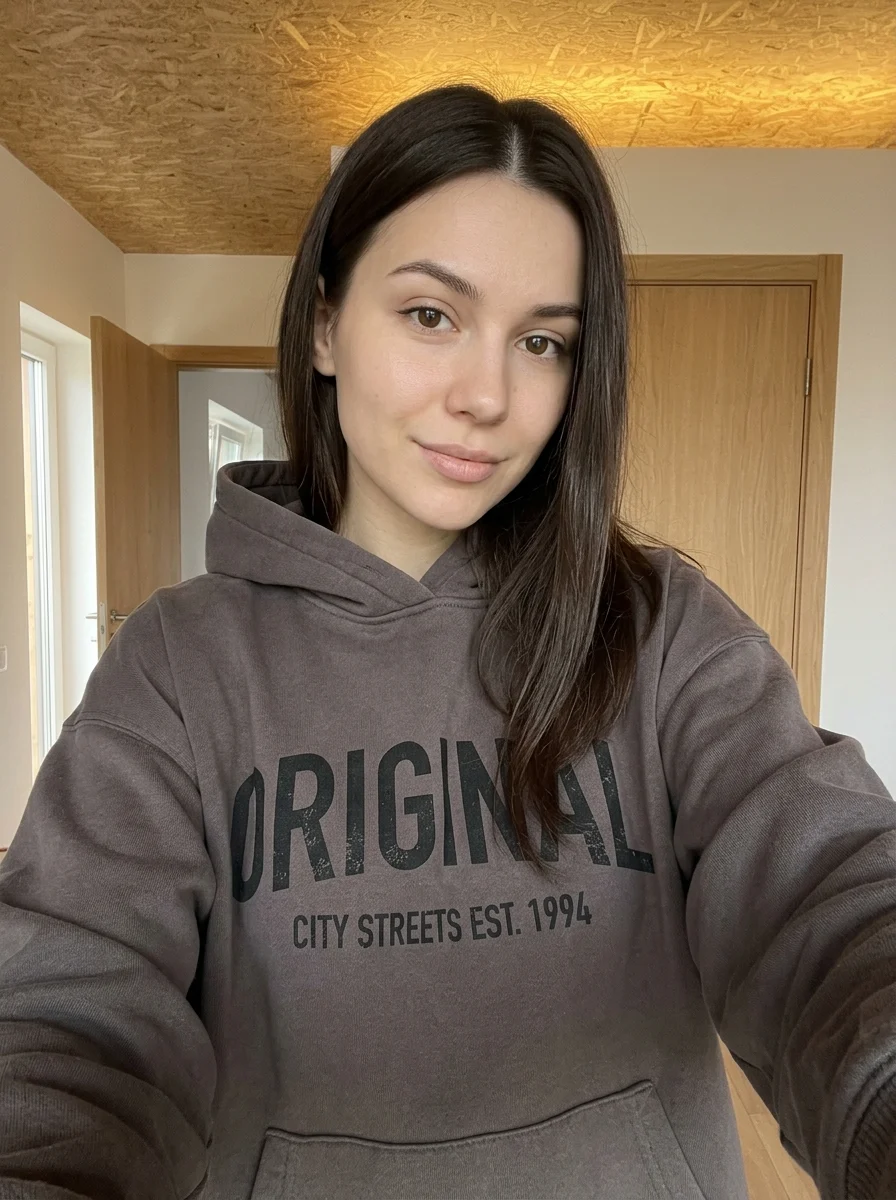
Upload 1 photo or try the example in the upload area.
- 02
Set your output
Choose the resolution, aspect ratio and number of images. The effect applies its preset style.
- 03
Generate, preview & download
Check the credit cost, generate your image and save it from My Images.
Frequently Asked Questions
Will the poster keep the original colors from my photo?
Expect a limited mustard, black and aged-cream palette. Choose a photo whose shape reads clearly even with fewer colors.
What kind of subject works for the screen-print texture?
Strong outlines and broad areas of light and shadow work well. Very busy backgrounds or fine fabric patterns may flatten into the printed texture.
Can I use the generated poster as an editable print layout?
The preset produces a single image with the color and texture combined. Use the image as artwork if you need to prepare a separate print layout.
Explore More AI Photo Effects
Make your own Mid-Century Screen Print Poster
Add your photos to try this effect with your own images.
1 photo · 3 credits
Back to upload