
Credits are returned if generation fails.
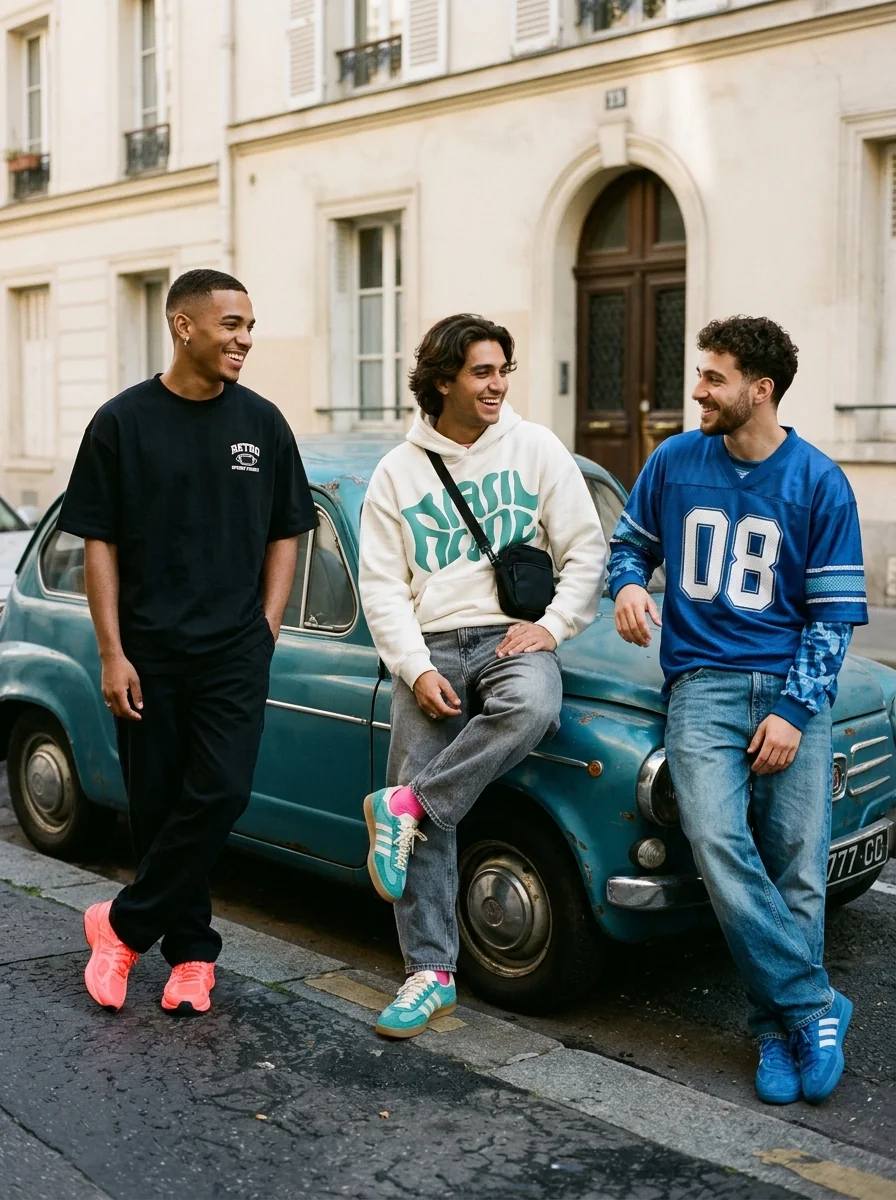
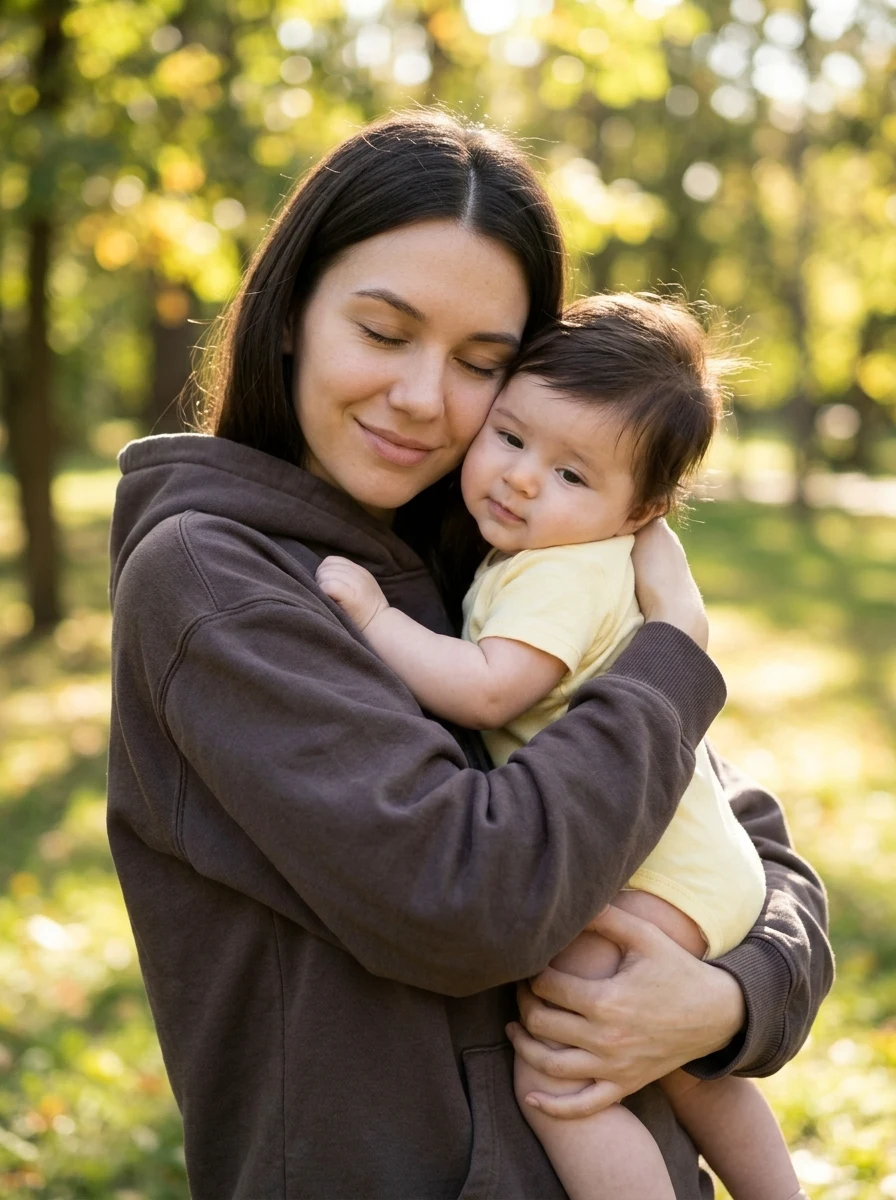
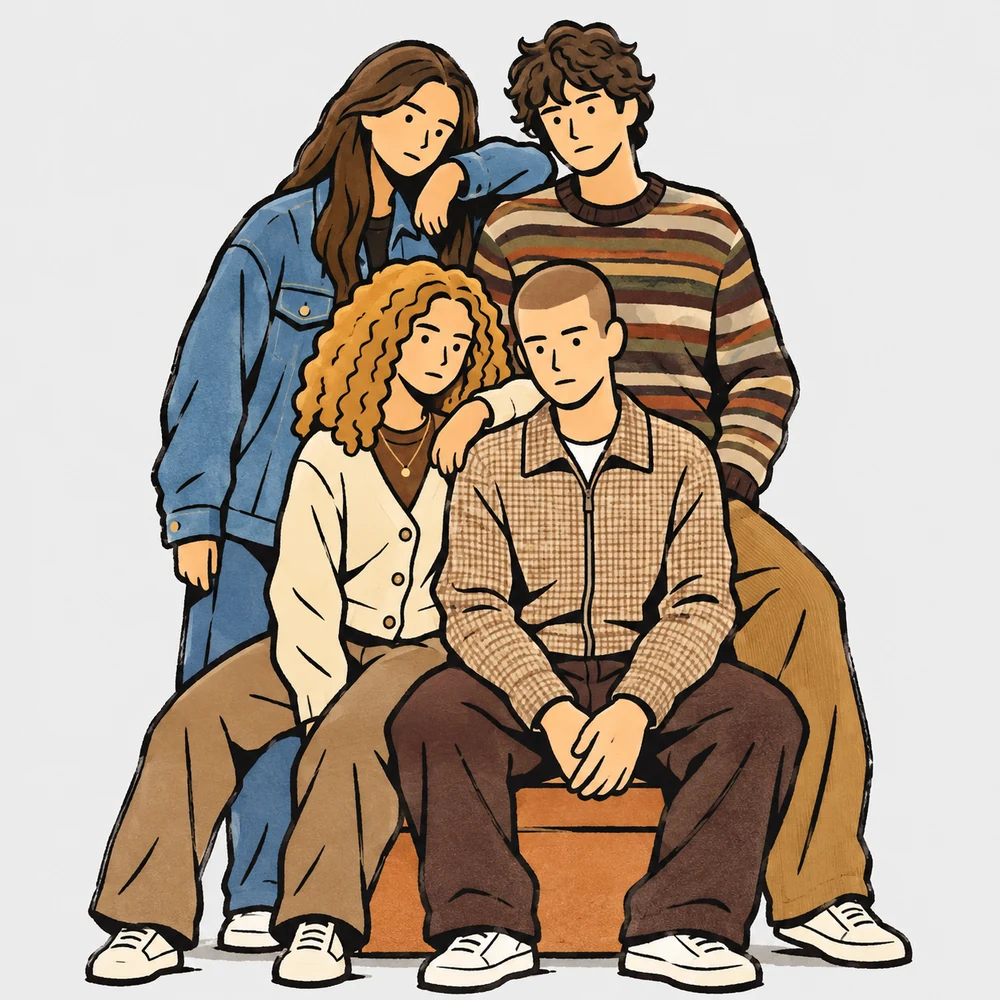
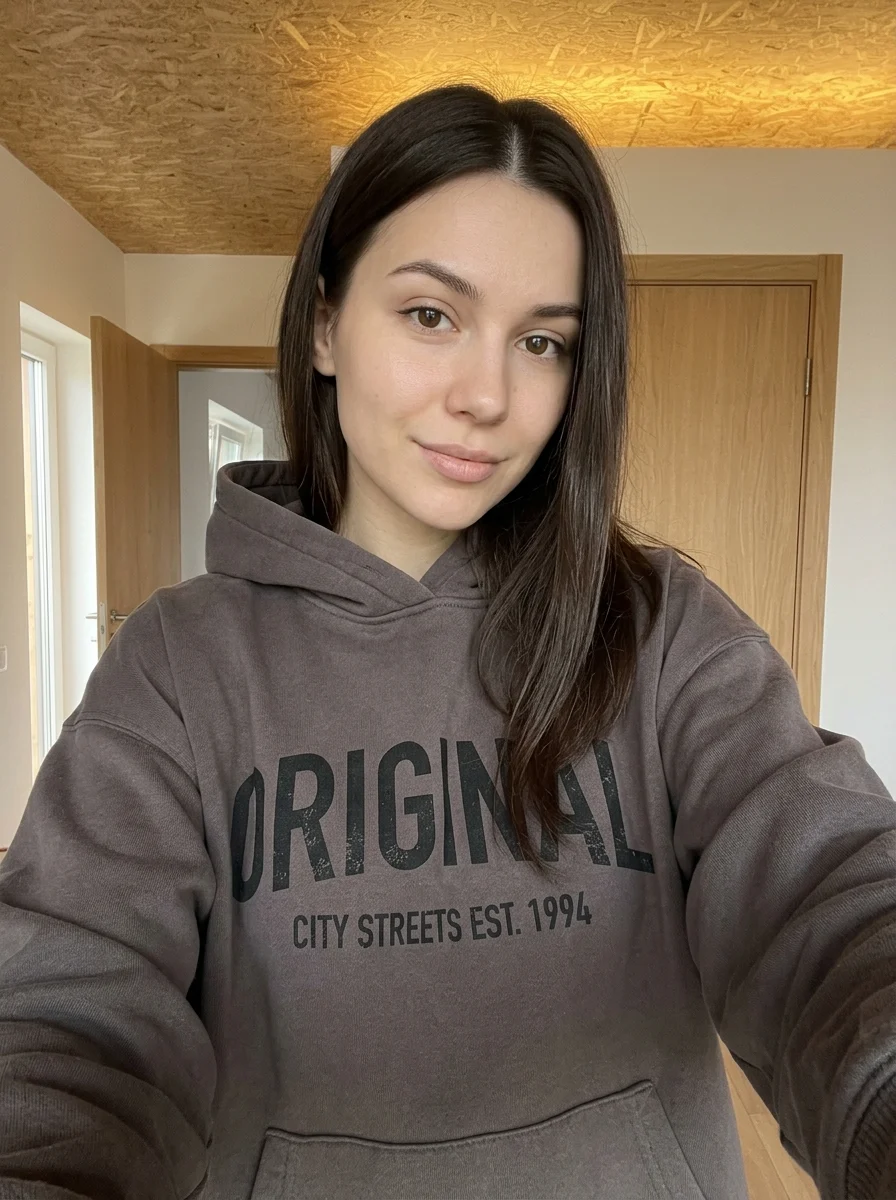
This example shows what the effect can do. Your uploaded photo is used when you generate, and results may vary.
Sign in to see your private images.
What is Cutout Photo Doodle Poster?
Mix real photo cutouts with fine-ink doodles and a handwritten headline.
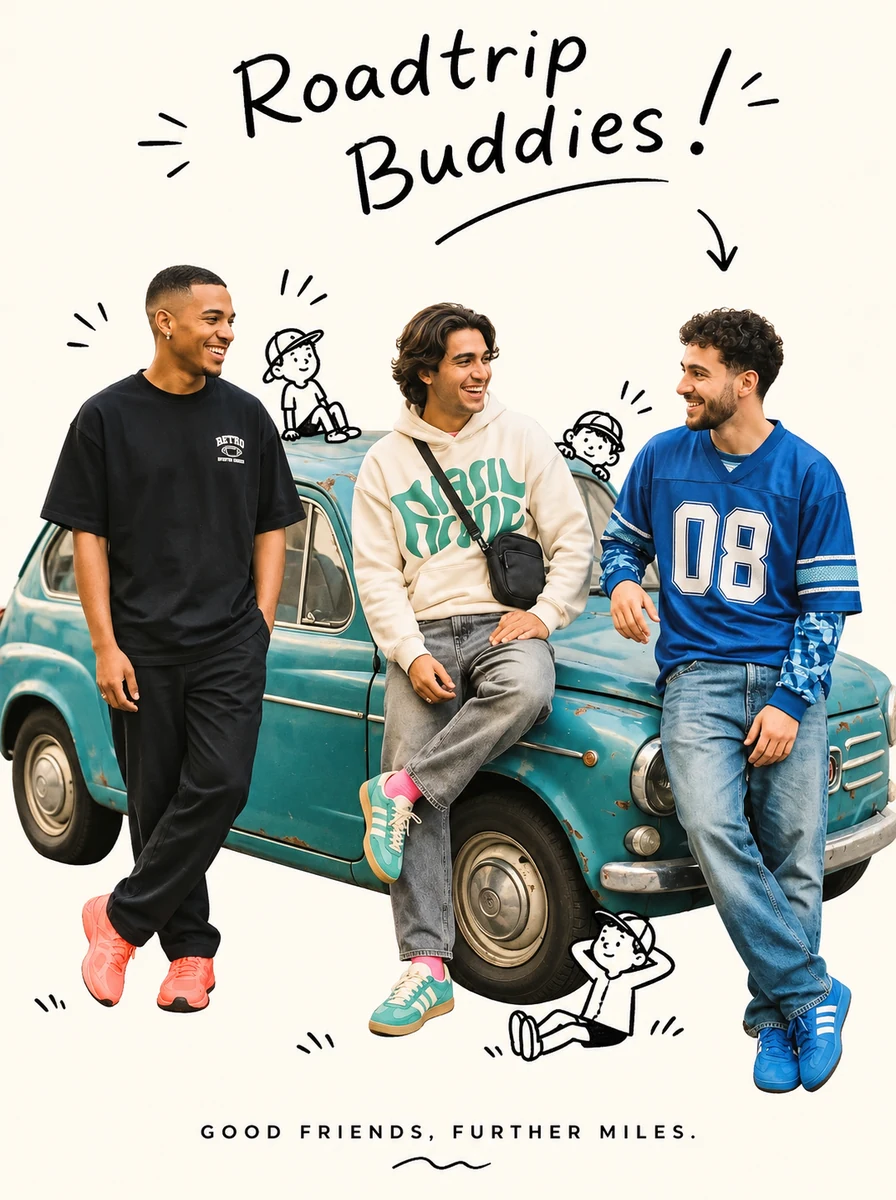
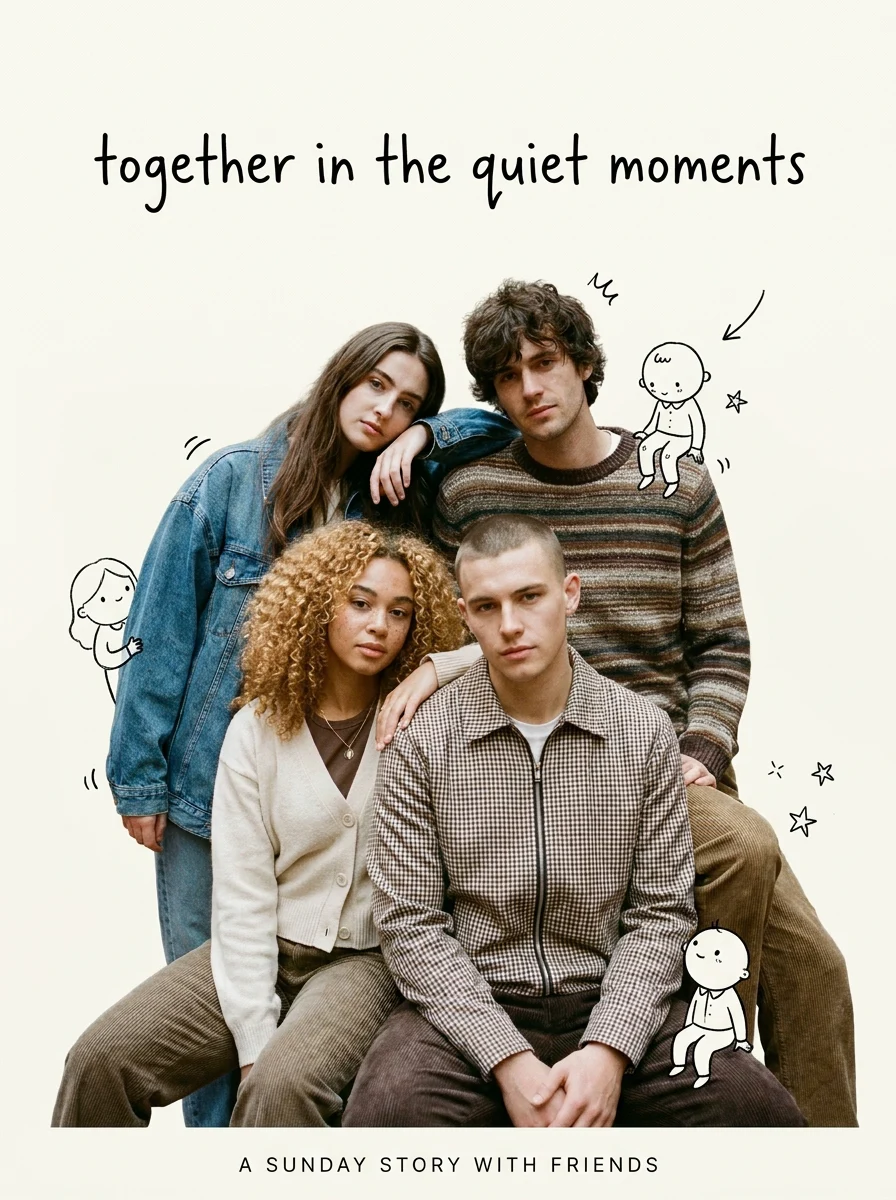
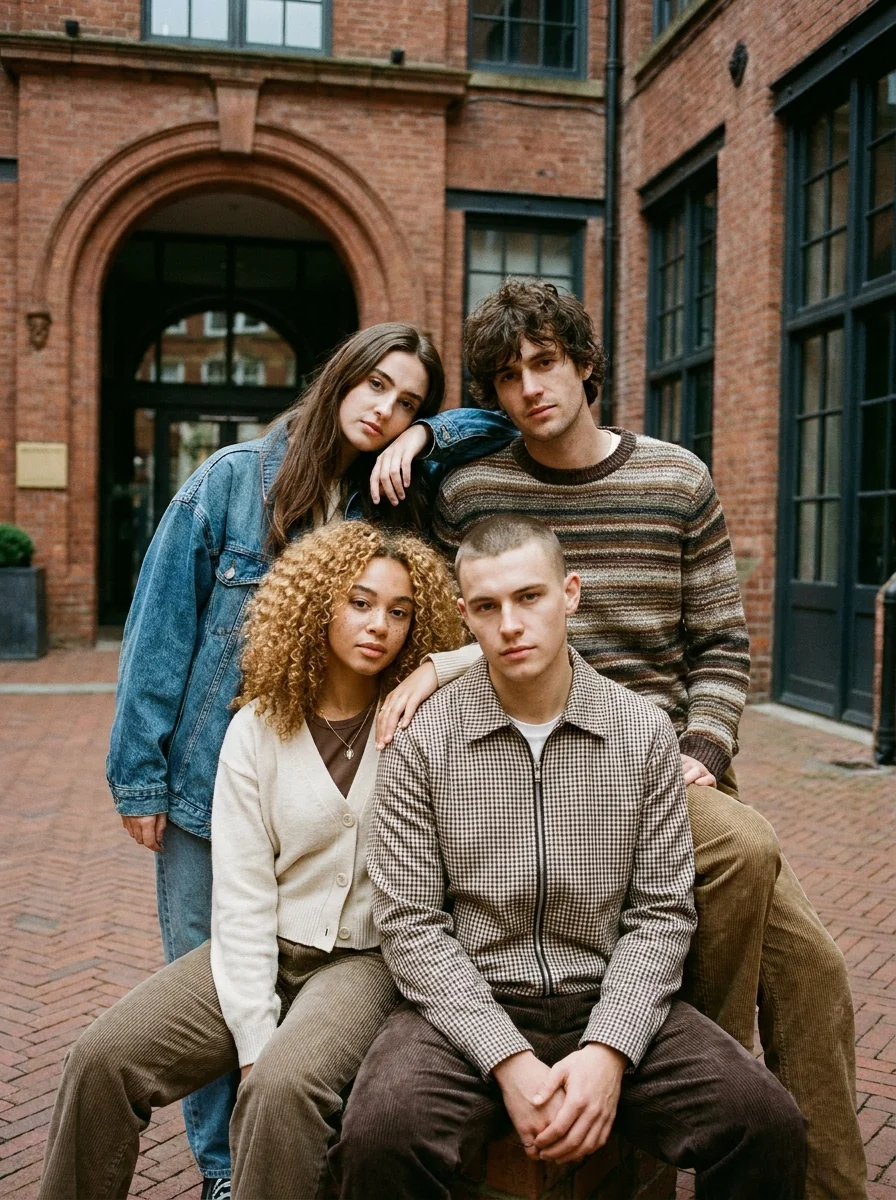
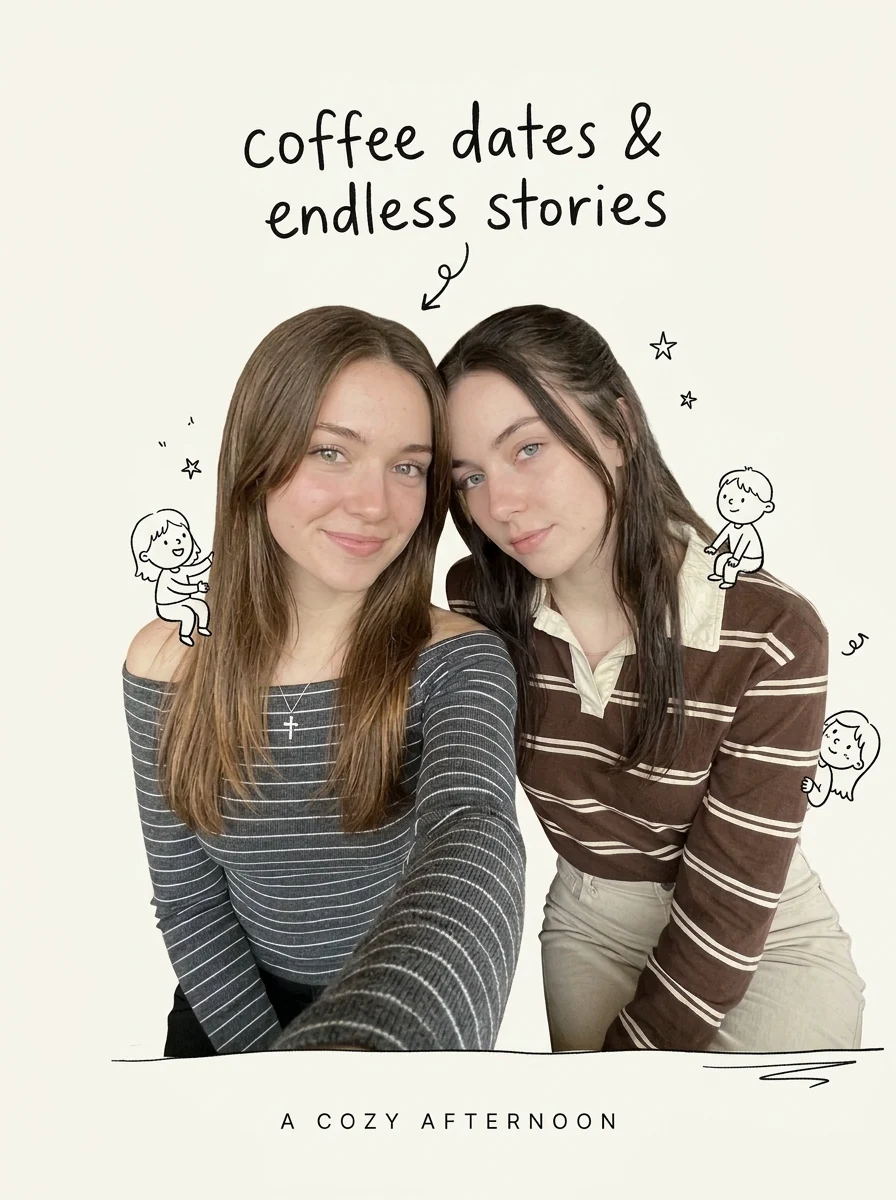
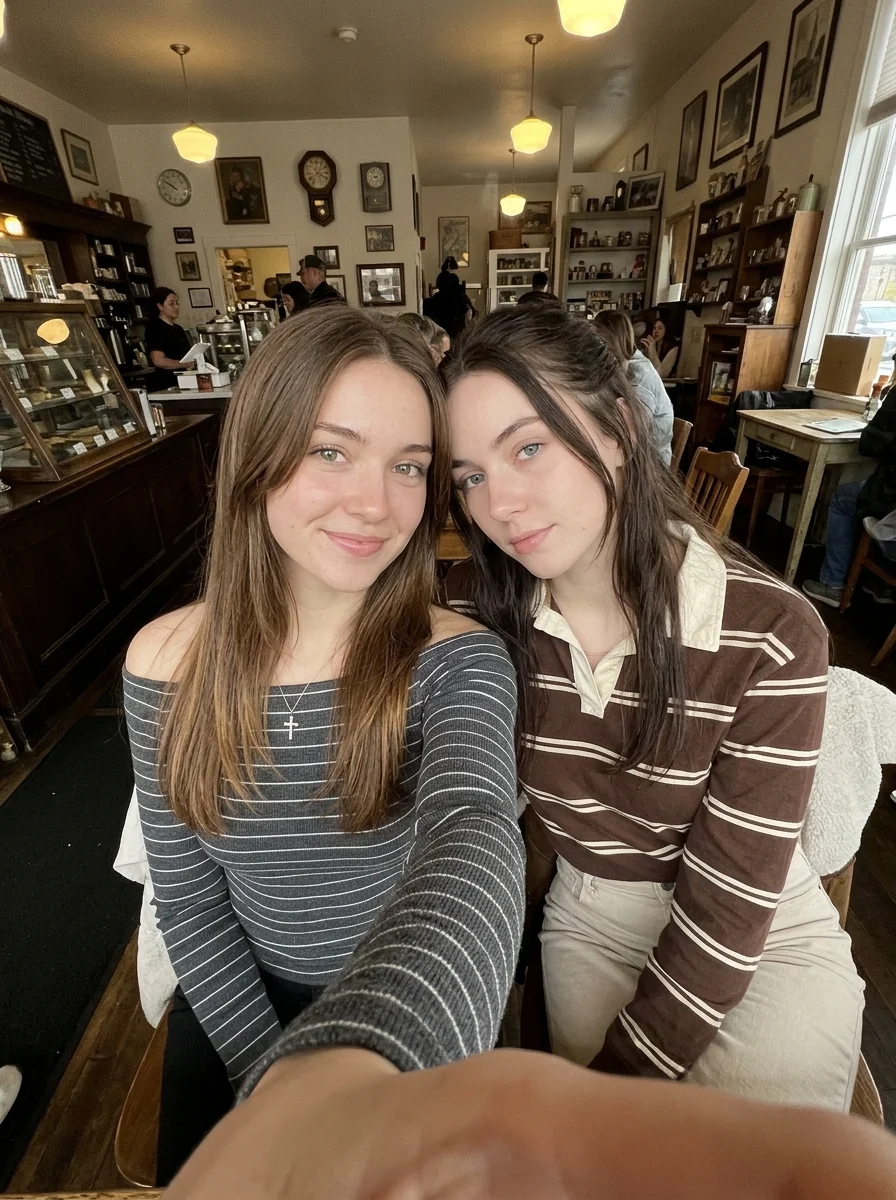
How to Make Your Own Cutout Photo Doodle Poster
- 01
Add your photos
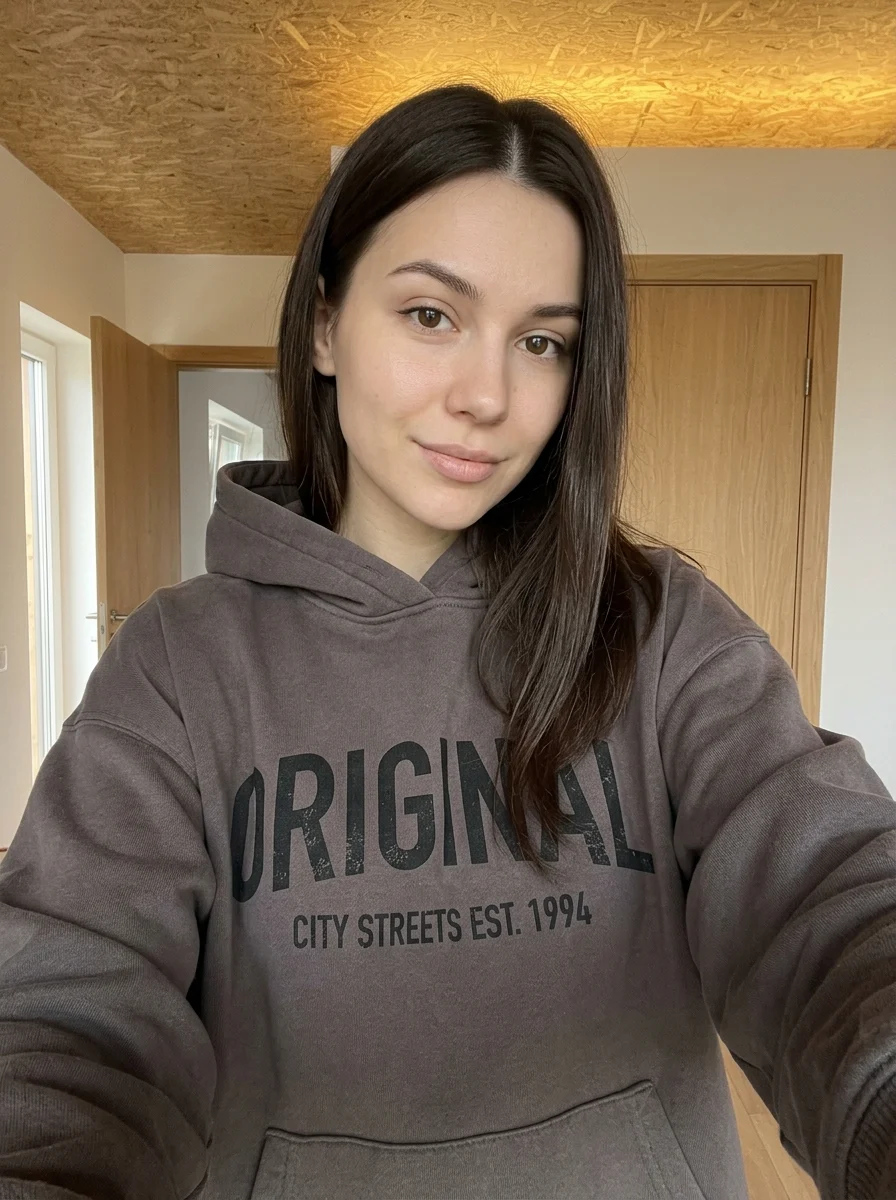
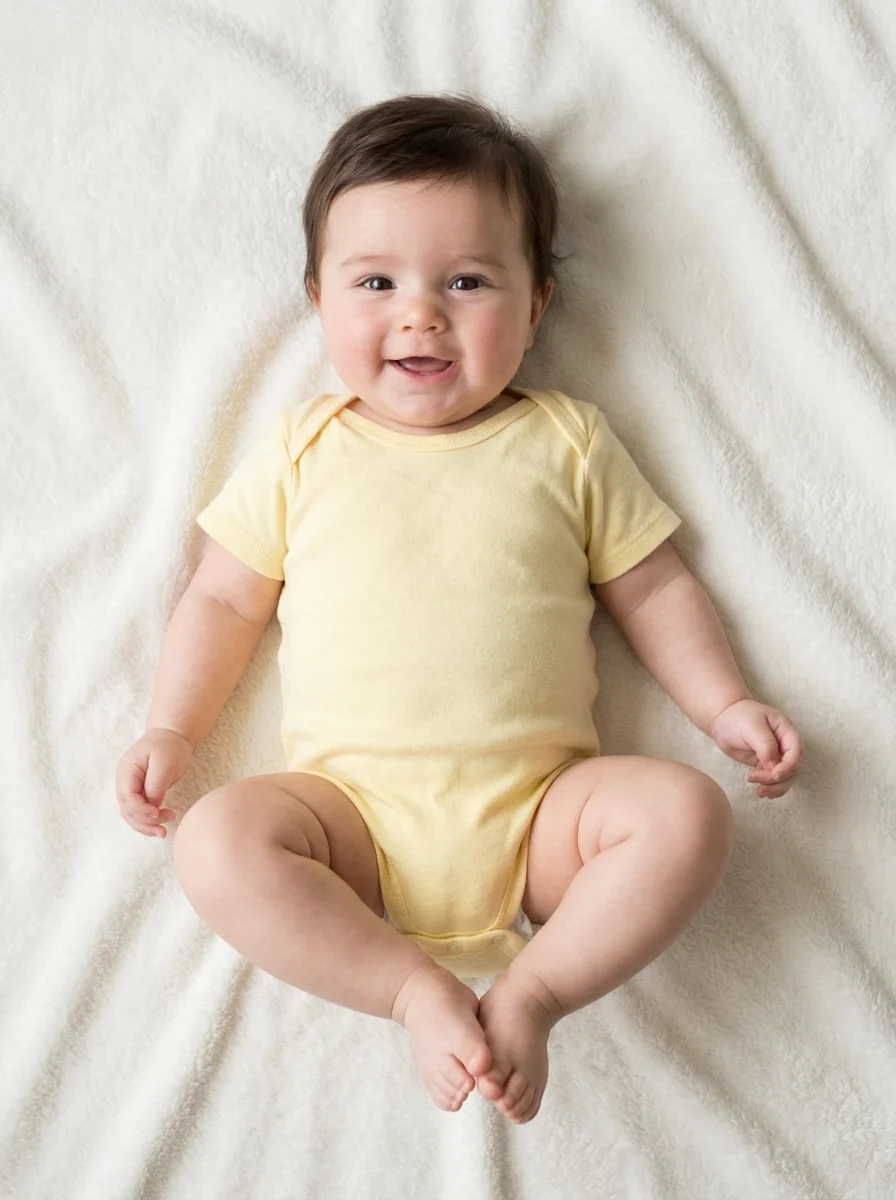
Upload 1 photo or try the example in the upload area.
- 02
Set your output
Choose the resolution, aspect ratio and number of images. The effect applies its preset style.
- 03
Generate, preview & download
Check the credit cost, generate your image and save it from My Images.
Frequently Asked Questions
Can I start from one group photo for the doodle poster?
Use one clear group photo with everyone visible. A clean outline around each person helps the collage separate people from the original background.
Can I dictate the exact handwritten headline?
The preset generates the headline and doodles together. Add a specific name or slogan after download if the wording must be exact.
Will the result keep the real faces or redraw them as doodles?
The intended look keeps photographic cutouts and adds drawn decoration around them. Clear faces in the group photo help them stay recognizable.
Explore More AI Photo Effects
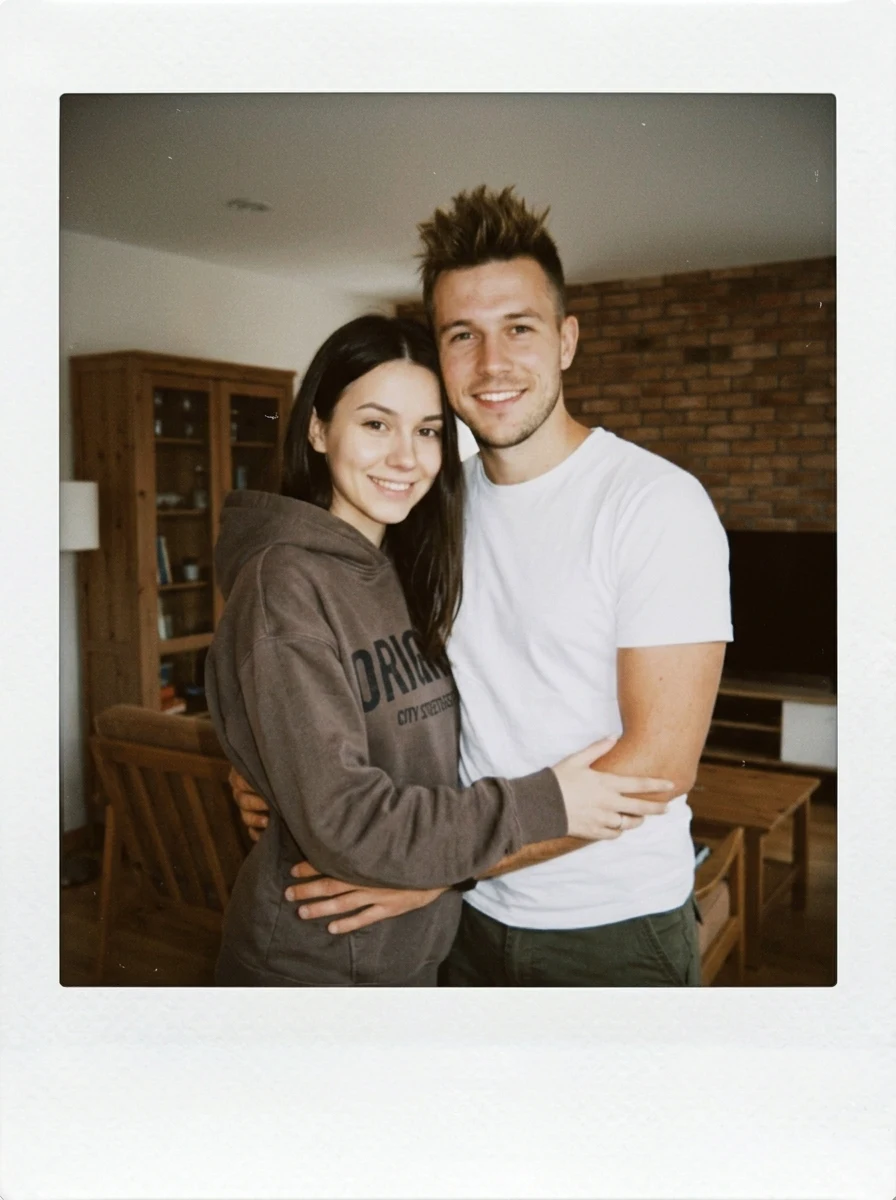
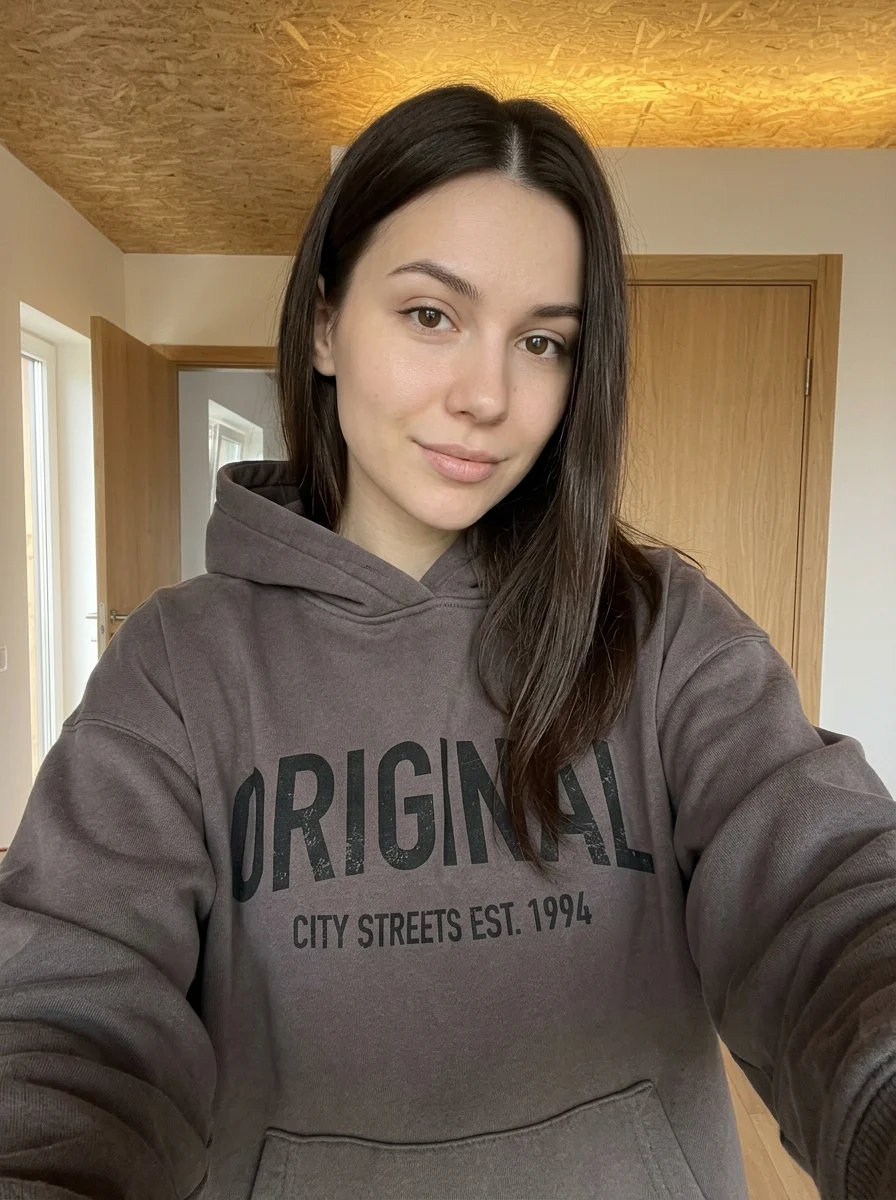


Make your own Cutout Photo Doodle Poster
Add your photos to try this effect with your own images.
1 photo · 3 credits
Back to upload