
Credits are returned if generation fails.
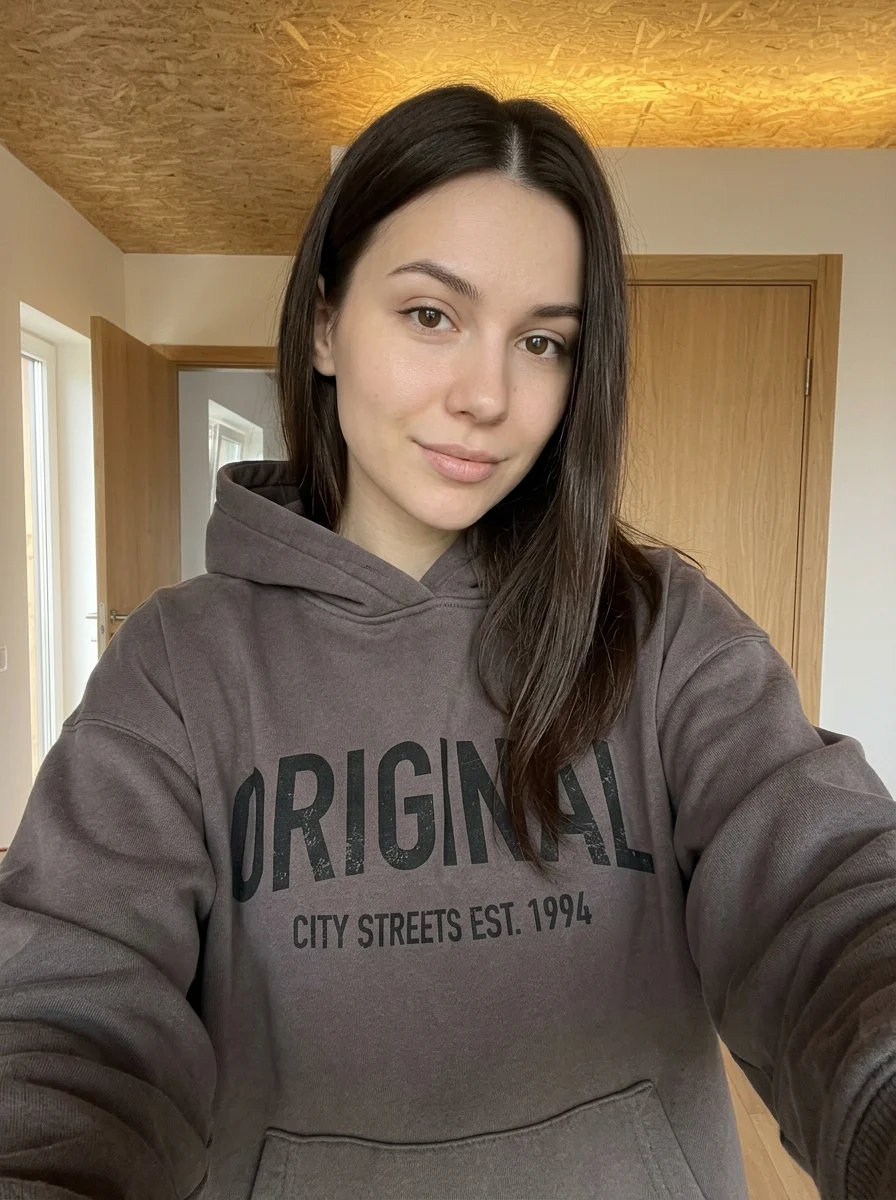

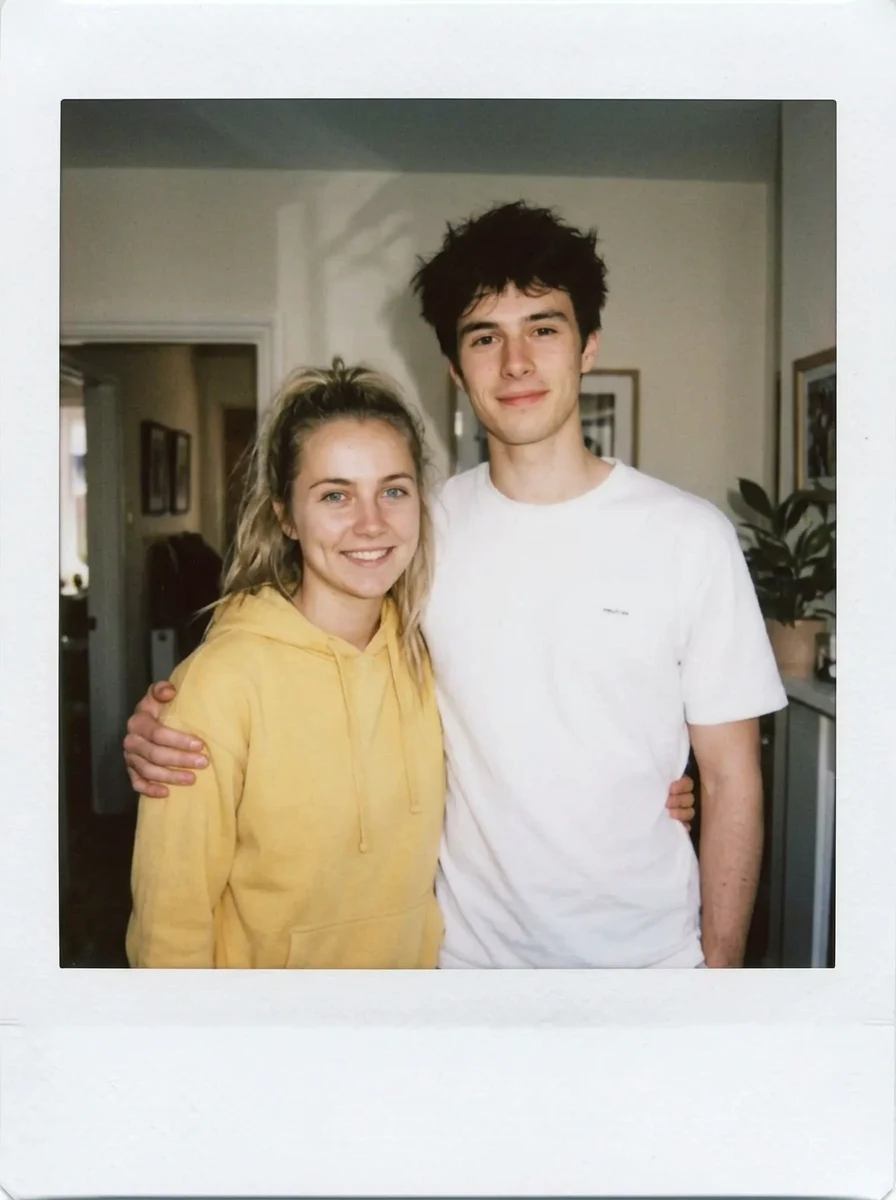
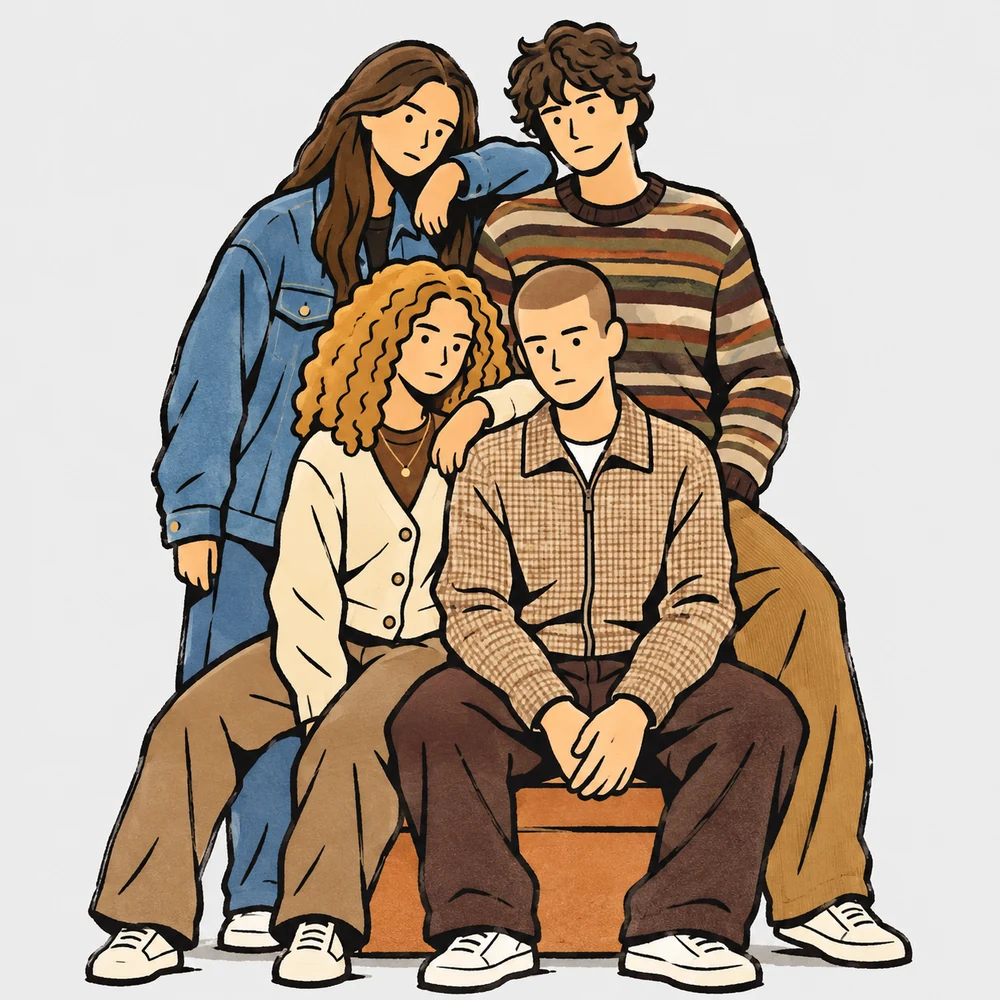
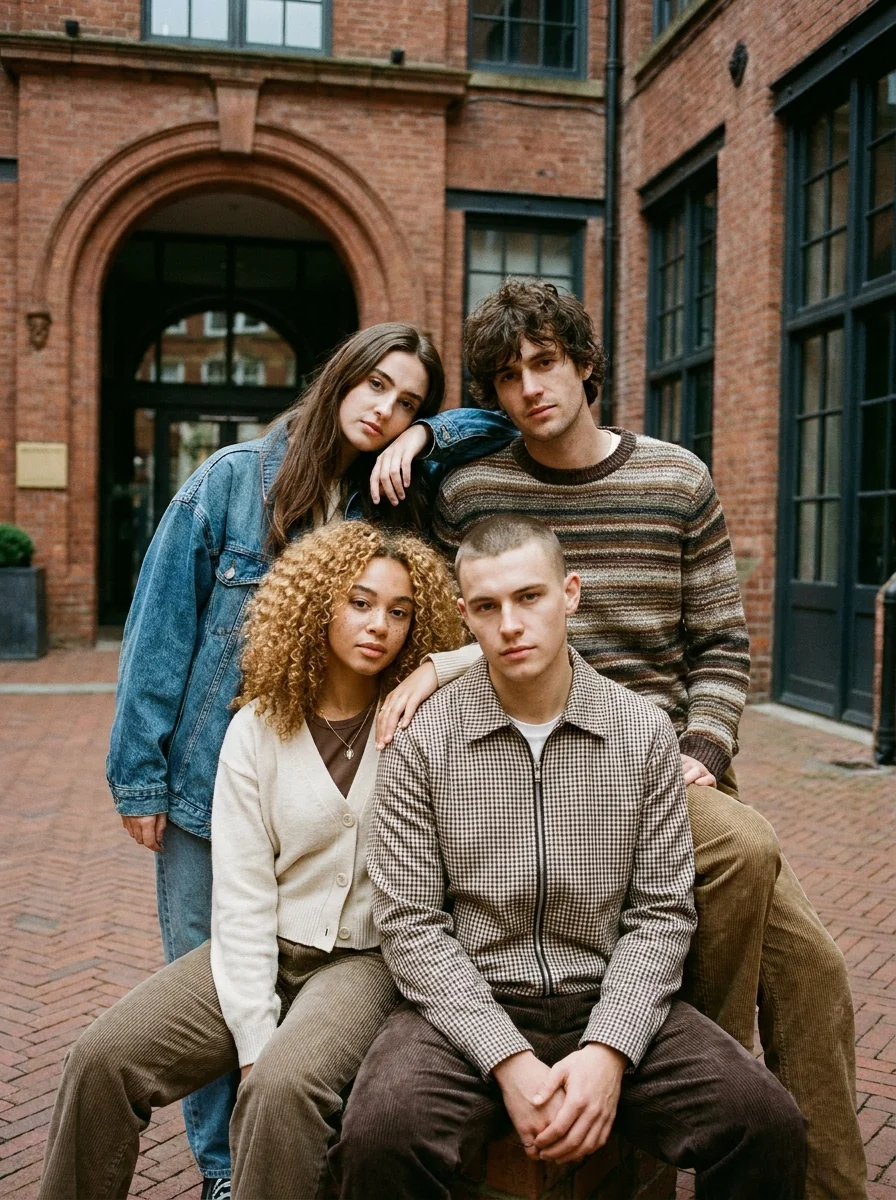
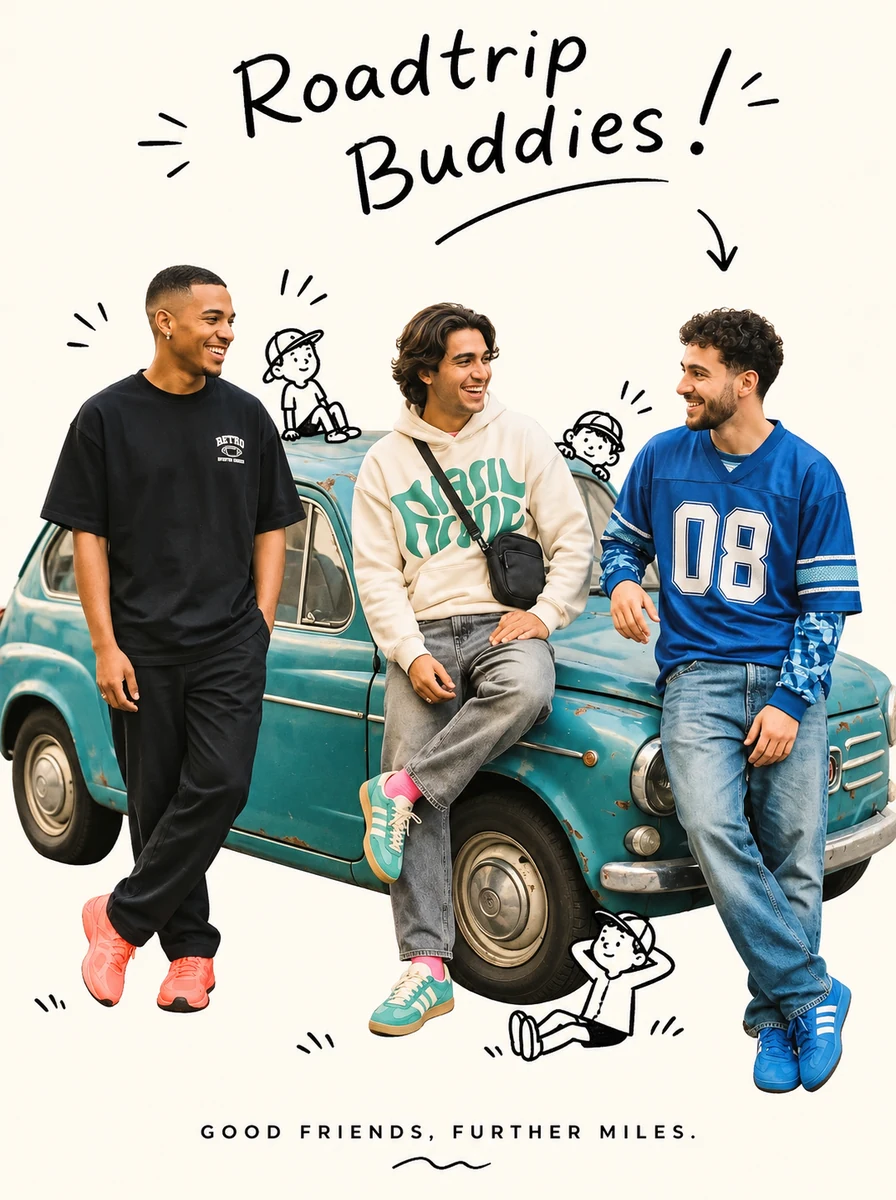
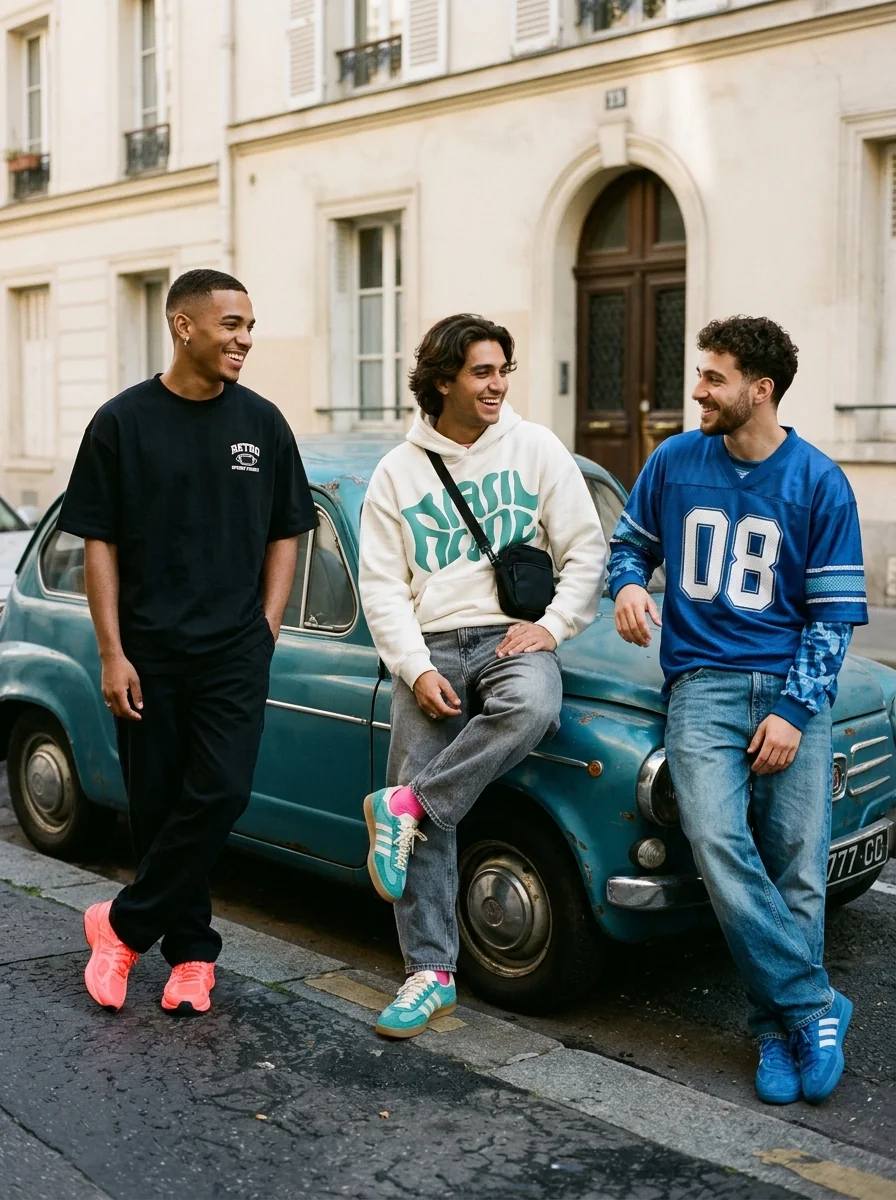
This example shows what the effect can do. Your uploaded photo is used when you generate, and results may vary.
Sign in to see your private images.
What is Polaroid Together?
Bring two separate portraits into a single instant-film photo, with a white border and soft indoor flash. Try it with a friend or family member you rarely get to take photos with.
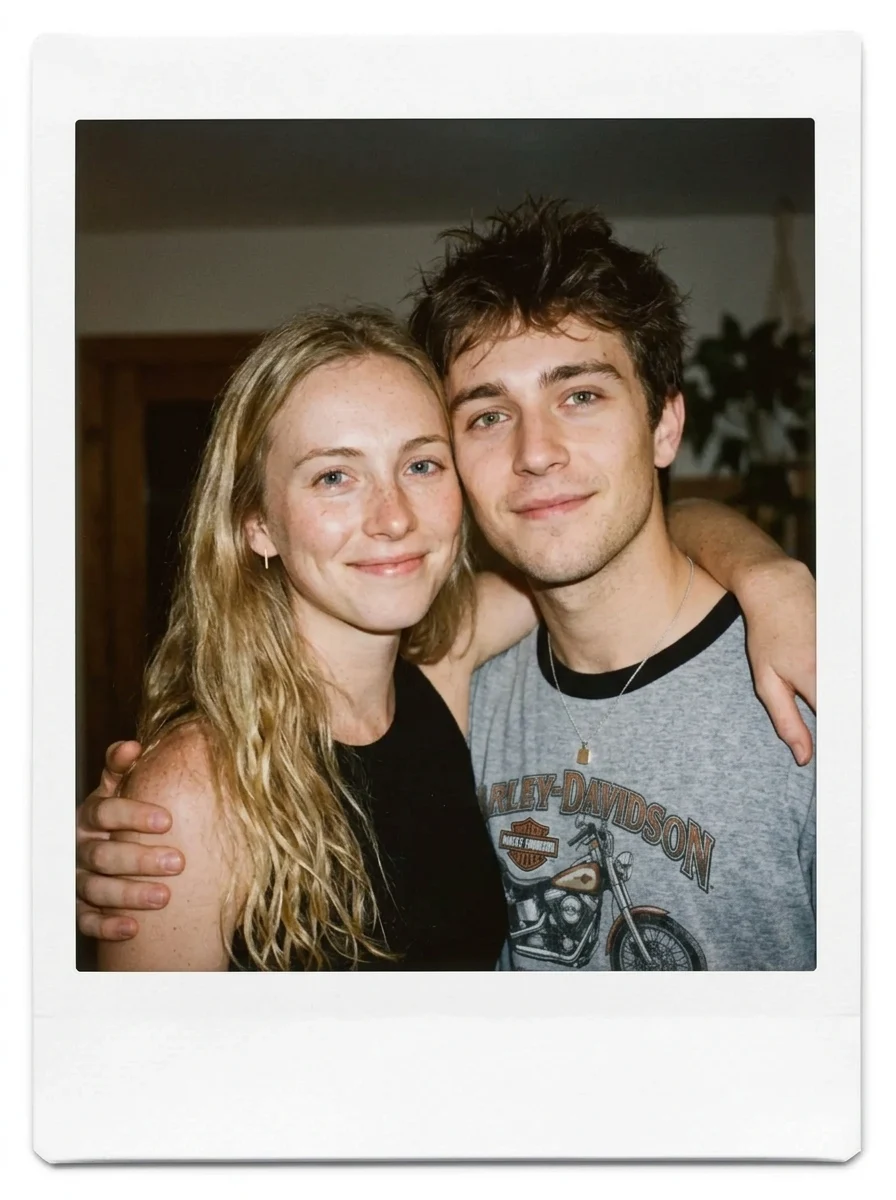
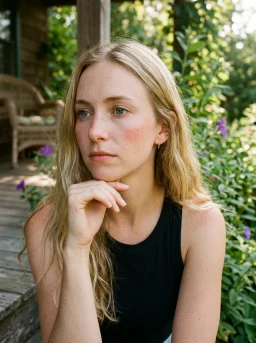

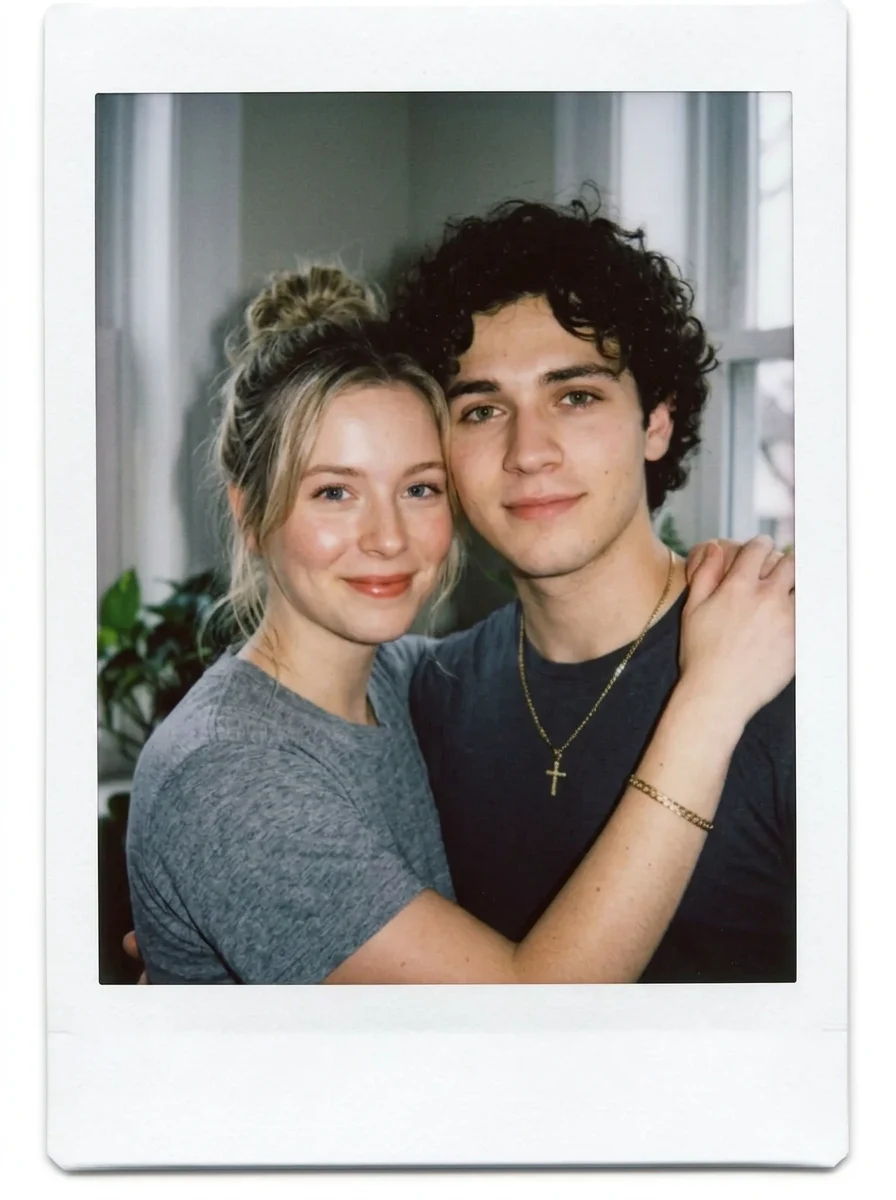


How to Make Your Own Polaroid Together
- 01
Add your photos
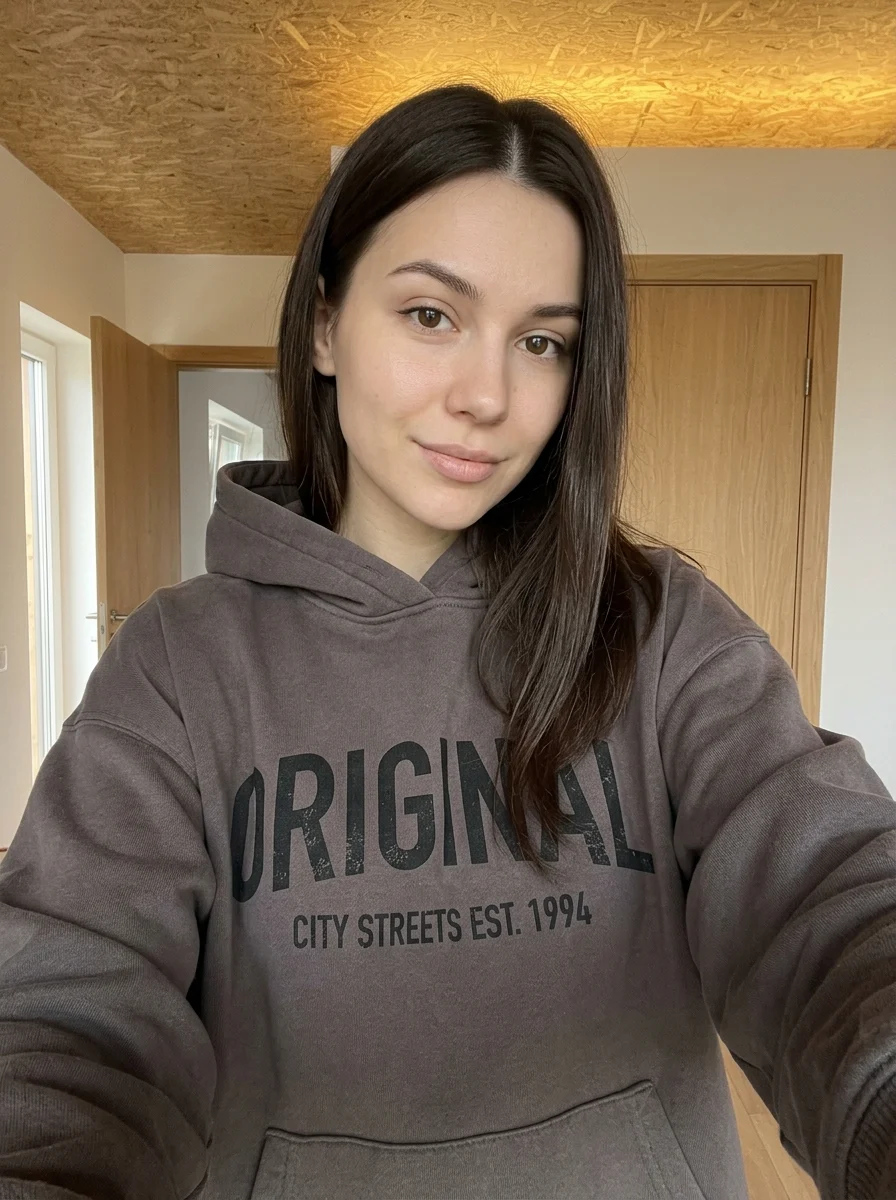
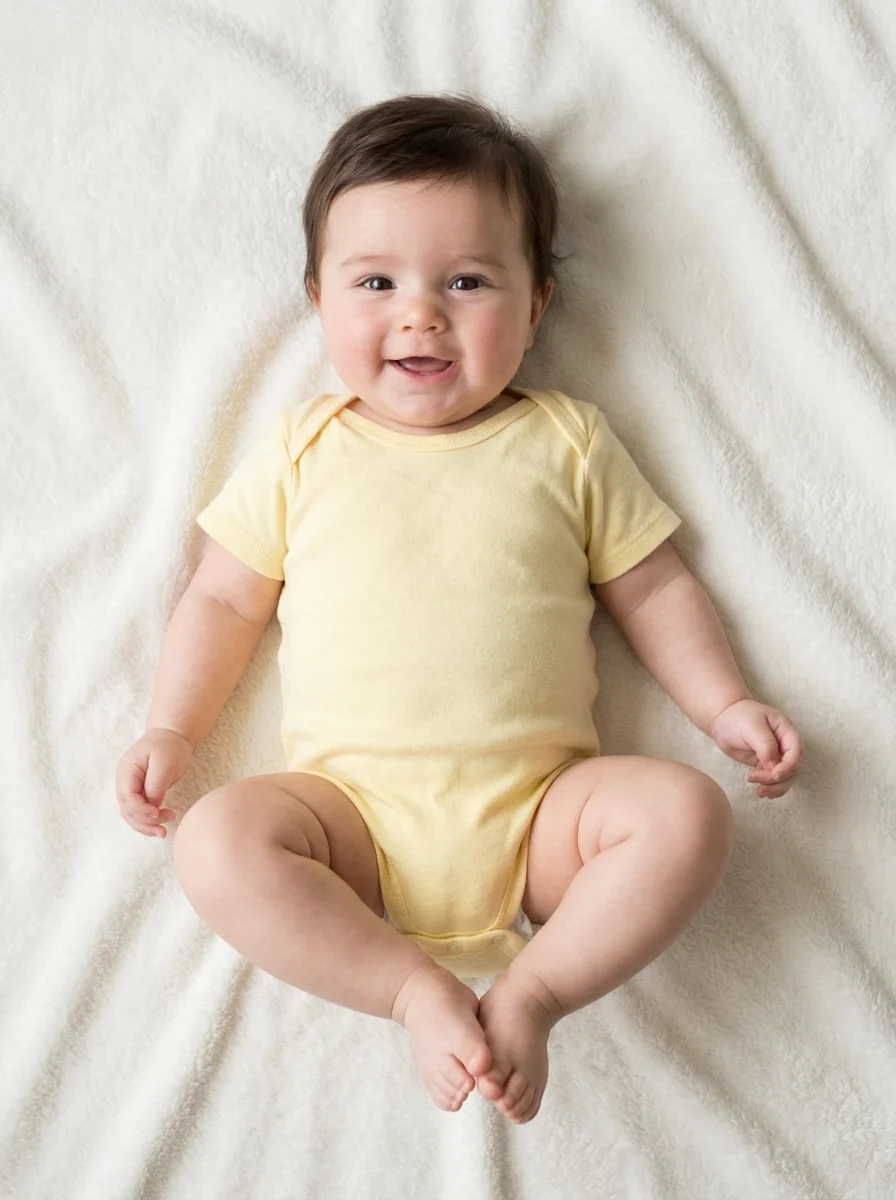
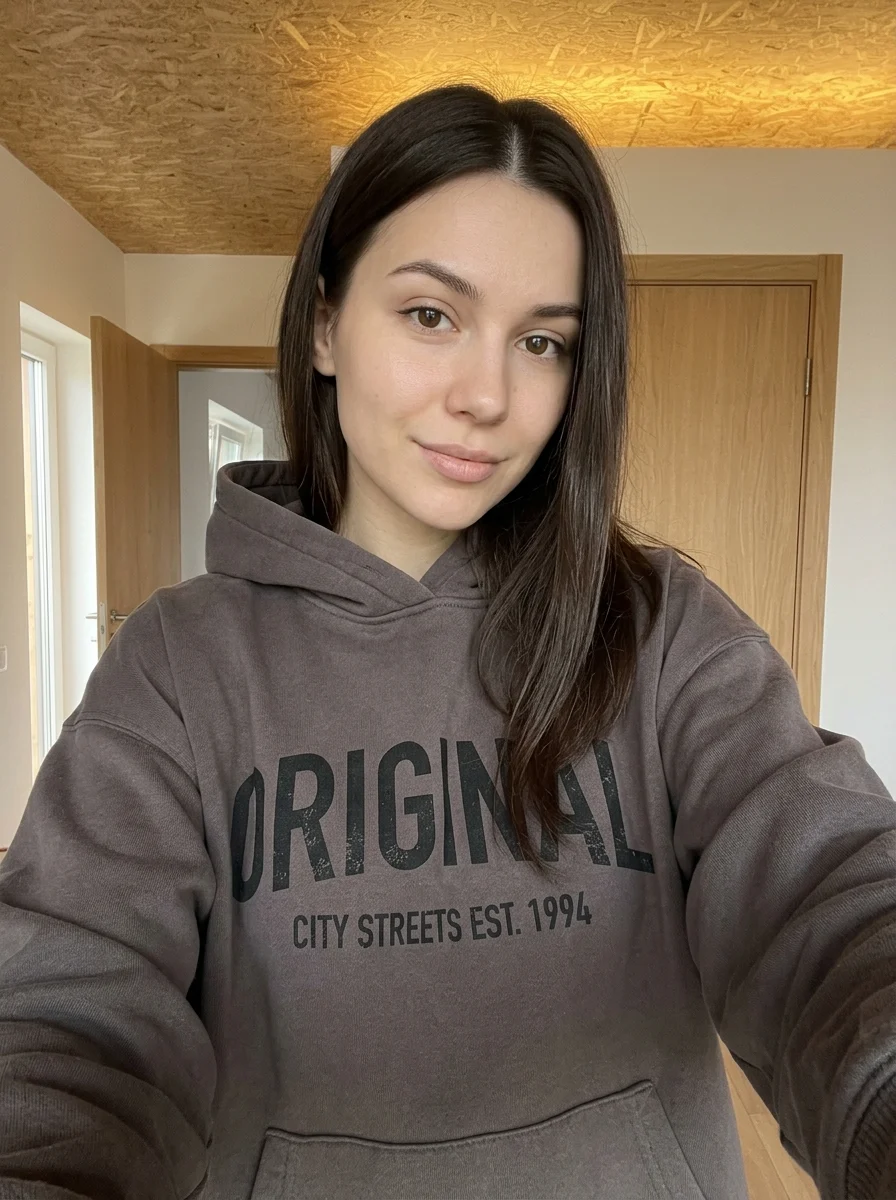
Upload 2 photos in this order: Person 1, Person 2. You can also try the example photos.
- 02
Set your output
Choose the resolution, aspect ratio and number of images. The effect applies its preset style.
- 03
Generate, preview & download
Check the credit cost, generate your image and save it from My Images.
Frequently Asked Questions
Can I make a Polaroid of two people who were never photographed together?
Yes. Add one clear portrait of each person in the two slots. The preset creates a shared instant-film scene with a white border.
How can I keep the two faces from looking alike?
Choose separate, well-lit photos with both faces unobstructed and roughly similar camera angles. Strongly different lighting or tight crops give the model less useful detail to distinguish the two people.
Will the white Polaroid border have a date or caption?
The preset calls for a clean white border. Add a date or caption to the downloaded image if you want exact wording.
Explore More AI Photo Effects
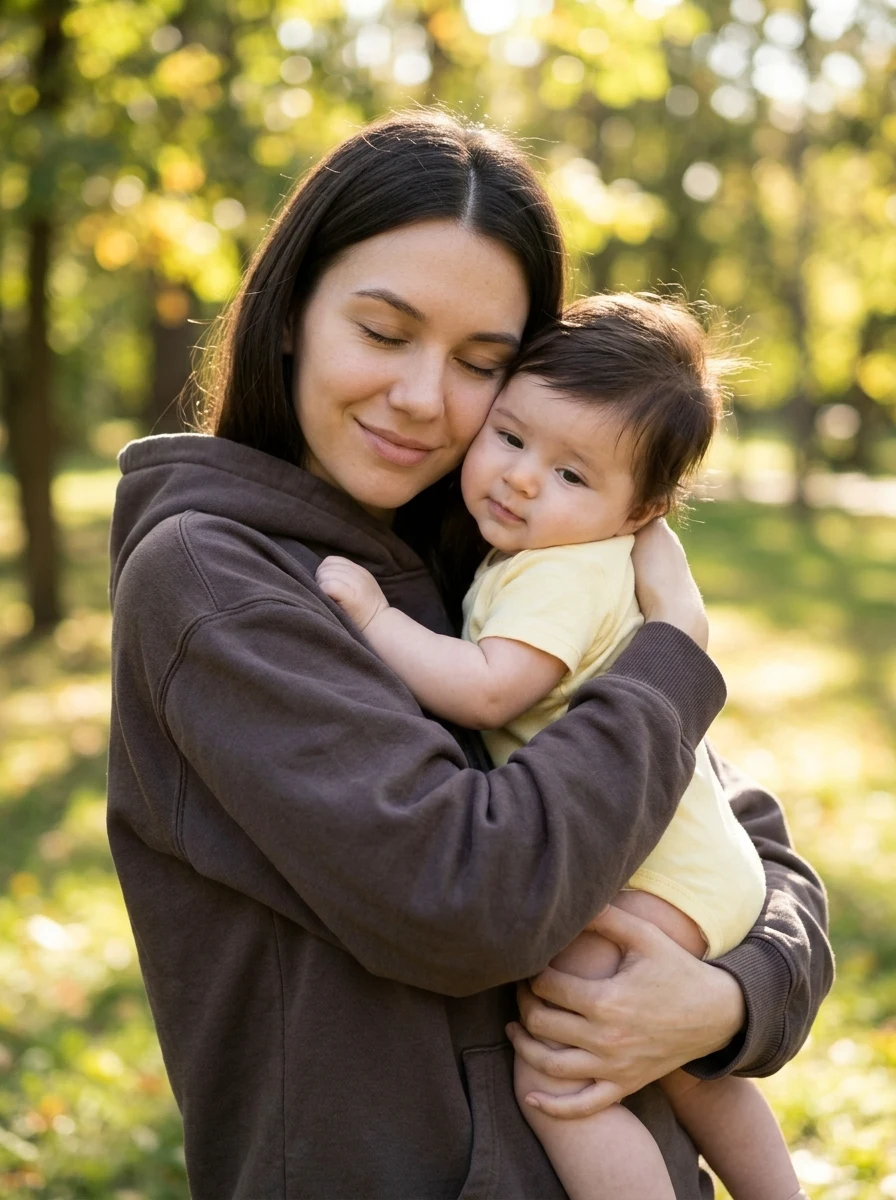

Make your own Polaroid Together
Add your photos to try this effect with your own images.
2 photos · 3 credits
Back to upload