
Credits are returned if generation fails.
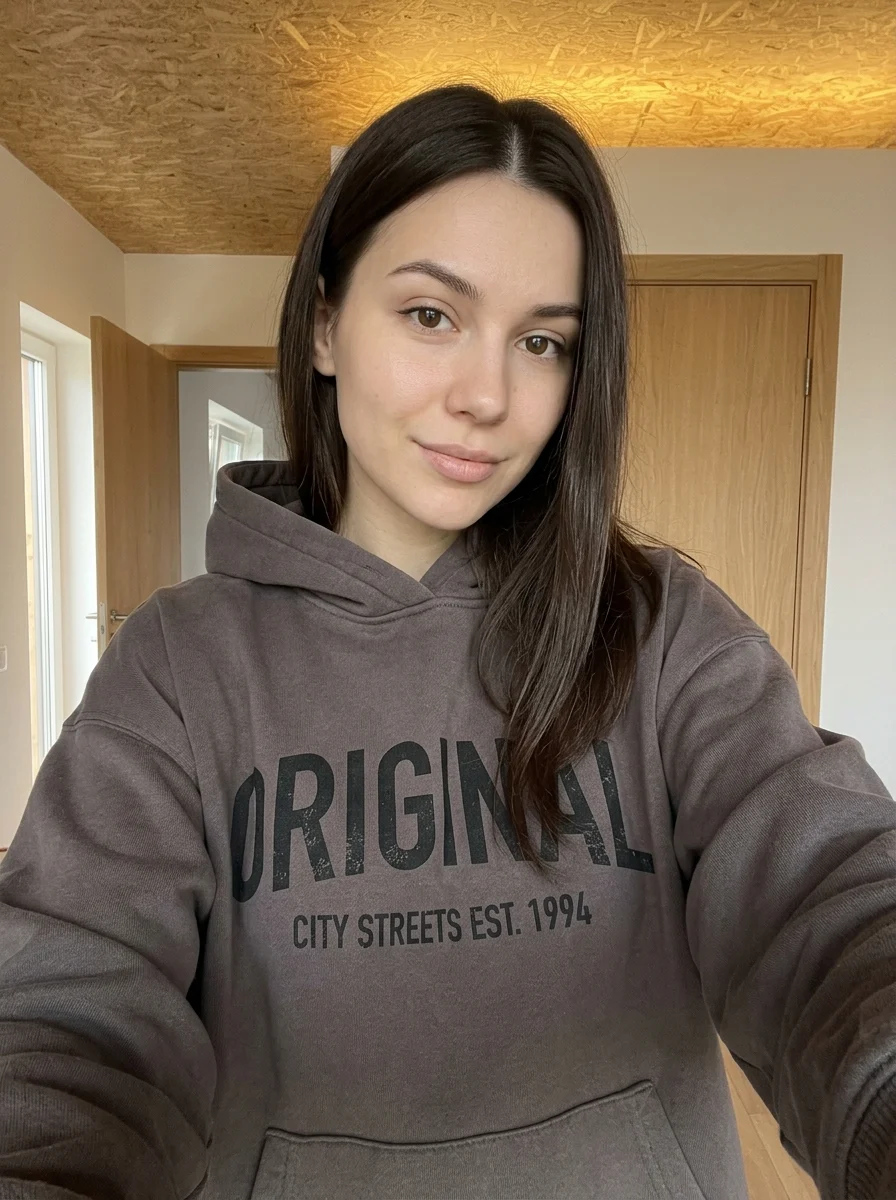
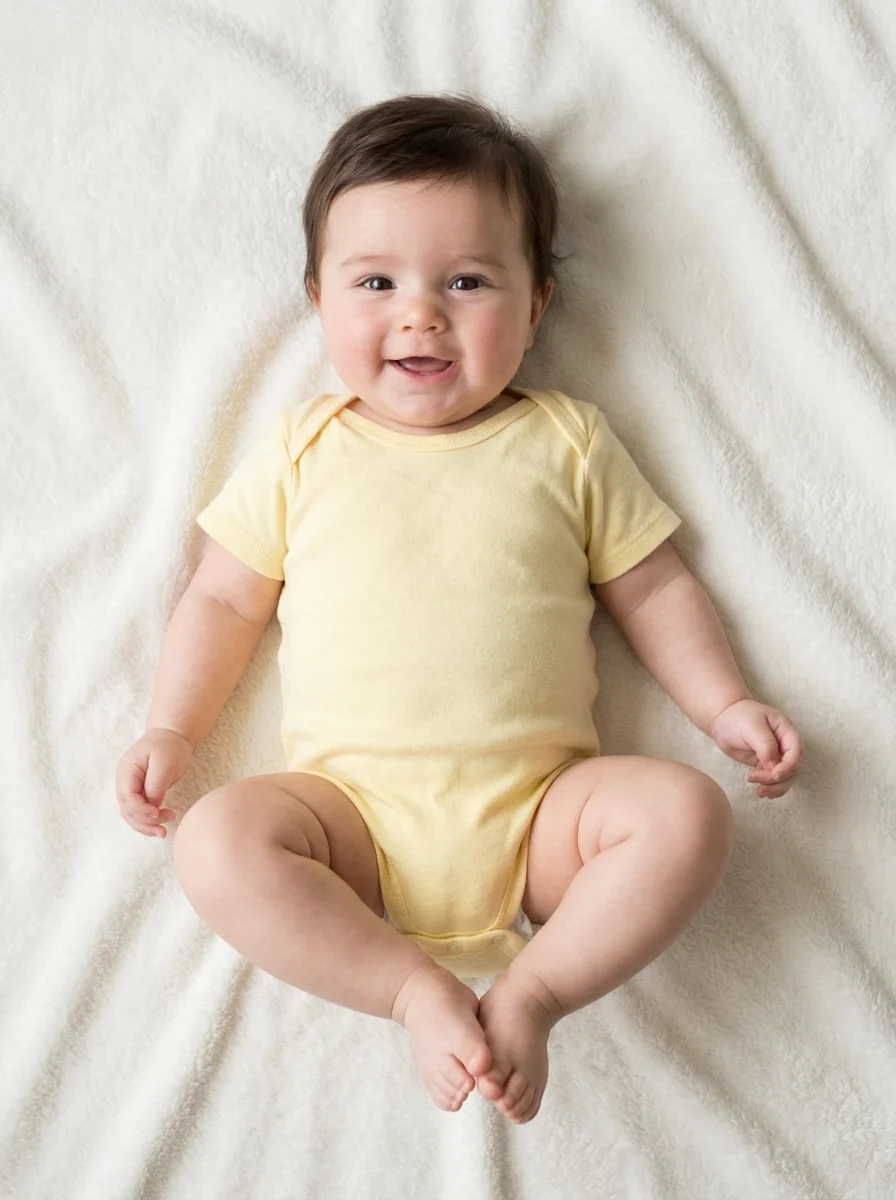
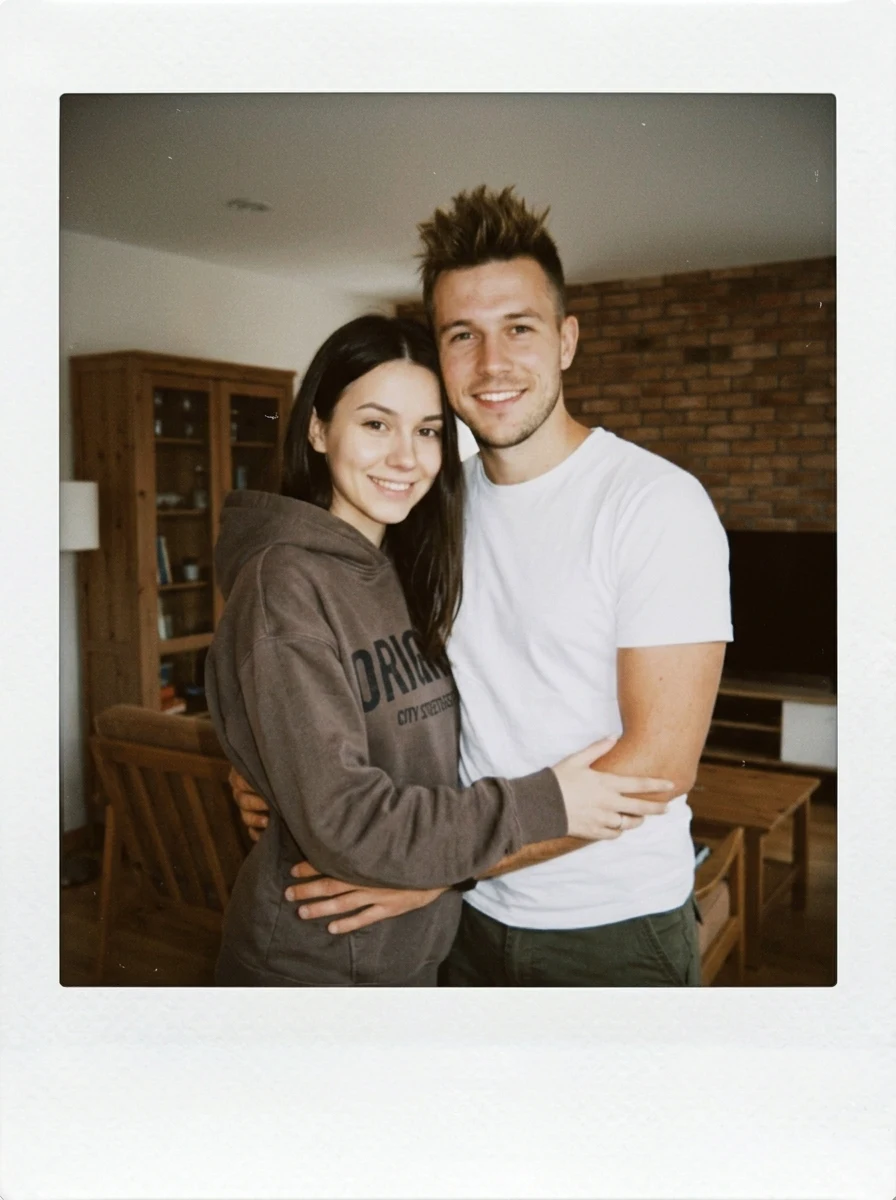
This example shows what the effect can do. Your uploaded photo is used when you generate, and results may vary.
Sign in to see your private images.
What is Hug My Younger Self?
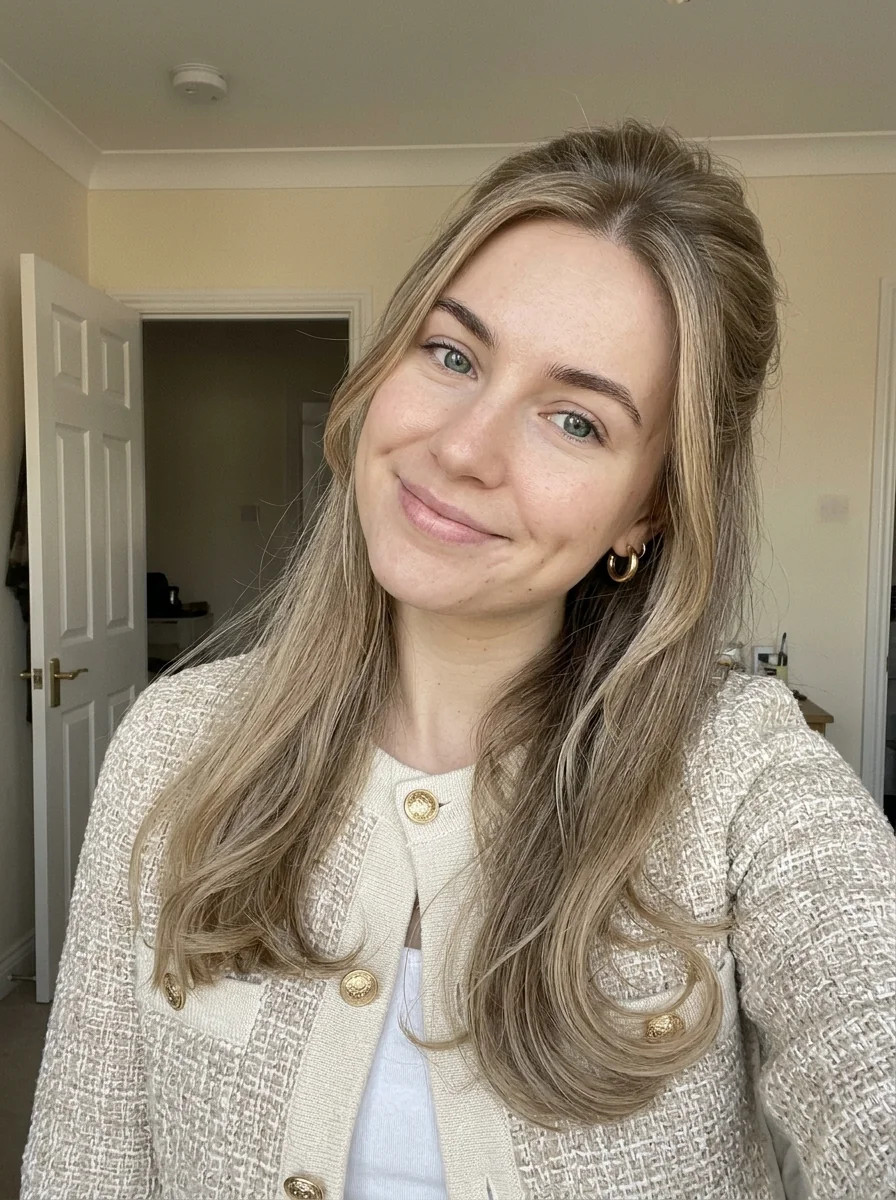
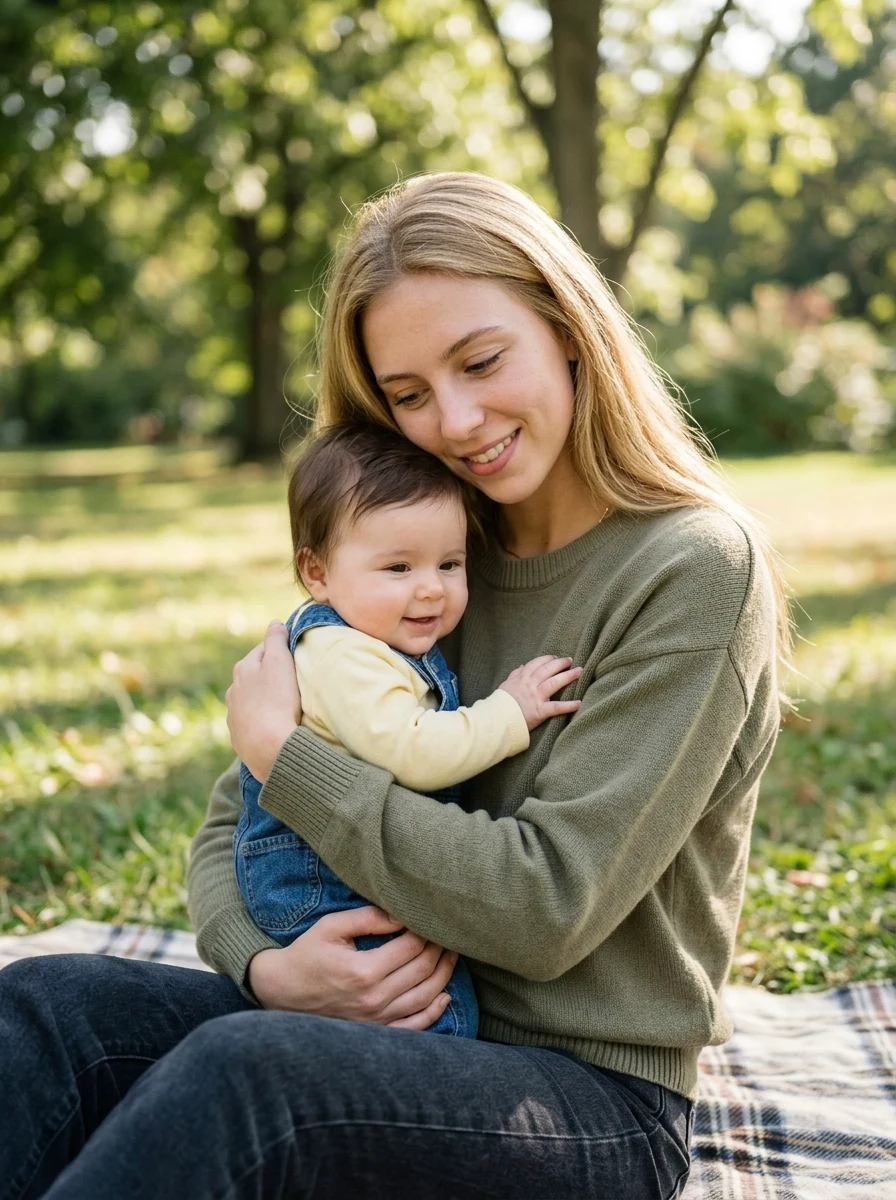
Public examples of the AI Polaroid trend show people pairing current portraits with childhood photos to imagine hugging their younger selves. This preset uses the same two ages in a sunlit outdoor scene.
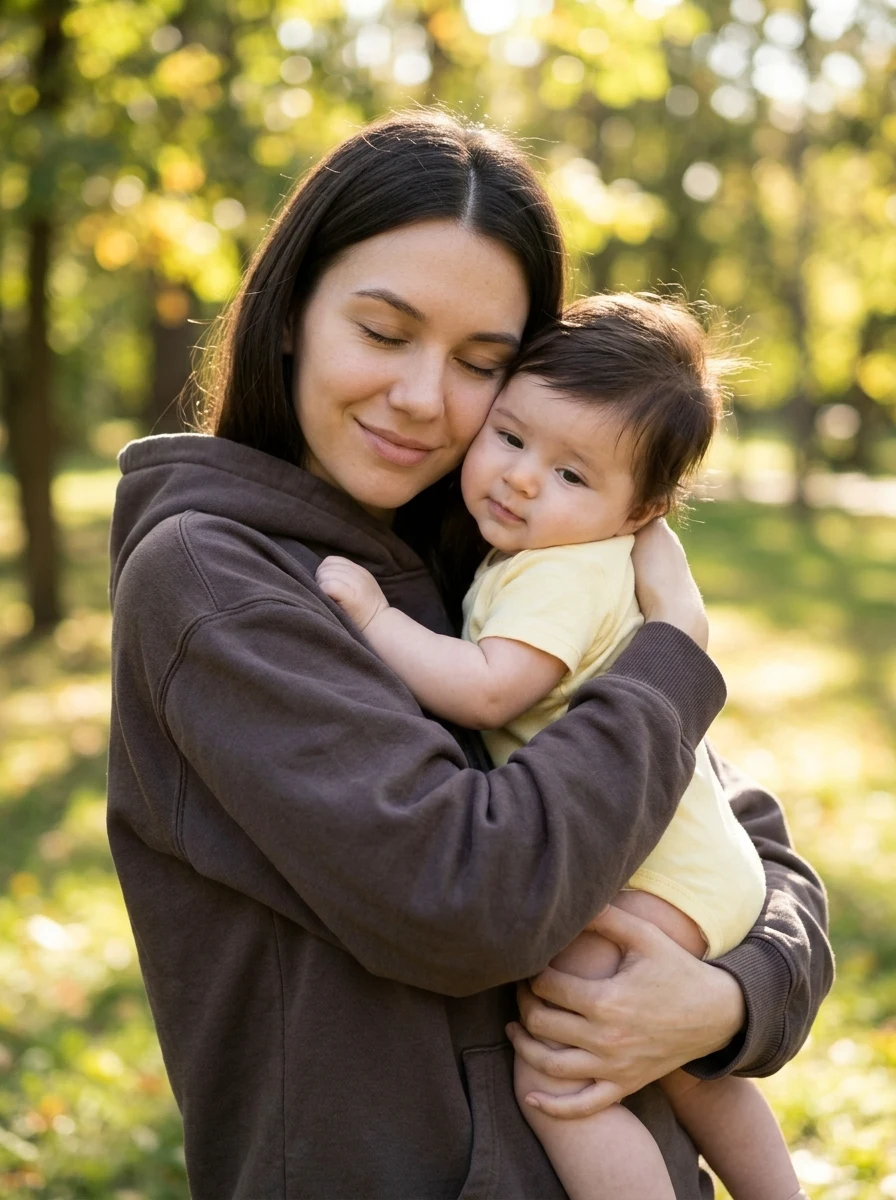
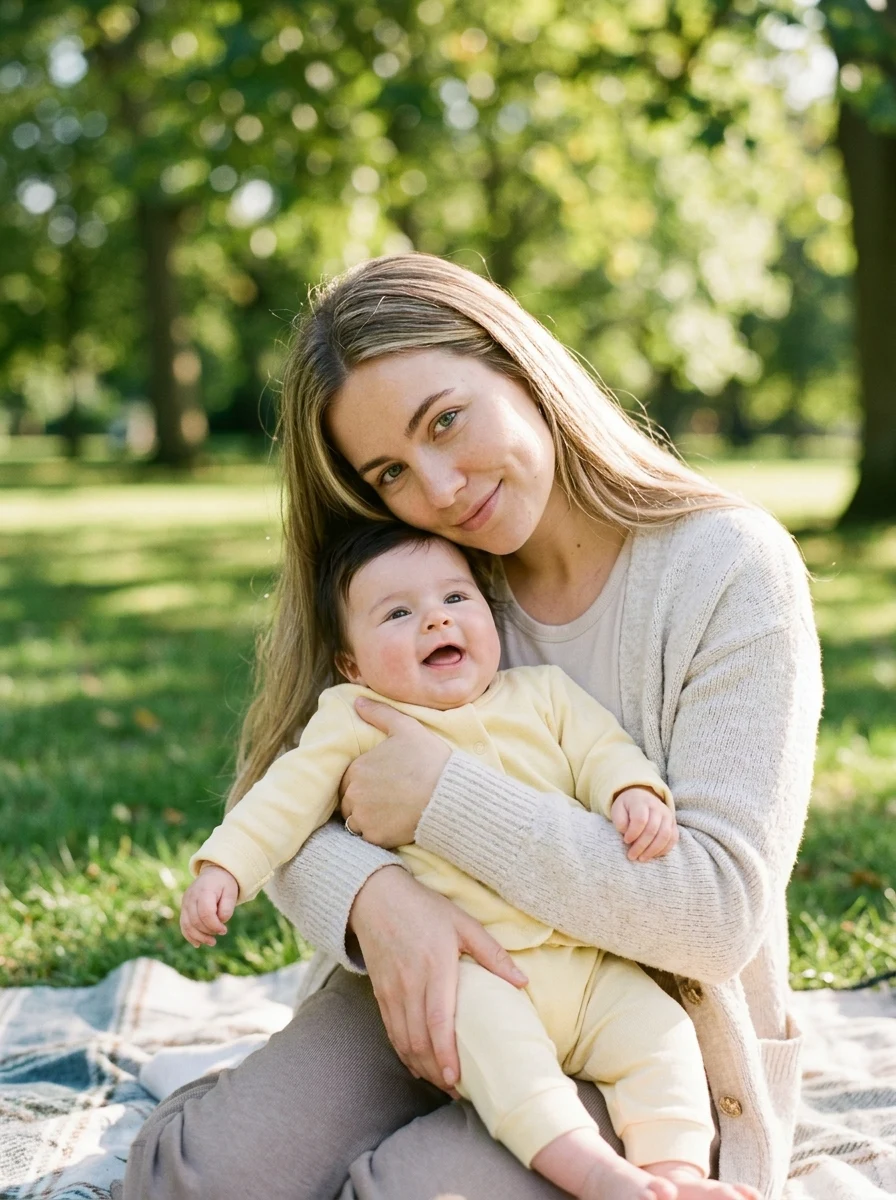
How to Make Your Own Hug My Younger Self
- 01
Add your photos
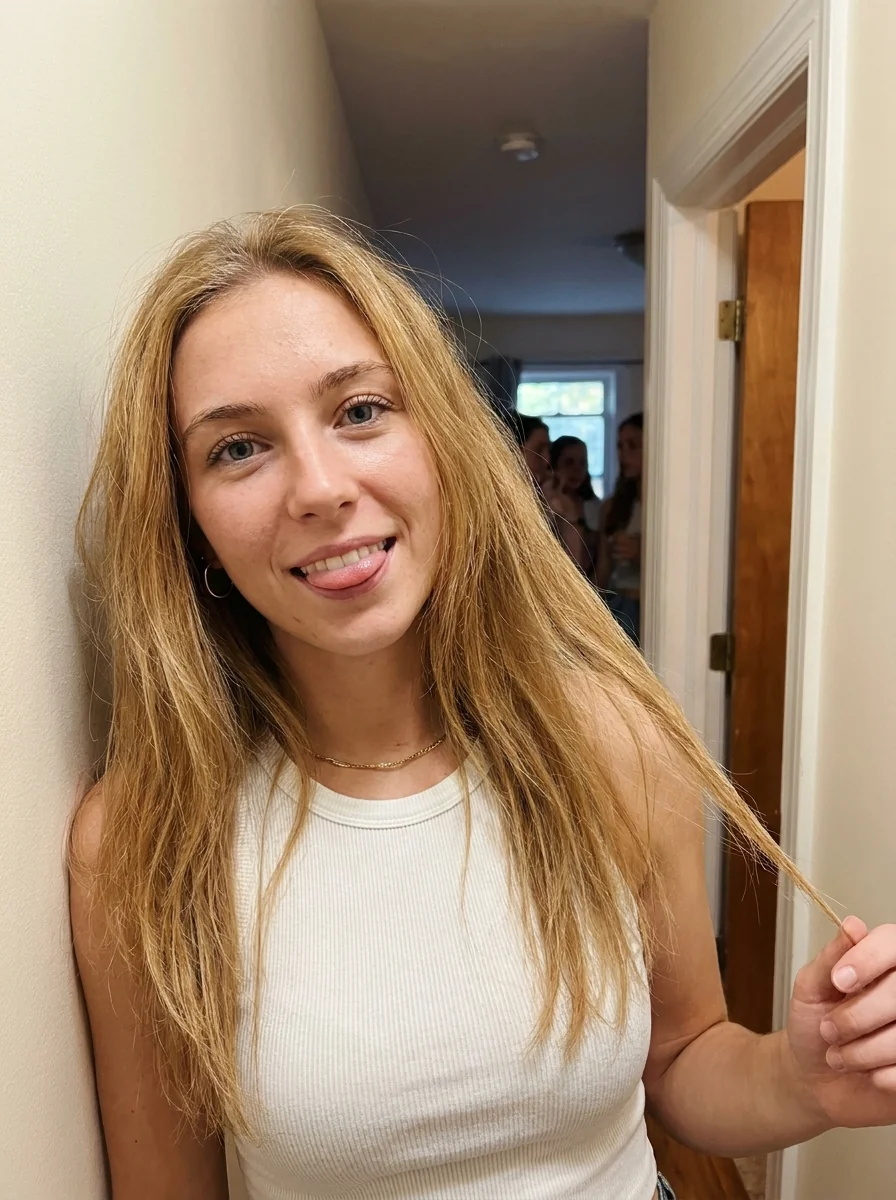
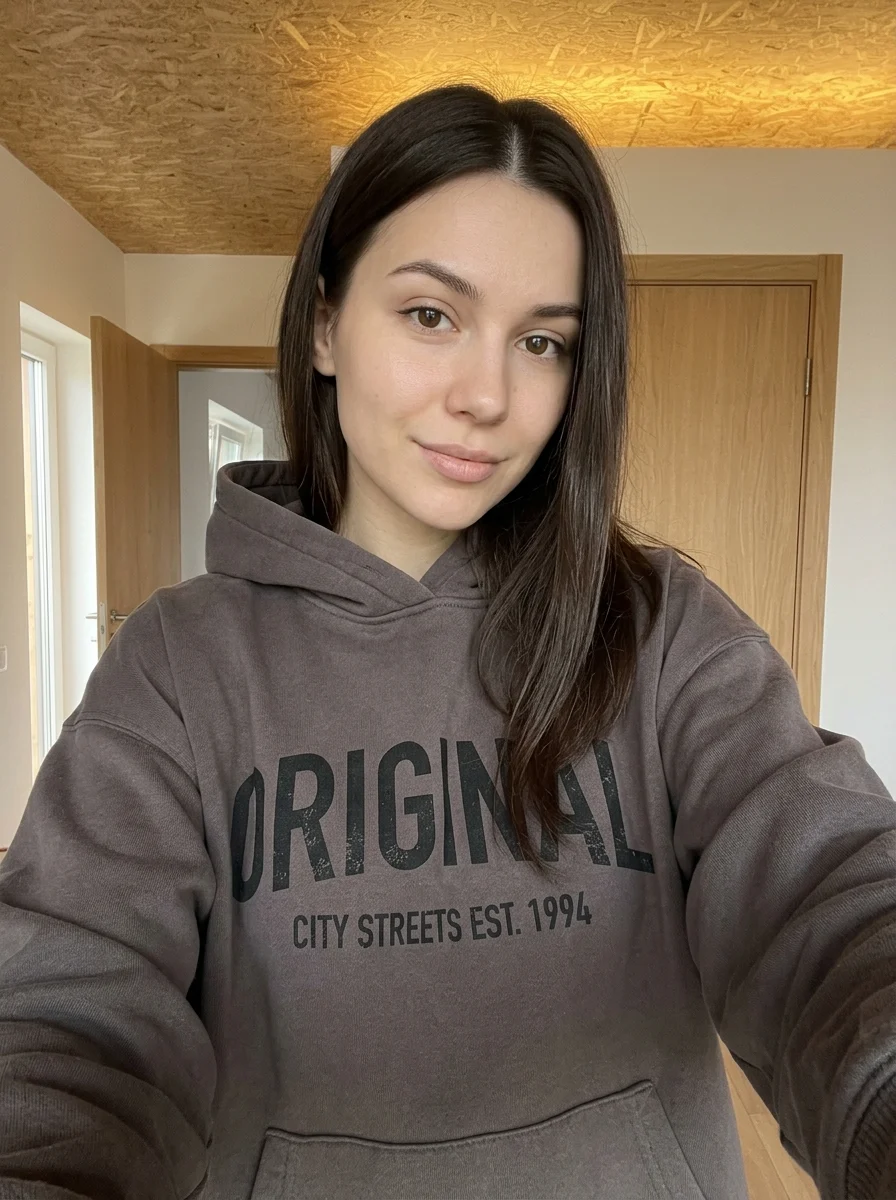
Upload 2 photos in this order: Adult photo, Childhood photo. You can also try the example photos.
- 02
Set your output
Choose the resolution, aspect ratio and number of images. The effect applies its preset style.
- 03
Generate, preview & download
Check the credit cost, generate your image and save it from My Images.
Frequently Asked Questions
Which slot takes my childhood photo?
Put your current portrait in the adult slot and your childhood photo in the younger-self slot. The two ages guide the two people in the hug.
Can I use a scanned or faded childhood photo?
Yes, as long as your childhood face is recognizable. Crop out album borders and choose a scan that still shows the eyes and mouth clearly.
Can the pose change while keeping both ages recognizable?
The model creates the hug from both references, so the pose and clothing may change. Pick photos with distinct age cues and clear facial features to help preserve the contrast.
Explore More AI Photo Effects


Make your own Hug My Younger Self
Add your photos to try this effect with your own images.
2 photos · 3 credits
Back to upload