
Credits are returned if generation fails.

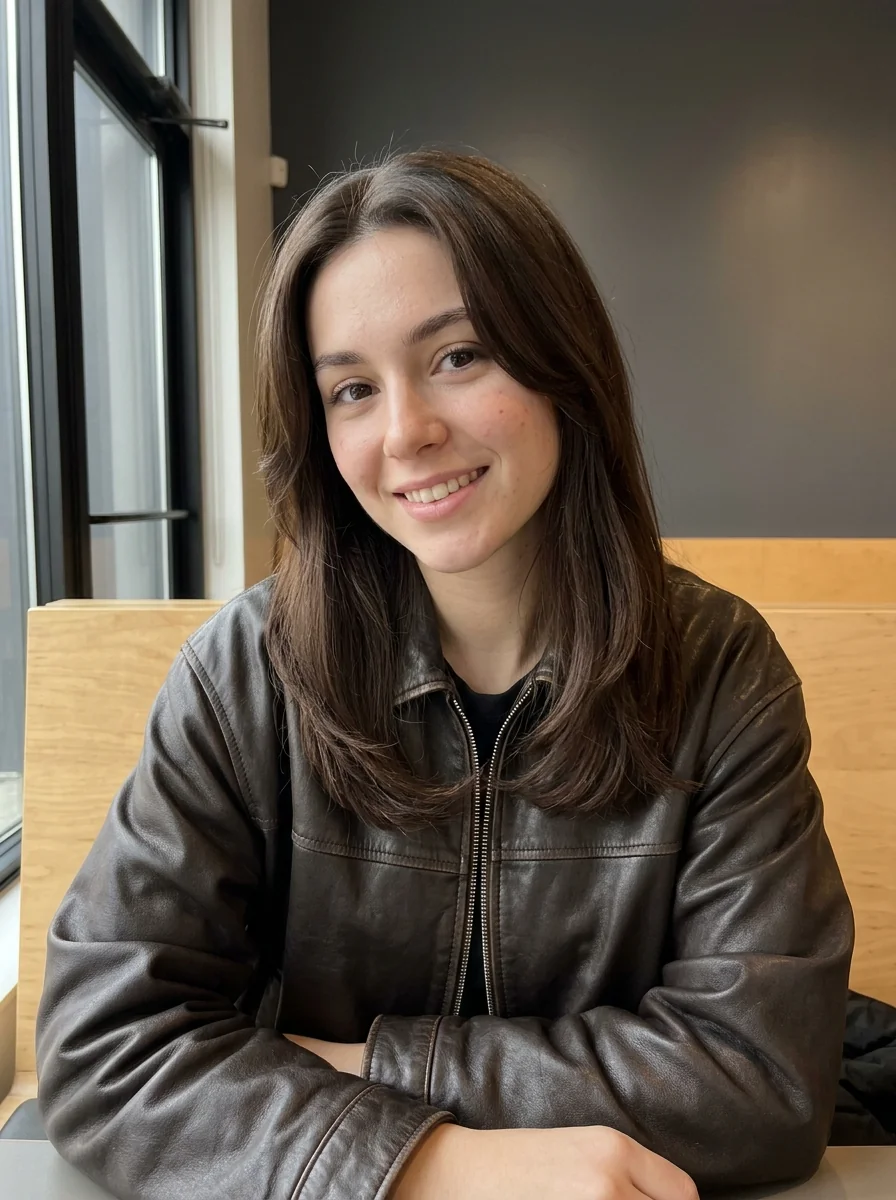
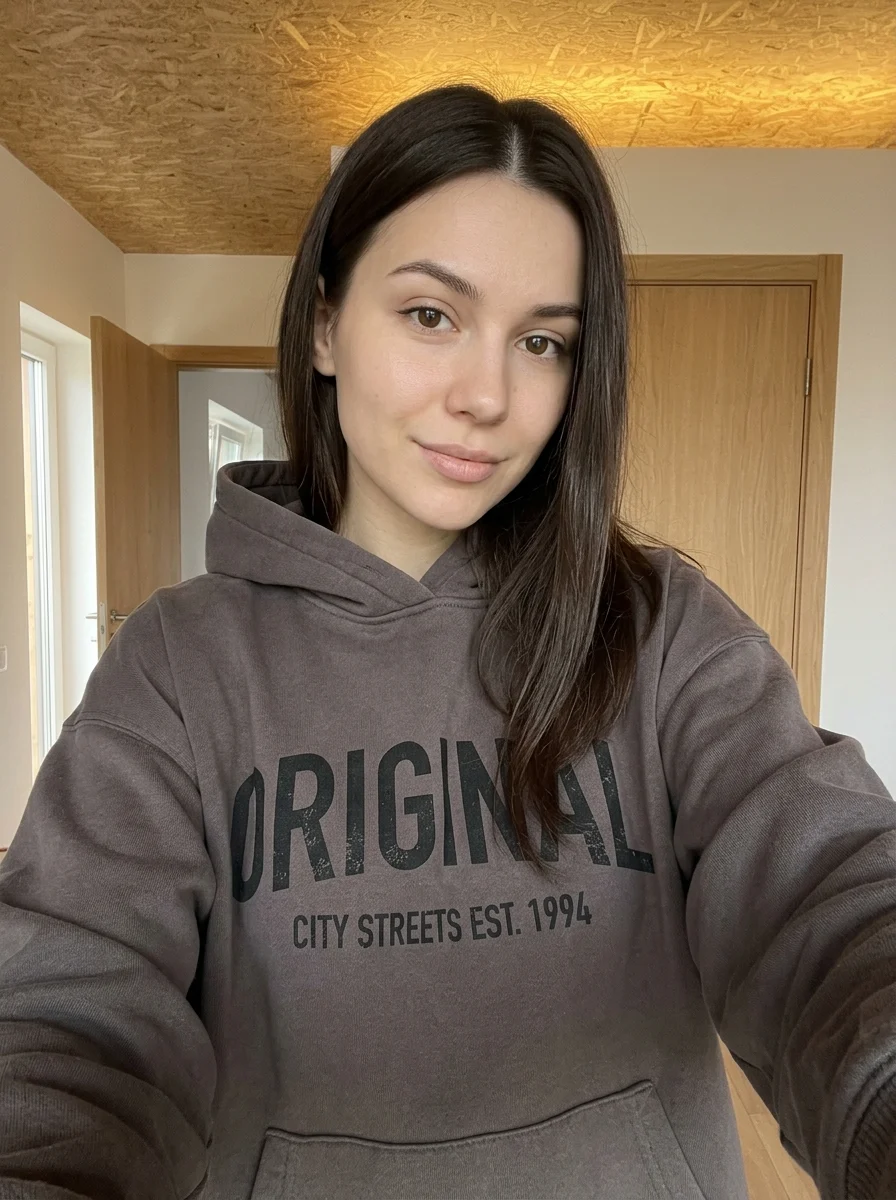
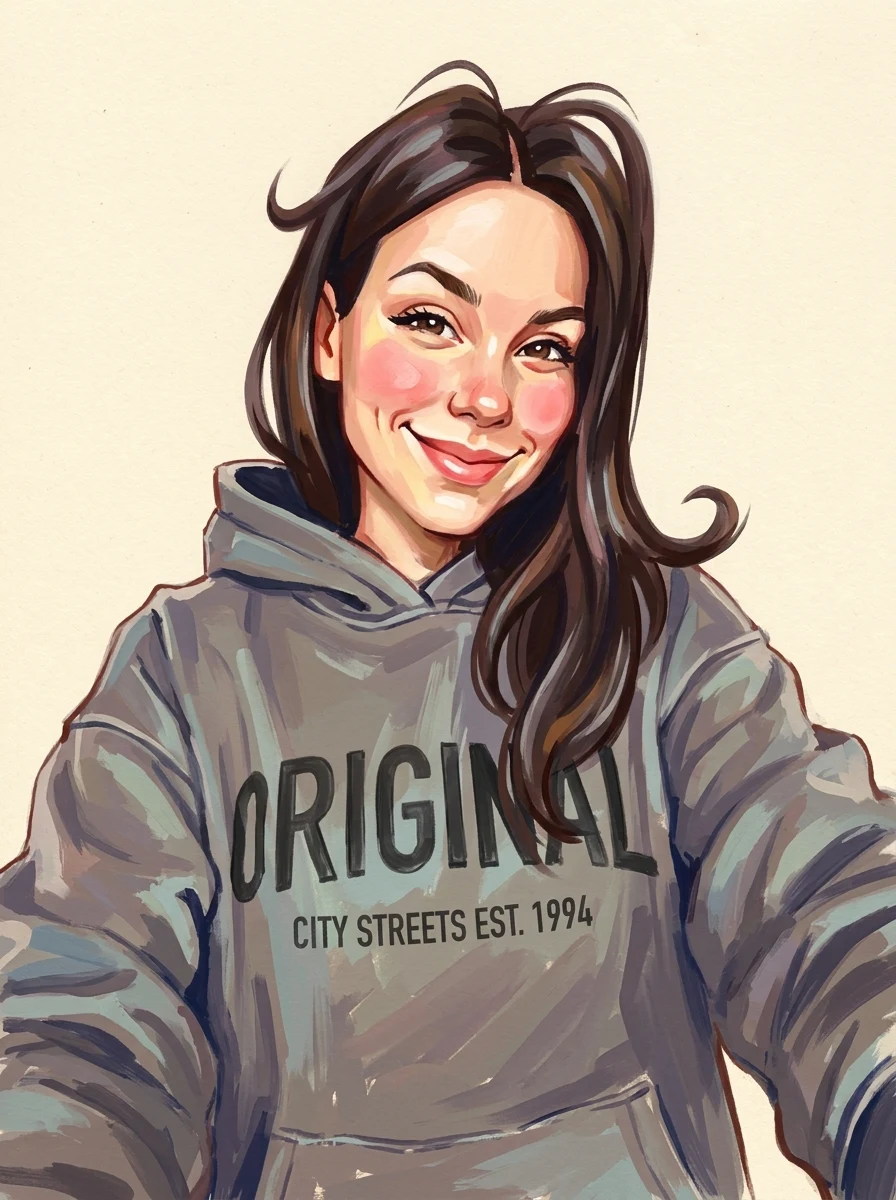
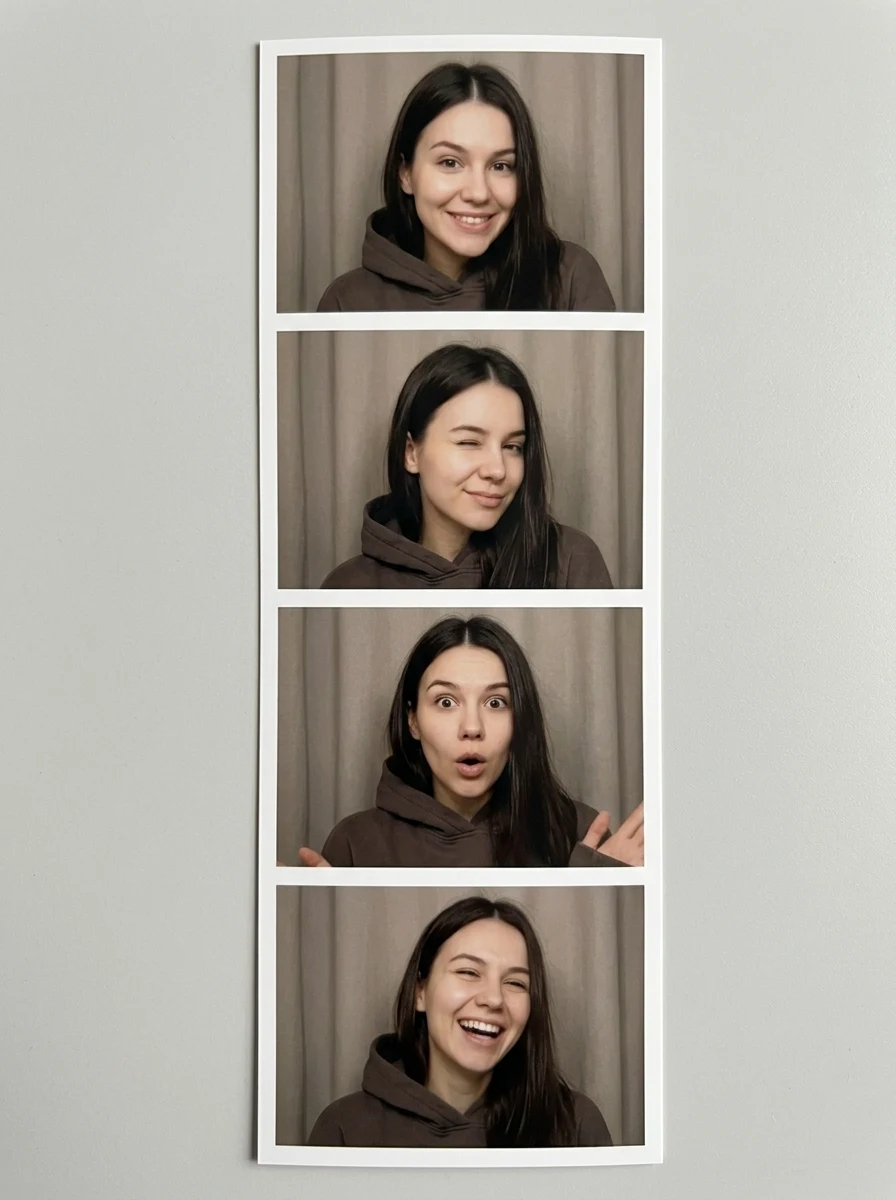
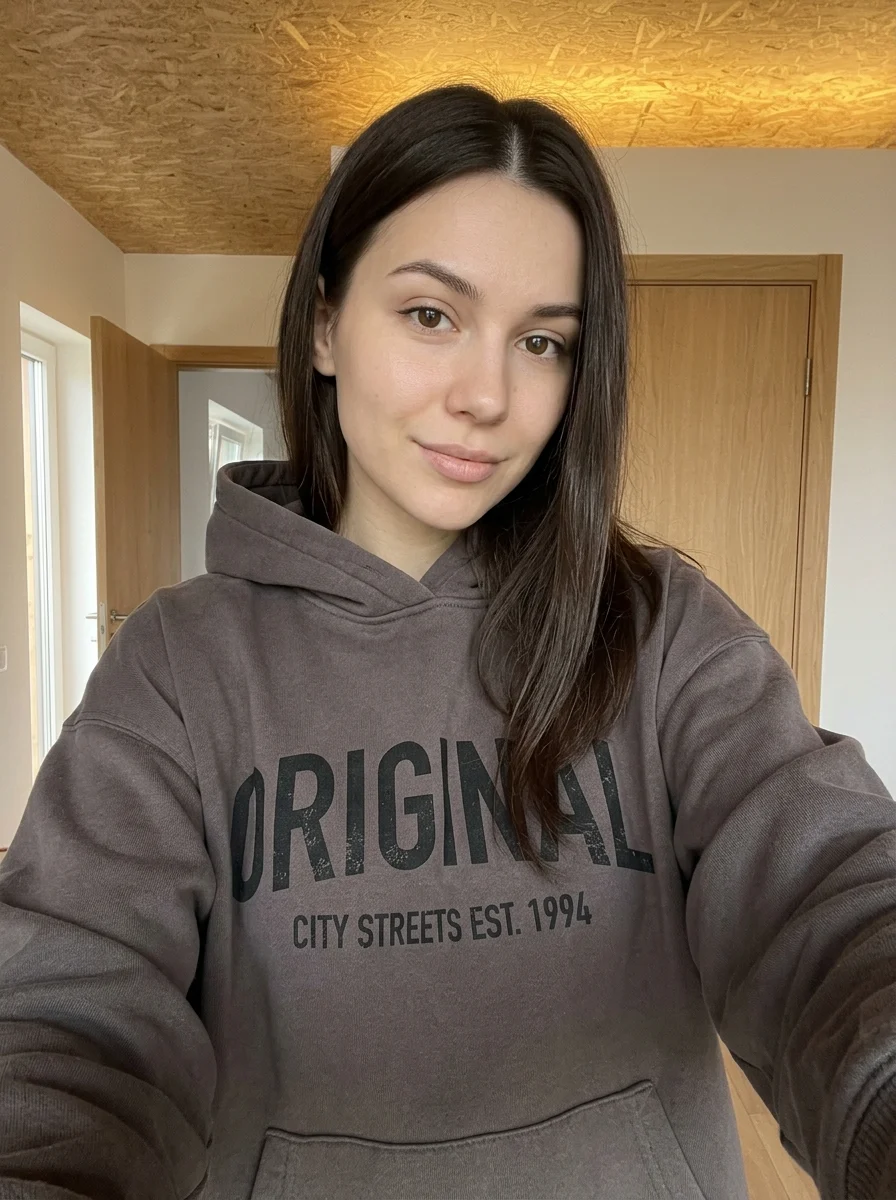
This example shows what the effect can do. Your uploaded photo is used when you generate, and results may vary.
Sign in to see your private images.
What is Creative Digital Collage Moodboard Poster?
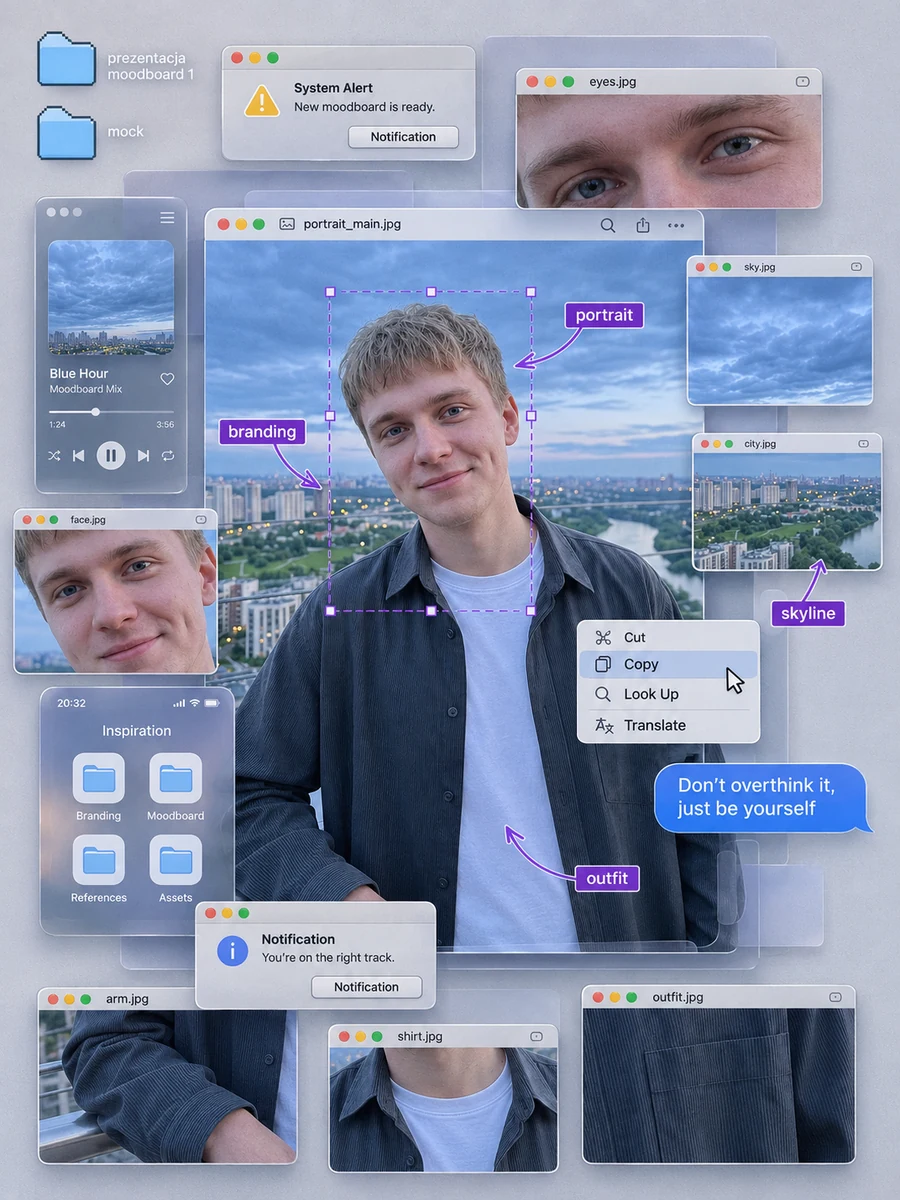
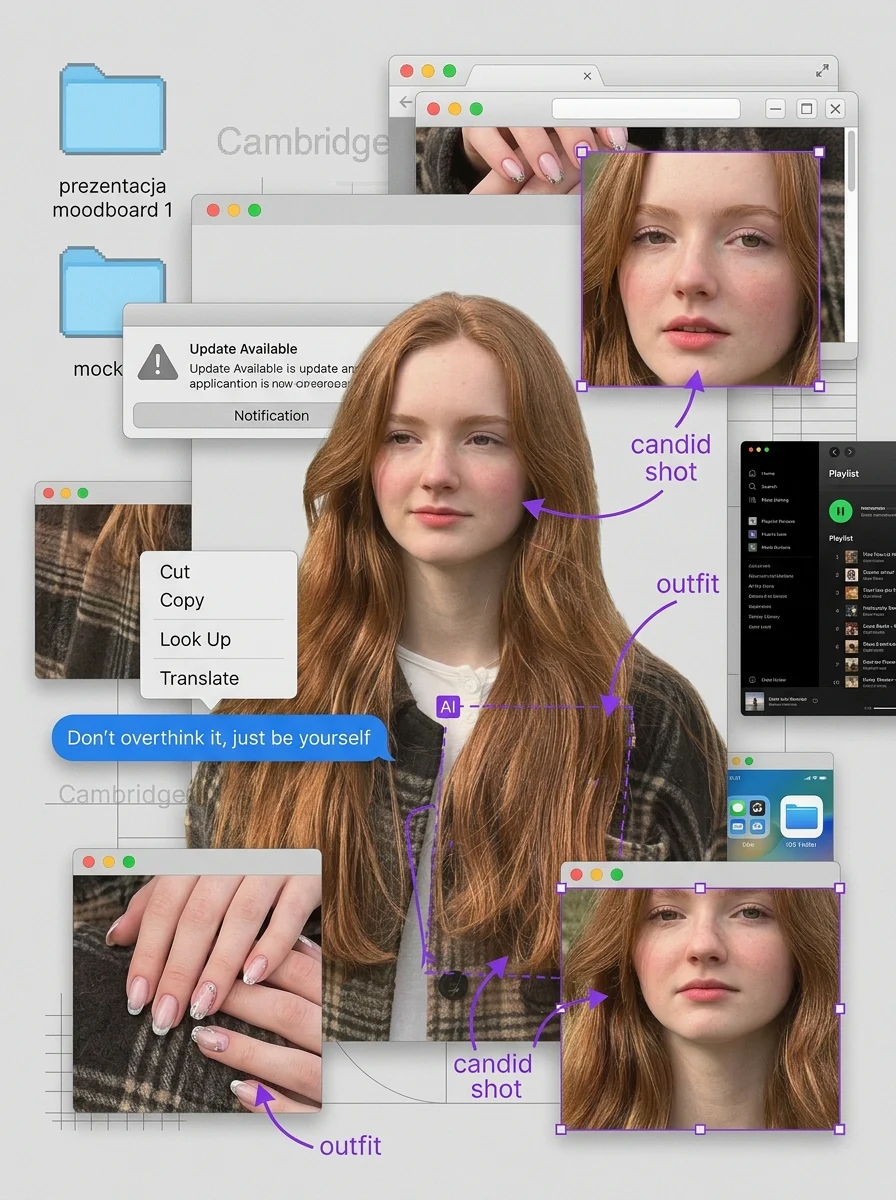
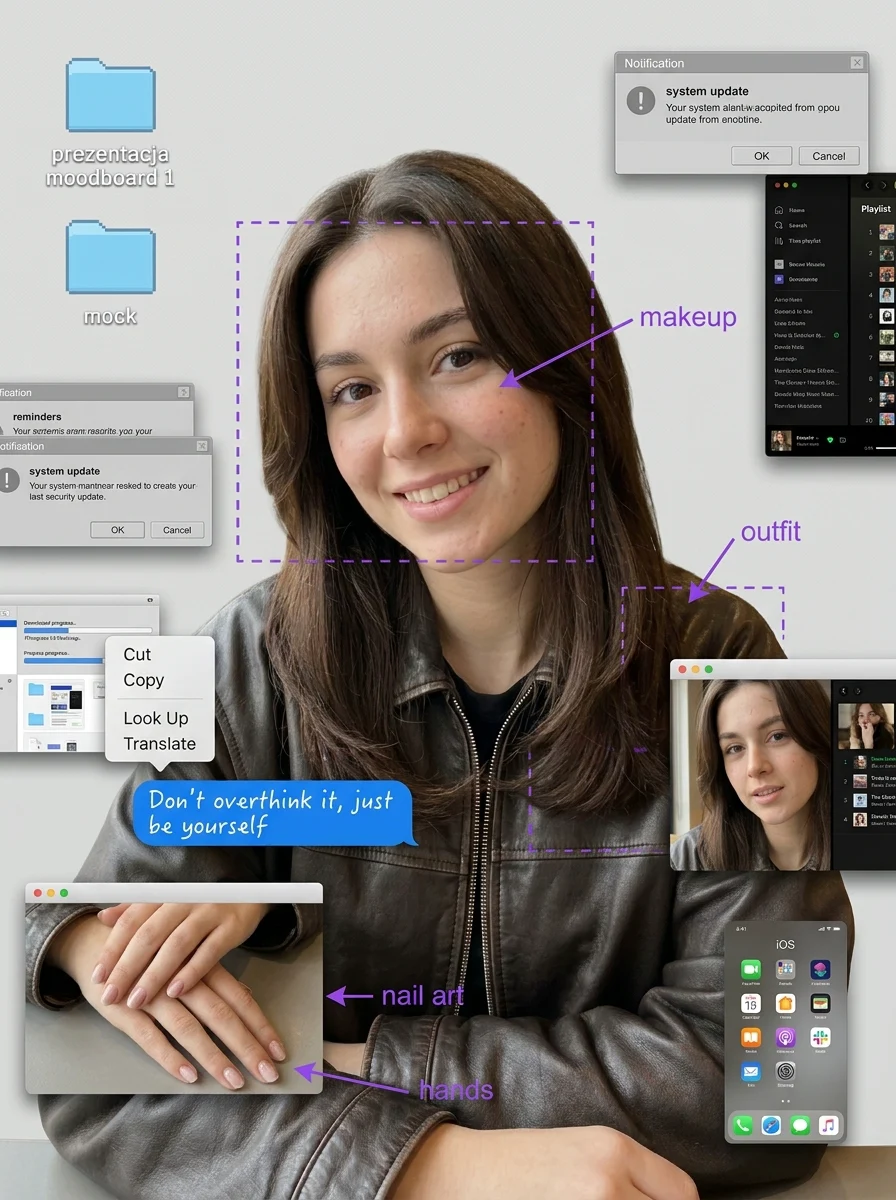
Build a moodboard around your portrait with layered photos and graphic details.
How to Make Your Own Creative Digital Collage Moodboard Poster
- 01
Add your photos
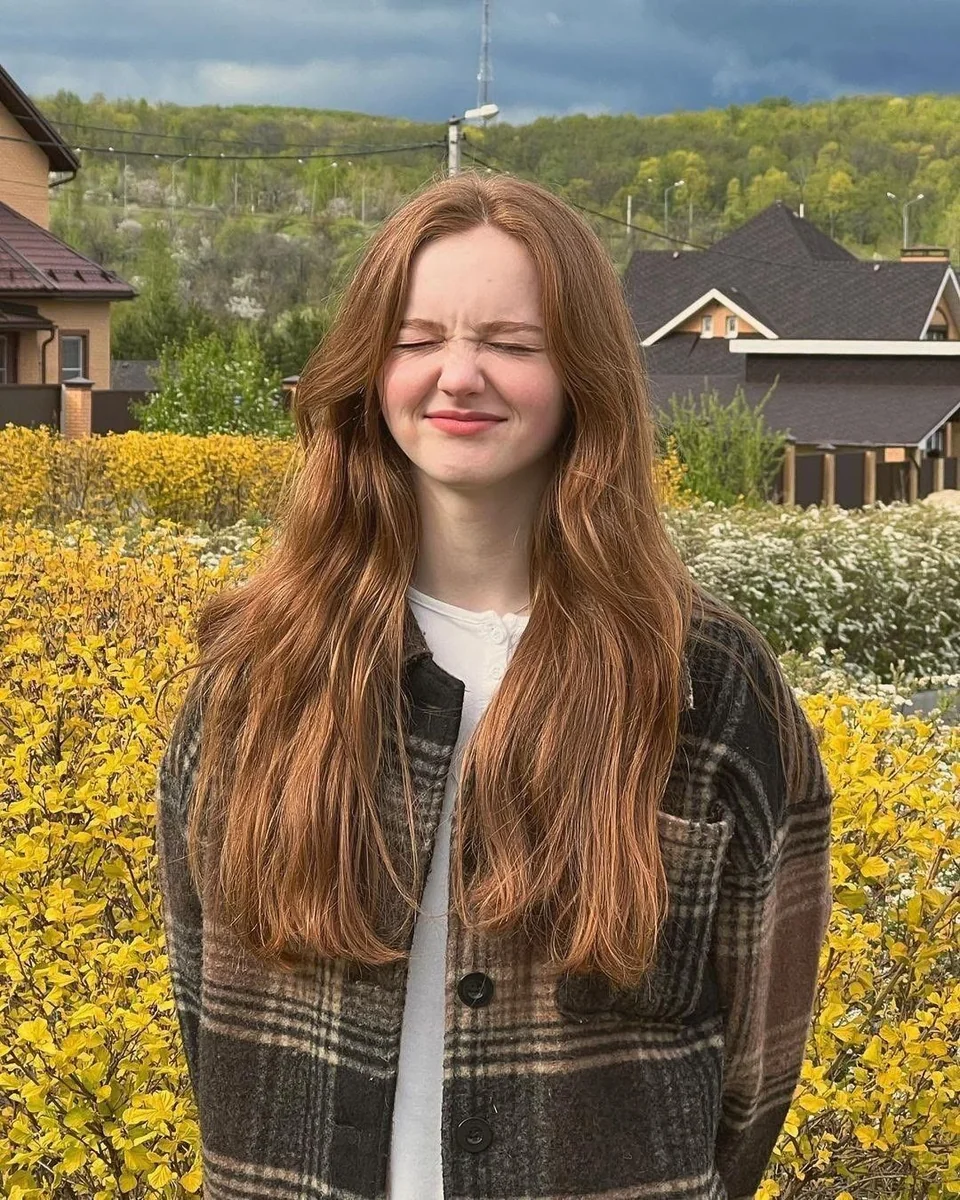
Upload 1 photo or try the example in the upload area.
- 02
Set your output
Choose the resolution, aspect ratio and number of images. The effect applies its preset style.
- 03
Generate, preview & download
Check the credit cost, generate your image and save it from My Images.
Frequently Asked Questions
Do I need separate photos for the moodboard panels?
One portrait supplies the main image and material for the collage. The preset makes smaller detail crops and graphic layers around it.
Can I edit the window labels or move individual elements?
The collage is generated as one flattened poster. Window labels, crops and layering are part of the rendered image.
Should my portrait have details worth zooming in on?
Yes. Clear hair, outfit texture or visible accessories give the close-up panels more to work with. Avoid a heavily compressed screenshot as your reference.
Explore More AI Photo Effects
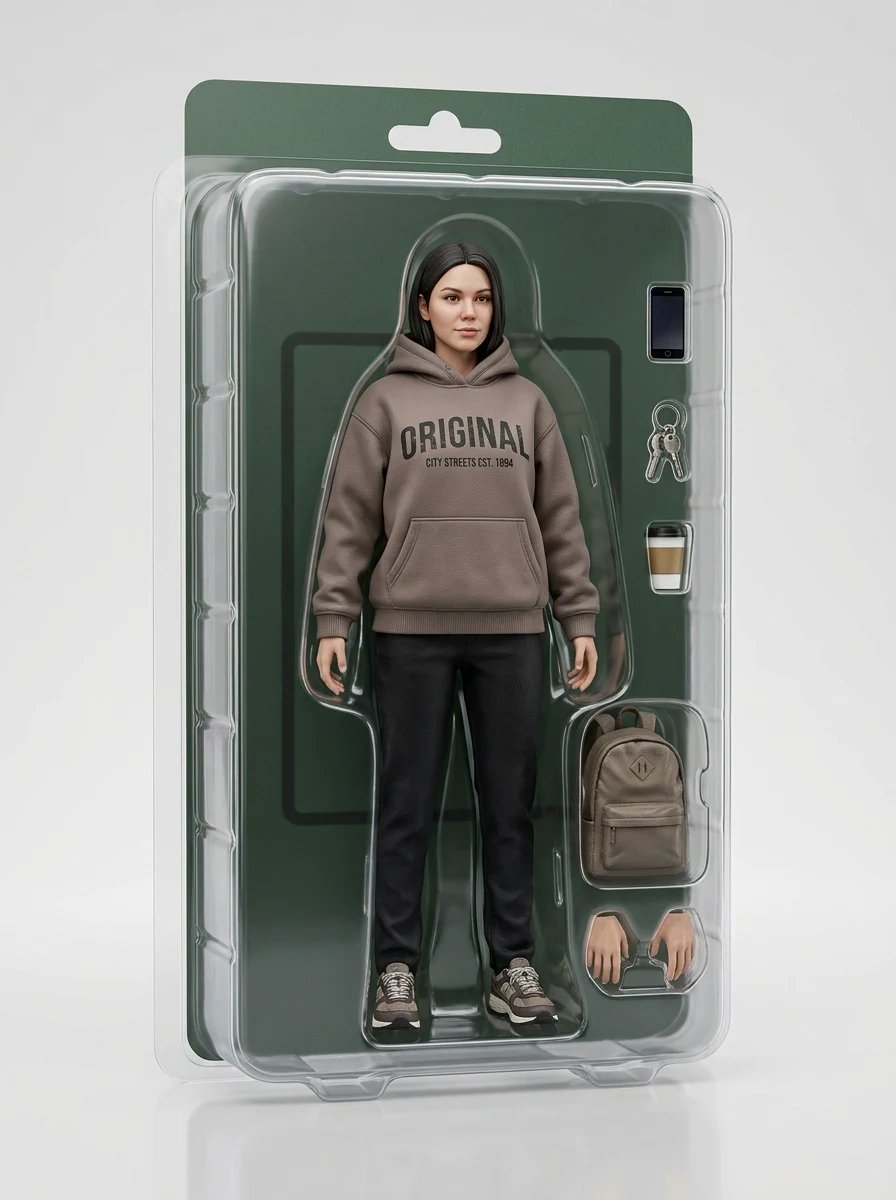
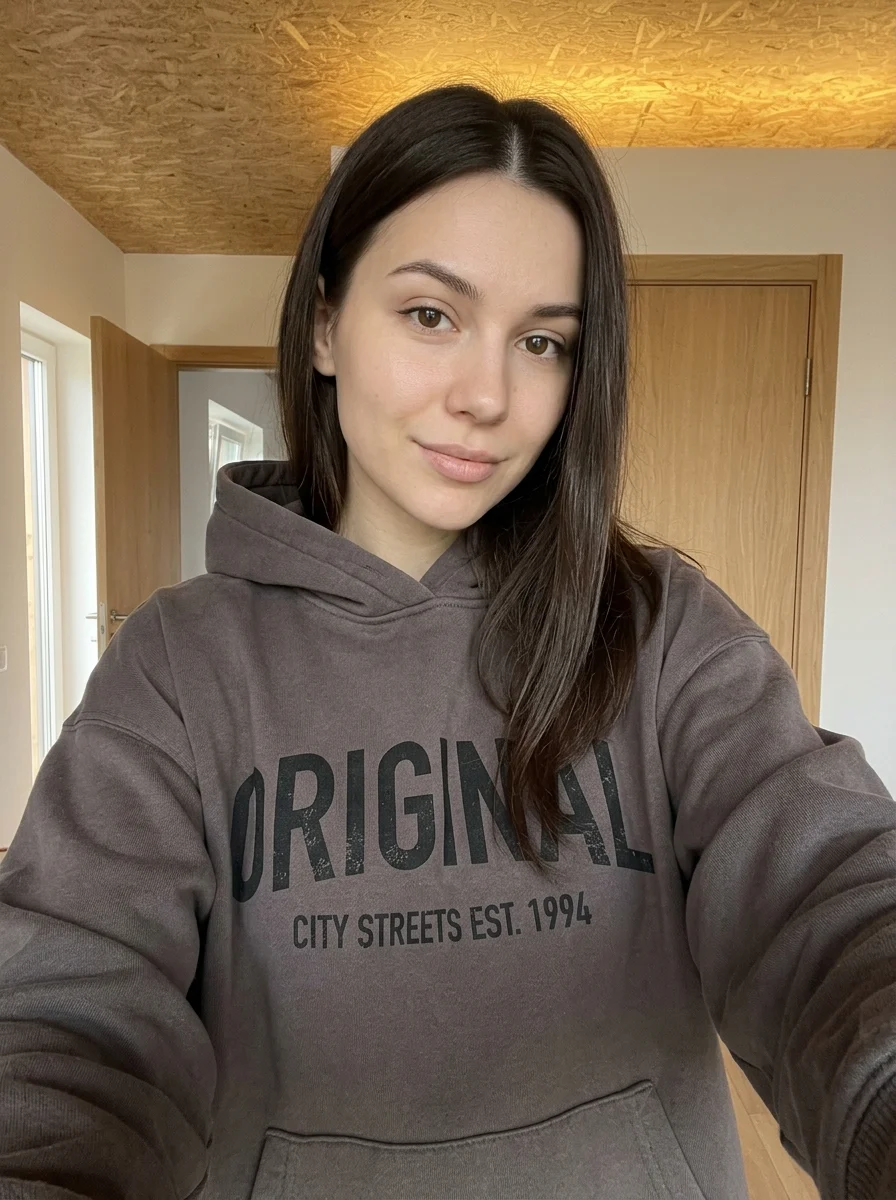
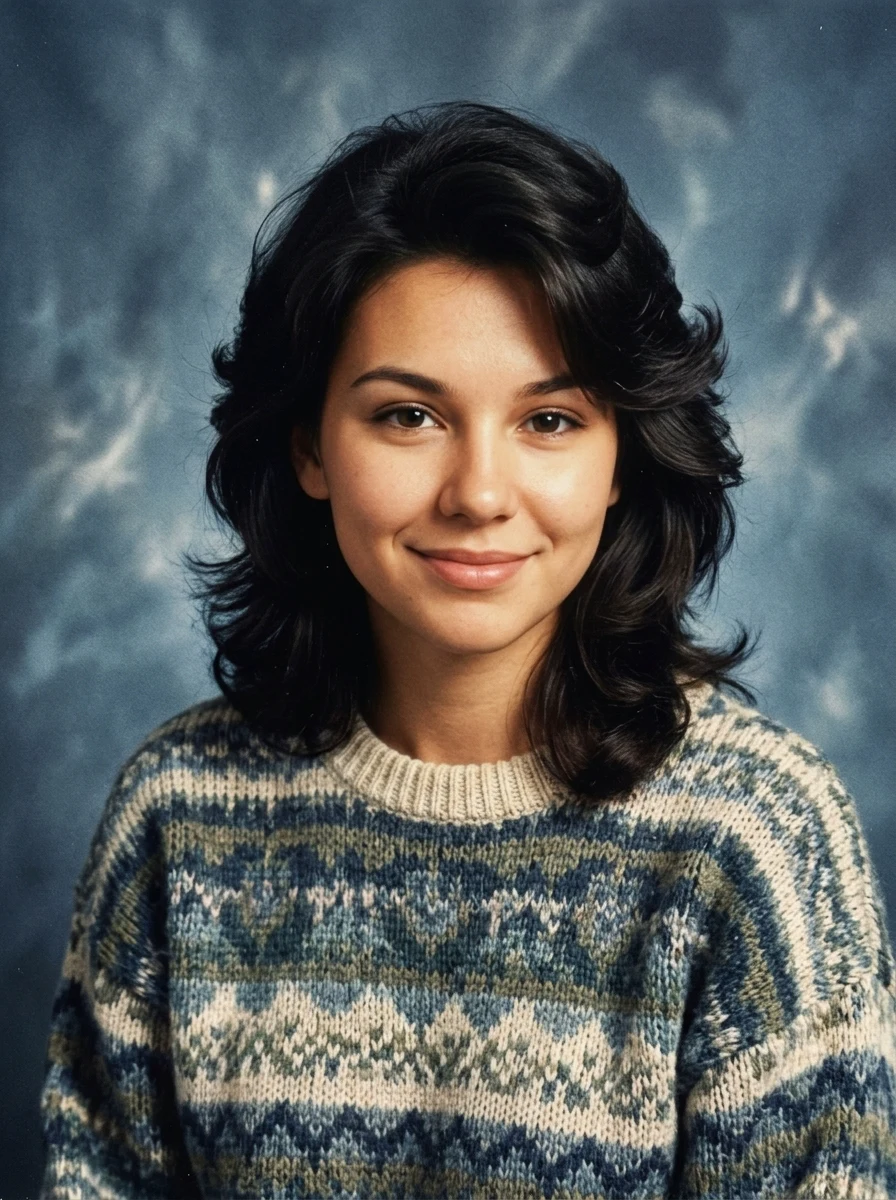
Make your own Creative Digital Collage Moodboard Poster
Add your photos to try this effect with your own images.
1 photo · 3 credits
Back to upload