
Credits are returned if generation fails.
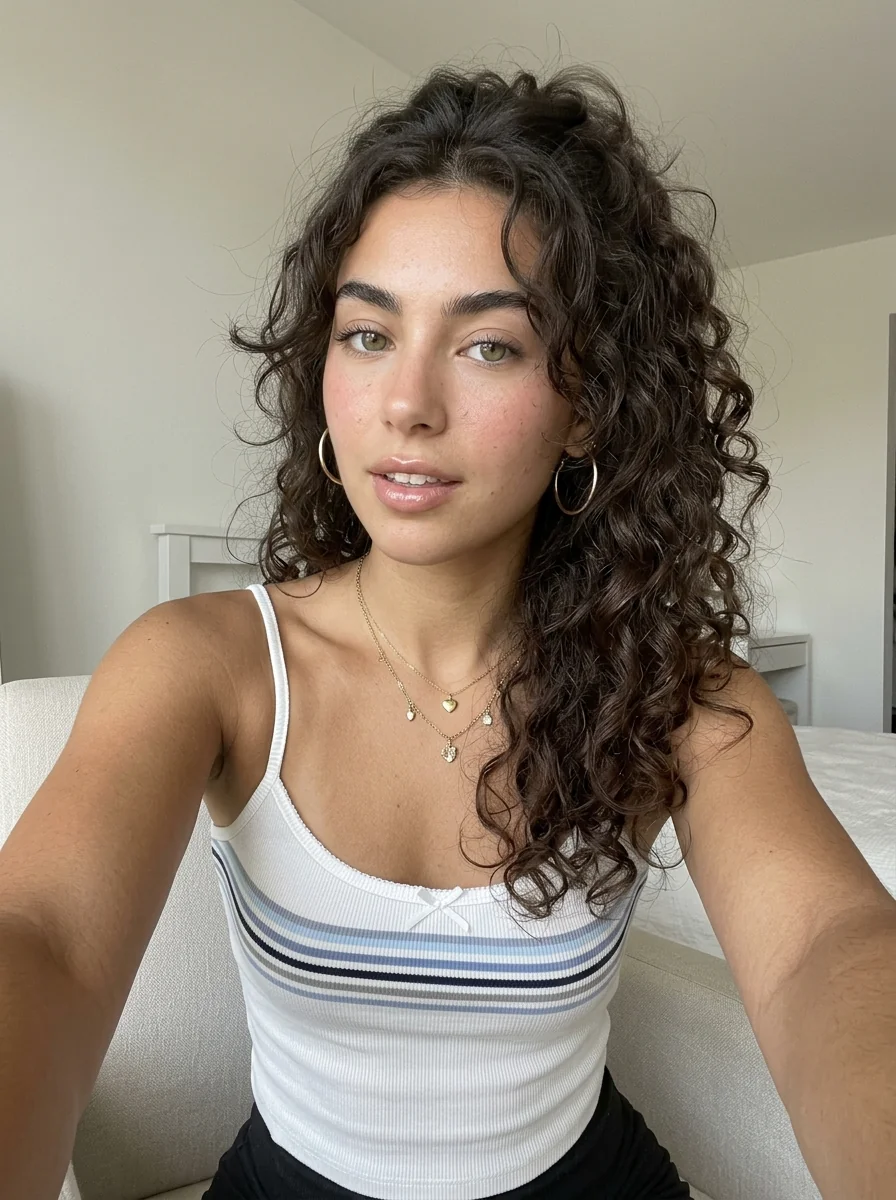
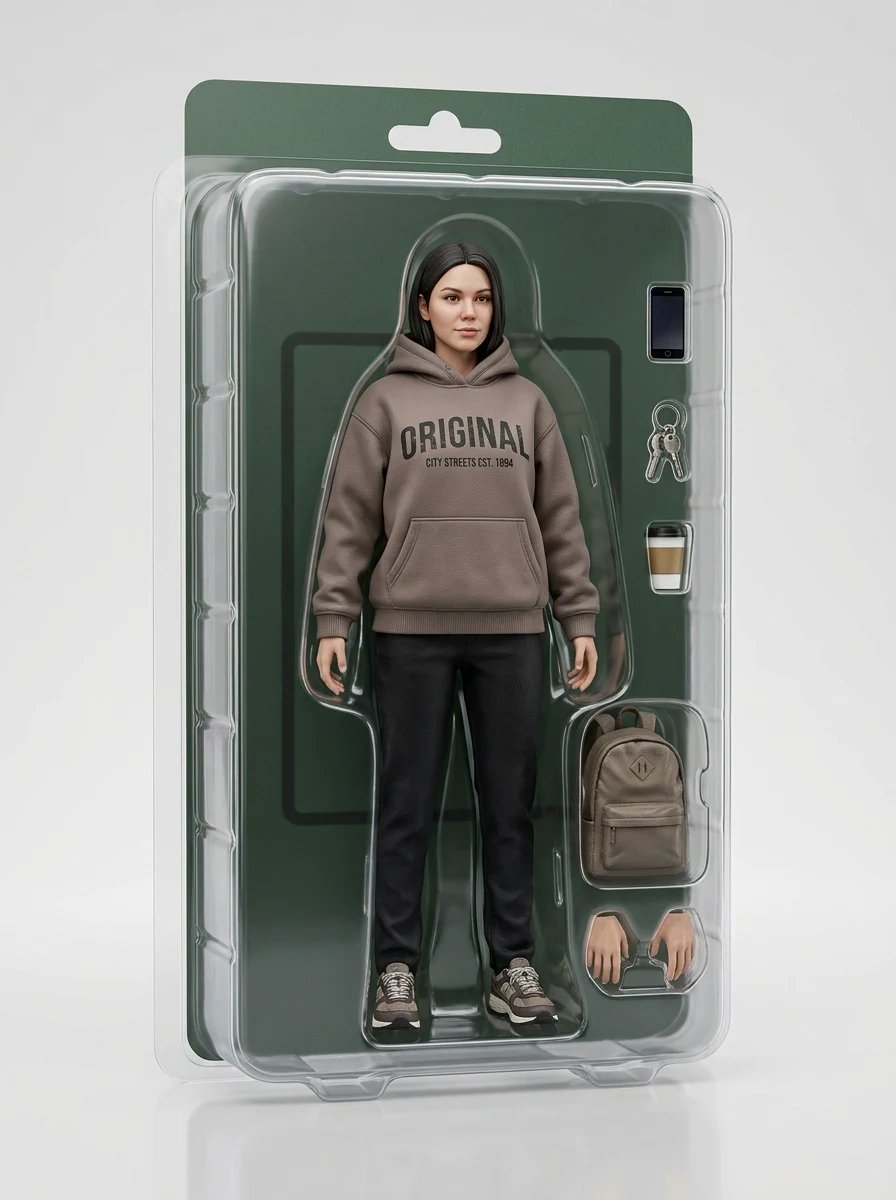
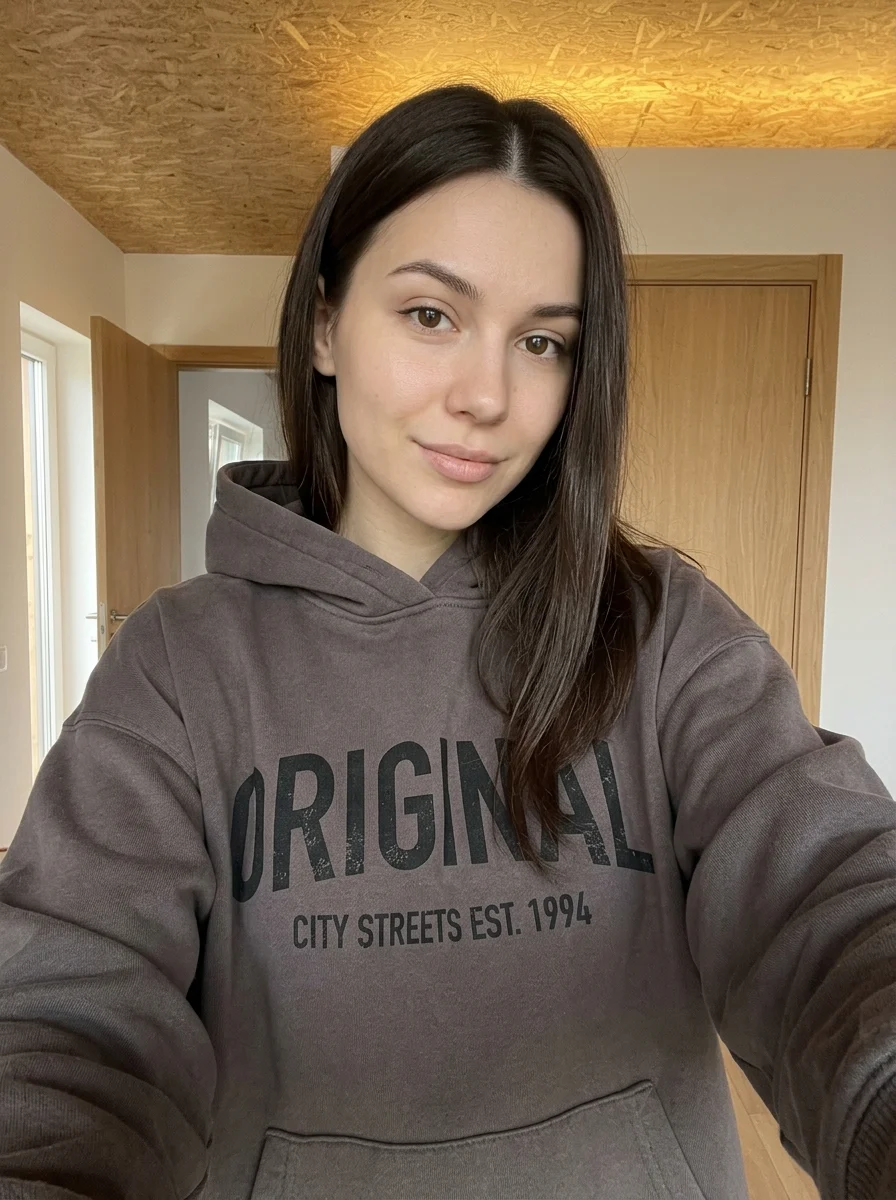
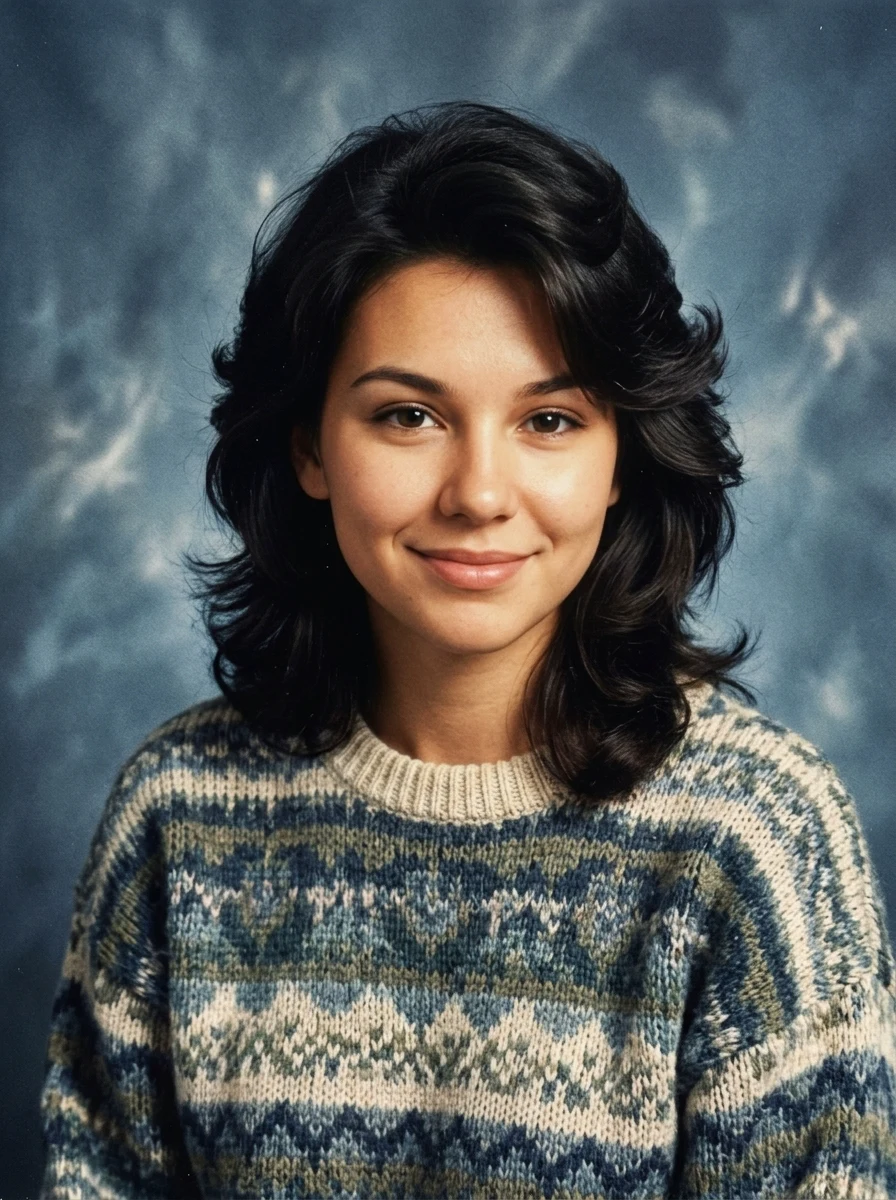
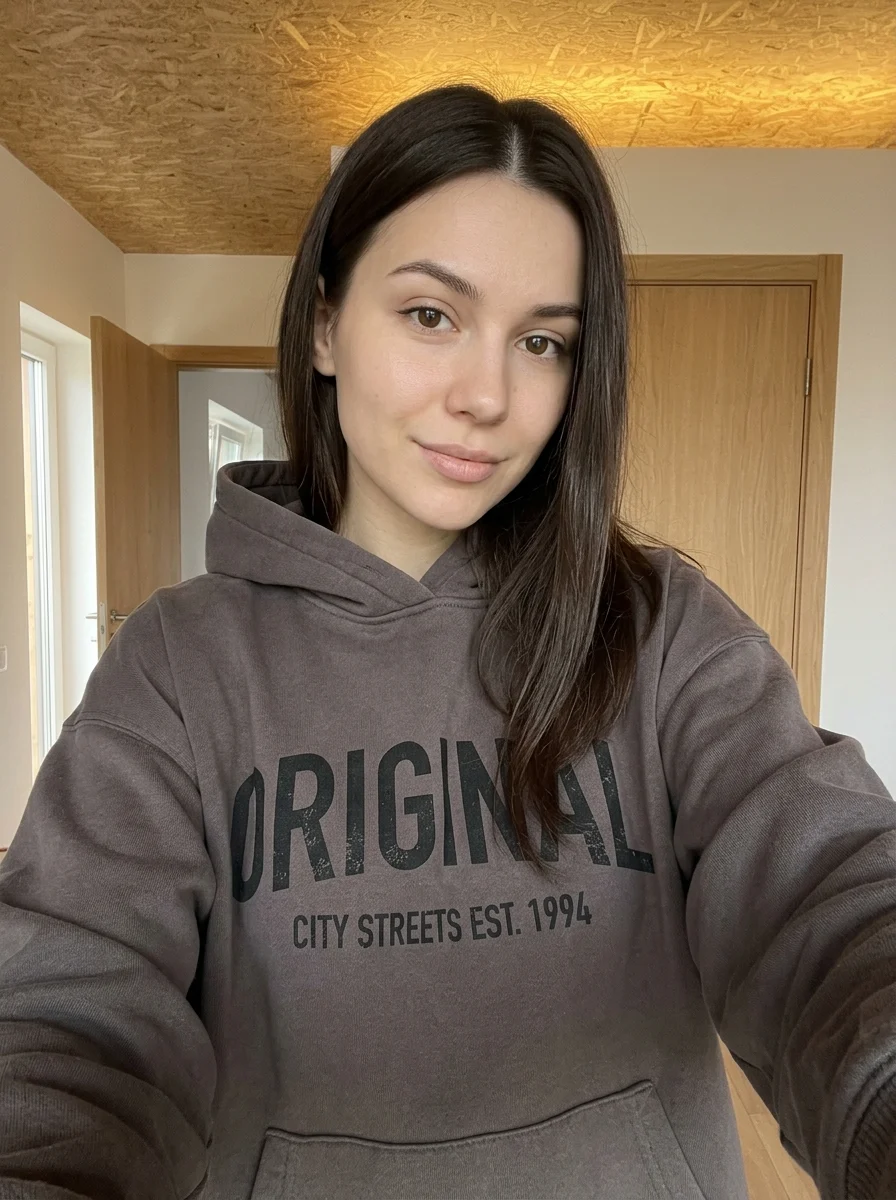
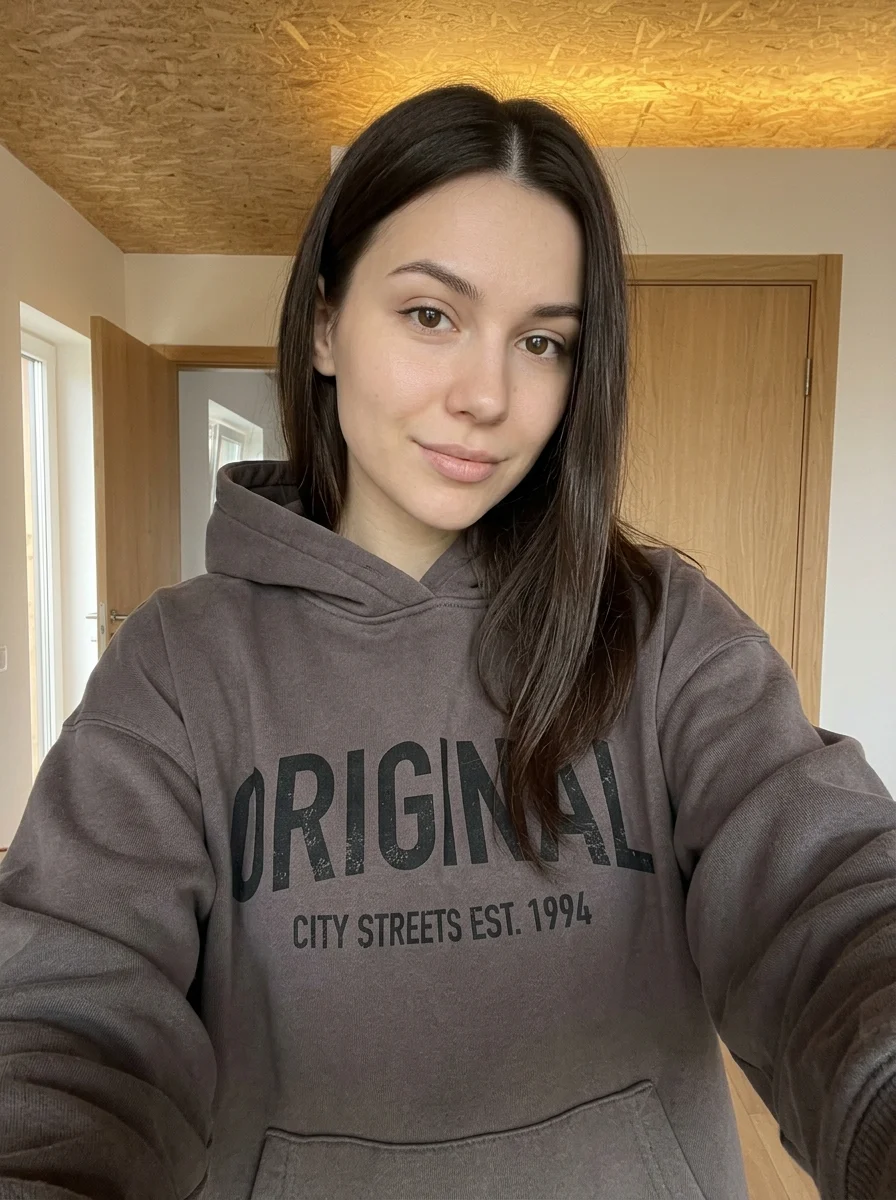
This example shows what the effect can do. Your uploaded photo is used when you generate, and results may vary.
Sign in to see your private images.
What is Facial Feature Analysis Guide?
Create an editorial infographic illustrating the features visible in your portrait.
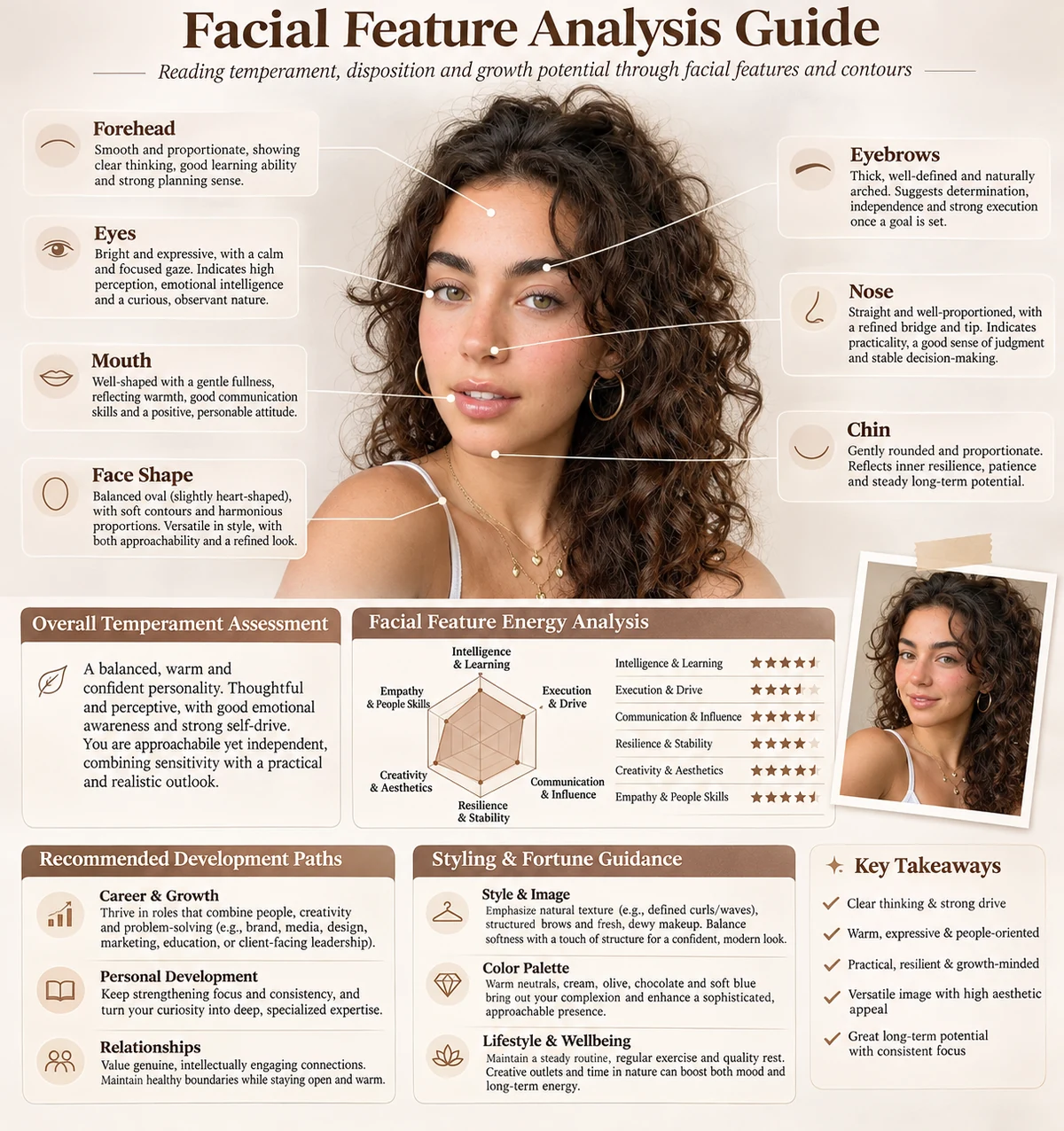
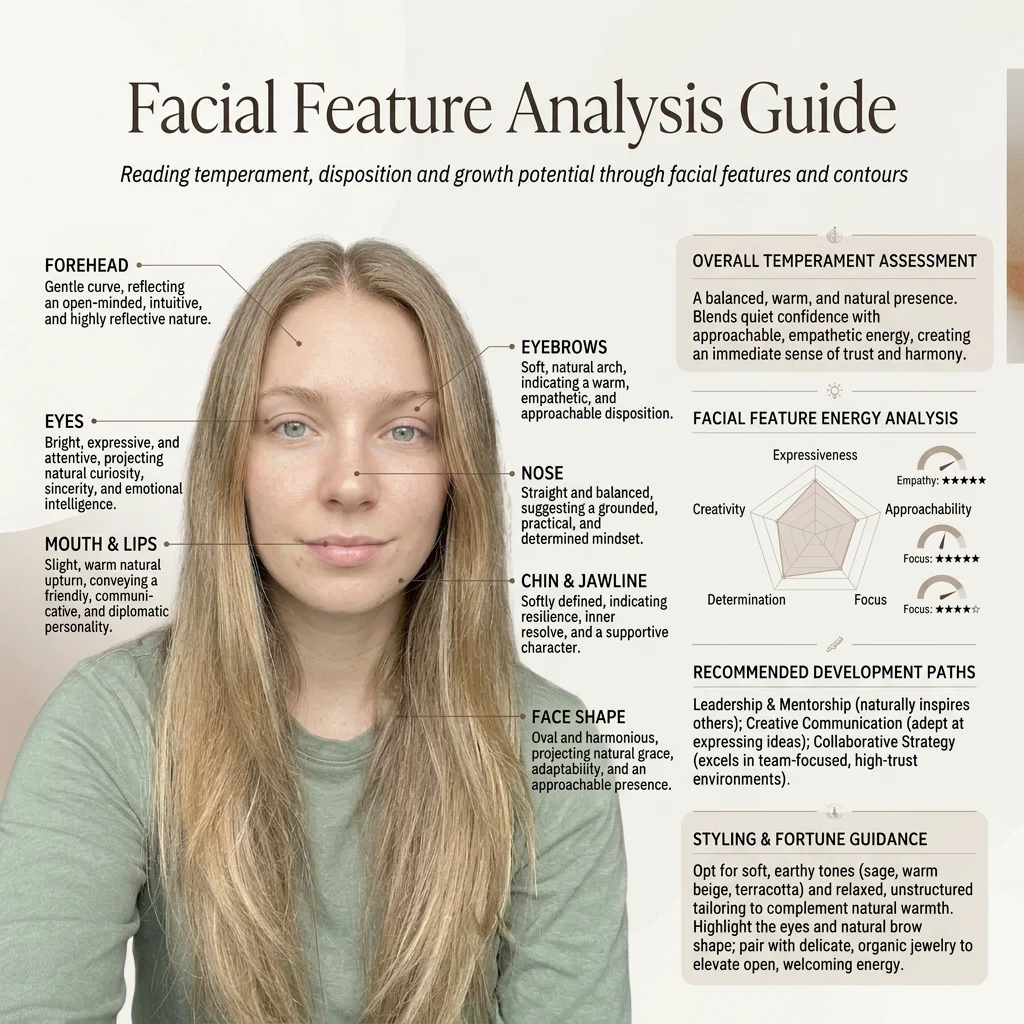

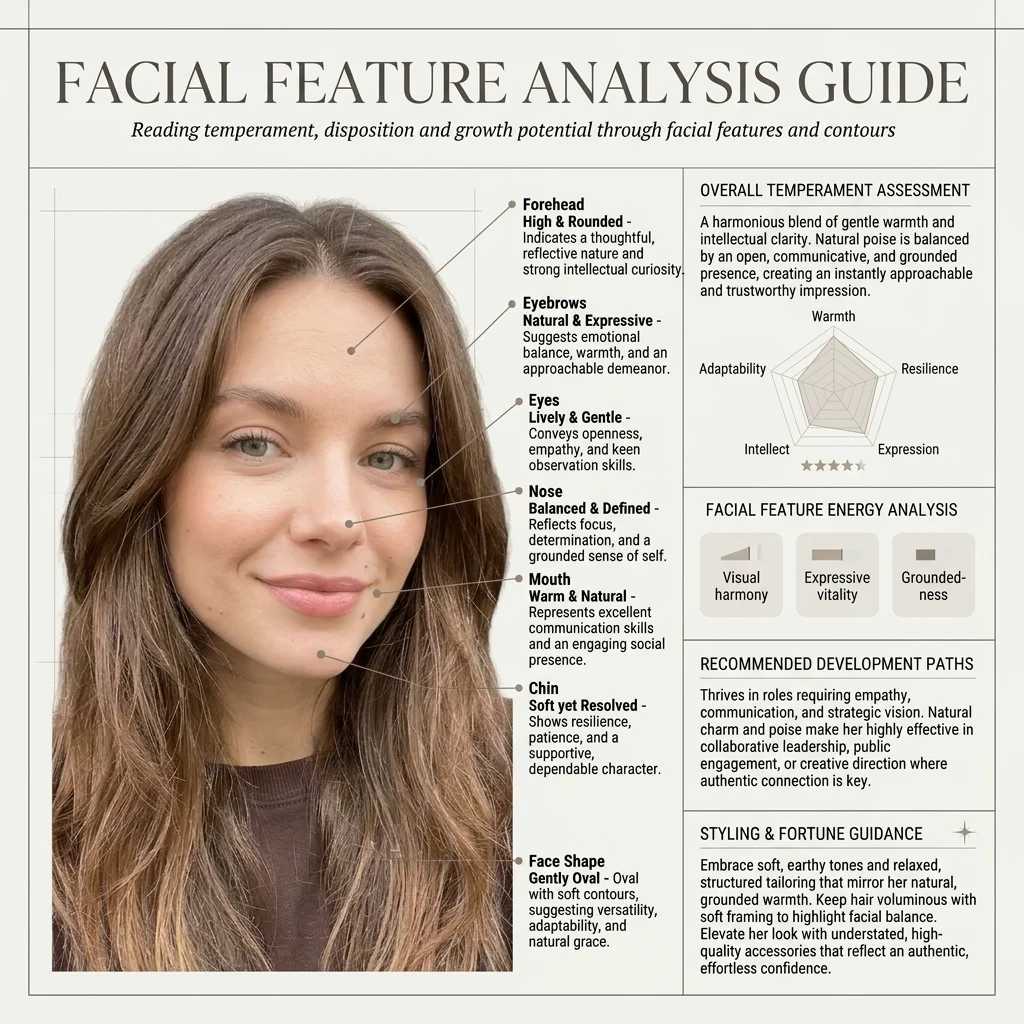

How to Make Your Own Facial Feature Analysis Guide
- 01
Add your photos
Upload 1 photo or try the example in the upload area.
- 02
Set your output
Choose the resolution, aspect ratio and number of images. The effect applies its preset style.
- 03
Generate, preview & download
Check the credit cost, generate your image and save it from My Images.
Frequently Asked Questions
Does this guide measure my face or rate my appearance?
It generates an editorial illustration of features visible in your portrait. Treat labels and diagrams as visual interpretations of that photo.
Can I use a side-angle photo for the facial feature chart?
Use a straight-on portrait for a chart comparing both eyes, the nose and face outline. Wide-angle selfies and head tilts can change how proportions appear.
Why might the guide give different labels for two photos?
Angle, expression and light change how the same features appear. Compare labels against evenly lit photos taken from the same angle.
Explore More AI Photo Effects

Make your own Facial Feature Analysis Guide
Add your photos to try this effect with your own images.
1 photo · 3 credits
Back to upload