
Credits are returned if generation fails.
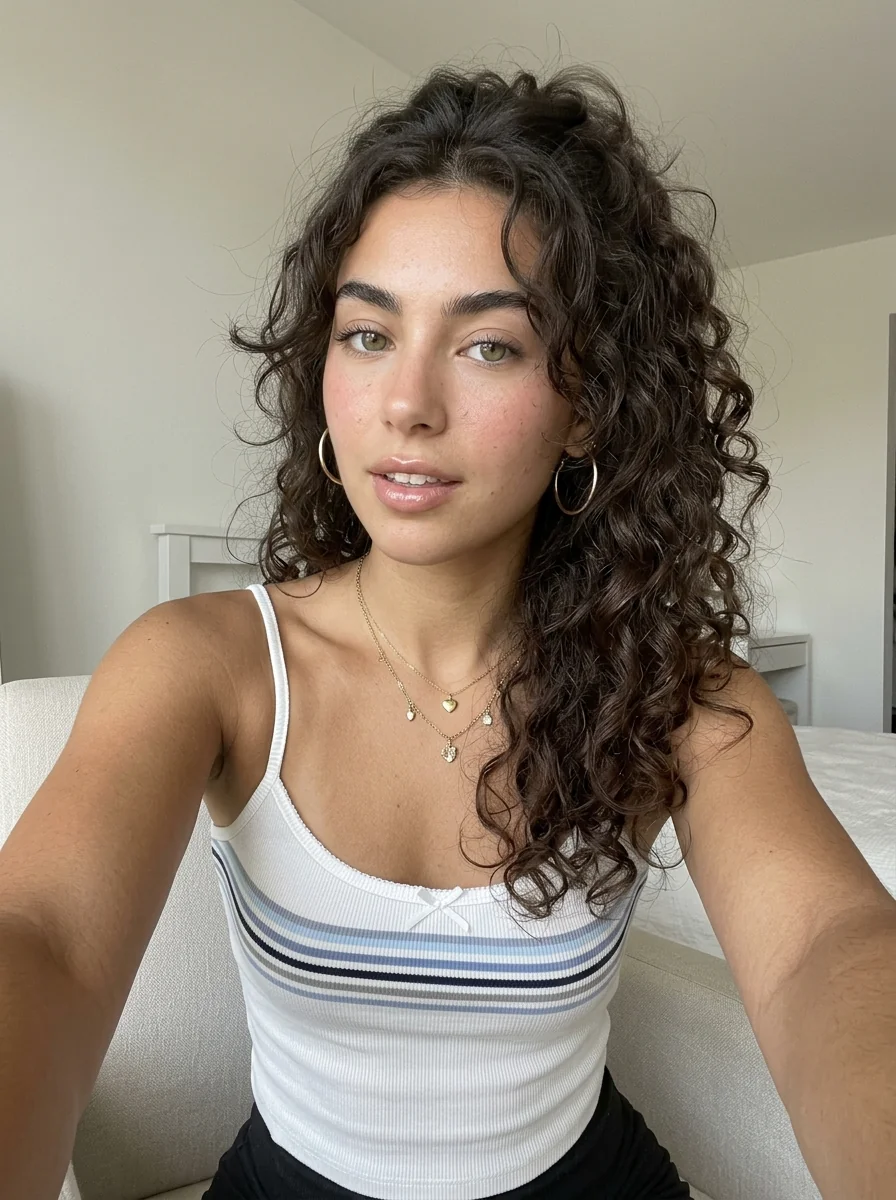
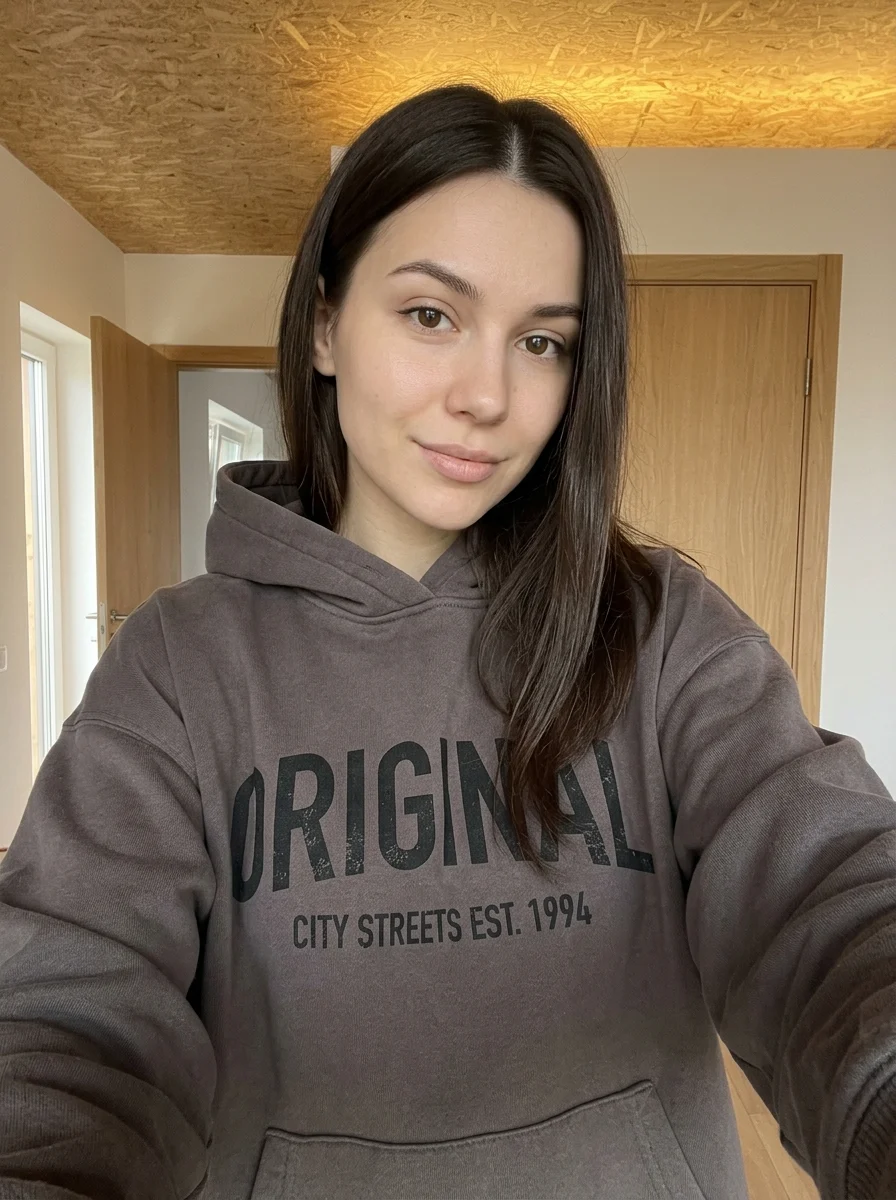
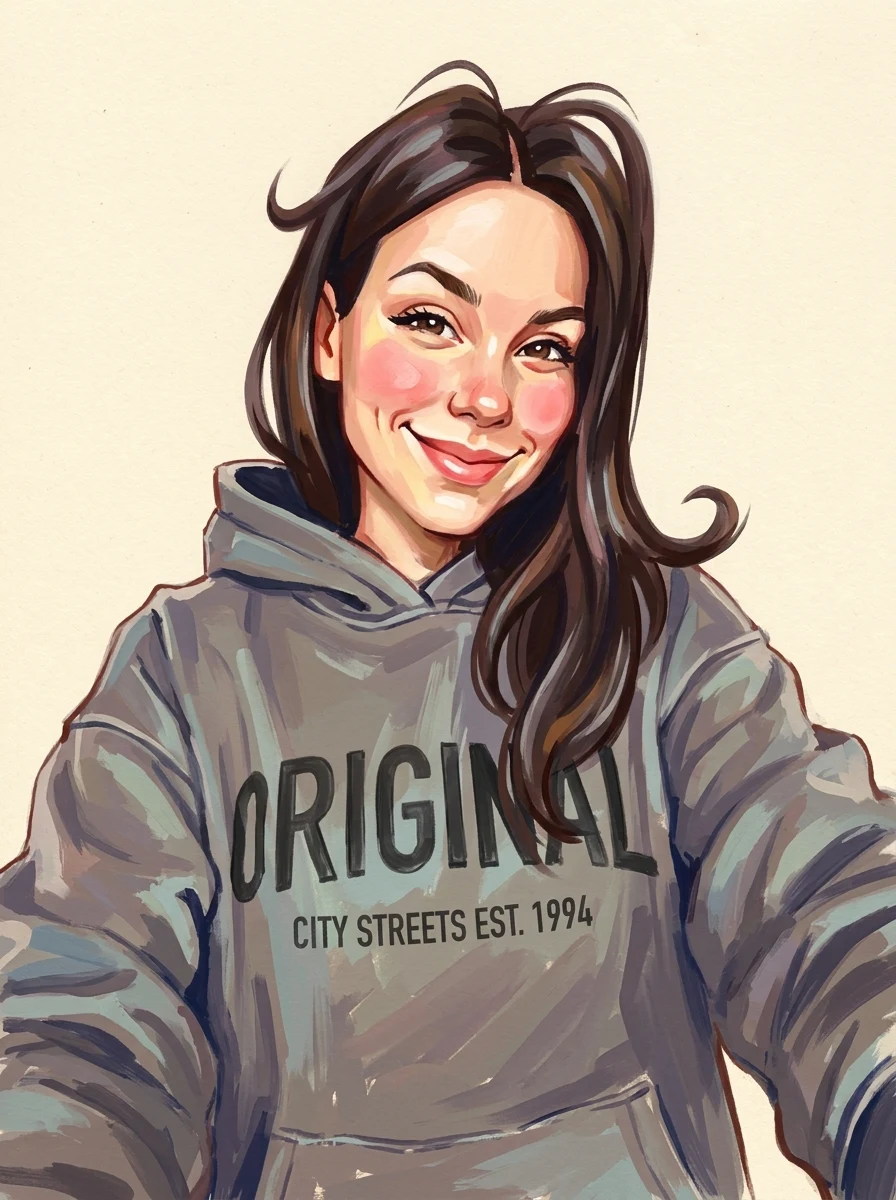
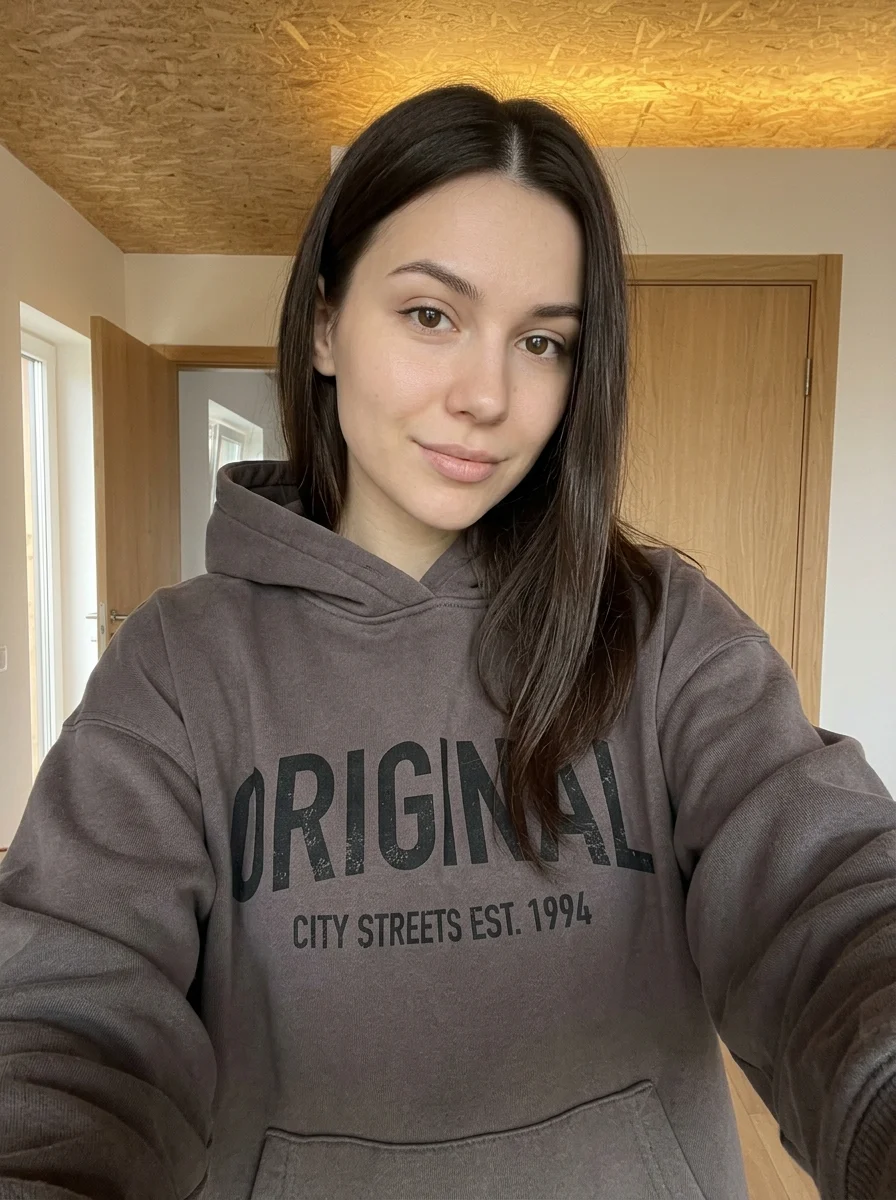
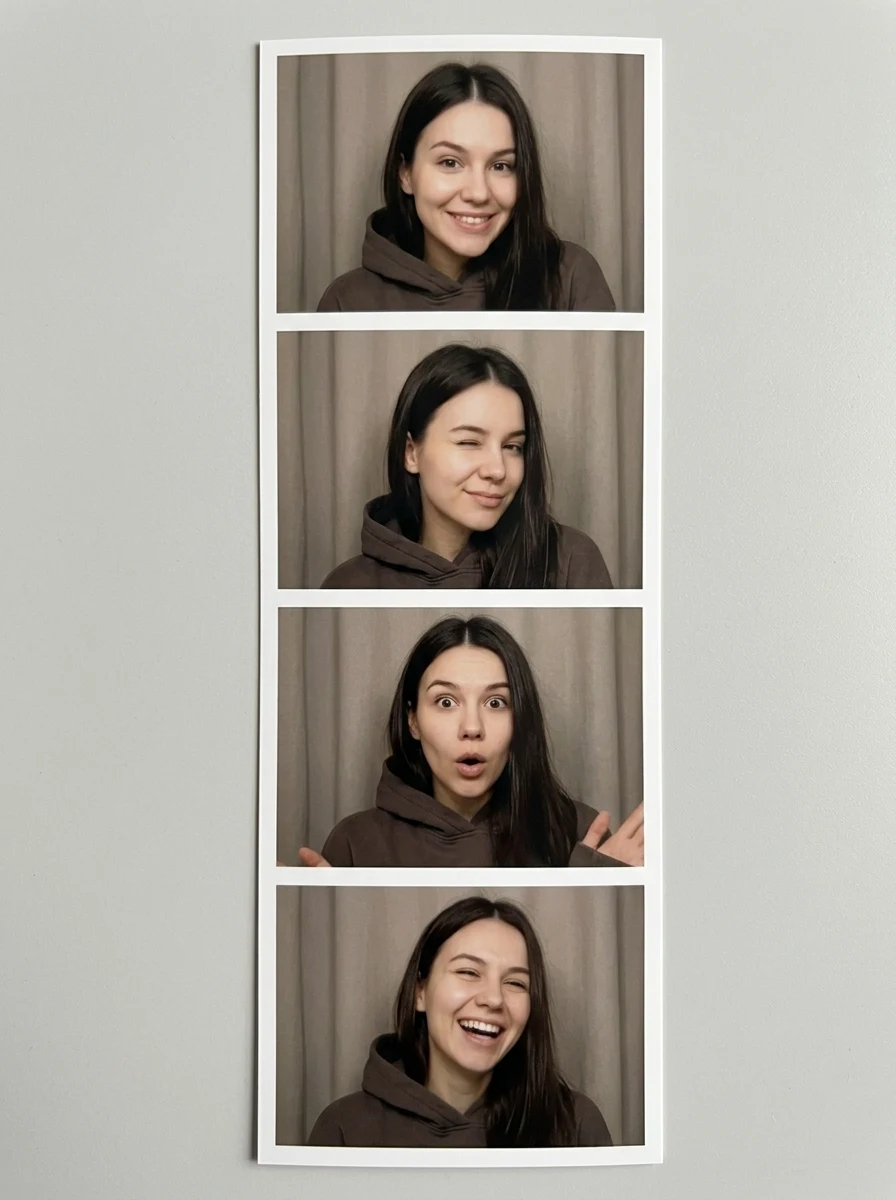
This example shows what the effect can do. Your uploaded photo is used when you generate, and results may vary.
Sign in to see your private images.
What is Makeup Analysis Guide?
Generate an editorial makeup guide with looks and color ideas based on a portrait.
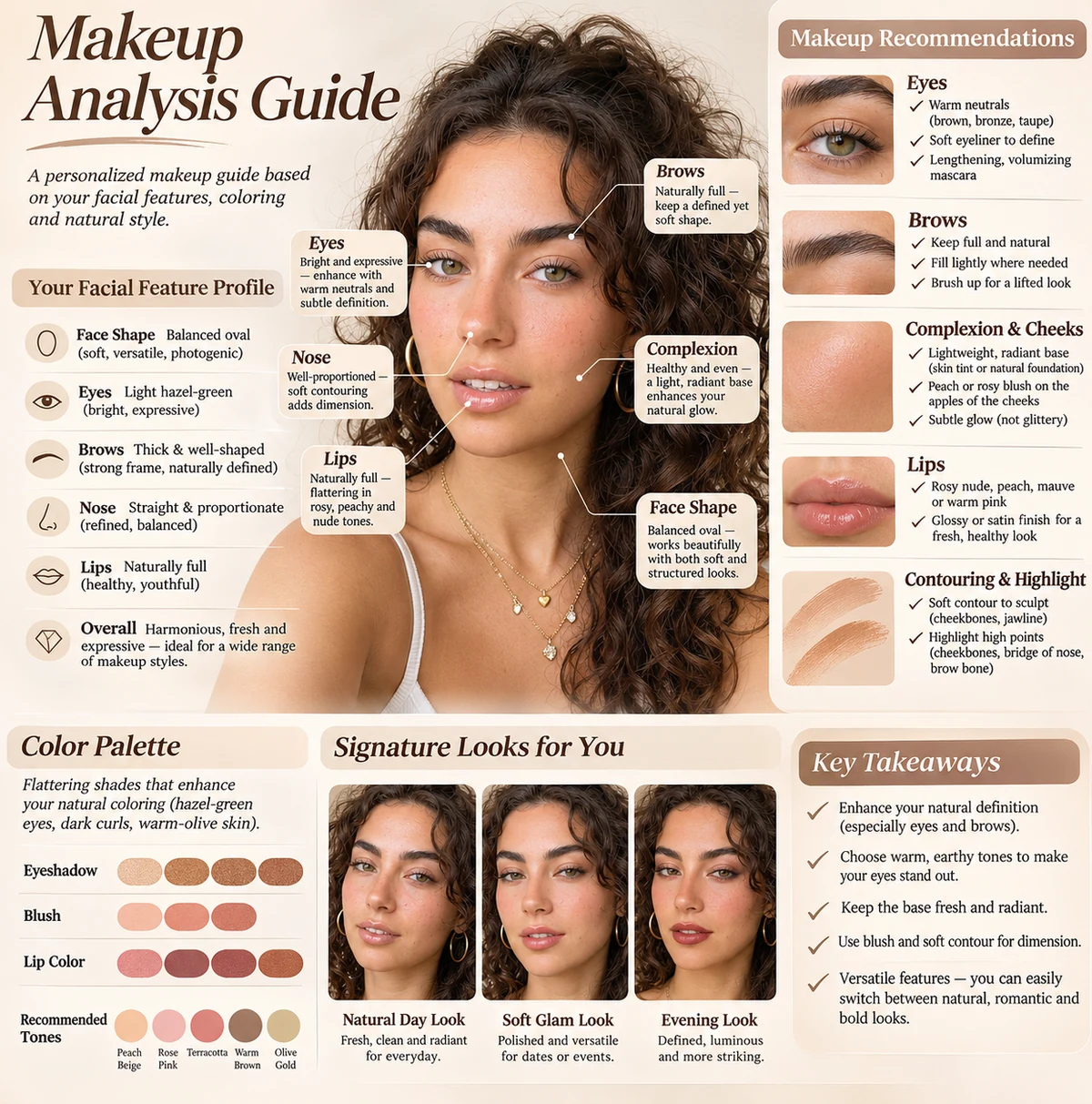
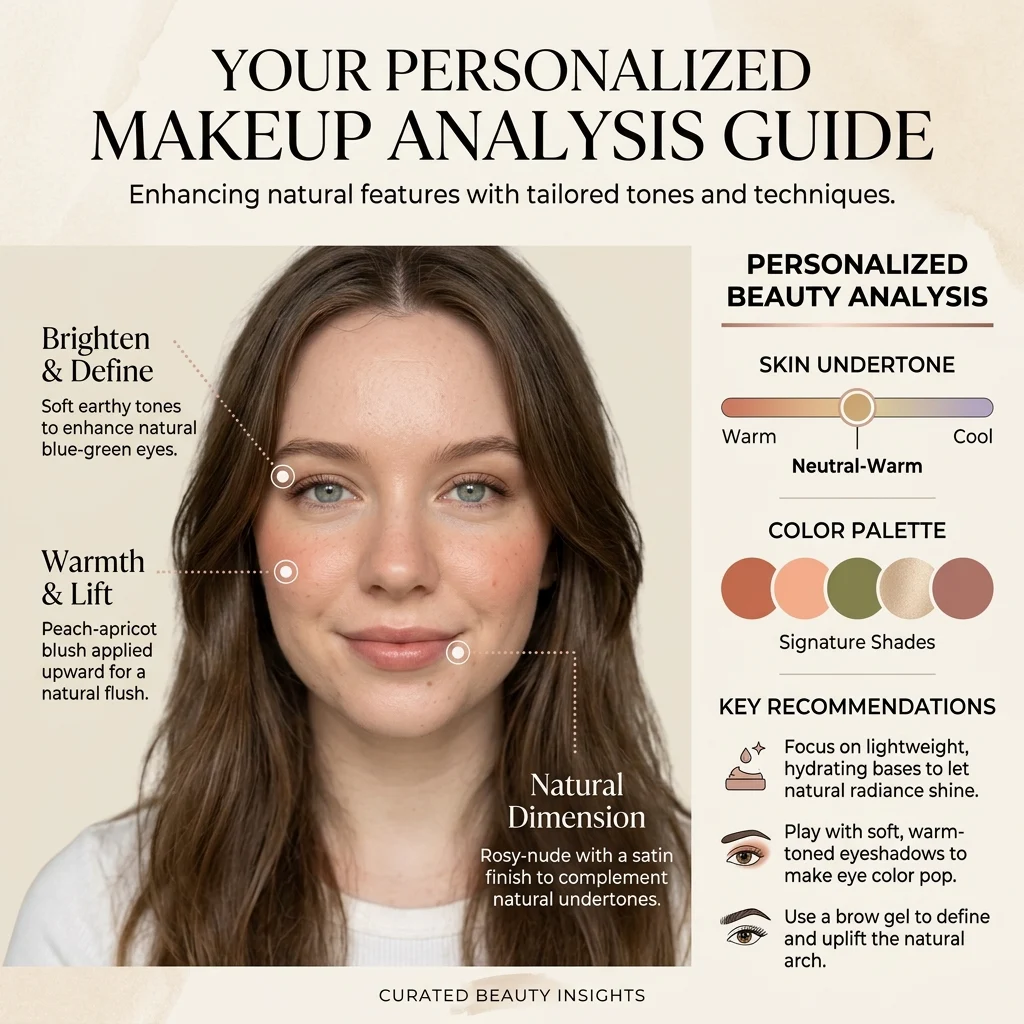
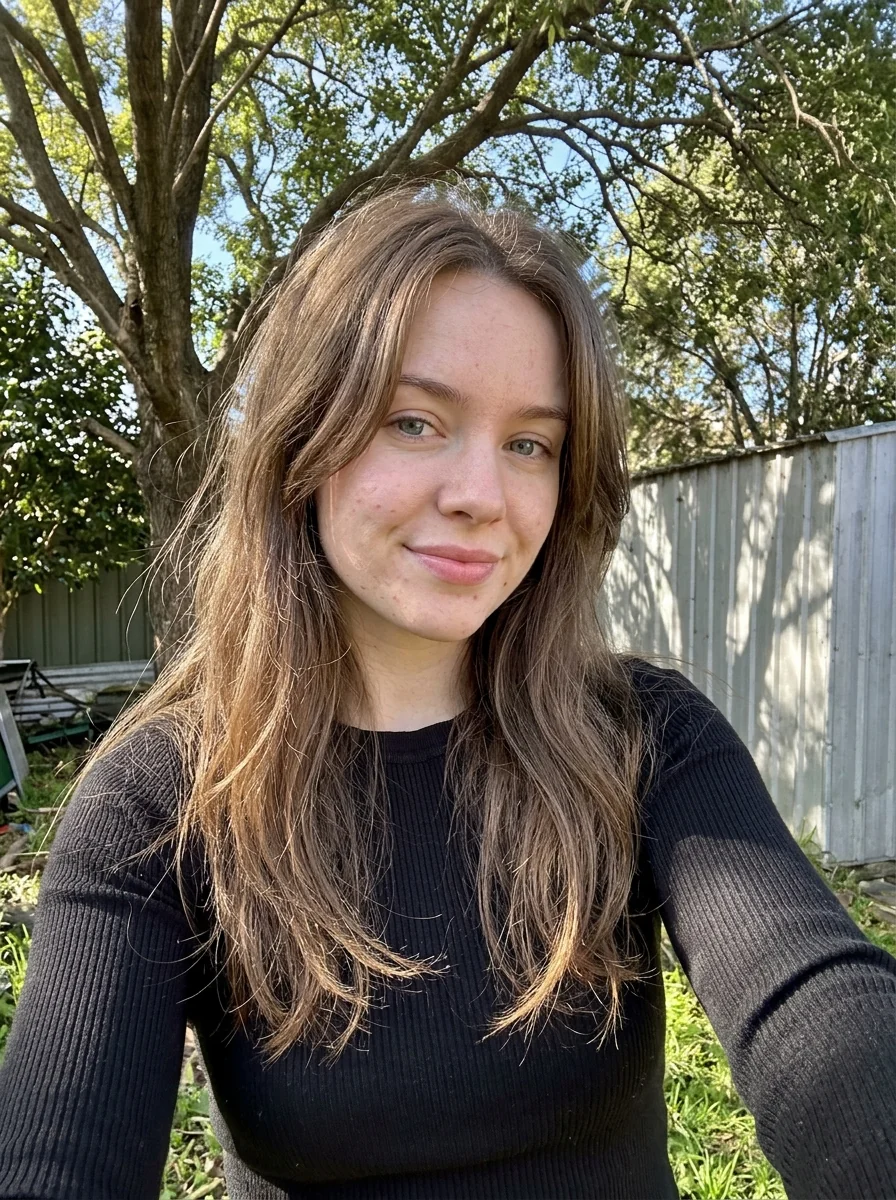
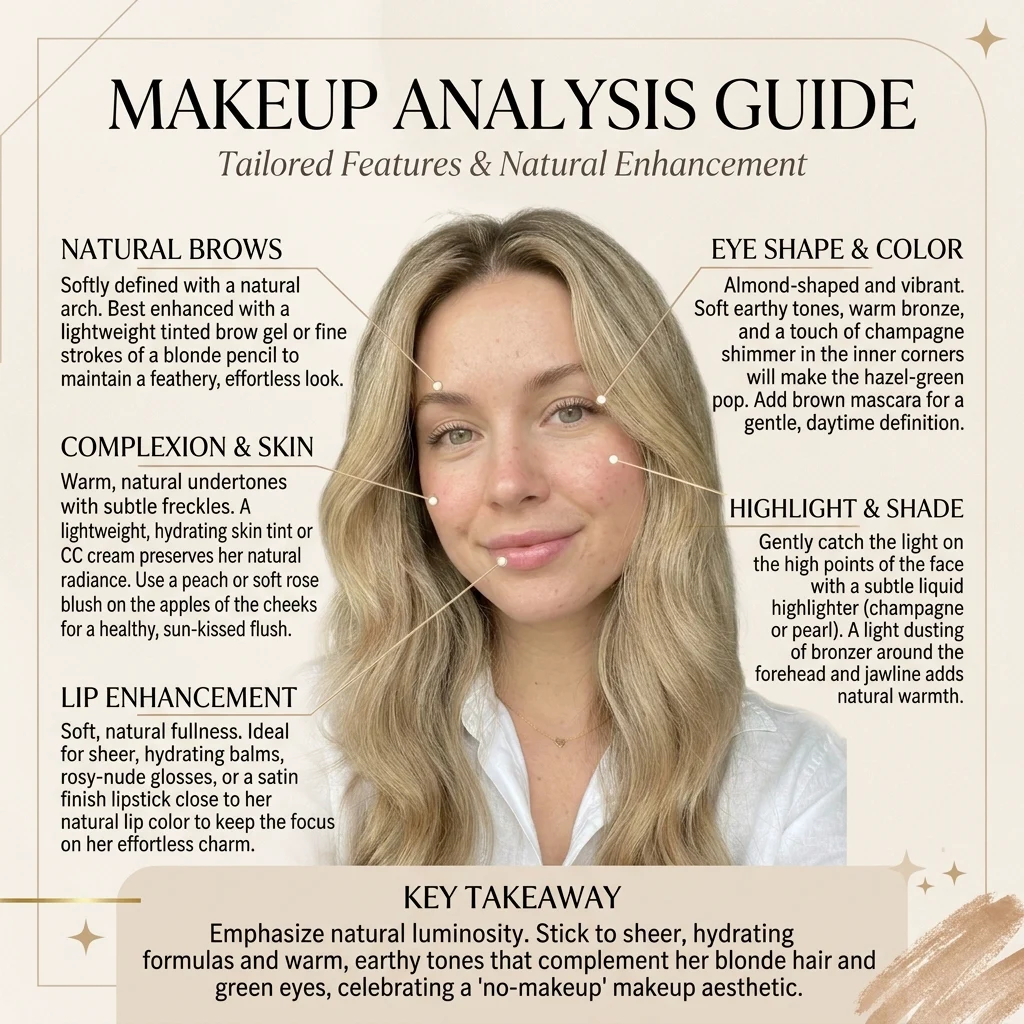
How to Make Your Own Makeup Analysis Guide
- 01
Add your photos
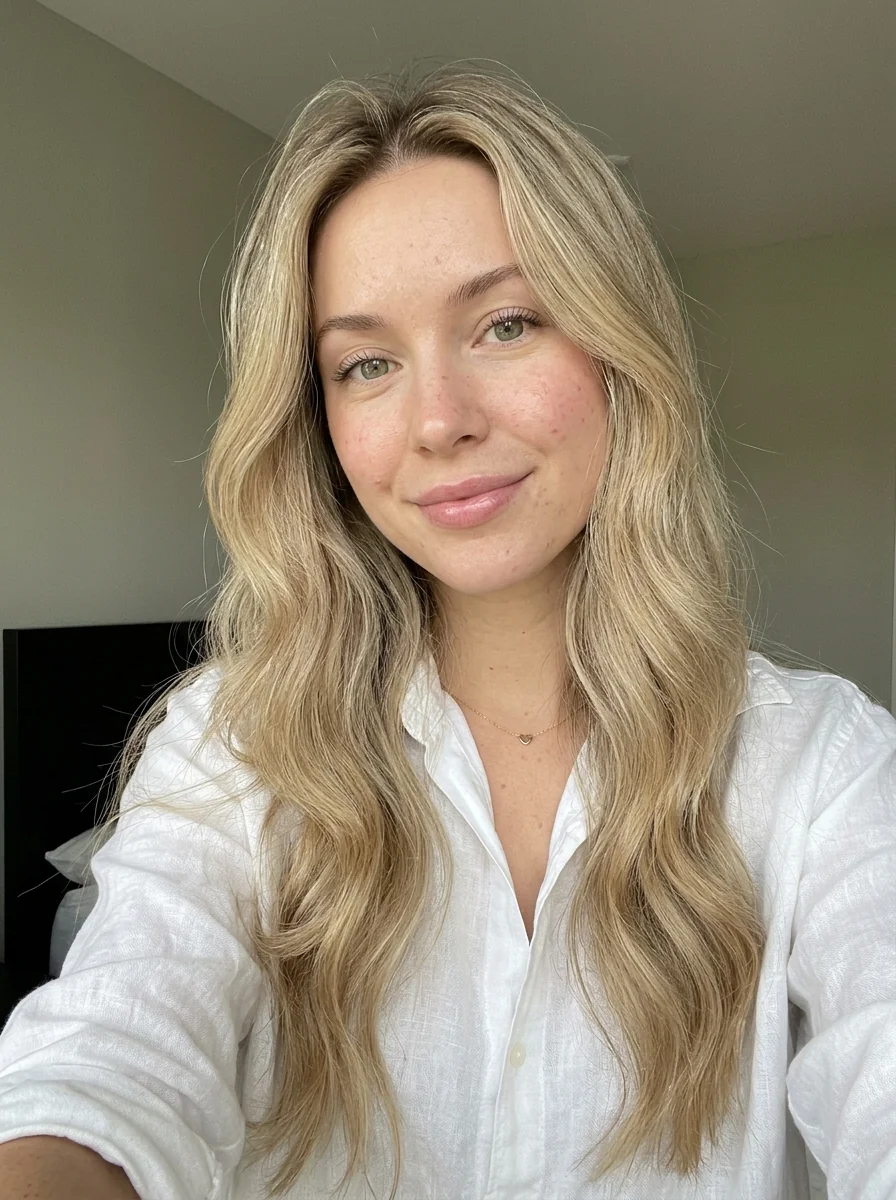
Upload 1 photo or try the example in the upload area.
- 02
Set your output
Choose the resolution, aspect ratio and number of images. The effect applies its preset style.
- 03
Generate, preview & download
Check the credit cost, generate your image and save it from My Images.
Frequently Asked Questions
Should I wear makeup in my upload?
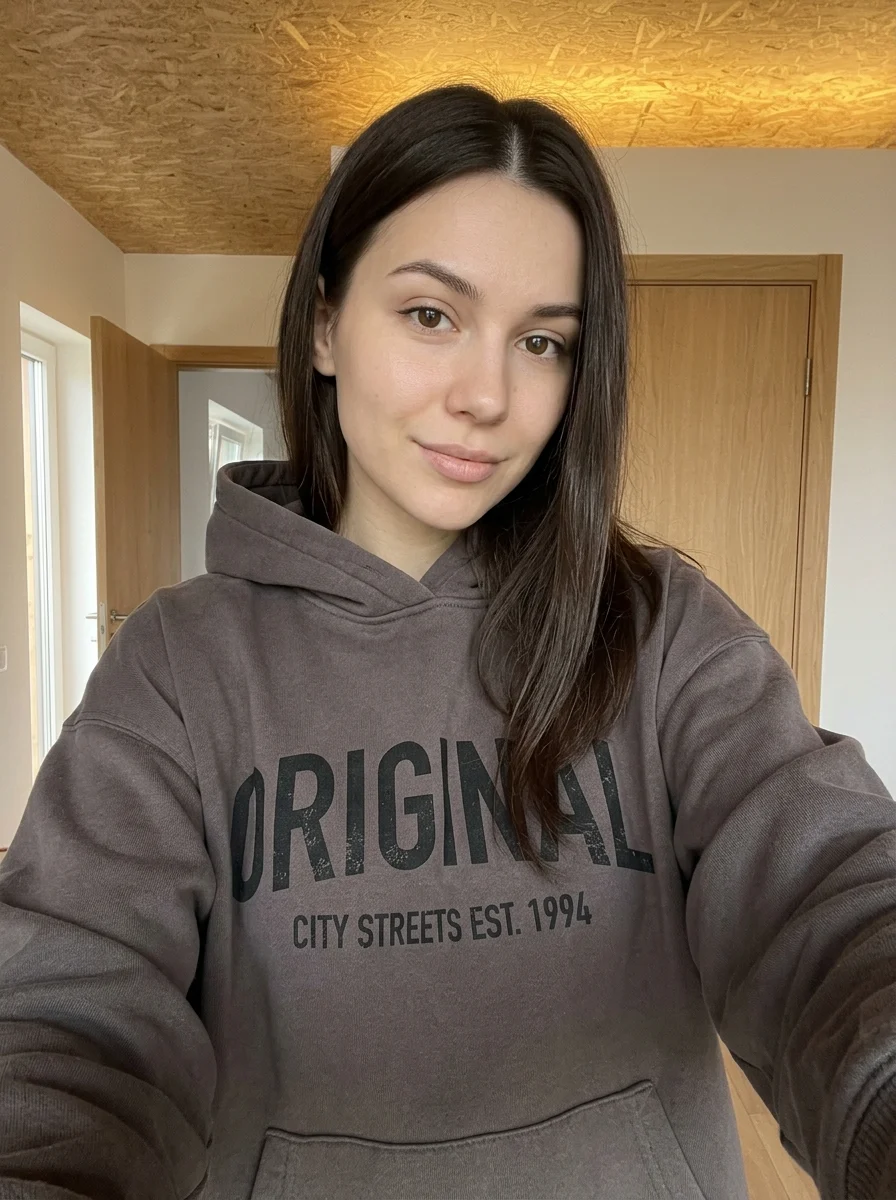
A bare face or light makeup works well if you want to compare new looks. Strong existing makeup or a beauty filter can influence the colors the guide shows.
Will the guide tell me the exact shade to buy?
The guide illustrates makeup looks and color ideas. Use the swatches as a starting point and compare physical shades under neutral light.
Can I see eye and lip makeup clearly in the result?
Use a close, sharply focused photo with open eyes and unobstructed lips. Side lighting or heavy glare can hide the details the guide needs.
Explore More AI Photo Effects
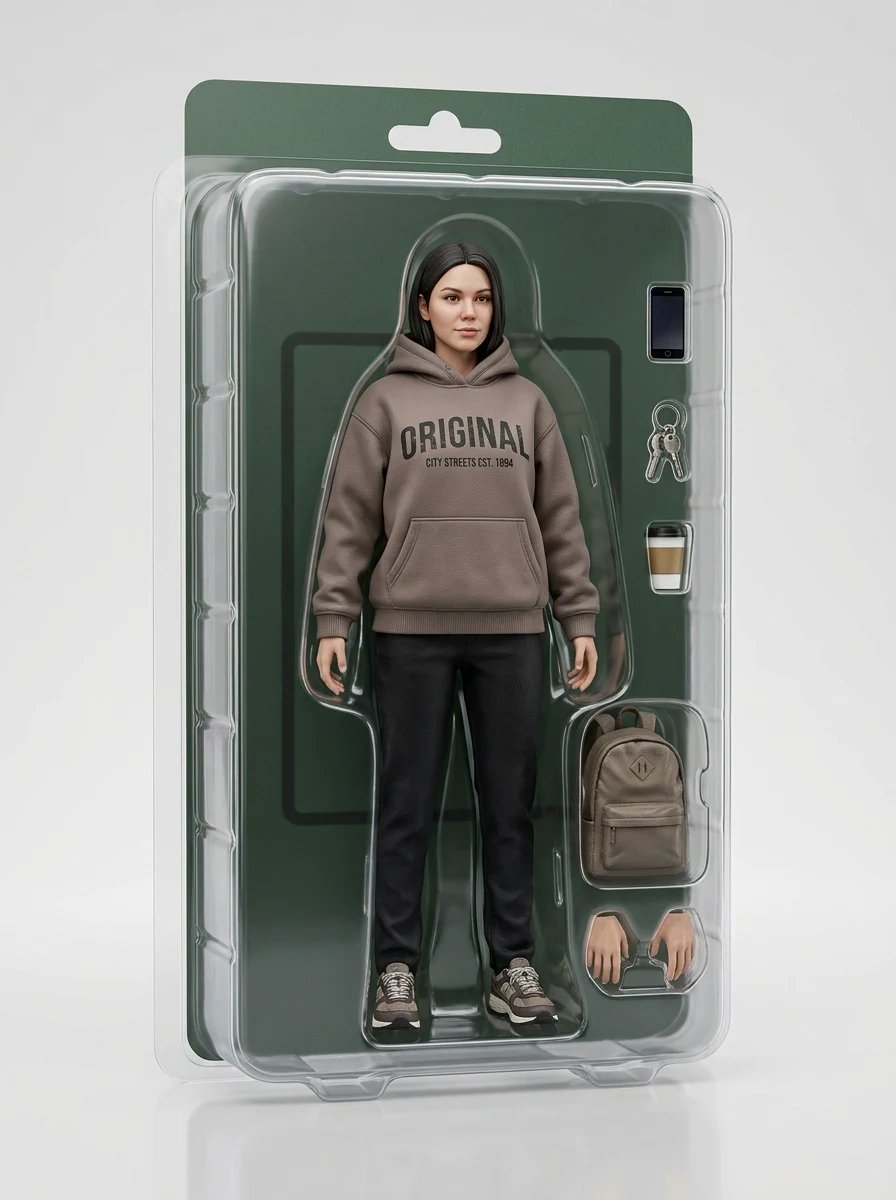
Make your own Makeup Analysis Guide
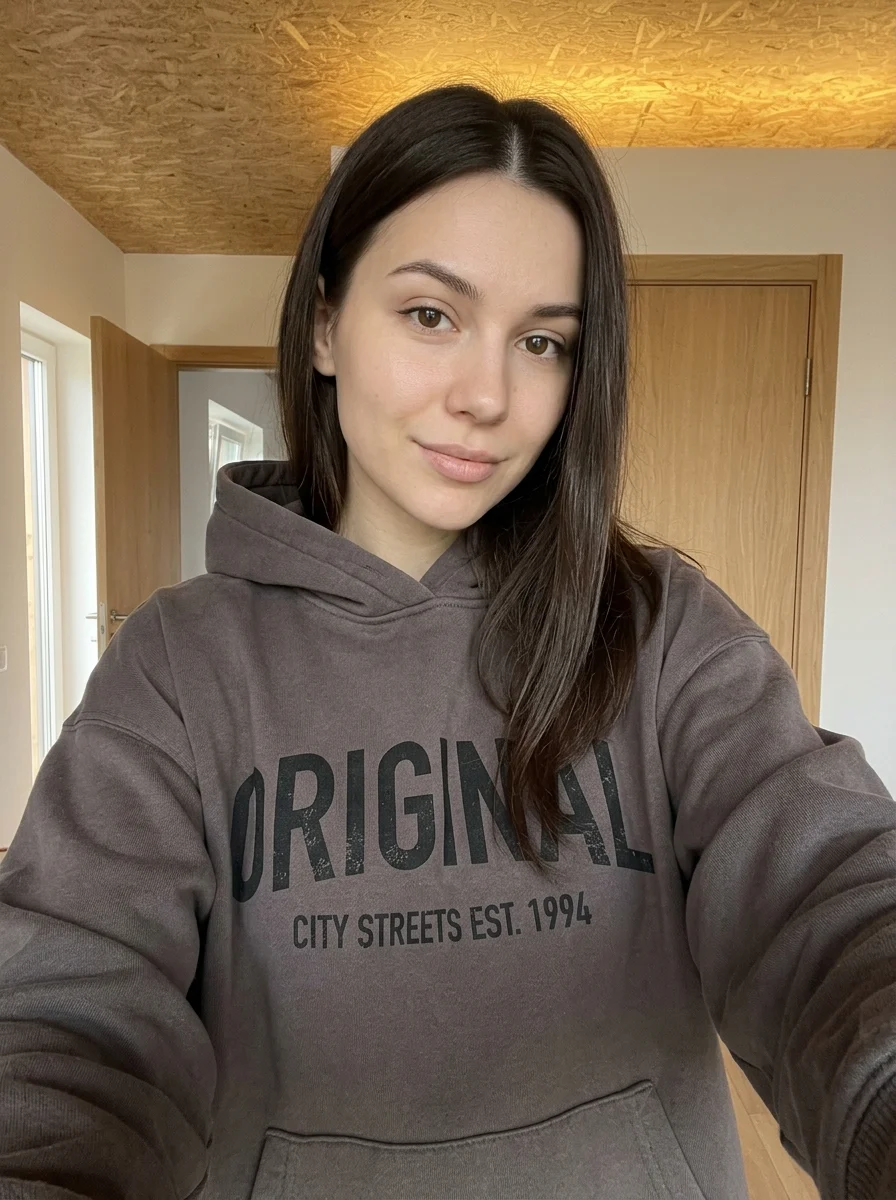
Add your photos to try this effect with your own images.
1 photo · 3 credits
Back to upload