
Credits are returned if generation fails.
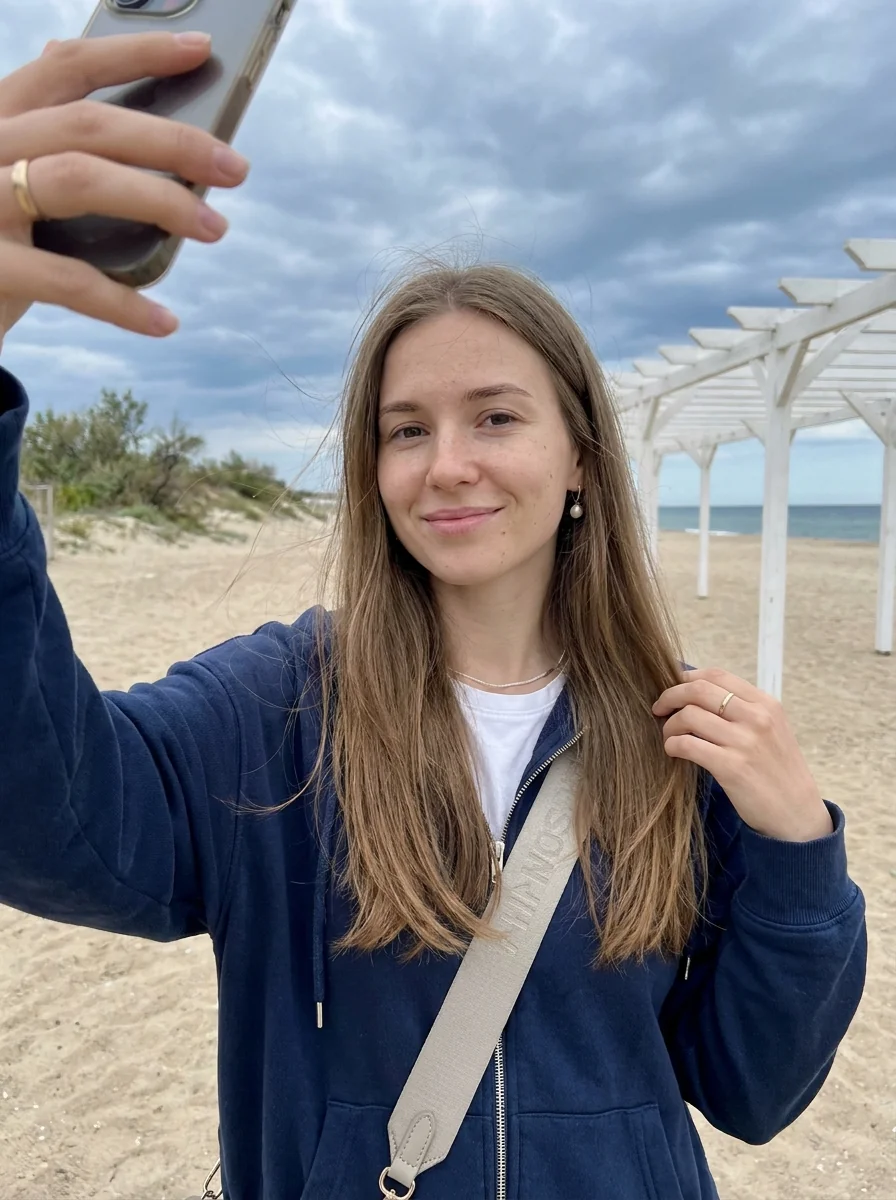
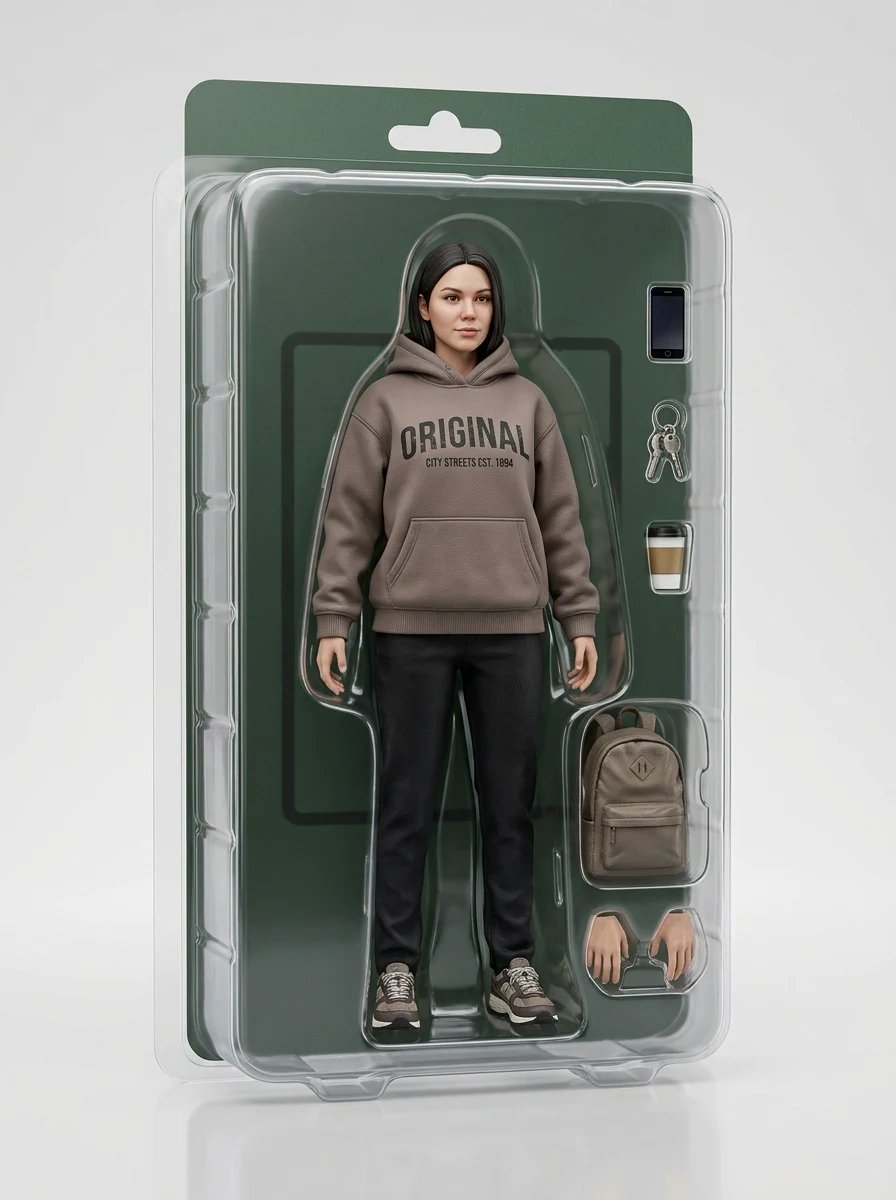
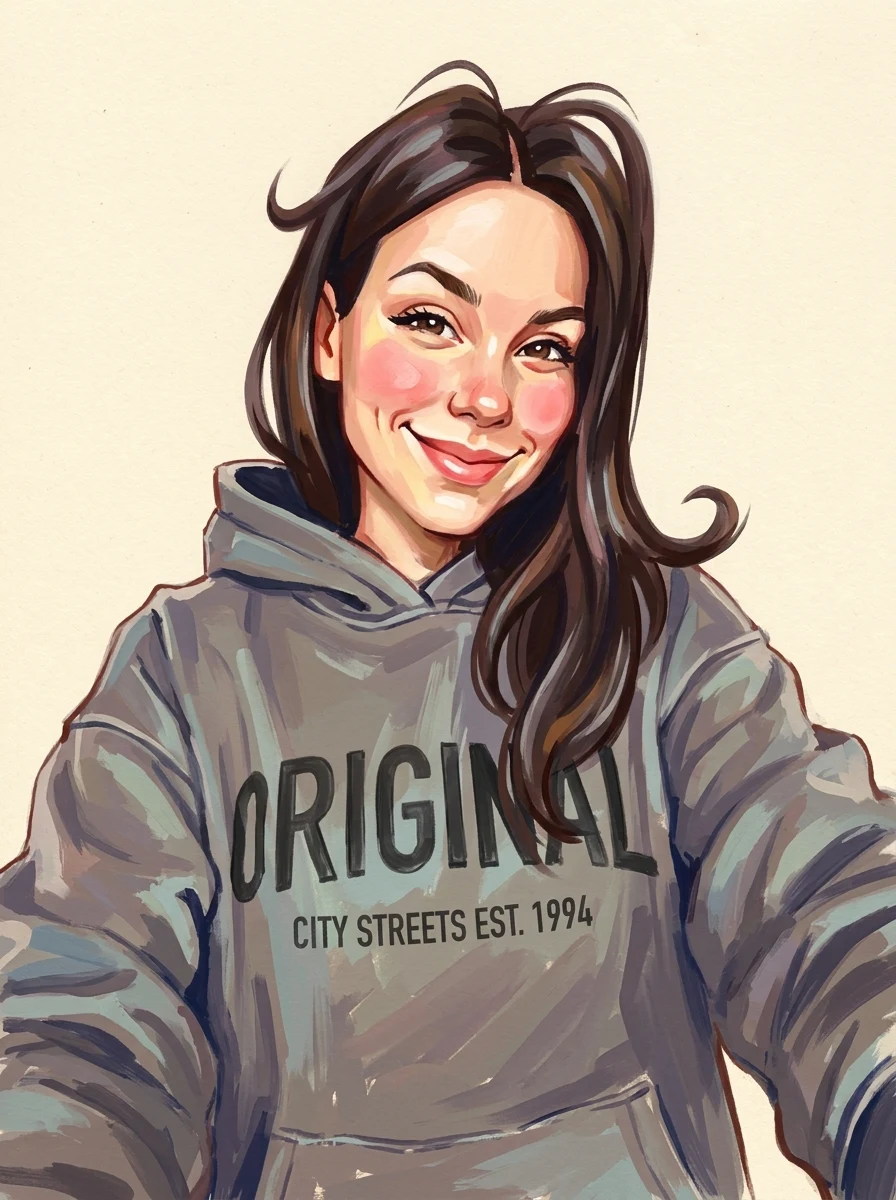
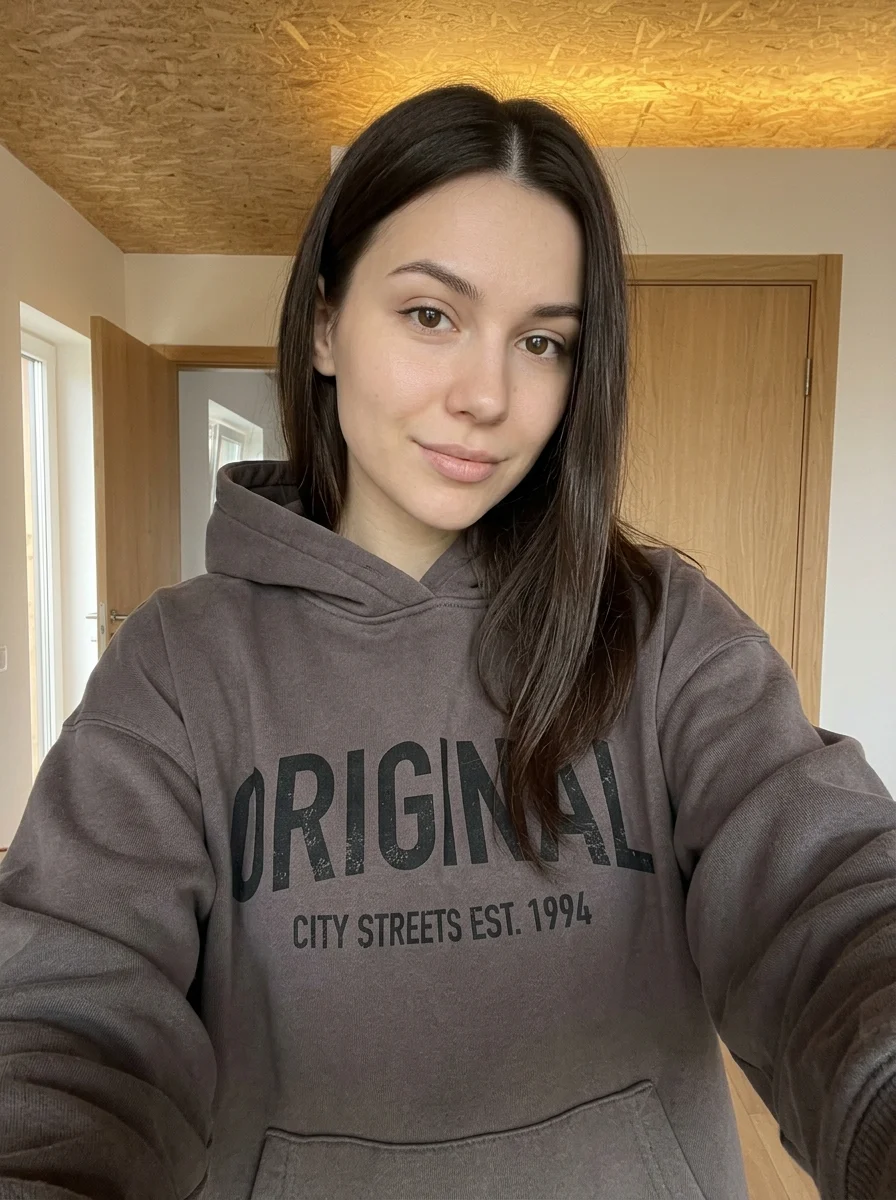
This example shows what the effect can do. Your uploaded photo is used when you generate, and results may vary.
Sign in to see your private images.
What is Paper Portrait CD?
Turn your photo into a paper-cut illustration inside a clear CD case.
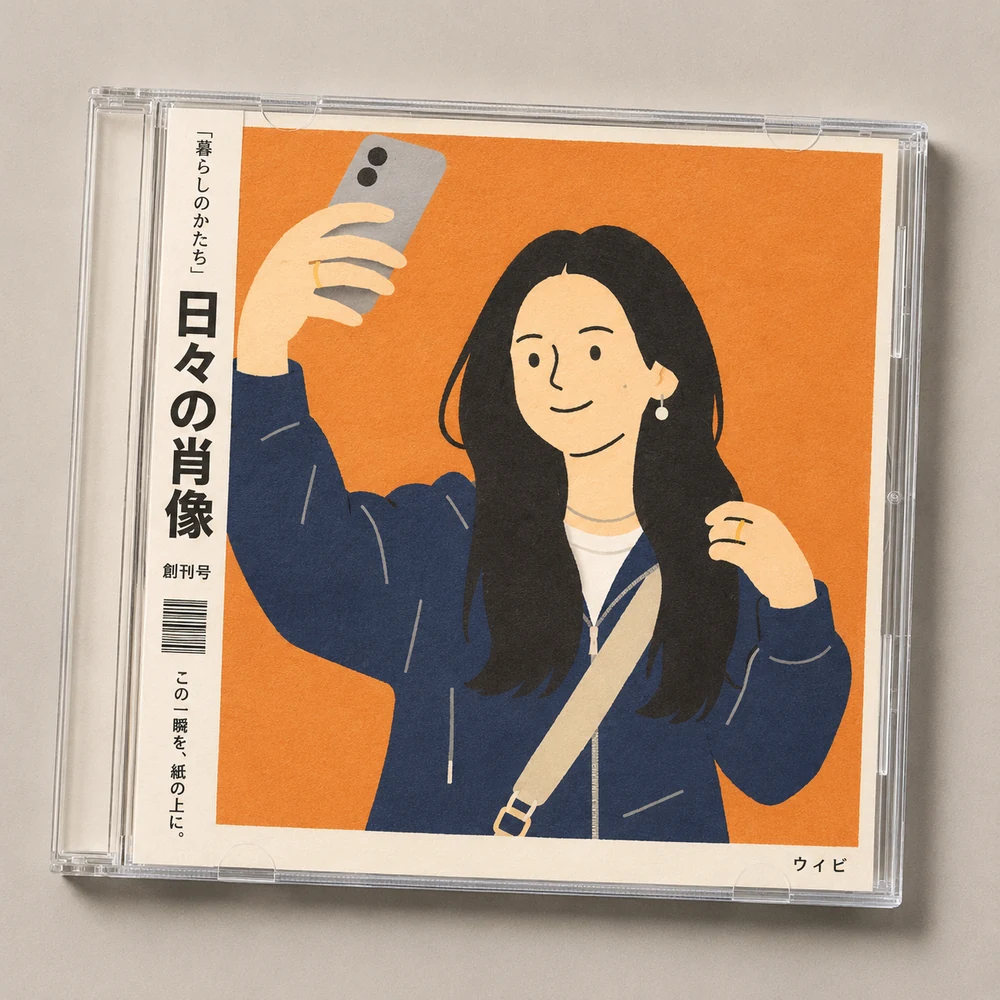
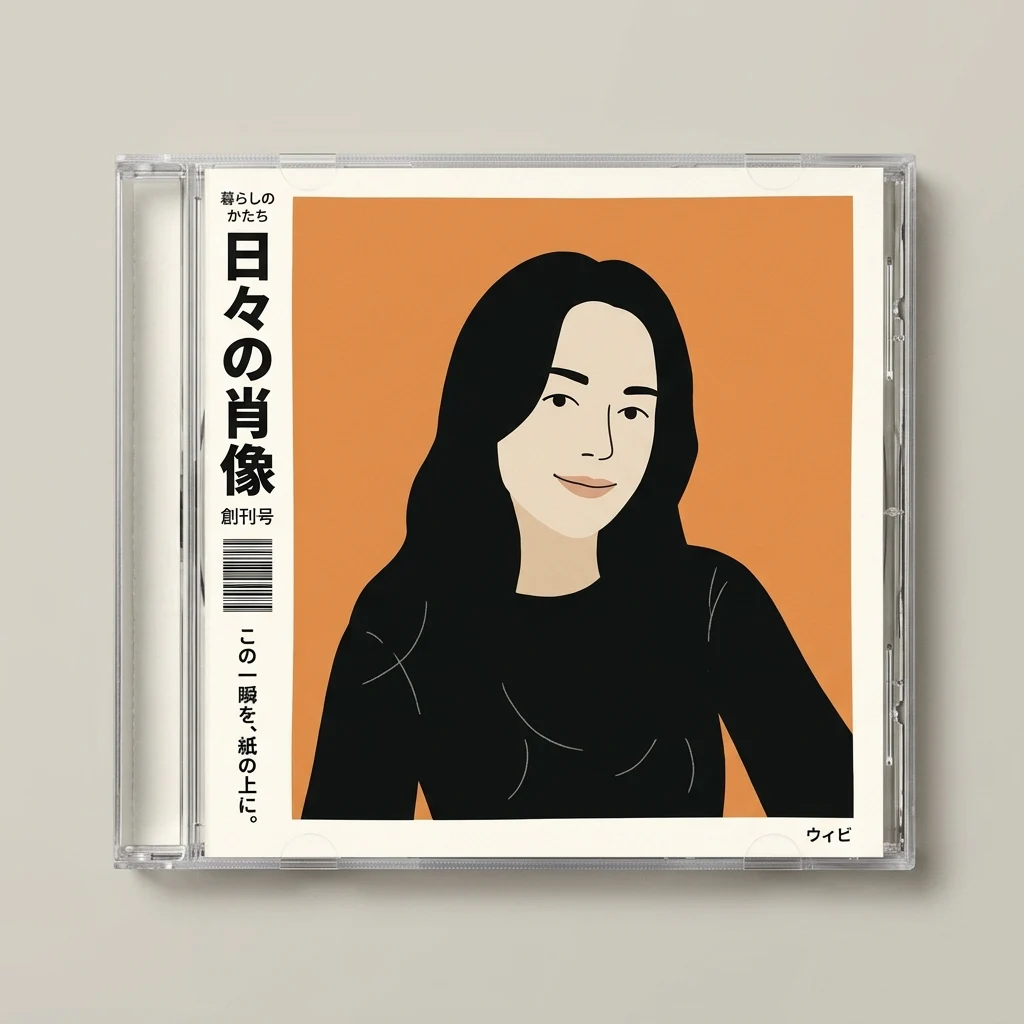

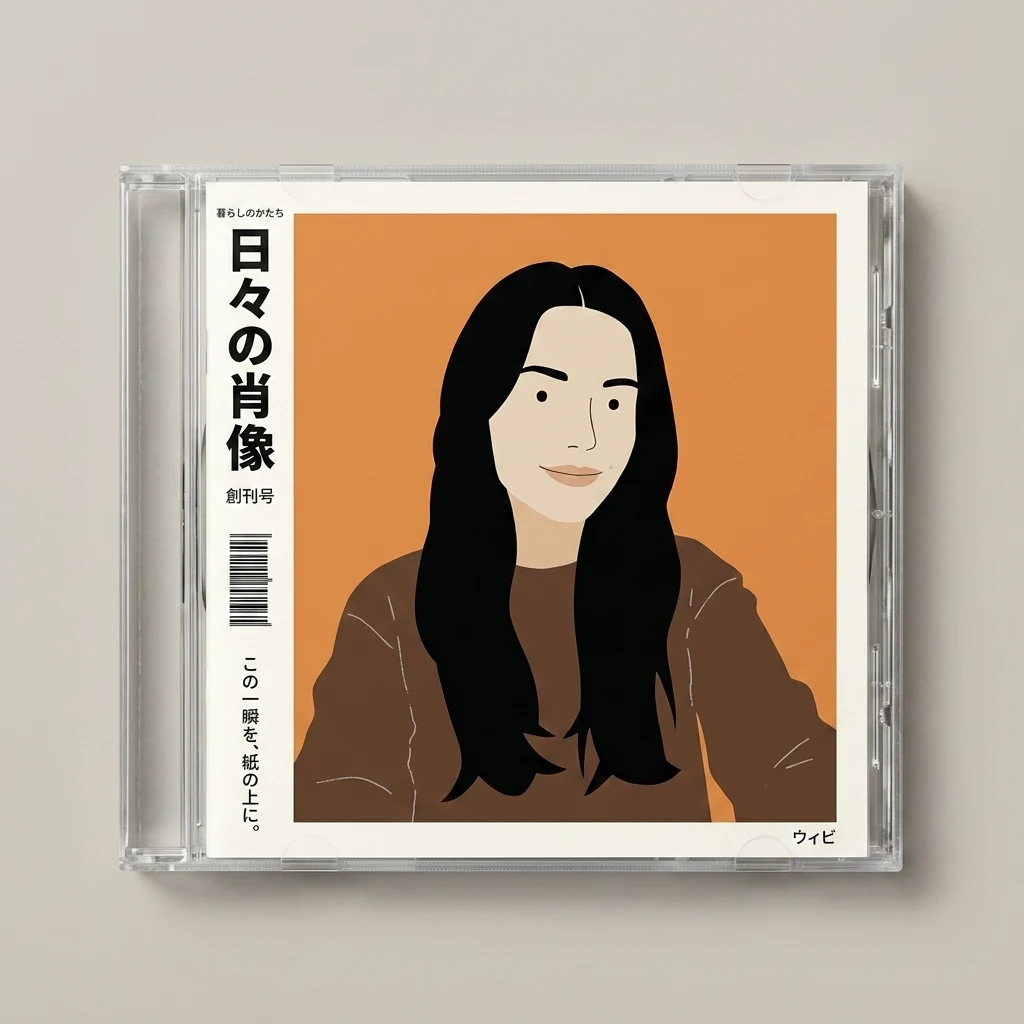

How to Make Your Own Paper Portrait CD
- 01
Add your photos
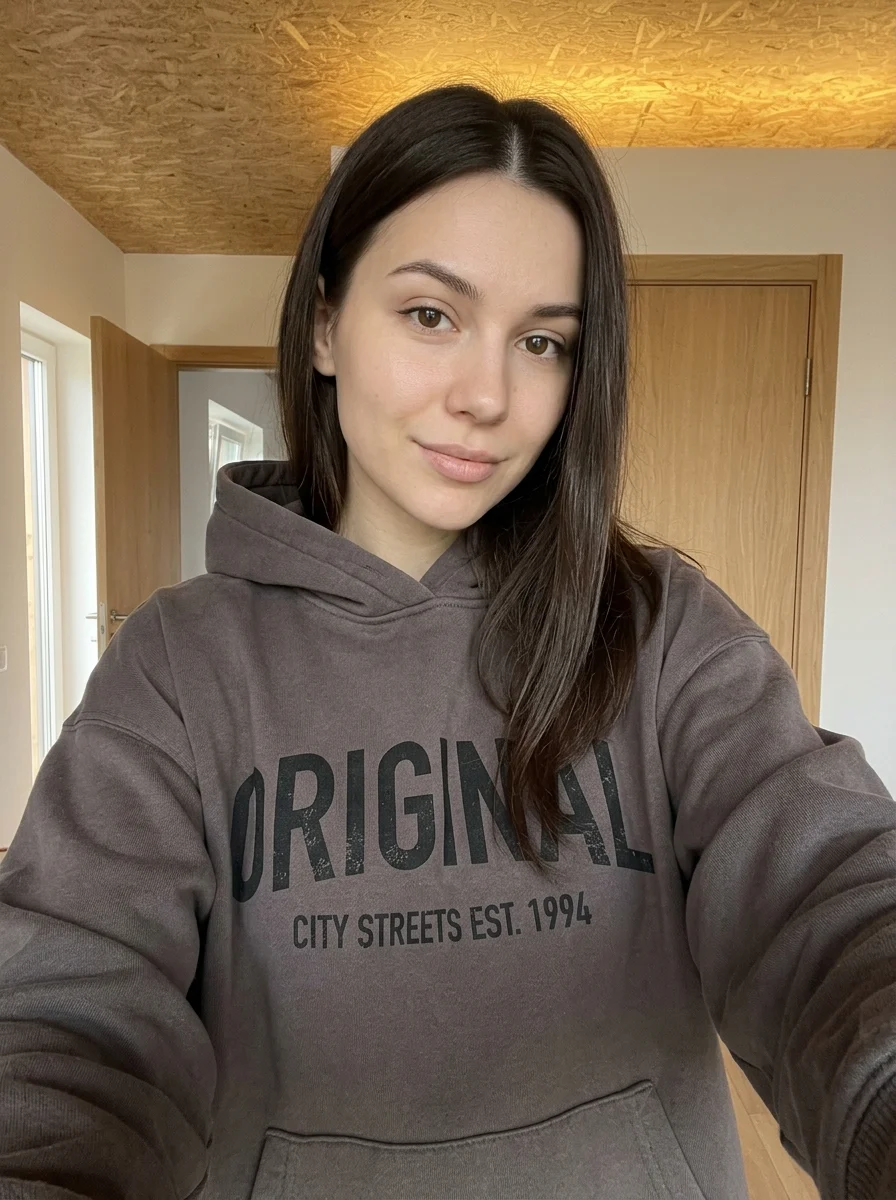
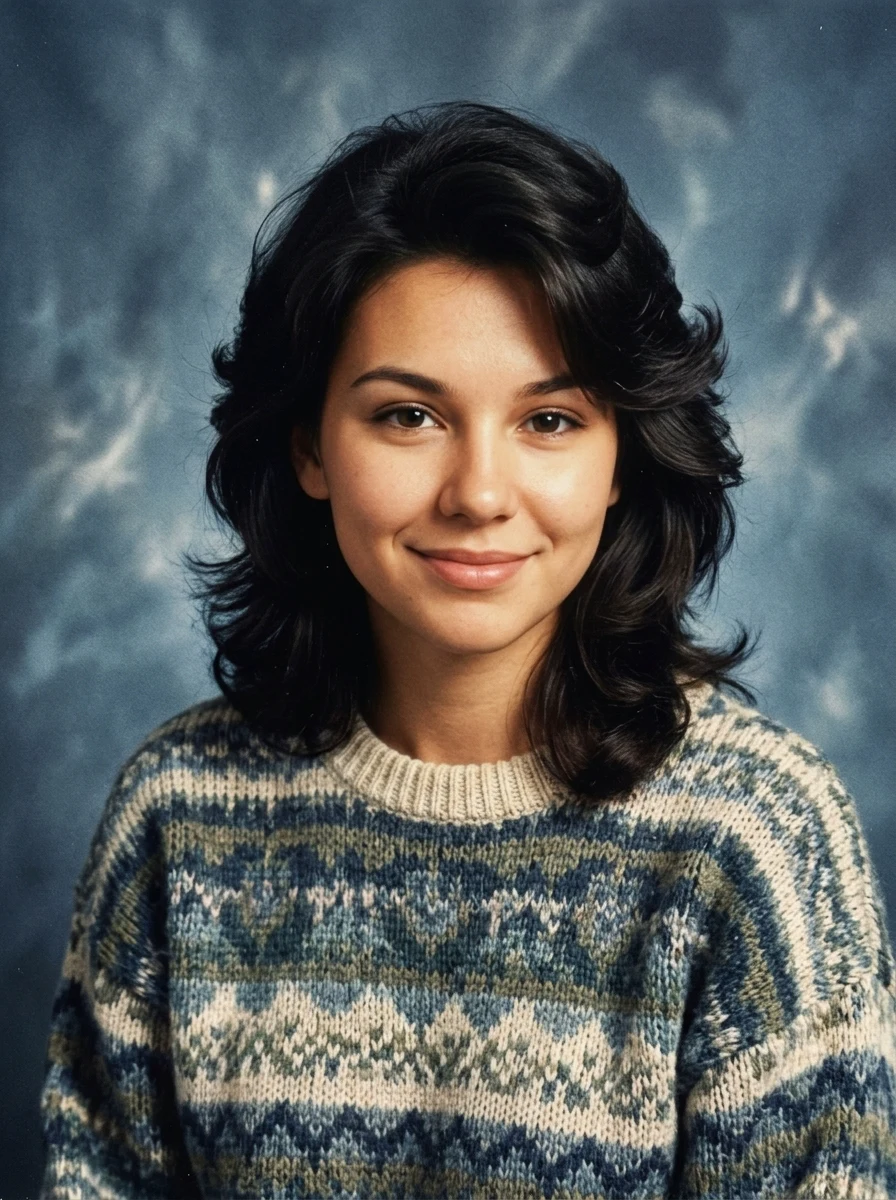
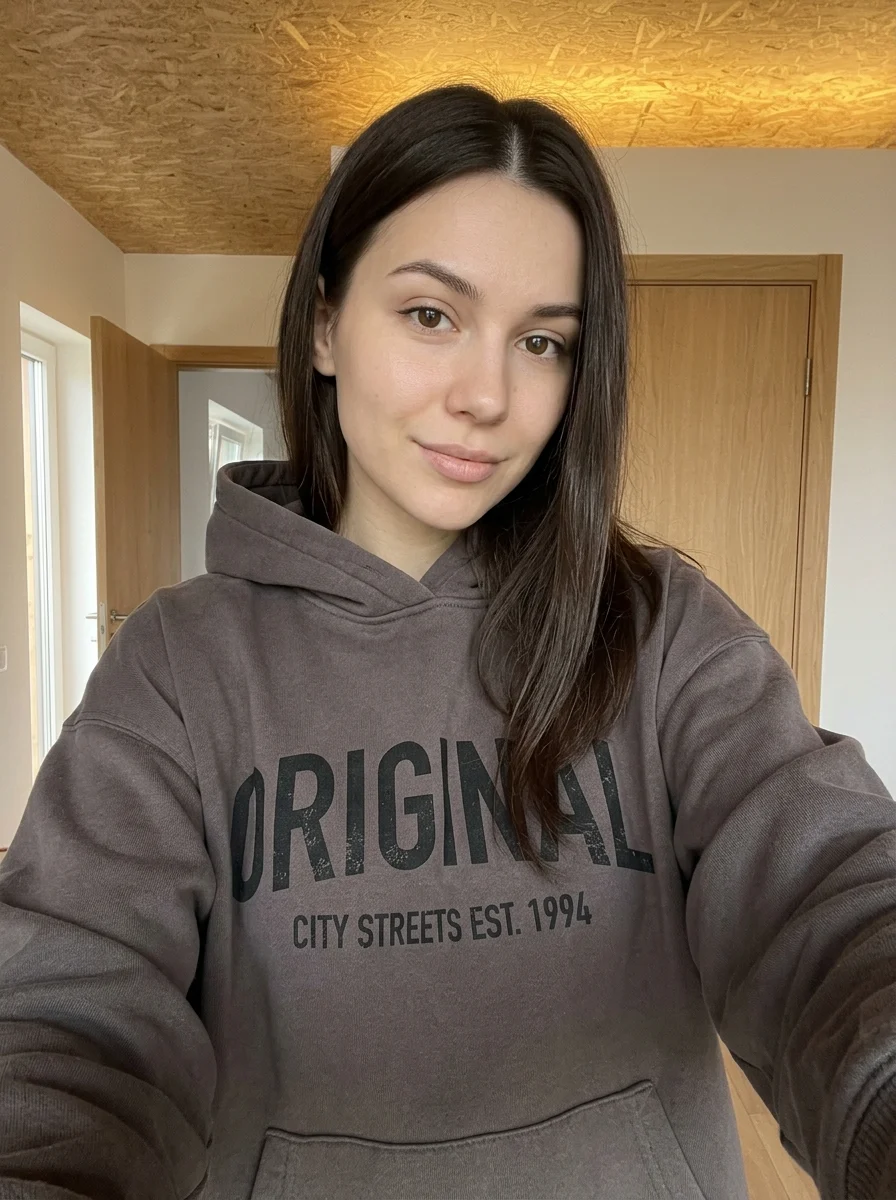
Upload 1 photo or try the example in the upload area.
- 02
Set your output
Choose the resolution, aspect ratio and number of images. The effect applies its preset style.
- 03
Generate, preview & download
Check the credit cost, generate your image and save it from My Images.
Frequently Asked Questions
Do I need to upload an album cover or a CD case?
One source photo is enough. The preset turns the subject into a paper-cut cover and creates the clear case around it.
Can I specify an album title on the spine?
Spine lettering is generated with the cover and can vary. Add the exact title to the downloaded image if you are using it as a mockup.
What photo works well for the cut-paper layers?
Use a portrait with a clear outline and a few distinct colors in the outfit. The paper shapes rely on that separation to remain easy to read.
Explore More AI Photo Effects
Make your own Paper Portrait CD
Add your photos to try this effect with your own images.
1 photo · 3 credits
Back to upload