
Credits are returned if generation fails.
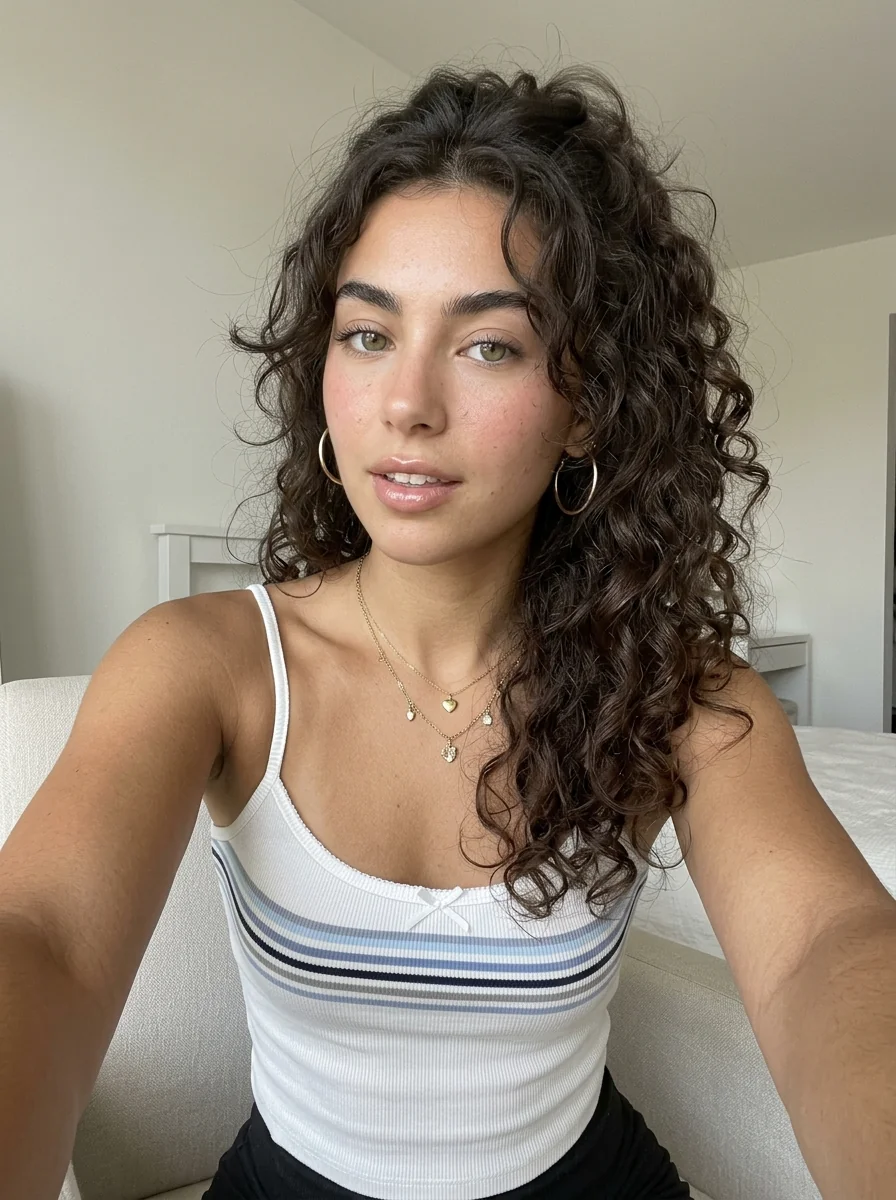
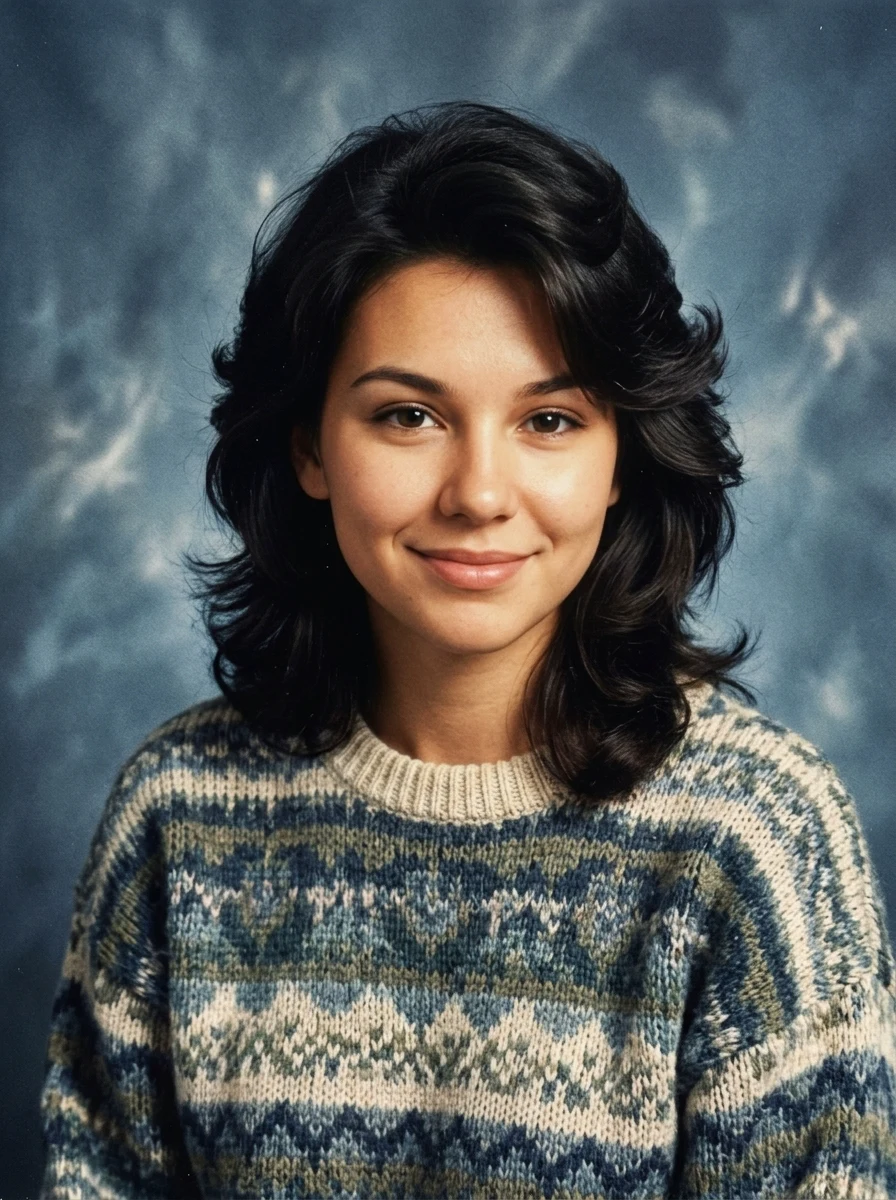
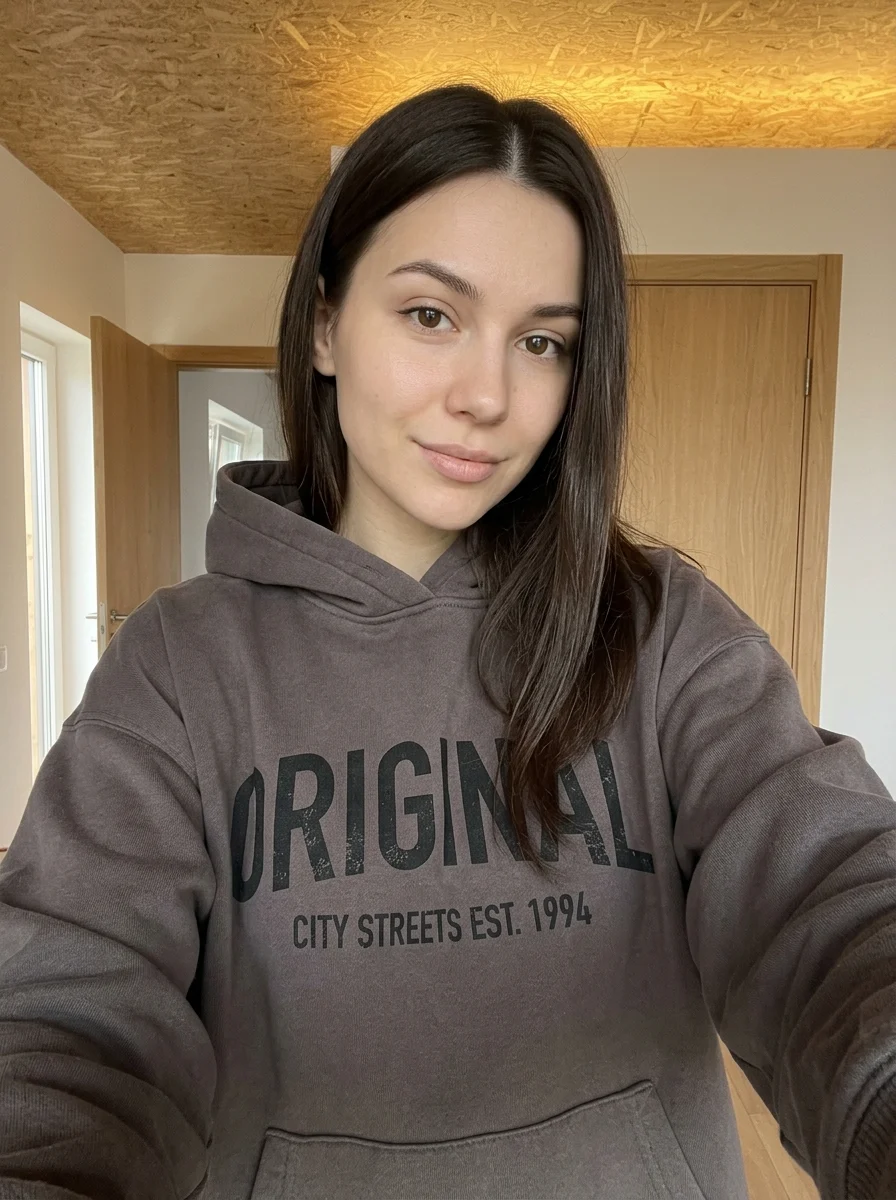
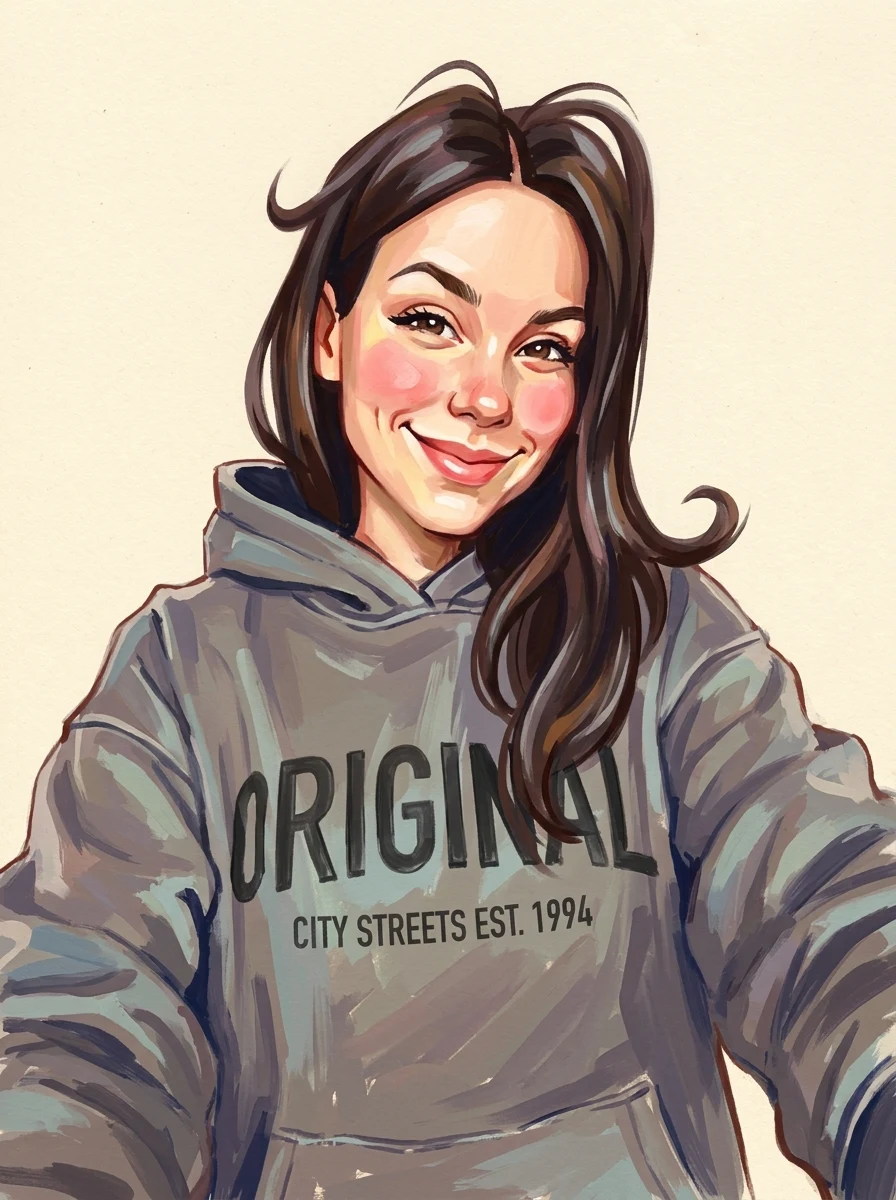
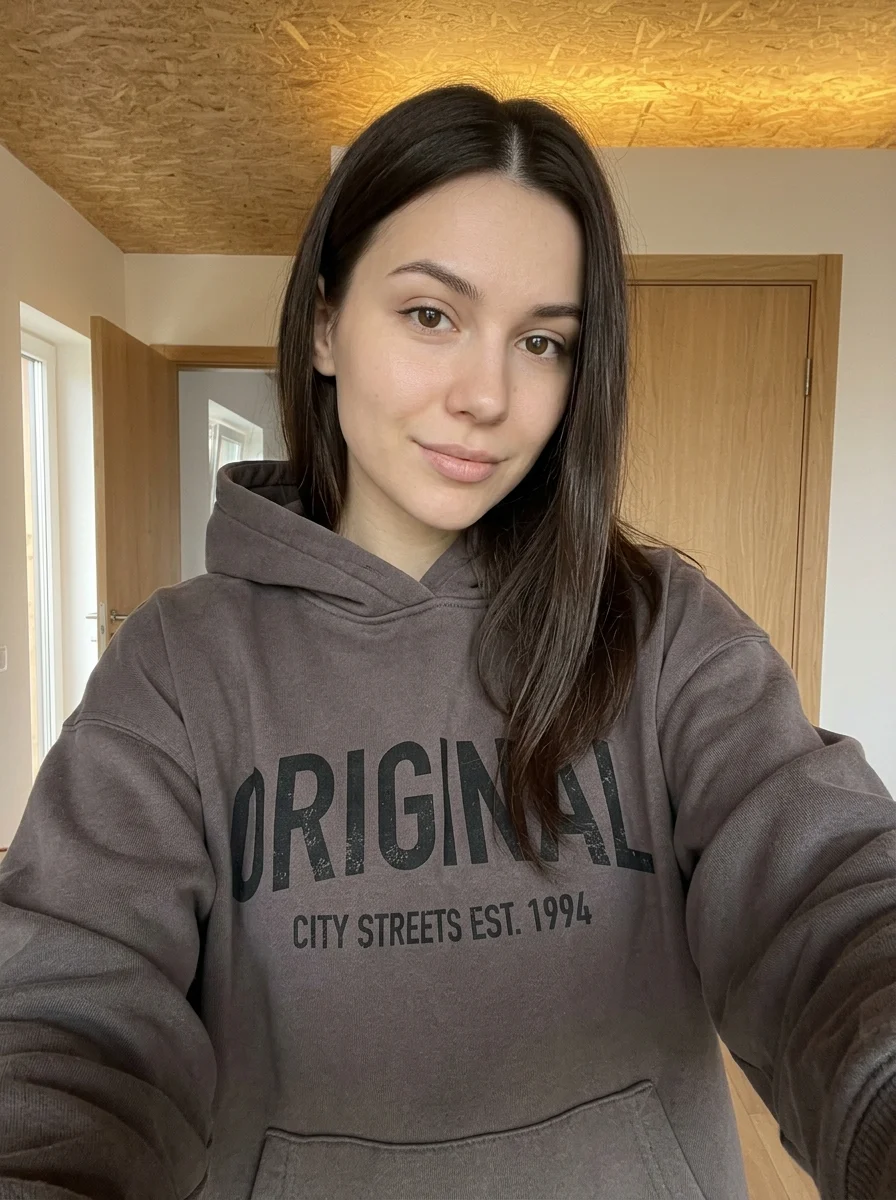
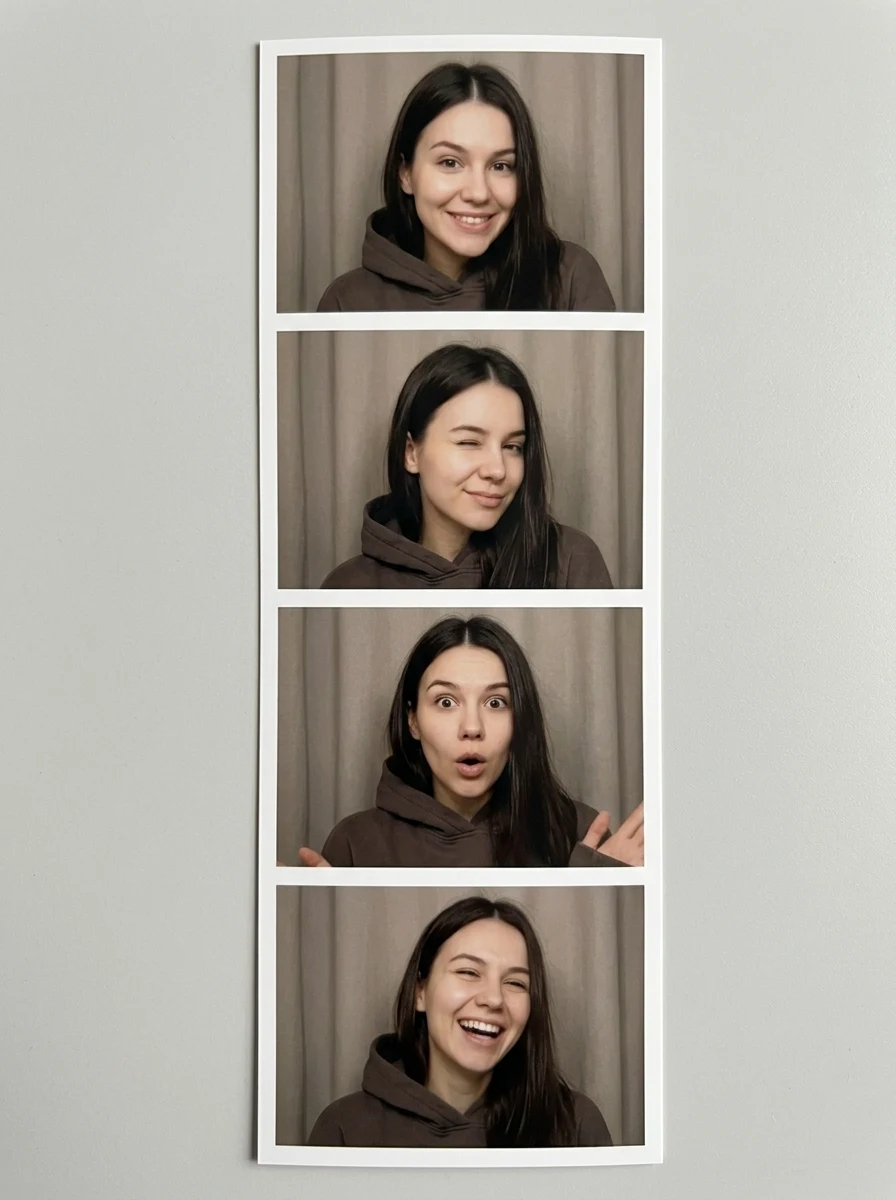
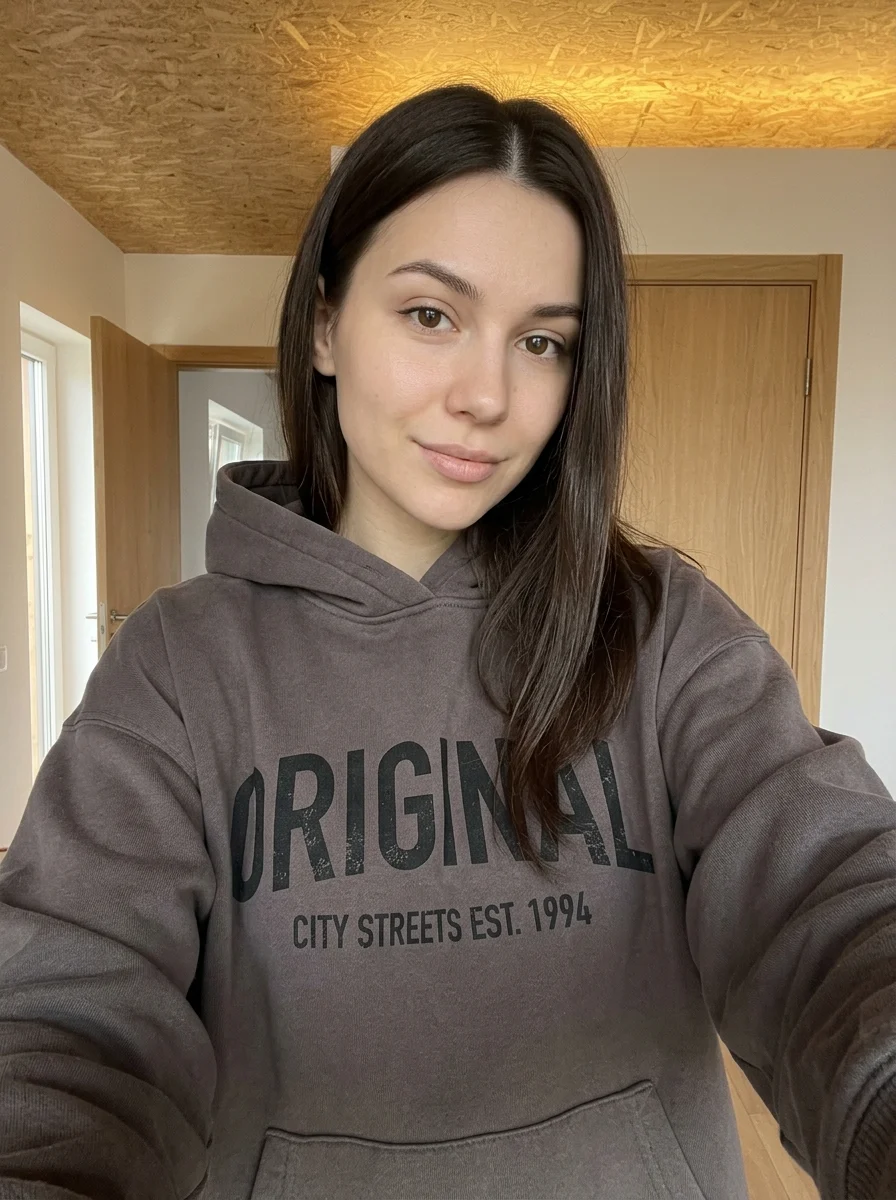
This example shows what the effect can do. Your uploaded photo is used when you generate, and results may vary.
Sign in to see your private images.
What is Personal Color Analysis?
Compare color palettes around your portrait in a style guide.
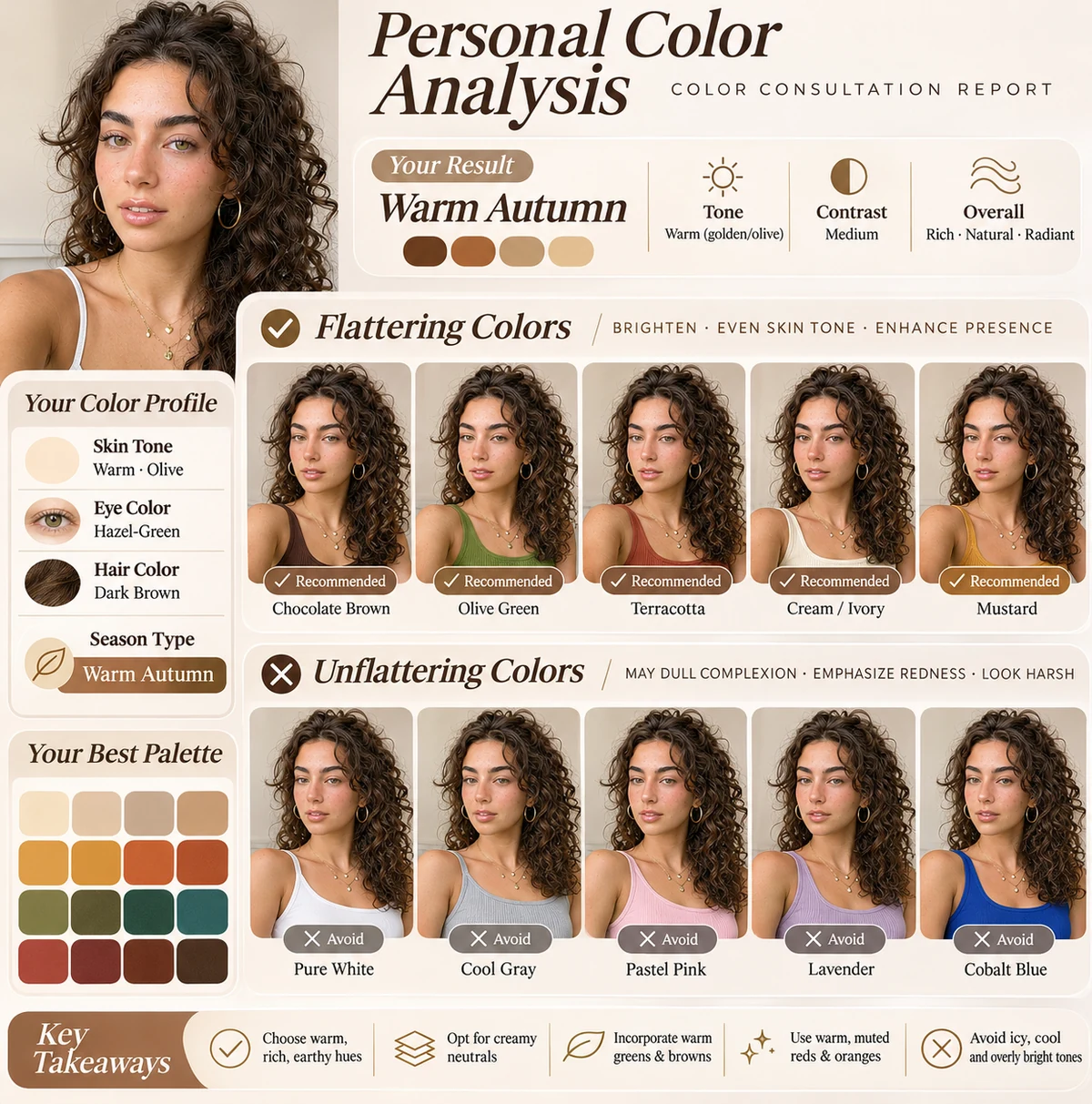
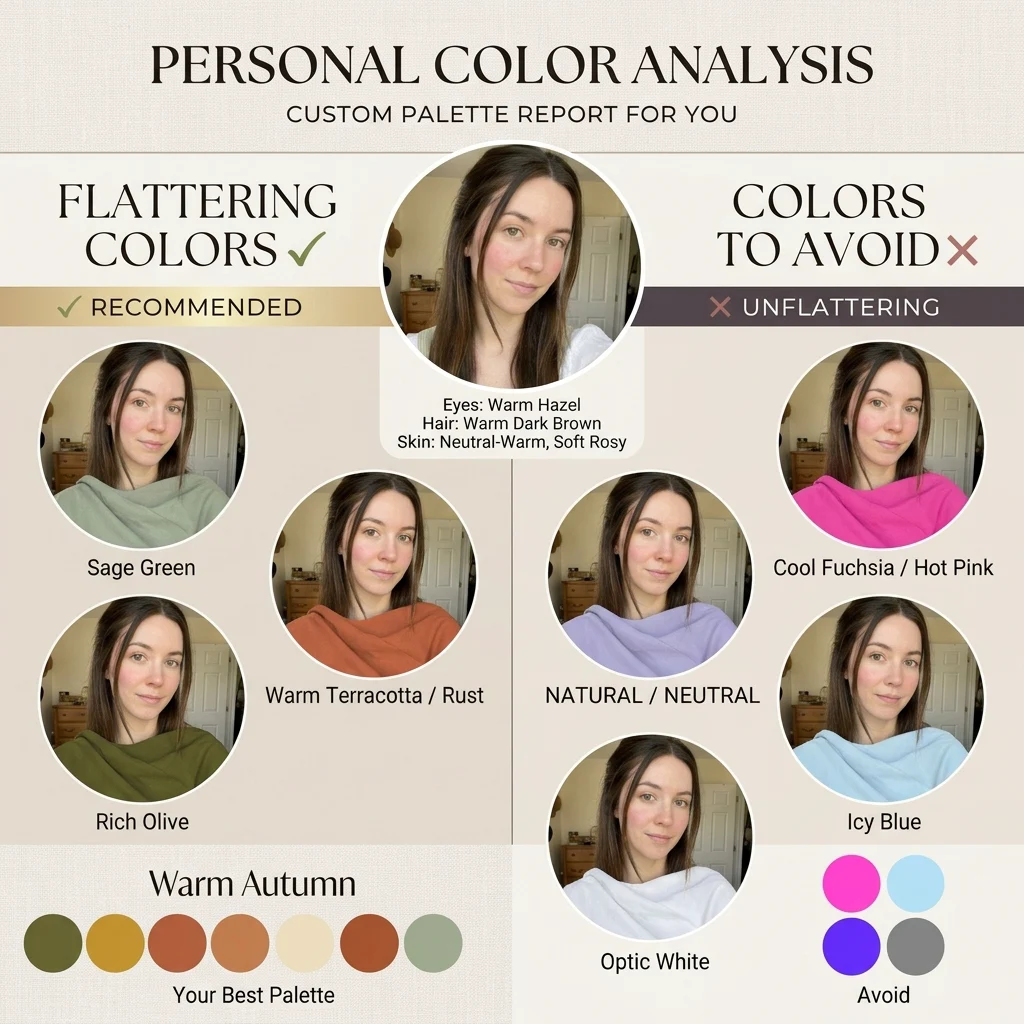
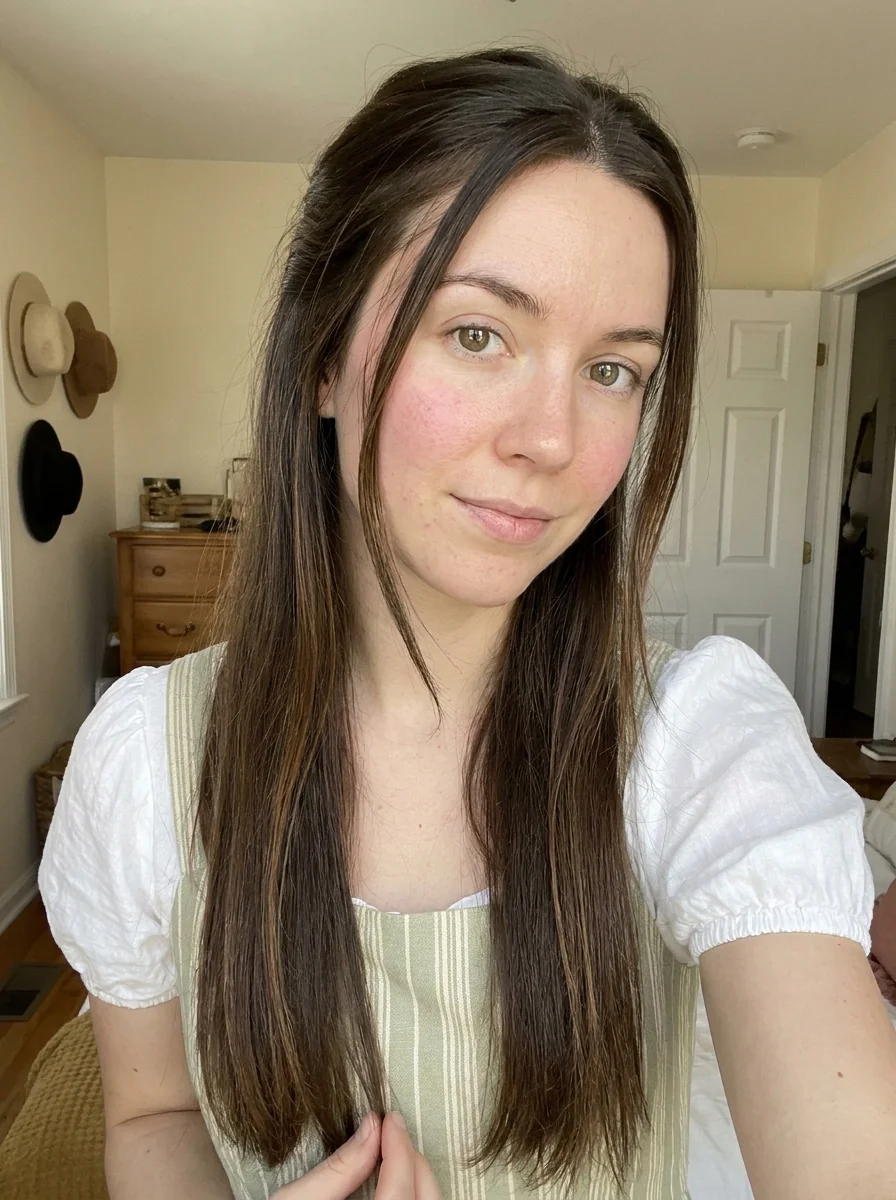
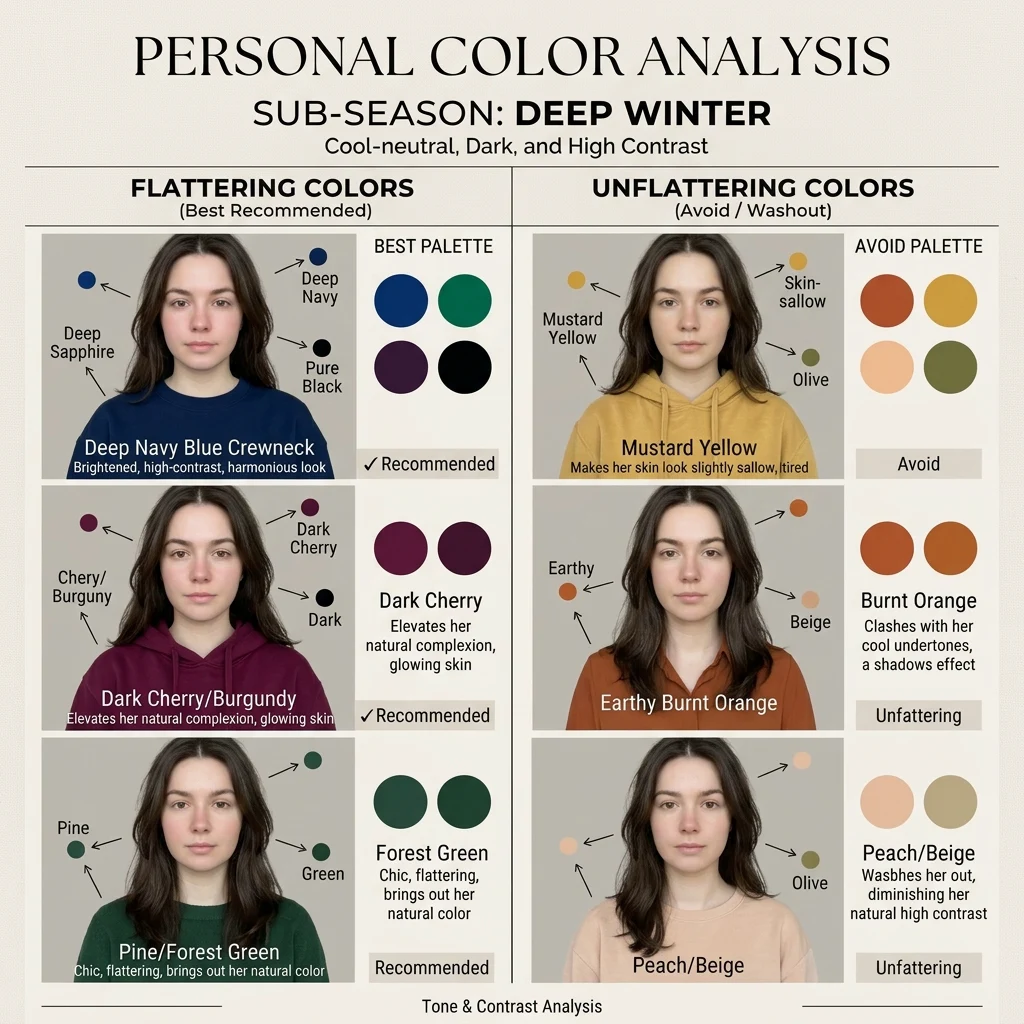
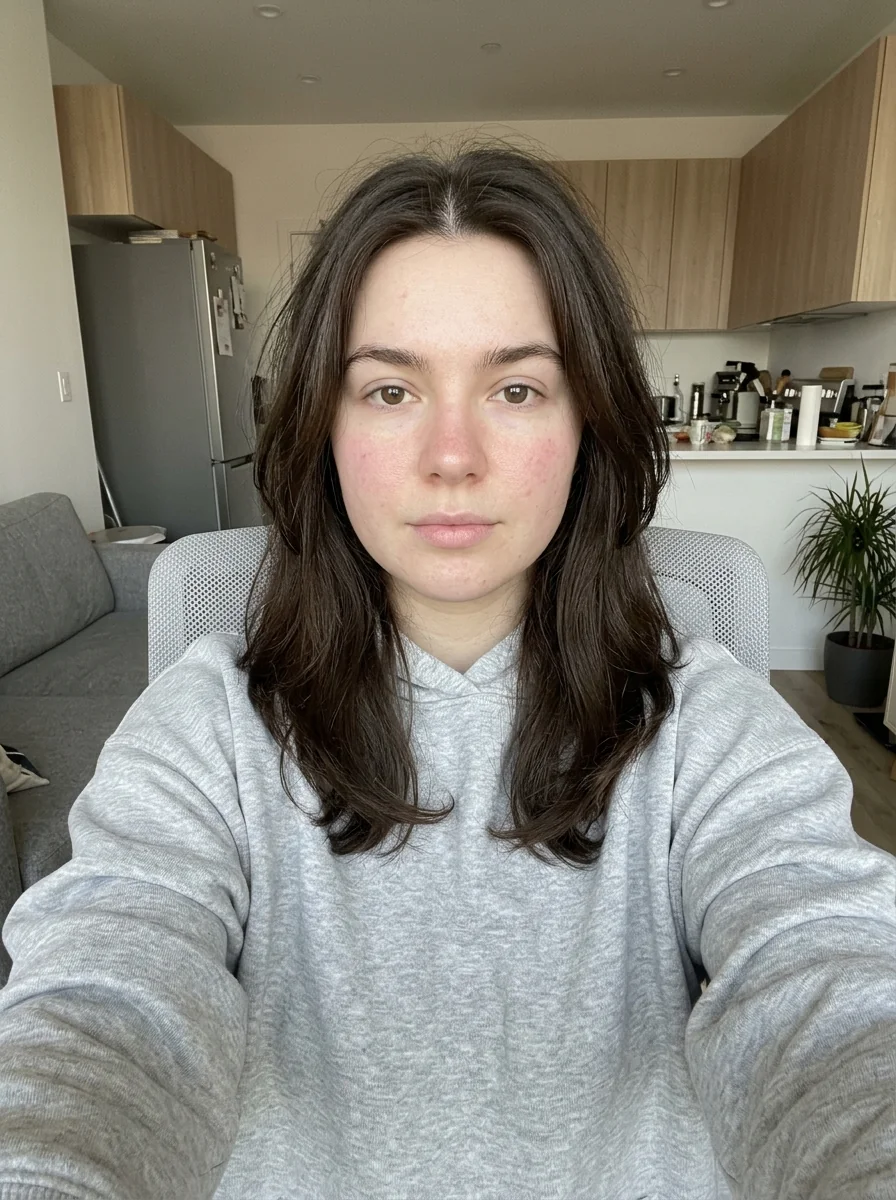
How to Make Your Own Personal Color Analysis
- 01
Add your photos
Upload 1 photo or try the example in the upload area.
- 02
Set your output
Choose the resolution, aspect ratio and number of images. The effect applies its preset style.
- 03
Generate, preview & download
Check the credit cost, generate your image and save it from My Images.
Frequently Asked Questions
What lighting works for the personal color guide?
Use soft daylight and turn off beauty filters. Warm lamps, colored walls and strong makeup can shift the skin tones used in the palette comparison.
Can two photos give me different color seasons?
Yes. White balance and lighting can shift the apparent undertone. Treat the generated season as a starting point and compare real fabrics in daylight.
Should I wear a bright top in the analysis photo?
Choose a neutral top if possible. A strong color near the face can cast a tint that affects how the guide compares palettes.
Explore More AI Photo Effects
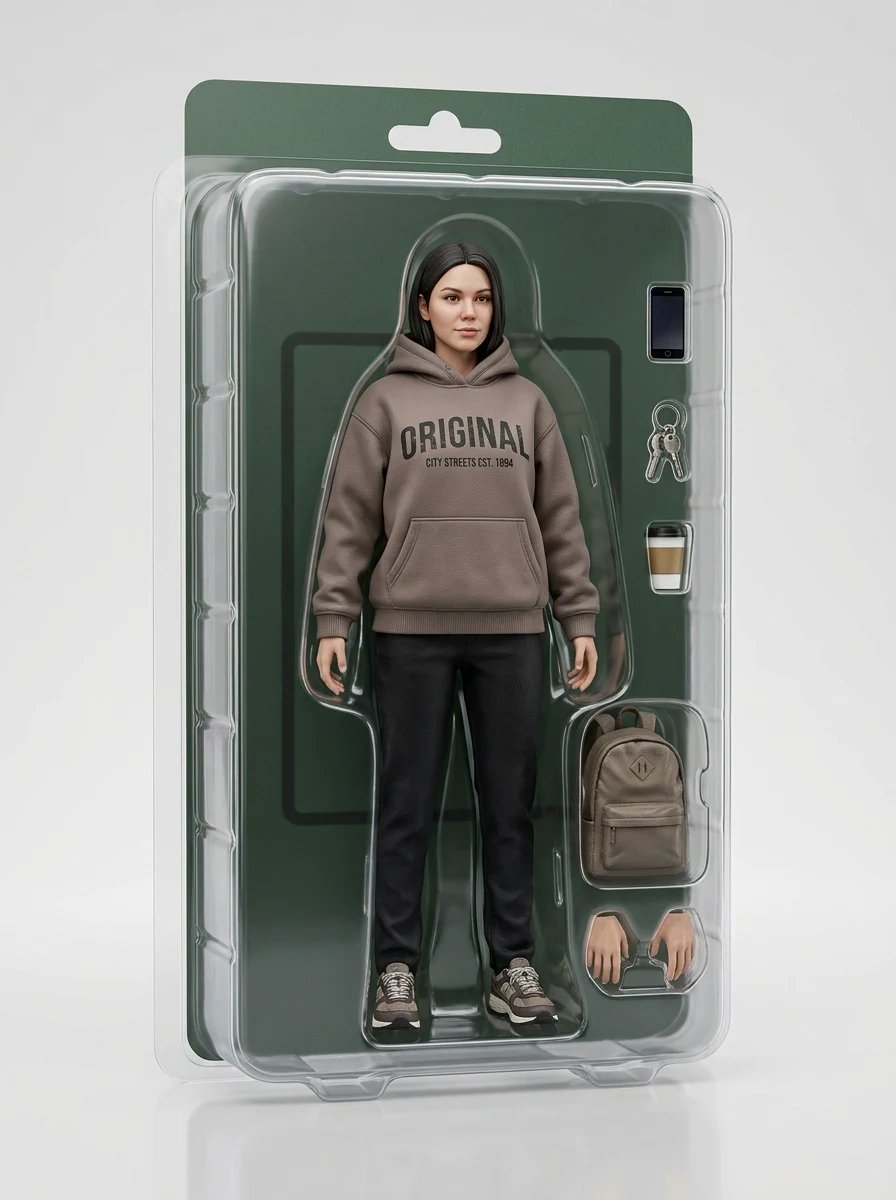
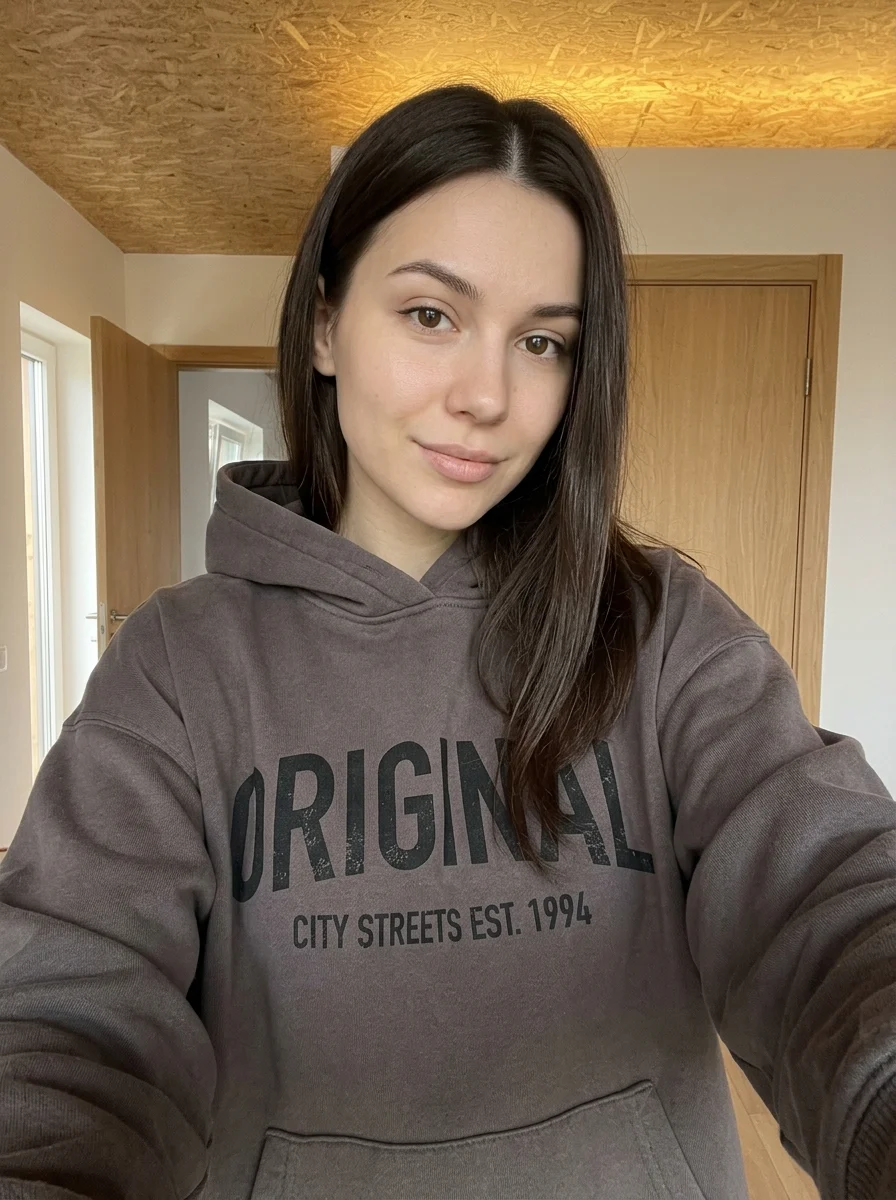
Make your own Personal Color Analysis
Add your photos to try this effect with your own images.
1 photo · 3 credits
Back to upload