
Credits are returned if generation fails.
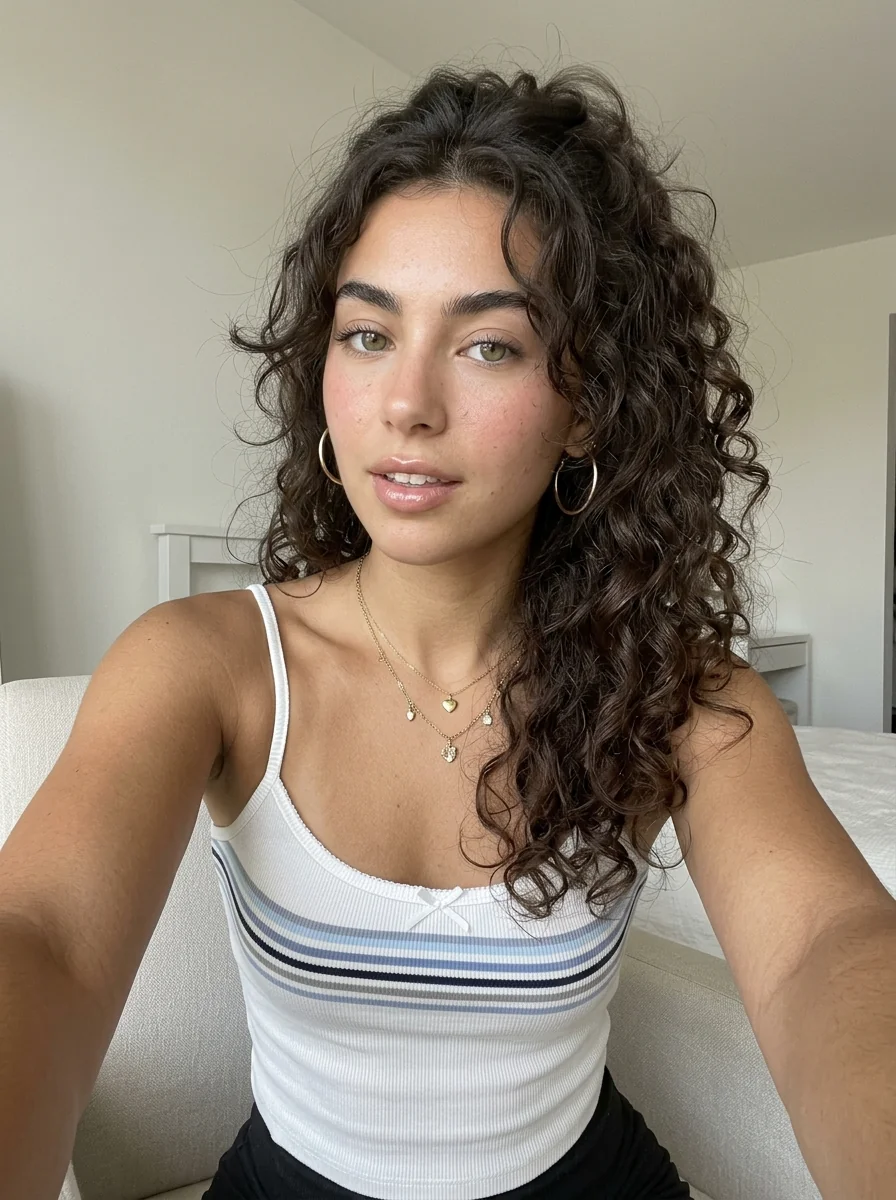
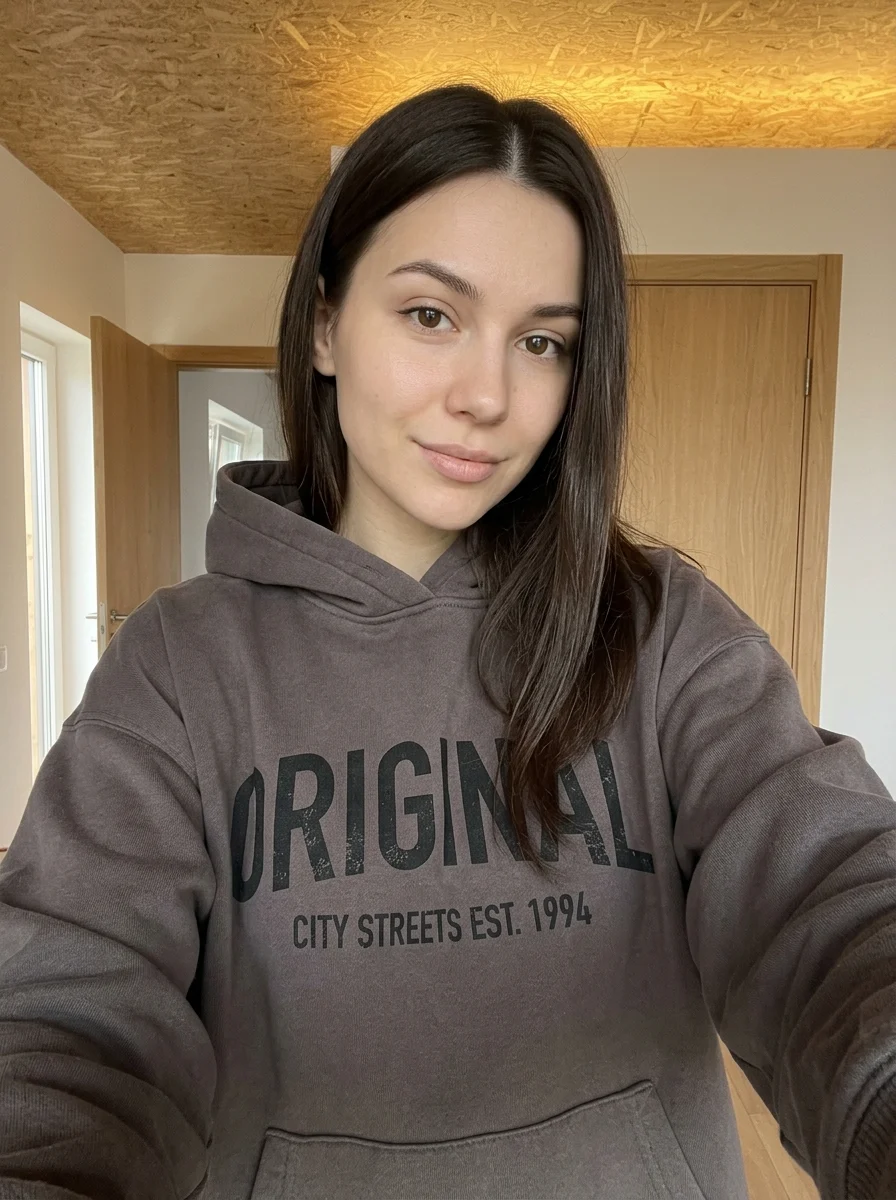
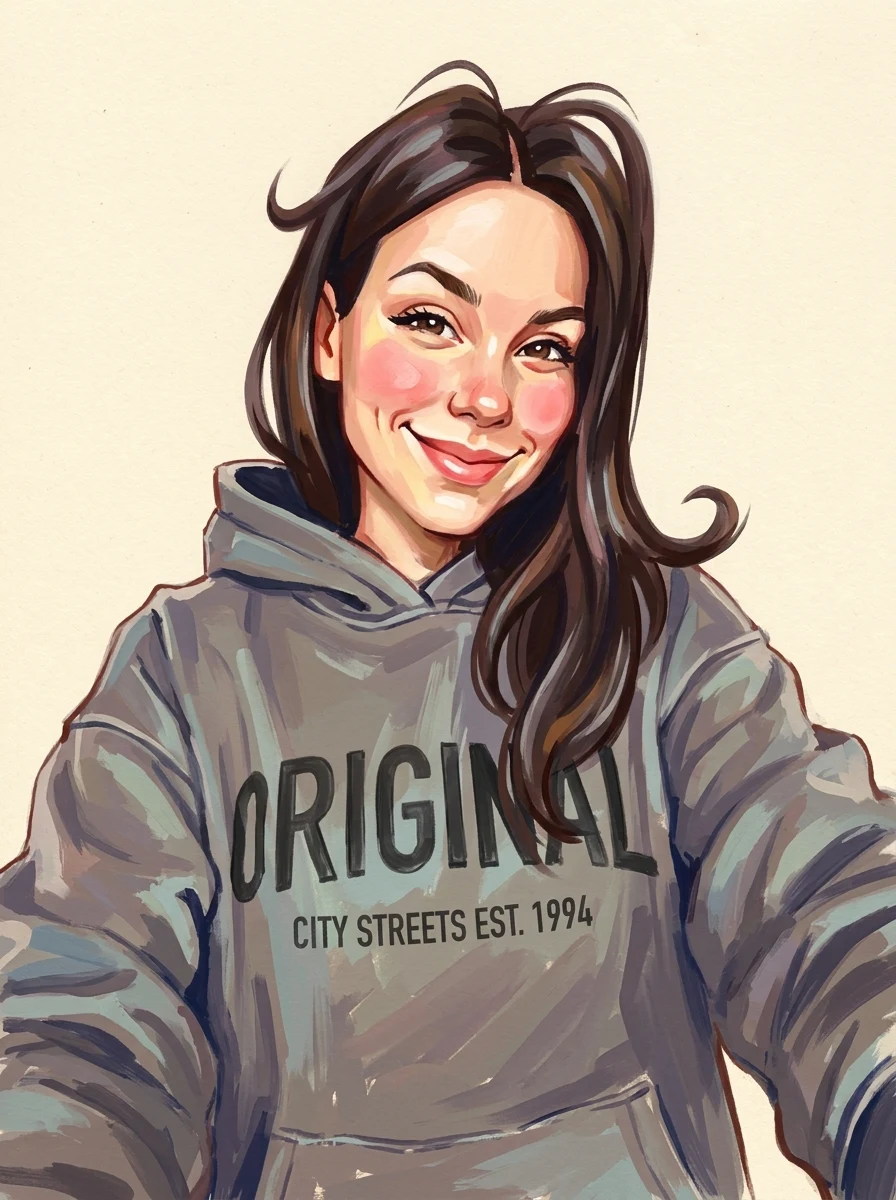
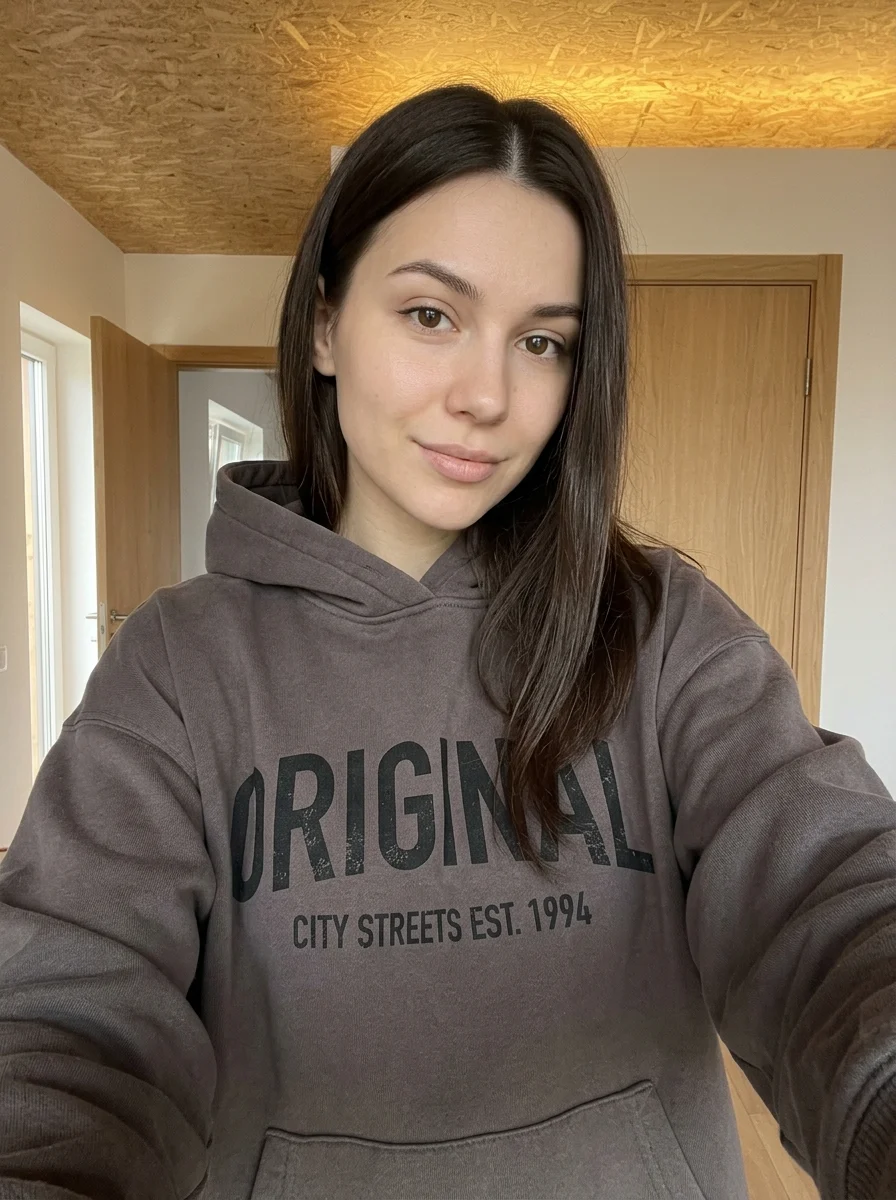
This example shows what the effect can do. Your uploaded photo is used when you generate, and results may vary.
Sign in to see your private images.
What is Personal Hairstyle Analysis?
Compare hairstyle ideas in an illustrated guide using your portrait.
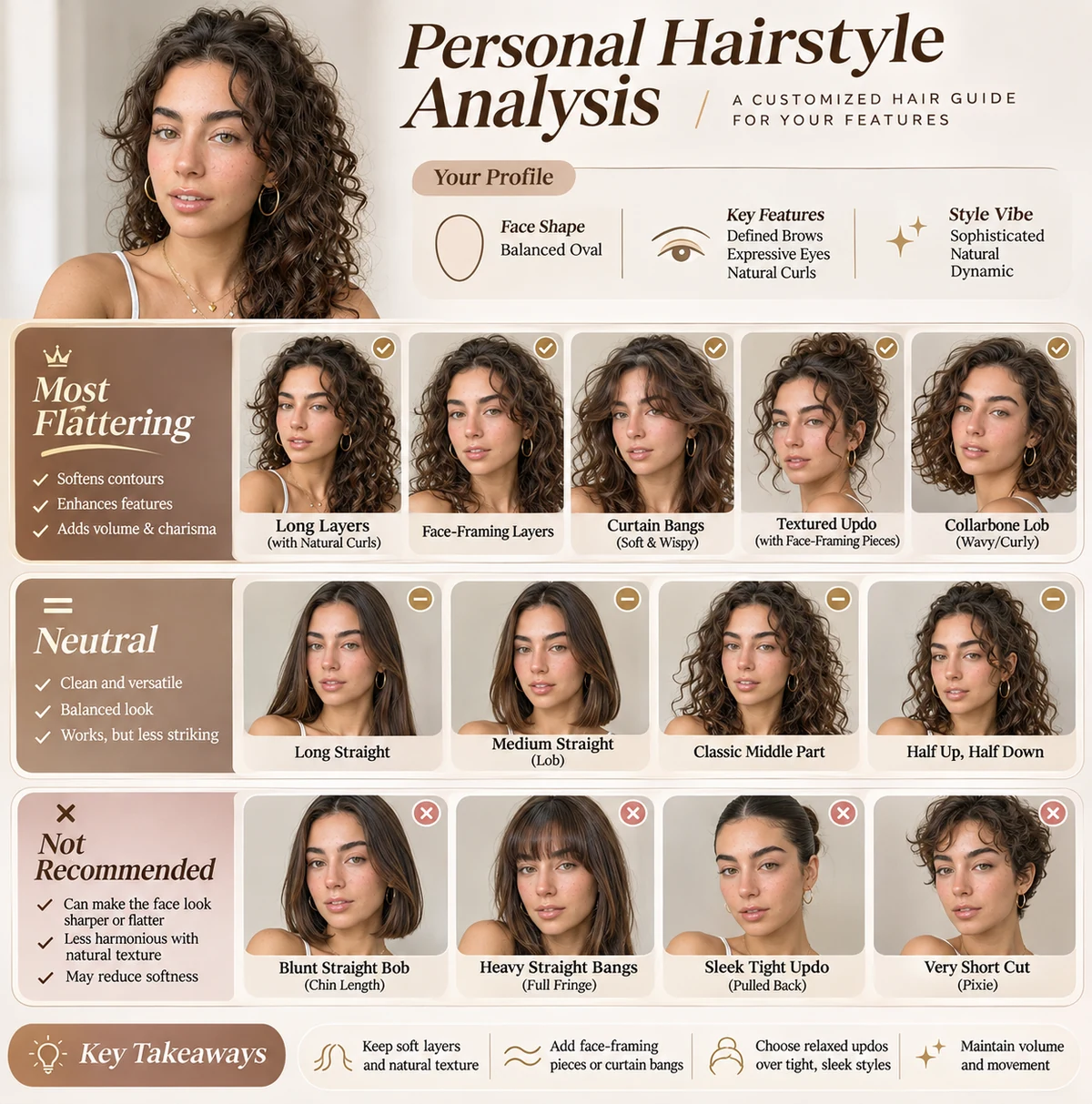
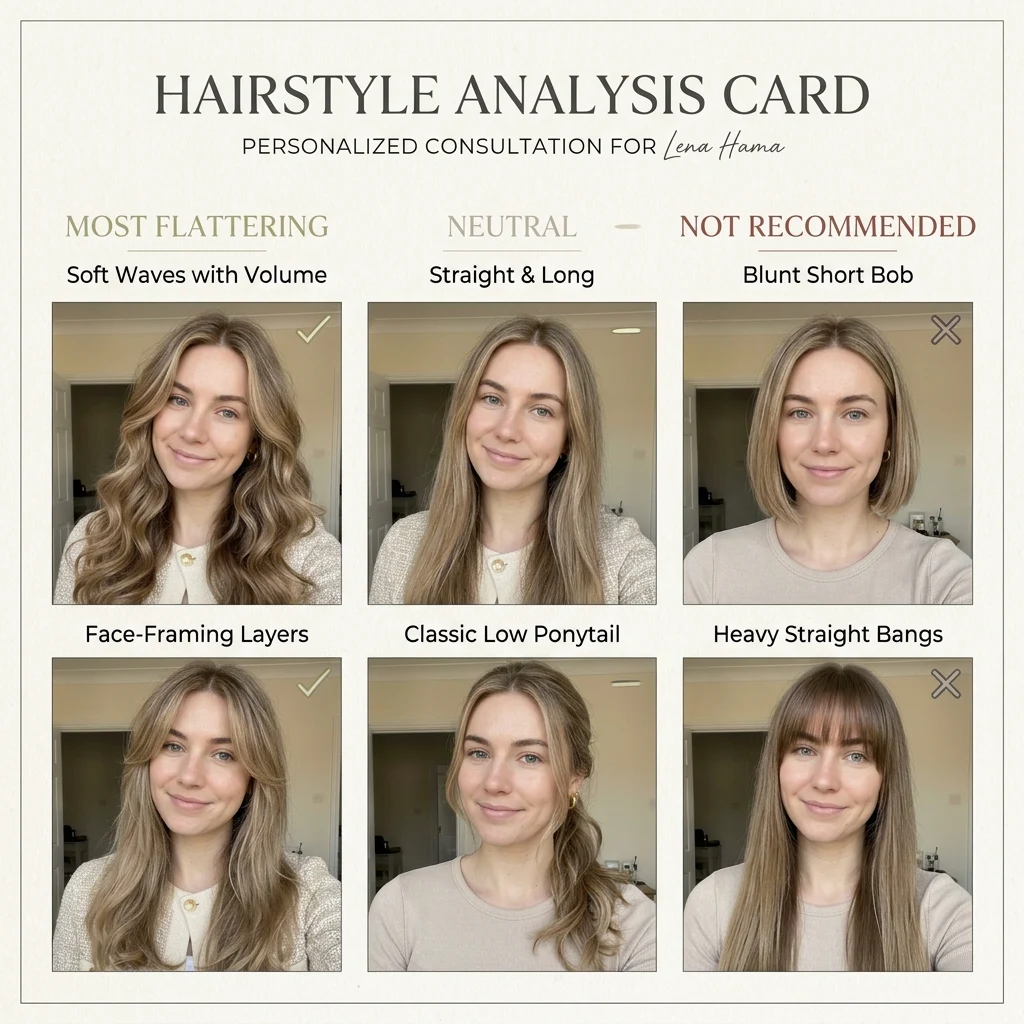
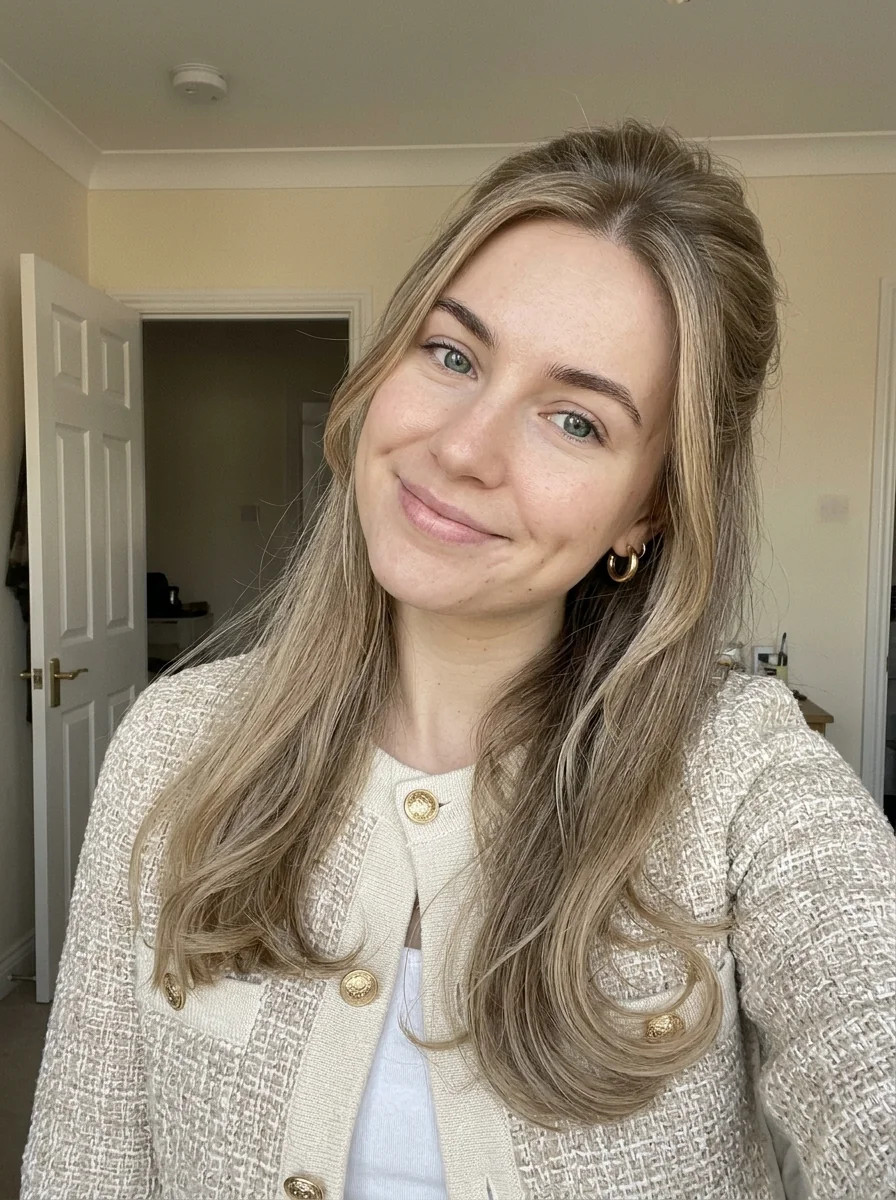
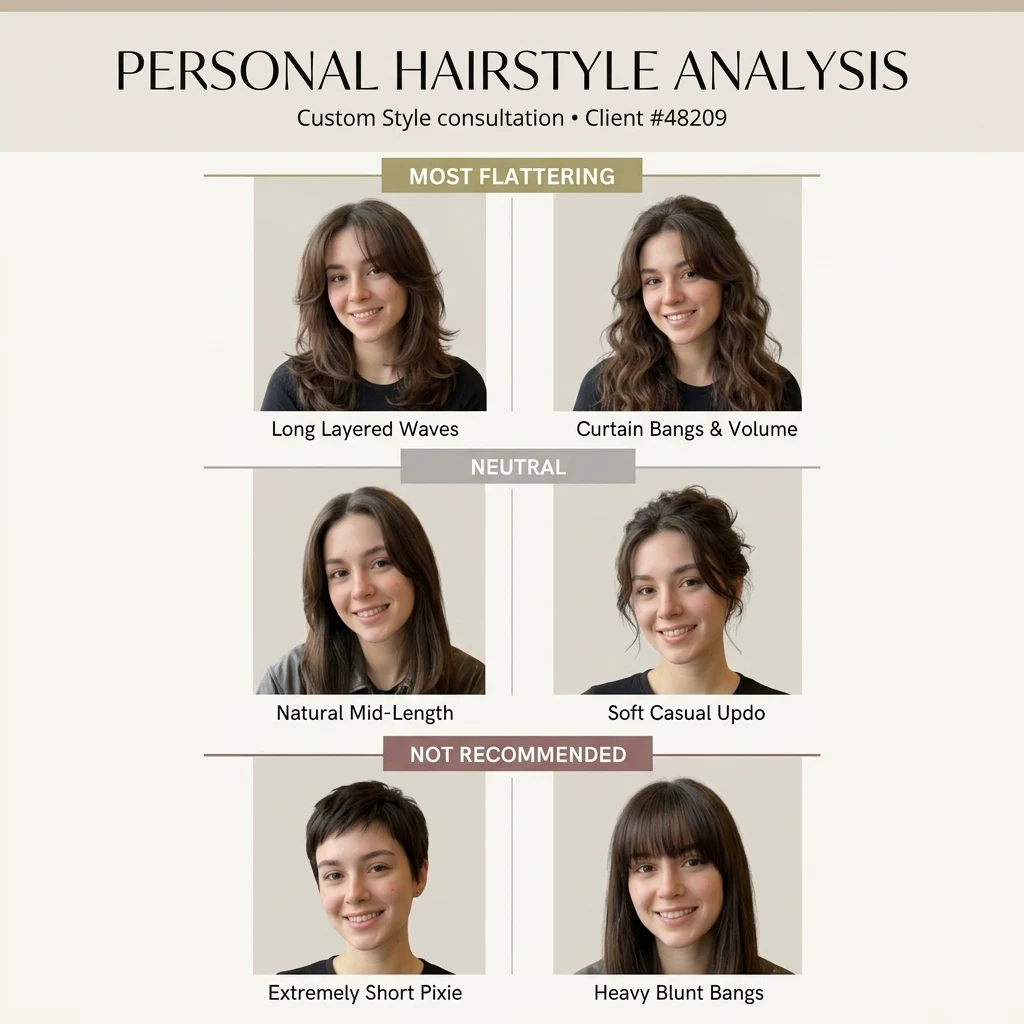

How to Make Your Own Personal Hairstyle Analysis
- 01
Add your photos
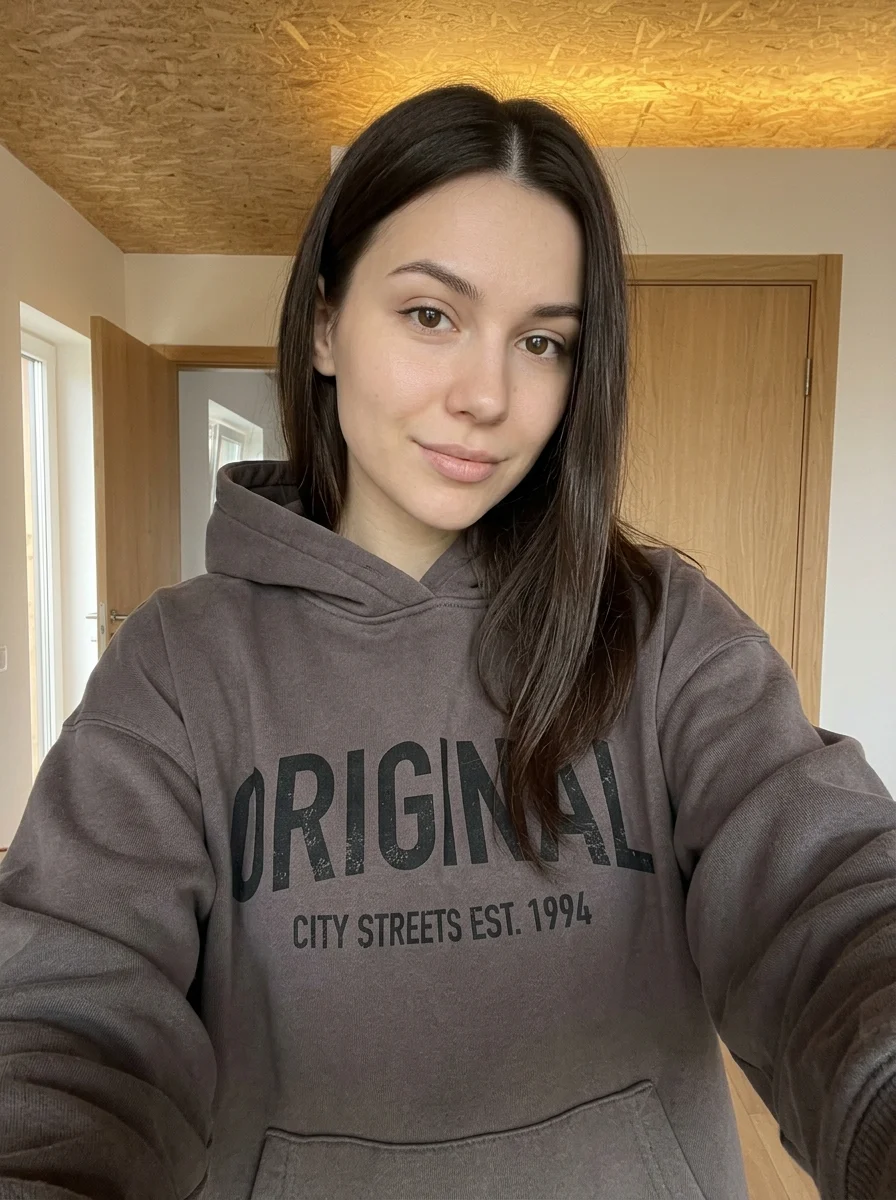
Upload 1 photo or try the example in the upload area.
- 02
Set your output
Choose the resolution, aspect ratio and number of images. The effect applies its preset style.
- 03
Generate, preview & download
Check the credit cost, generate your image and save it from My Images.
Frequently Asked Questions
Should I pull my hair back for the hairstyle guide?
If your hair covers your cheeks or jaw, loosely tuck it back while keeping the hairline visible. The guide can then show how styles frame your face.
Can I use the hairstyle guide when talking to a stylist?
Yes, use it to show the length, part or fringe you like. A stylist can judge how the cut will sit with your actual texture and density.
How is the guide different from the four-look hairstyle grid?
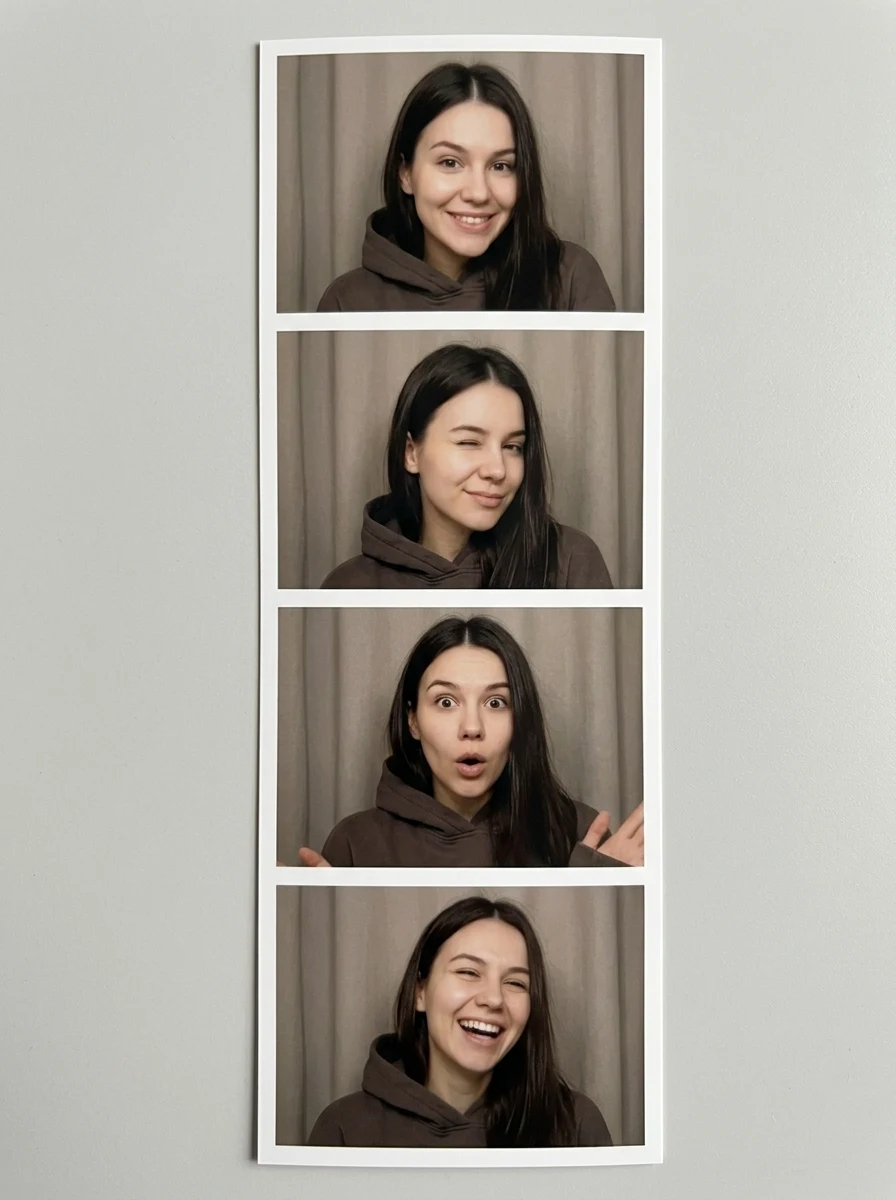
The guide frames ideas as an illustrated reference. The grid puts four hairstyle previews side by side for a direct visual comparison.
Explore More AI Photo Effects
Make your own Personal Hairstyle Analysis
Add your photos to try this effect with your own images.
1 photo · 3 credits
Back to upload