
Credits are returned if generation fails.
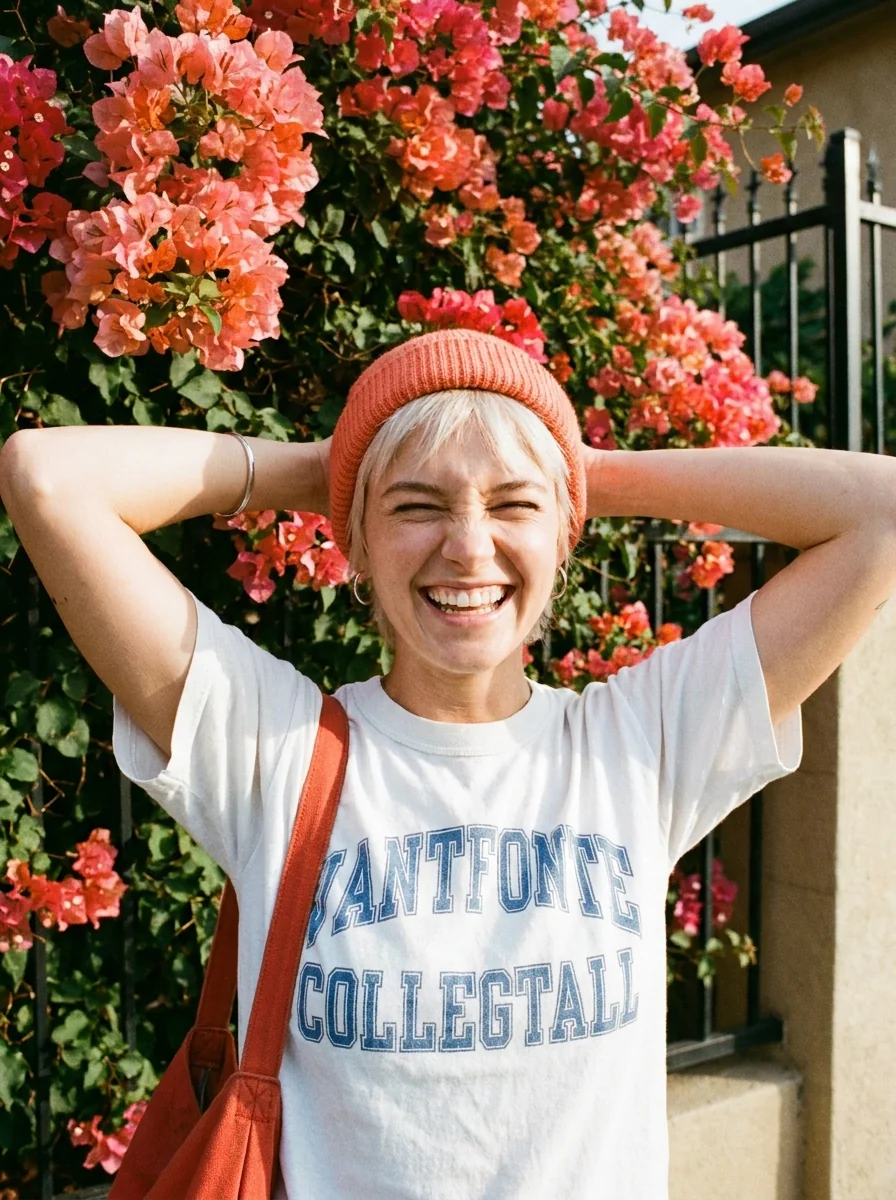
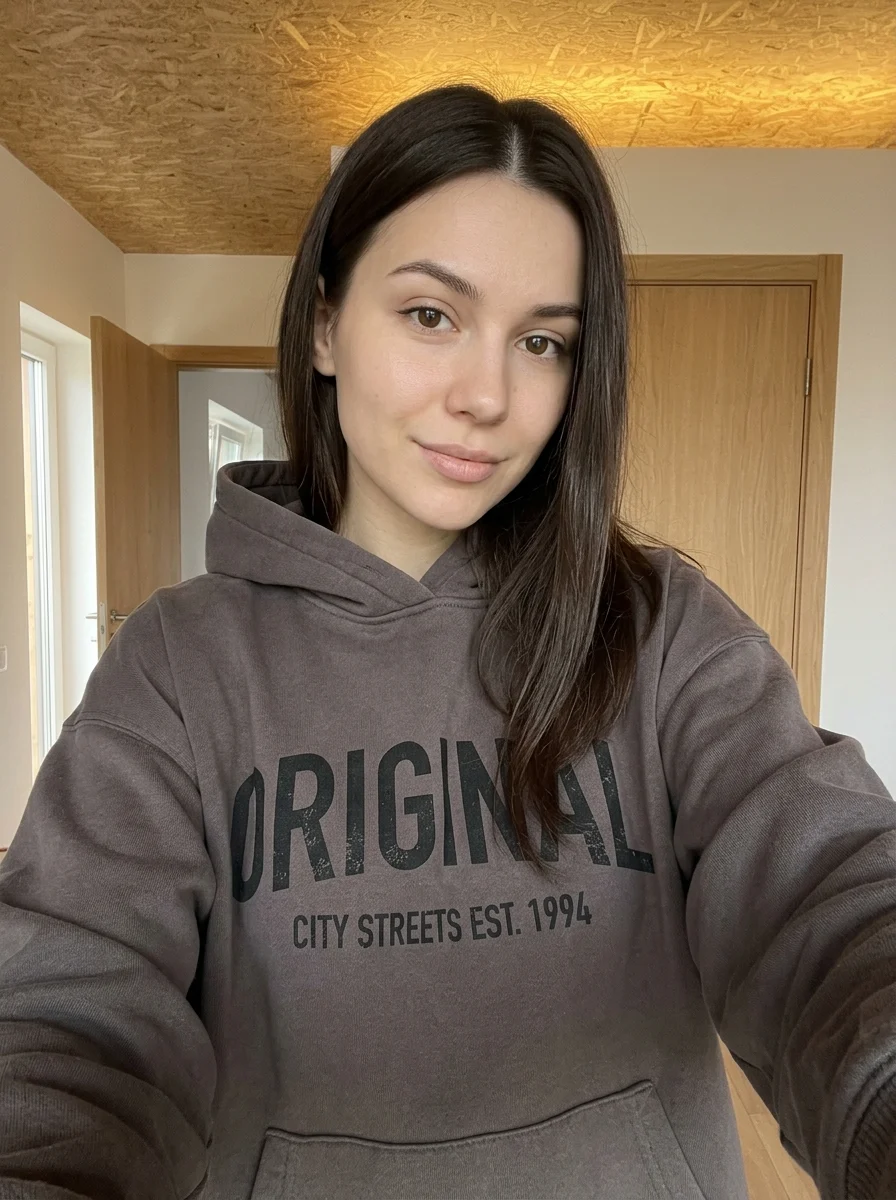
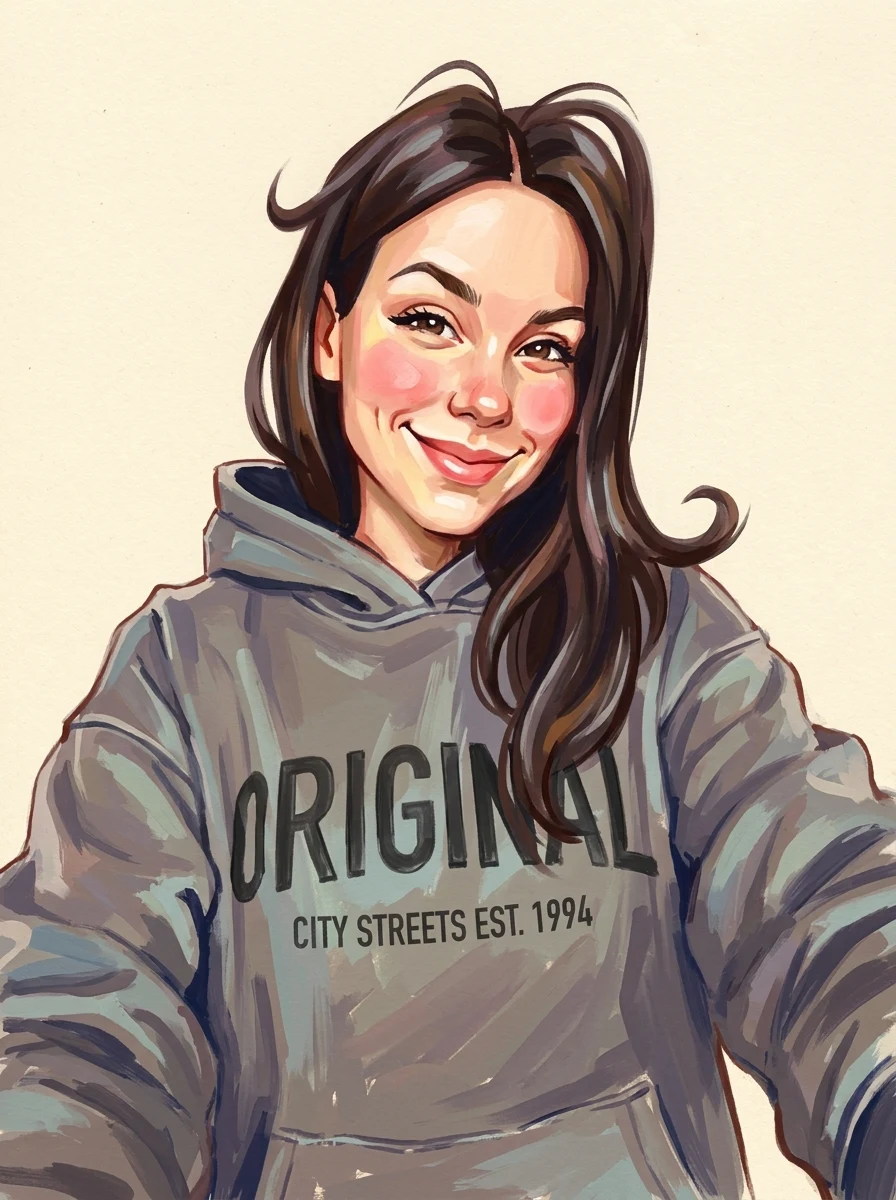
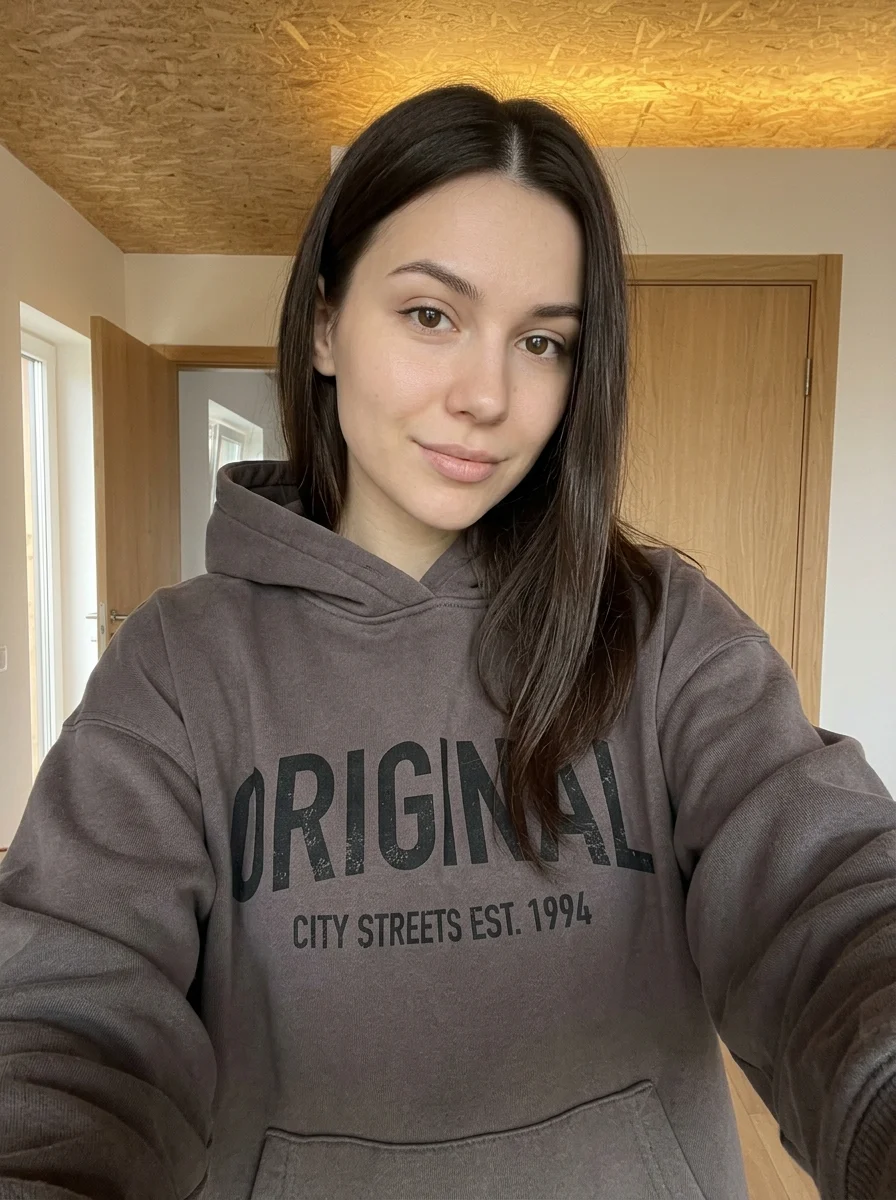
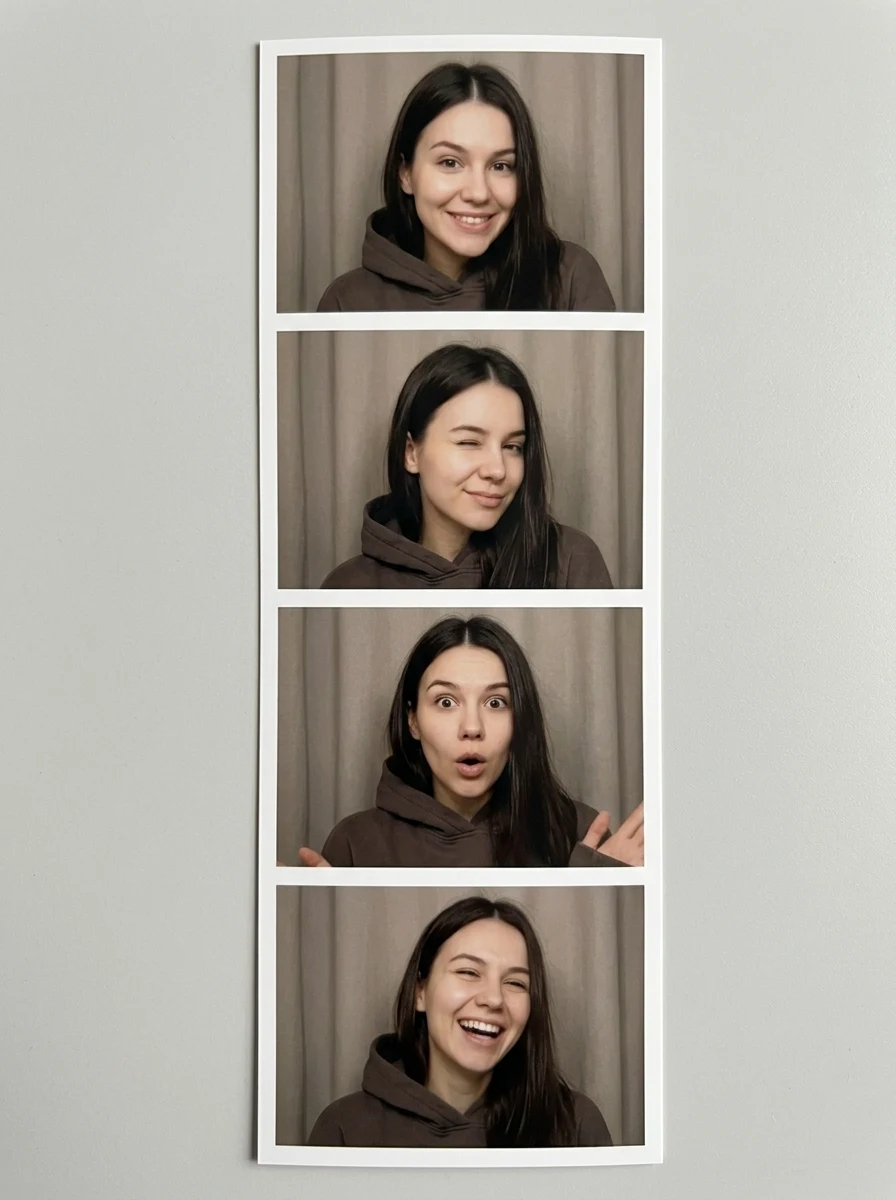
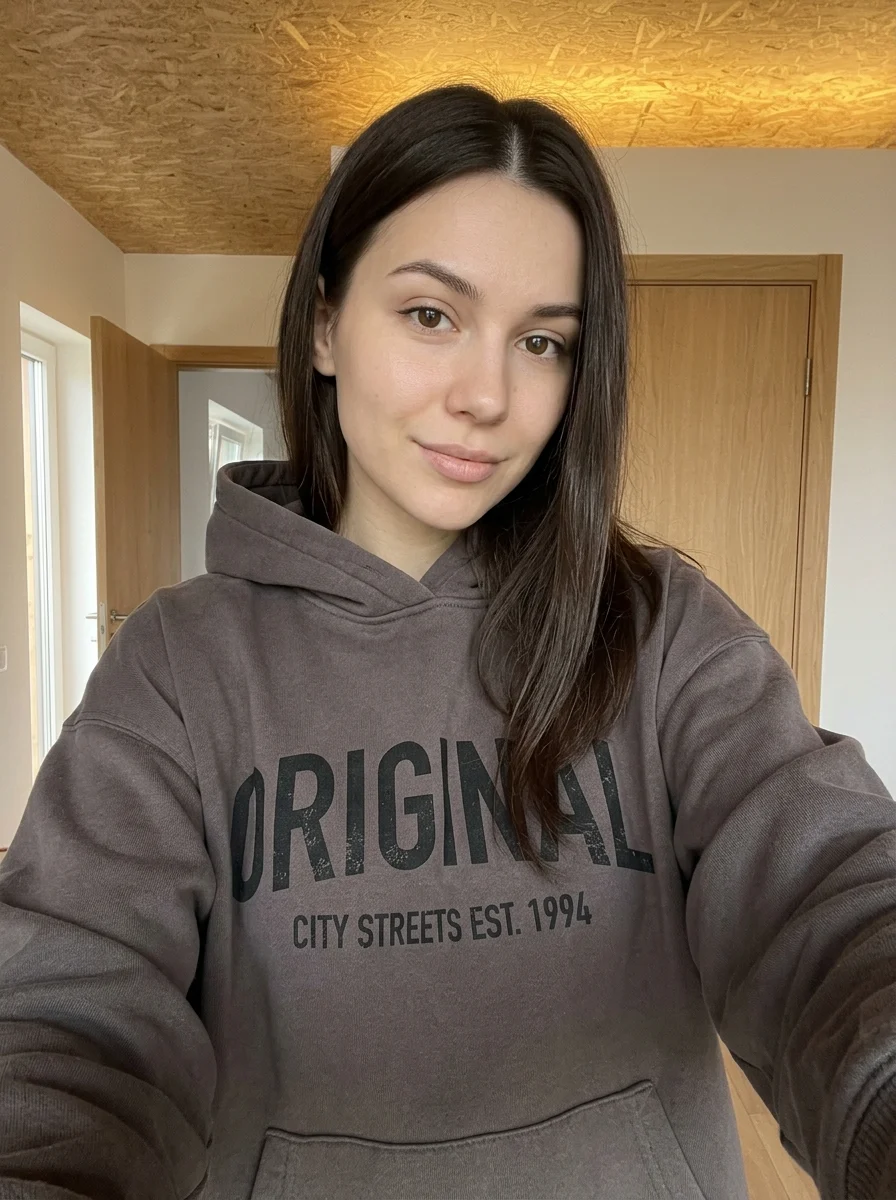
This example shows what the effect can do. Your uploaded photo is used when you generate, and results may vary.
Sign in to see your private images.
What is Photo Perler Charm?
Recreate the subject of your photo as a tiny handmade fuse-bead charm.
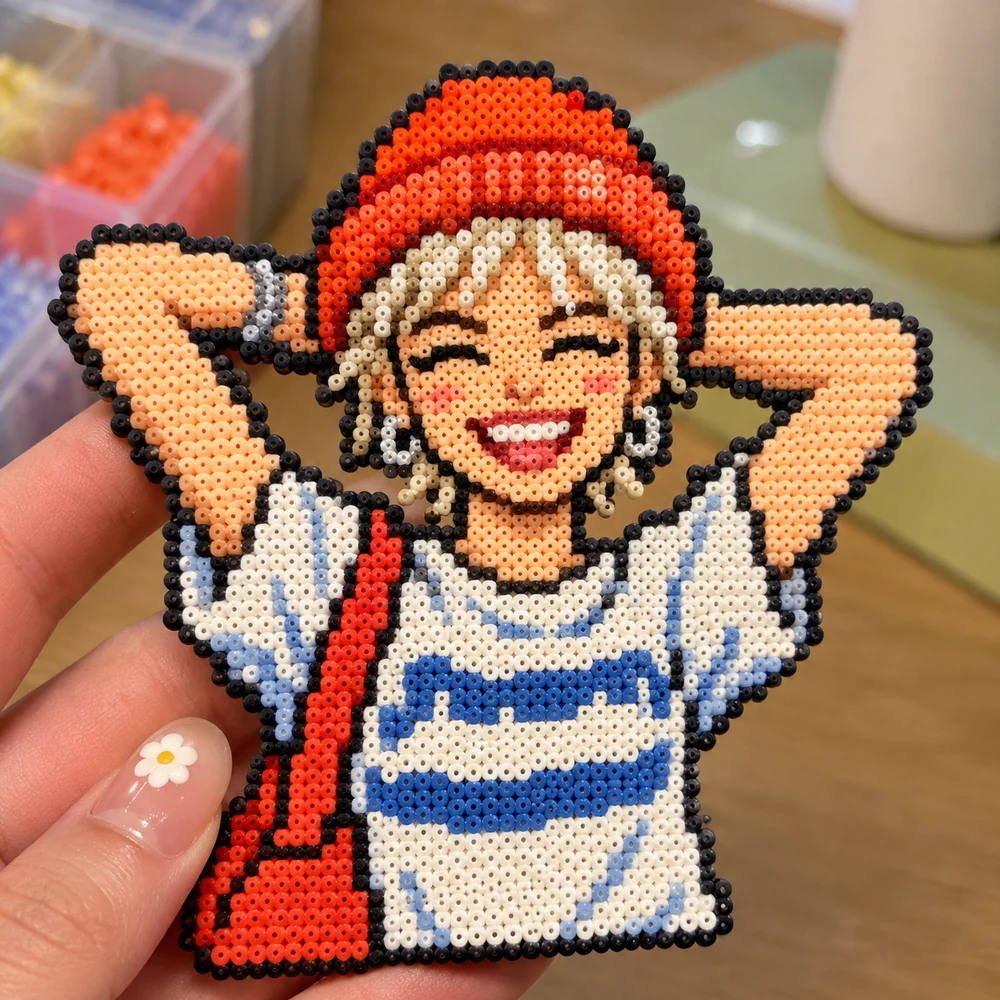
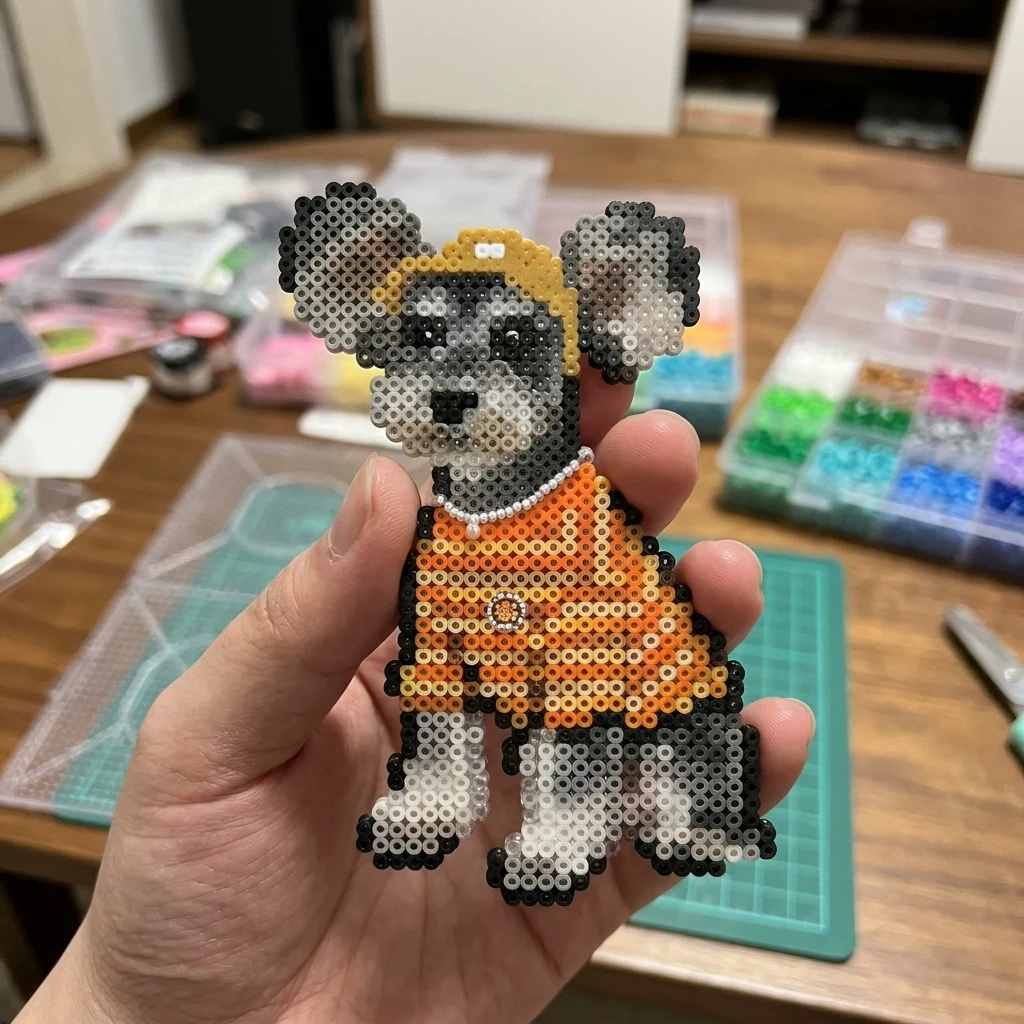
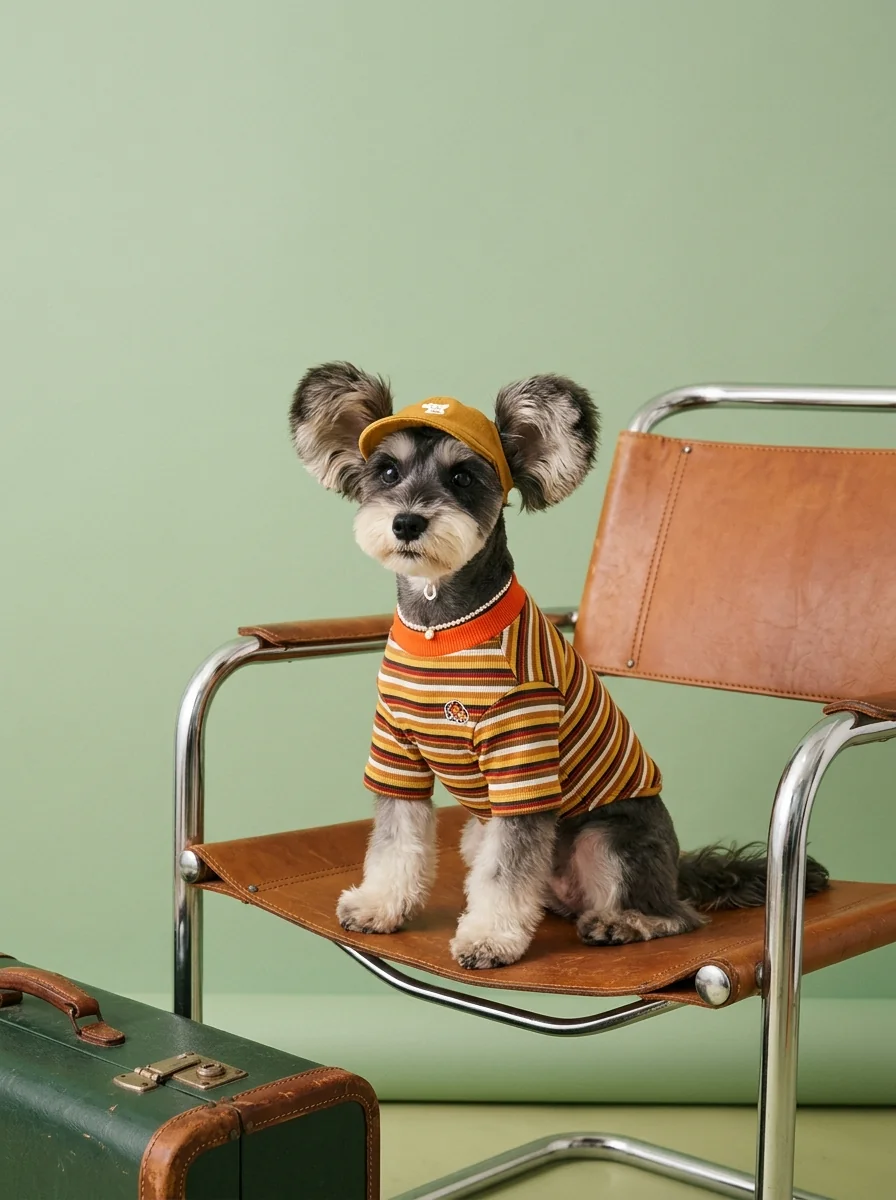
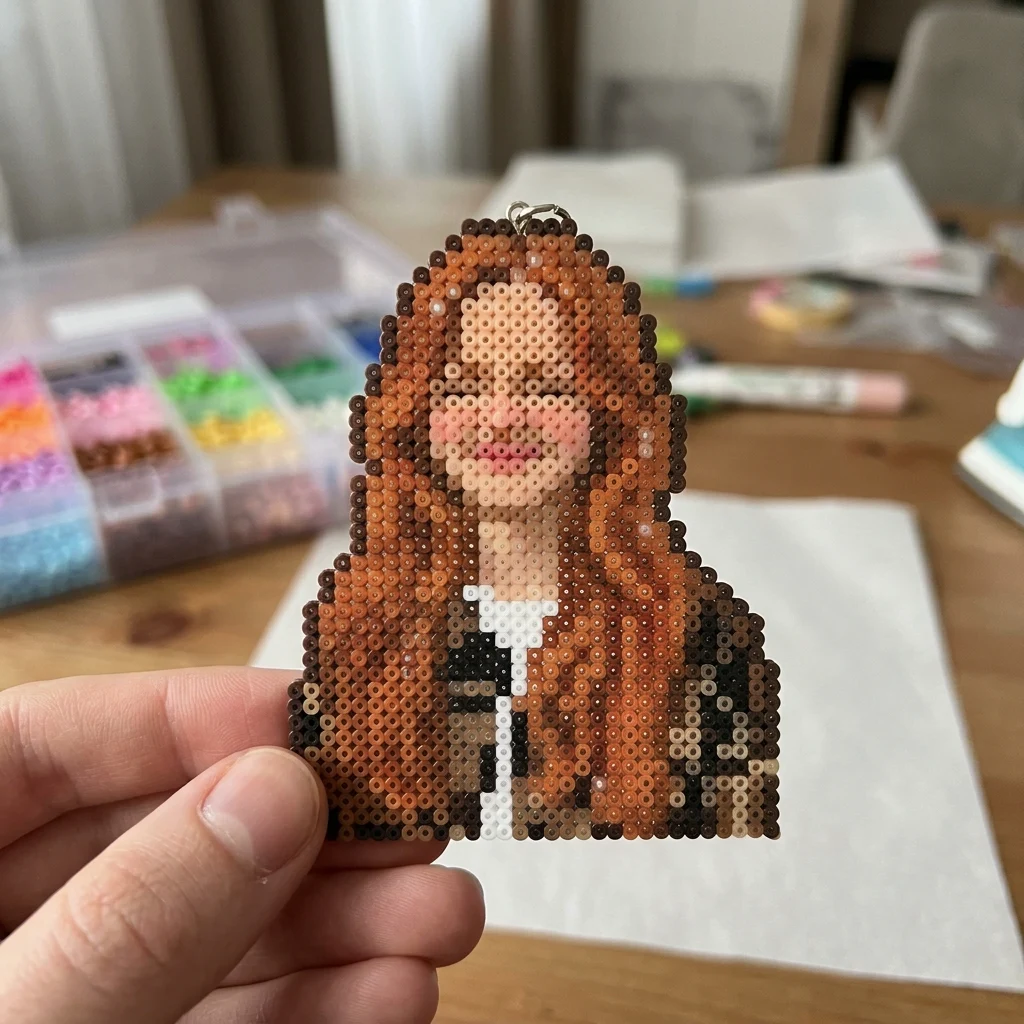

How to Make Your Own Photo Perler Charm
- 01
Add your photos
Upload 1 photo or try the example in the upload area.
- 02
Set your output
Choose the resolution, aspect ratio and number of images. The effect applies its preset style.
- 03
Generate, preview & download
Check the credit cost, generate your image and save it from My Images.
Frequently Asked Questions
What photo will still be recognizable as a fuse-bead charm?
Choose a bold silhouette and two or three distinctive colors. Tiny patterns tend to merge when the image is rendered as beads.
Does the effect give me a bead-by-bead craft pattern?
The output is an image of a finished-looking charm. Bead placement and color counts are generated as visual details.
Will fine details like glasses survive the bead effect?
Thick frames can show up as a contrasting shape. Very thin frames, small jewelry and fine text may disappear into the bead pattern.
Explore More AI Photo Effects
Make your own Photo Perler Charm
Add your photos to try this effect with your own images.
1 photo · 3 credits
Back to upload