
Credits are returned if generation fails.
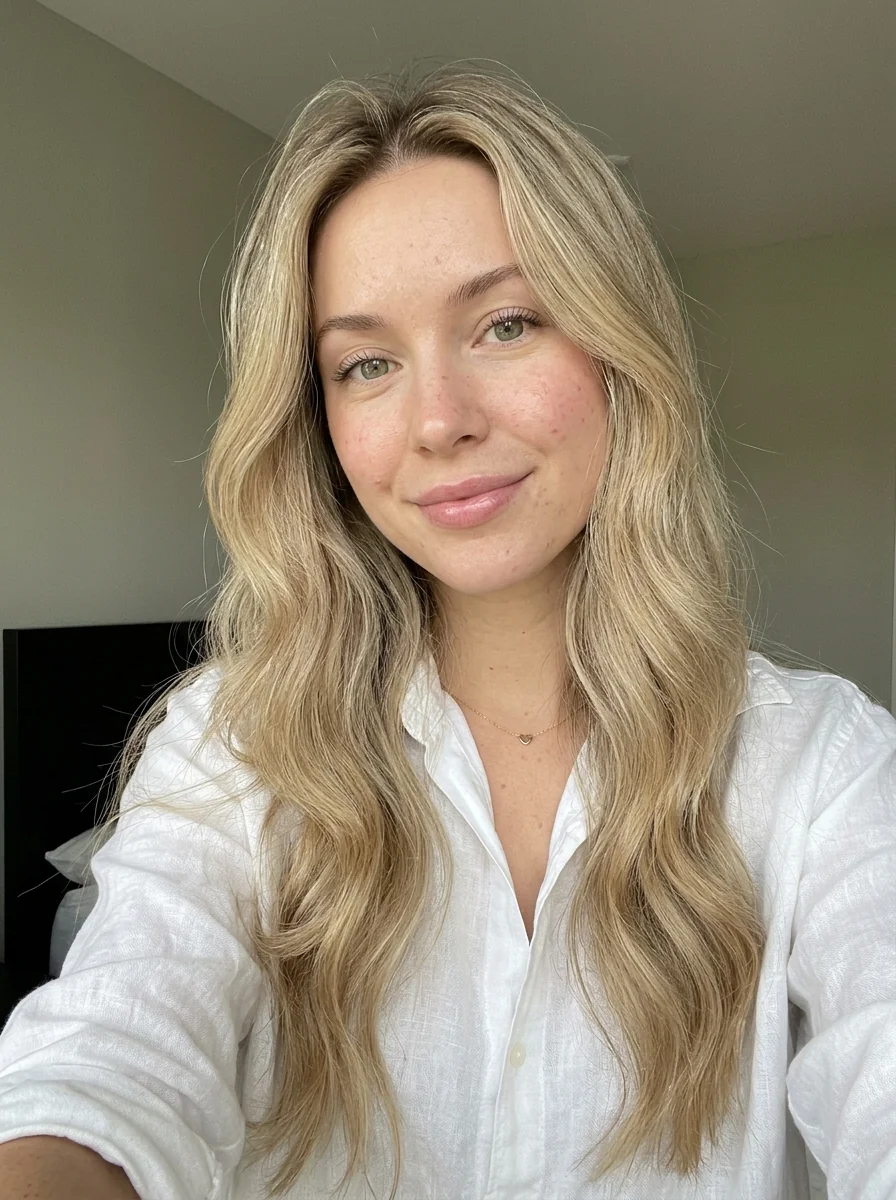
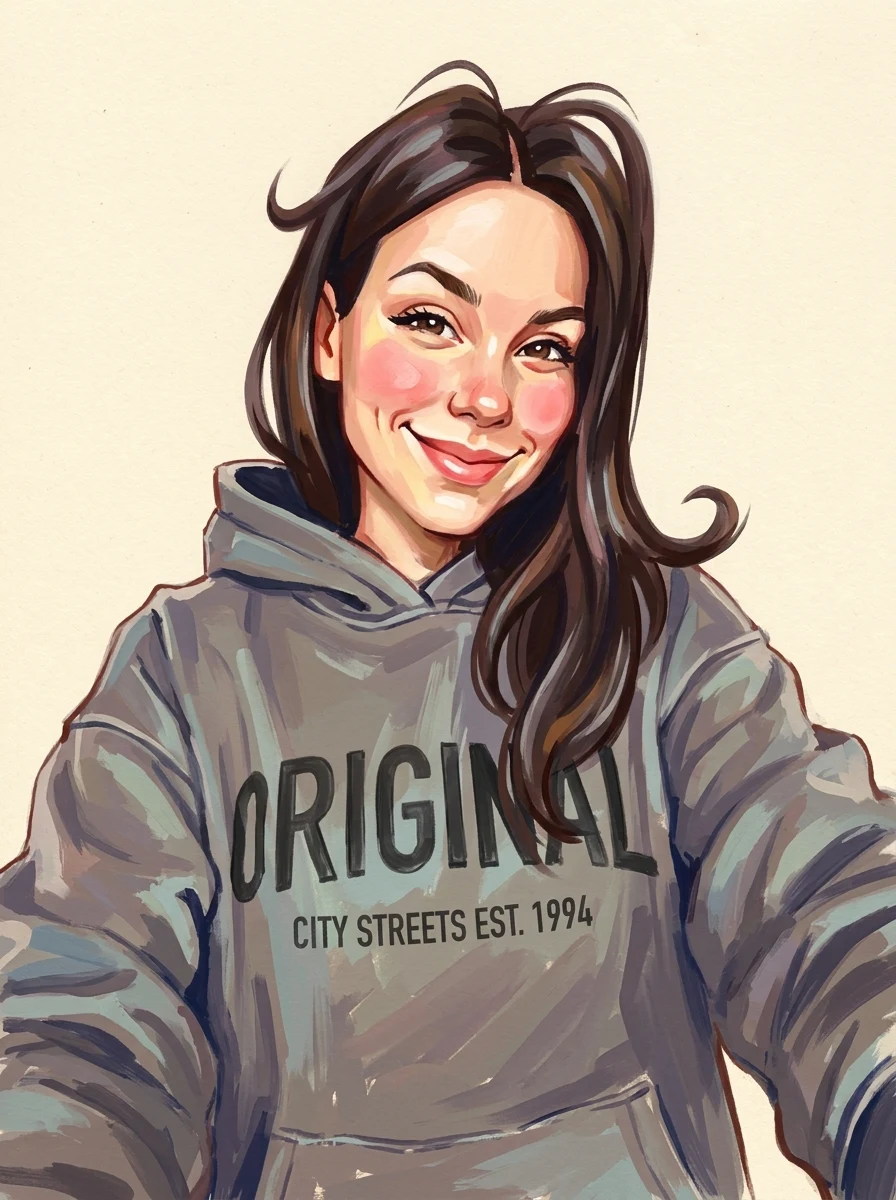
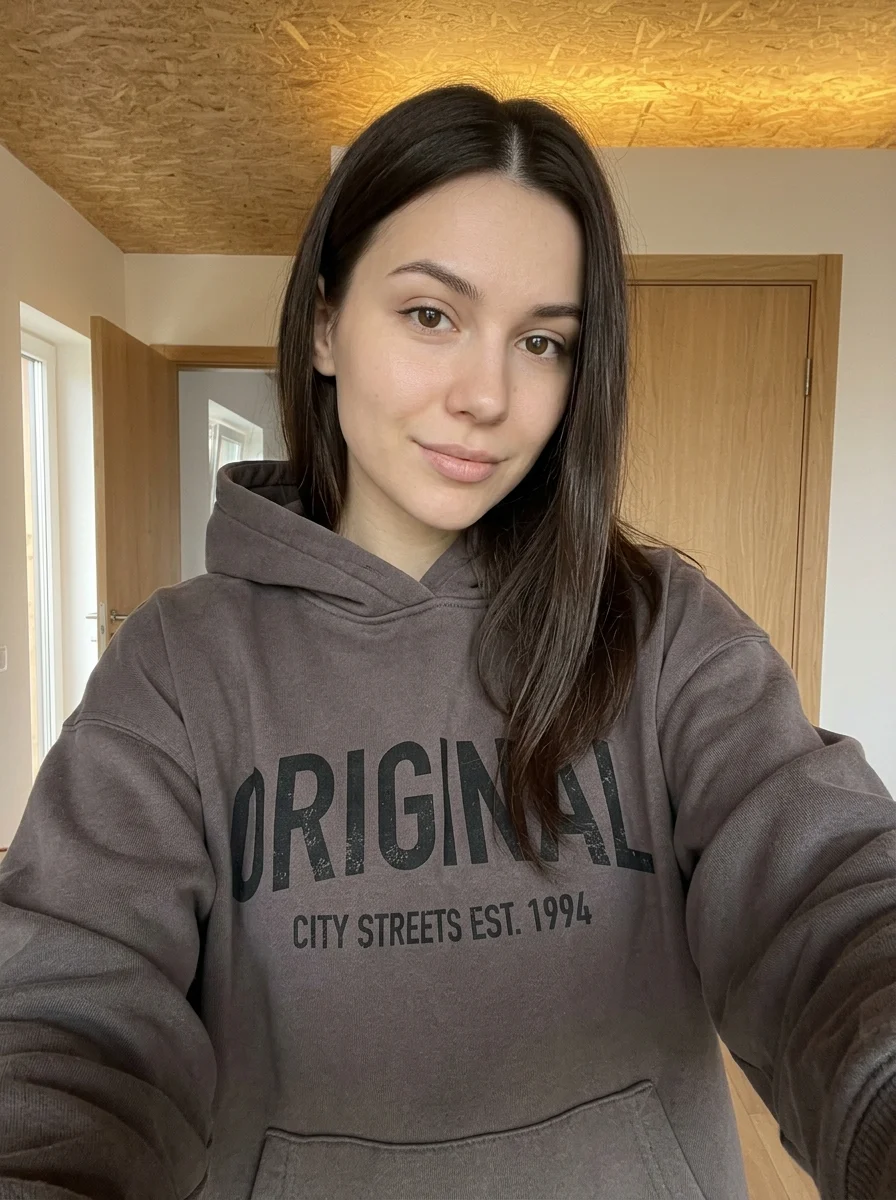
This example shows what the effect can do. Your uploaded photo is used when you generate, and results may vary.
Sign in to see your private images.
What is Pop Art Banknote Portrait?
Create a red-background pop-art portrait with banknote-style engraving.
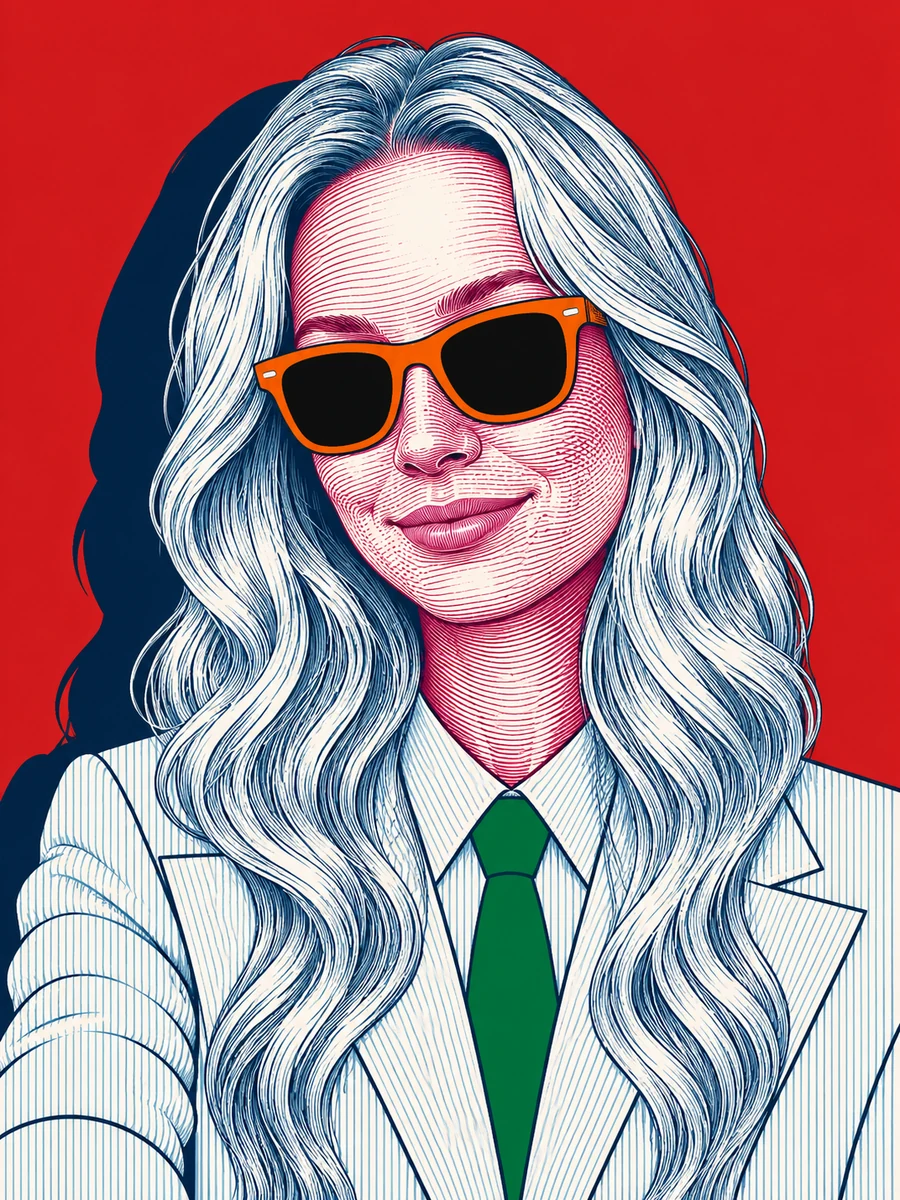
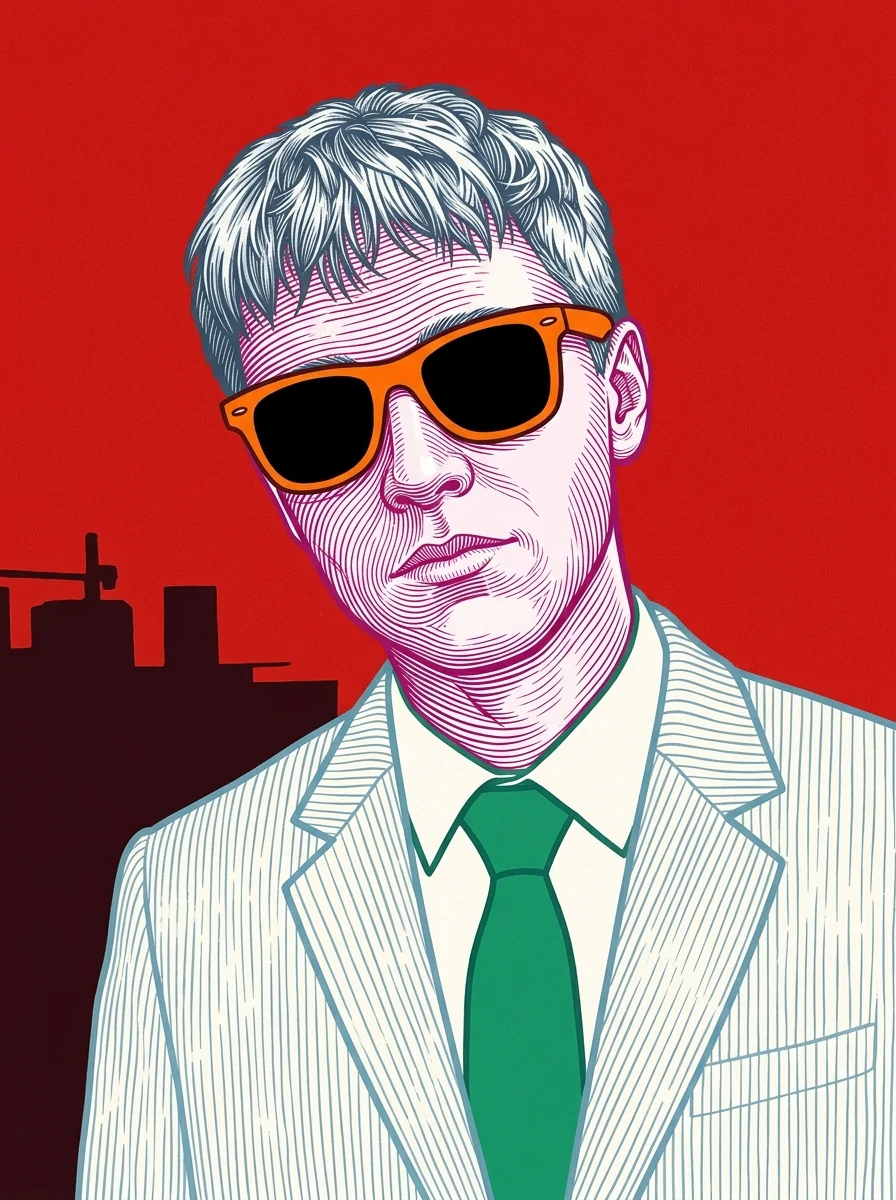

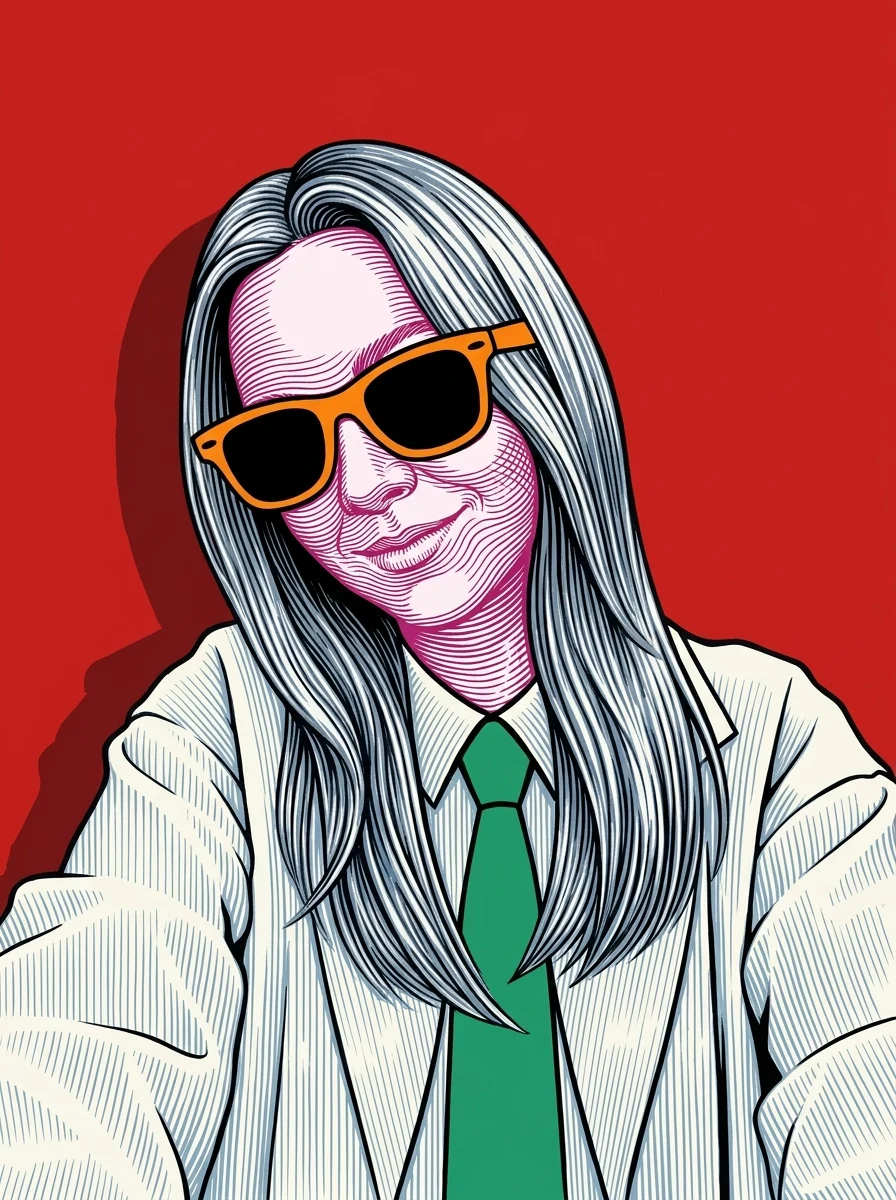

How to Make Your Own Pop Art Banknote Portrait
- 01
Add your photos
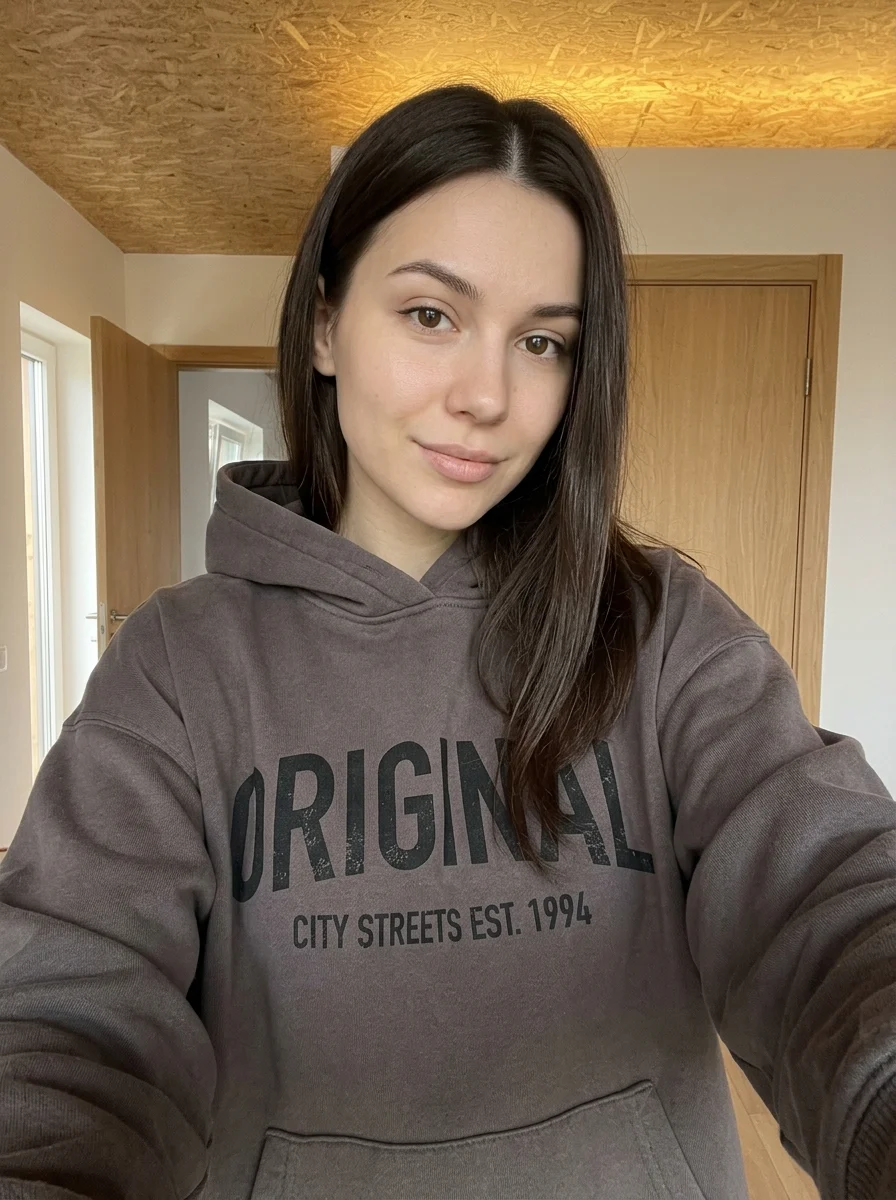
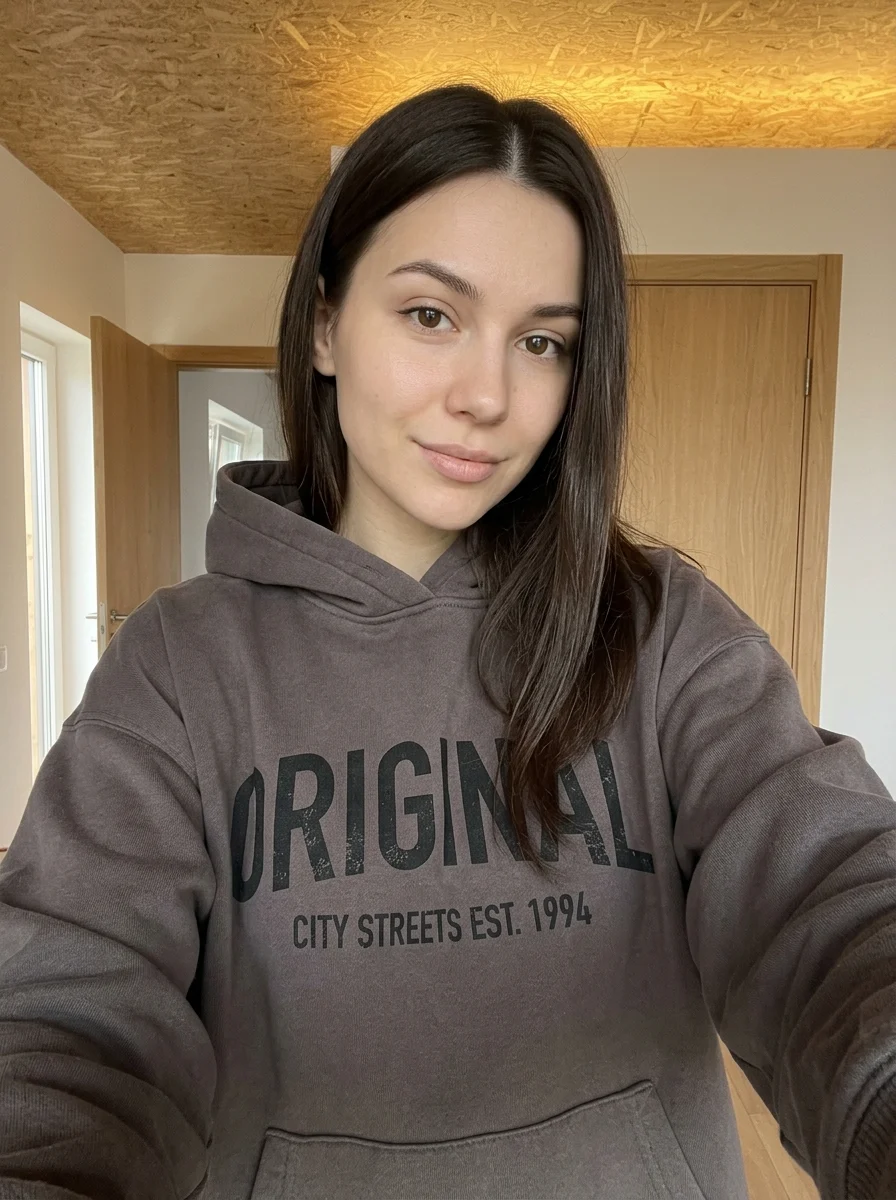
Upload 1 photo or try the example in the upload area.
- 02
Set your output
Choose the resolution, aspect ratio and number of images. The effect applies its preset style.
- 03
Generate, preview & download
Check the credit cost, generate your image and save it from My Images.
Frequently Asked Questions
Does the banknote portrait make a real-looking bill?
The effect uses fine engraved lines on a red pop-art portrait. The banknote reference describes the illustration texture.
Will my actual hair and clothing colors stay the same?
Expect the original palette to shift to the preset’s graphic colors. Choose a photo with a distinct hairstyle and strong clothing shapes so they read through the recoloring.
How can I make the fine engraving lines easier to see?
Use a sharply focused portrait and choose a higher resolution if the settings offer it. Zoom in on the downloaded image to inspect the hatching.
Explore More AI Photo Effects
Make your own Pop Art Banknote Portrait
Add your photos to try this effect with your own images.
1 photo · 3 credits
Back to upload