
Credits are returned if generation fails.
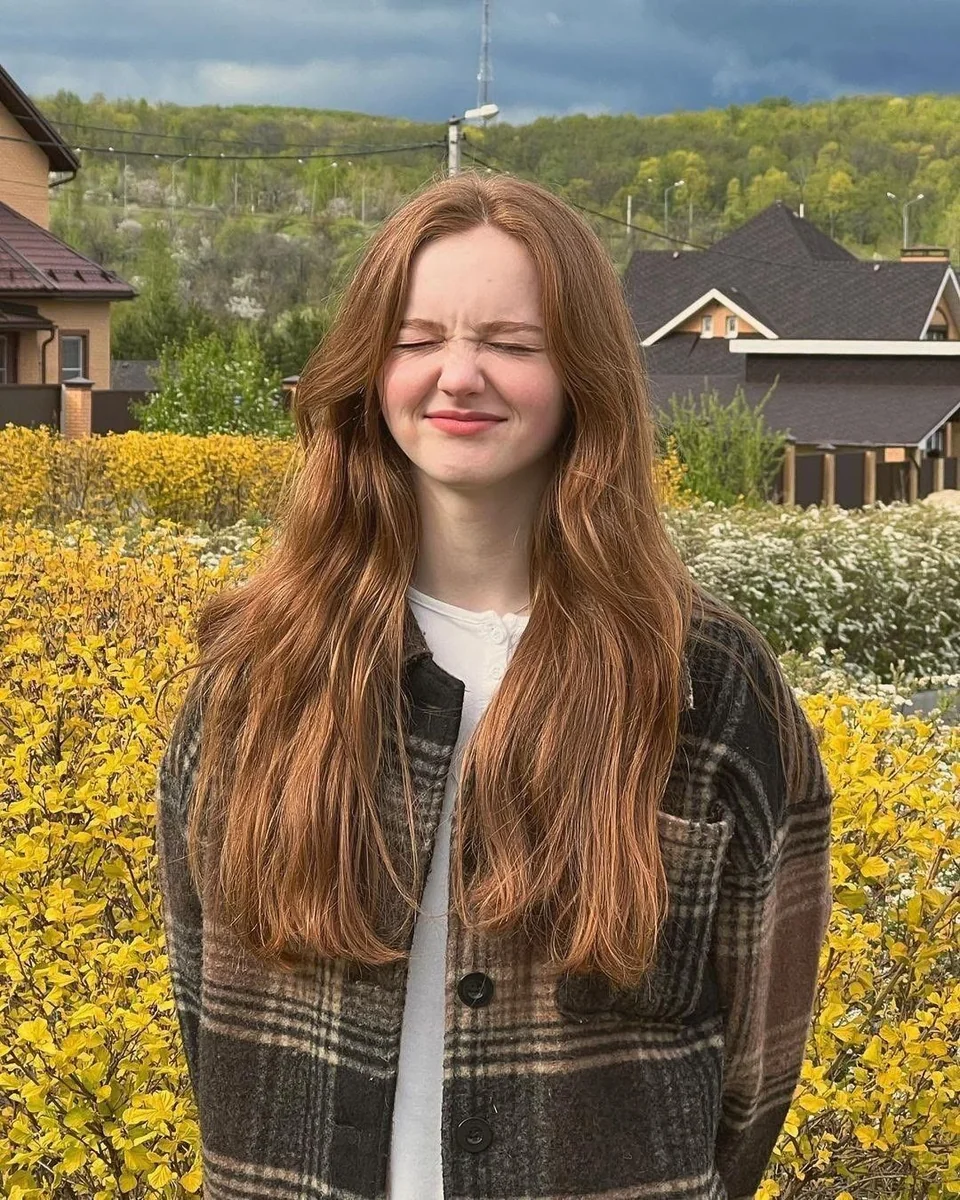
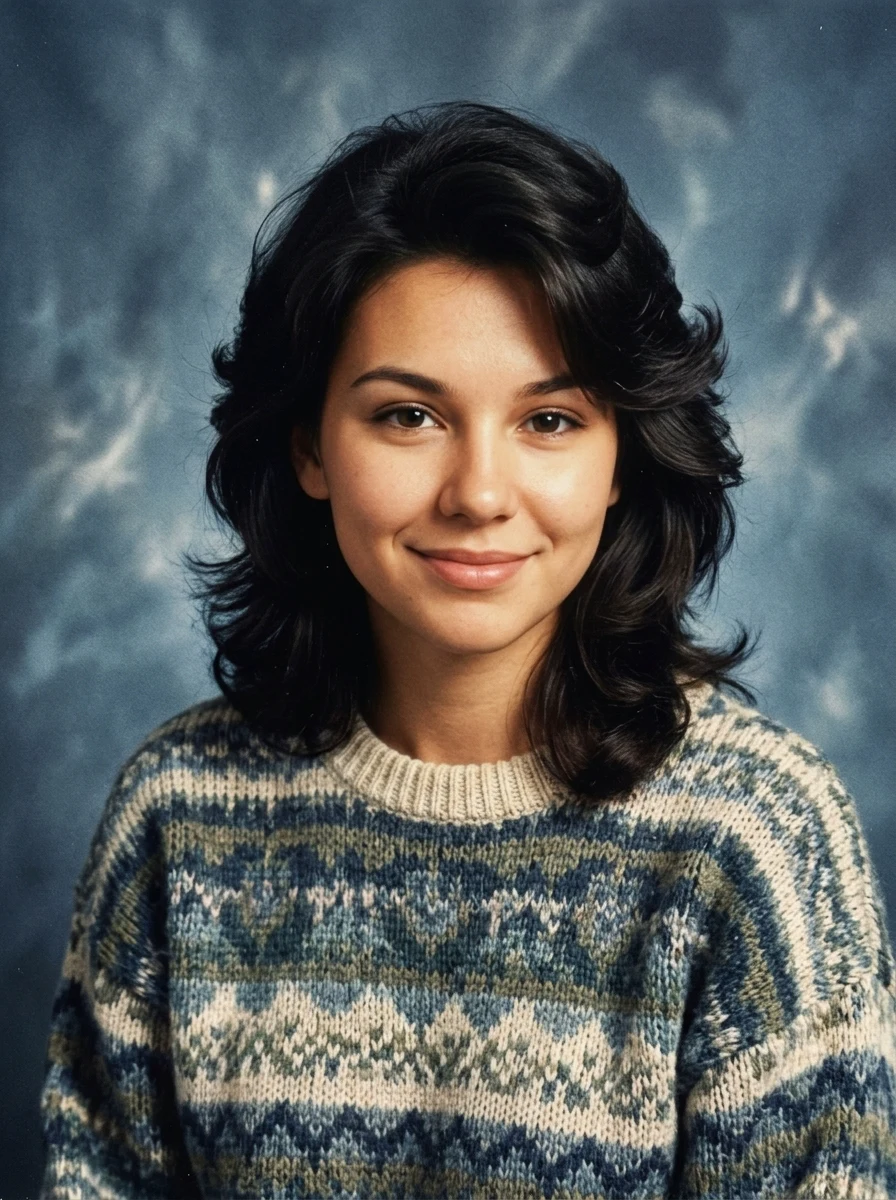
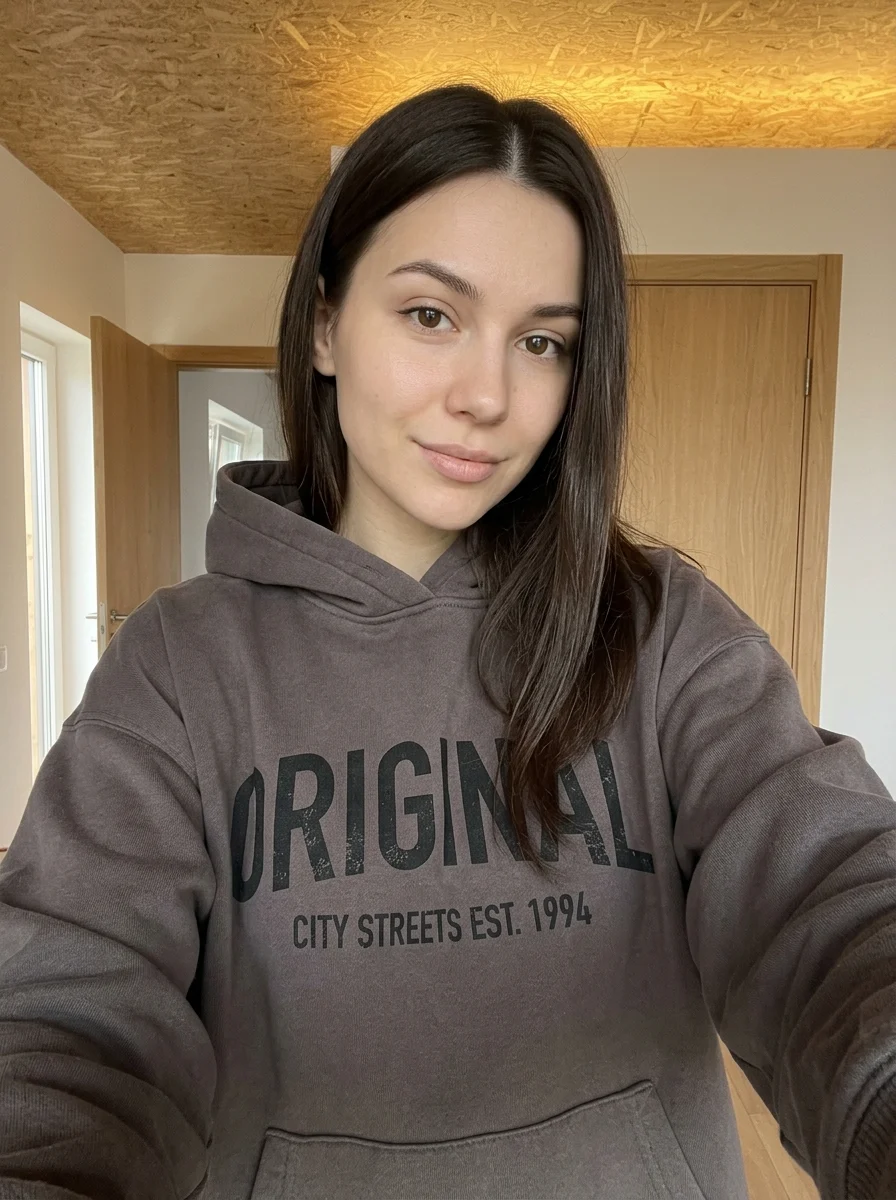
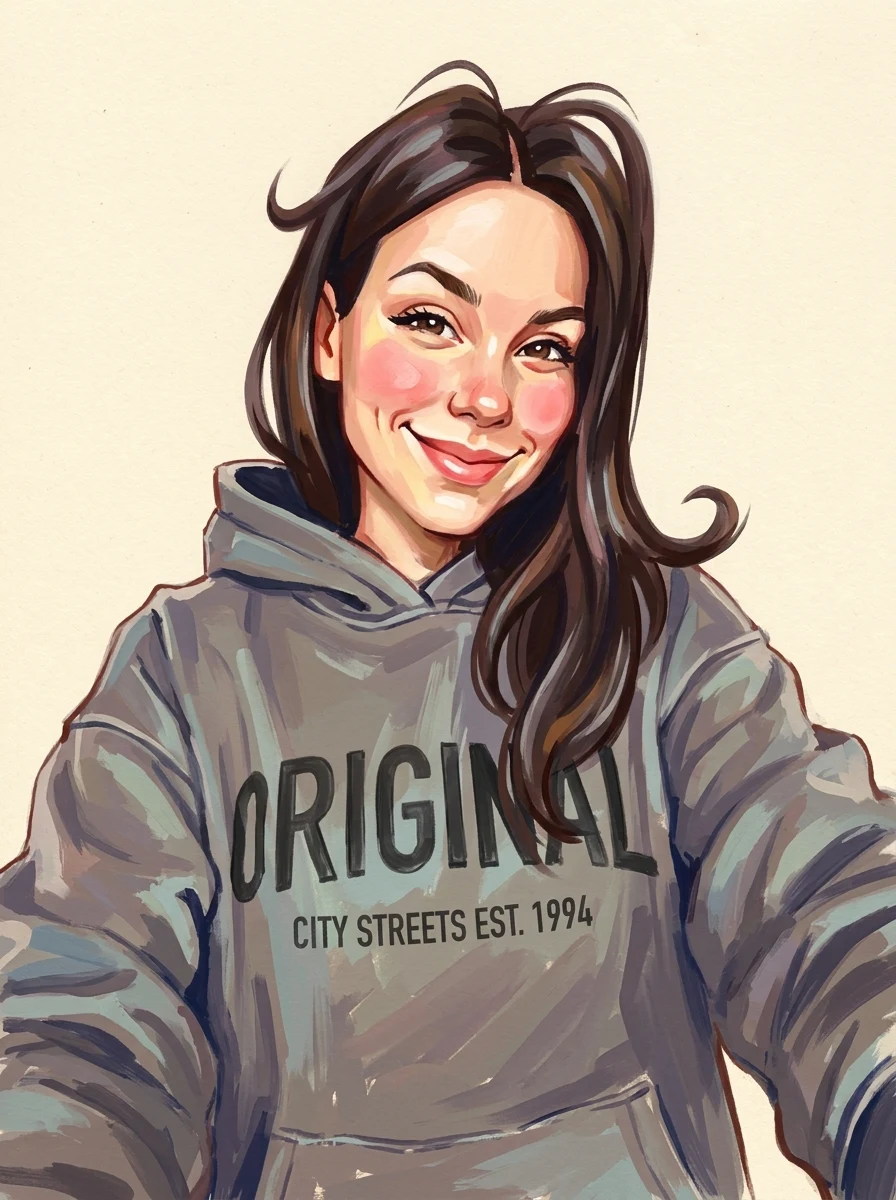
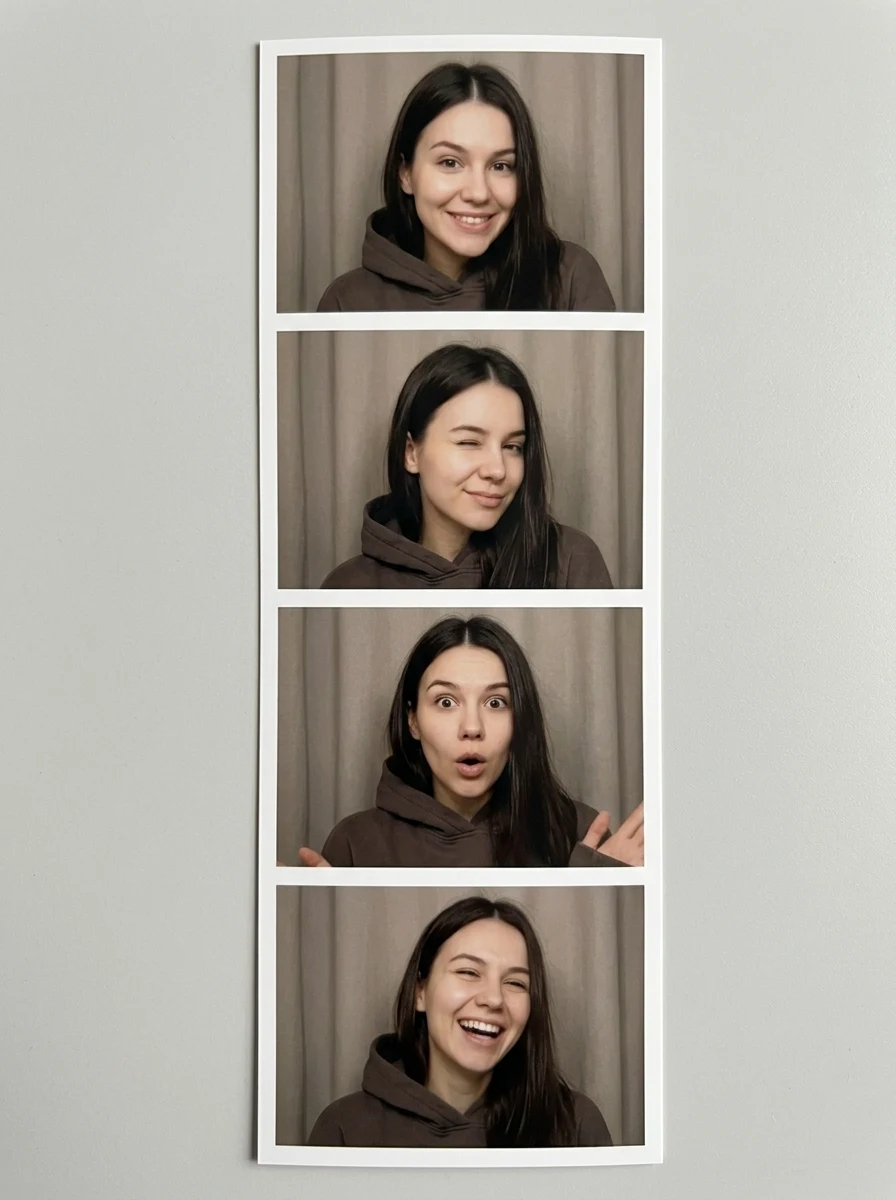
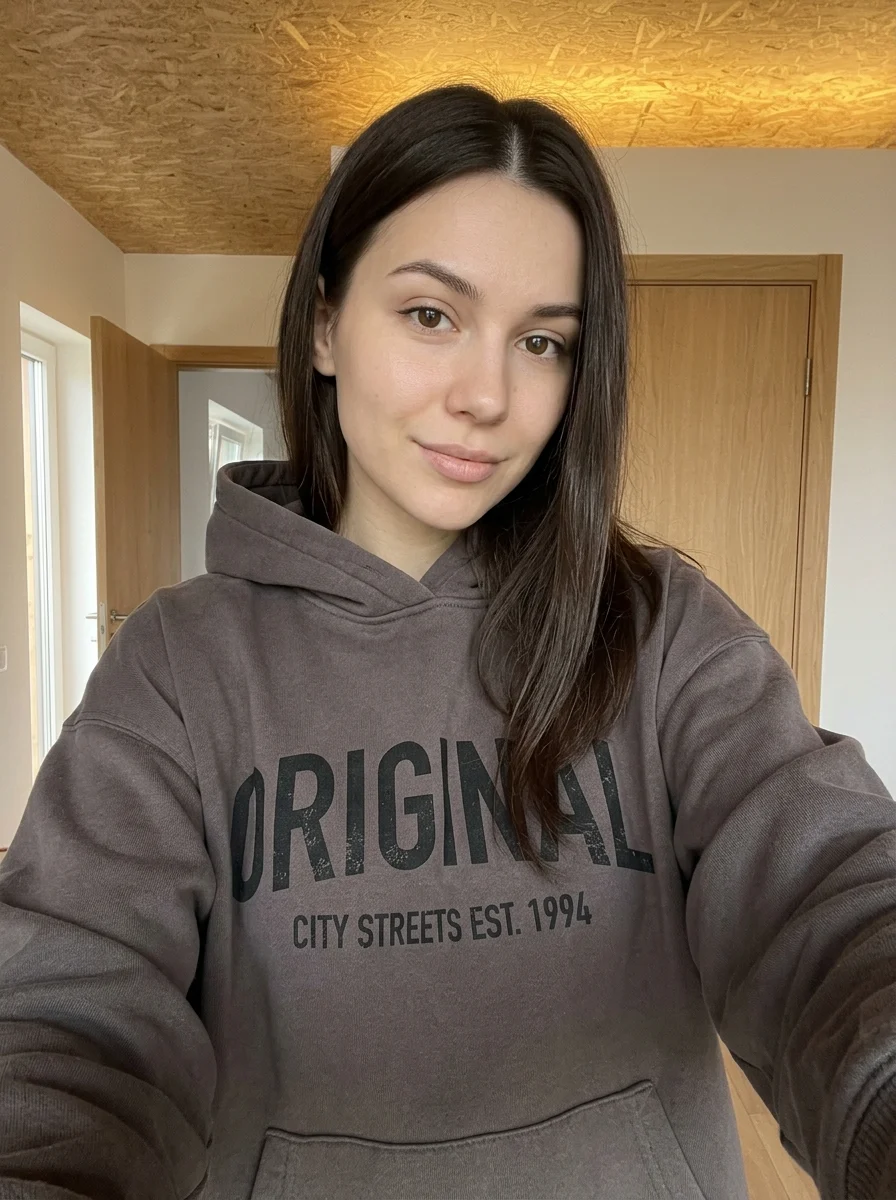
This example shows what the effect can do. Your uploaded photo is used when you generate, and results may vary.
Sign in to see your private images.
What is Quirky Pop Doodle Sticker?
Pair a photo cutout with playful hand-drawn stickers and bold colors.
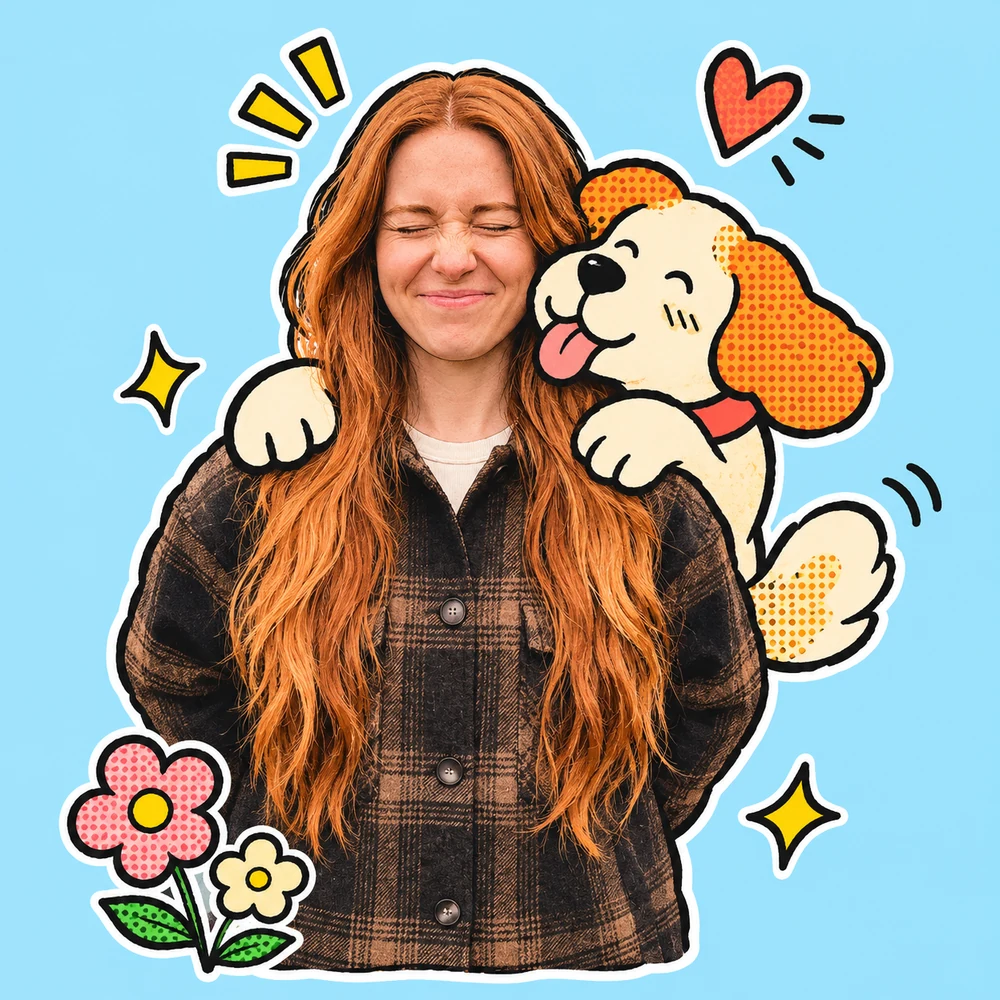
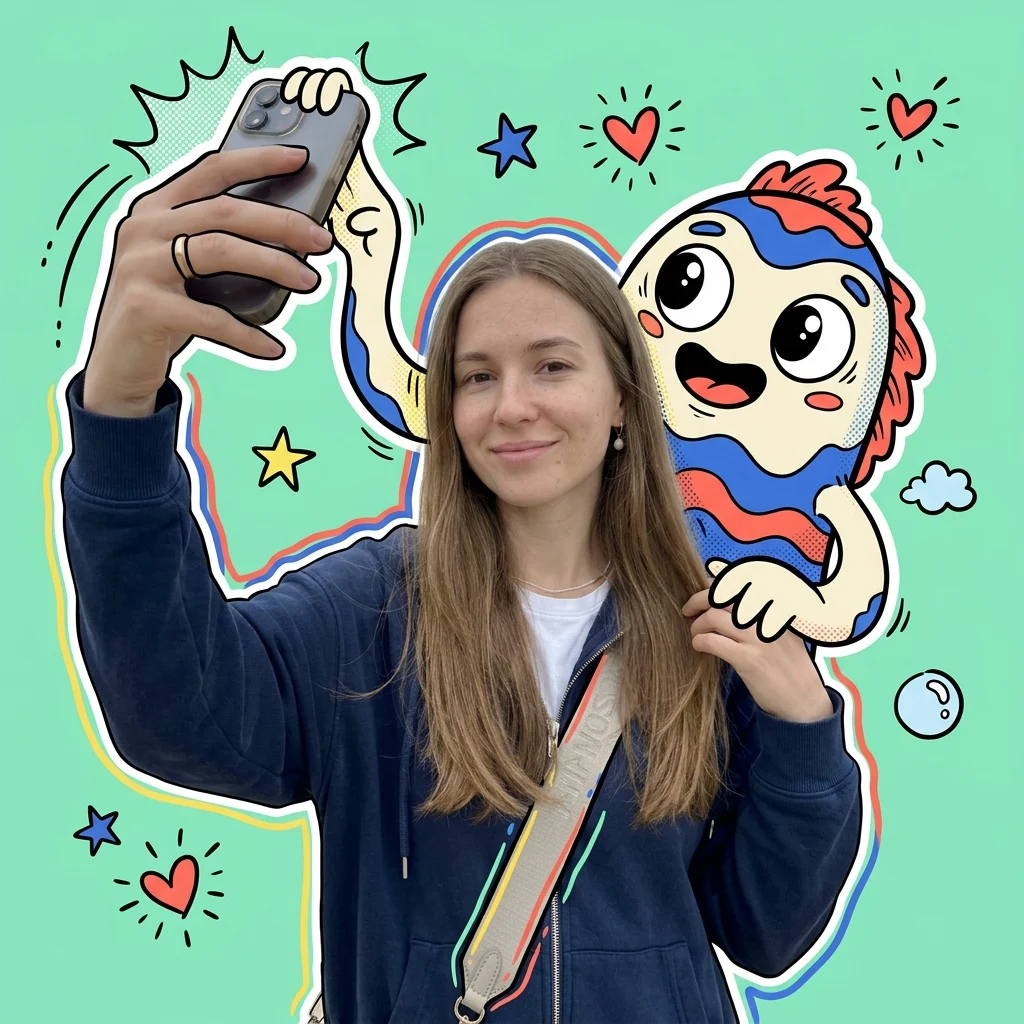
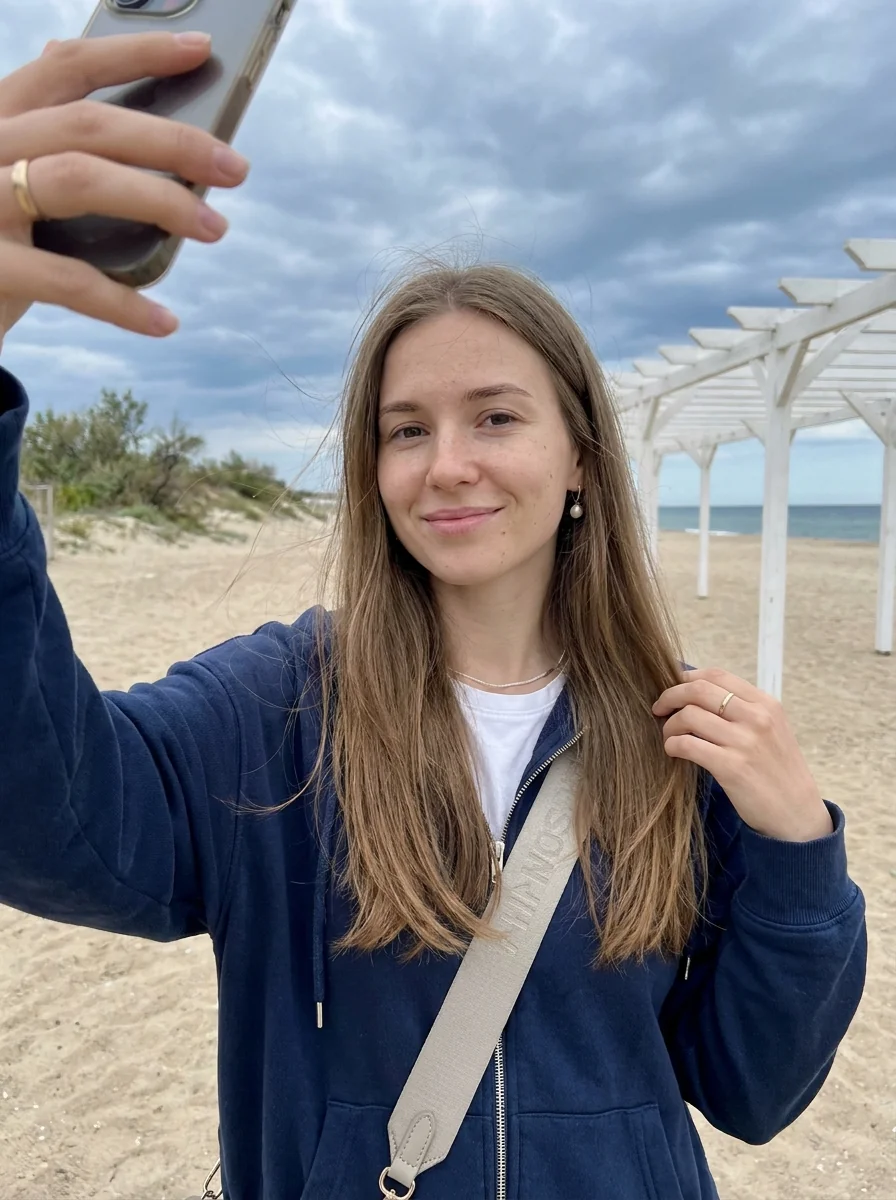
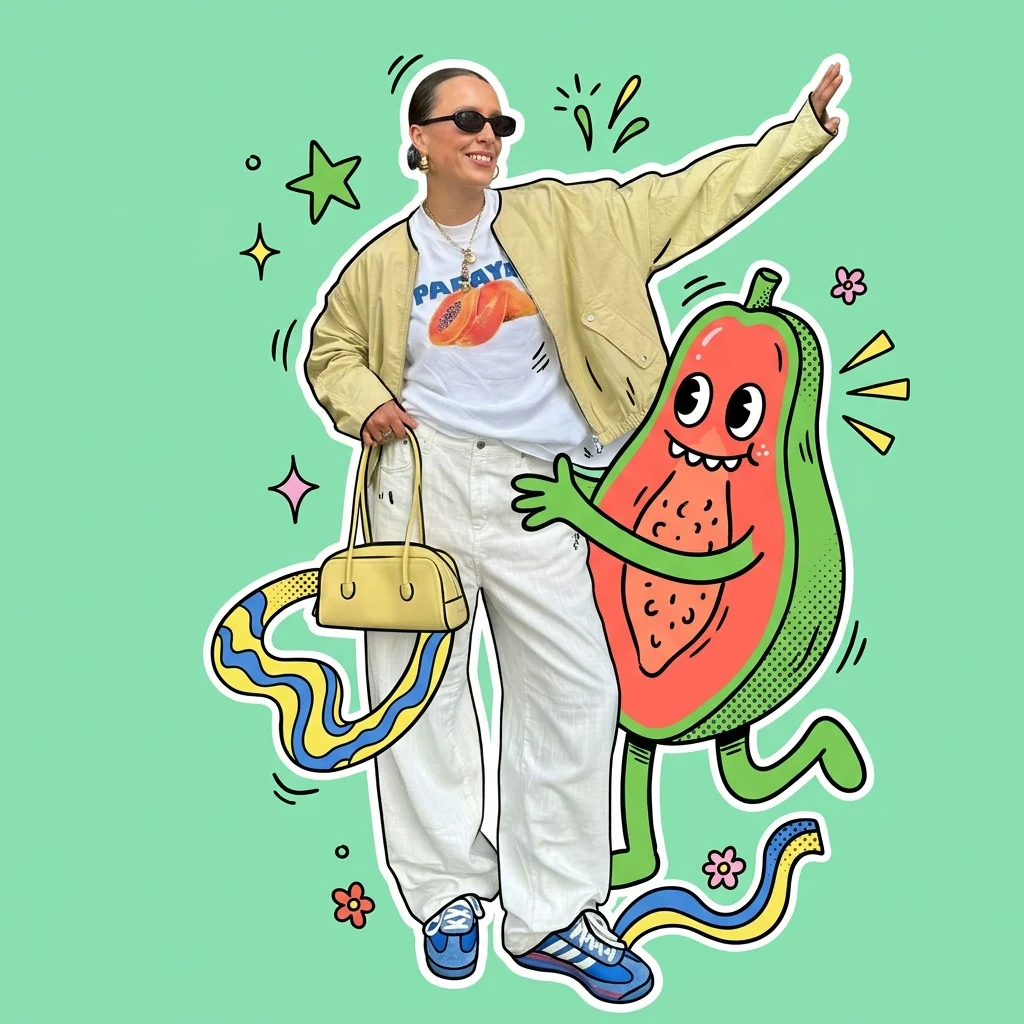
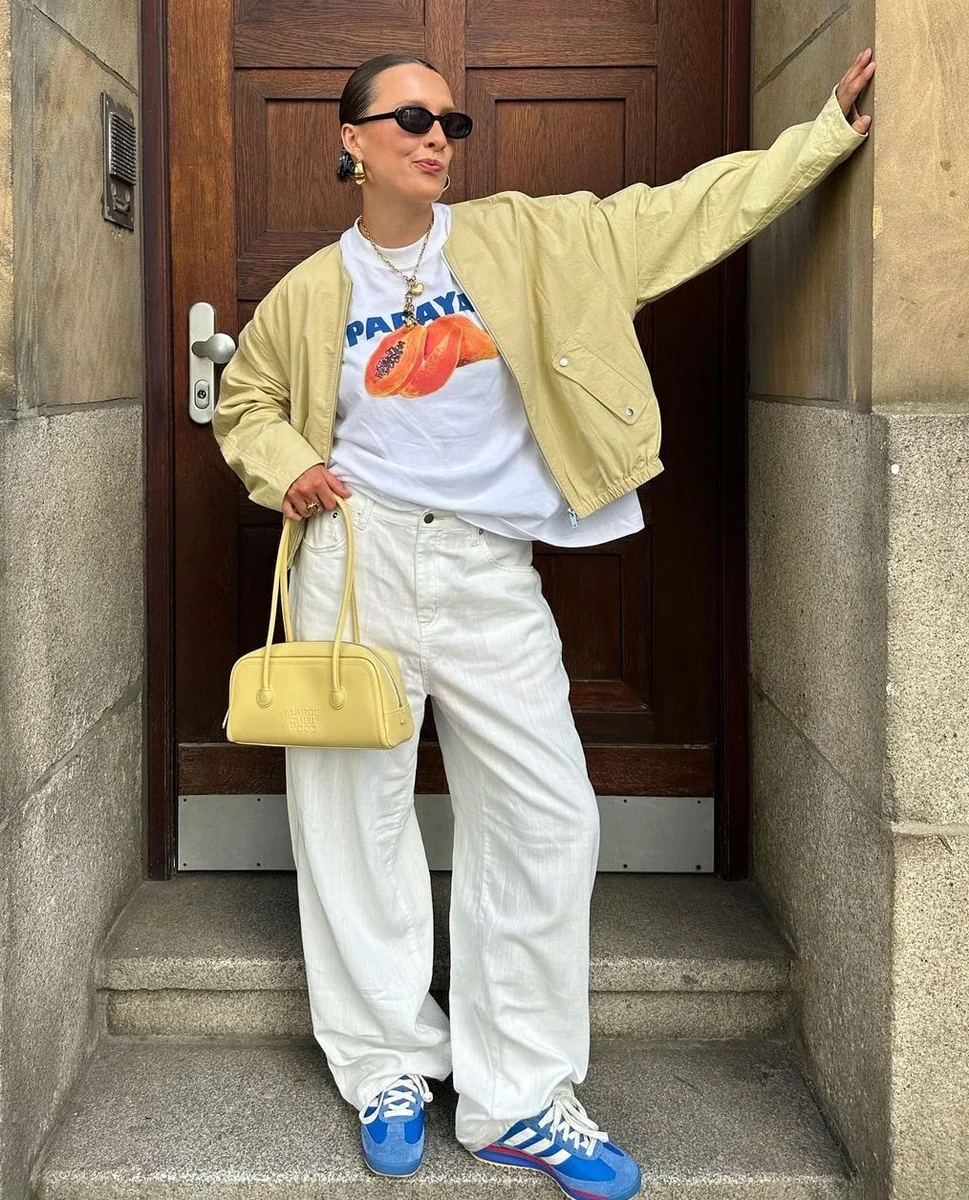
How to Make Your Own Quirky Pop Doodle Sticker
- 01
Add your photos
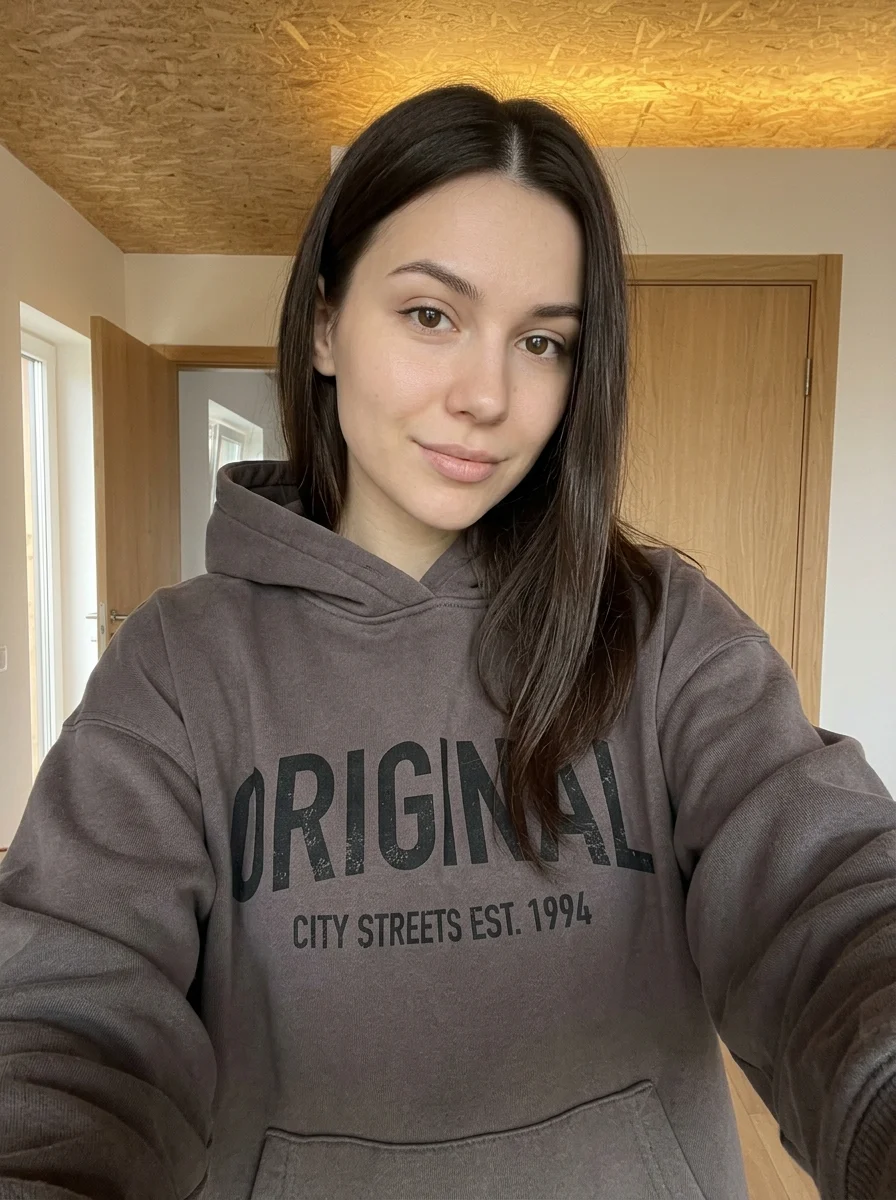
Upload 1 photo or try the example in the upload area.
- 02
Set your output
Choose the resolution, aspect ratio and number of images. The effect applies its preset style.
- 03
Generate, preview & download
Check the credit cost, generate your image and save it from My Images.
Frequently Asked Questions
Will the pop doodle effect keep a photo look around my face?
The style combines a photo cutout with drawn stickers. A sharp, evenly lit face gives the cutout more photographic detail to work with.
What helps stop stickers from hiding the subject?
Choose a reference with open space around the head and shoulders. That gives the generated stickers room around the cutout.
Can I download the doodles as individual transparent stickers?
The result is one composite artwork with the cutout and doodles together. Individual stickers are part of that image.
Explore More AI Photo Effects
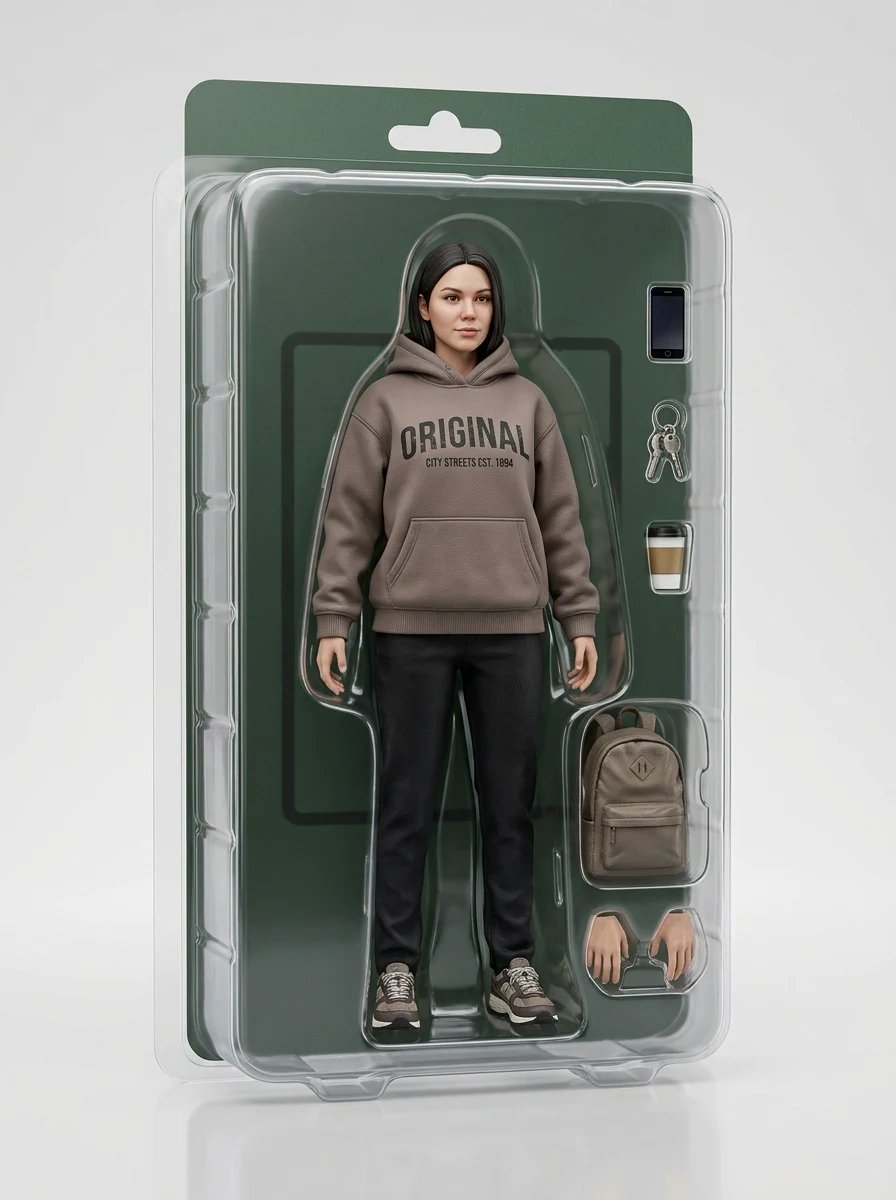
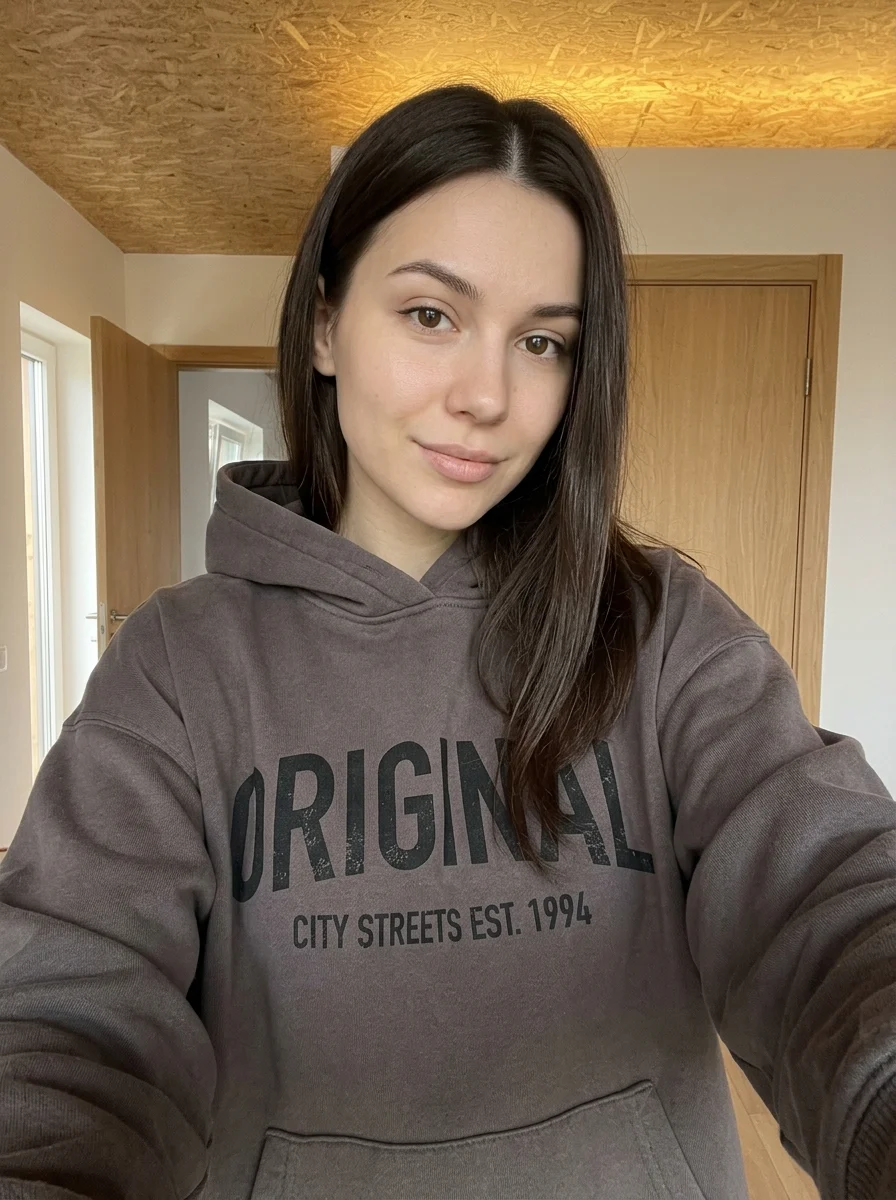
Make your own Quirky Pop Doodle Sticker
Add your photos to try this effect with your own images.
1 photo · 3 credits
Back to upload