
Credits are returned if generation fails.
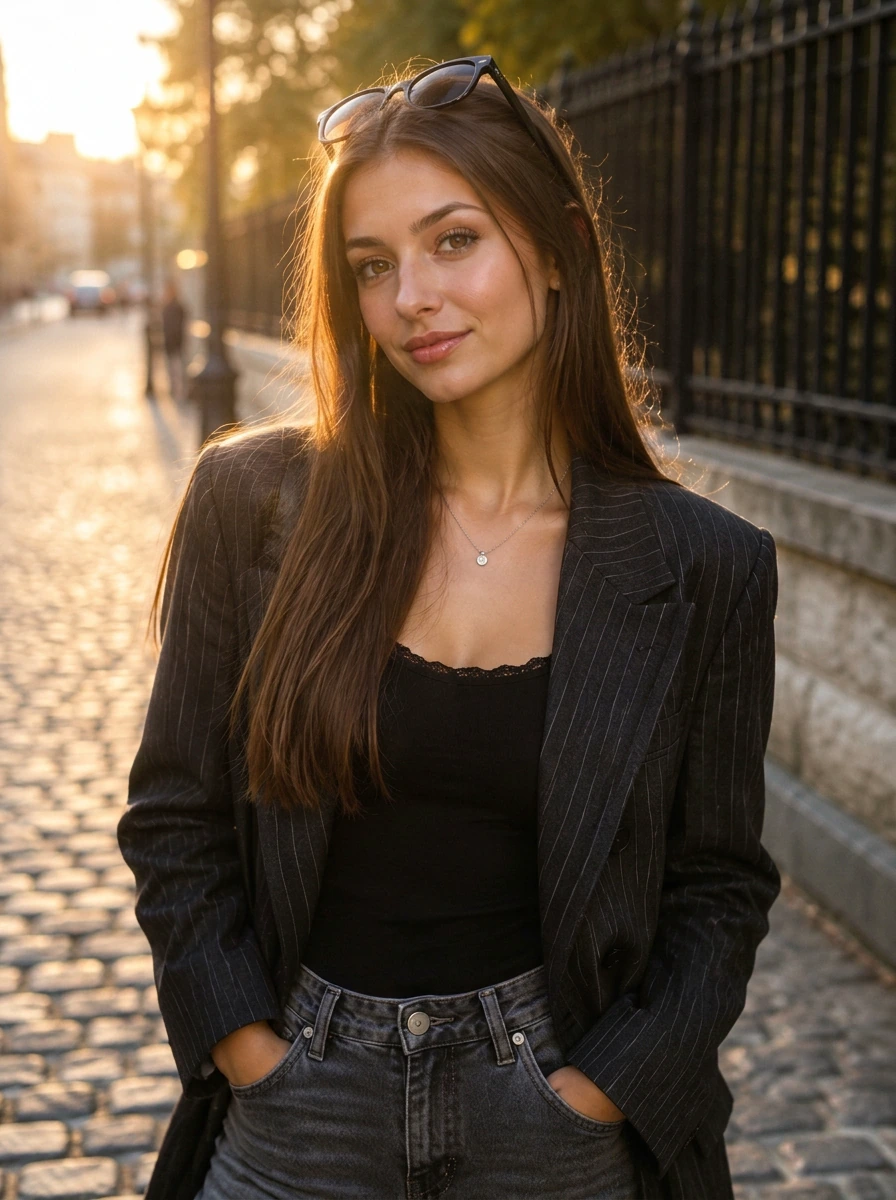
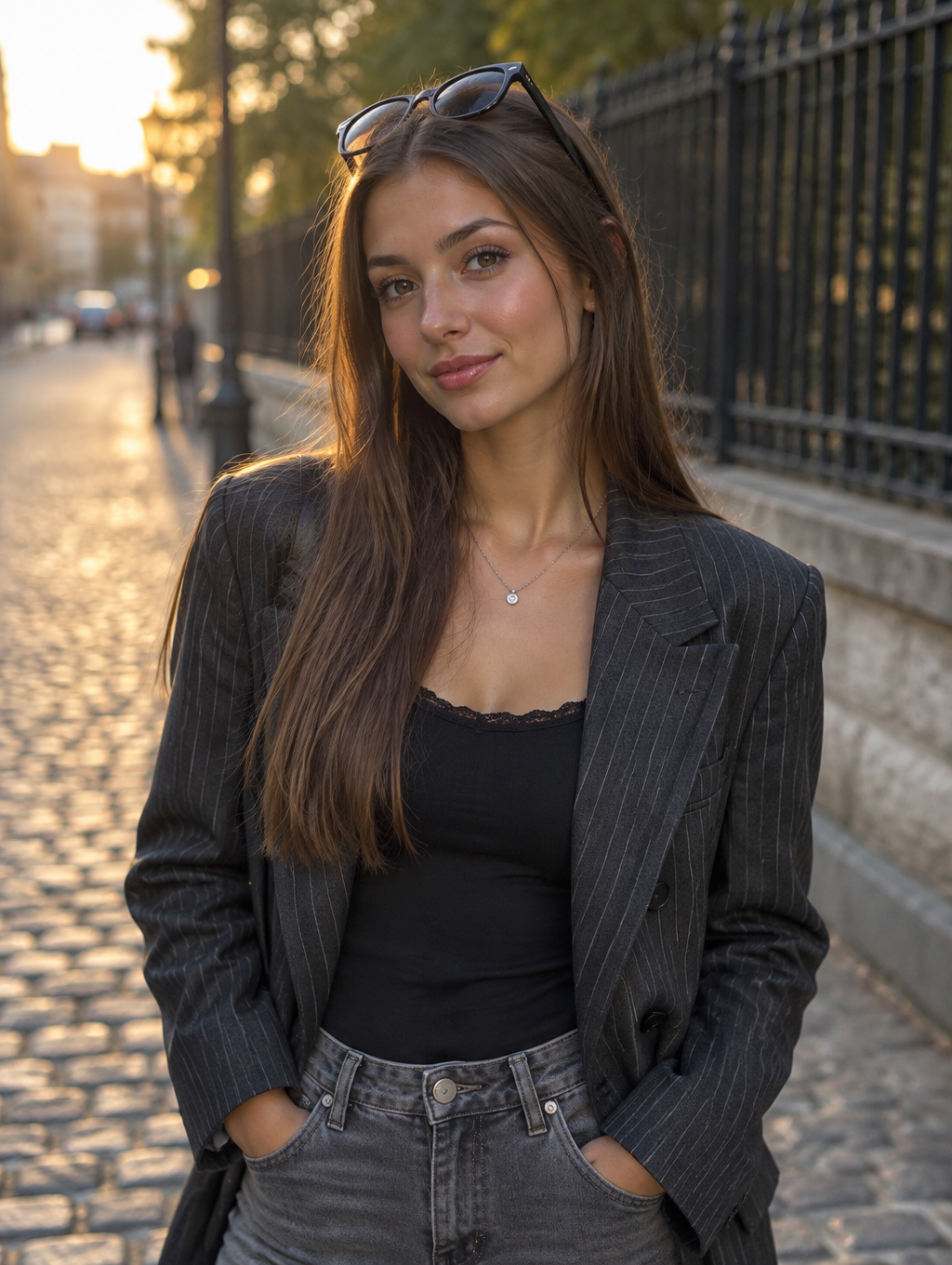
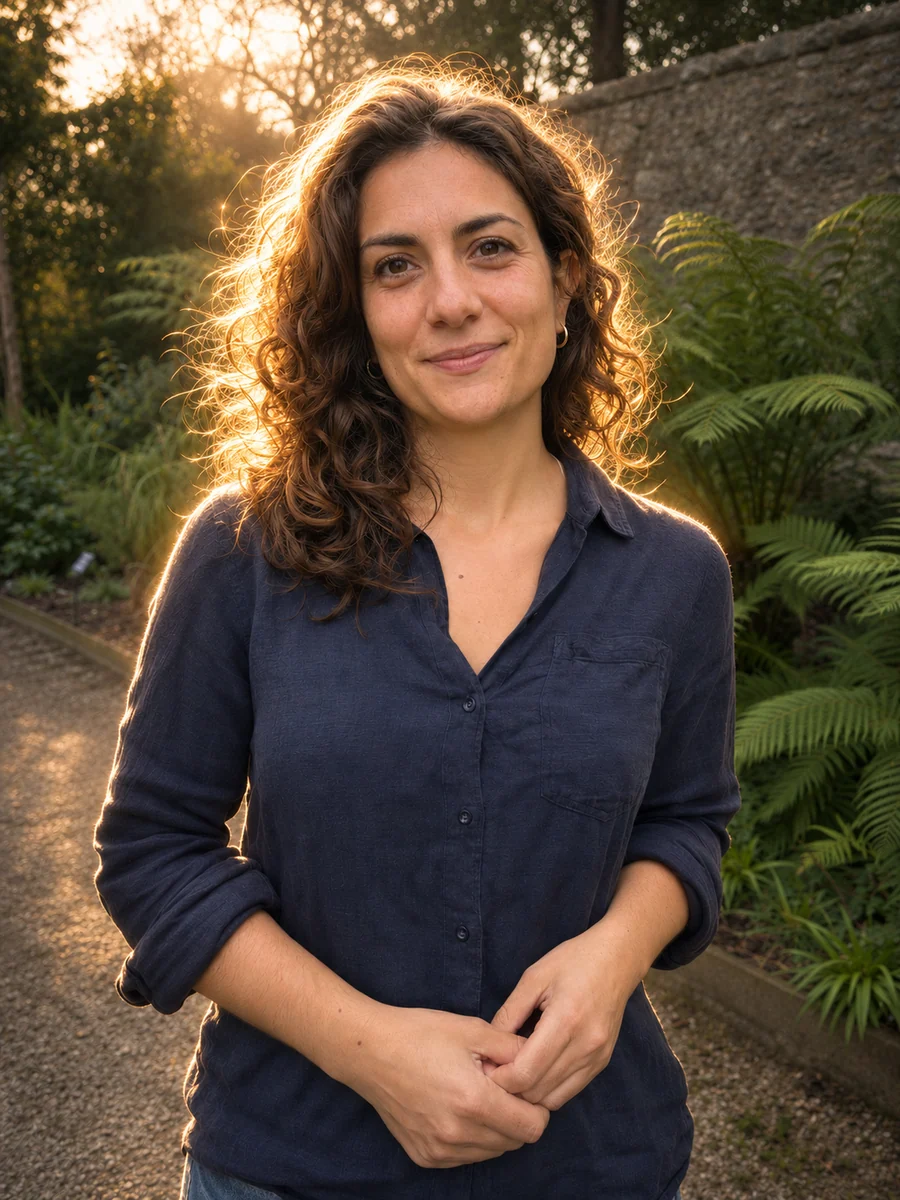
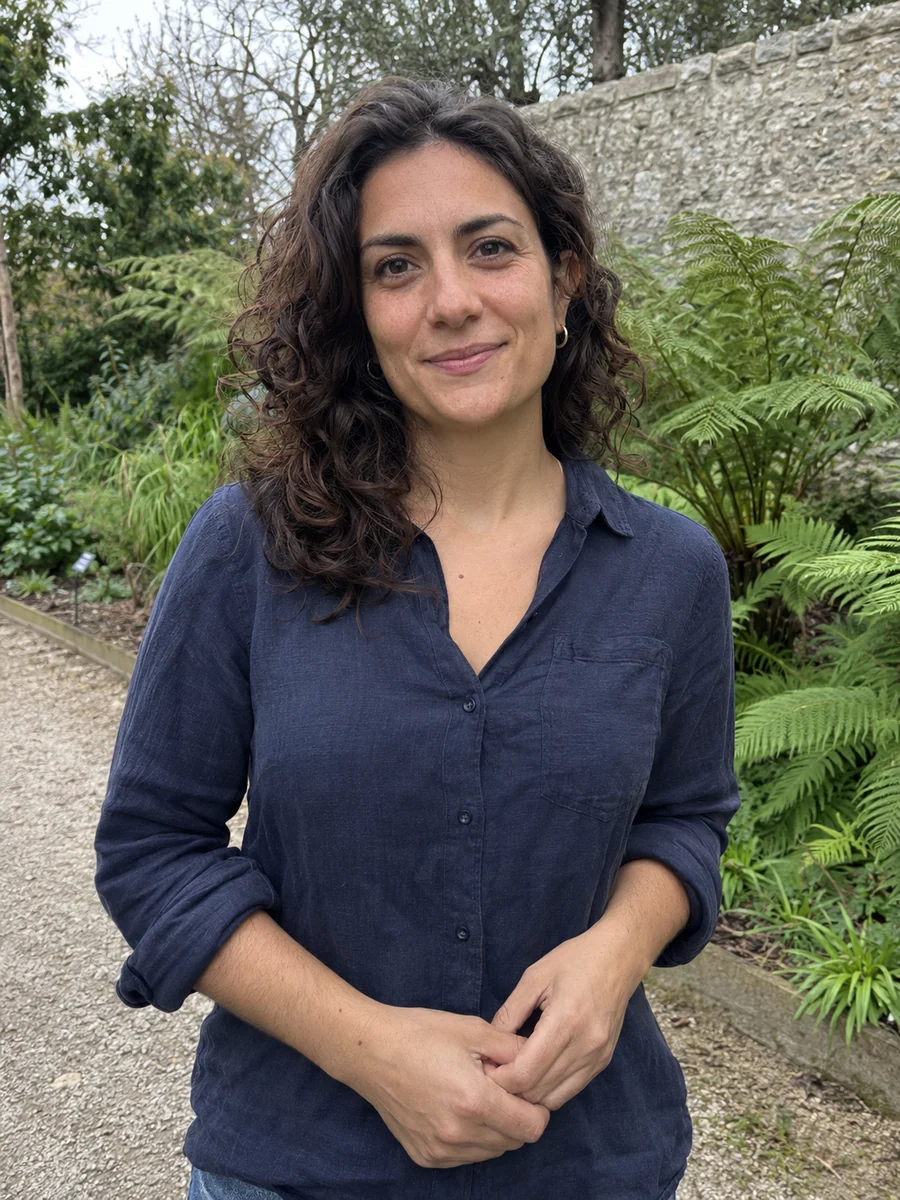
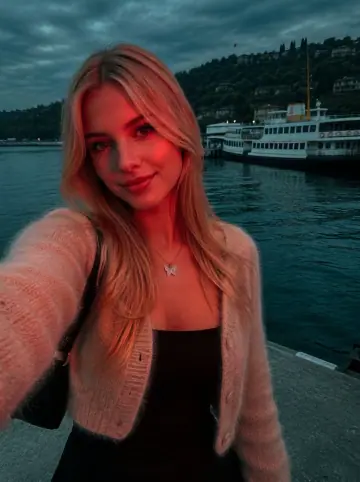
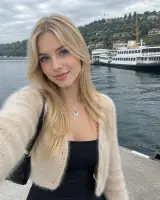
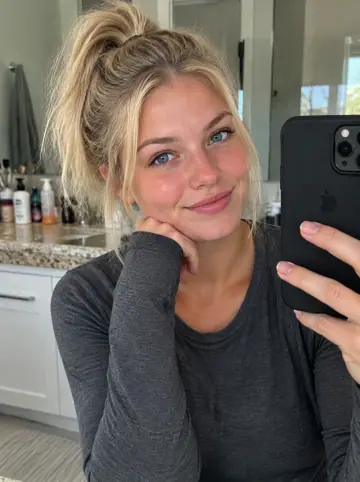
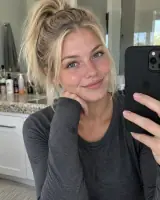
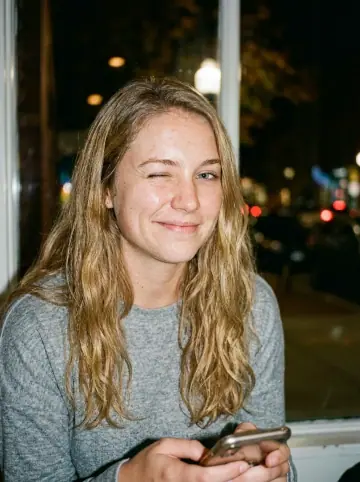
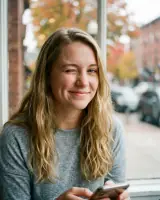
This example shows what the effect can do. Your uploaded photo is used when you generate, and results may vary.
Sign in to see your private images.
What Is the Backlight AI Effect?
Backlight AI follows the supplied portraits’ rear light, bright hair and shoulder rims, localized diffusion and deeper ambient tones. Champagne-gold is the default palette; sources that are already cool or night-blue can retain an ice-white and cyan treatment. The source provides the people, outfits and location. The examples pair original photos with AI-edited warm backlight results.
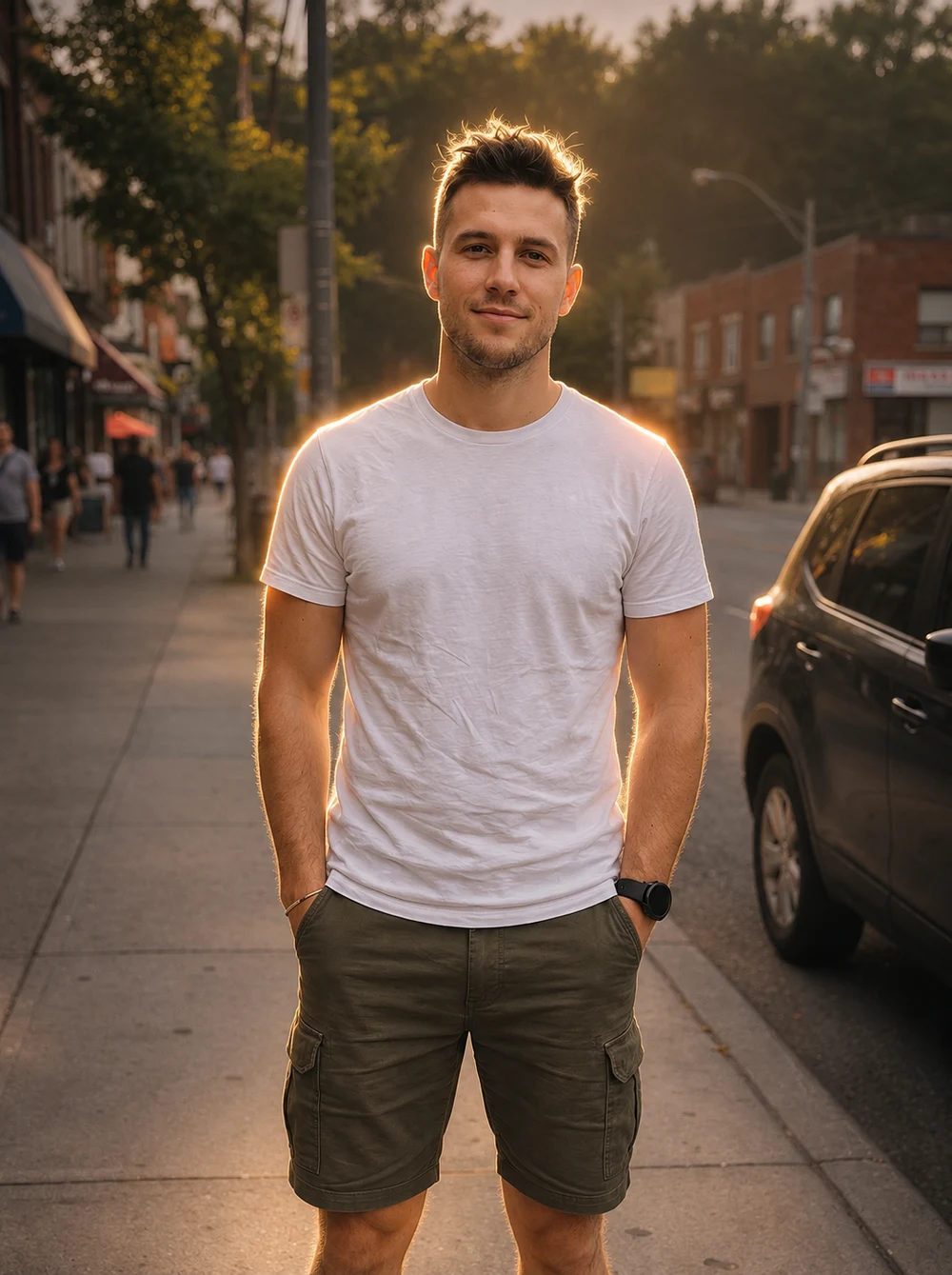
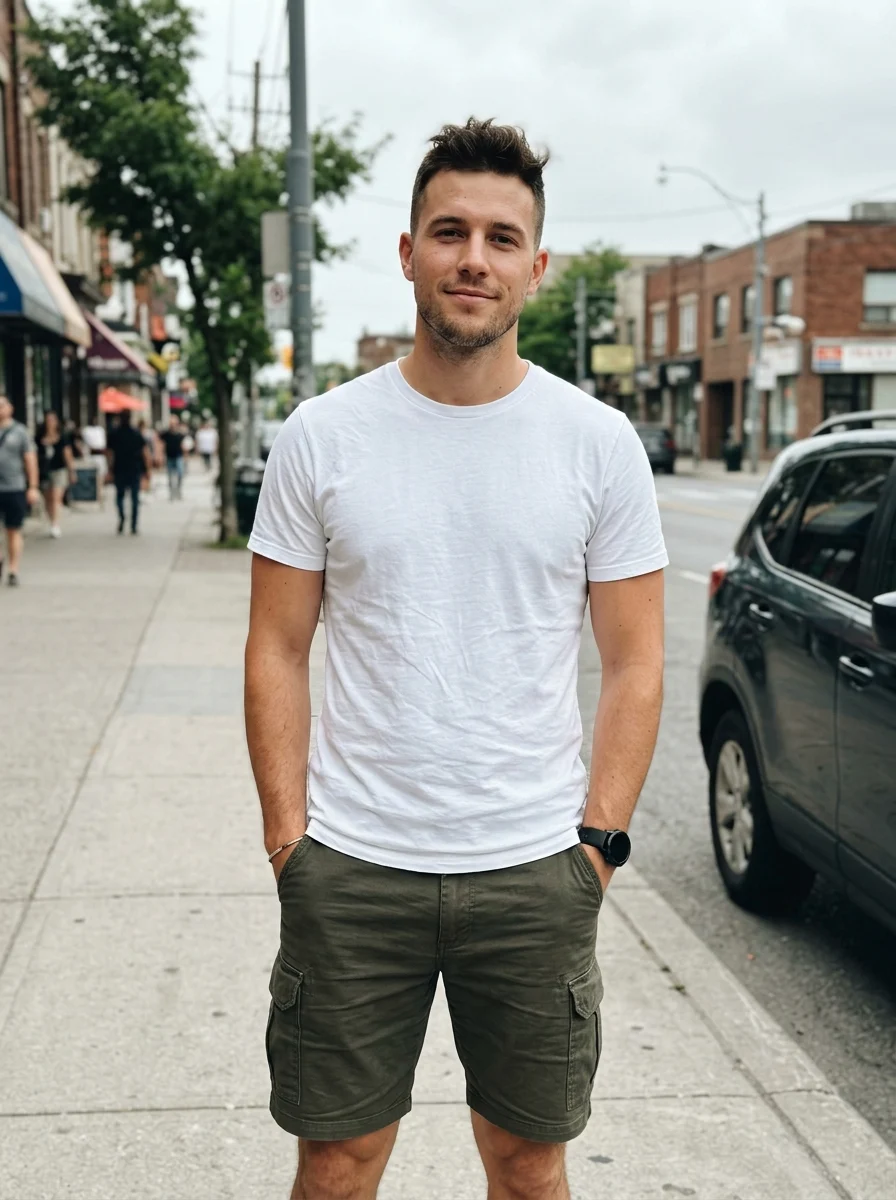
How to Make a Backlight AI Photo
- 01
Upload one photo
Choose an in-focus portrait or one group photo with readable faces and clear hair or shoulder contours.
- 02
Choose your output
Keep Auto for the source ratio, or select another ratio to change the framing. Check the resolution, count and displayed credits.
- 03
Generate and compare
Slide between the original and result. Check the faces, glowing hair edges and retained scene, then download from My Images.
Tips for Better Results
Choose a photo with visible hair edges and some space around the subject. Keep facial and white-clothing detail; avoid heavy beauty filters, already clipped highlights and a face lost in darkness. Existing side or rear light can help guide the effect, but it is not required. Keep Auto for the source ratio.
Frequently Asked Questions
Does my photo already need backlighting?
No. The effect can establish a rear or three-quarter rear light while keeping the source setting. An existing bright area and clear hair or shoulder edges help guide it. Use a source with a readable face.
Will every photo use golden light?
Warm champagne-gold is the default. A source that is already predominantly cool or night-blue can use ice-white and cyan light instead. The preset adapts to the photo; there is no separate color selector.
Will the background become solid black?
The prompt lowers competing background exposure while preserving the original location and objects. An outdoor photo stays outdoors. It does not request a black studio cutout or an unreadable silhouette.
Will my face, expression and outfit stay recognizable?
The preset preserves identity, original complexion, gaze, hairstyle, pose, clothing and accessories. It does not request closed eyes, a new side-profile pose, a dress or flowers. AI editing can still redraw small details, so compare with the original.
Can I use a group photo and keep the original framing?
Yes. Upload one image with clear, unobstructed faces and keep Auto for its original ratio. The same distinct people should share a coherent rear-light direction. Leave some space around heads and shoulders for visible rims.
Explore More AI Photo Effects
Make your own Backlight AI
Add your photos to try this effect with your own images.
1 photo · 3 credits
Back to upload