
Credits are returned if generation fails.
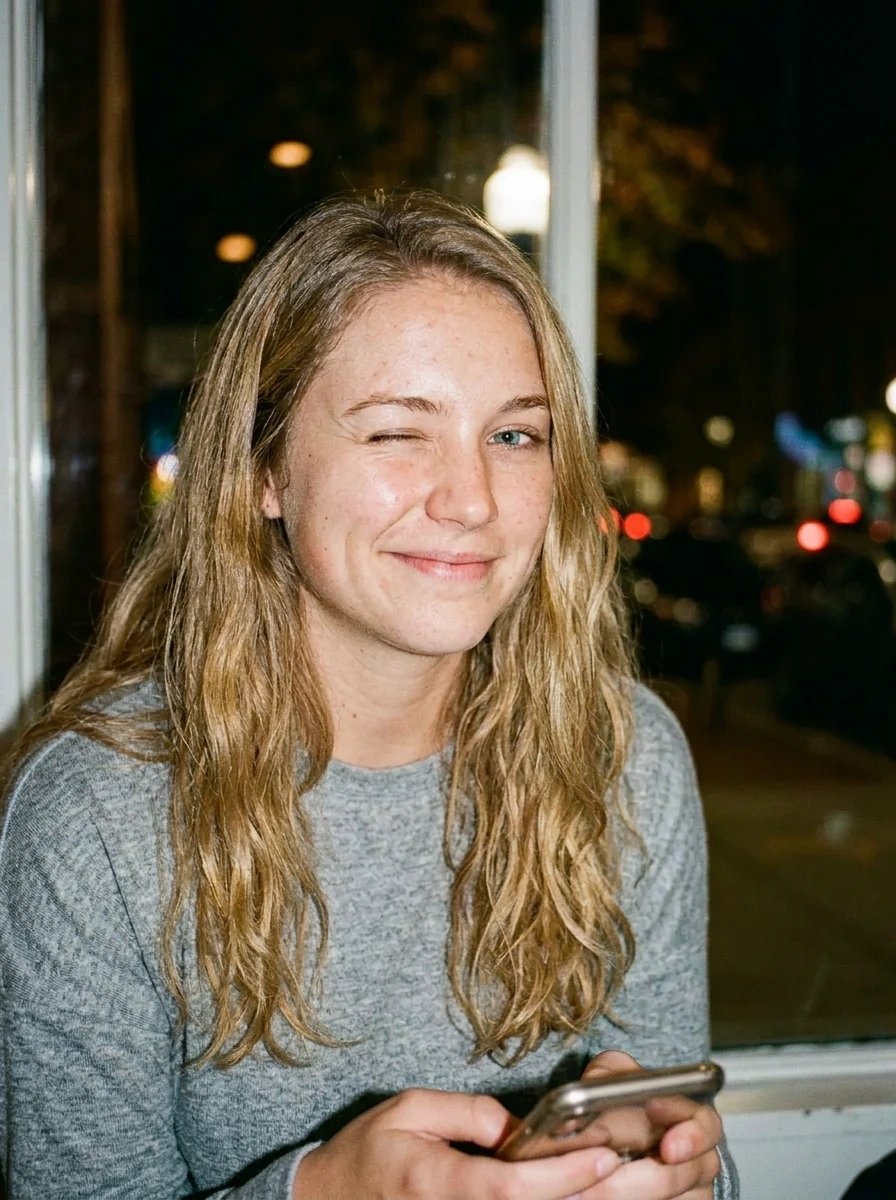
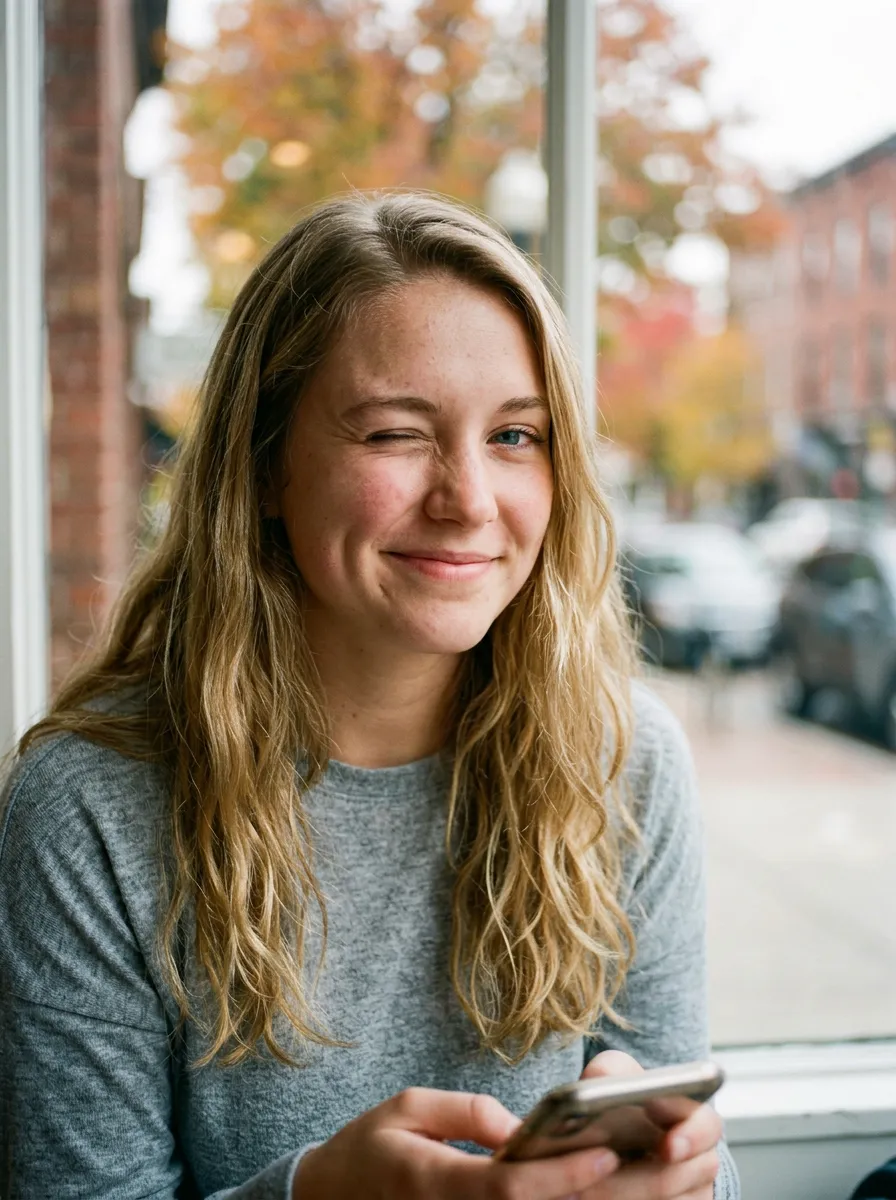
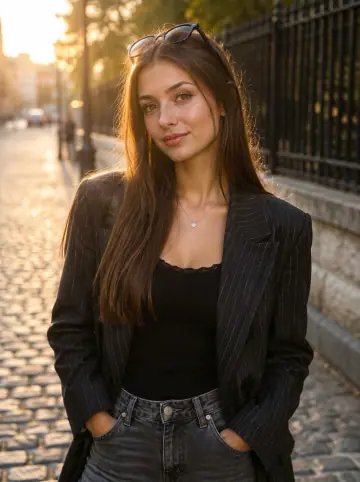
This example shows what the effect can do. Your uploaded photo is used when you generate, and results may vary.
Sign in to see your private images.
What Is the Night flash AI Effect?
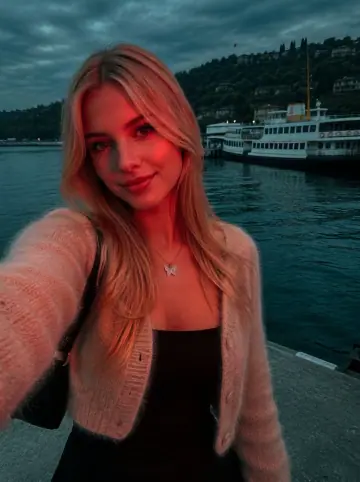
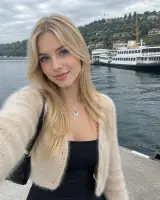
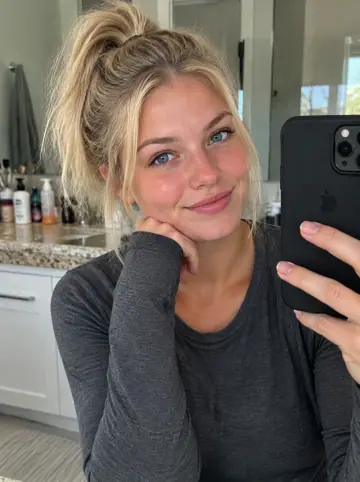
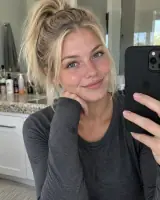
Night flash AI follows the supplied references’ bright near-camera flash, rapid light falloff, deep green-blue or neutral shadows and small local light accents. The preset can turn a daytime source into night ambience while retaining the location and outfits. It does not require sunglasses, leather clothing or city lights. The examples pair source photos with AI-edited results.
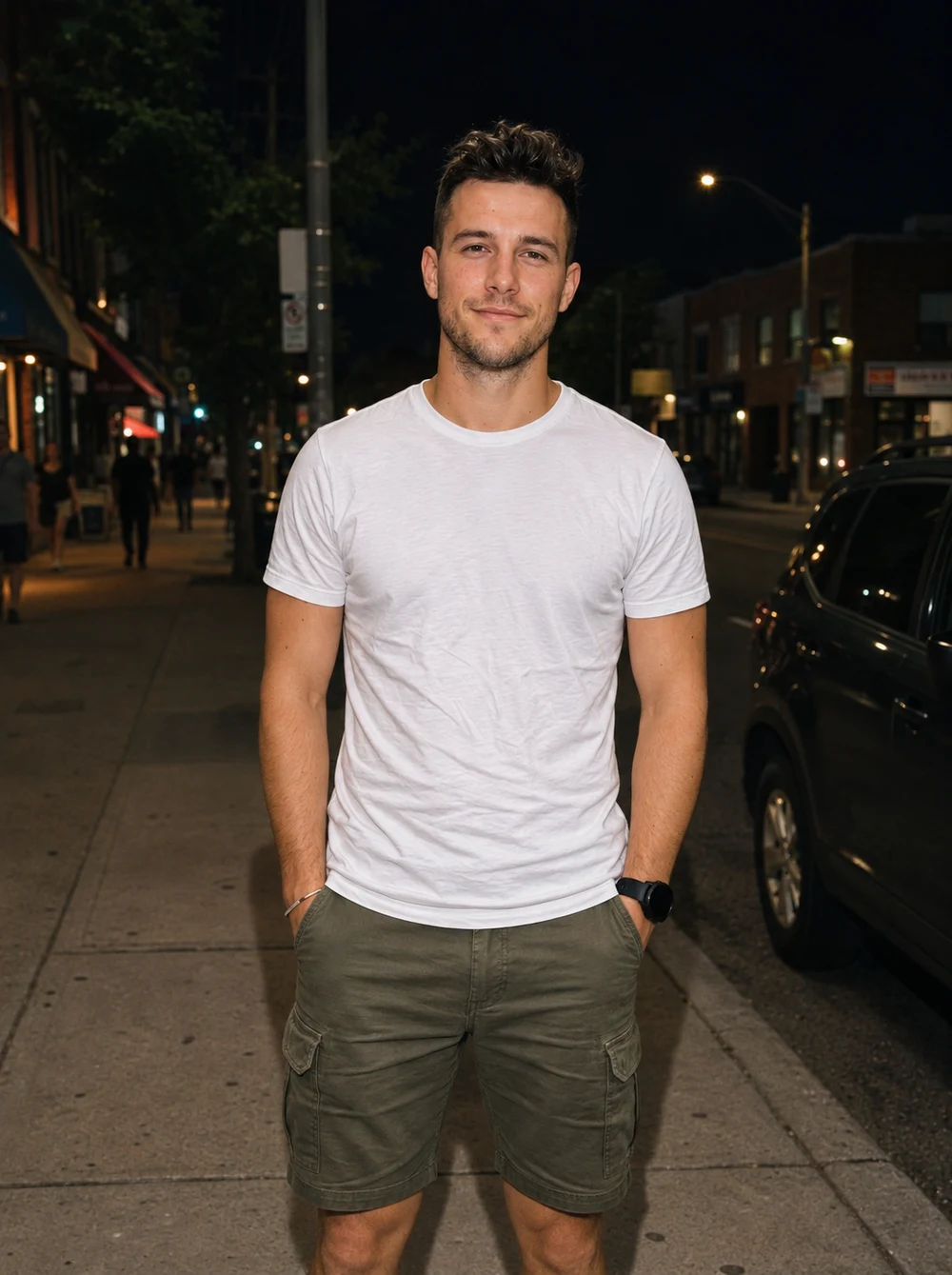
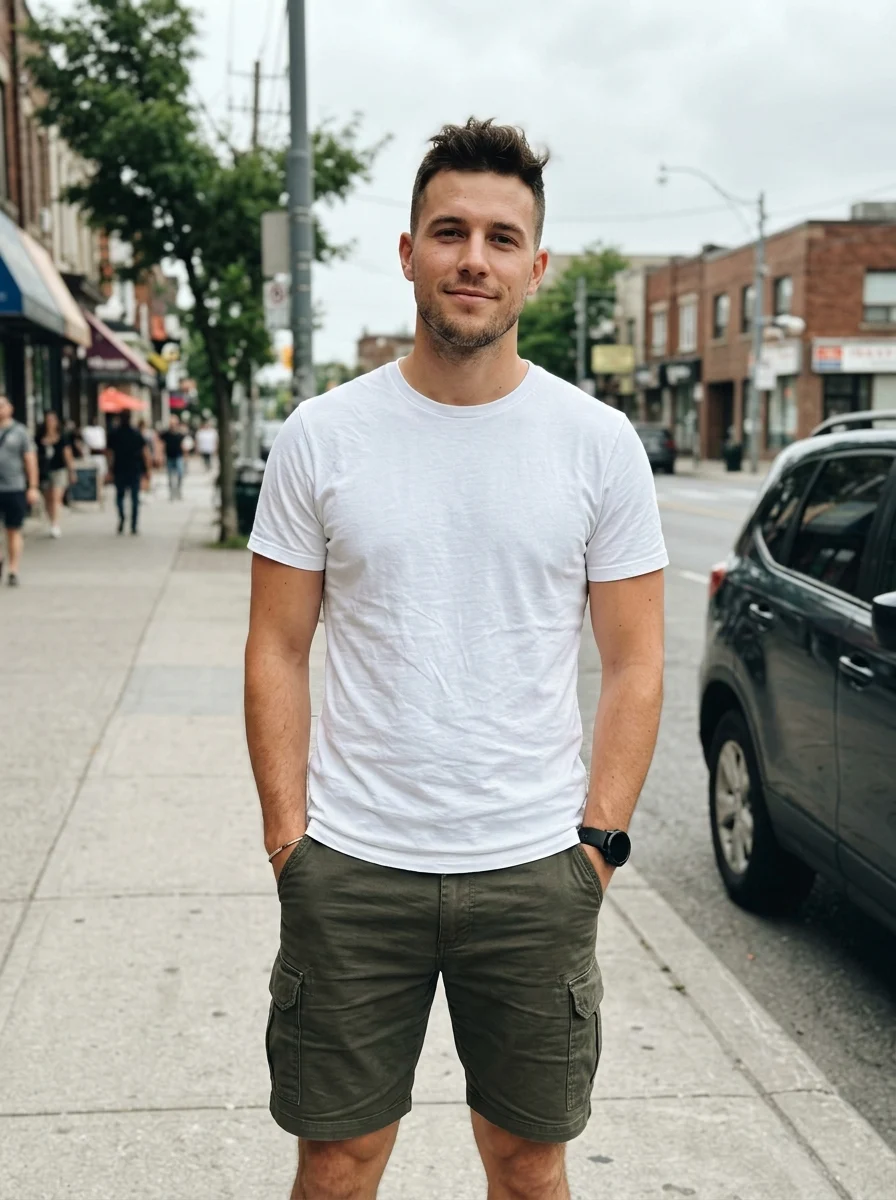
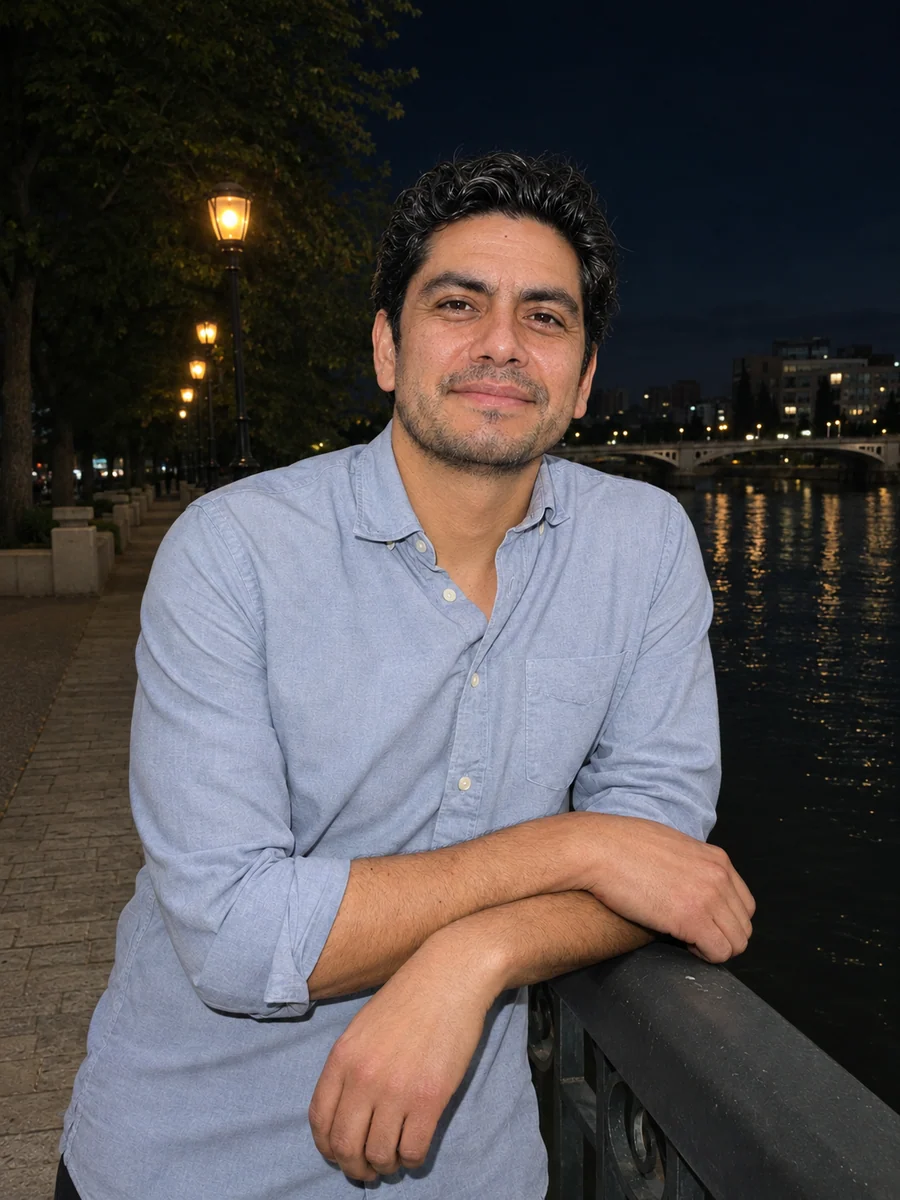
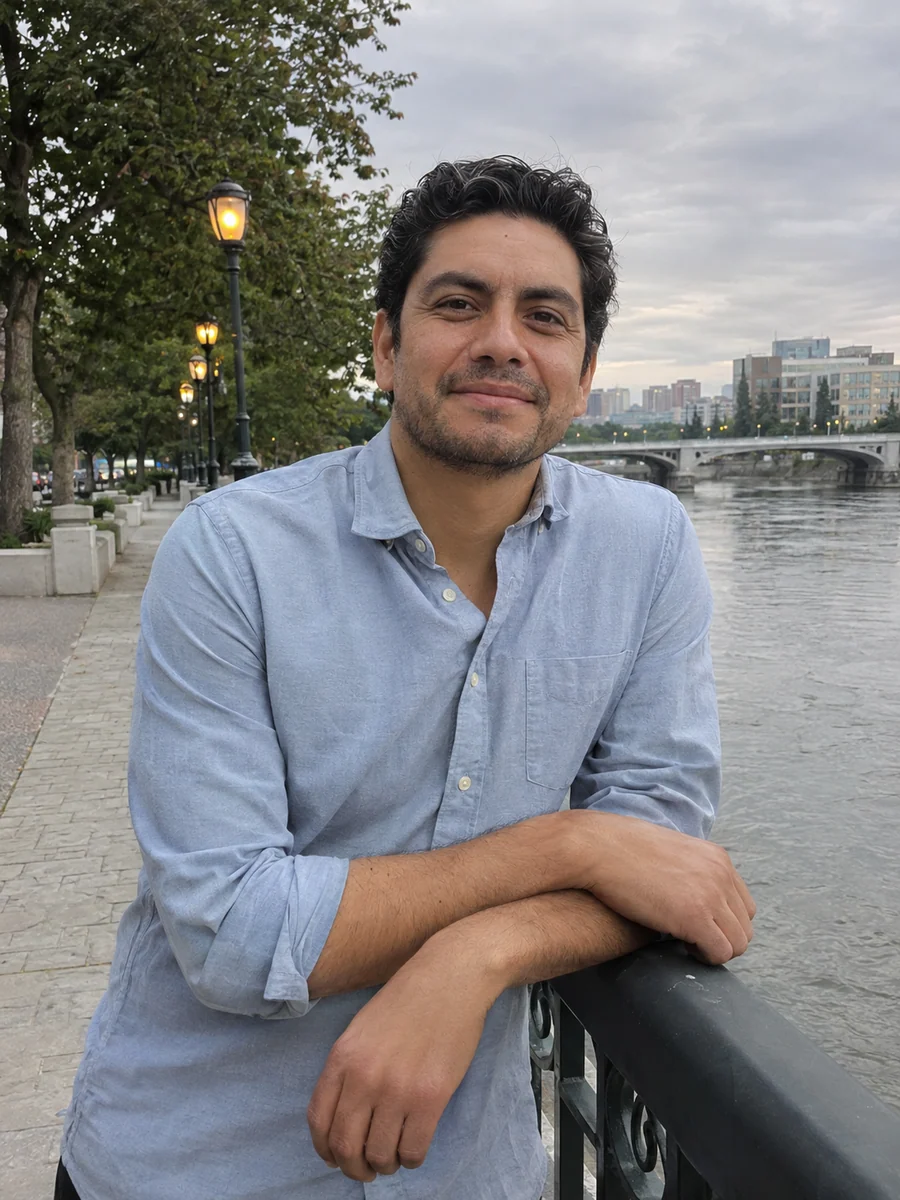
How to Make a Night flash AI Photo
- 01
Upload one photo
Choose an in-focus portrait or one group photo with readable faces, clothing and surroundings. Daytime and indoor photos can also be used.
- 02
Choose your output
Keep Auto for the source ratio, or choose another ratio to change the framing. Check resolution, image count and displayed credits.
- 03
Generate and compare
Slide between the original and result. Check the faces, flash highlights and retained location, then download from My Images.
Tips for Better Results
Use a clear source with visible facial texture and detail in white clothes. Avoid heavy beauty filters, clipped faces and a subject too small to identify. Nearby walls or objects help show flash falloff; existing lights can remain as local color. Keep Auto to follow the original ratio.
Frequently Asked Questions
Can I use a photo taken during the day?
Yes. This preset deliberately changes daylight into night or dim-after-dark ambience, using direct flash on the nearby subject. It asks to keep the original location, people and objects rather than preserve daytime lighting.
Will it add a new street or neon background?
The prompt retains the source location and lowers ambient exposure. Existing visible lights can glow plausibly, but it does not request a new city scene, neon signs, lamps or decorative lights. A room stays the same room.
Do I need sunglasses, leather clothes or an existing flash photo?
No. Use your own outfit and a clear phone or camera photo. Reflective materials can catch flash, but the preset does not add sunglasses, leather, lace, makeup or props from the references.
Will the flash wash out my face or add a date stamp?
The prompt preserves the original complexion, pores and facial features, with controlled highlights rather than blank white skin. It excludes date stamps, red-eye and screenshot icons. AI editing can still redraw fine details, so compare with the source.
Can I use one group photo and keep the source ratio?
Yes. Upload one image with clear, unobstructed faces and keep Auto for the original ratio. The prompt retains the same distinct people and applies coherent direct flash with realistic distance falloff.
Explore More AI Photo Effects
Make your own Night flash AI
Add your photos to try this effect with your own images.
1 photo · 3 credits
Back to upload