
Credits are returned if generation fails.
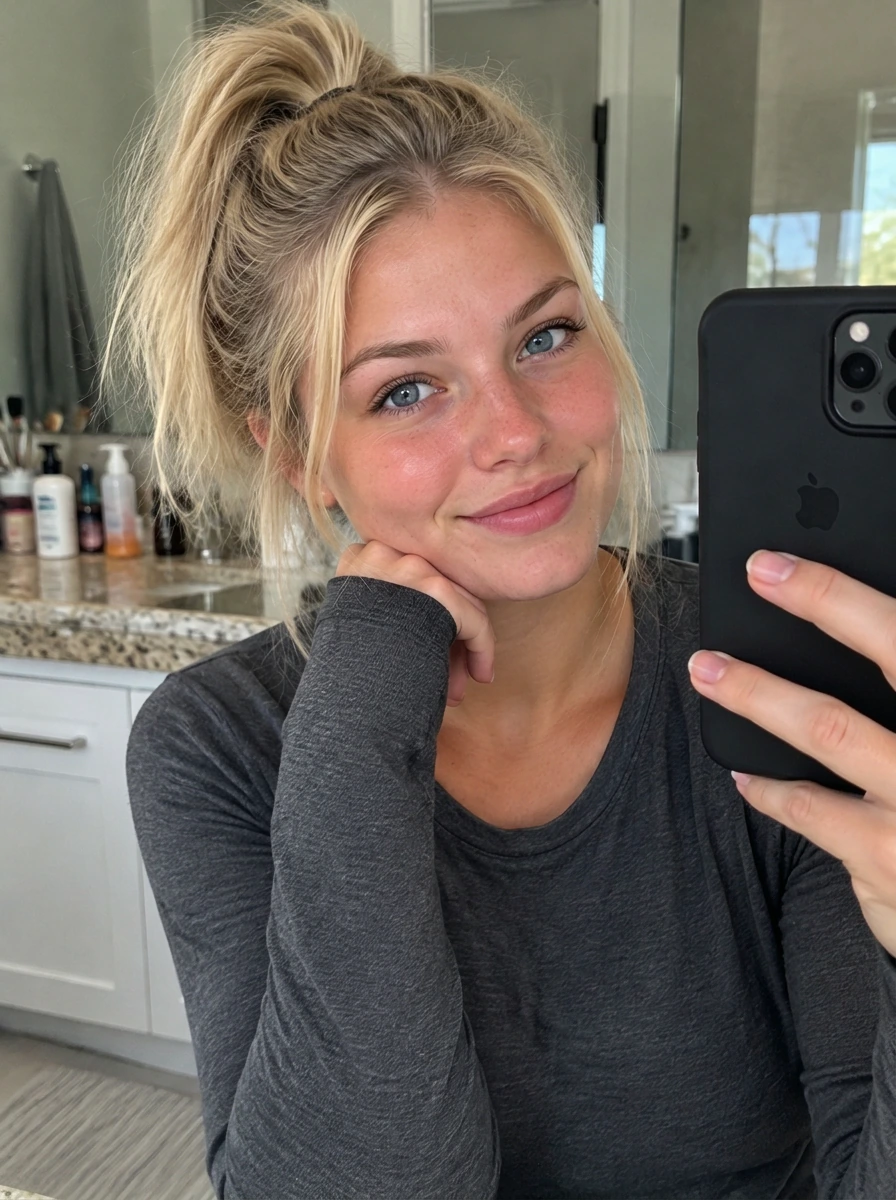
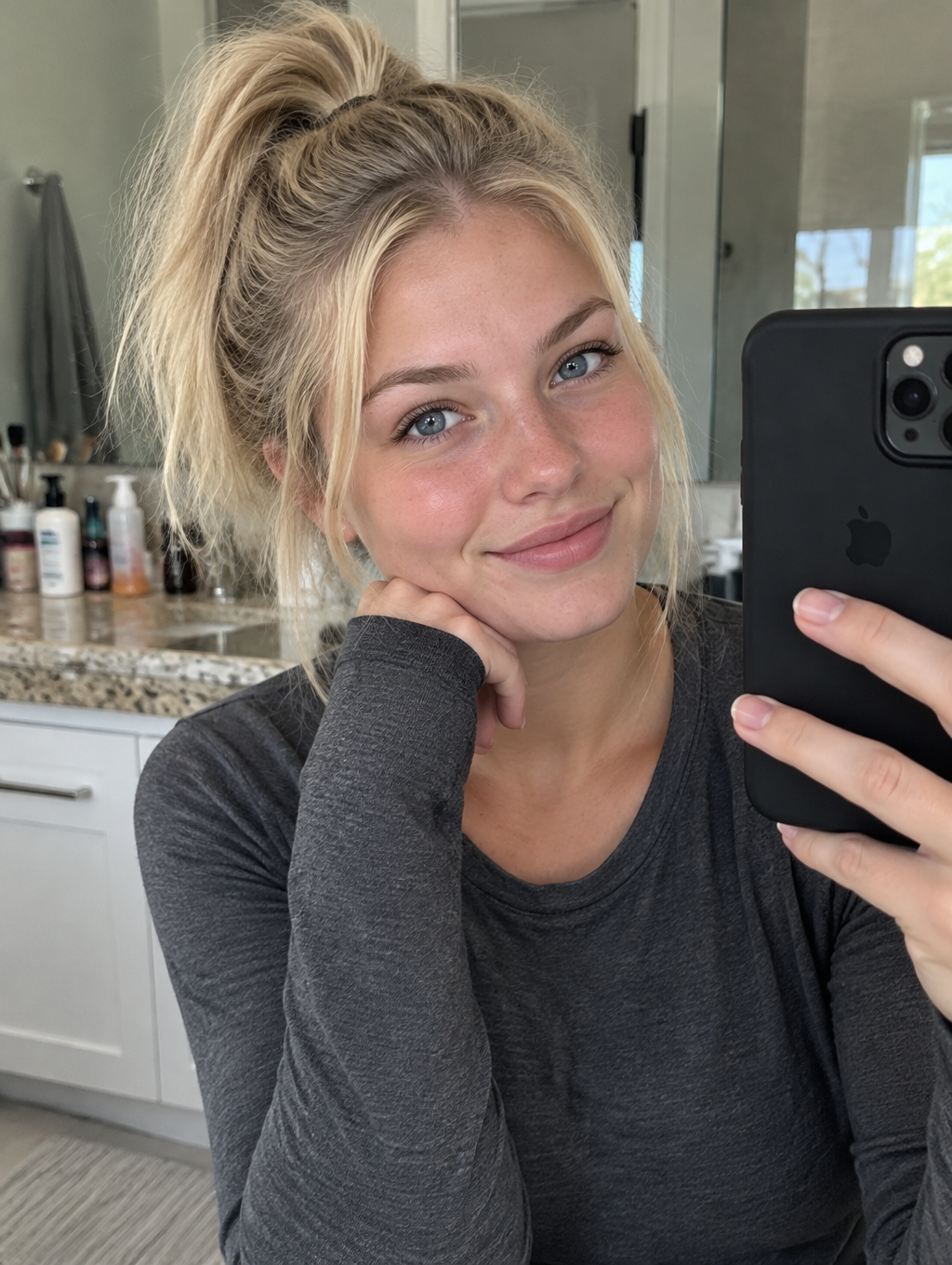
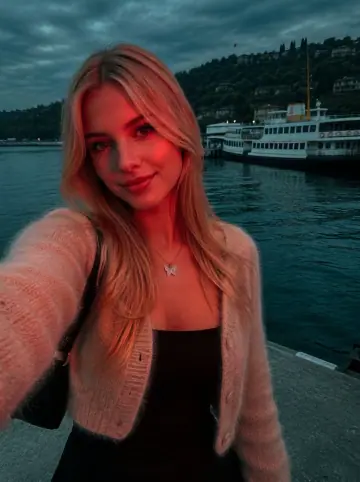
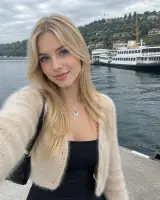
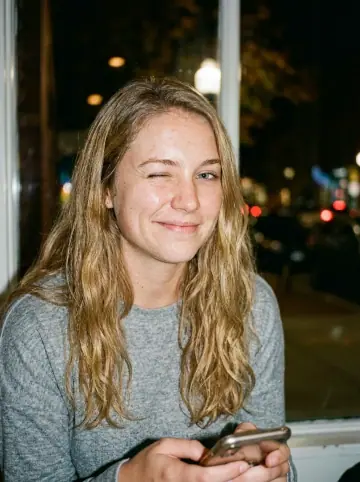
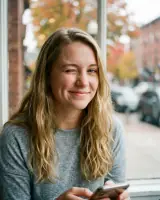
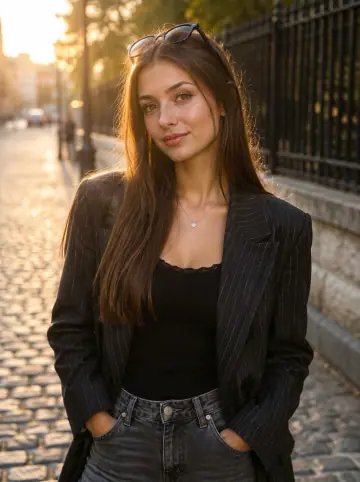
This example shows what the effect can do. Your uploaded photo is used when you generate, and results may vary.
Sign in to see your private images.
What Is the Cybershot AI Effect?
Cybershot AI follows the supplied references’ compact-camera flash, neutral-warm skin, deeper brown or olive surroundings and separate local blue tones. Dim scenes retain useful ambient detail, while daytime and sunset sources keep their original time of day. The treatment uses the source people, clothes and location. The examples pair original photos with AI-edited results.
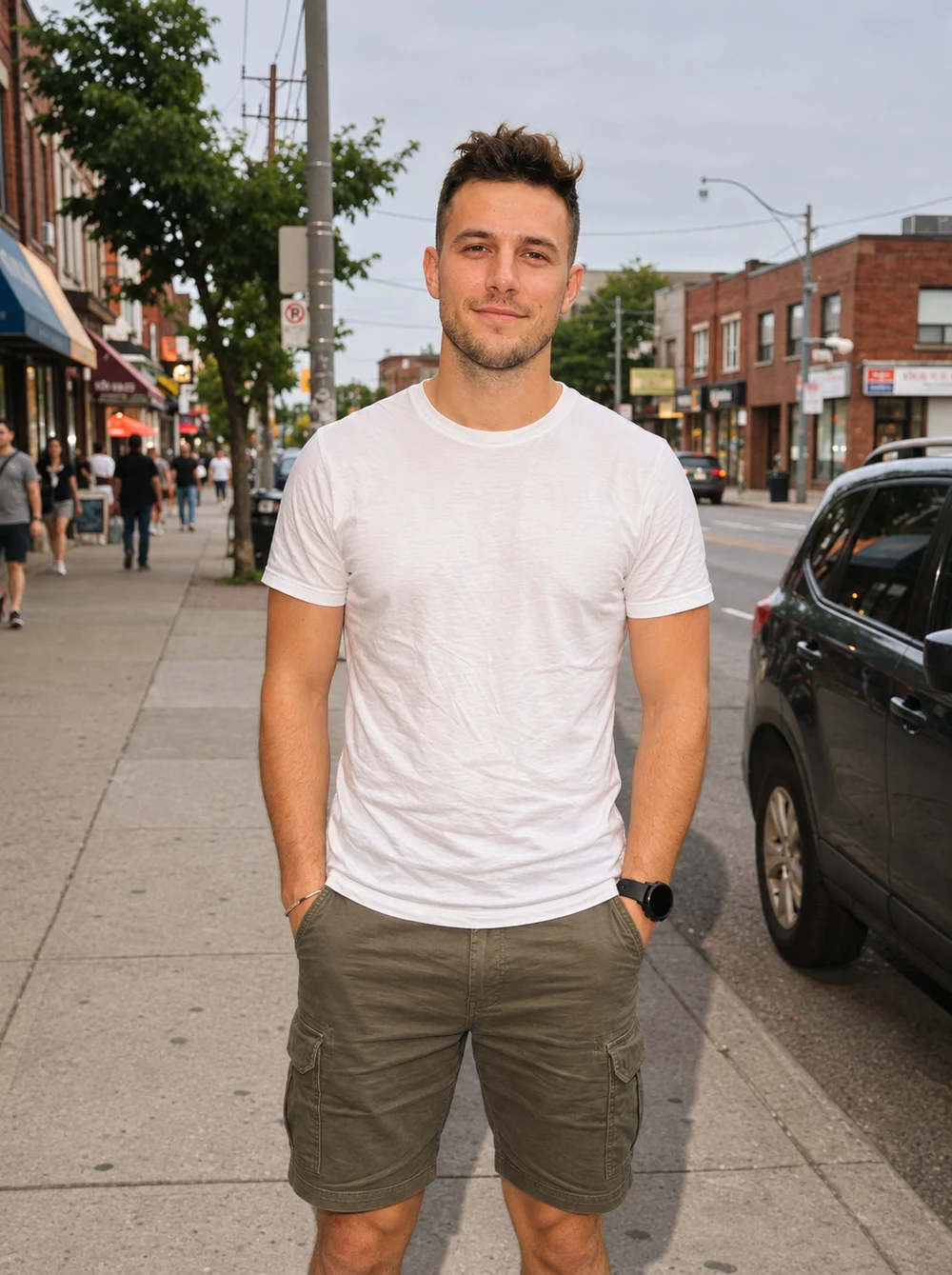
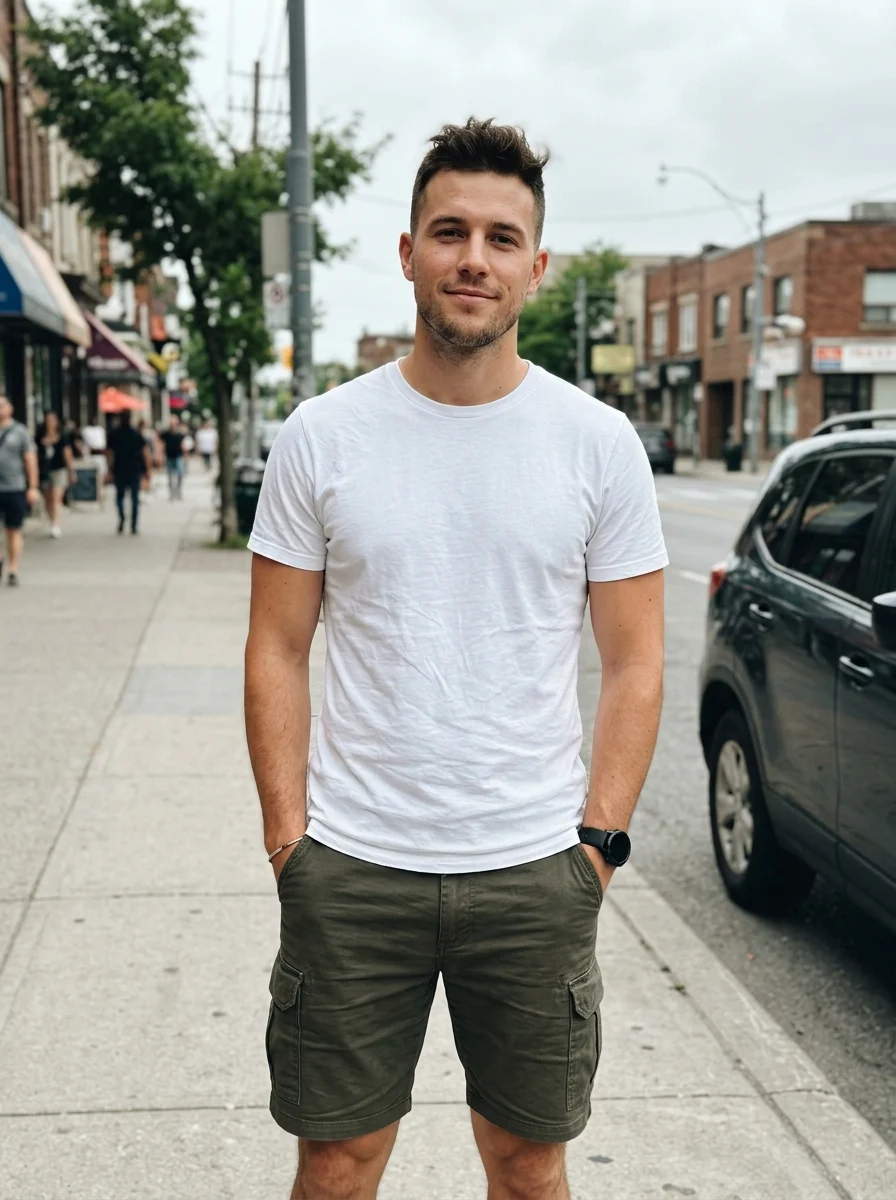
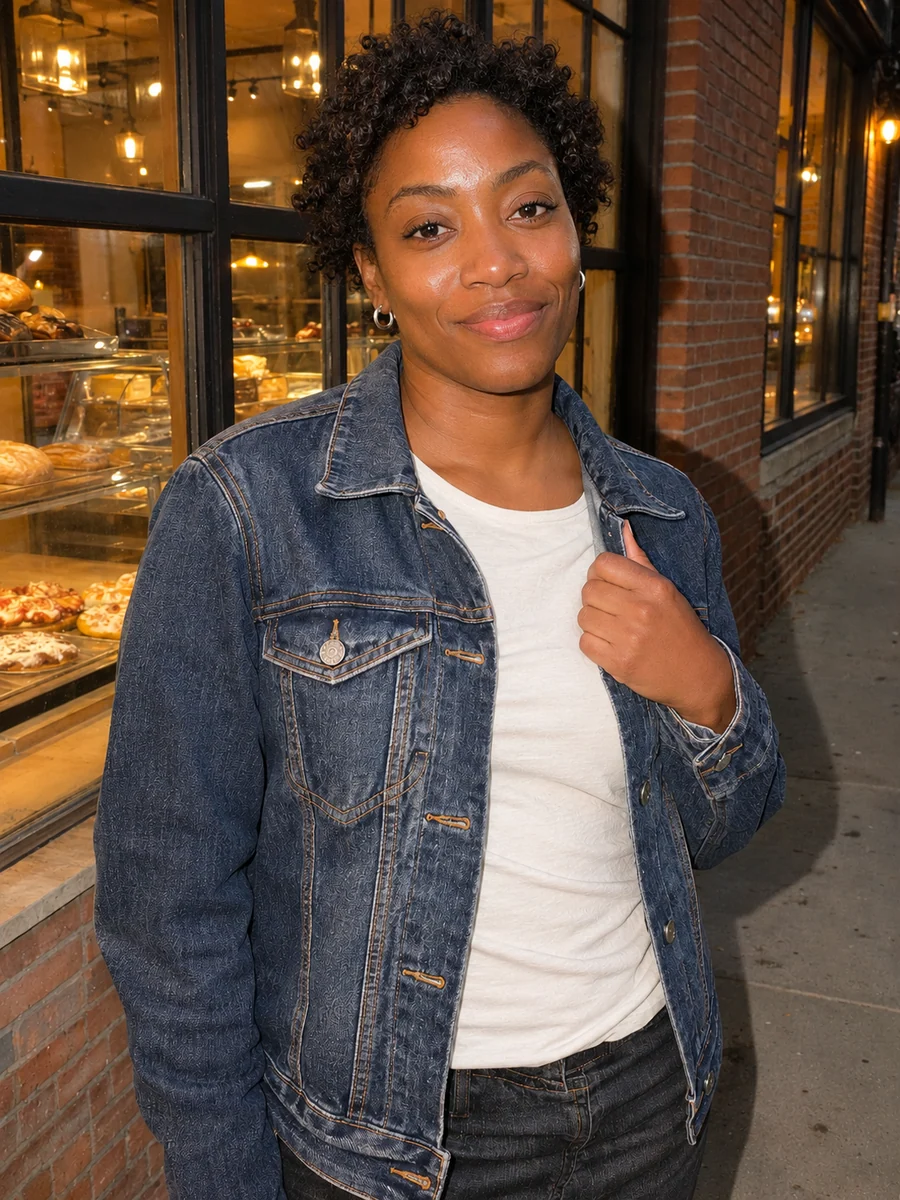
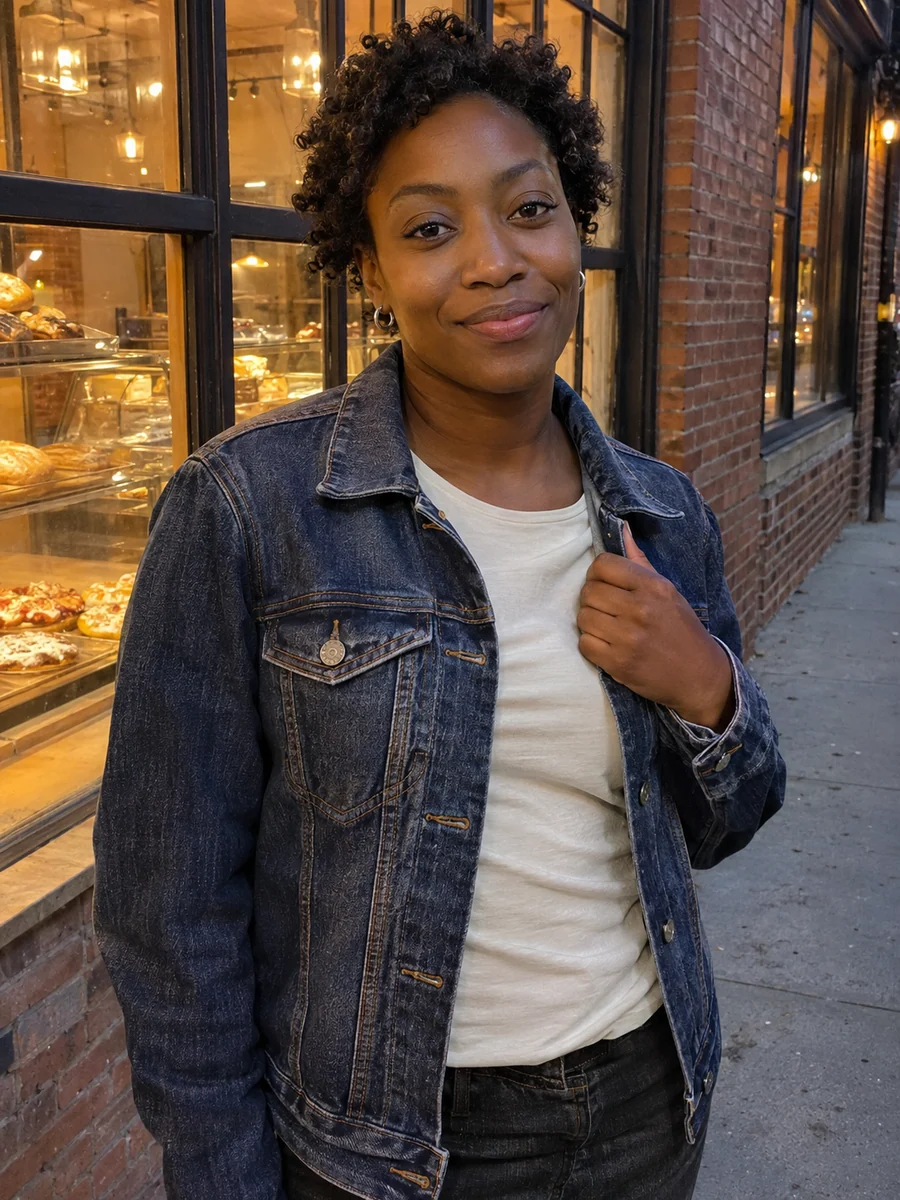
How to Make a Cybershot AI Photo
- 01
Upload one photo
Choose an in-focus portrait or one group photo with readable faces, clothes and surroundings. Indoor, daylight and night photos can all be used.
- 02
Choose your output
Keep Auto for the source ratio, or select another ratio to change the framing. Check resolution, image count and displayed credits.
- 03
Generate and compare
Slide between the source and result. Check faces, flash highlights, local colors and scene detail, then download from My Images.
Tips for Better Results
Use a clear source with facial texture and visible highlight detail. Avoid heavy beauty filters, already clipped skin and strong motion blur. Existing room lights, colored clothes or sunset tones help guide local color; they are not required props. Keep Auto to follow the original ratio.
Frequently Asked Questions
Do I need a Sony camera or camera metadata?
No. A clear phone or camera photo works. This effect follows the supplied reference appearance through light, color and texture; it does not verify a camera model or require sensor metadata.
Will daylight and sunset photos turn into night?
The preset asks to preserve the original time of day. Daylight uses gentler fill, sunset keeps its existing sky colors, and dim interiors or night scenes use more visible direct flash while retaining useful ambient detail.
Will the effect change my face, makeup or outfit?
The prompt preserves identity, original complexion, expression, hair, pose, clothes and accessories. It does not request blush, skin whitening, a headscarf or a reference outfit. AI editing can redraw small details, so compare with the source.
Will it add restaurant lights, signs or a new background?
The original location and objects should remain. Existing warm lamps, cool walls or colorful clothes can guide local color, but the prompt does not add a restaurant, city signs, string lights or an invented sunset.
Can I use one group photo without a forced crop or heavy blur?
Yes. Upload one image with clear faces and keep Auto for the original ratio. The prompt keeps the same distinct people, adds restrained digital softness and fine noise, and does not require a 4:3 crop or low-resolution output.
Explore More AI Photo Effects
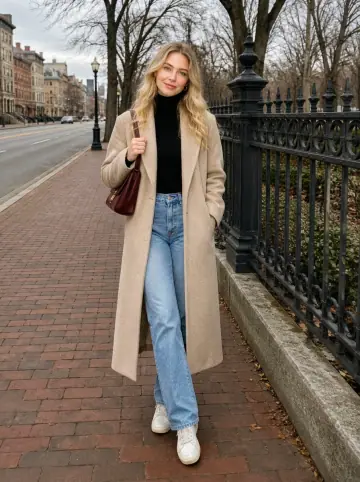
Make your own Cybershot AI
Add your photos to try this effect with your own images.
1 photo · 3 credits
Back to upload