
Credits are returned if generation fails.
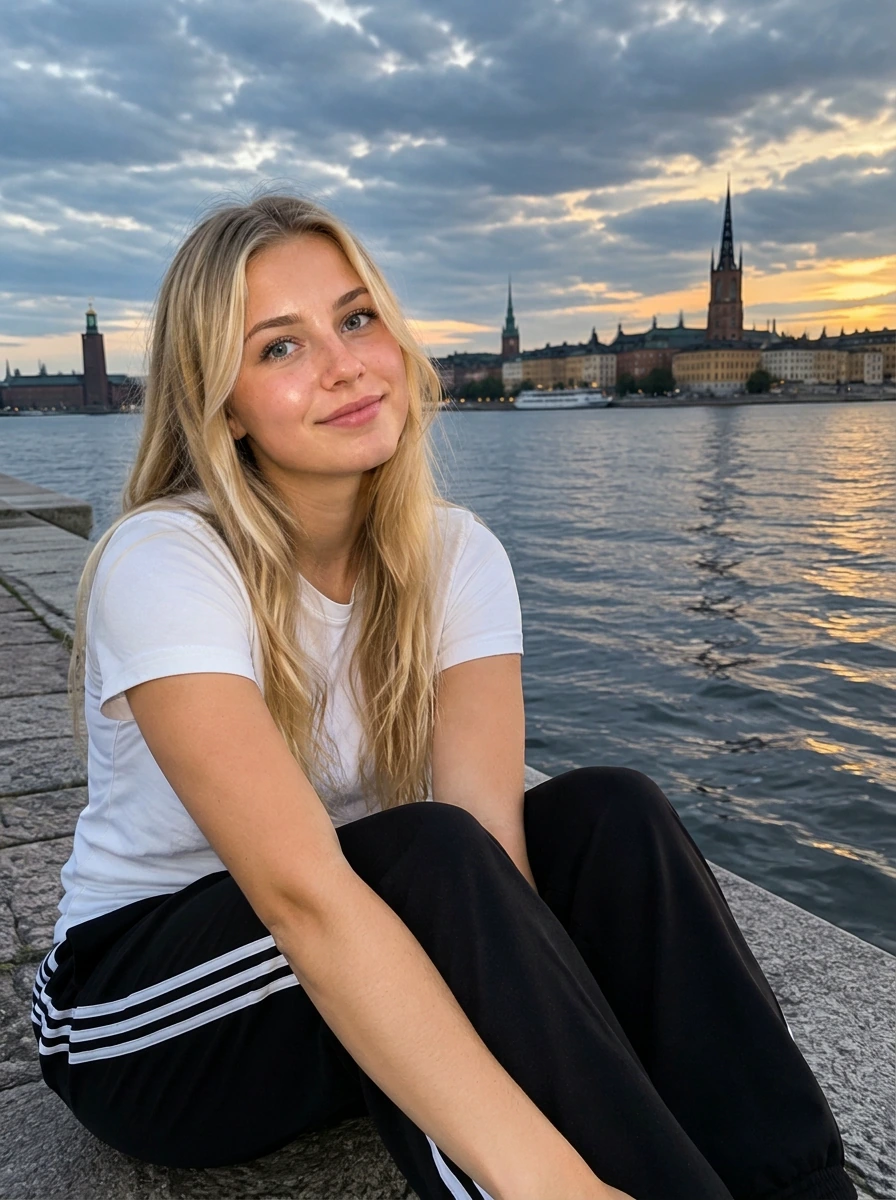
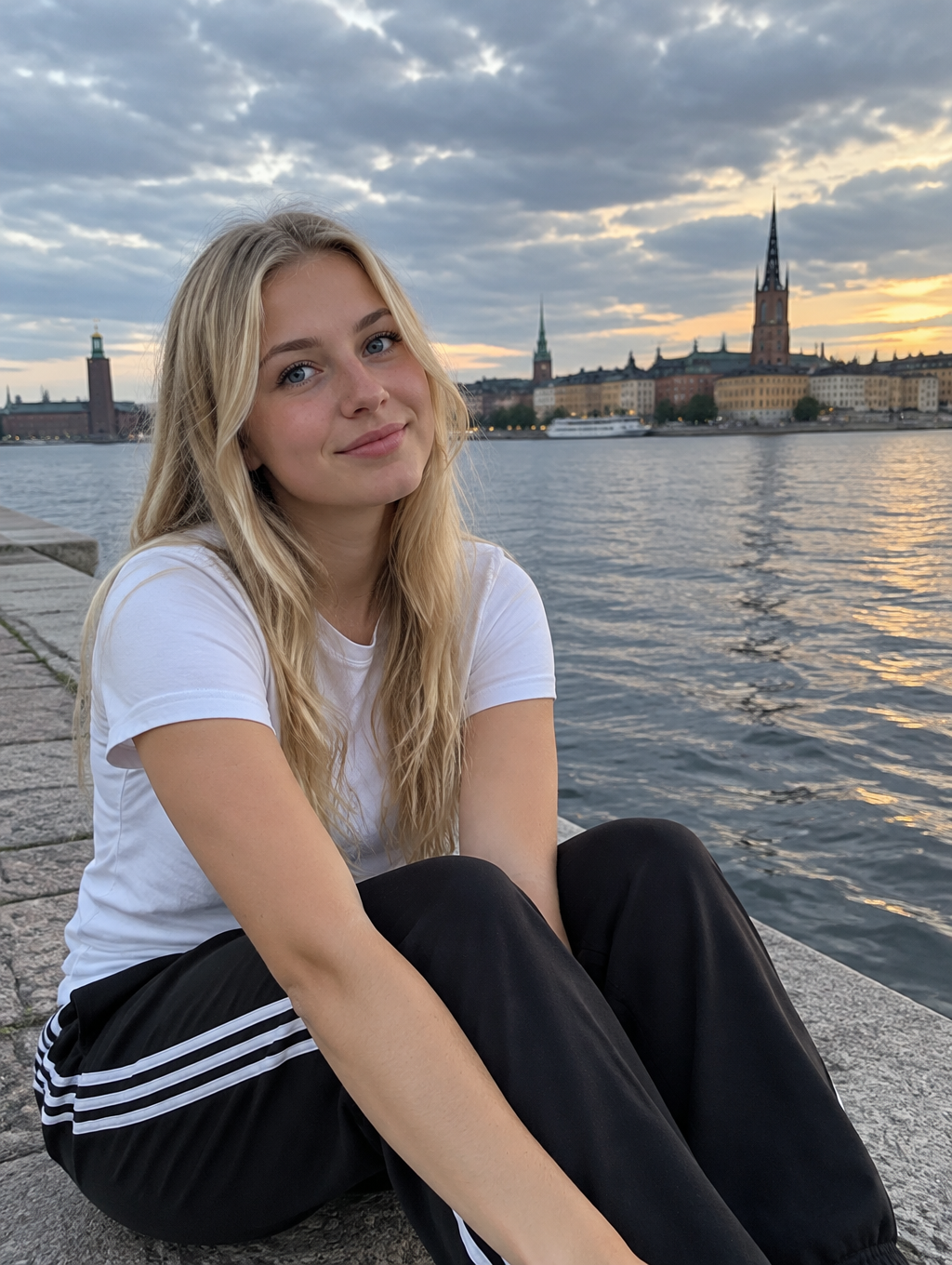
This example shows what the effect can do. Your uploaded photo is used when you generate, and results may vary.
Sign in to see your private images.
What Is the Canon G7X AI Effect?
This photo treatment emphasizes visible frontal flash, luminous warm skin and deeper cool-neutral ambience with clean digital detail. Daylight car and window-lit portraits also receive a clear lighting transformation while retaining the original scene, people and outfits. The examples pair source photos with AI-edited results.
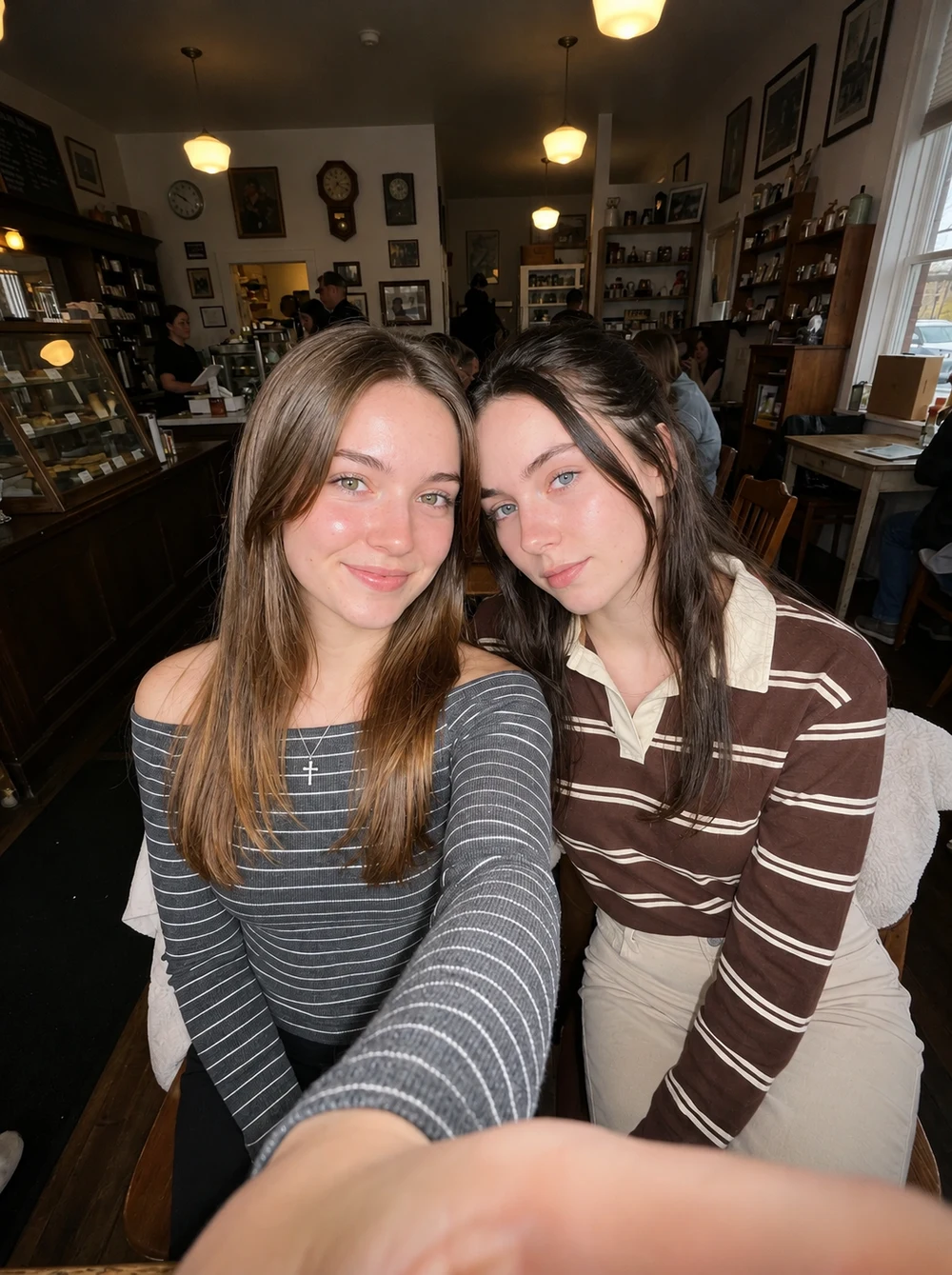
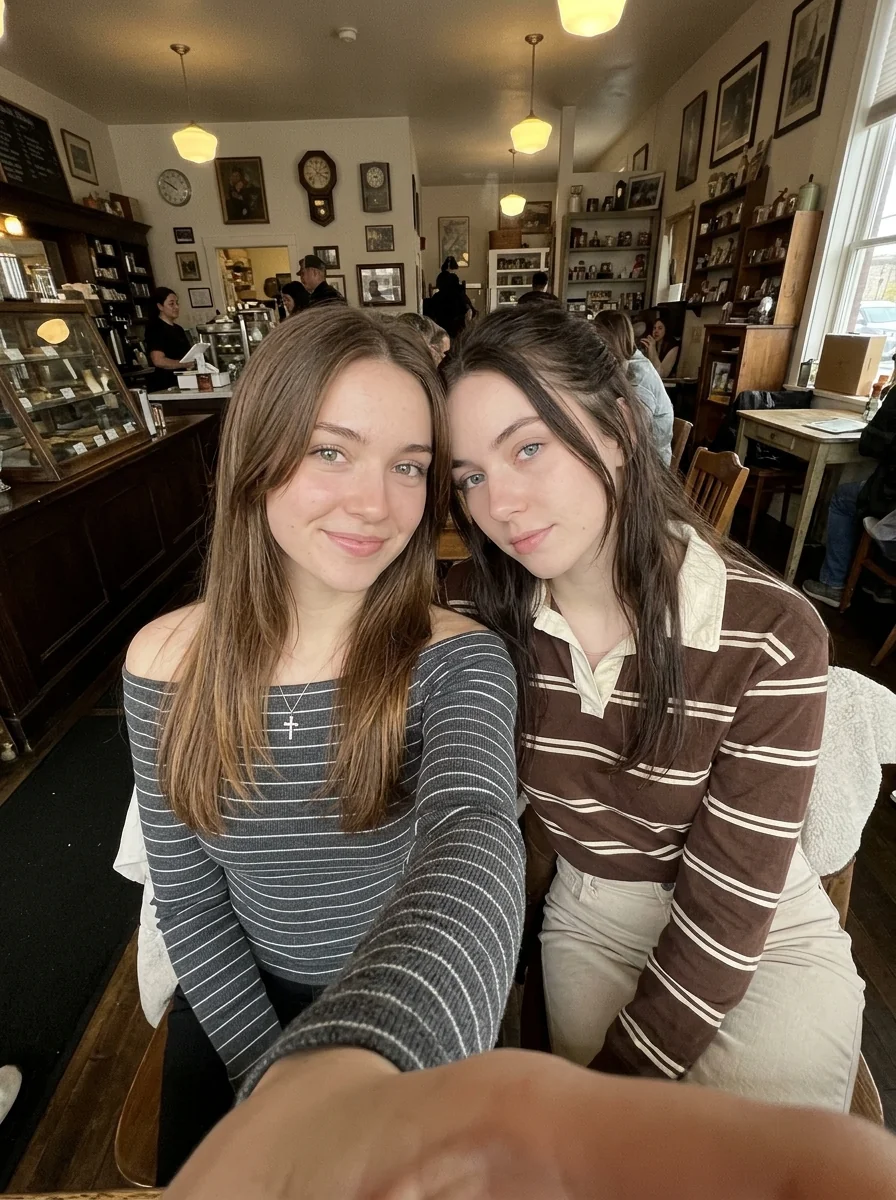
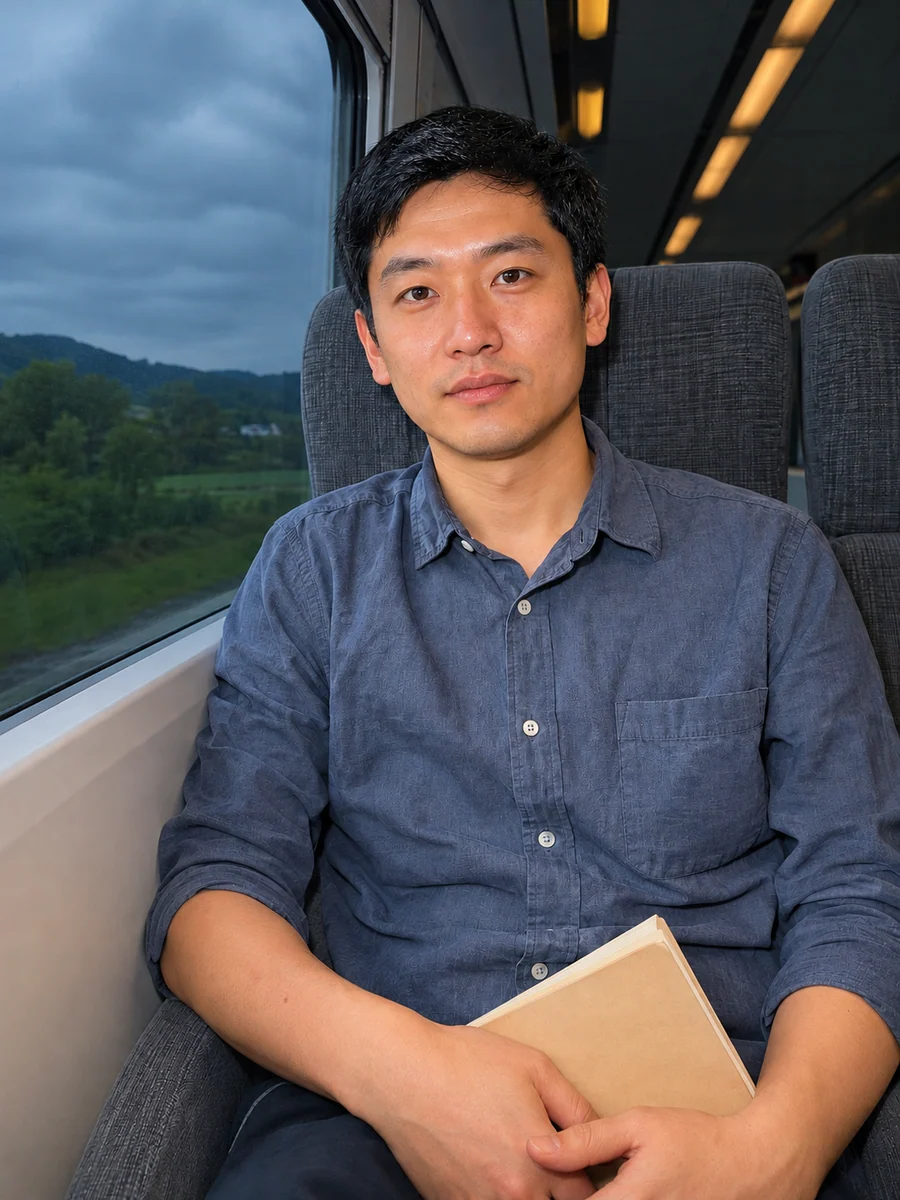
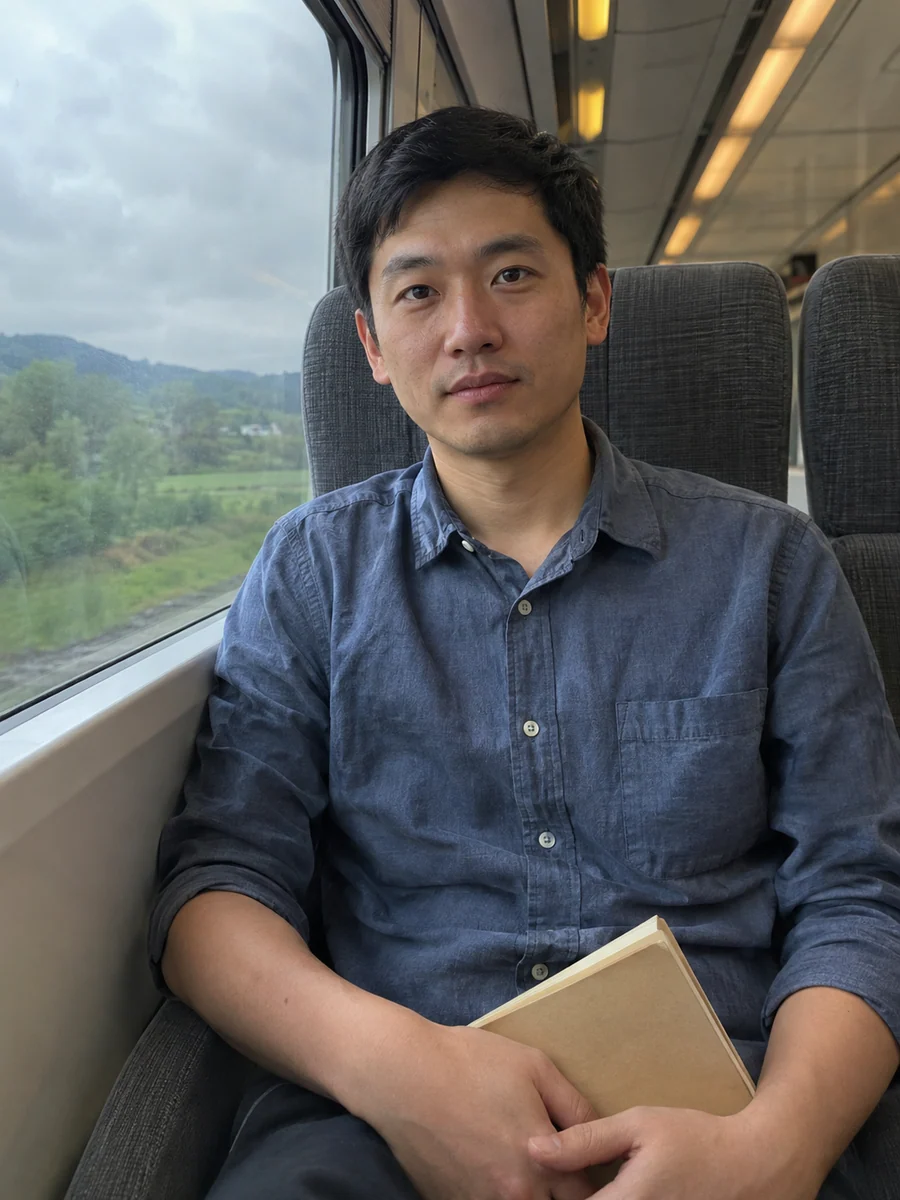
How to Make a Canon G7X AI Photo
- 01
Upload one photo
Use a clear phone or camera photo. Keep faces, hair, clothing and the surroundings visible. A group photo can be one input.
- 02
Keep or choose the framing
Auto uses the uploaded photo’s ratio. Choose a different ratio only if you want the framing to change, then review the displayed size, count and credit cost.
- 03
Generate and compare
Compare flash highlights, warm/cool balance, faces, clothing and scene with the source, then download from My Images. Fine details can still vary.
Tips for Better Results
Start with an in-focus photo with readable faces and highlights. Avoid heavy beauty filters and already blown-out skin. Daylight and car interiors get visible frontal fill with controlled skin highlights; darker scenes gain stronger ambient separation. Keep Auto for the source ratio.
Frequently Asked Questions
Do I need a Canon camera or an existing flash photo?
A clear phone or camera photo works. This AI treatment follows the reference look through lighting, color and texture; it does not require camera metadata.
Will it change my face, clothes or background?
The preset asks to keep the people, natural complexion, expression, hair, clothes, accessories and scene. AI editing can still redraw fine details, so compare the result with the source. It does not call for face slimming, new makeup or a different outfit.
Can I use a daytime photo or a group photo?
Yes. Use one photo with clear faces. Daylight remains daylight, with visible frontal fill and stronger local contrast, including in car or window-lit portraits. A group photo keeps its original people under coherent flash lighting.
How do I keep the original crop and ratio?
Leave the aspect ratio on Auto. Choosing a different ratio may crop or extend the frame, even though the style prompt asks to keep the source composition.
Is this the same as the Y2K CCD filter?
Canon G7X AI follows this reference set’s cleaner digital detail, controlled flash highlights and local warm/cool color balance. It avoids deliberate low-resolution pixels, coarse film grain and a strong overall green or magenta cast.
Explore More AI Photo Effects


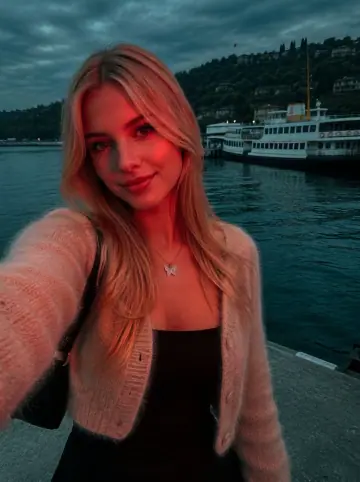




Make your own Canon G7X AI
Add your photos to try this effect with your own images.
1 photo · 3 credits
Back to upload