
Credits are returned if generation fails.
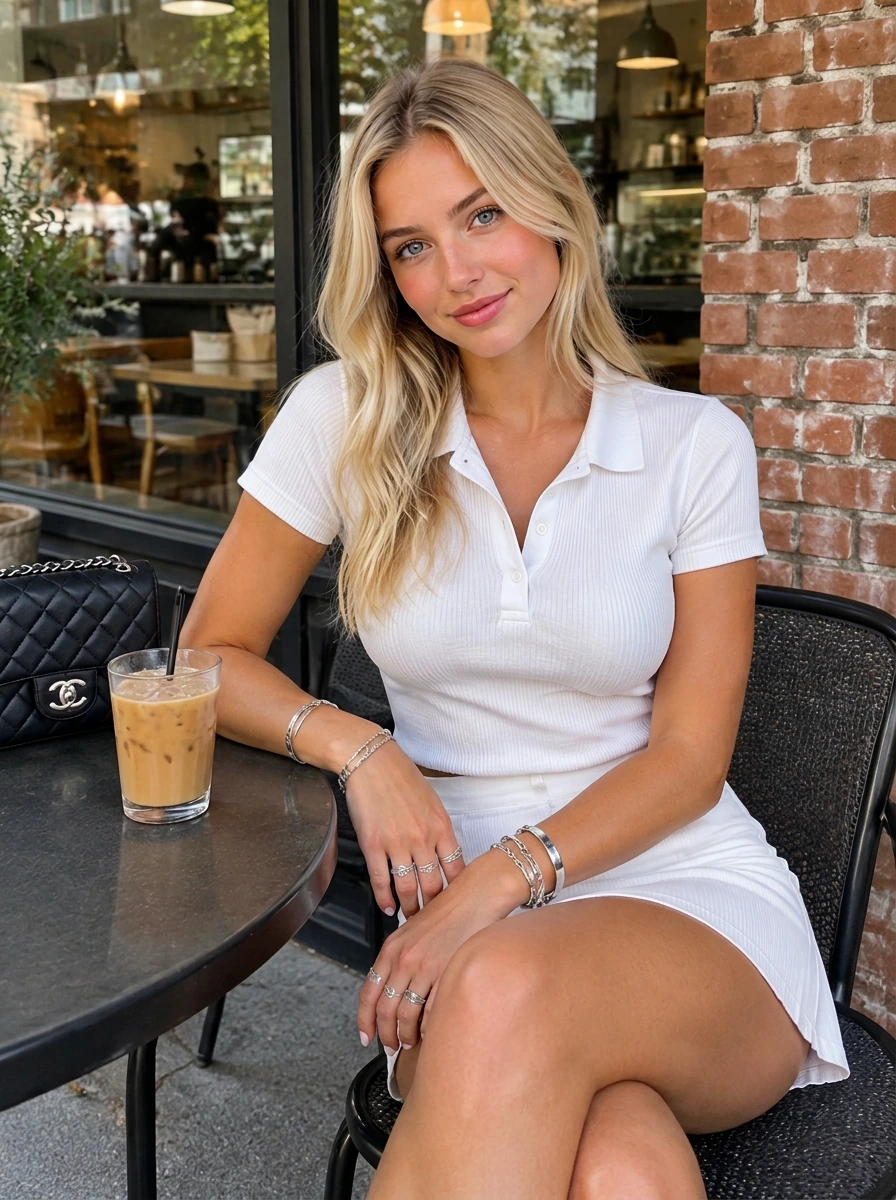
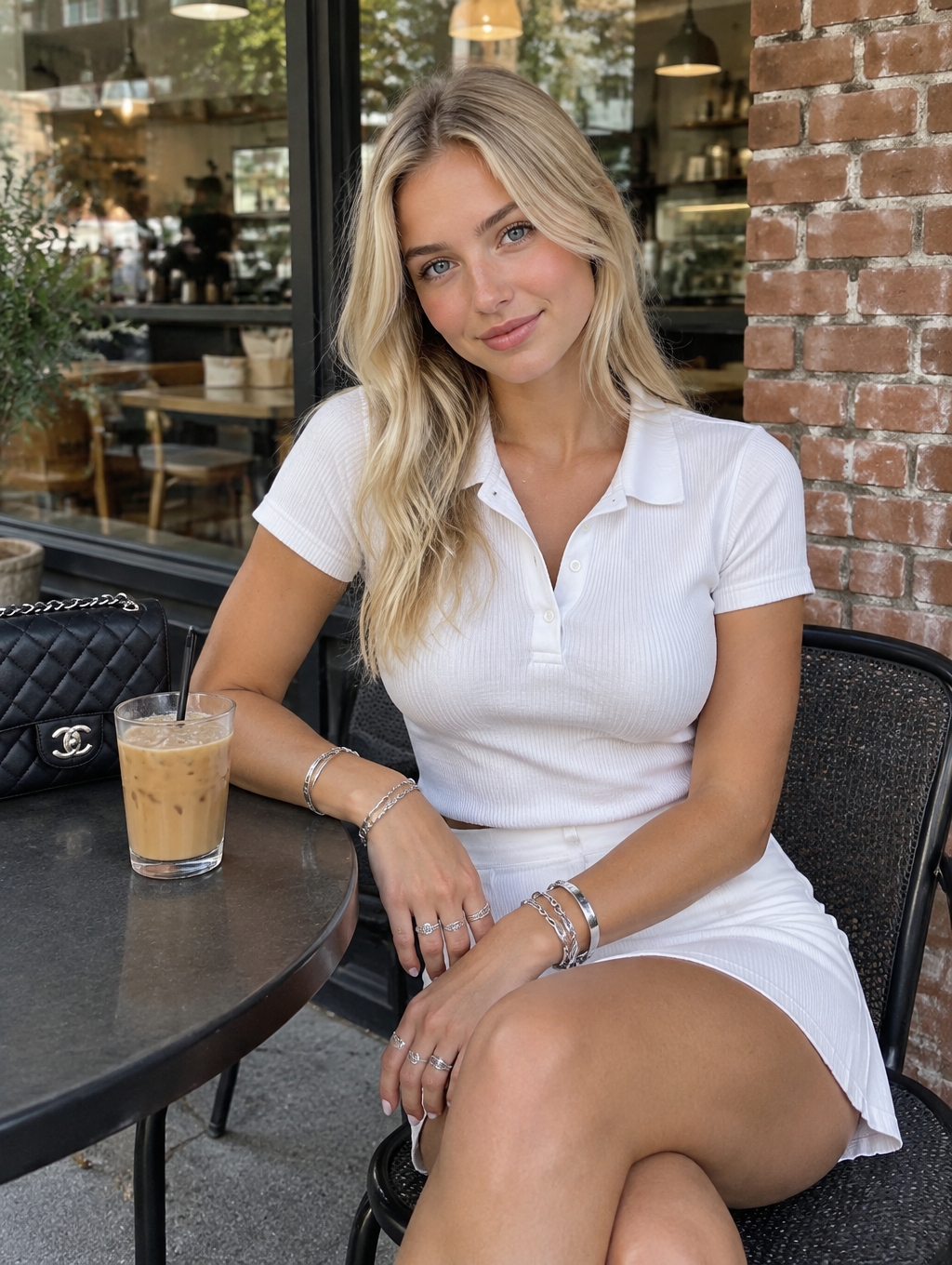
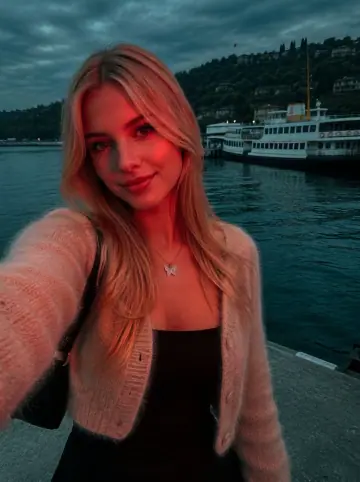
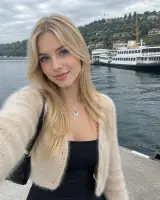
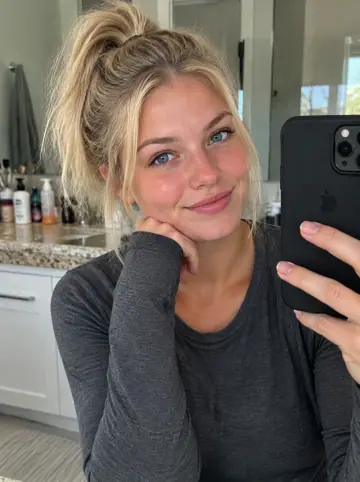
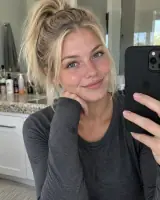
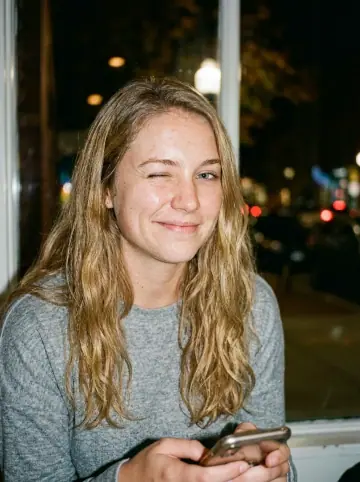
This example shows what the effect can do. Your uploaded photo is used when you generate, and results may vary.
Sign in to see your private images.
What Is the Nikon Coolpix AI Effect?
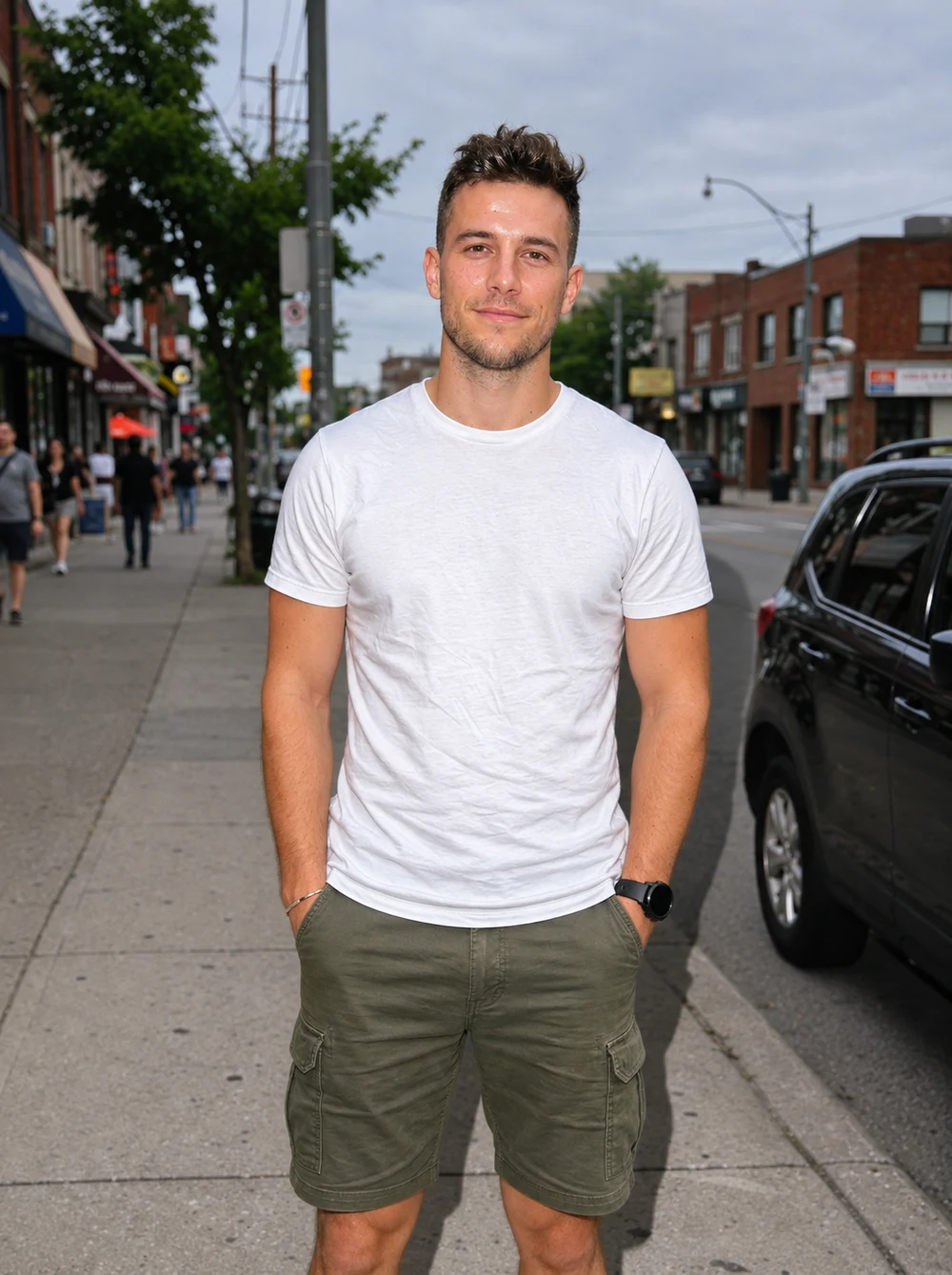
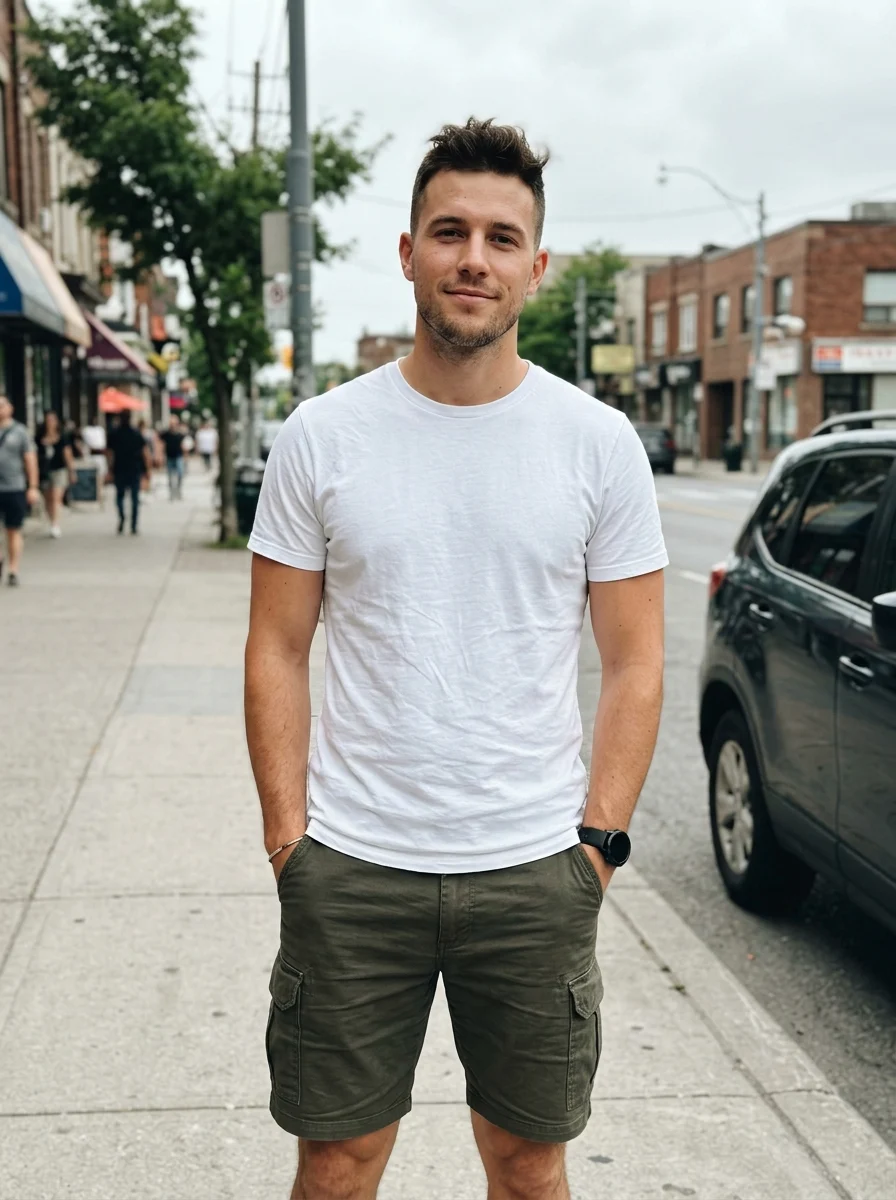
This effect follows the supplied reference set’s close direct flash, local skin and material highlights, deeper backgrounds and subtle digital softness. It adapts to indoor, night and daylight photographs while using the original people, clothes and location. The examples pair source photos with their AI-edited results.
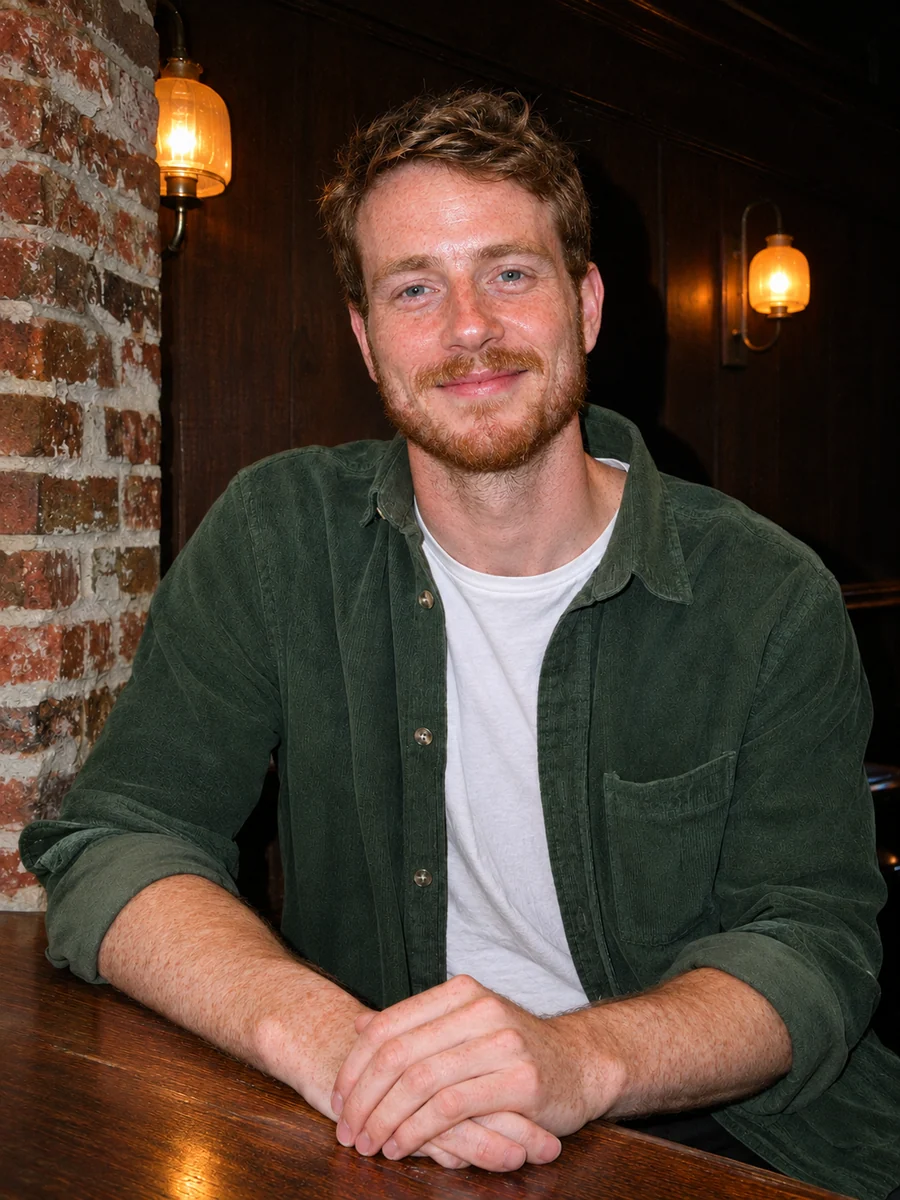
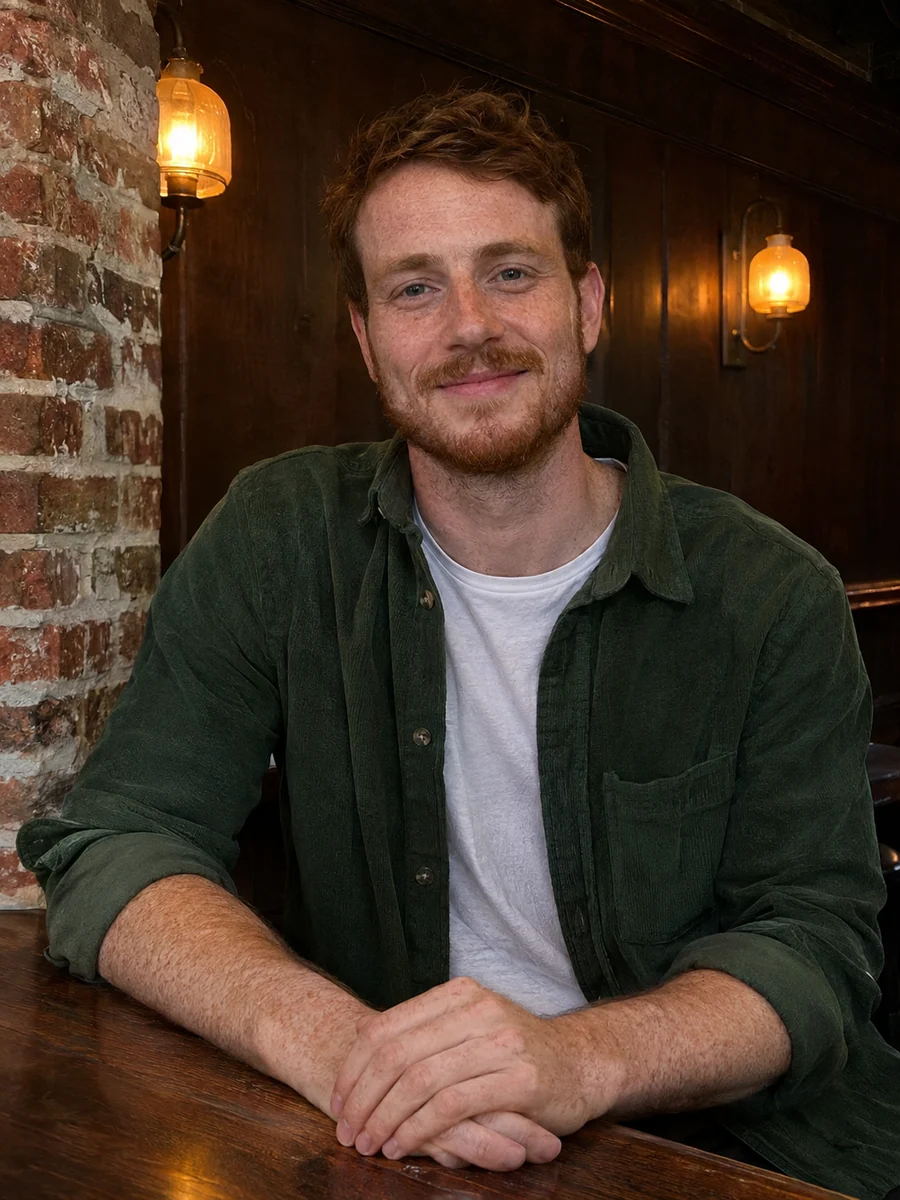
How to Make a Nikon Coolpix AI Photo
- 01
Upload one photo
Choose a clear source with visible faces, clothing and surroundings. One portrait or one group photo can be the input.
- 02
Choose your output
Keep Auto for the original ratio, or choose another ratio to change the framing. Check the resolution, count and displayed credit cost.
- 03
Generate and compare
Slide between the source and result, check the faces, colors and flash highlights, then download from My Images.
Tips for Better Results
Use a source whose facial and highlight detail are still visible. Avoid heavy beauty filters, already blown-out skin or very dark faces. Indoors and night scenes get stronger flash separation; daylight uses fill while keeping the original time of day. Keep Auto to retain the source ratio.
Frequently Asked Questions
Do I need a Nikon camera or camera metadata?
A clear phone or camera photo works. The effect follows the supplied reference look through lighting, color and texture; it does not verify or require a physical camera model.
Will a daylight photo become a night scene?
The preset asks to retain daylight and the original setting, using fill flash and firmer contrast. Dim interiors and night photos can have stronger subject/background separation.
Will my face, outfit and expression stay recognizable?
The prompt preserves identity, natural complexion, age, expression, hair, clothes, accessories and marks. AI editing can still redraw fine details, so compare the result with your source. It does not request new makeup, red pupils or face reshaping.
Can I upload one group photo?
Yes. Use one image with clear faces and visible clothing. The same people should remain in the scene under coherent flash lighting; no additional person slots or new group members are added.
How do I keep the original framing and photo detail?
Keep the aspect ratio on Auto and use an in-focus source with visible highlights and skin texture. The preset adds mild digital softness and fine noise; it does not require a low-resolution or 4:3 crop. Already clipped highlights may still lose detail.
Explore More AI Photo Effects
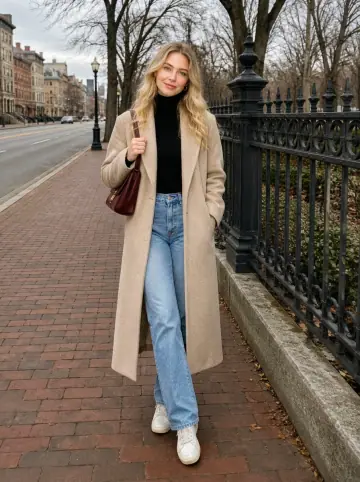
Make your own Nikon Coolpix AI
Add your photos to try this effect with your own images.
1 photo · 3 credits
Back to upload