
Credits are returned if generation fails.
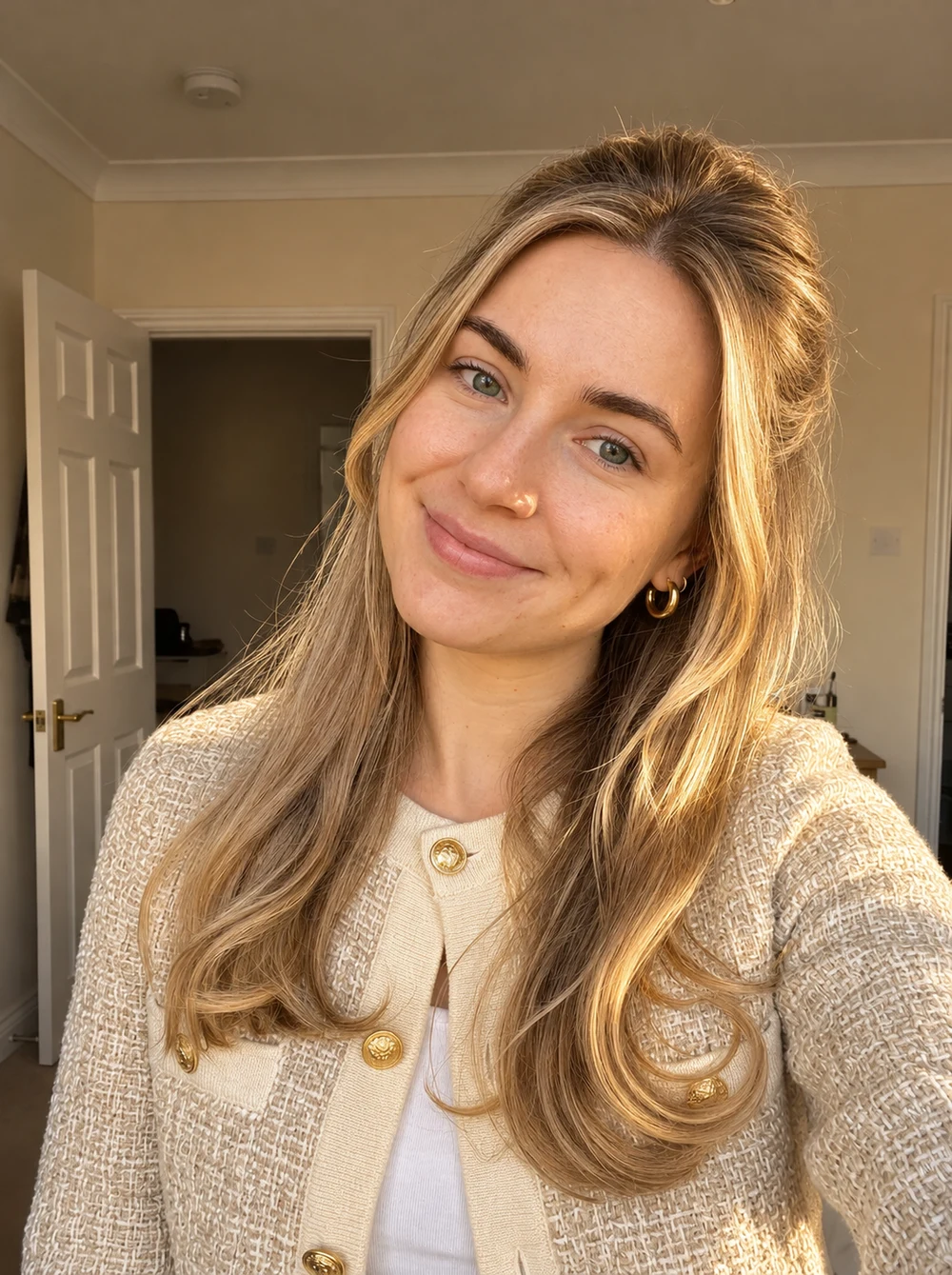
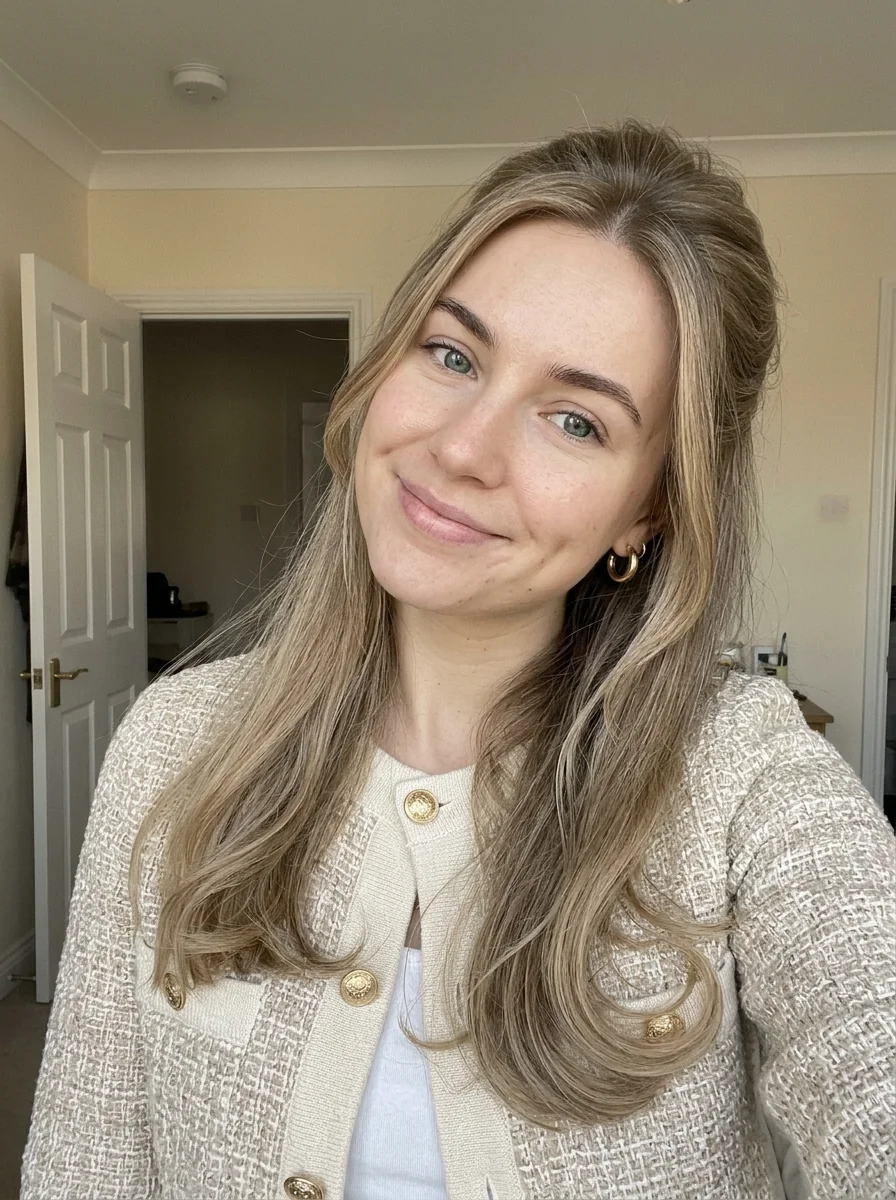
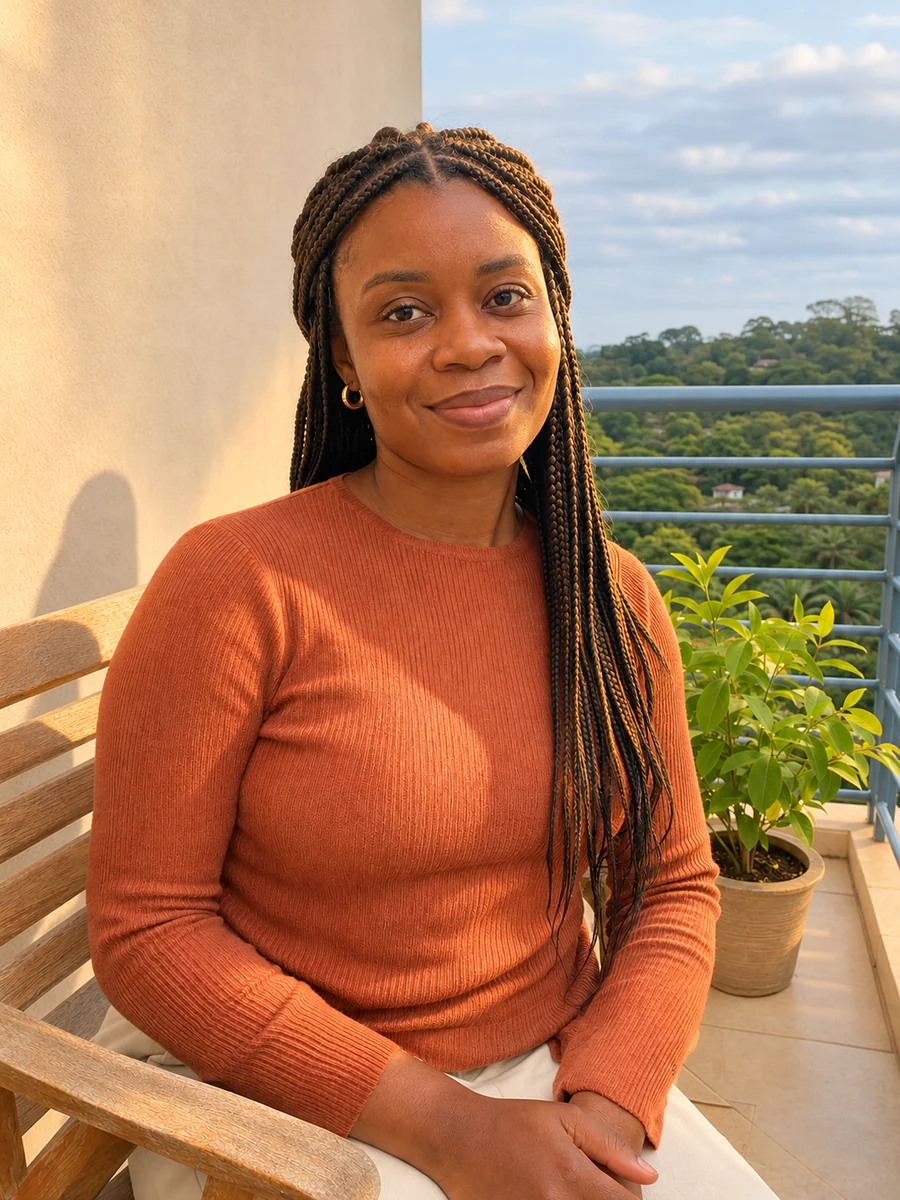
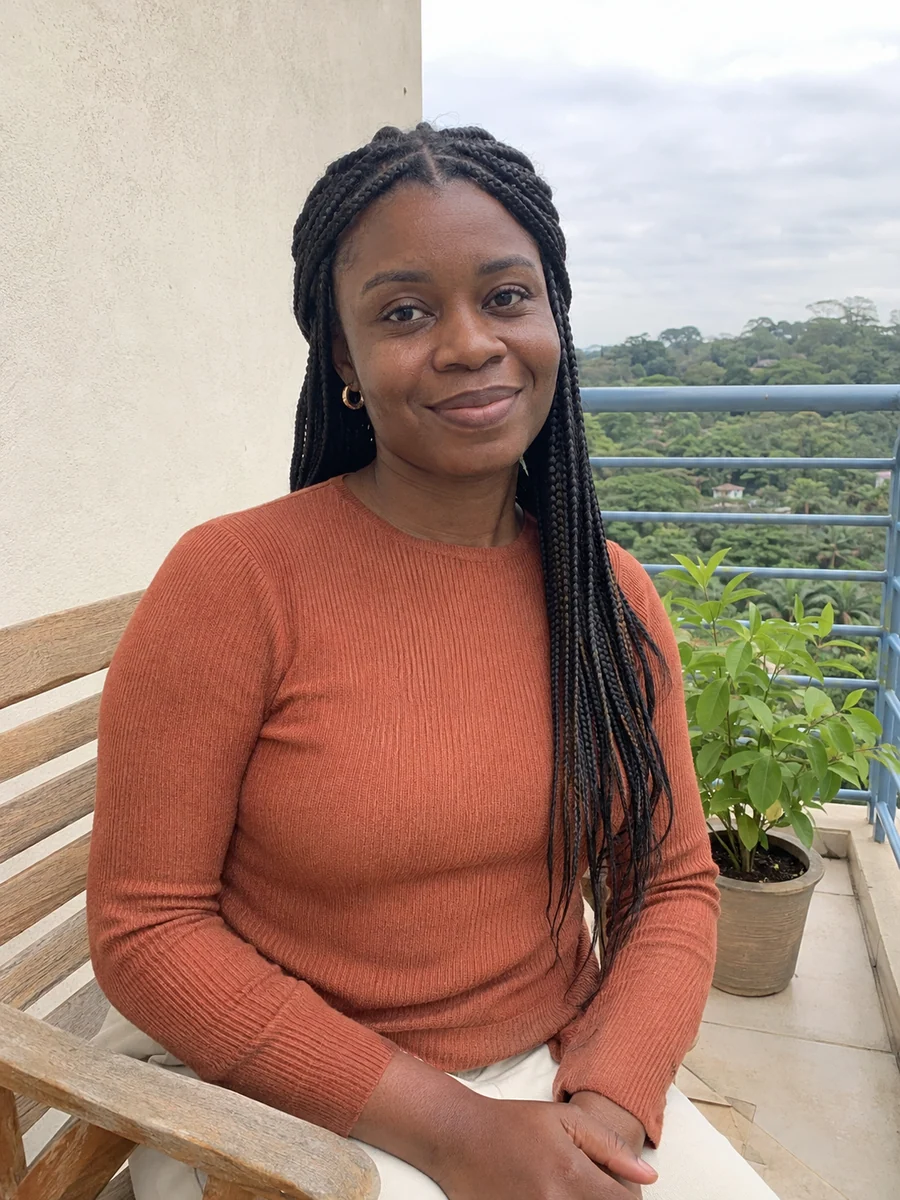
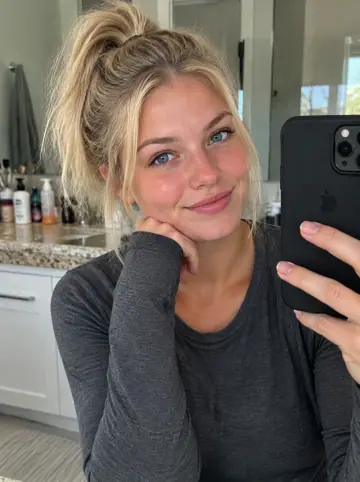
This example shows what the effect can do. Your uploaded photo is used when you generate, and results may vary.
Sign in to see your private images.
What Is the Sunkissed AI Effect?
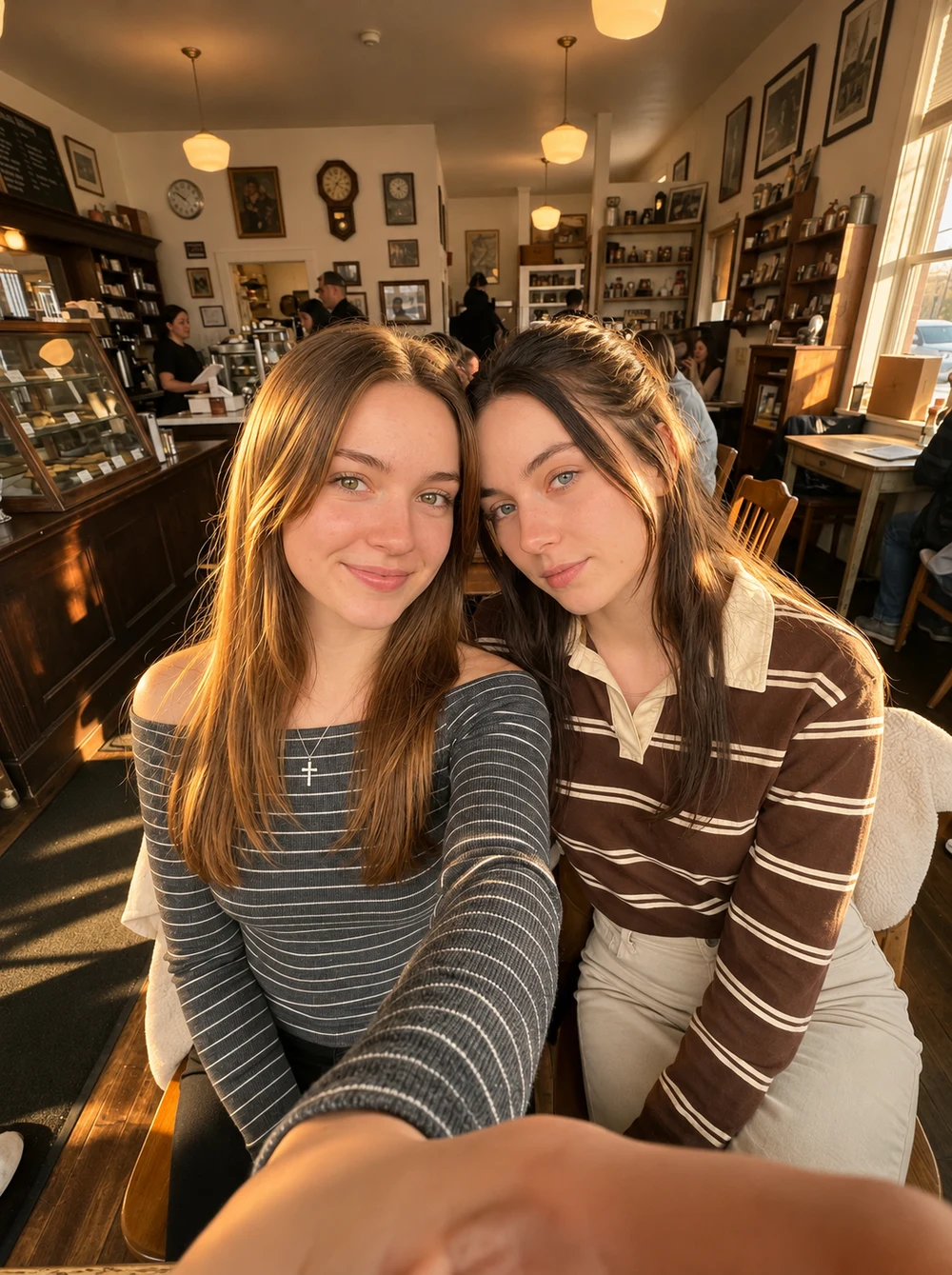
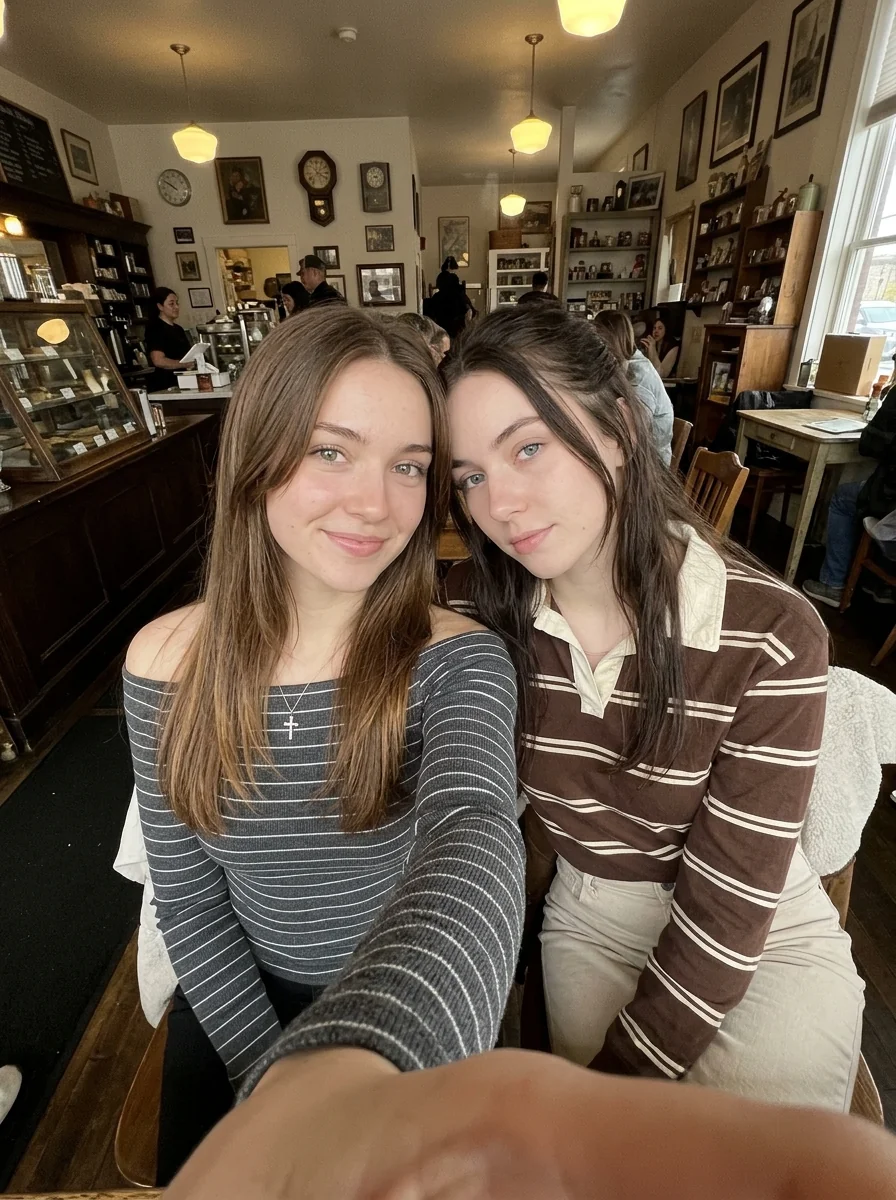
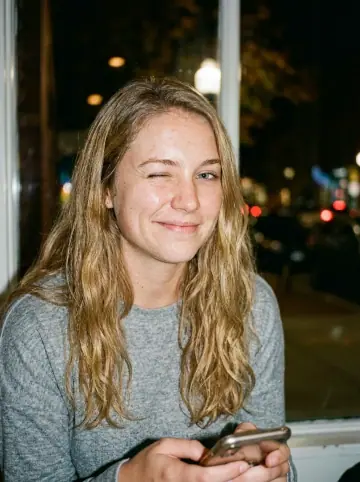
Sunkissed AI follows the reference set’s directional sunlight, warm lit skin, cooler shaded areas and fine photographic texture. It adapts the light to the original room, car or outdoor scene rather than choosing a new location. The examples pair source photos with their AI-edited results.
How to Make a Sunkissed AI Photo
- 01
Upload one photo
Choose a clear photo with visible faces, hair and clothing. A single-person portrait or one group photo can be the source.
- 02
Choose the output
Keep Auto to follow the source ratio, or choose another ratio if you want to change the framing. Review the size, count and displayed credit cost.
- 03
Generate and compare
Slide between the source and result. Check the faces, clothes, sunlight and shadows, then download the image from My Images.
Tips for Better Results
Use a sharp photo with visible skin and highlight detail. Existing window light or outdoor shadows help guide a coherent sun direction. Avoid heavily filtered, very dark or already overexposed faces. You do not need a beach, a new outfit or a special pose.
Frequently Asked Questions
Does my photo already need sunshine?
A clear phone or camera photo works. The preset adds directional warm light while retaining the original setting. Existing window light or outdoor shadows help guide it; a very dark source gives the model less detail.
Will Sunkissed AI tan my skin or add freckles?
The prompt warms the illumination while preserving the original complexion and existing skin marks. It does not request a new tan, freckles, blush or makeup. Fine details may still change during AI editing.
Will it replace my background, pose or outfit?
The source photo supplies the people, expression, hair, pose, clothing and setting. A room stays a room and a car stays a car. Compare the output with the original, because generative editing can redraw small details.
Can I use one group photo?
Yes. Use one photo with clear, unobstructed faces. The effect aims for consistent sunlight across the same people without adding extra subjects. Keep Auto if you want the original ratio.
How is Sunkissed different from Canon G7X AI?
Sunkissed follows directional sunlight with warm highlights and natural shaded areas. Canon G7X AI follows the other reference set’s near-axis direct flash and deeper ambient background. Sunkissed does not require a frontal flash look.
Explore More AI Photo Effects



Make your own Sunkissed AI
Add your photos to try this effect with your own images.
1 photo · 3 credits
Back to upload